> ## Documentation Index
> Fetch the complete documentation index at: https://help.kwentra.com/llms.txt
> Use this file to discover all available pages before exploring further.
# Easier AR Account Search When Transferring Balances
> Quickly search for AR accounts by number or description when transferring balances. Business Value Reduces User Frustration: Users can instantly find the correct AR account instead of scrolling thr...
Quickly search for AR accounts by number or description when transferring balances.
### **Business Value**
* **Reduces User Frustration:** Users can instantly find the correct AR account instead of scrolling through long dropdown lists.
* **Speeds Up Daily Operations:** Faster search and selection lead to more efficient AR balance transfers.
* **Minimizes Selection Errors:** Improves accuracy by making it easier to find the intended AR account.
* **Consistent with Modern UX:** Aligns with user expectations for large account lists.
### **Use Cases**
* **Scenario 1:** The accounting team needs to transfer a large open balance to a specific AR account, but only knows part of the account name or number—they can now type either detail and quickly select the account.
* **Scenario 2:** A hotel finance manager regularly manages hundreds of AR accounts. Searching by description or number is now instant, making the process much smoother during high-activity periods.
Go to [manage.kwentra.com](https://manage.kwentra.com/)
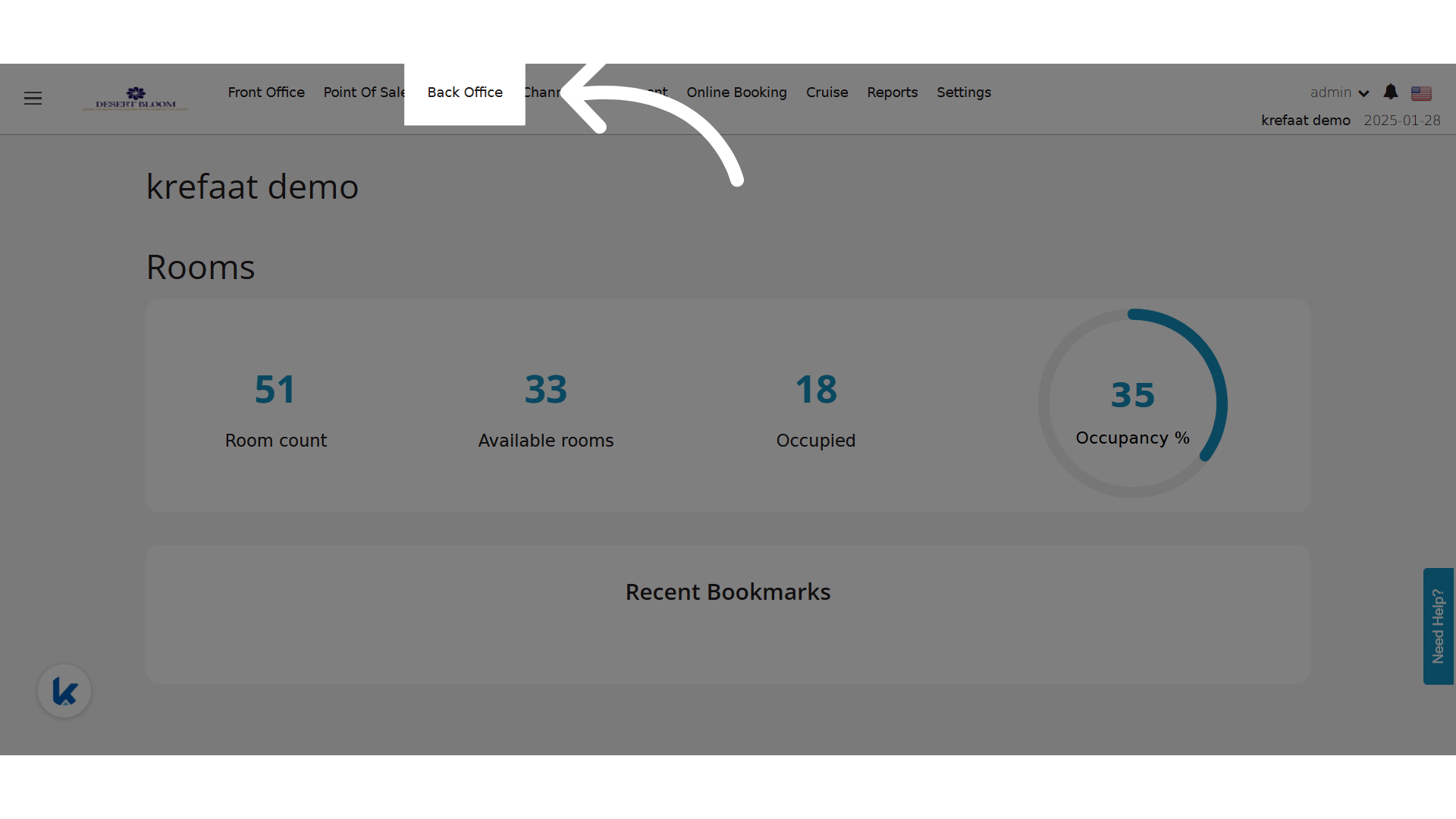
Click "Back Office"
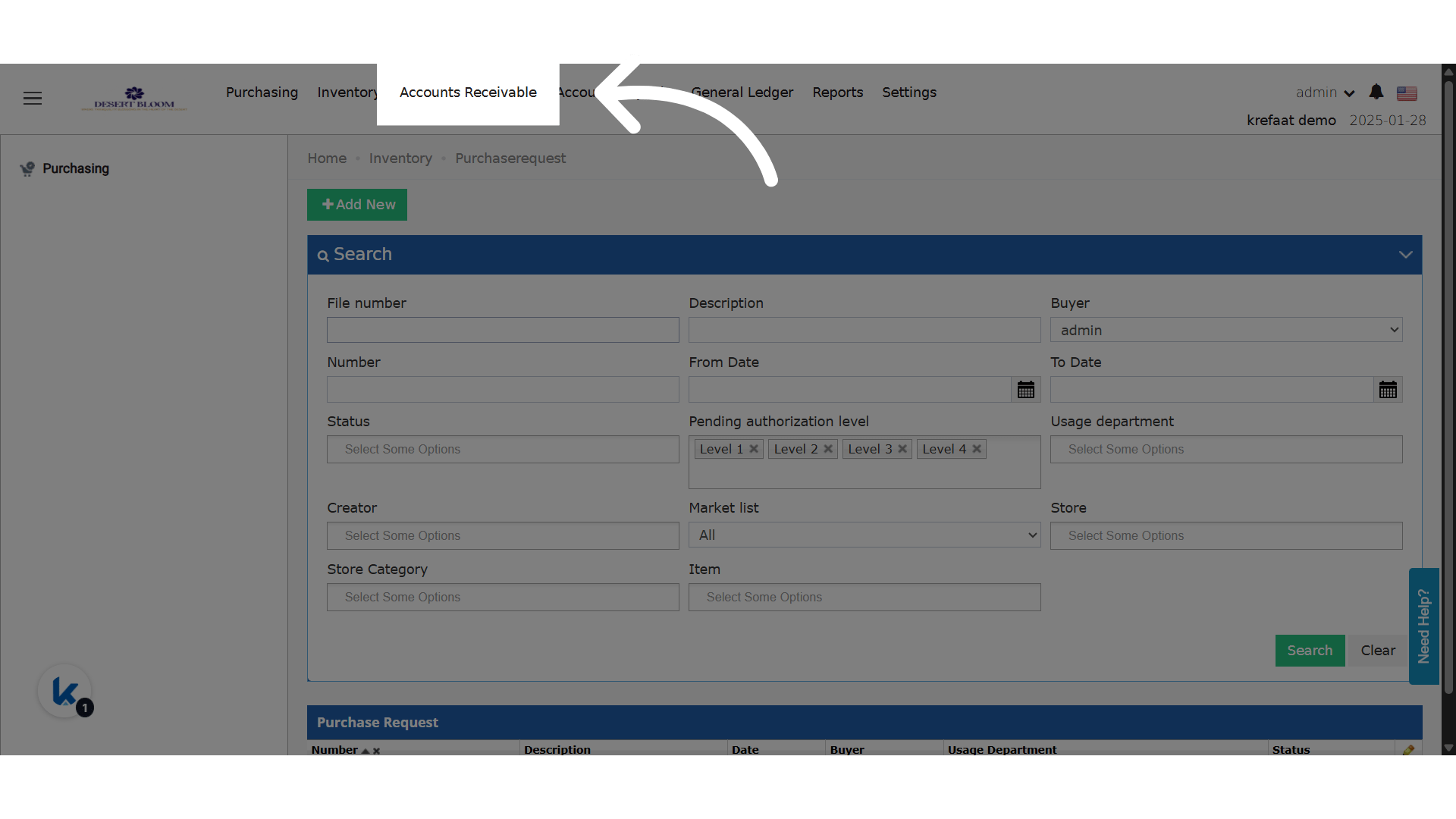
 Click "Accounts Receivable"
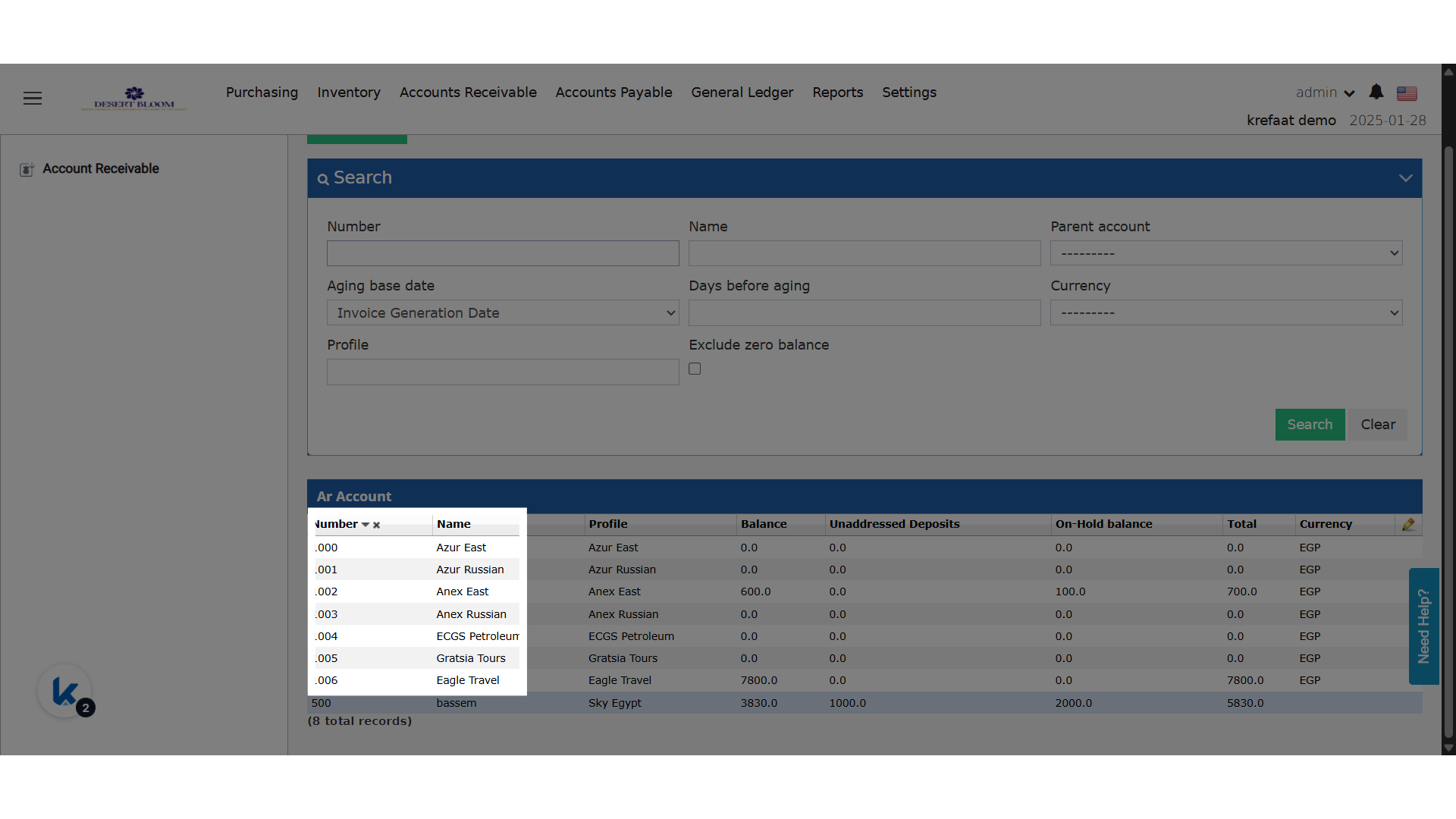
 Choose an AR Account
 Transfer screen enhancements are available for both on-hold and open balances
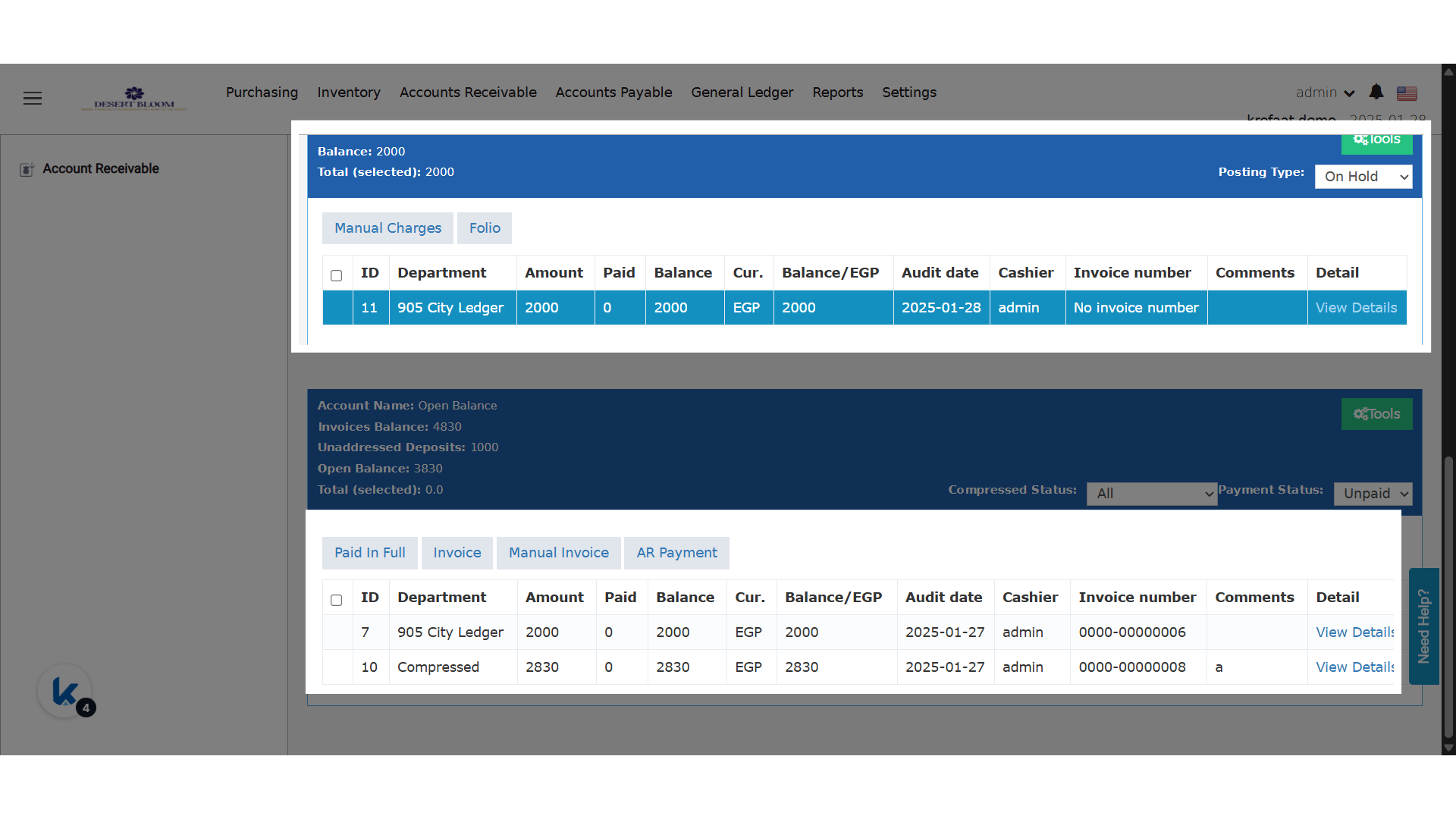 Tools menu is available for both on hold and open balances
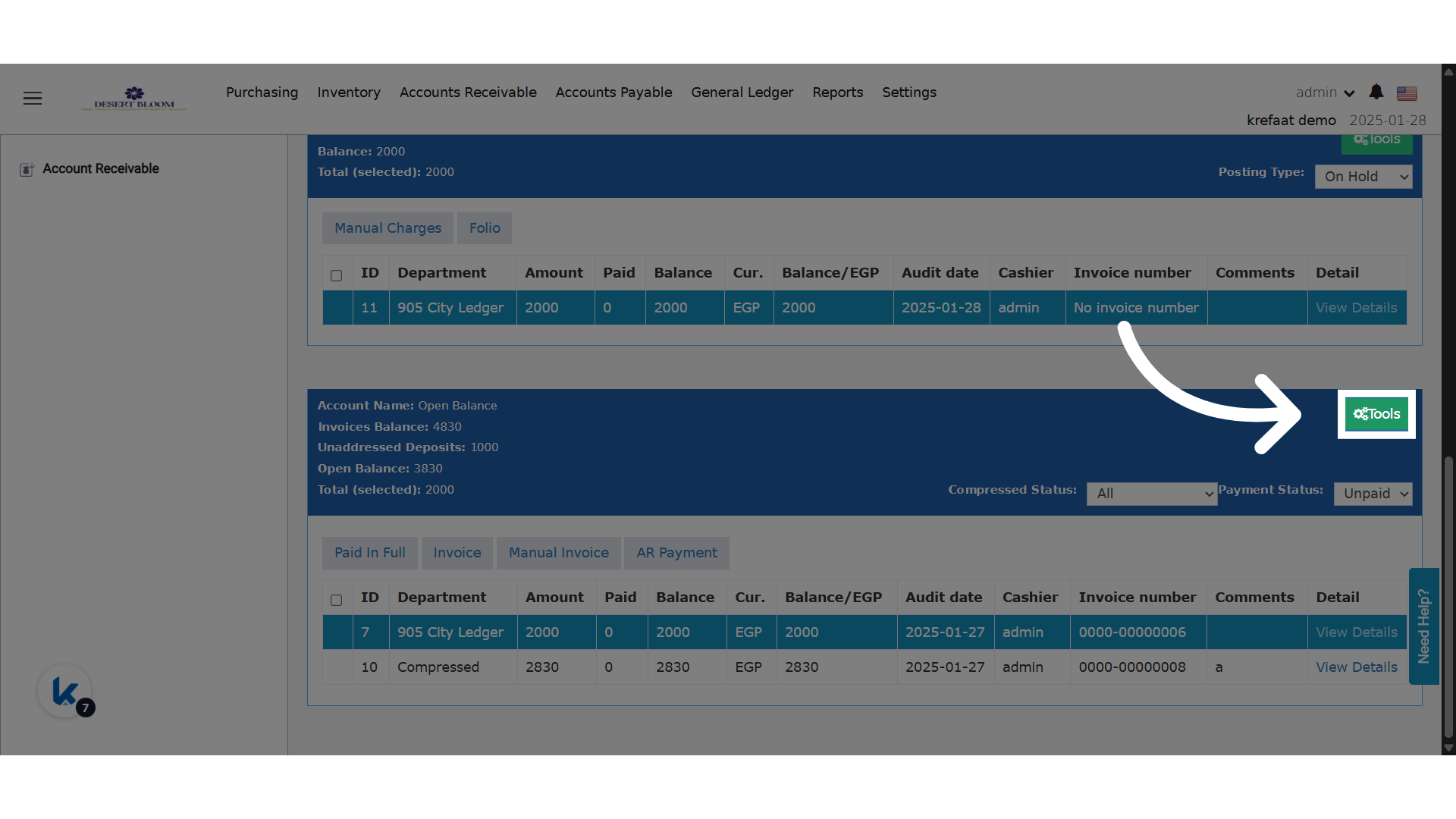 Choose Transfer from the menu
## preview **What’s Changed:**
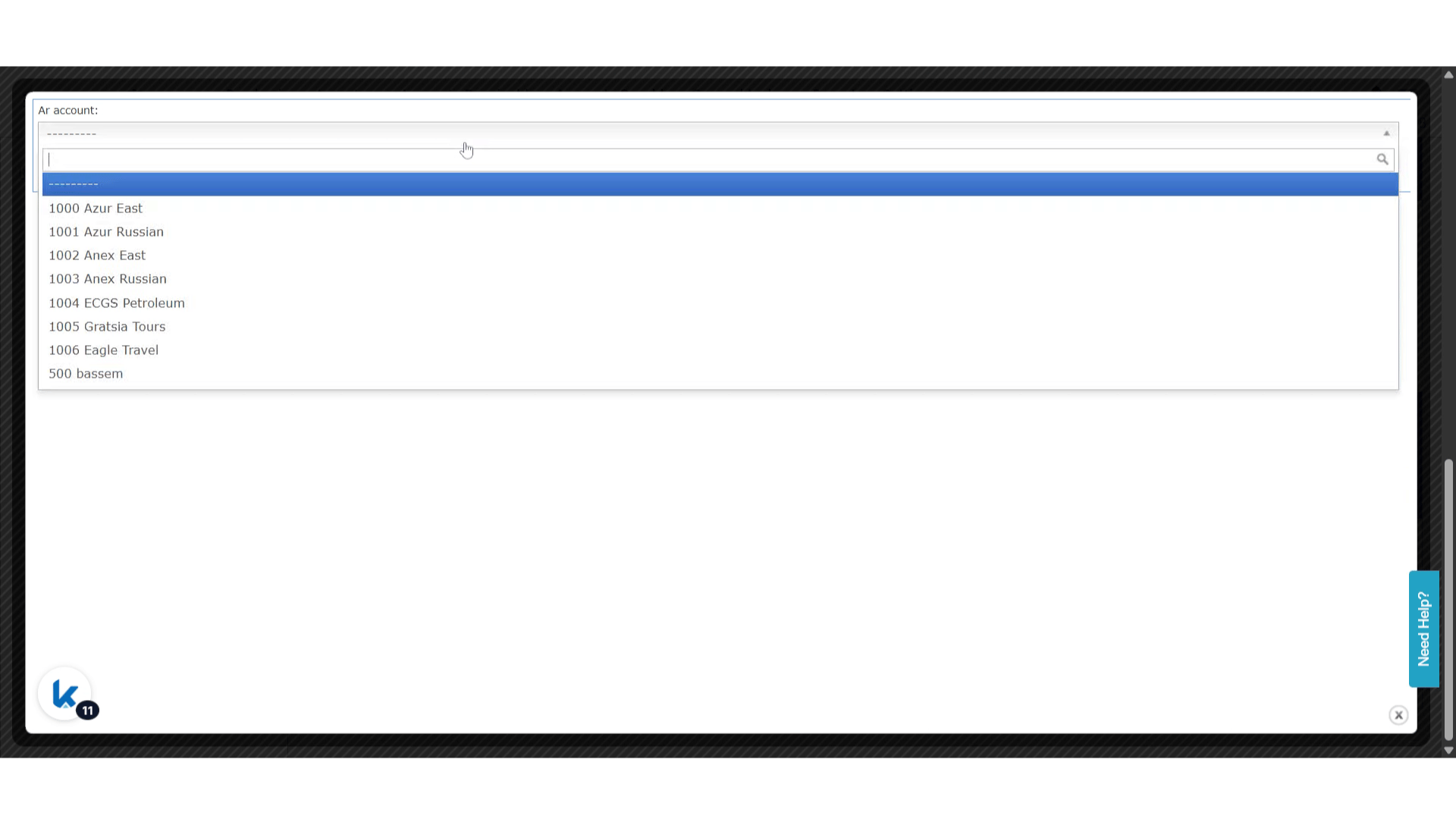
* The “AR Account” field in the Transfer dialog has been upgraded from a dropdown to an autocomplete single select.
* Users can search using either the AR account number or the account description.
* Only accounts matching the entered text will appear as selectable options.
Choose Transfer from the menu
## preview **What’s Changed:**
* The “AR Account” field in the Transfer dialog has been upgraded from a dropdown to an autocomplete single select.
* Users can search using either the AR account number or the account description.
* Only accounts matching the entered text will appear as selectable options.
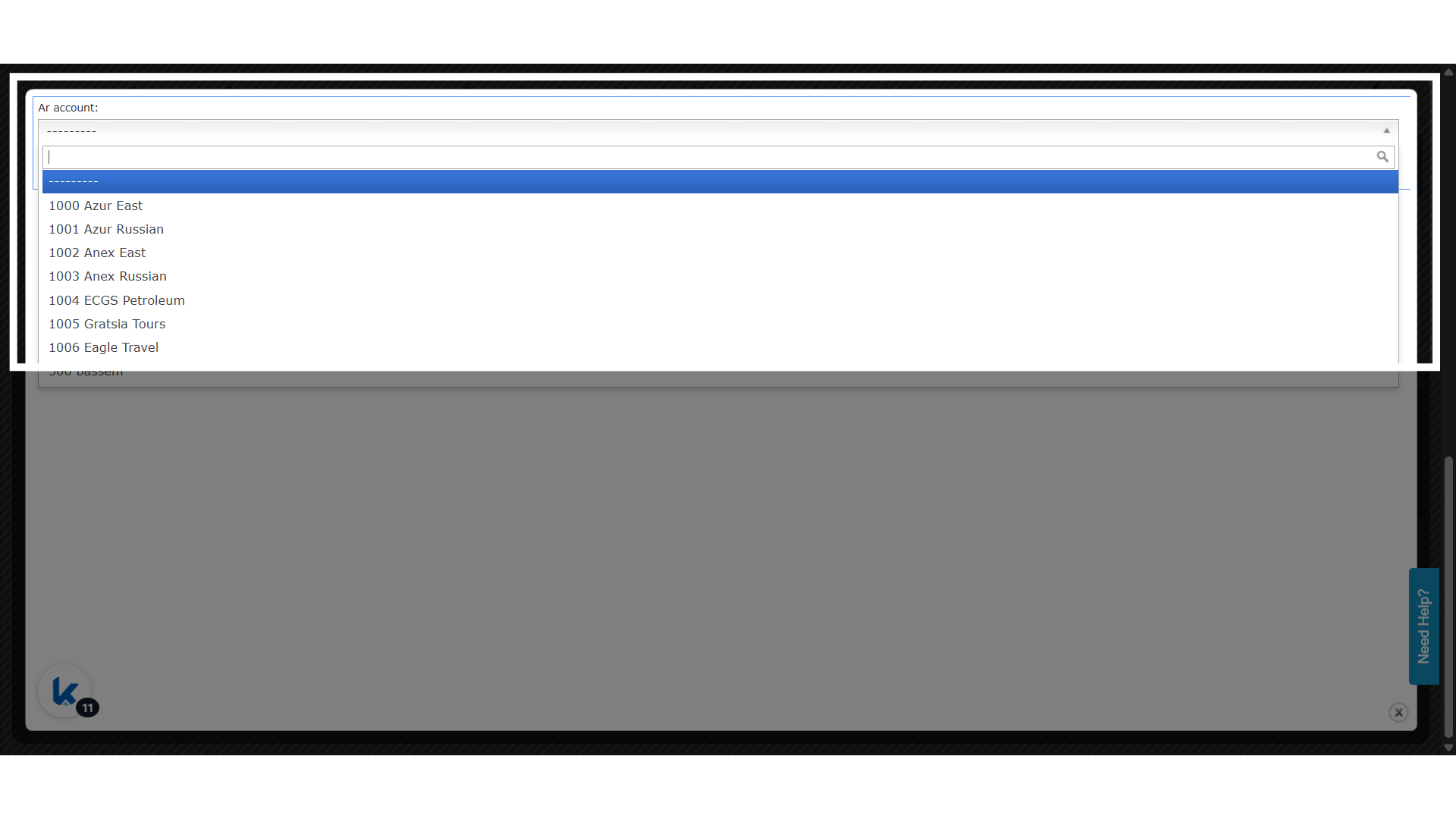 Choose an account and Save to complete the transfer