> ## Documentation Index
> Fetch the complete documentation index at: https://help.kwentra.com/llms.txt
> Use this file to discover all available pages before exploring further.
# Auto-Serialize Item Number by Item Group
> Automatically generate the next available item number based on the selected item group’s last item. 💡 Business Value This enhancement eliminates manual tracking of item numbers and helps ensure con...
Automatically generate the next available item number based on the selected item group’s last item.
### **💡 Business Value**
This enhancement eliminates manual tracking of item numbers and helps ensure **consistent and sequential numbering** of inventory items based on their groups.
* Reduces human error when assigning item numbers
* Ensures a structured, grouped item number system
* Saves time when adding or cloning inventory items
### **✅ Use Cases**
* A hotel creating new stock items under multiple inventory groups wants to keep unique and logically sequenced item numbers.
* A central procurement manager is cloning items across properties and expects automatic numbering by group.
* A user duplicating (cloning) an existing item with the same group should get the next item number without extra steps.
**Go to [manage.kwentra.com](https://manage.kwentra.com/)**
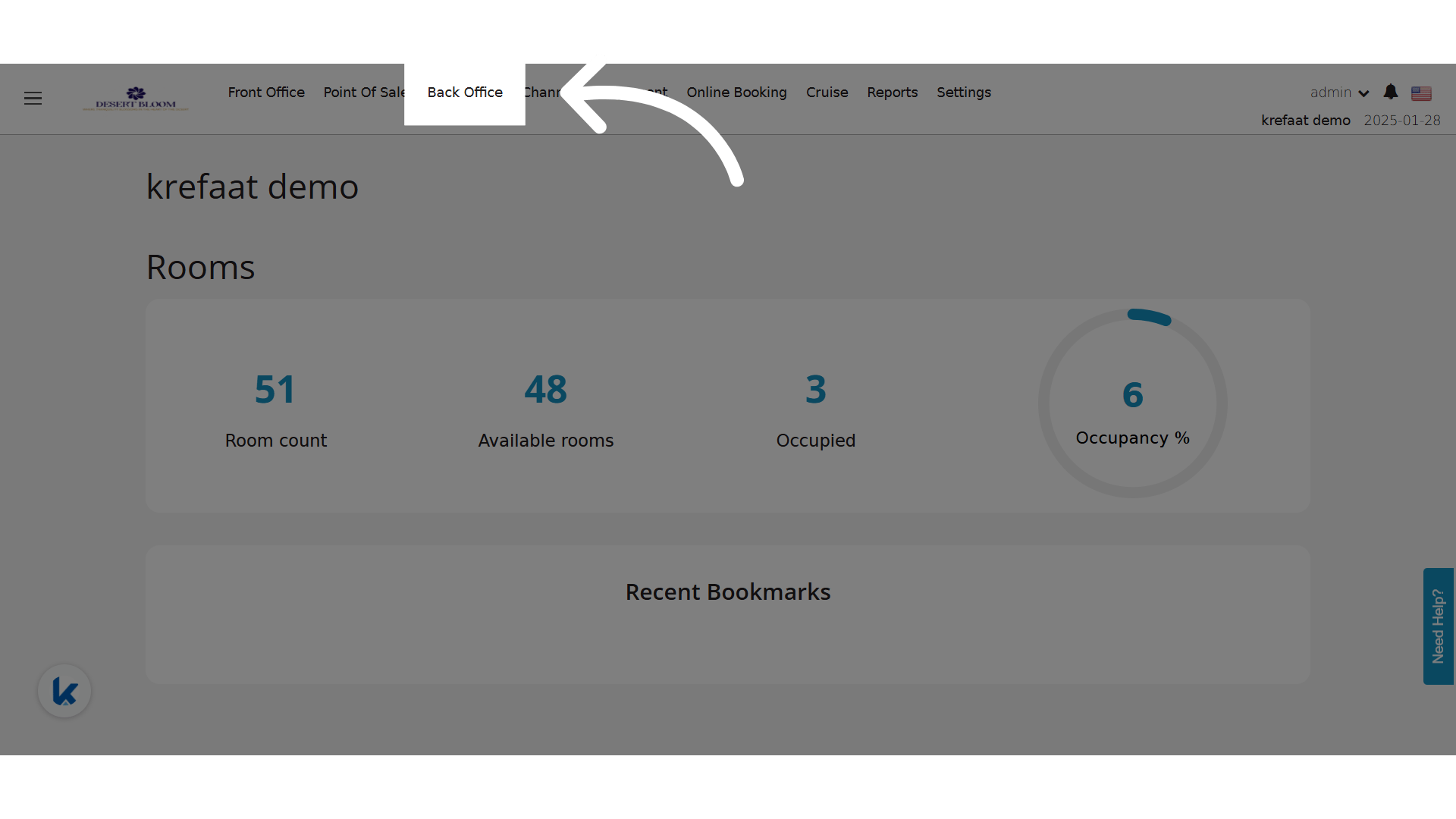
**Click "Back Office"**
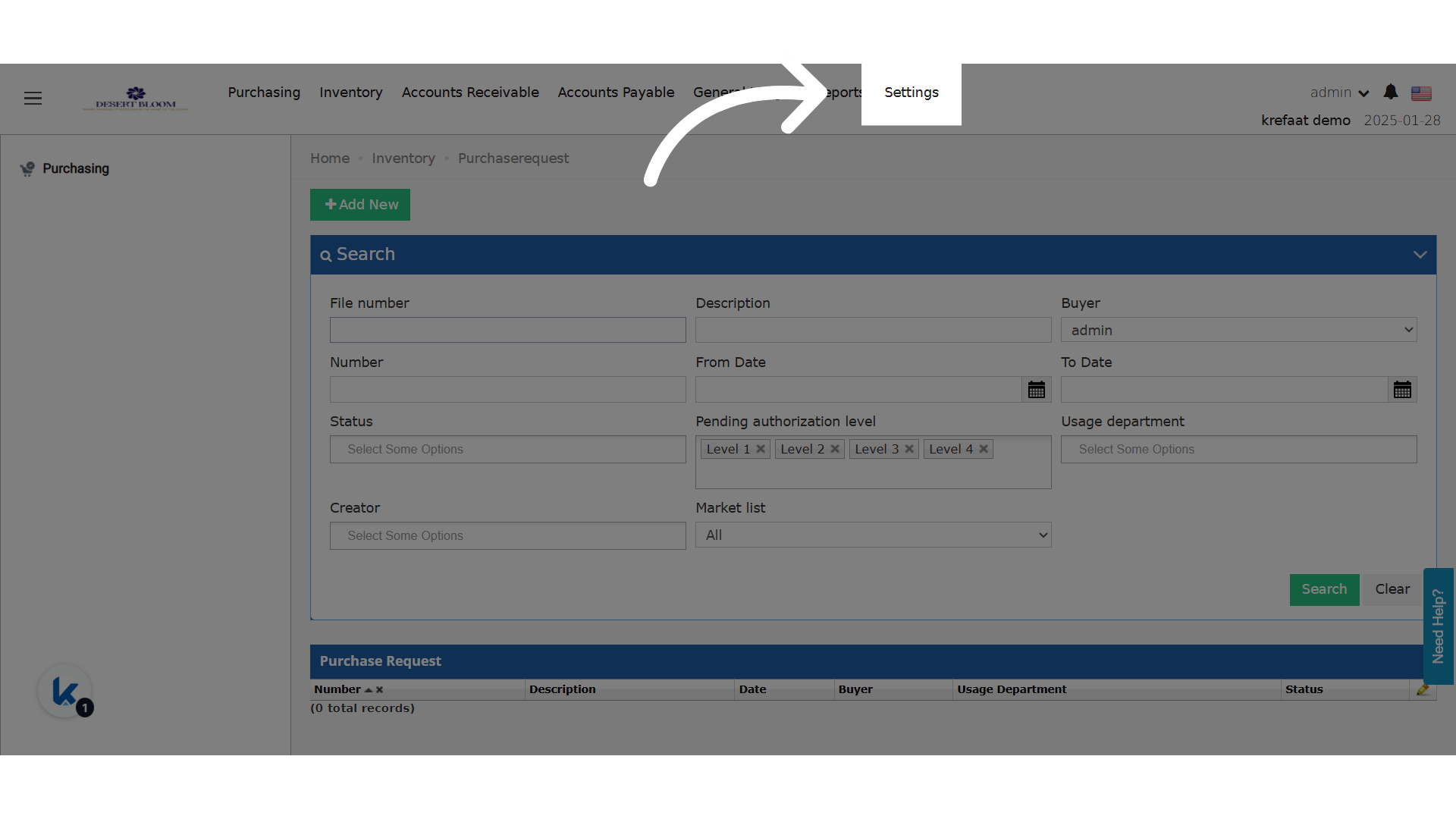
 **Click "Settings"**
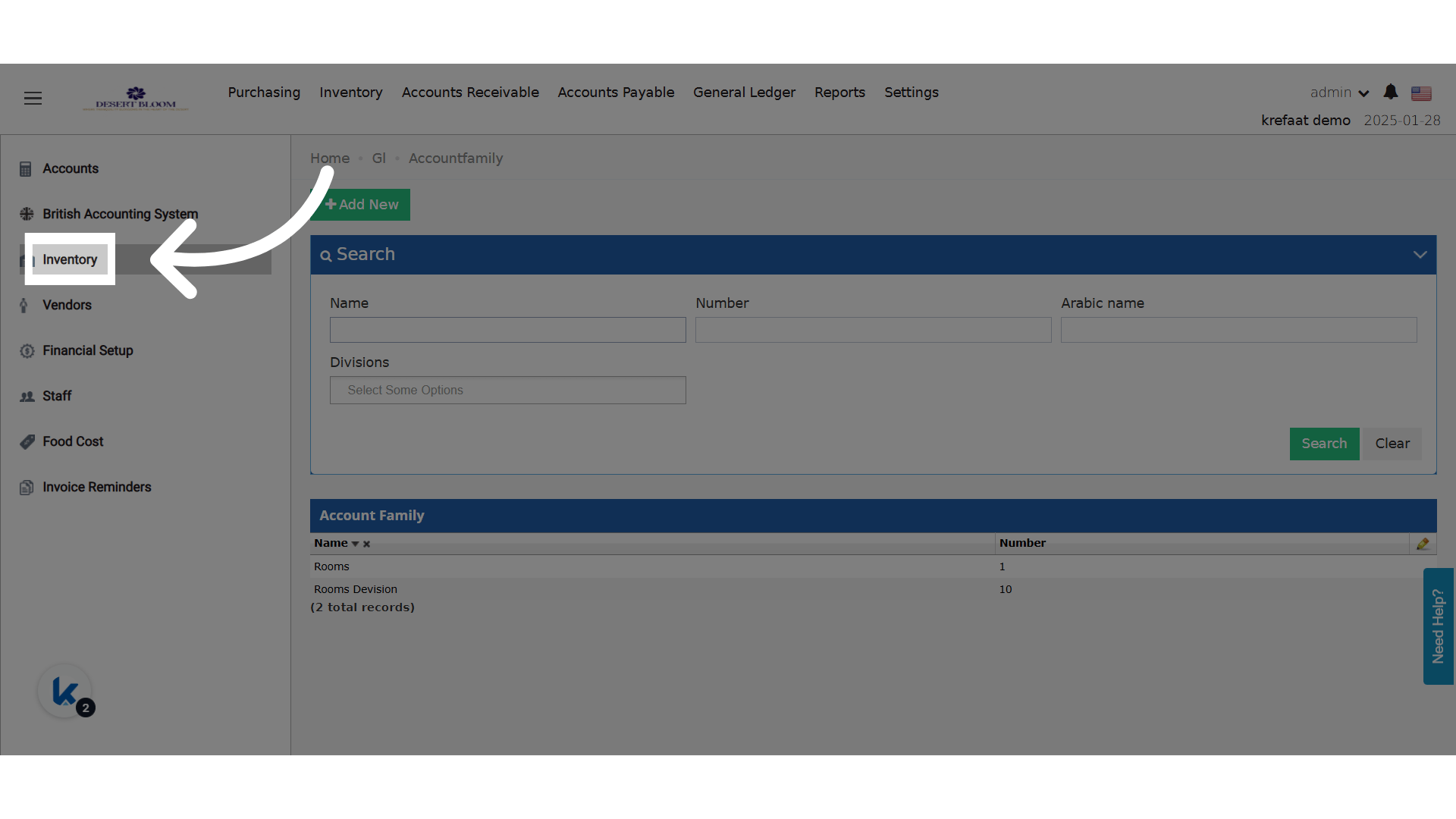
 **Click "Inventory"**
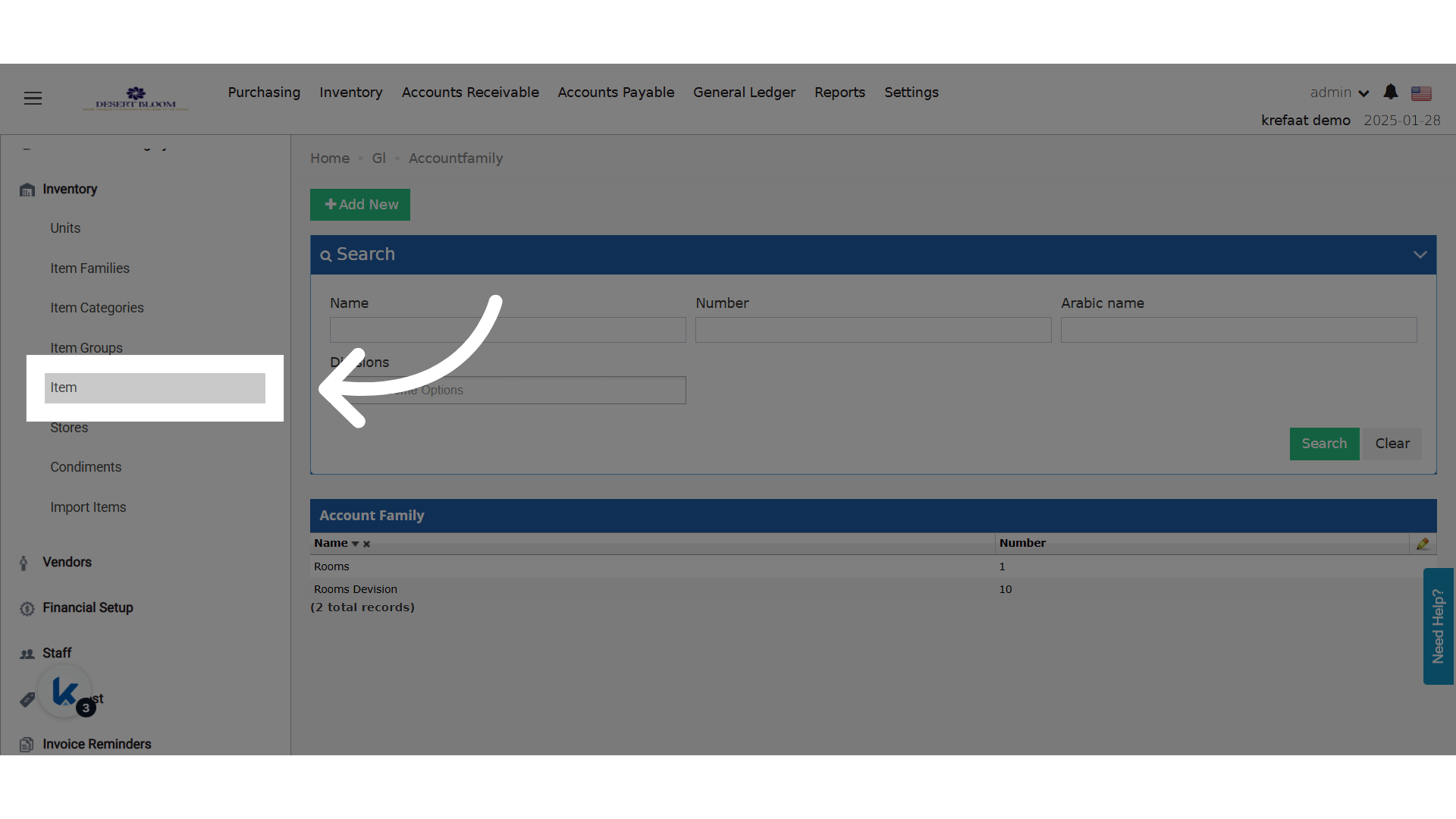
 **Click "Item"**
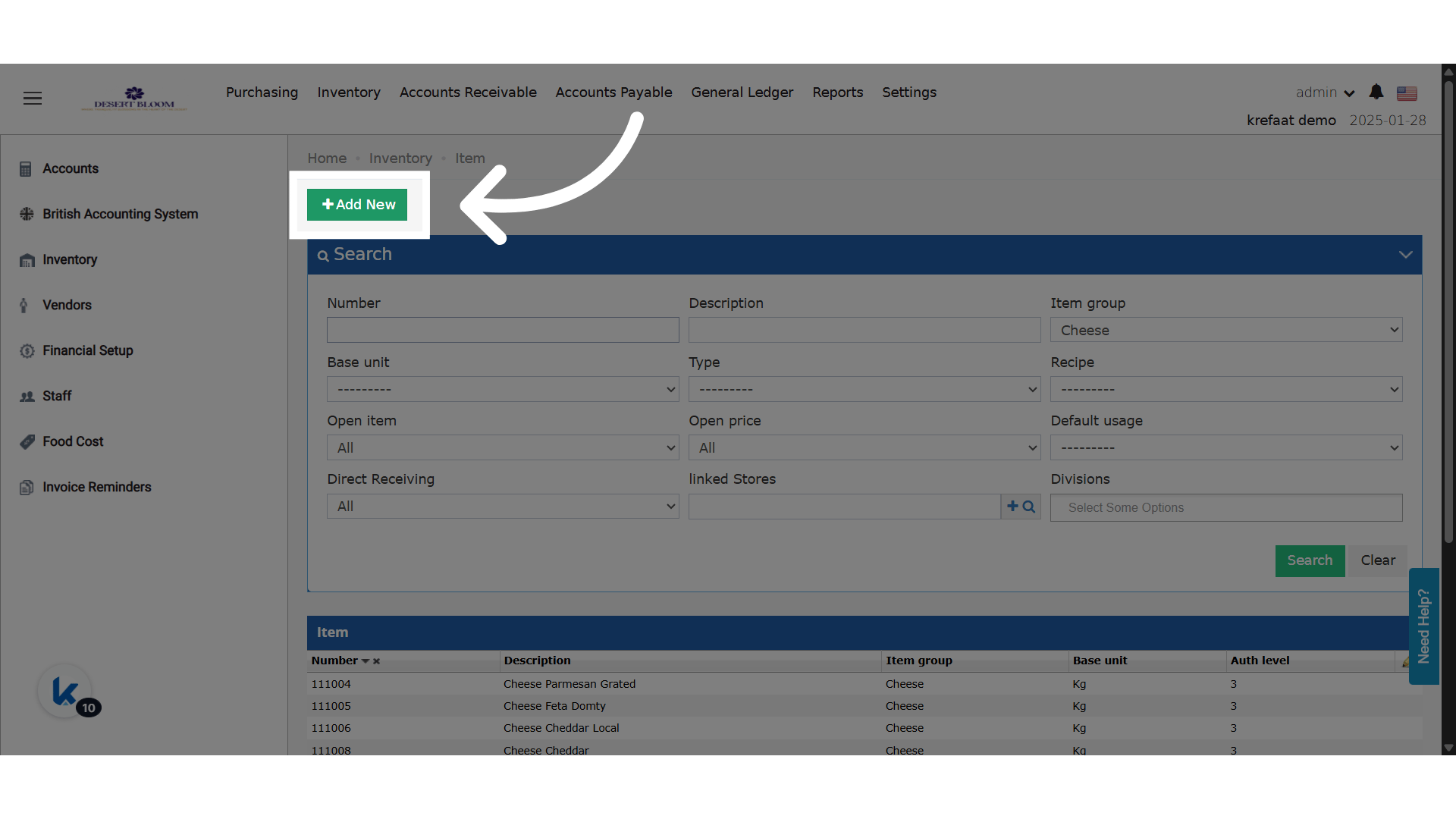
 **Click "Add New"**
 ### **🔄 Behavior**
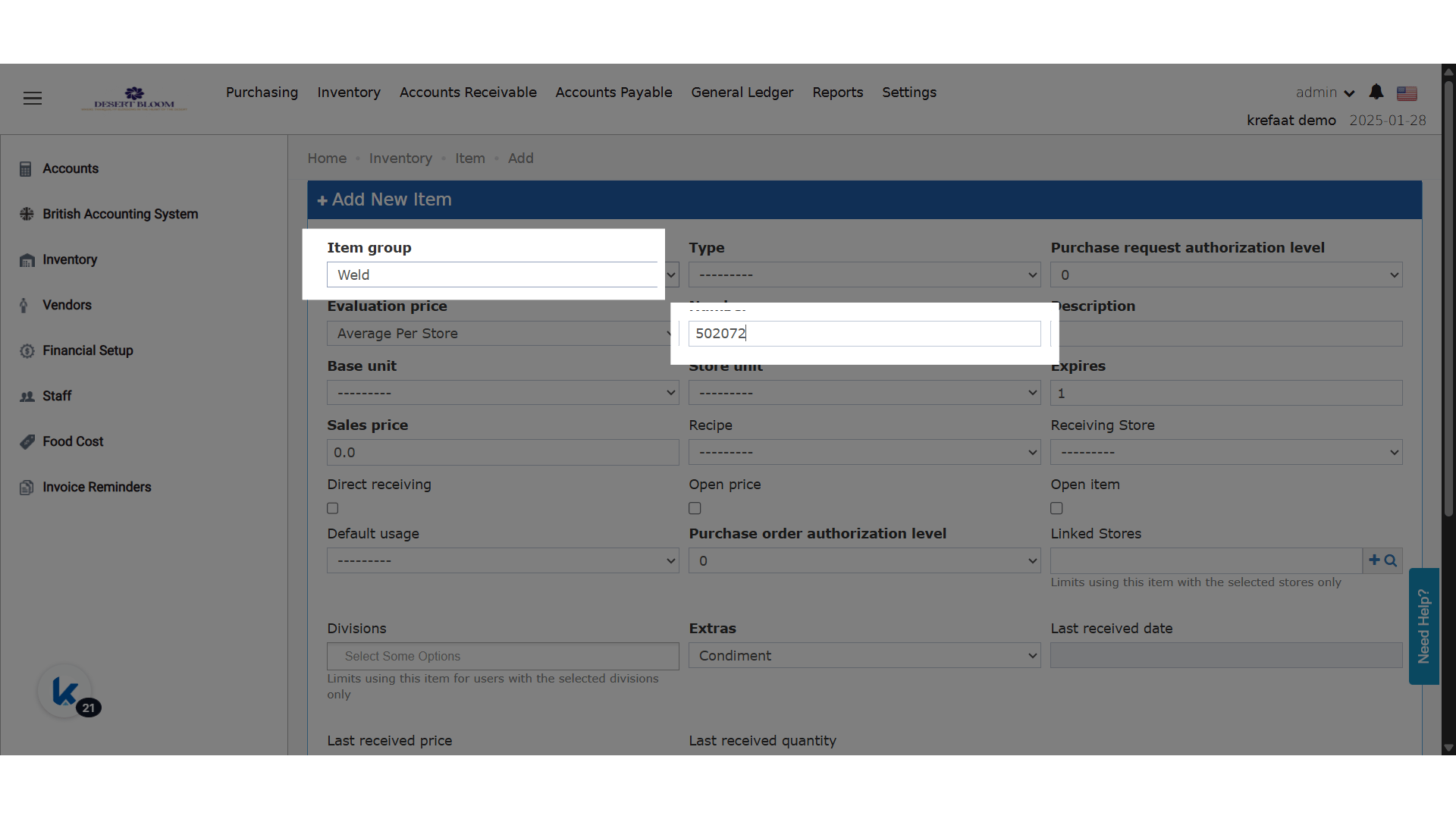
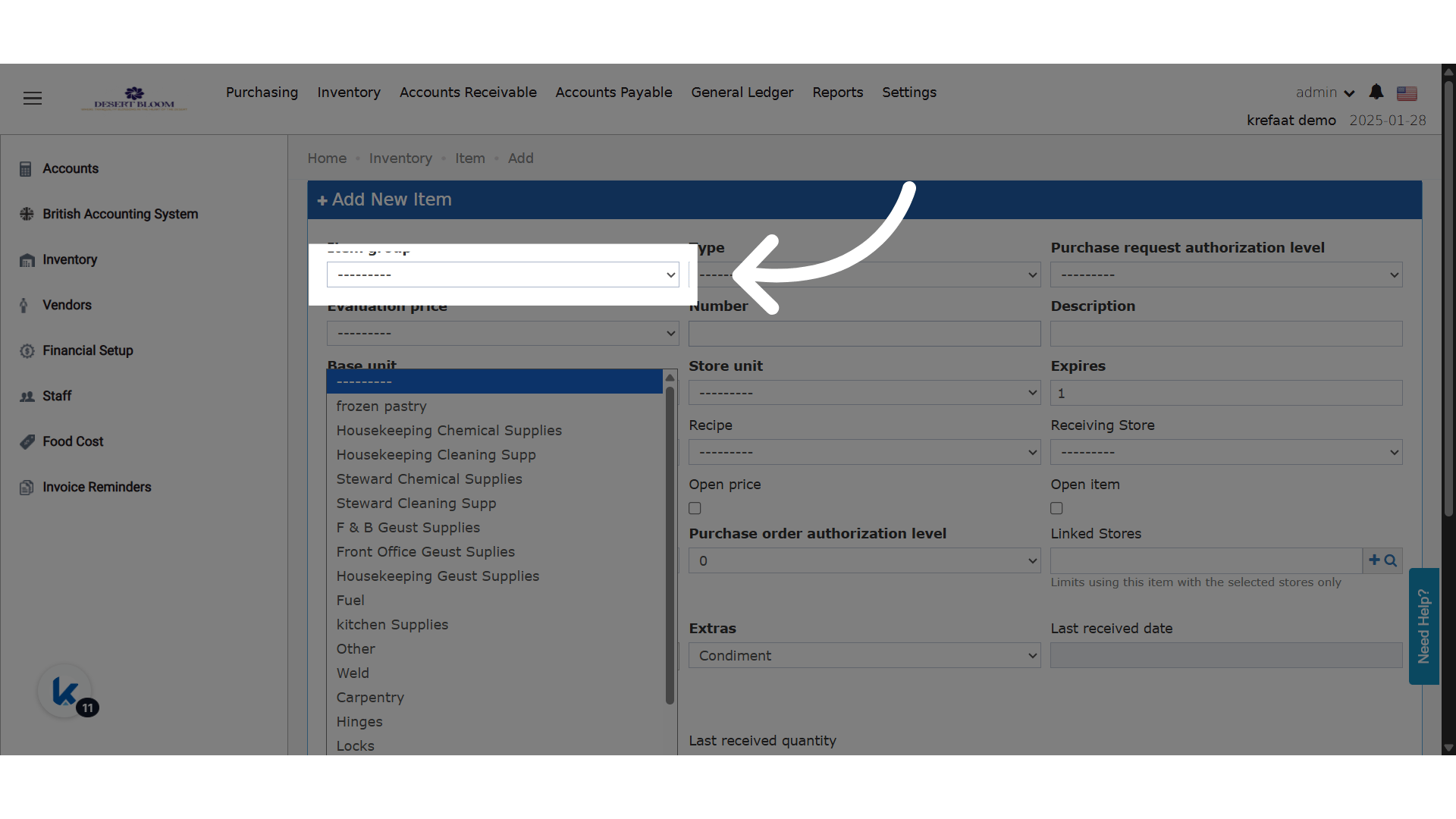
The item group is the trigger for the new item number; the new behavior gets the next serial number in this group and adds it automatically.
* When adding a new item:
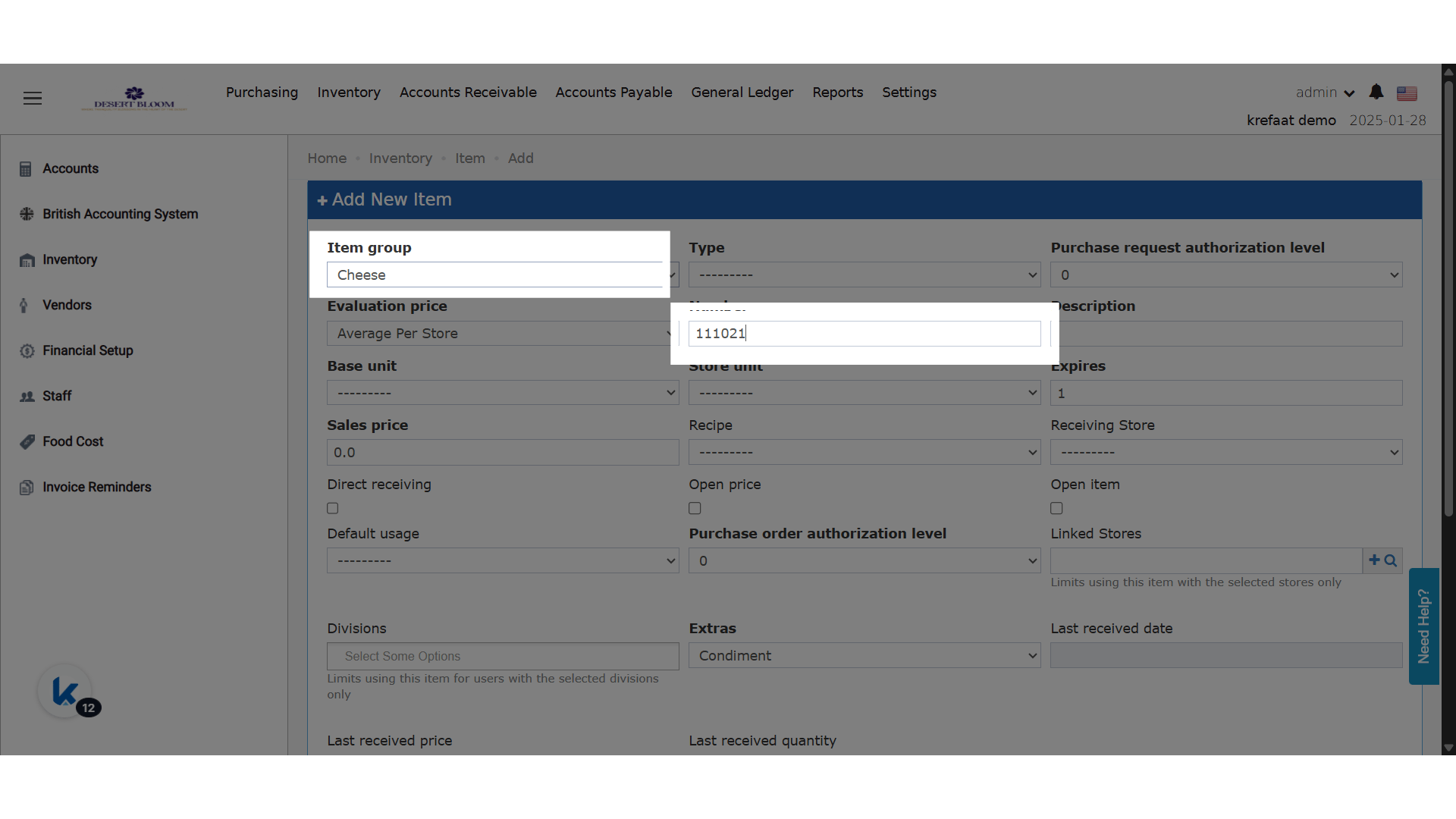
* Once an **item group** is selected, the system checks the highest existing item number in that group.
* It automatically fills in the next sequential number in the **Item Number** field (e.g., last item = `10010` → new item = `10011`).
* **Item number remains editable** for manual overrides.
* When cloning an item:
* The item group is pre-selected.
* The **Item Number** field will auto-fill using the same logic based on that group.
### **🔄 Behavior**
The item group is the trigger for the new item number; the new behavior gets the next serial number in this group and adds it automatically.
* When adding a new item:
* Once an **item group** is selected, the system checks the highest existing item number in that group.
* It automatically fills in the next sequential number in the **Item Number** field (e.g., last item = `10010` → new item = `10011`).
* **Item number remains editable** for manual overrides.
* When cloning an item:
* The item group is pre-selected.
* The **Item Number** field will auto-fill using the same logic based on that group.
 **Based on the item group Cheese, the item number is generated.**
 **Based on the item group Weld, the item number is generated.**