> ## Documentation Index
> Fetch the complete documentation index at: https://help.kwentra.com/llms.txt
> Use this file to discover all available pages before exploring further.
# Draft & Submit Workflow for Purchase Requests
> 🎯 Business Value Reduces pressure on users: Enables preparers to progressively build purchase requests without the immediate risk of triggering approvals. Improves data accuracy: Ensures the PR is...
### **🎯 Business Value**
* **Reduces pressure on users:** Enables preparers to progressively build purchase requests without the immediate risk of triggering approvals.
* **Improves data accuracy:** Ensures the PR is complete before initiating any approval workflow.
* **Avoids premature actions:** Prevents accidental PO creation, approvals, or rejections before the request is finalized.
* **Boosts collaboration:** Allows users to save drafts, review with others, and finalize later.
### **🧰 Use Cases**
* **Hotels preparing complex purchase requests** with multiple line items and vendors, needing time to finalize details.
* **Junior staff drafting PRs** for manager review before submission.
* **Department heads organizing monthly or quarterly procurement**, reviewing and submitting batches at once.
**Go to [manage.kwentra.com](https://manage.kwentra.com)**
Video content
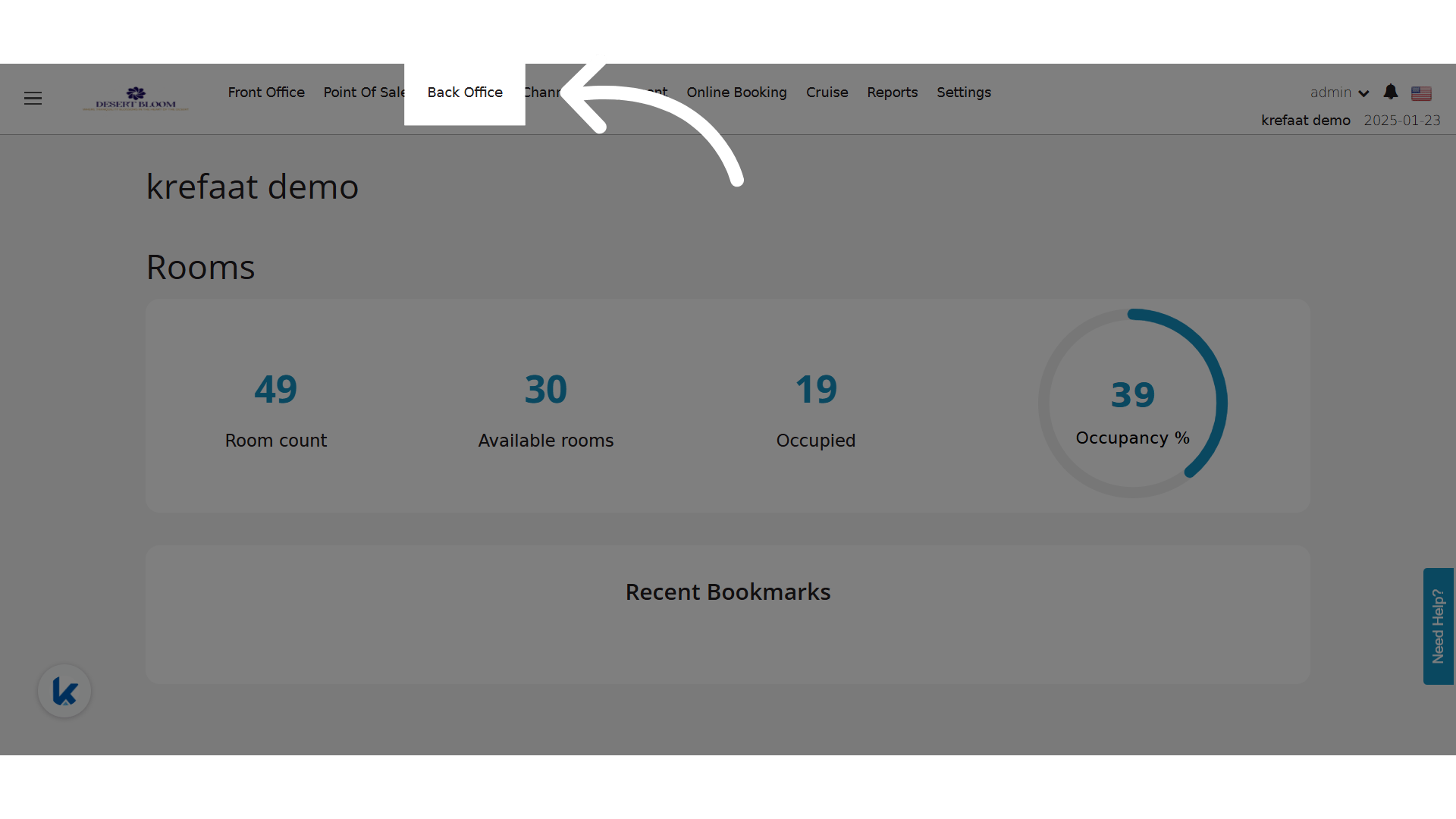
**Click "Back Office"**
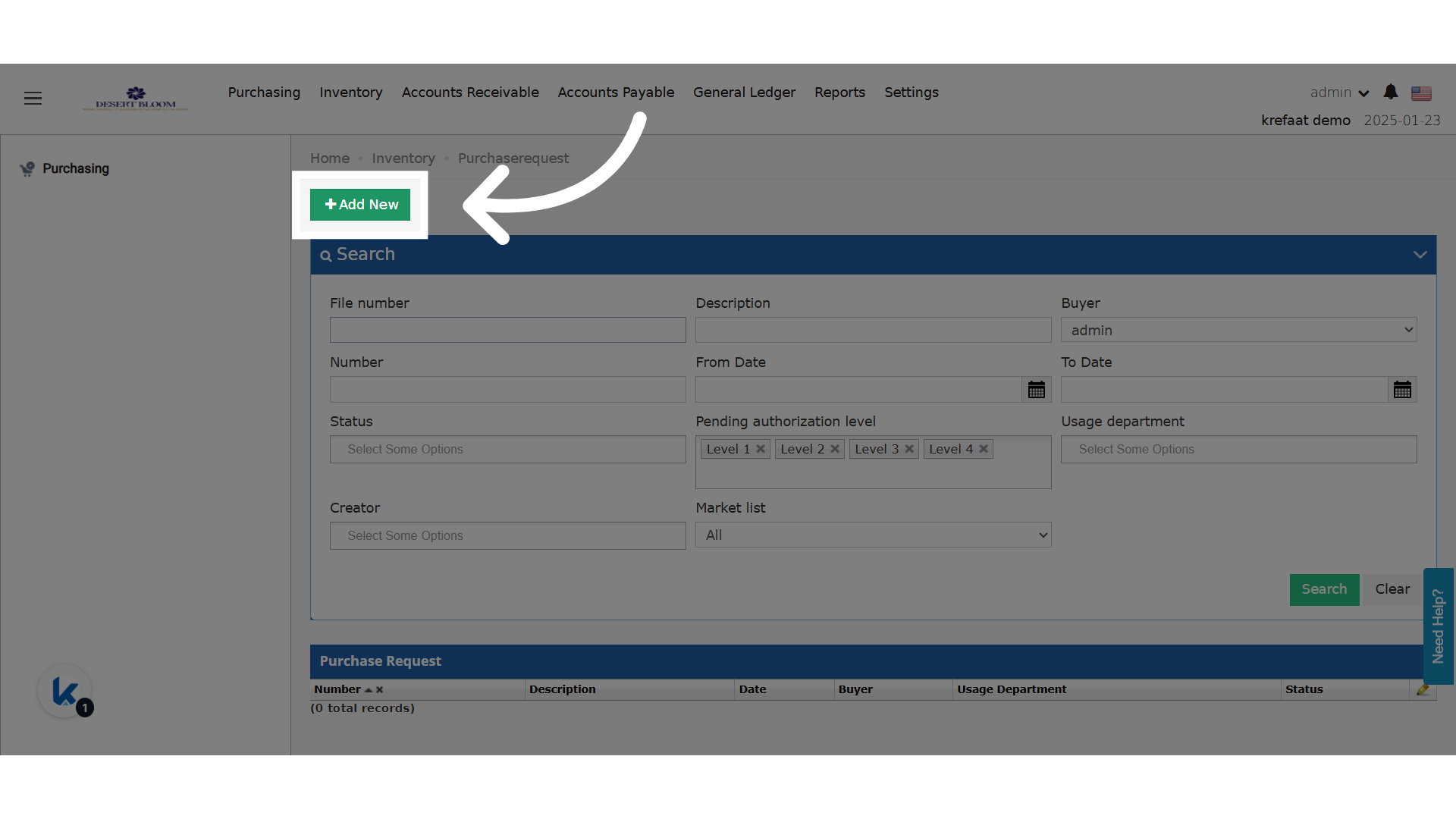
 **Add a new PR**
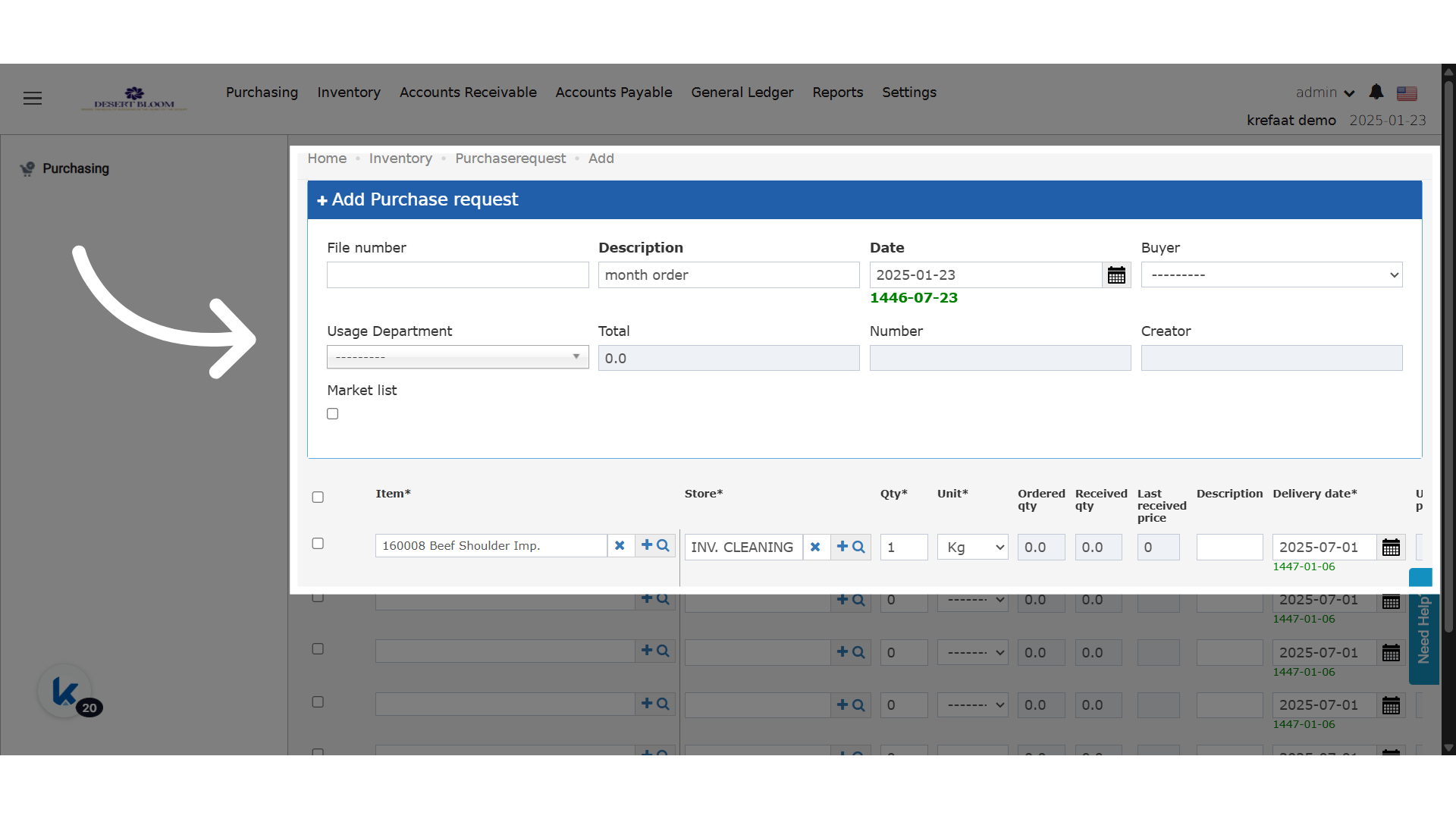
 **Add all needed details to save the PR**
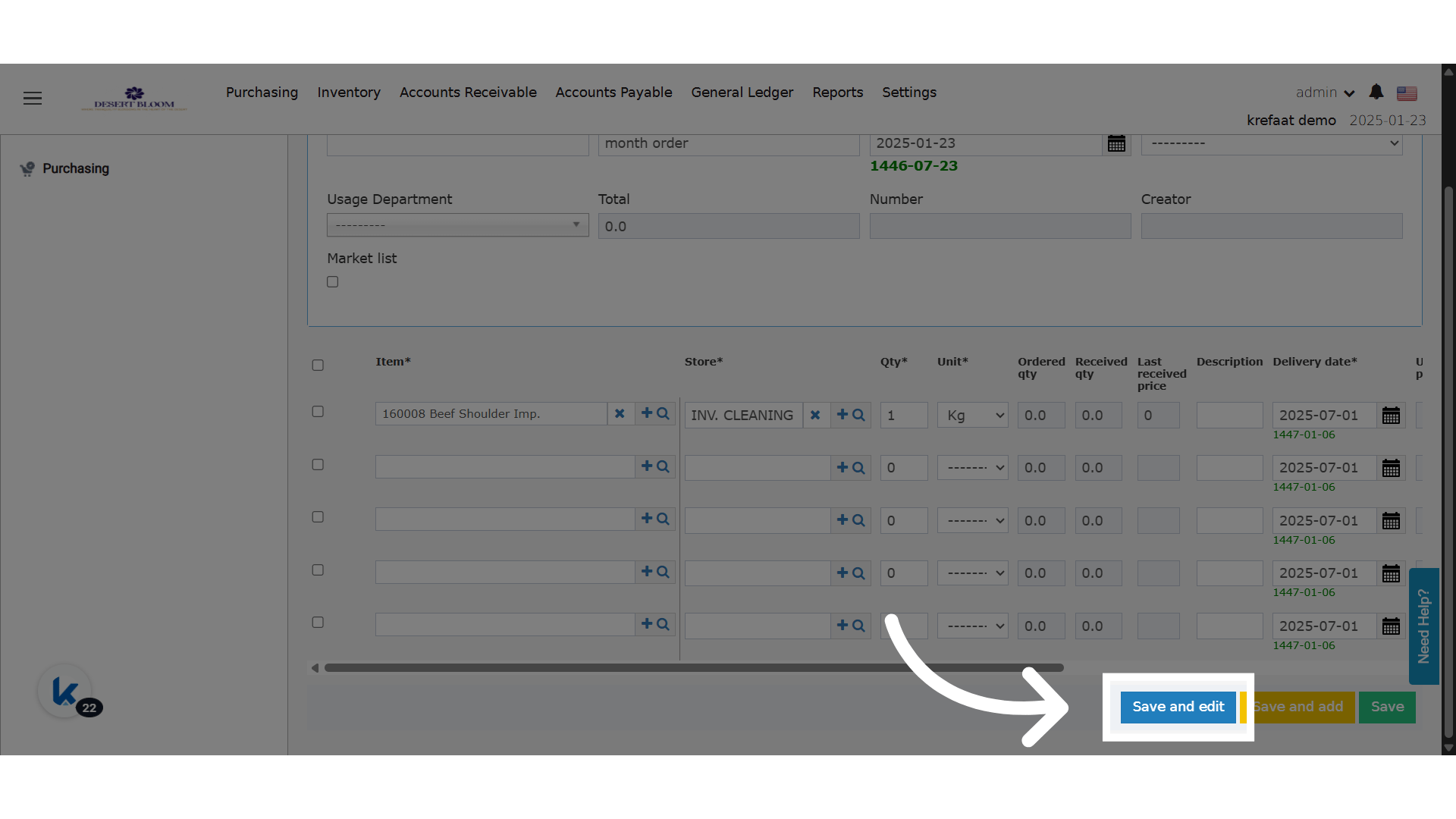
 **Click "Save and edit"**
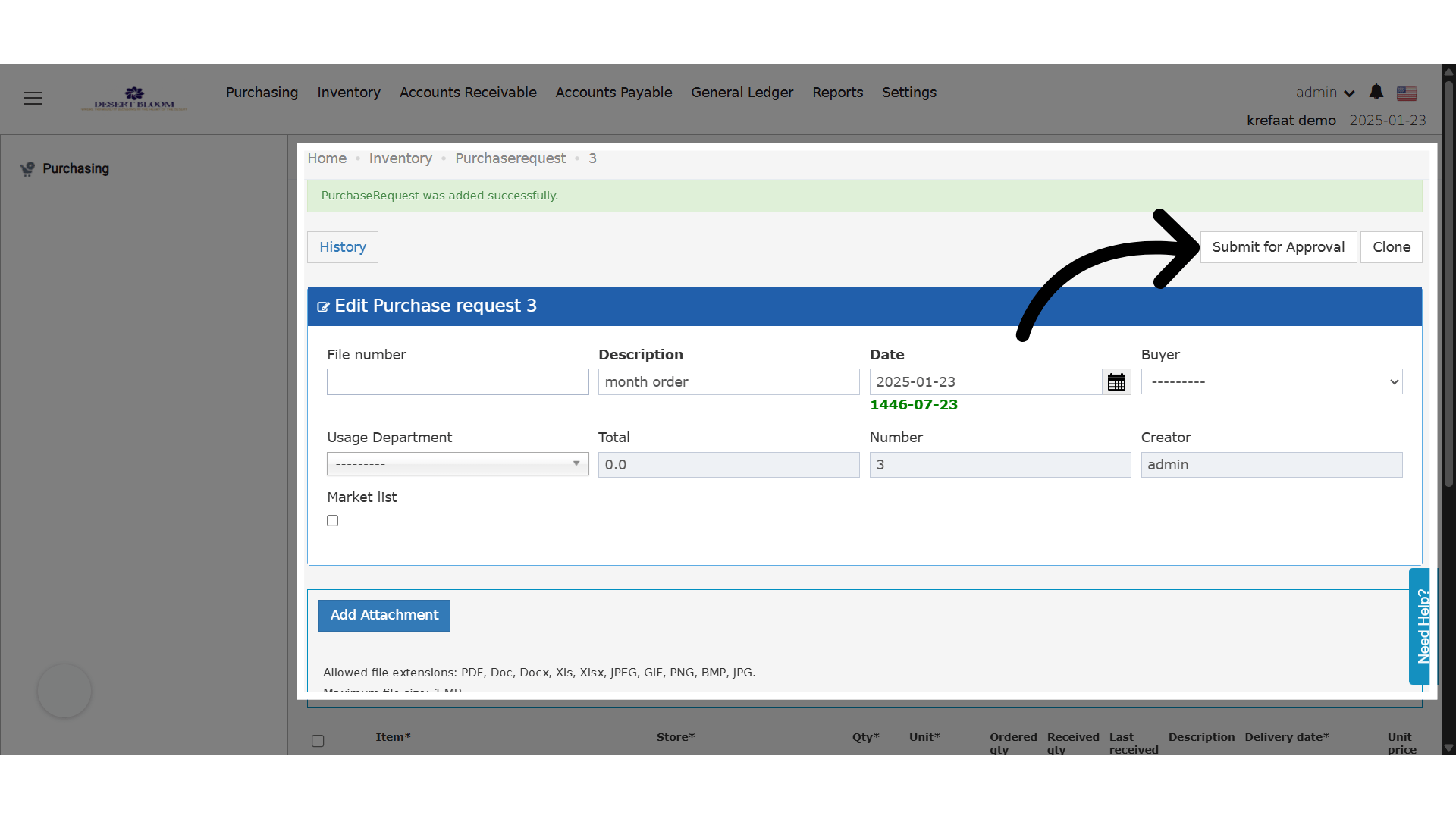
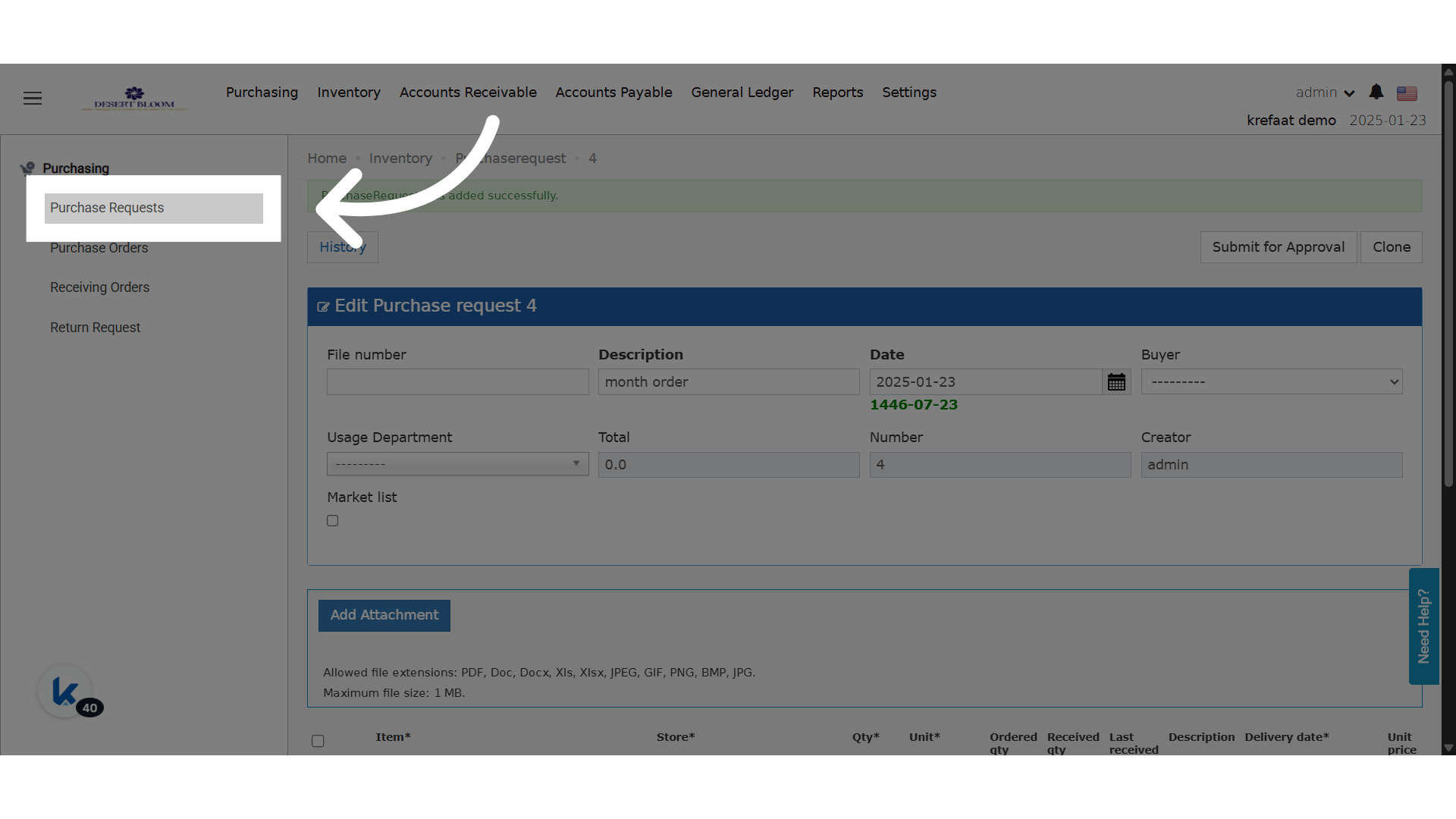
 **PR Created and in Draft State**
 ### **🆕 New States & Transitions**
* PRs saved are now initially placed in a **Draft** state.
* Only **“Submit for Approval”** button is visible in Draft state.
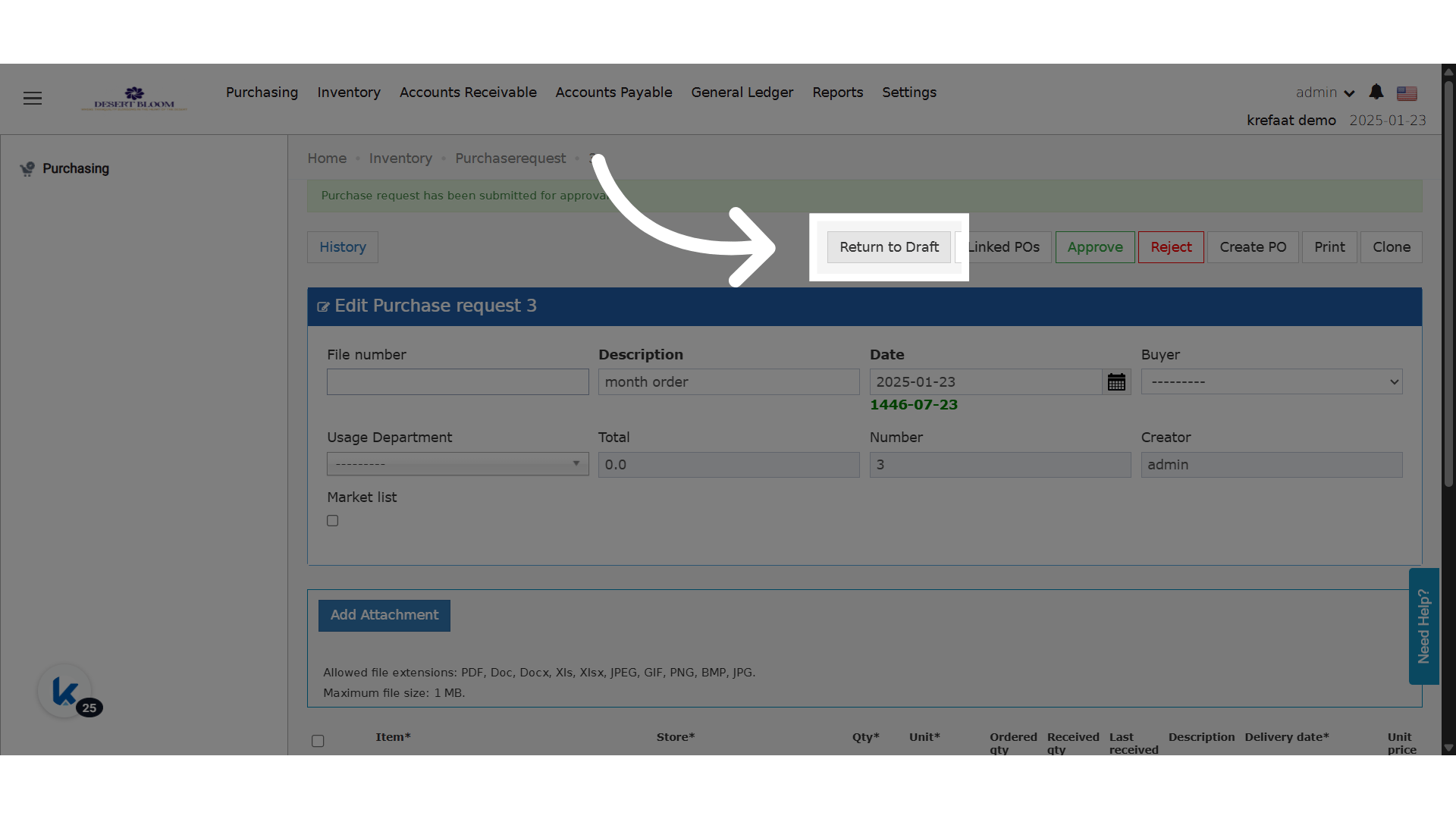
* Submitting moves the PR to **Pending** state and exposes standard actions (Approve, Reject, Create PO).
* A new button **“Return to Draft”** is available *only if* no actions were taken in Pending state.
### **🔒 Edit Restrictions**
* In Pending state, **only the following fields remain editable**:
* Unit Price
* Discount
* Total
* Vendor
### **🔐 Access Control**
* Only the **PR creator** can:
* Submit for Approval
* Return to Draft
*Important Note: You cannot return to the draft state if the purchase request contains approved items.*
### **🆕 New States & Transitions**
* PRs saved are now initially placed in a **Draft** state.
* Only **“Submit for Approval”** button is visible in Draft state.
* Submitting moves the PR to **Pending** state and exposes standard actions (Approve, Reject, Create PO).
* A new button **“Return to Draft”** is available *only if* no actions were taken in Pending state.
### **🔒 Edit Restrictions**
* In Pending state, **only the following fields remain editable**:
* Unit Price
* Discount
* Total
* Vendor
### **🔐 Access Control**
* Only the **PR creator** can:
* Submit for Approval
* Return to Draft
*Important Note: You cannot return to the draft state if the purchase request contains approved items.*
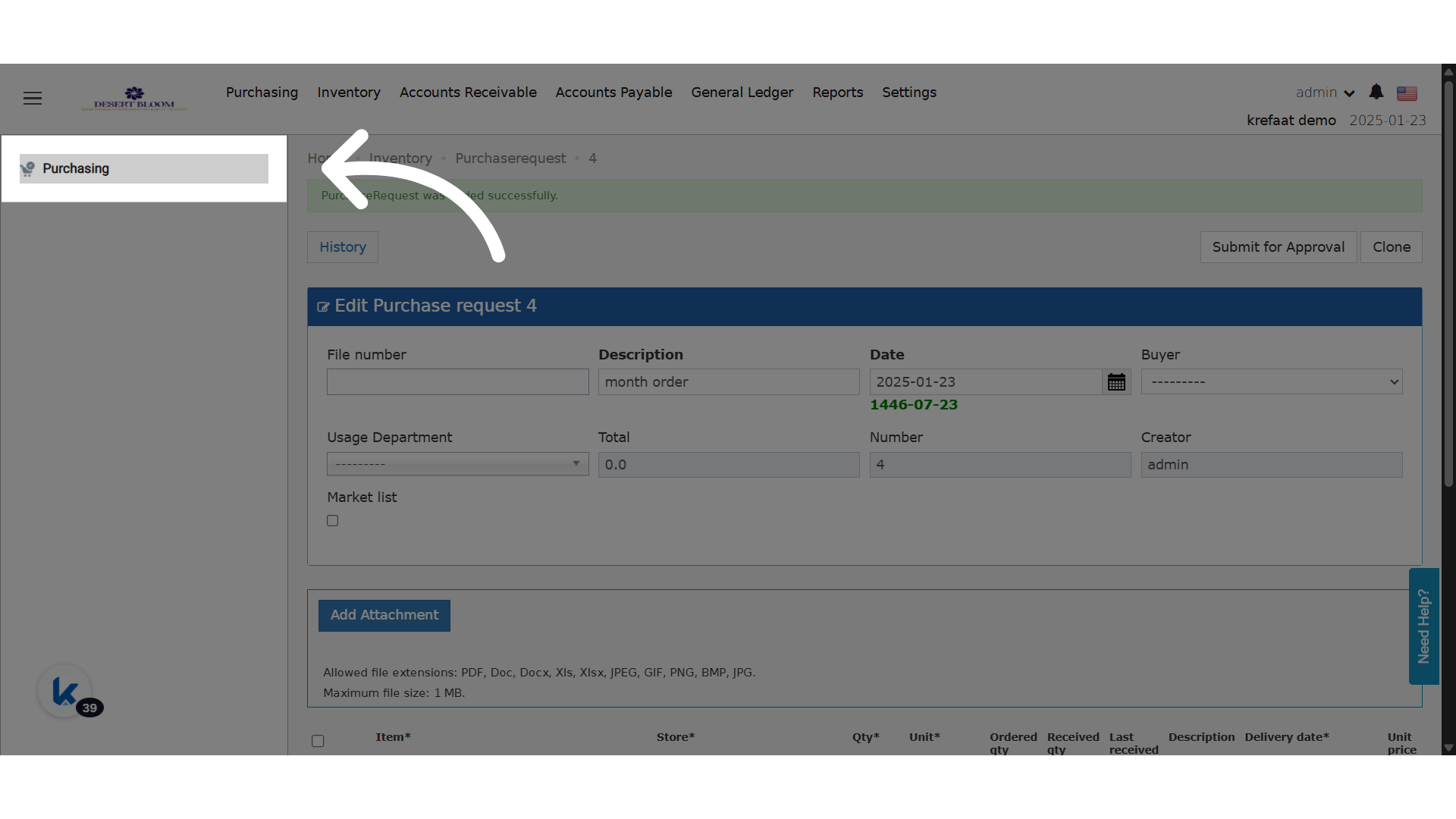
 **Click "Purchasing"**
 **Click "Purchase Requests"**
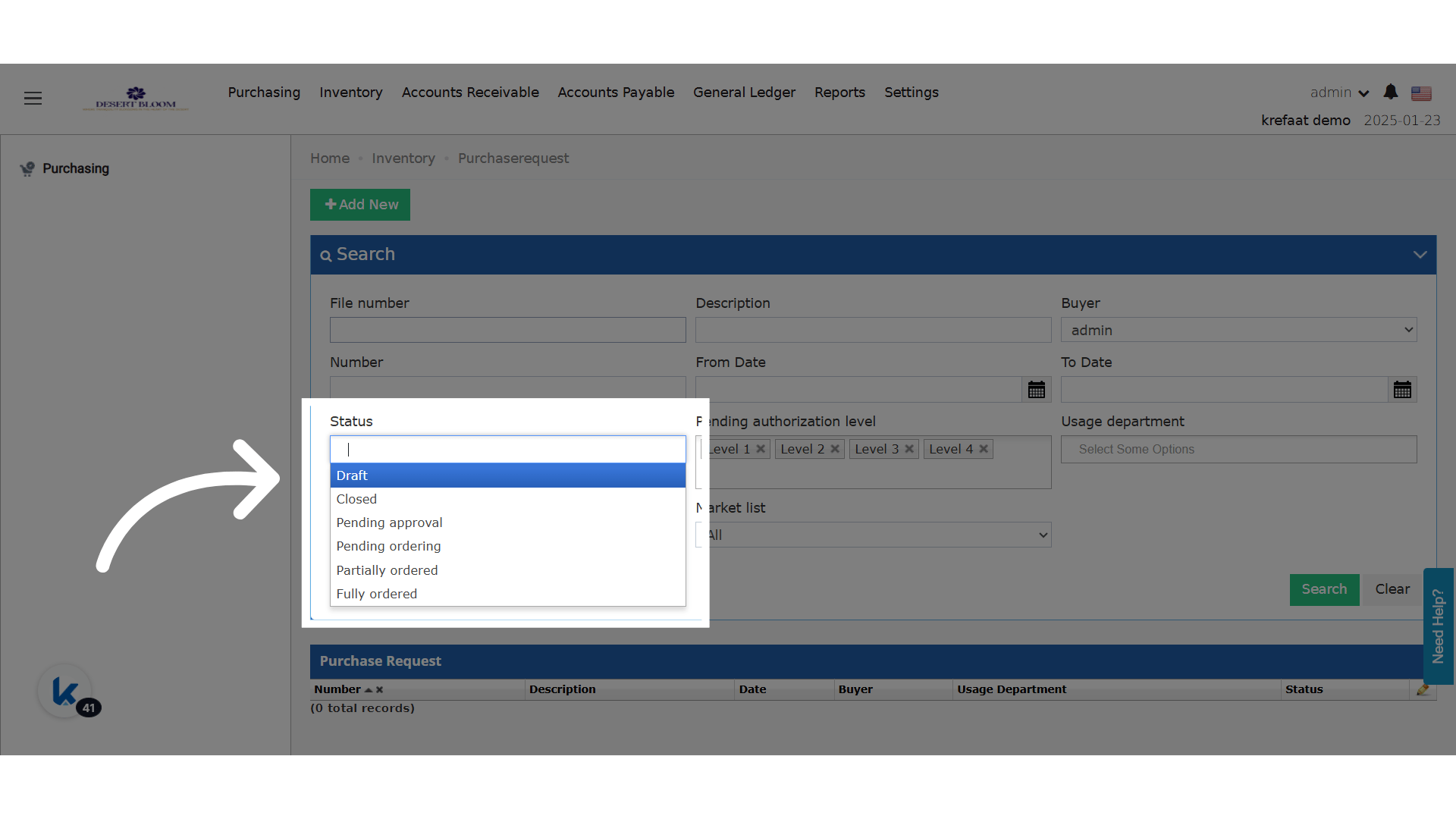
 **Search for PRs in Draft State**