> ## Documentation Index
> Fetch the complete documentation index at: https://help.kwentra.com/llms.txt
> Use this file to discover all available pages before exploring further.
# Filter by Item in Purchasing and Inventory
> Search and filter purchase orders or purchase requests by item name using a multi-select item filter. 🎯 Business Value ✅ Save time reviewing only the relevant orders or requests by item. ✅ Make it...
Search and filter purchase orders or purchase requests by item name using a multi-select item filter.
### **🎯 Business Value**
* ✅ Save time reviewing only the relevant orders or requests by item.
* ✅ Make it easier to track item-specific purchase trends or supply issues.
* ✅ Support decision-making with item-focused procurement visibility.
* ✅ Align filtering behavior across all purchasing screens for consistency.
### **💡 Use Cases**
* A procurement officer wants to find all **Purchase Requests** that contain "Frozen Chicken" to analyze supplier repetition.
* A purchasing manager reviews **Purchase Orders** that include "Shampoo 250ml" to verify delivery volumes.
* The finance team audits high-value items like "Smart TV" across both PRs and POs using a unified search pattern.
**Go to [manage.kwentra.com](https://manage.kwentra.com/)**
### **🔹 Affected Modules**
* Back Office → Purchasing → Purchase Orders
* Back Office → Purchasing → Purchase Requests
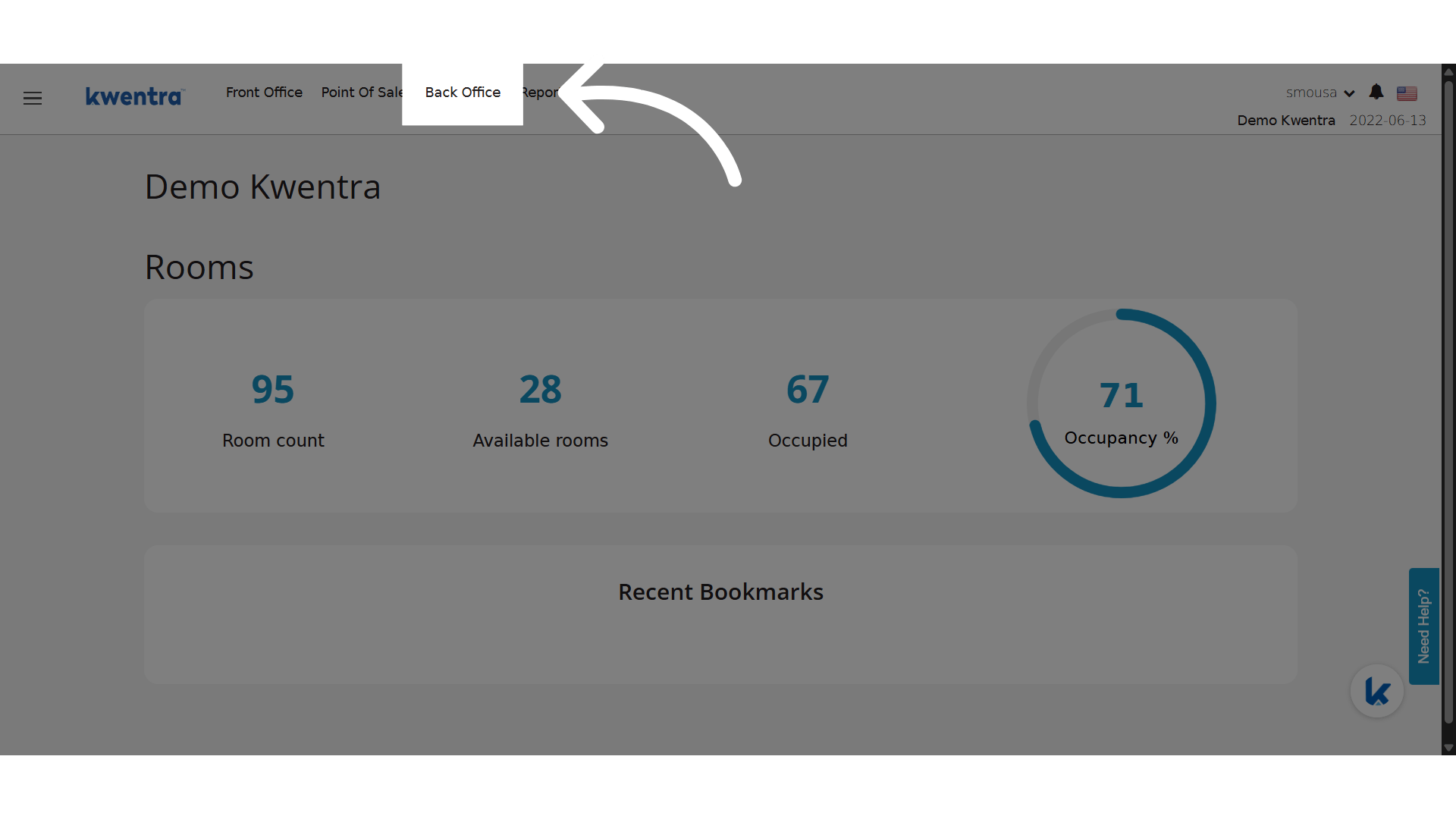
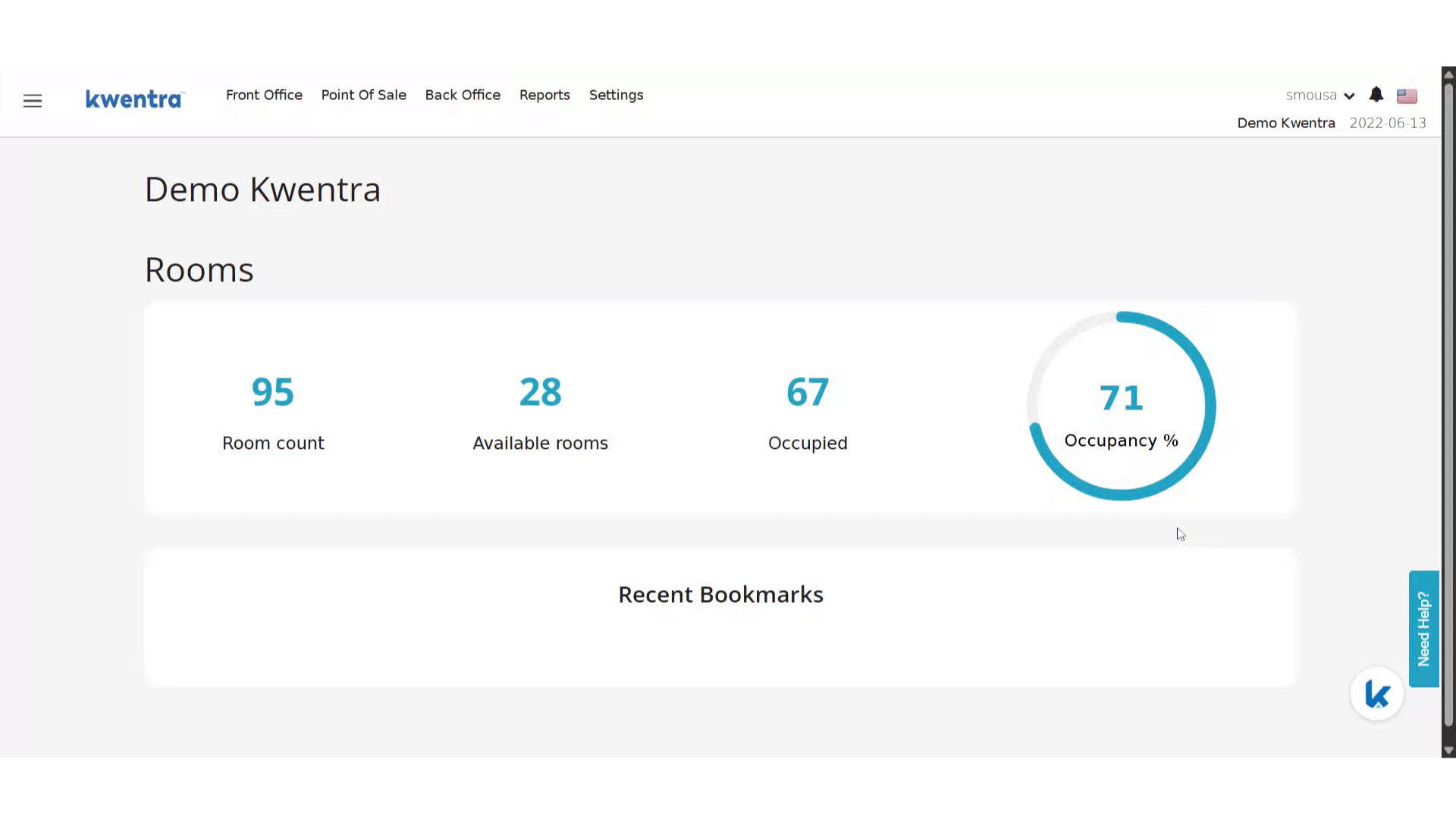 Click "Back Office"
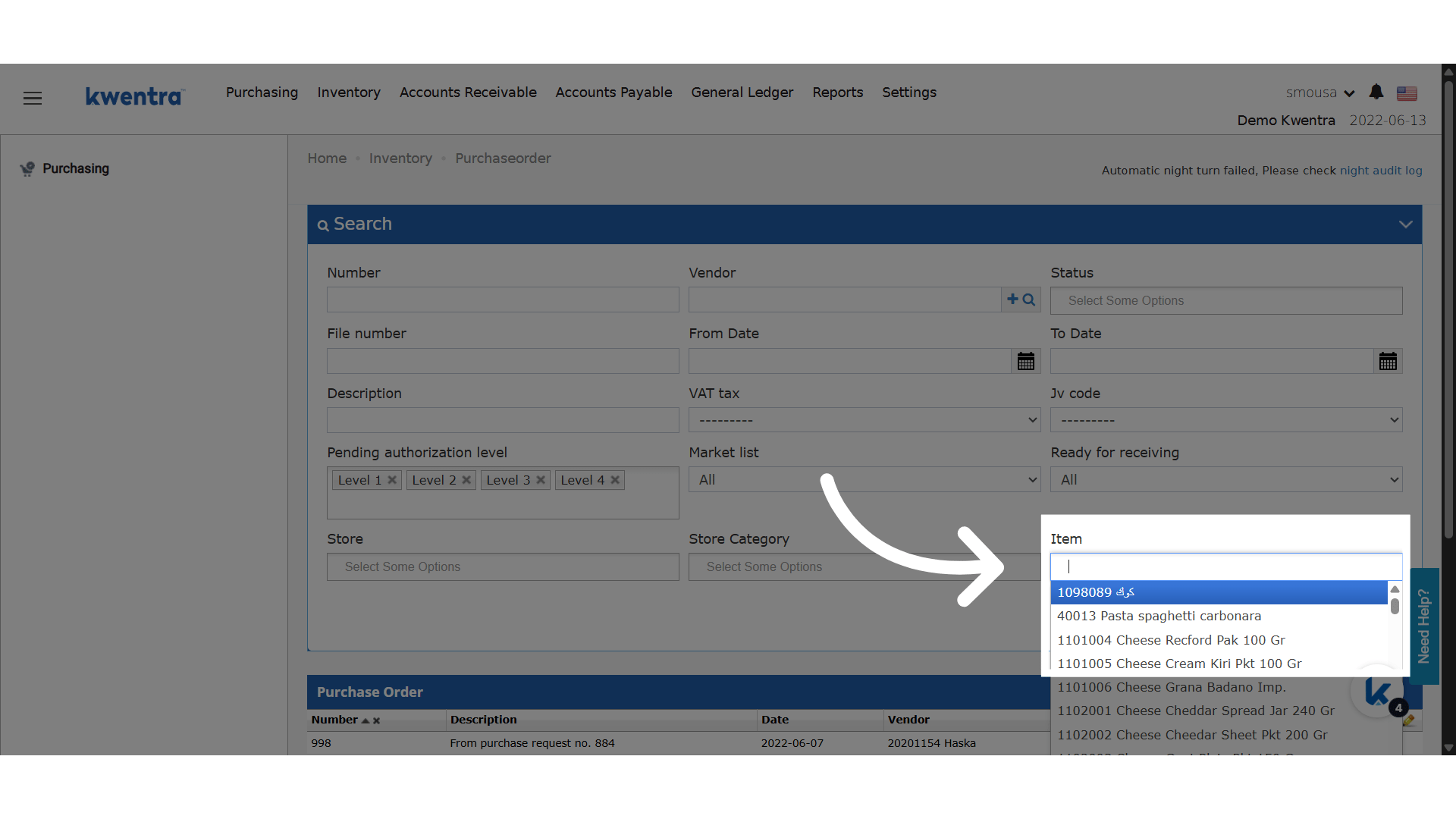
 New Item Filter
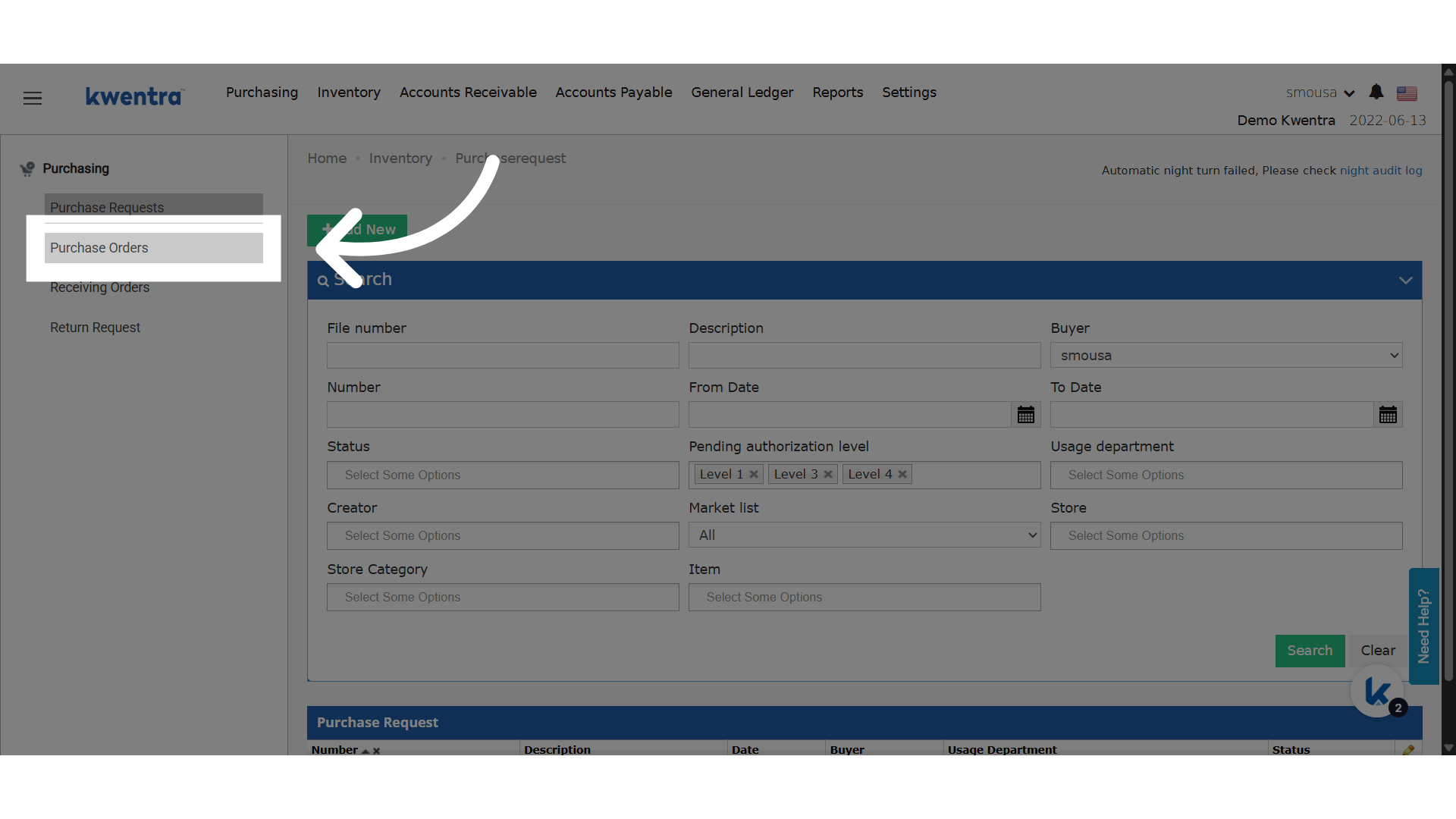
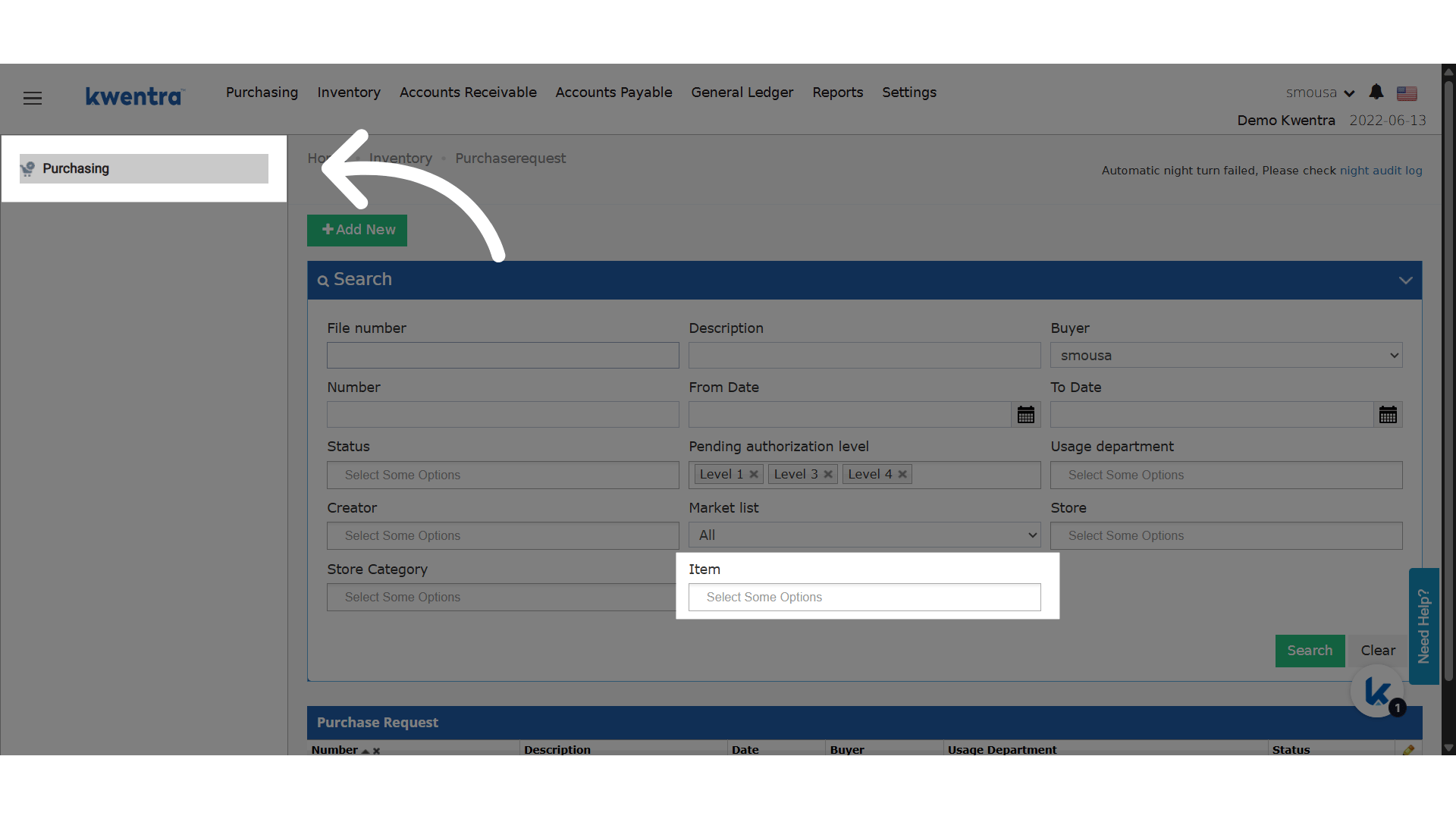 Click "Purchase Orders"
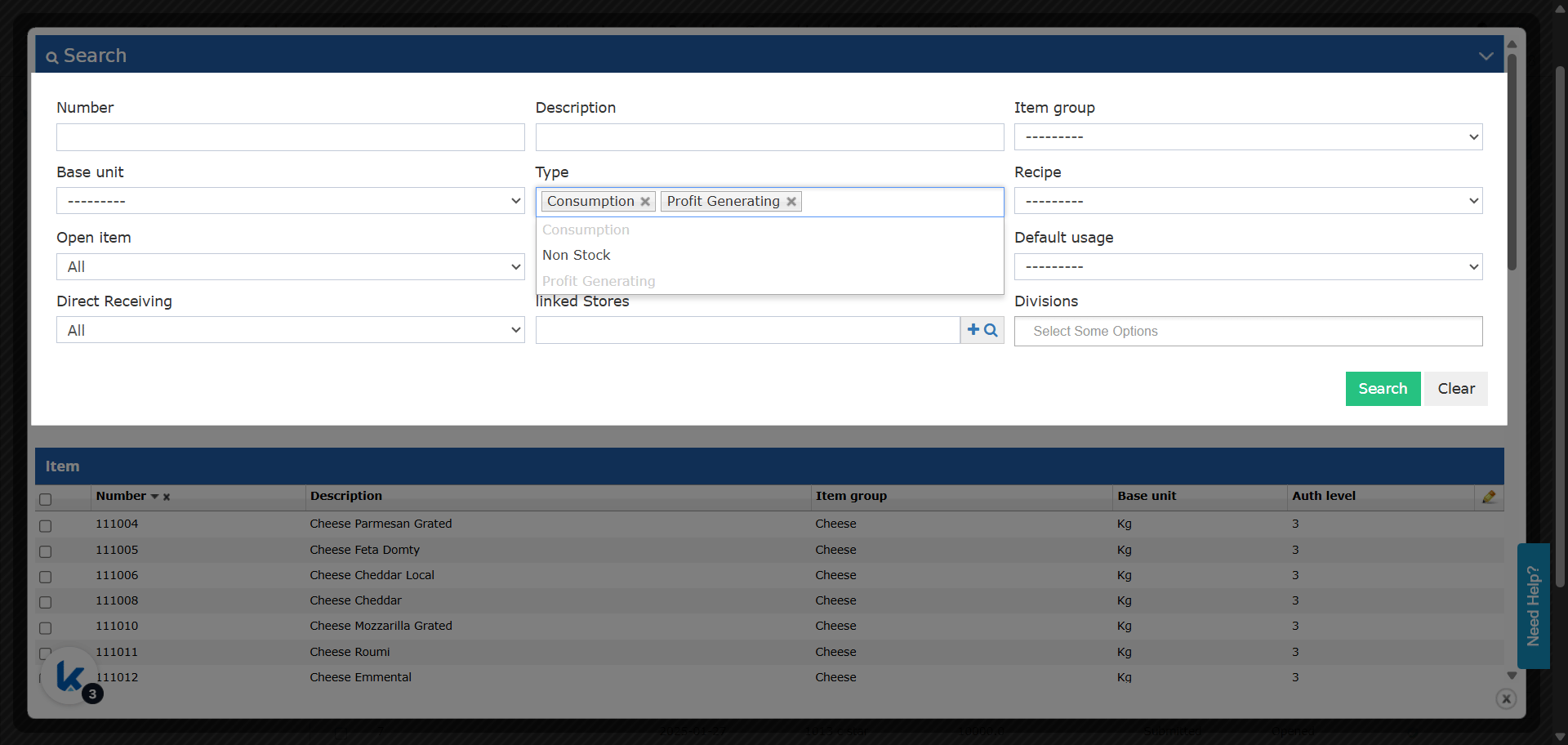
 Multiselect Behavior
 ## ***Update: 25th of August 2025***
Quickly select and filter multiple item types in all relevant screens for more accurate purchasing and inventory management.
### **Business Value**
* **Increases user control:** Select multiple item types (e.g., Profit Generating & Consumption) in one go.
* **Ensures accuracy:** Avoids confusion where more than one type is actually being filtered, but only one is shown.
* **Speeds up workflows:** Reduces repetitive lookups, making data entry faster and more reliable.
* **Standardizes process:** Ensures all related screens behave consistently.
### **Where?**
* **Purchasing:**
* *Back Office → Purchasing → Purchase Requests*
* *Back Office → Purchasing → Receiving Orders*
* **Inventory:**
* *Back Office → Inventory → Store Transfers*
* *Back Office → Inventory → Store Usages*
## ***Update: 25th of August 2025***
Quickly select and filter multiple item types in all relevant screens for more accurate purchasing and inventory management.
### **Business Value**
* **Increases user control:** Select multiple item types (e.g., Profit Generating & Consumption) in one go.
* **Ensures accuracy:** Avoids confusion where more than one type is actually being filtered, but only one is shown.
* **Speeds up workflows:** Reduces repetitive lookups, making data entry faster and more reliable.
* **Standardizes process:** Ensures all related screens behave consistently.
### **Where?**
* **Purchasing:**
* *Back Office → Purchasing → Purchase Requests*
* *Back Office → Purchasing → Receiving Orders*
* **Inventory:**
* *Back Office → Inventory → Store Transfers*
* *Back Office → Inventory → Store Usages*
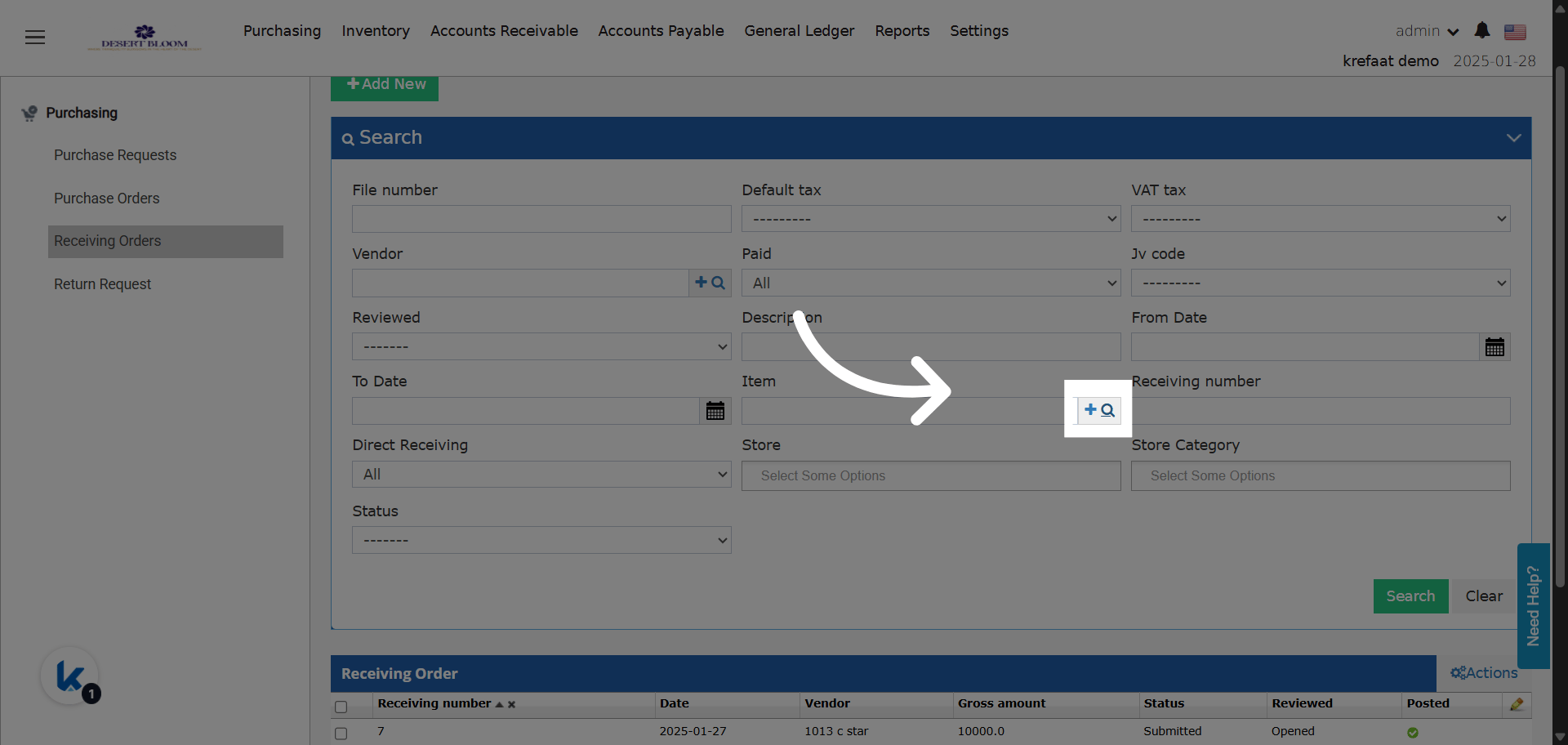 * **Update Details:**
* **Item Type Field:**
* Changed from **single-select** to **multi-select autocomplete** in all the above screens.
* **Default Filter:** Now auto-filters to “Profit Generating” & “Consumption” types.
* Users can see and modify multiple selections, improving clarity.
* If additional types are needed, users can add more through the multi-select.
* **Screen Behavior:**
* Consistent item type filtering and display across all purchasing and inventory operations.
* Removes the confusion of showing only one type when multiple are selected behind the scenes.
* **Update Details:**
* **Item Type Field:**
* Changed from **single-select** to **multi-select autocomplete** in all the above screens.
* **Default Filter:** Now auto-filters to “Profit Generating” & “Consumption” types.
* Users can see and modify multiple selections, improving clarity.
* If additional types are needed, users can add more through the multi-select.
* **Screen Behavior:**
* Consistent item type filtering and display across all purchasing and inventory operations.
* Removes the confusion of showing only one type when multiple are selected behind the scenes.