> ## Documentation Index
> Fetch the complete documentation index at: https://help.kwentra.com/llms.txt
> Use this file to discover all available pages before exploring further.
# Purchase Order: Display Available Quantity Per Item
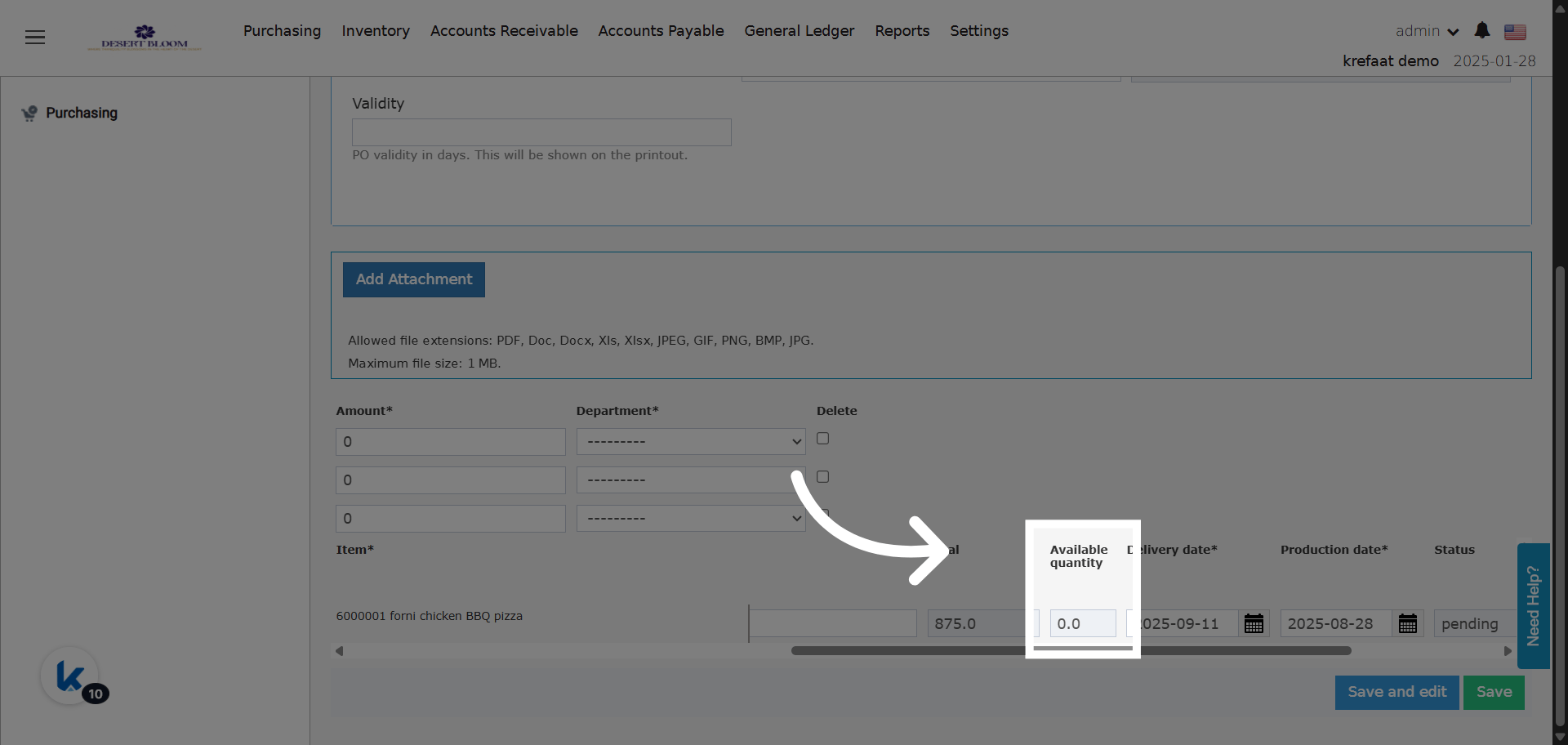
> Easily view available stock for each item directly within the Purchase Order line items. Business Value Instant Stock Visibility: Users can immediately see how much stock is available for each item...
Easily view available stock for each item directly within the Purchase Order line items.
###
**Business Value**
* **Instant Stock Visibility:** Users can immediately see how much stock is available for each item when creating or reviewing a Purchase Order.
* **Reduce Over-Ordering:** Prevents ordering items beyond available inventory, improving cost control and procurement accuracy.
* **Consistency Across Screens:** Aligns the Purchase Order screen with the Purchase Request (PR) experience for easier, more intuitive use.
### **Use Cases**
* **Purchasing Officer:** Before confirming a new Purchase Order, the officer can review the available quantity of each item and adjust quantities if needed.
* **Stock Validation:** Inventory managers verify if requested quantities are justified against current stock before approval.
* **Real-Time Decisions:** Helps teams make smarter buying decisions without switching screens or modules.
Go to [manage.kwentra.com](https://manage.kwentra.com/)
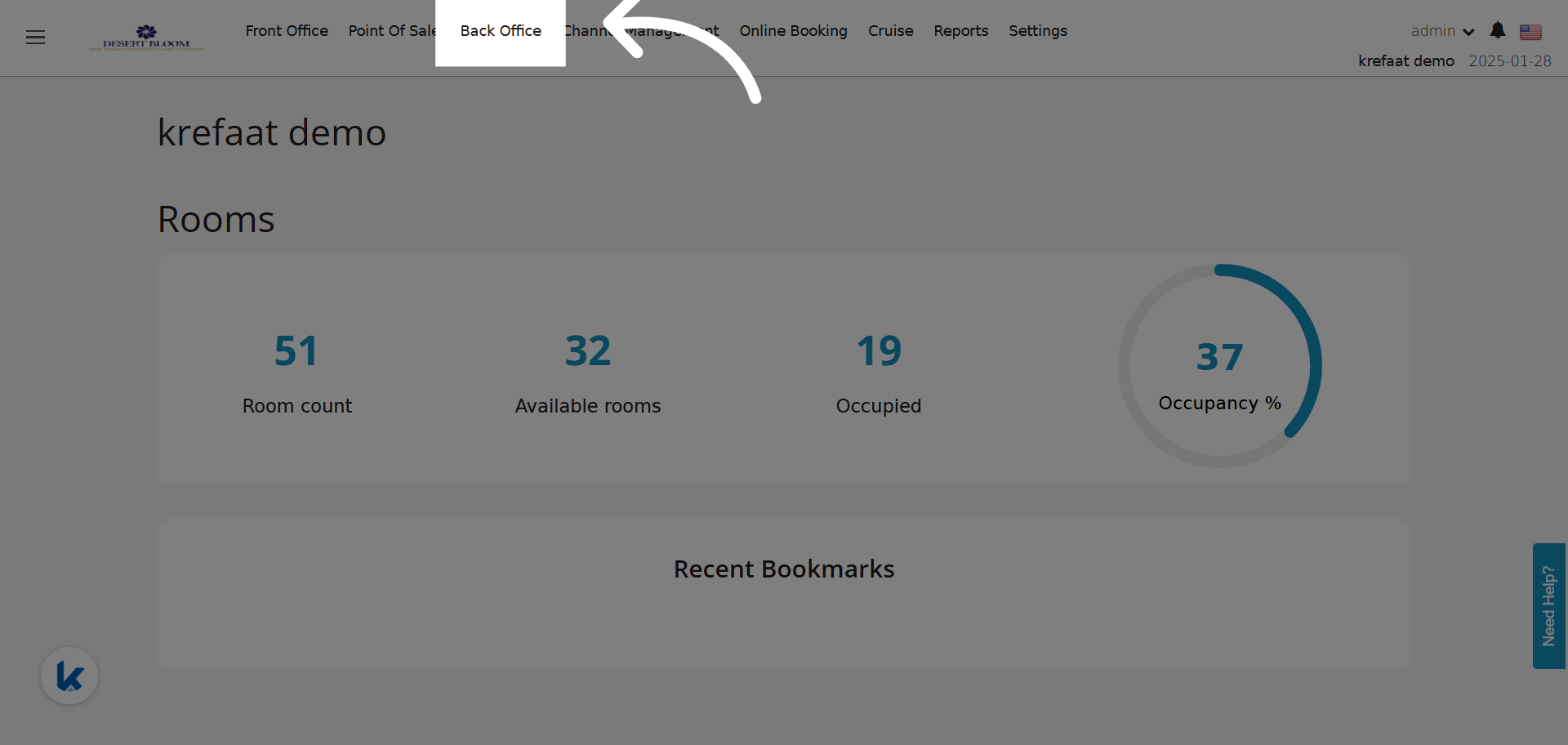
Click "Back Office"
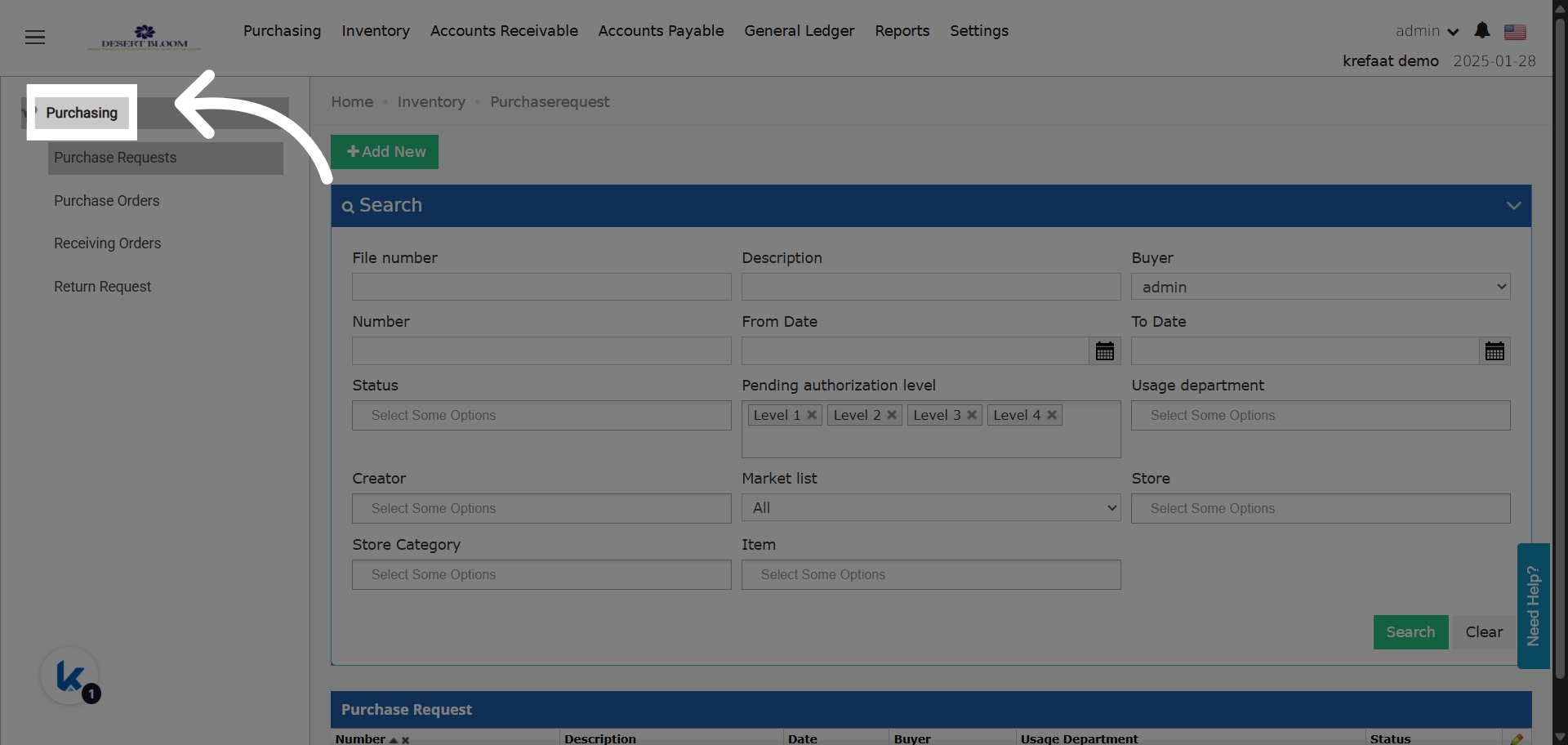
 Click "Purchasing"
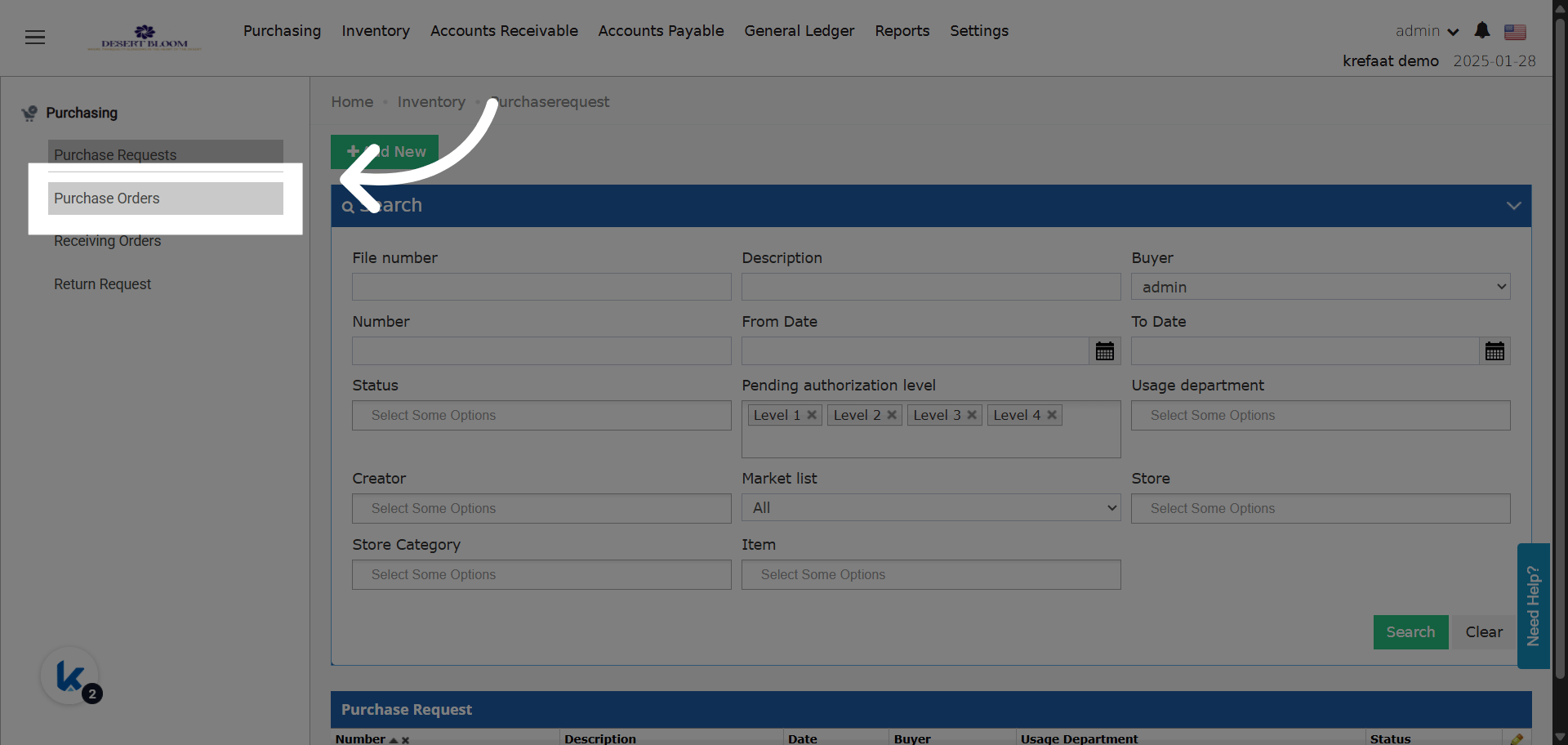
 Click "Purchase Orders"
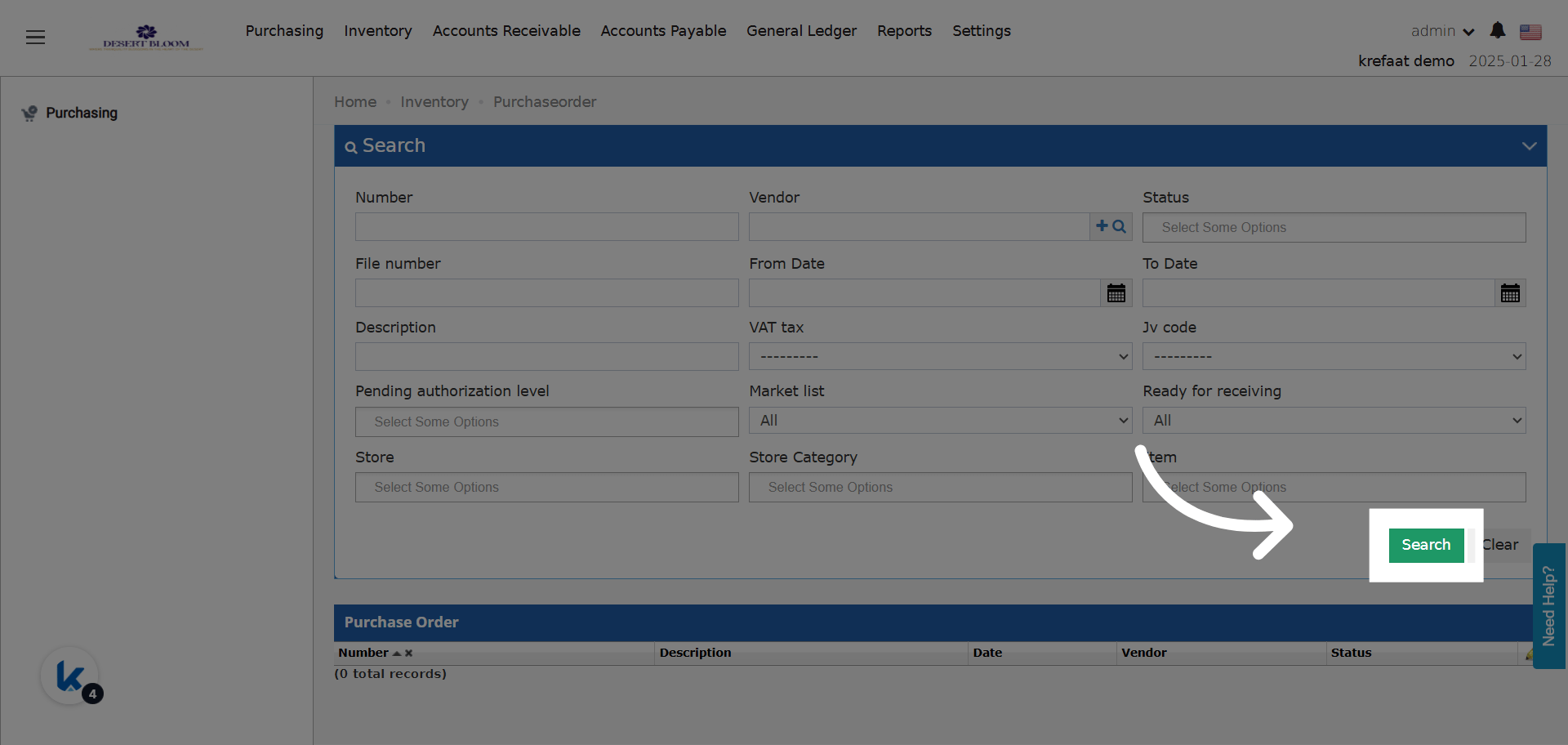
 Search for your PO
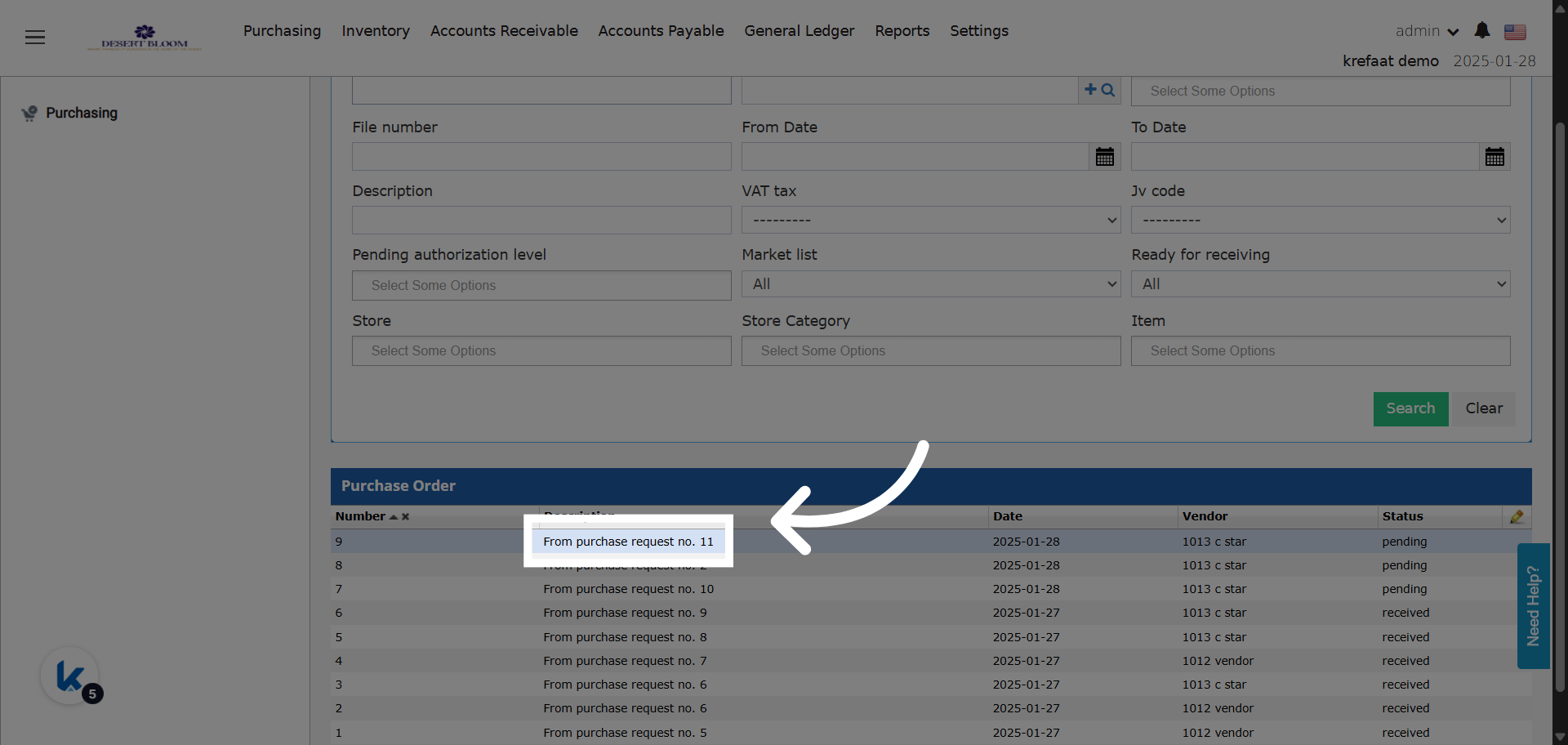
 Open your PO
 ### **What's New?**
* New column: **Available Quantity**
عمود جديد: الكمية المتوفرة
* The column is **read-only**; it pulls real-time available stock for each item in its corresponding store on the PO date.
* Placed **after the “Total” column** in the line items table.
* Value is identical to the “Available” column in Purchase Requests (PR).
### **What's New?**
* New column: **Available Quantity**
عمود جديد: الكمية المتوفرة
* The column is **read-only**; it pulls real-time available stock for each item in its corresponding store on the PO date.
* Placed **after the “Total” column** in the line items table.
* Value is identical to the “Available” column in Purchase Requests (PR).