> ## Documentation Index
> Fetch the complete documentation index at: https://help.kwentra.com/llms.txt
> Use this file to discover all available pages before exploring further.
# Channel Manager Logs – Tour Operator Reservation Activity
> Track and review all reservation sync activity from Tour Operators in real-time using detailed logs. Business Value This enhancement empowers your Channel Manager operations with greater visibility...
Track and review all reservation sync activity from Tour Operators in real-time using detailed logs.
### **Business Value**
This enhancement empowers your Channel Manager operations with greater visibility, control, and auditability over all reservation syncs coming from connected Tour Operators.
Whether it’s a new booking, a change, or a dropped reservation, now you’ll know what happened, when, and why.
### **Use Cases**
✅ The reservation bot now provides the exact reason for dropping a booking.
✅ A guest arrives, but the reservation doesn’t — check the **import log**.
✅ A reservation is updated multiple times — track **every modification**.
✅ Your front office team can hyperlink to the reservation for quick resolution.
✅ Tour Operator teams can work closely with properties to resolve mismatches.
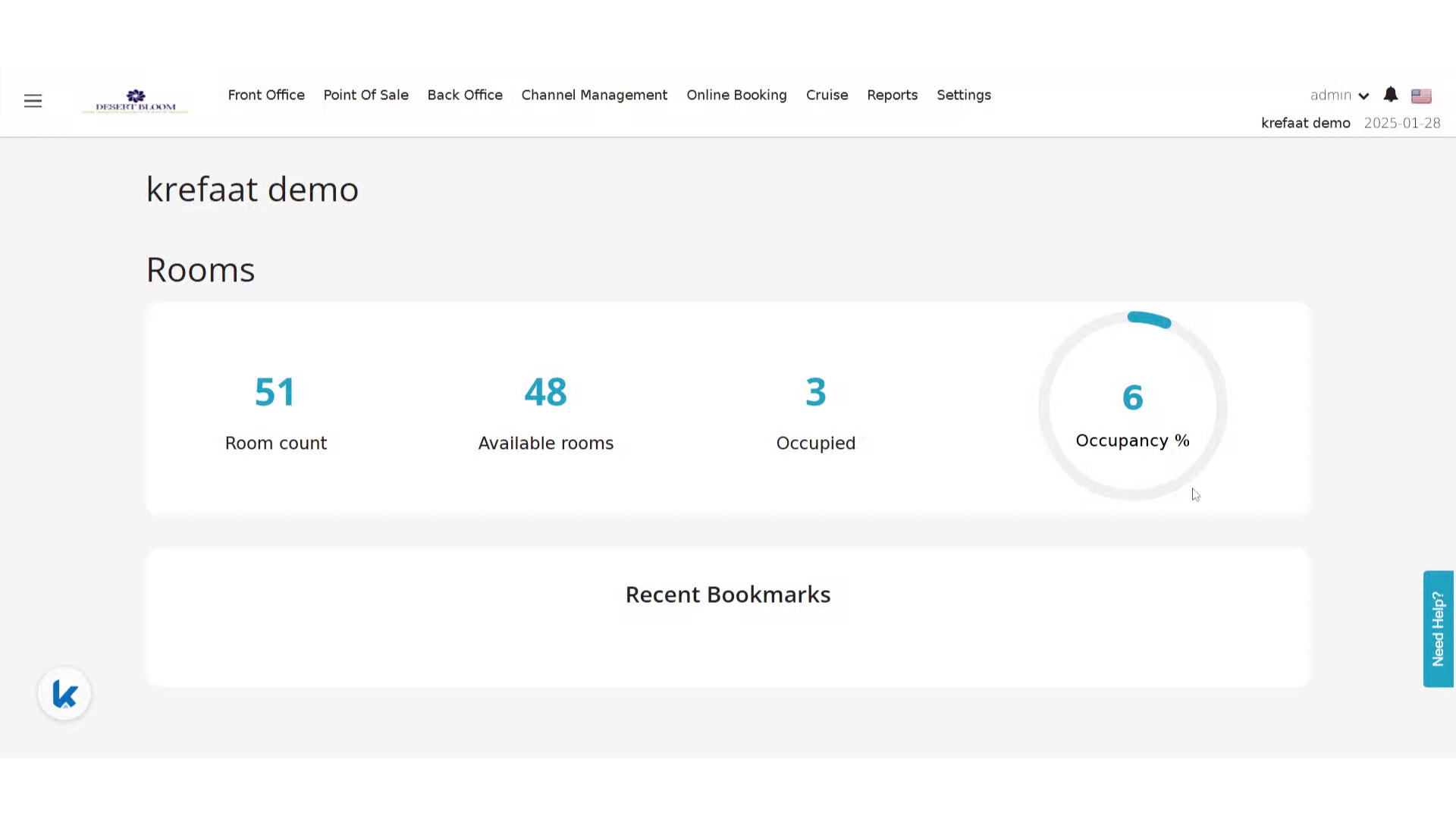
**Go to [manage.kwentra.com](https://manage.kwentra.com/)**
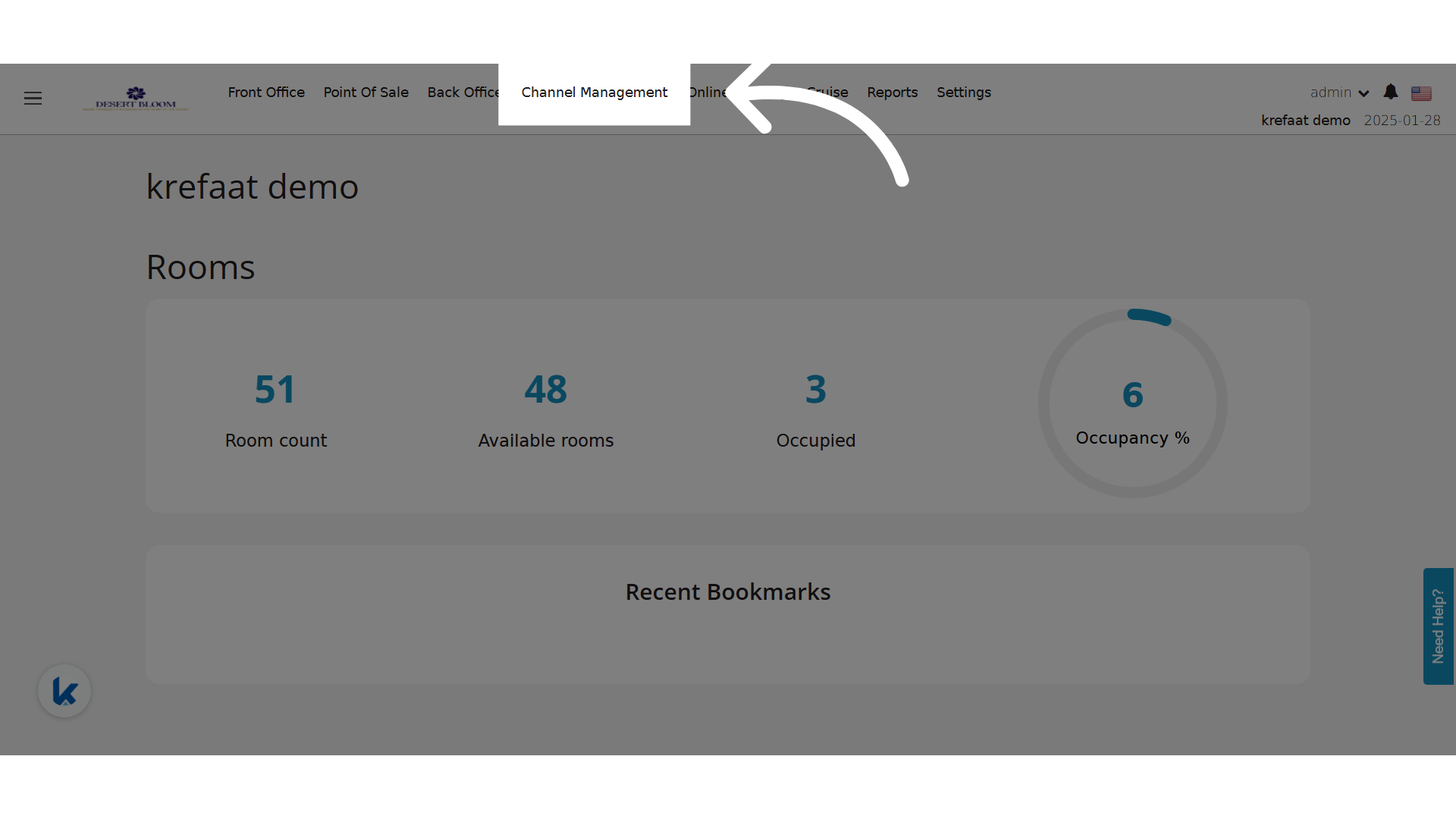
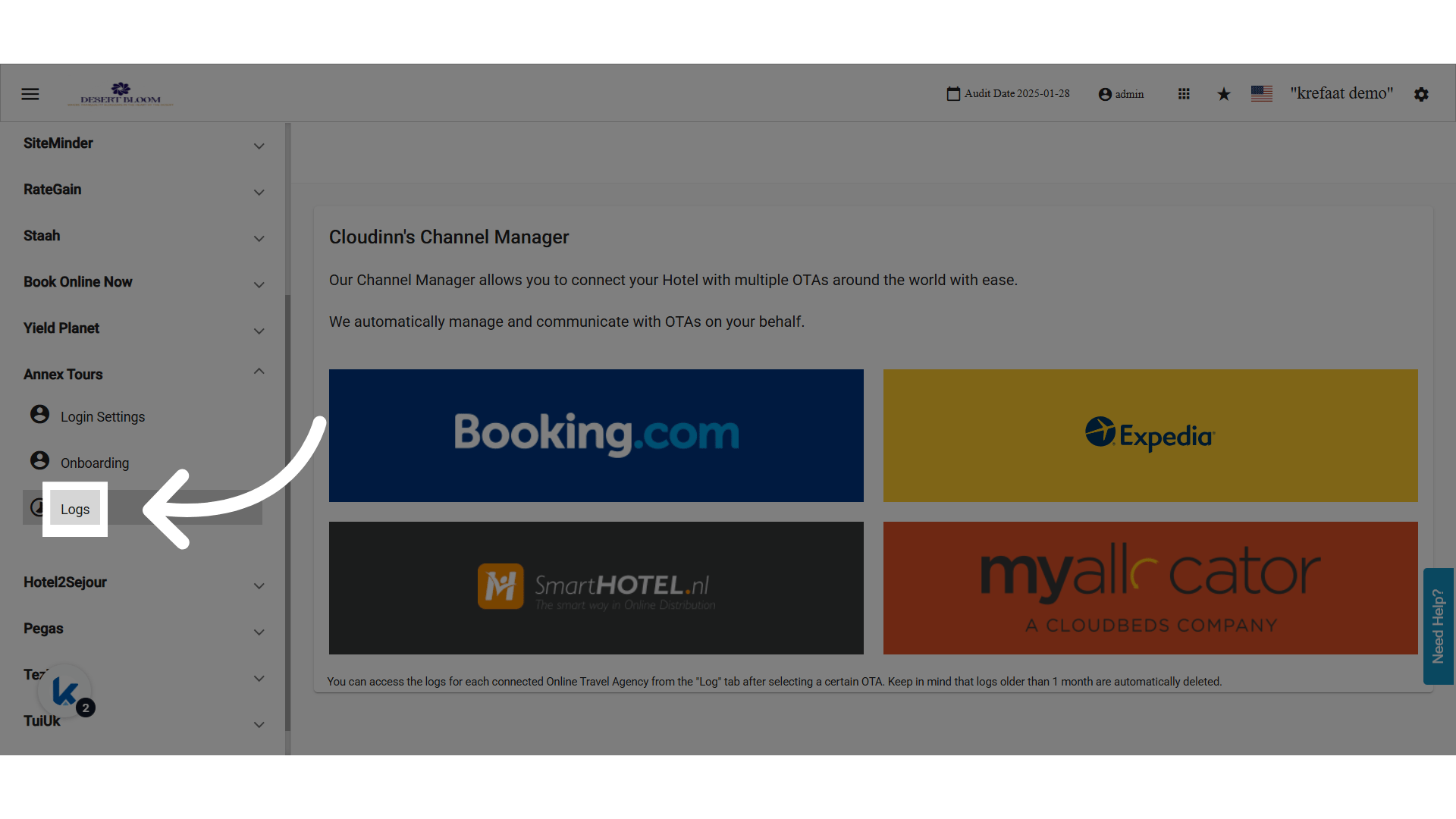
 **Click "Channel Management"**
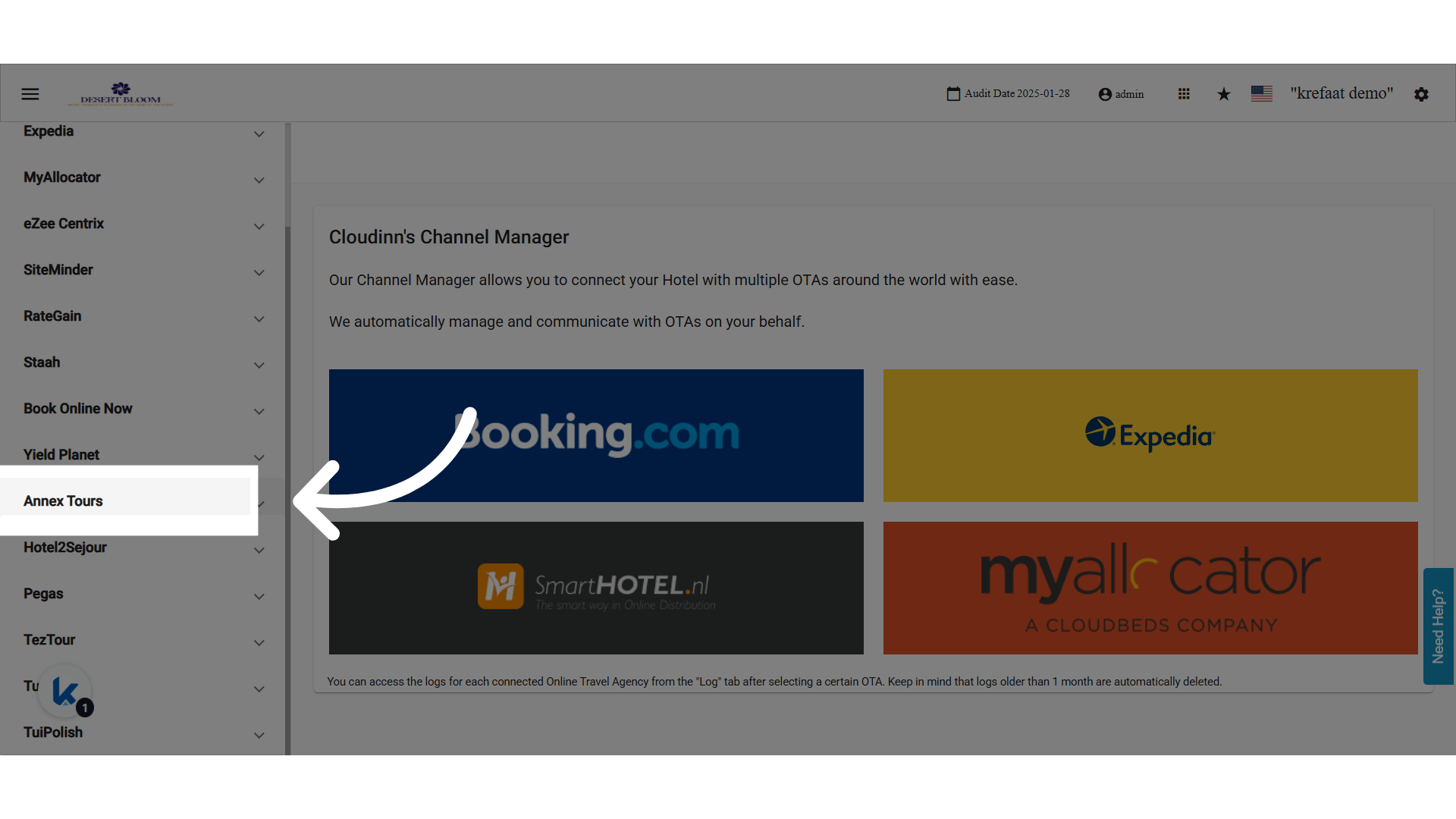
 **Expand any Tour Operator**
 **Click "Logs"**
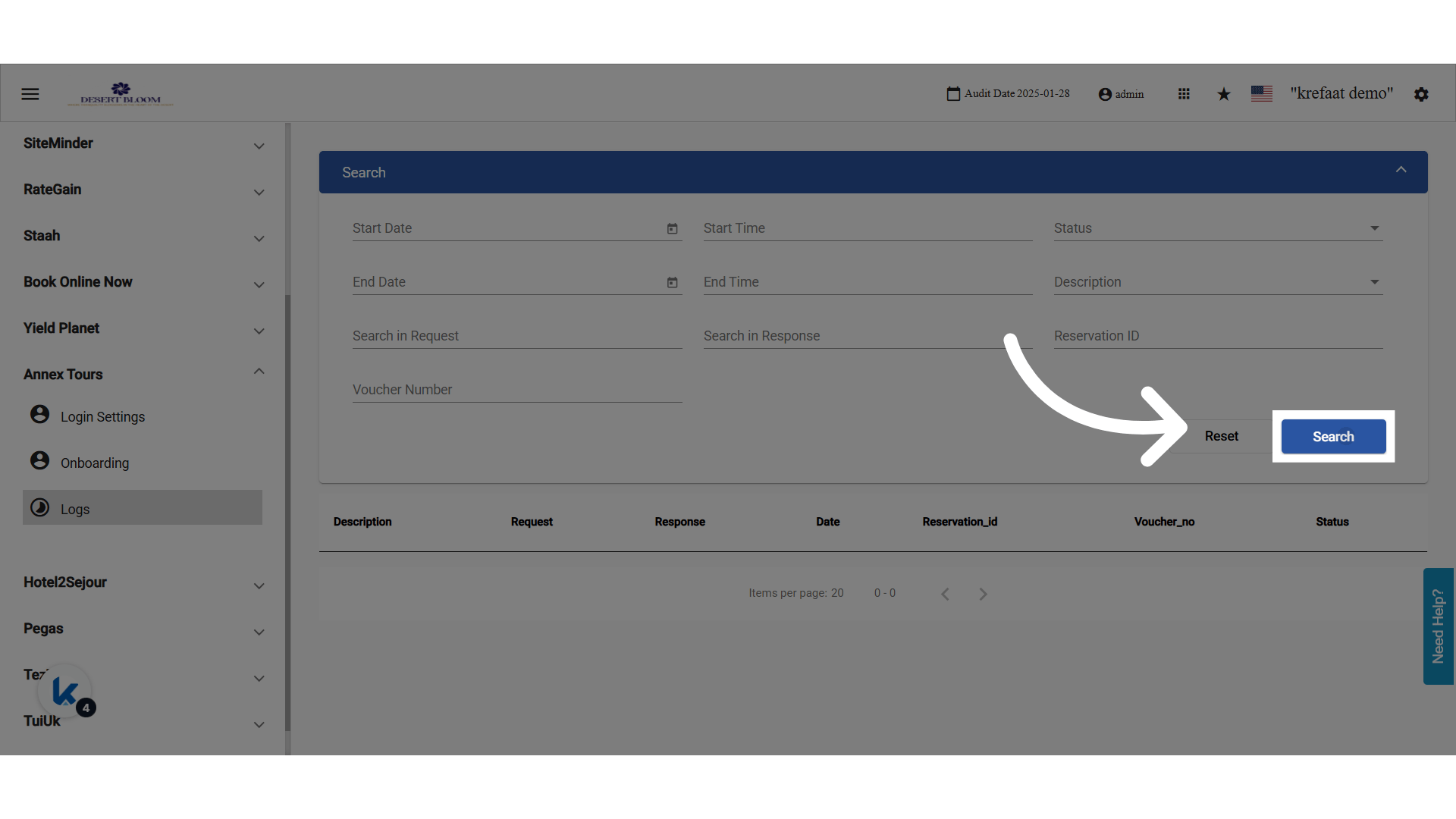
 ### **📑 What Gets Logged?**
For each reservation synced (created/updated/dropped), the following are stored:
* Reservation ID (linked to FO if applicable)
* Voucher Number
* Action Taken: Create / Update / Cancel / Dropped
* Bot Process Events: Start & End
* Request & Response Messages: searchable
* Error Codes / Drop Reasons
### **🔍 Filters Available:**
* Reservation ID
* Voucher Number
* Date Range (Start/End)
* Time Range
* Description: Create, Update, Cancel, Bot Process
* Status Code
* Request/Response Keyword Search
### **📑 What Gets Logged?**
For each reservation synced (created/updated/dropped), the following are stored:
* Reservation ID (linked to FO if applicable)
* Voucher Number
* Action Taken: Create / Update / Cancel / Dropped
* Bot Process Events: Start & End
* Request & Response Messages: searchable
* Error Codes / Drop Reasons
### **🔍 Filters Available:**
* Reservation ID
* Voucher Number
* Date Range (Start/End)
* Time Range
* Description: Create, Update, Cancel, Bot Process
* Status Code
* Request/Response Keyword Search