> ## Documentation Index
> Fetch the complete documentation index at: https://help.kwentra.com/llms.txt
> Use this file to discover all available pages before exploring further.
# ETA Status Screen Enhancements
> We’ve made major updates to the ETA Status screen to help you track, review, and export Egyptian e-invoice data more efficiently. These improvements bring more clarity, control, and convenience to...
We’ve made major updates to the **ETA Status screen** to help you track, review, and export Egyptian e-invoice data more efficiently. These improvements bring more clarity, control, and convenience to users who manage ETA submissions.
These enhancements help your team:
* Export complete submission records to CSV for audits, compliance, or data review
* View essential document information directly on-screen without opening each record
* Easily identify issues by cross-checking tax amounts, recipients, and related folios
* Gain confidence in ETA integration and reduce manual cross-checking
Together, these changes give finance and front office teams a **faster, clearer view of every document** synced with the Egyptian Tax Authority (ETA).
**Go to [manage.kwentra.com](https://manage.kwentra.com/)**
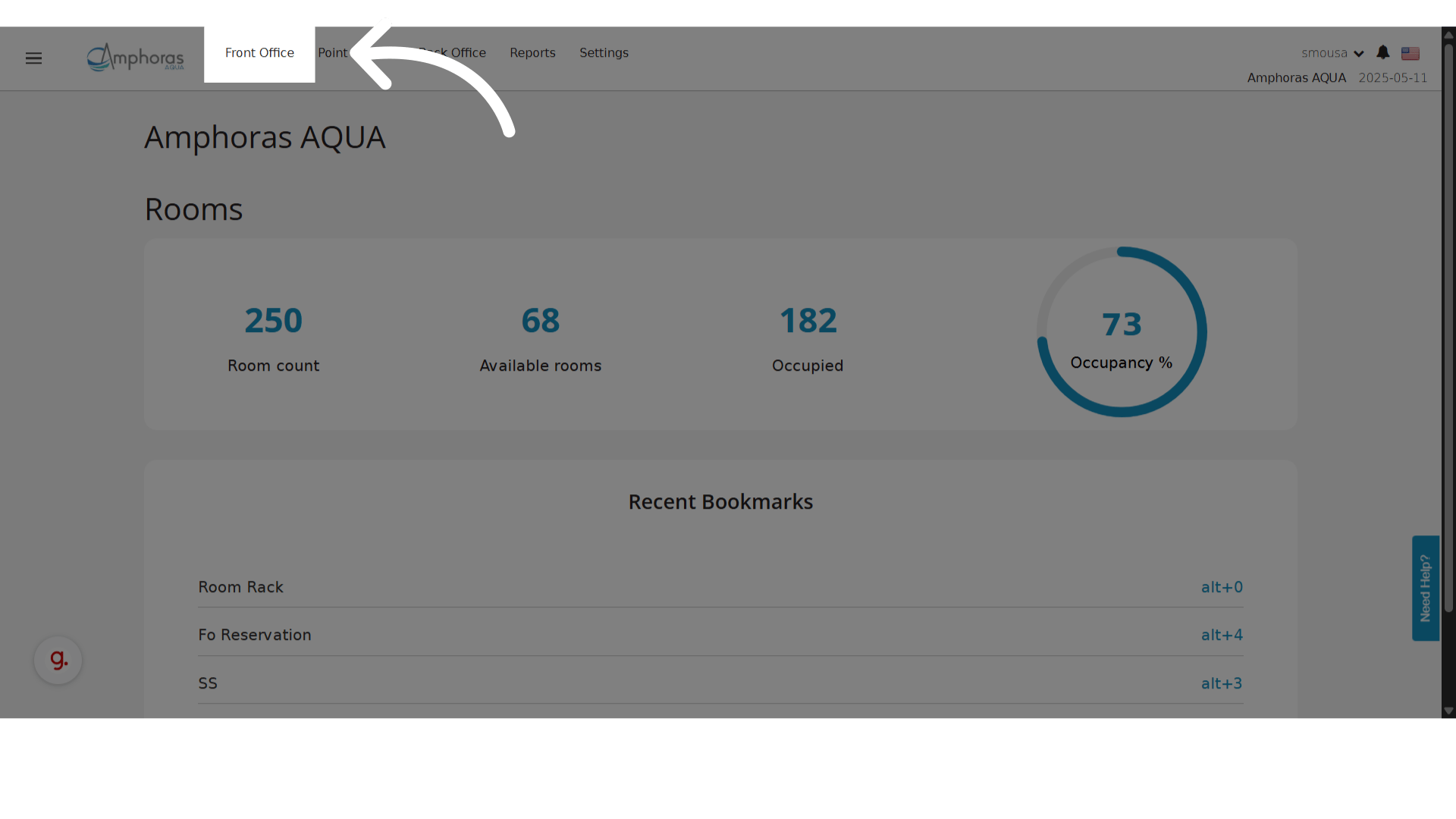
**Click "Front Office"**
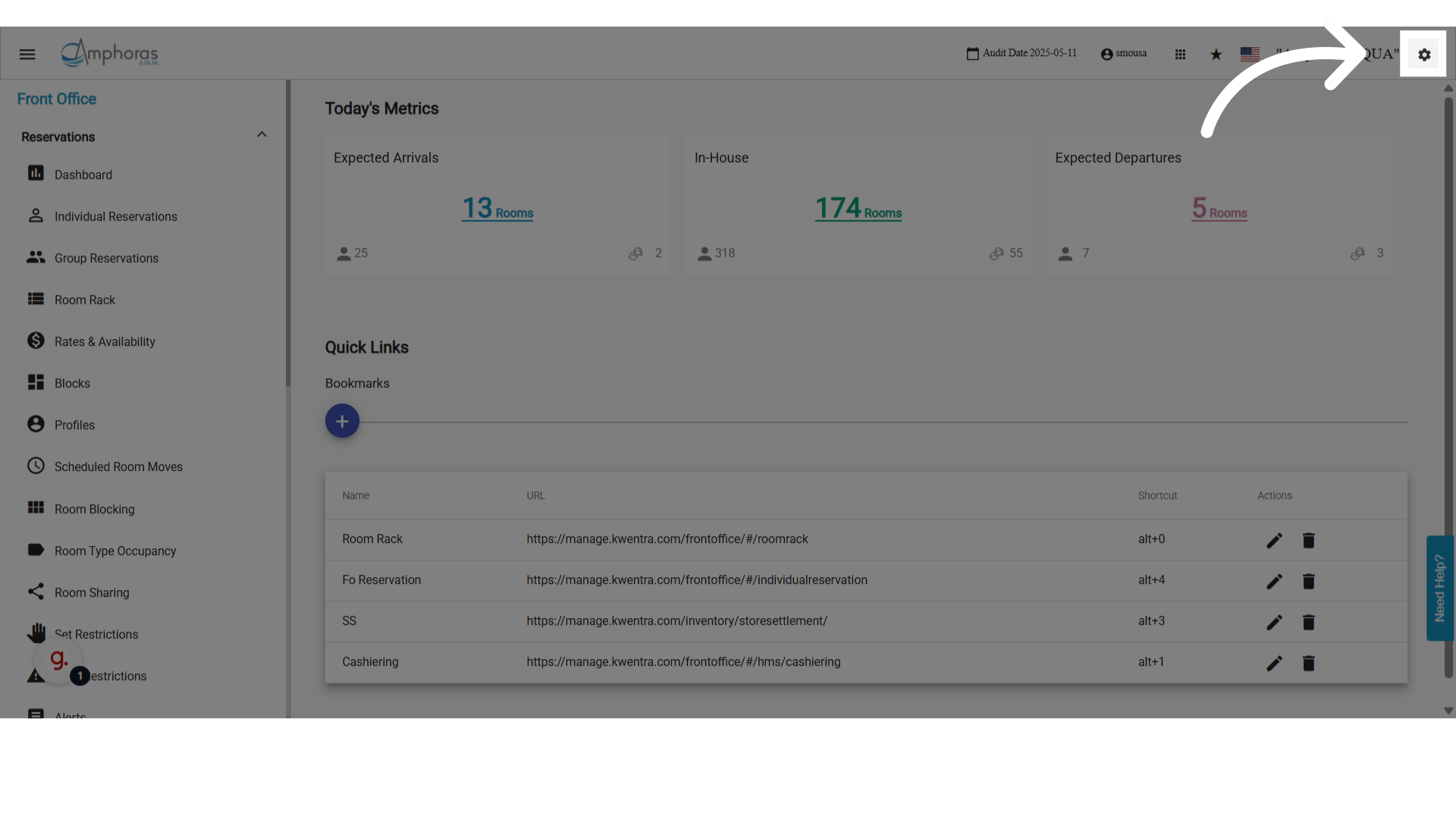
 **Click "settings"**
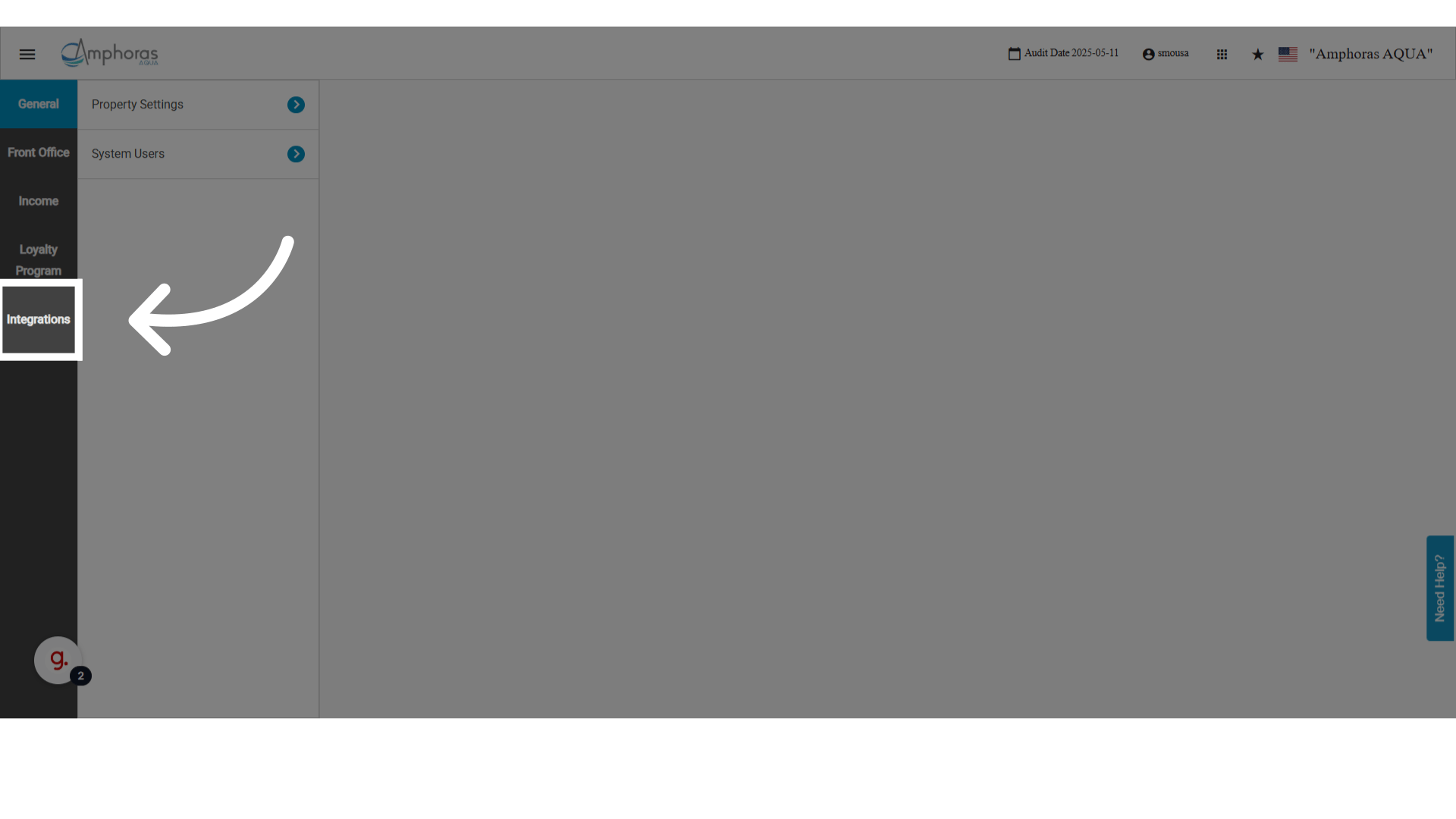
 **Click "Integrations"**
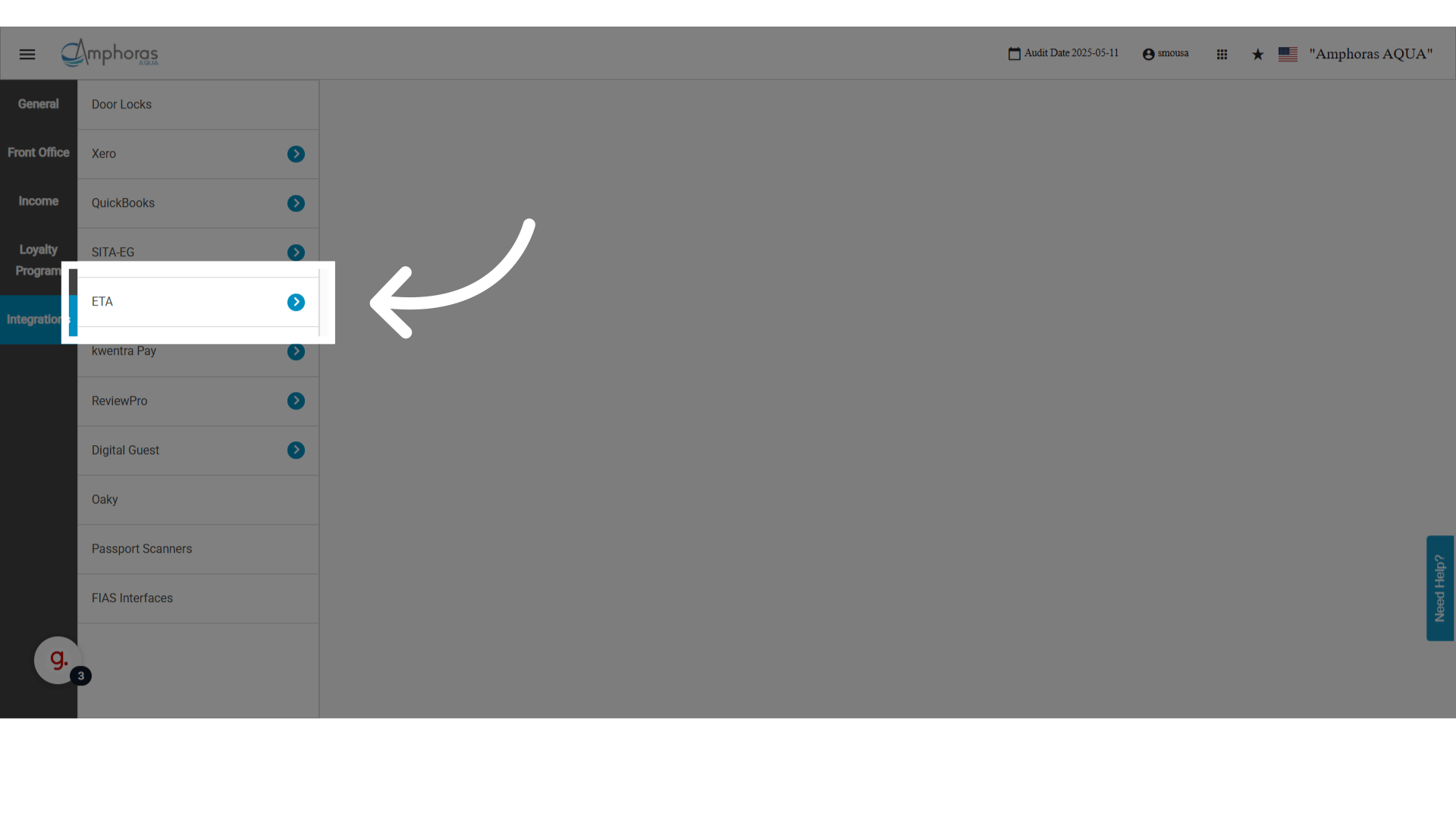
 **Click "ETA"**
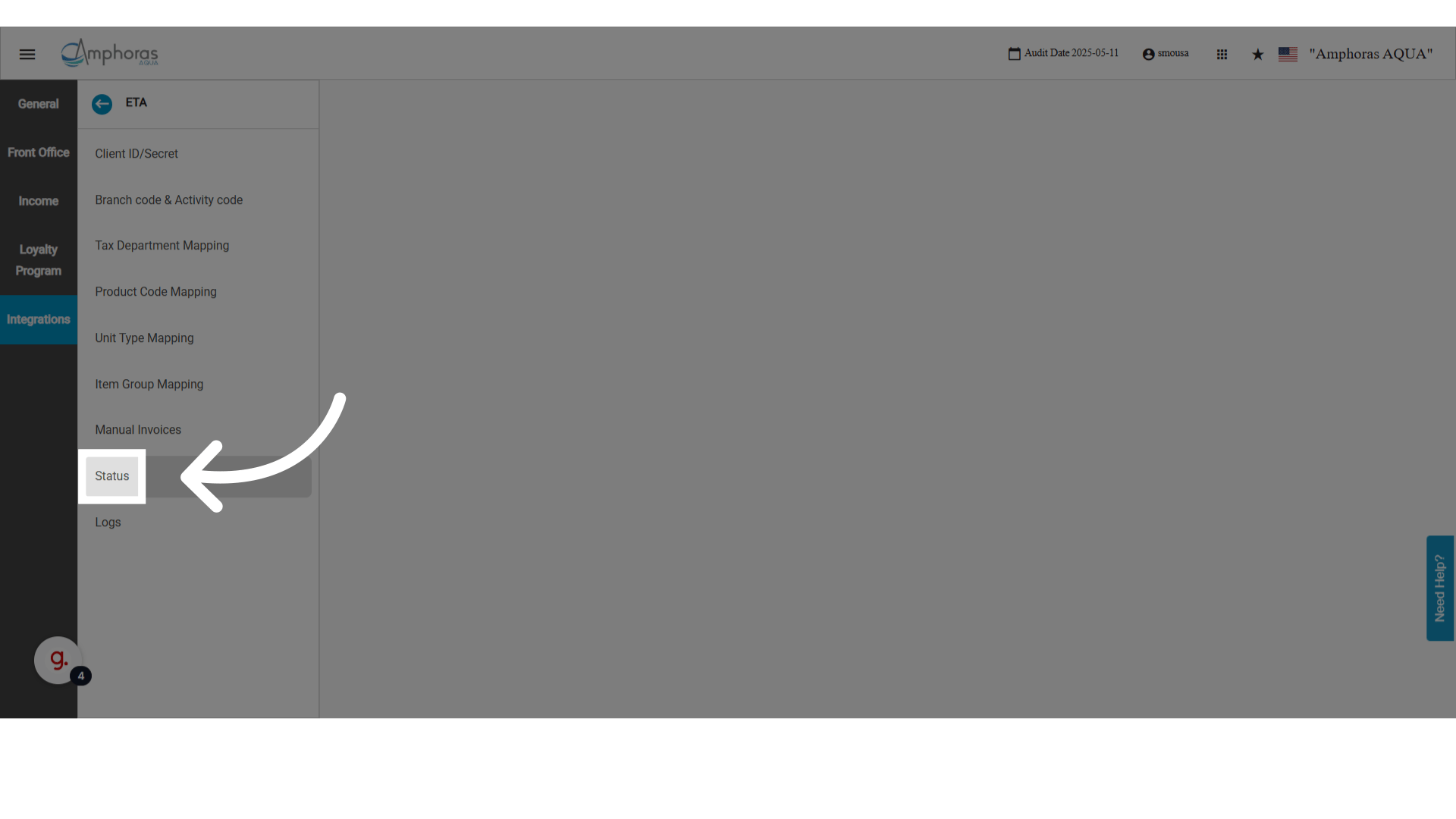
 **Click "Status"**
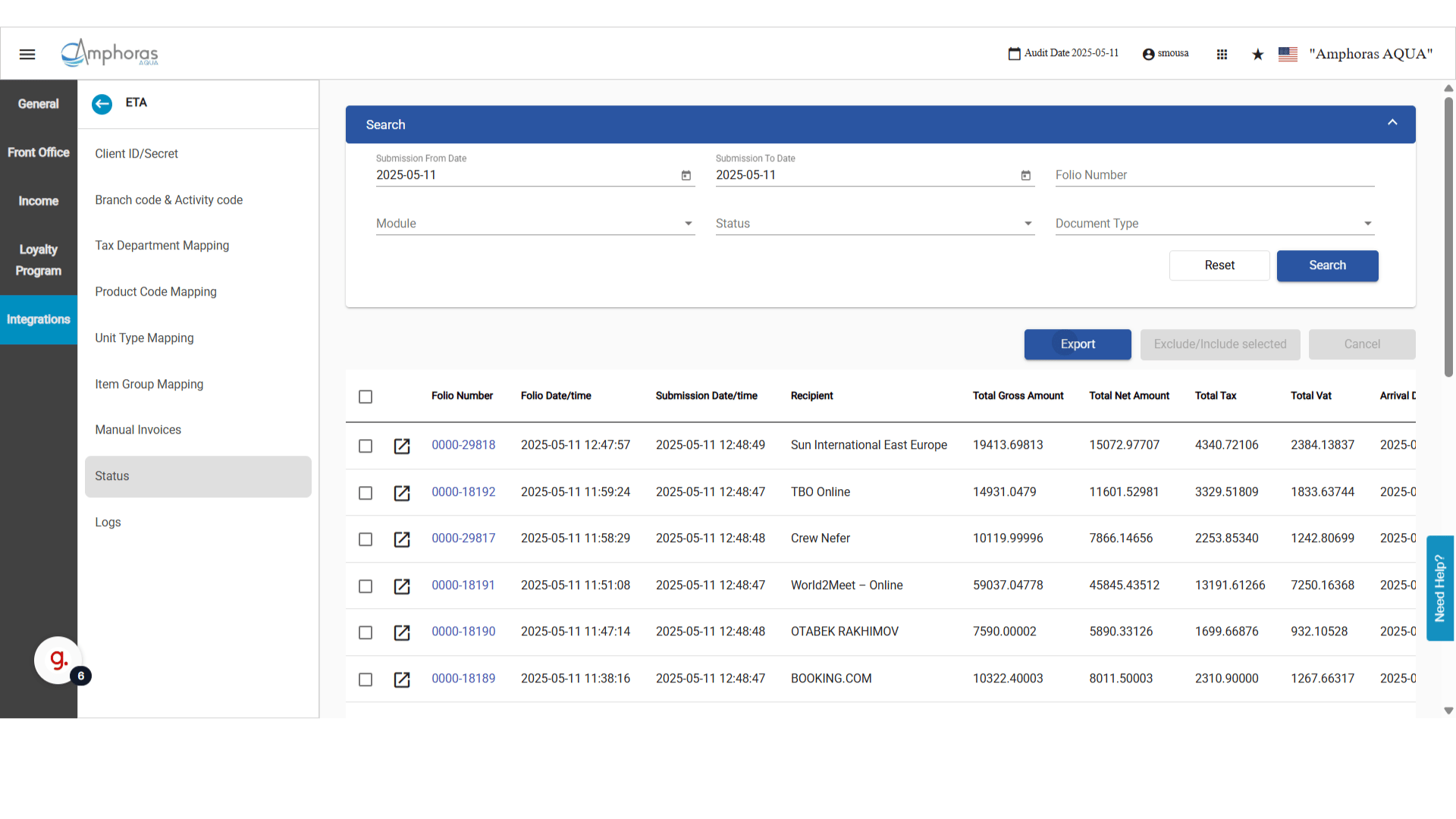
 ### **New Columns: Folio Date/Time and Recipient**
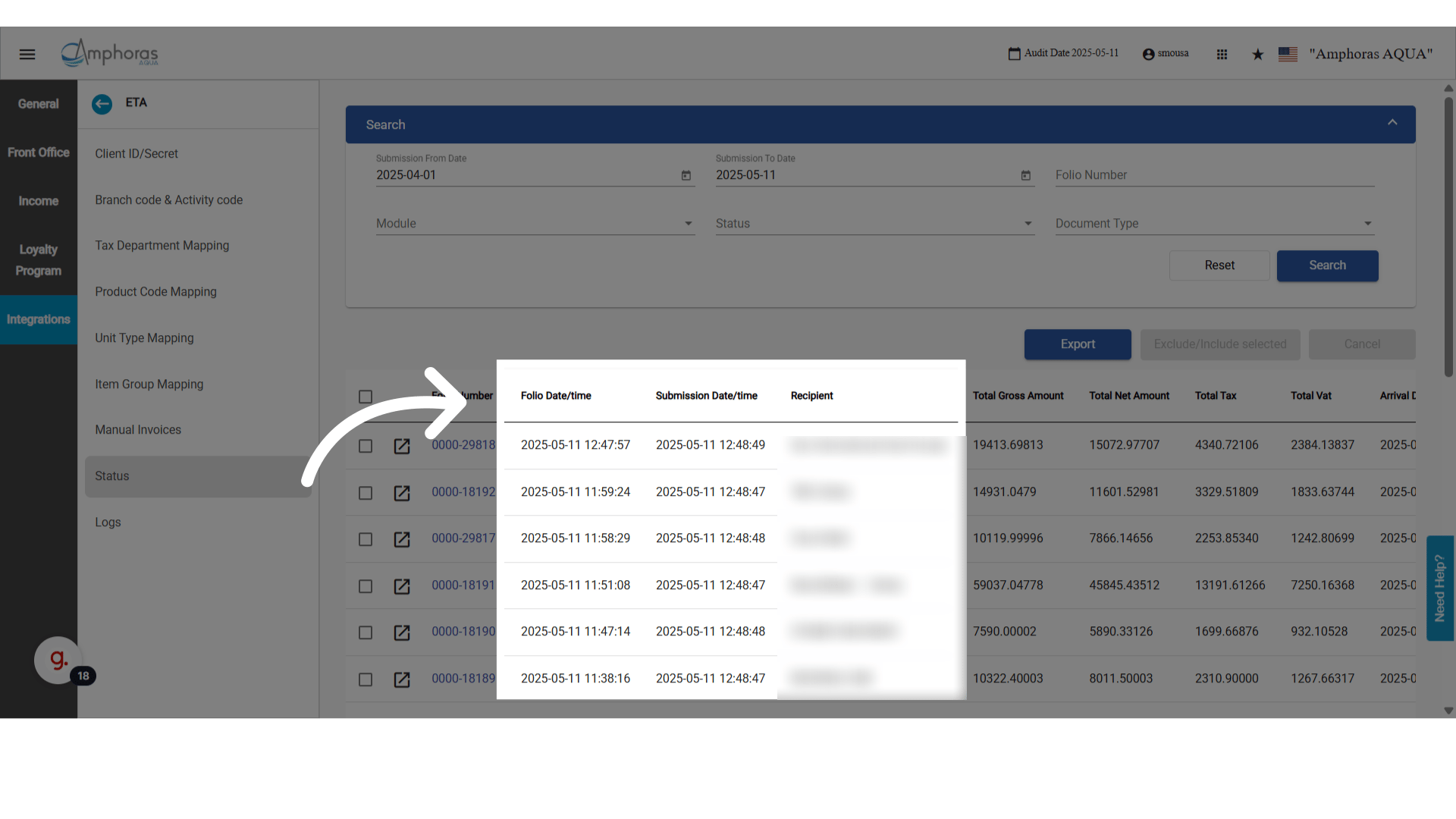
We’ve added more useful columns to the ETA Status screen:
* **Folio Date/Time:** When the folio was originally generated in kwentra.
* **Recipient:** The receiver of this invoice.
### **New Columns: Folio Date/Time and Recipient**
We’ve added more useful columns to the ETA Status screen:
* **Folio Date/Time:** When the folio was originally generated in kwentra.
* **Recipient:** The receiver of this invoice.
 ### **Quick Access to Folio List from ETA Screen**
We’ve improved the **Invoice Number** column:
* Next to each invoice number, there’s now a **Folio icon**.
* Clicking it opens the **Folio List** screen in a new tab.
* The list is **pre-filtered** by the folio number of that document.
💡 This makes it fast to jump from an ETA document to its original folio for investigation or follow-up.
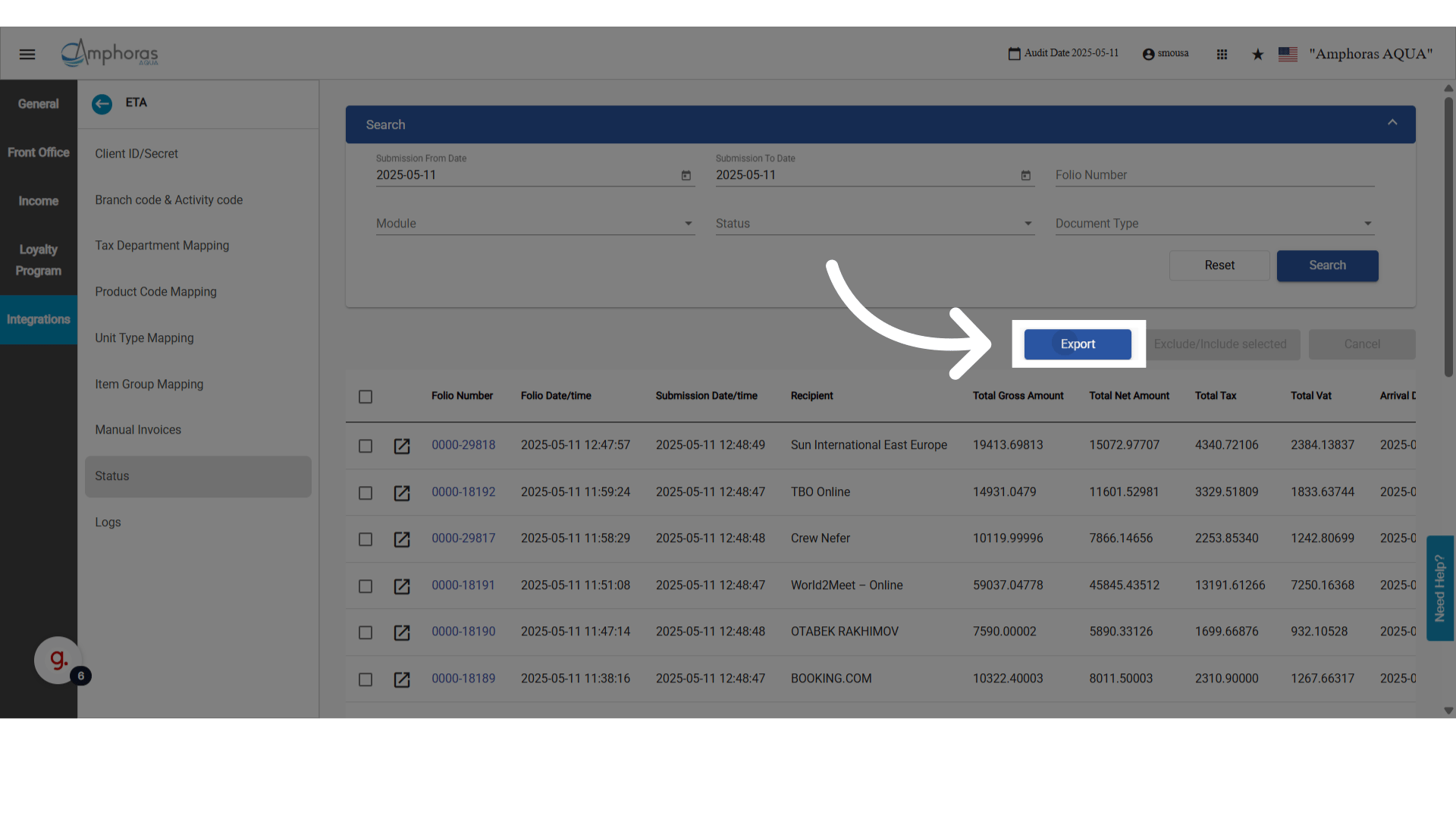
### preview**Export to CSV (with All Filters and Pages)**
**You can now export all filtered records, across all pages, in one click.**
**What Happens?**
* A **CSV file** is downloaded containing all records that match the current filters, not just what's on the screen.
* The file name includes a **timestamp** for easy tracking.
Example: `ETA_Status_Export_2025-04-07.csv`
* Export includes all relevant columns, including new ones (see below).
* **Pending documents** are not included, as they have no submission date.
### **Quick Access to Folio List from ETA Screen**
We’ve improved the **Invoice Number** column:
* Next to each invoice number, there’s now a **Folio icon**.
* Clicking it opens the **Folio List** screen in a new tab.
* The list is **pre-filtered** by the folio number of that document.
💡 This makes it fast to jump from an ETA document to its original folio for investigation or follow-up.
### preview**Export to CSV (with All Filters and Pages)**
**You can now export all filtered records, across all pages, in one click.**
**What Happens?**
* A **CSV file** is downloaded containing all records that match the current filters, not just what's on the screen.
* The file name includes a **timestamp** for easy tracking.
Example: `ETA_Status_Export_2025-04-07.csv`
* Export includes all relevant columns, including new ones (see below).
* **Pending documents** are not included, as they have no submission date.
 ### **Tax and Financial Columns Added**
New financial breakdown columns have been added to help you review submitted amounts directly from the ETA screen, and they’re also included in exports.
* **Total Net Amount:** Net amount from the invoice or receipt.
* **Total Gross Amount:** Total amount including tax.
* **Total Tax:** Total tax charged.
* **Total VAT:** Total of tax amounts mapped as **T1** (VAT).
* **Arrival Date:** Reservation Arrival Date, or Paymaster Date, depending on the document source.
### preview**Updated Column Order in ETA Status Screen & Export**
**Here’s the updated column order for both the screen and the exported file:**
1. **Folio Number**
2. Folio Date/Time
3. Submission Date/Time
4. Recipient
5. Total Net Amount
6. Total Gross Amount
7. Total Tax
8. Total VAT
9. Arrival Date
10. Module
11. Type
12. Status
13. Errors
🗑️ The **"Last Retry"** column has been removed for a cleaner layout
### **Tax and Financial Columns Added**
New financial breakdown columns have been added to help you review submitted amounts directly from the ETA screen, and they’re also included in exports.
* **Total Net Amount:** Net amount from the invoice or receipt.
* **Total Gross Amount:** Total amount including tax.
* **Total Tax:** Total tax charged.
* **Total VAT:** Total of tax amounts mapped as **T1** (VAT).
* **Arrival Date:** Reservation Arrival Date, or Paymaster Date, depending on the document source.
### preview**Updated Column Order in ETA Status Screen & Export**
**Here’s the updated column order for both the screen and the exported file:**
1. **Folio Number**
2. Folio Date/Time
3. Submission Date/Time
4. Recipient
5. Total Net Amount
6. Total Gross Amount
7. Total Tax
8. Total VAT
9. Arrival Date
10. Module
11. Type
12. Status
13. Errors
🗑️ The **"Last Retry"** column has been removed for a cleaner layout