> ## Documentation Index
> Fetch the complete documentation index at: https://help.kwentra.com/llms.txt
> Use this file to discover all available pages before exploring further.
# Shomoos Integration with KSA Police – Guest Reporting & Authentication
> Kwentra now offers direct integration with Shomoos, the official platform for guest data reporting to KSA Police. Hotels in Saudi Arabia can seamlessly authenticate, document, and track guest activ...
Kwentra now offers direct integration with Shomoos, the official platform for guest data reporting to KSA Police. Hotels in Saudi Arabia can seamlessly authenticate, document, and track guest activities in real-time directly within the property management system.
### **🎯 Business Value**
* Avoid fines by ensuring daily compliance with KSA’s mandatory guest data reporting.
* Centralize guest profile handling and police notifications inside Kwentra.
* Automate the flow of guest check-ins, checkouts, and escort information without manual uploads.
## **💡 Use Cases**
* A front desk agent updates a guest profile and submits it instantly to Shomoos.
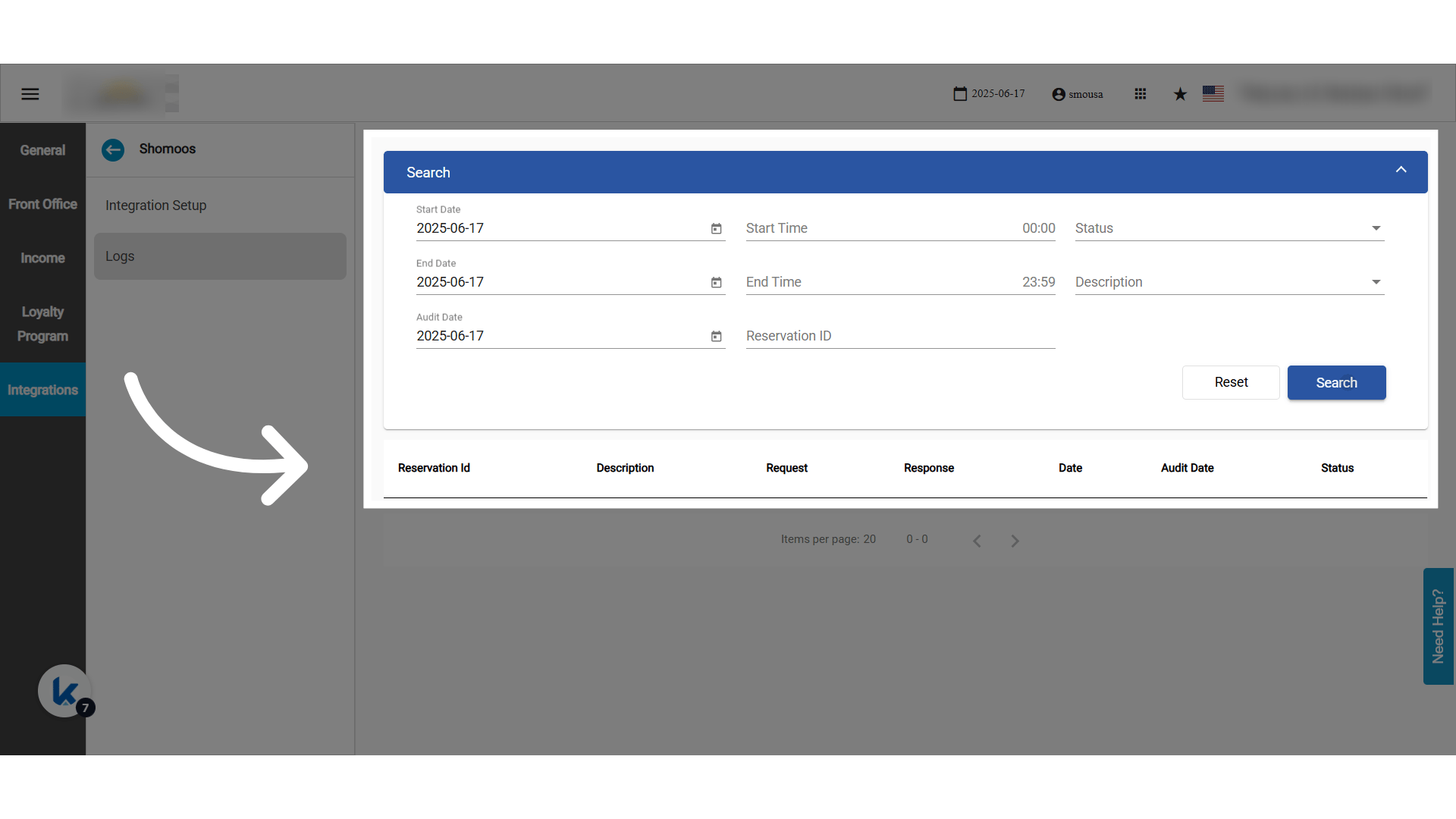
* A manager validates that all guests for the day were reported successfully using the log screen.
* The hotel automatically sends a “no transaction today” alert to avoid non-reporting penalties.
**Go to [manage.kwentra.com](https://manage.kwentra.com/)**
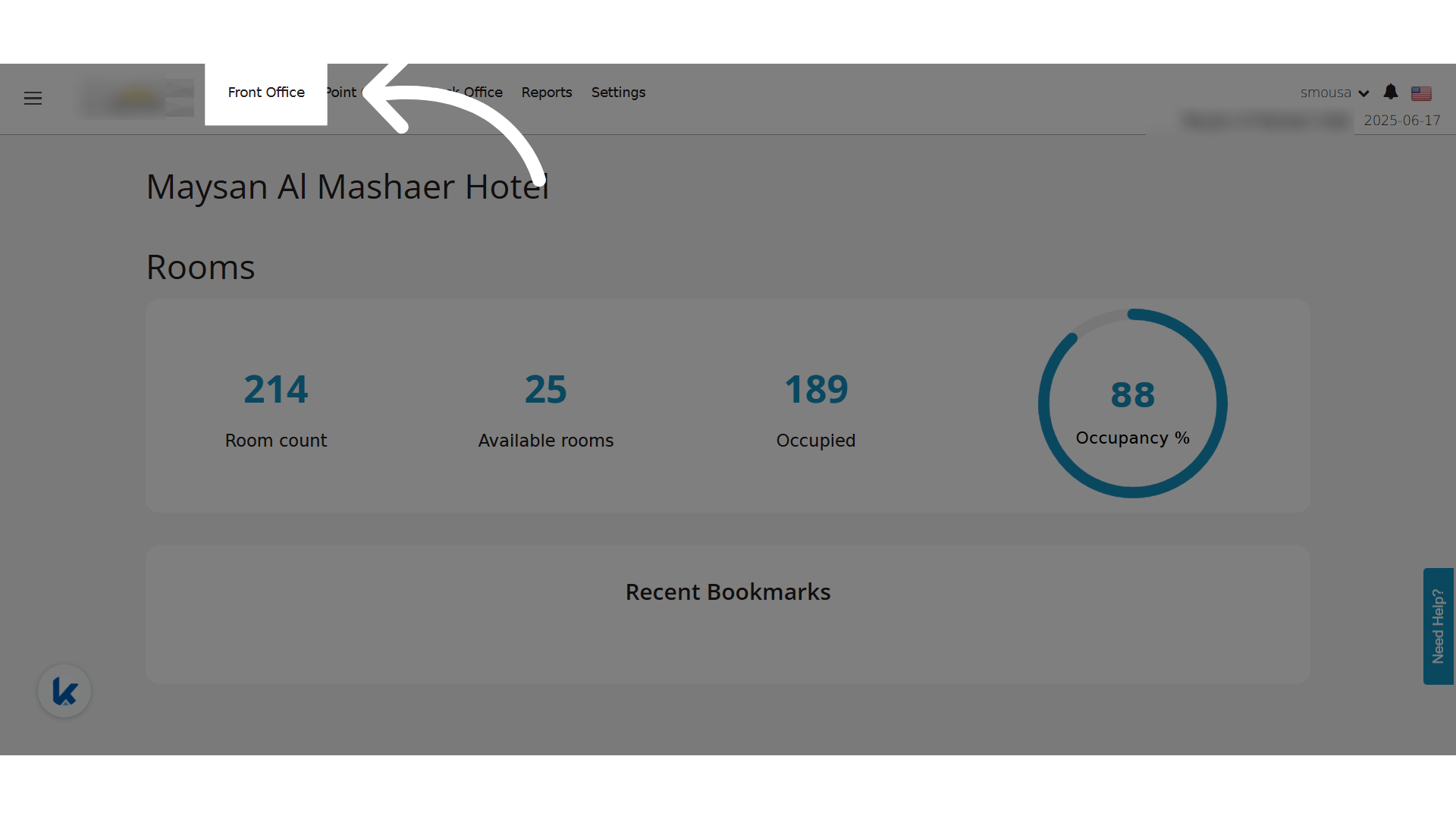
**Click "Front Office"**
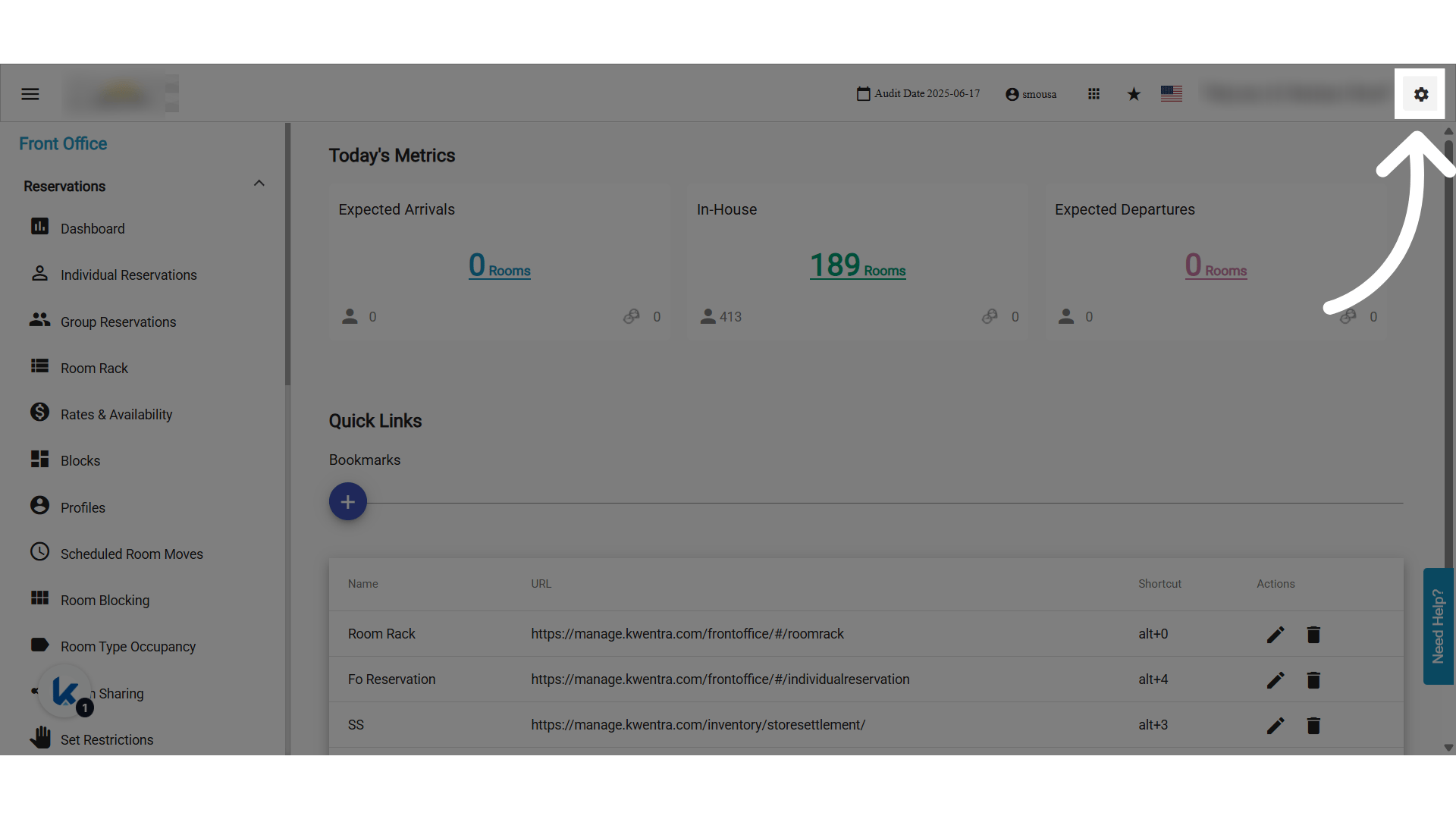
 **Click "settings"**
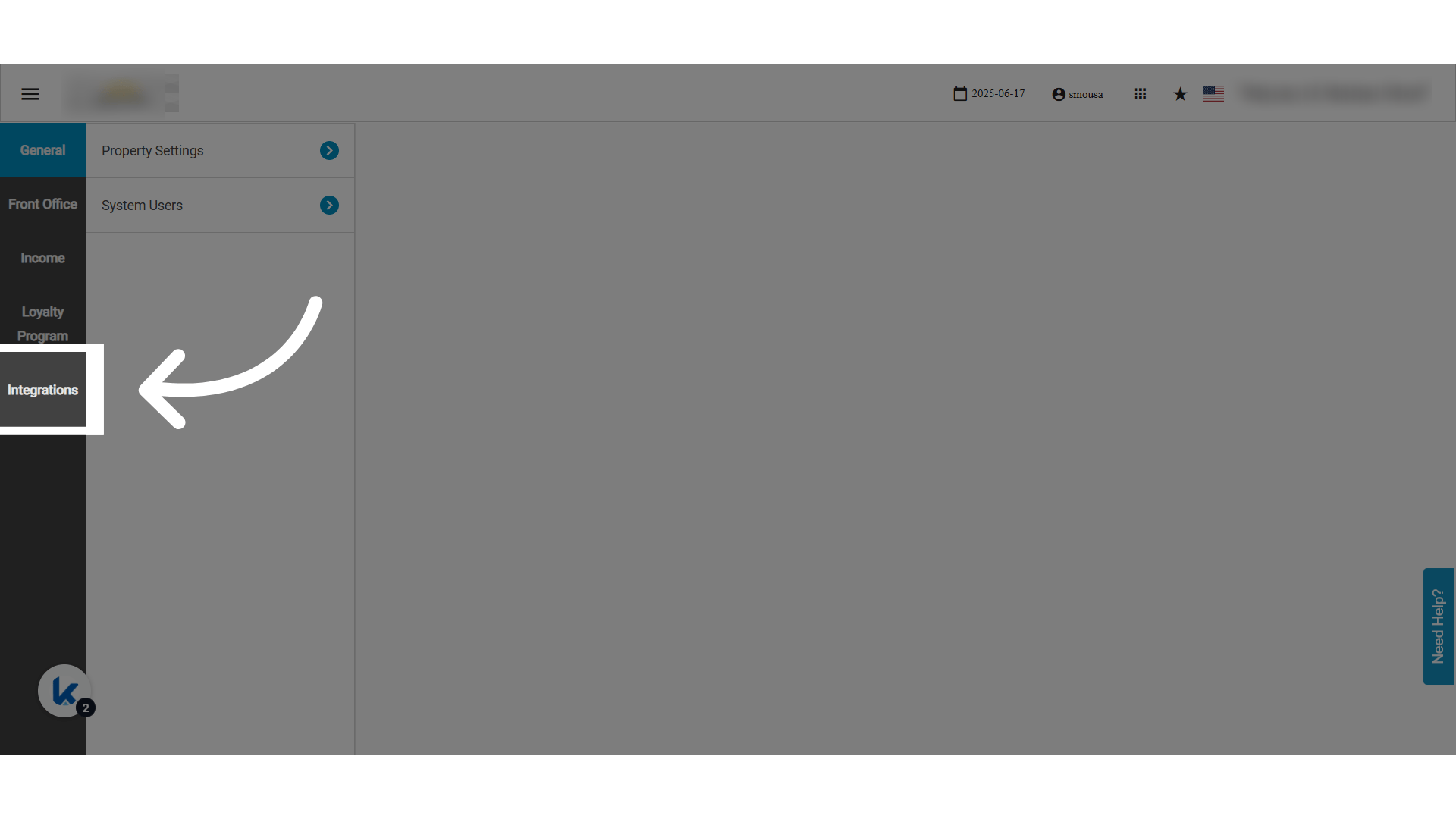
 **Click "Integrations"**
 **Choose Shomoos Integration**
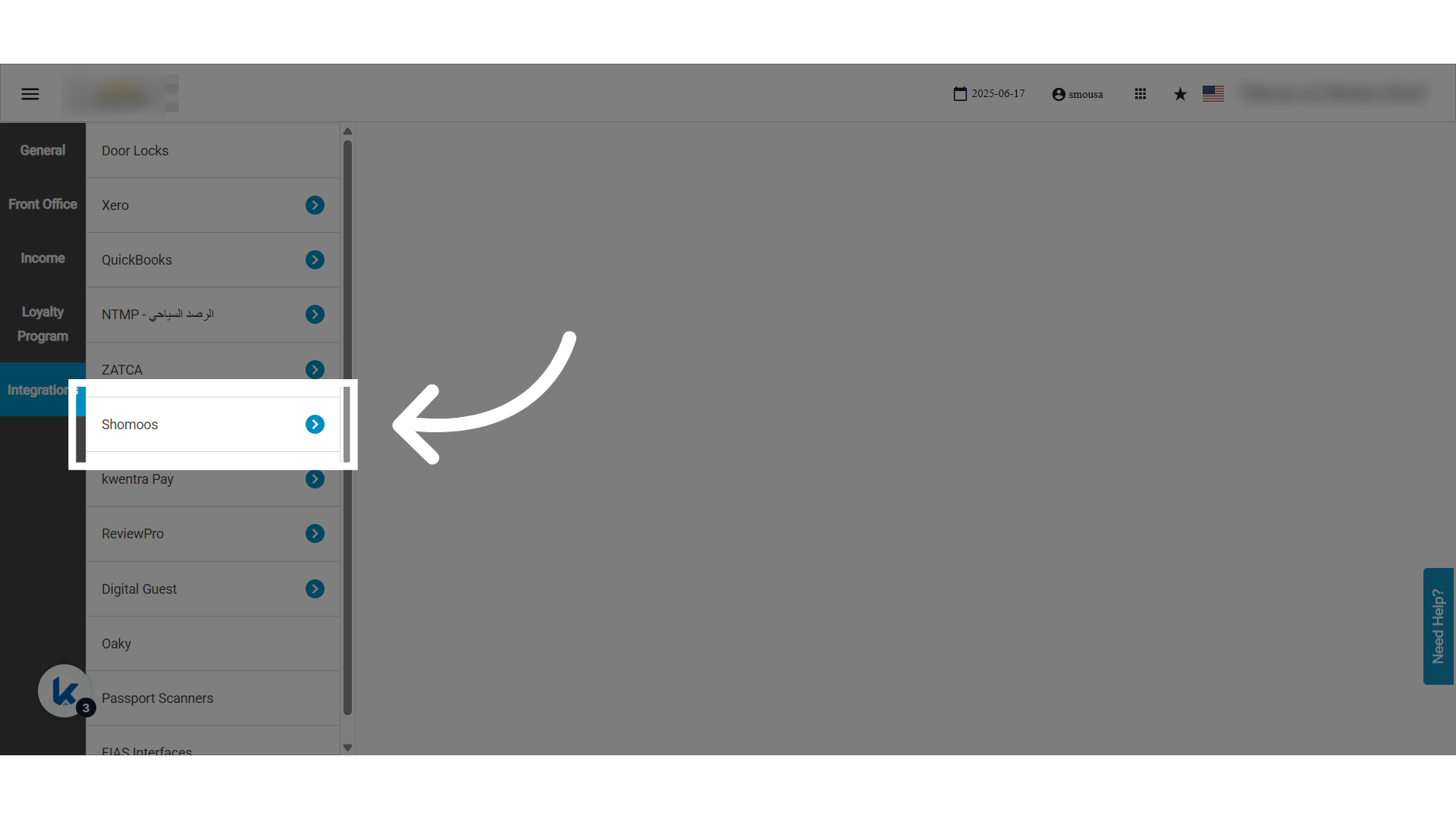 **Click "Integration Setup"**
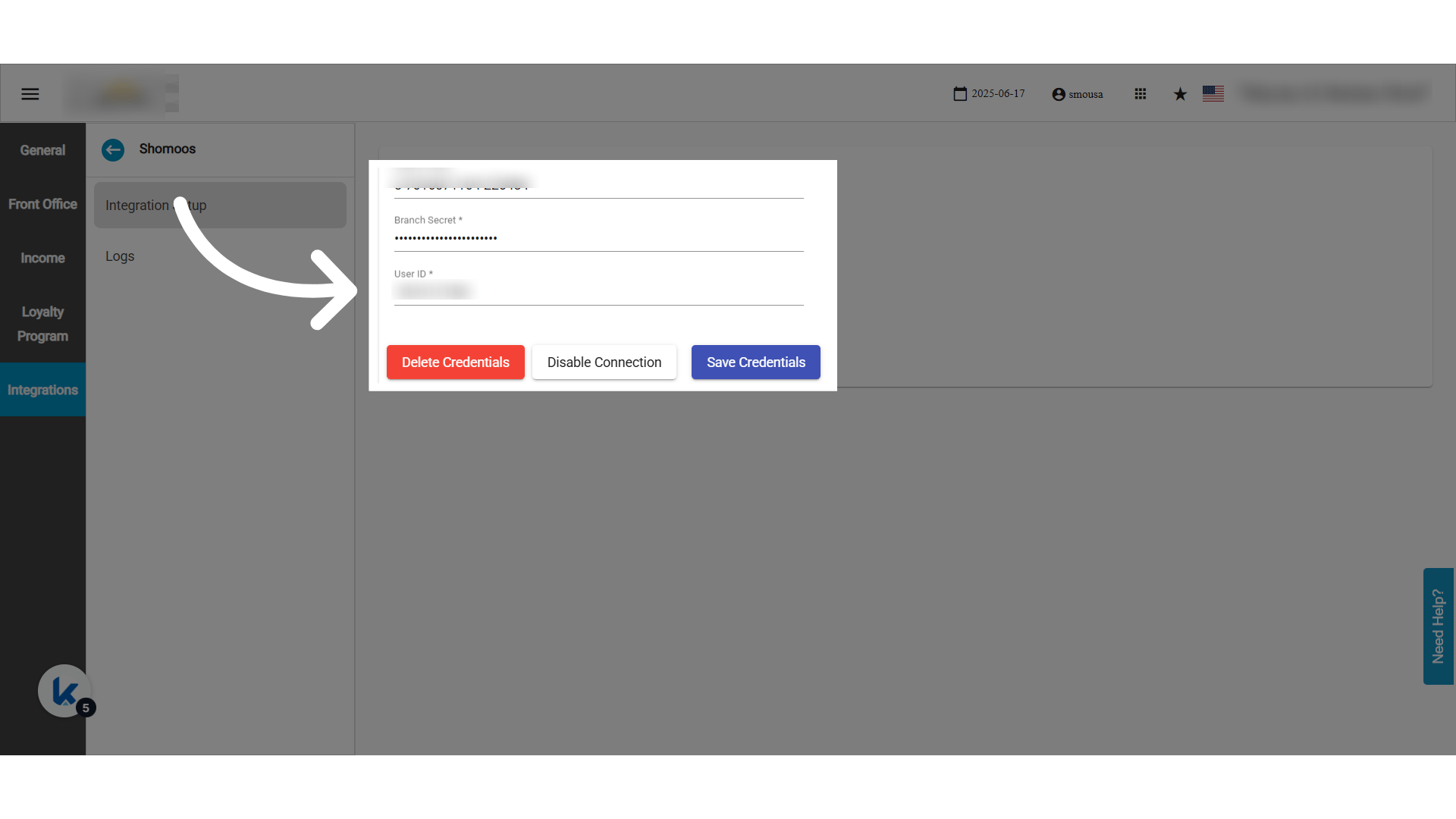
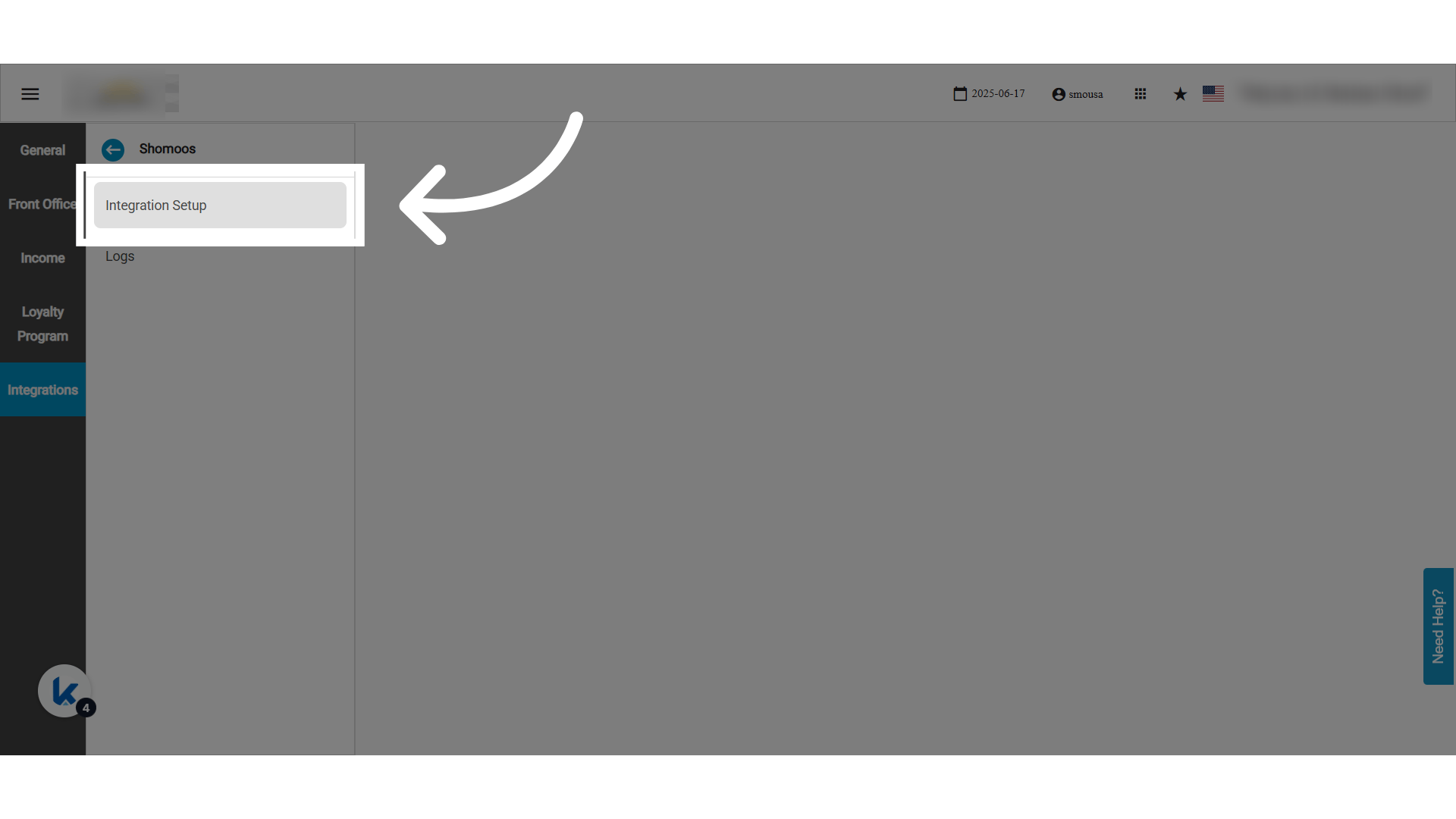 ### **✅ Information You Need to Enter in Kwentra (from Shomoos portal):**
### **🔐 Authentication Page**
* **Branch Code (رمز الفرع)**
→ This is the **code for the branch** selected on the Shomoos portal by the branch manager.
* **User ID (رقم هوية المستخدم على الفرع)**
→ This is the **User National ID or Iqama Number** of the person authorized at the branch.
* **Password (الرقم السري)**
→ This is the **branch password** created when selecting the integration intermediary (الوسيط) on the Shomoos platform. It is entered in the **password field for the branch** on Shomoos and shared with Kwentra.
* Actions: Enable/Disable connection, Save/Delete credentials.
**📝 *Only users with "Shomoos Settings" permission can manage credentials.***
### **✅ Information You Need to Enter in Kwentra (from Shomoos portal):**
### **🔐 Authentication Page**
* **Branch Code (رمز الفرع)**
→ This is the **code for the branch** selected on the Shomoos portal by the branch manager.
* **User ID (رقم هوية المستخدم على الفرع)**
→ This is the **User National ID or Iqama Number** of the person authorized at the branch.
* **Password (الرقم السري)**
→ This is the **branch password** created when selecting the integration intermediary (الوسيط) on the Shomoos platform. It is entered in the **password field for the branch** on Shomoos and shared with Kwentra.
* Actions: Enable/Disable connection, Save/Delete credentials.
**📝 *Only users with "Shomoos Settings" permission can manage credentials.***
 ### **🧾 Logs Screen**
* All Shomoos API interactions are logged.
* Errors and success responses are fully traceable.
### **🧾 Logs Screen**
* All Shomoos API interactions are logged.
* Errors and success responses are fully traceable.