> ## Documentation Index
> Fetch the complete documentation index at: https://help.kwentra.com/llms.txt
> Use this file to discover all available pages before exploring further.
# ZATCA Compliance for Back Office – Accounts Receivable
> Enable compliant generation of tax documents in the Back Office with full ZATCA integration — including signed tax invoices, credit notes, debit notes, and QR codes. Go to manage.kwentra.com 💡 Busi...
Enable compliant generation of tax documents in the Back Office with full ZATCA integration — including signed tax invoices, credit notes, debit notes, and QR codes.
**Go to [manage.kwentra.com](https://manage.kwentra.com)**
### **💡 Business Value**
* **Compliance:** Ensures your property meets KSA’s e-invoicing regulations (ZATCA) for both front and back office financial operations.
* **Operational Integrity:** Automatically signs and validates all back office financial documents, reducing audit risks.
* **Centralized Monitoring:** Enhances transparency with full logging and status tracking through the ZATCA Log & Status screens.
* **Efficiency:** Eliminates the need for manual processing and reconciliation of credit/debit notes.
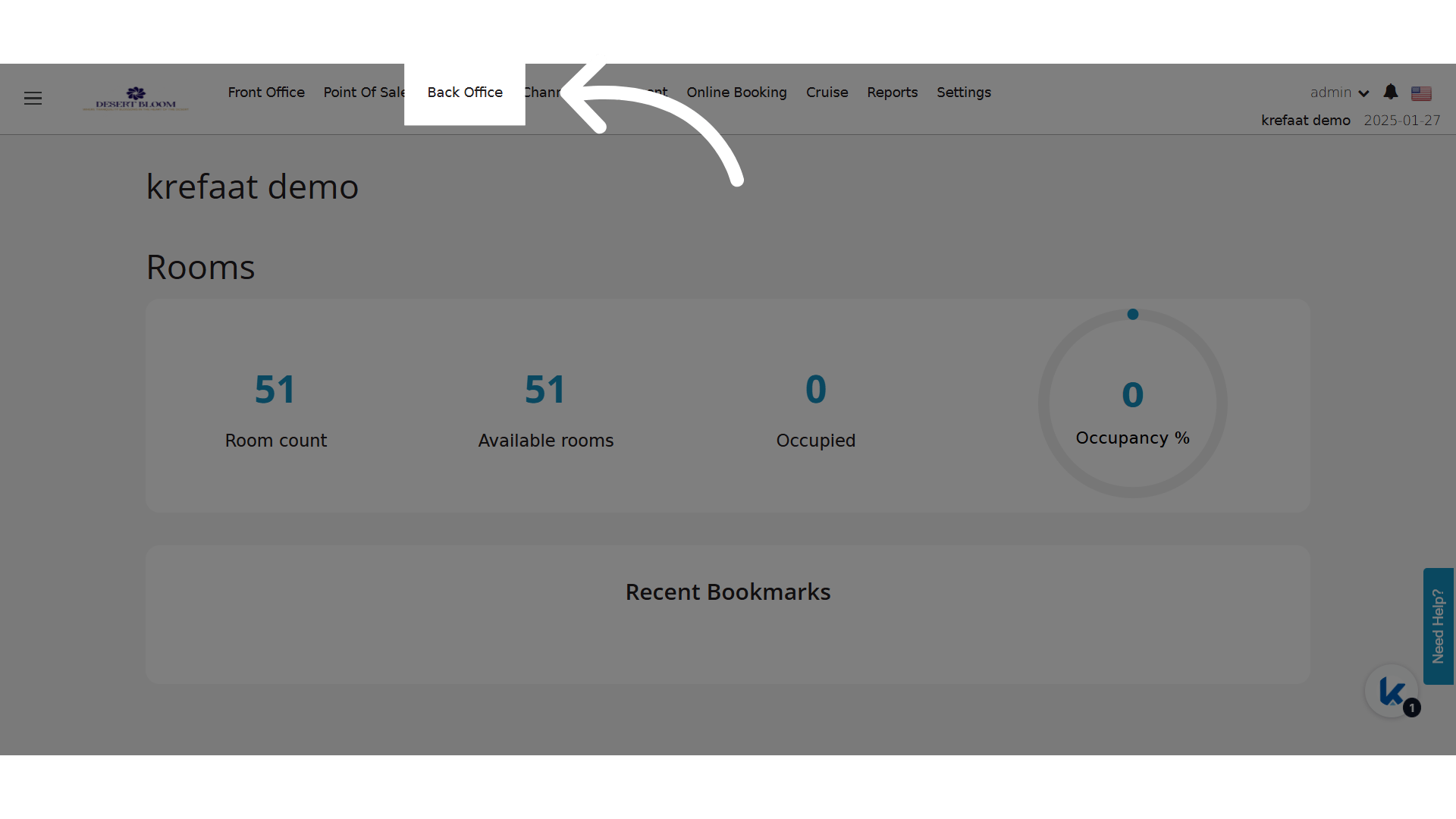
**Click "Back Office"**
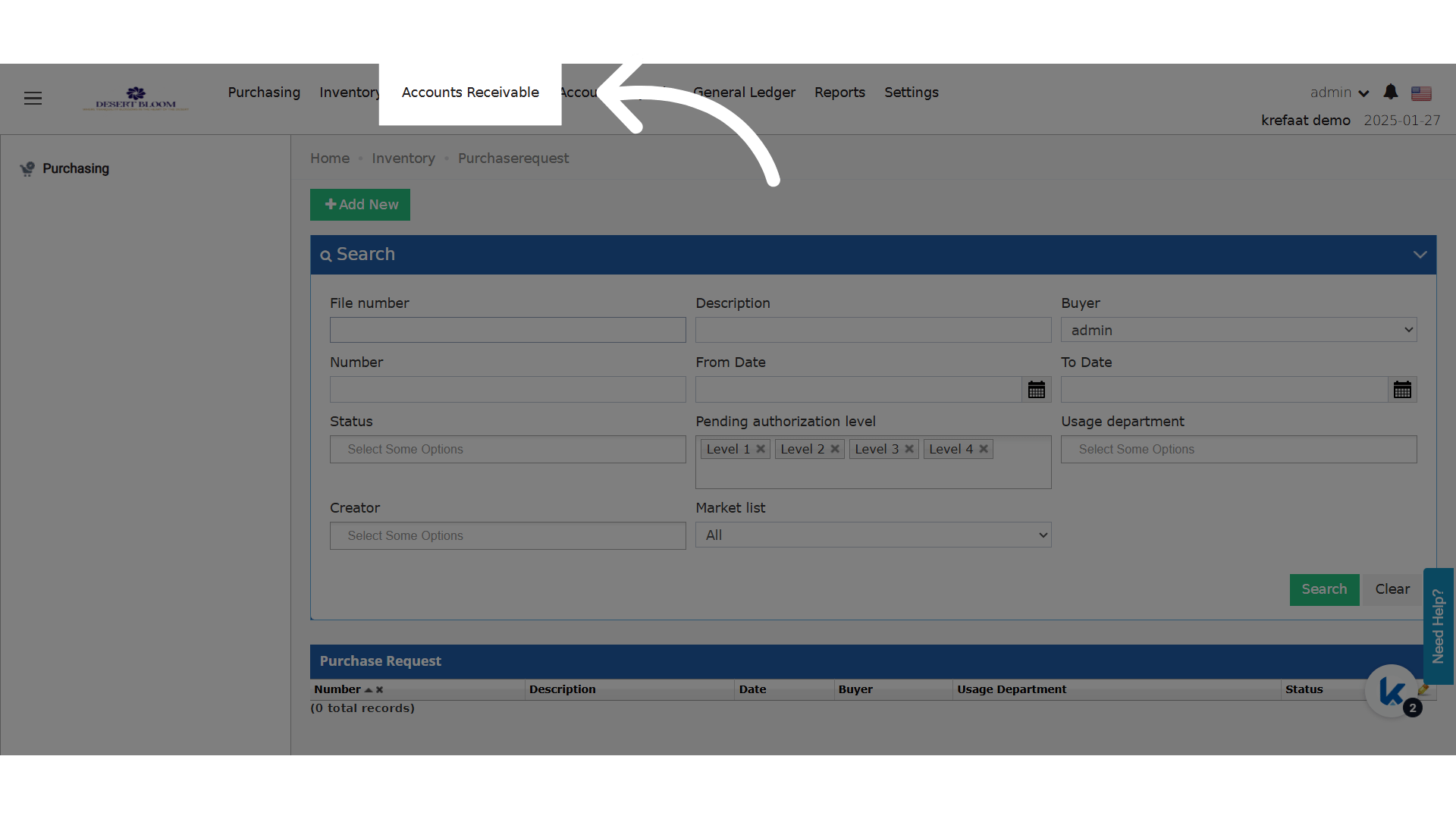
 **Click "Accounts Receivable"**
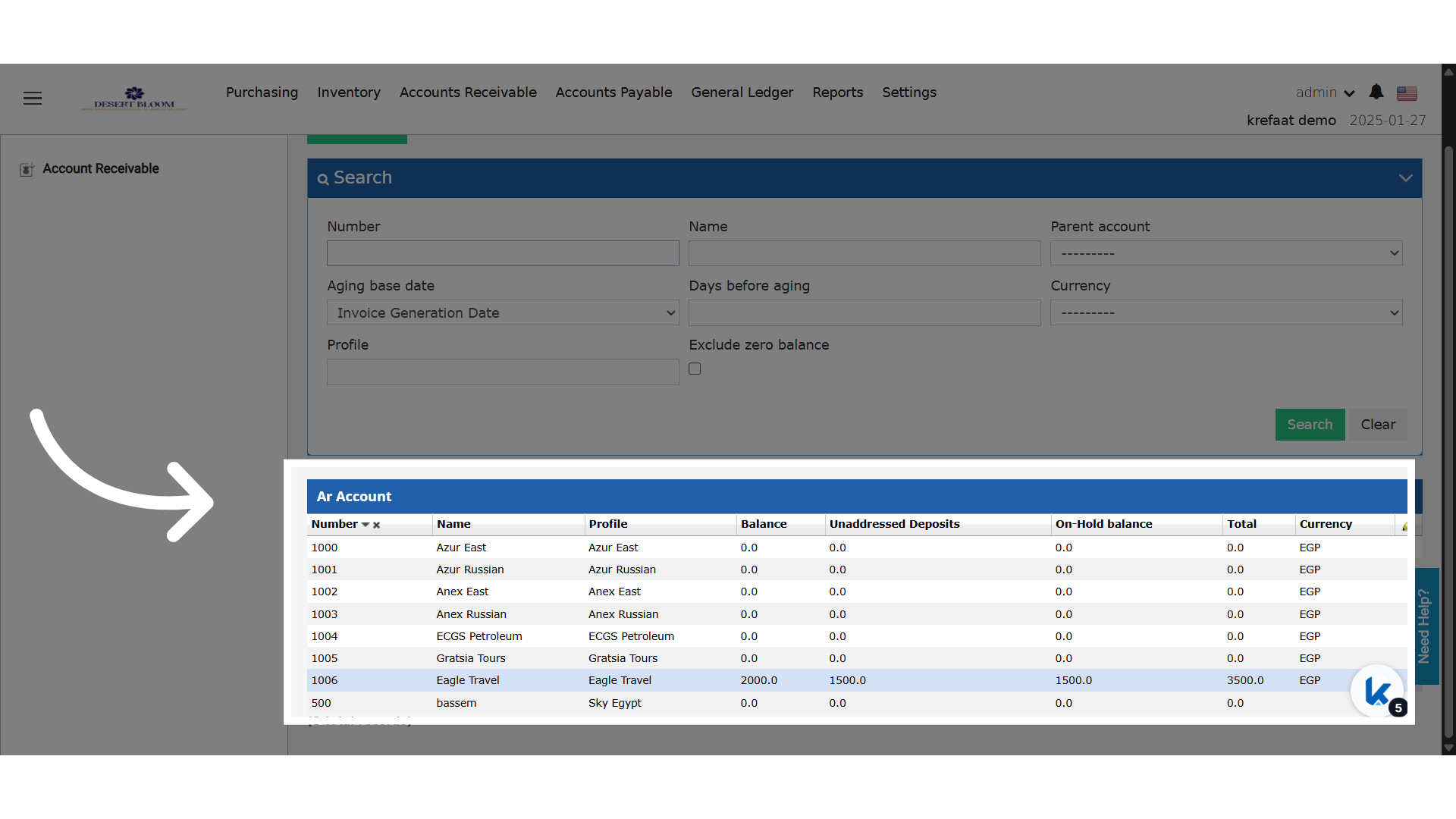
 **Select an AR Account**
To comply with ZATCA validation rules, the following **must be filled** in the Company/Channel profile:
* VAT Number
* Name
* Street
* Building Number
* District
* City
* Postal Code
* Country ISO Code
> ⚠️ If any of these fields are missing, the invoice will not be generated and a validation error will appear.
>
>
**Select an AR Account**
To comply with ZATCA validation rules, the following **must be filled** in the Company/Channel profile:
* VAT Number
* Name
* Street
* Building Number
* District
* City
* Postal Code
* Country ISO Code
> ⚠️ If any of these fields are missing, the invoice will not be generated and a validation error will appear.
>
>  ### **How It Works?**
* Manually issuing an AR invoice to a corporate customer in Saudi Arabia.
* Applying a credit note for an overpayment or refund.
* Creating a debit note for additional charges.
* Reviewing ZATCA clearance status for submitted back office invoices.
* Ensuring tax lines are grouped properly by department for clarity and audit compliance.
### **How It Works?**
* Manually issuing an AR invoice to a corporate customer in Saudi Arabia.
* Applying a credit note for an overpayment or refund.
* Creating a debit note for additional charges.
* Reviewing ZATCA clearance status for submitted back office invoices.
* Ensuring tax lines are grouped properly by department for clarity and audit compliance.