> ## Documentation Index
> Fetch the complete documentation index at: https://help.kwentra.com/llms.txt
> Use this file to discover all available pages before exploring further.
# Restaurant QR Code for Paymasters
> Generate a restaurant QR code for paymasters to enable meal pickups linked to addon packages, using a PM prefix to distinguish them from reservation QRs.
Generate a restaurant QR code for paymasters to enable meal pickups linked to addon packages.
### **Business Value**
* **Expands Meal Pickup:** Enable charging and meal pickups for non-reservation guests (e.g., spa, events).
* **Prevents Errors:** Stops users from generating a QR unless the paymaster has packages with meals, reducing guest confusion.
* **Operational Clarity:** QR codes for paymasters are differentiated from reservation QR codes, making control and reporting easier.
### **Actual Use Cases**
* **Spa or Event Guests:** Issue a QR code for a paymaster handling a spa or banquet event so guests can claim prepaid meals at the restaurant.
* **Walk-in Package Sales:** Sell and manage meal packages for guests not tied to a room reservation, and allow easy pickup through QR scanning.
* **Accounting Differentiation:** Finance can easily distinguish between meal redemptions linked to reservations (RS code) and paymasters (PM code).
### **Technical Know-How**
* **How to Generate the QR Code:**
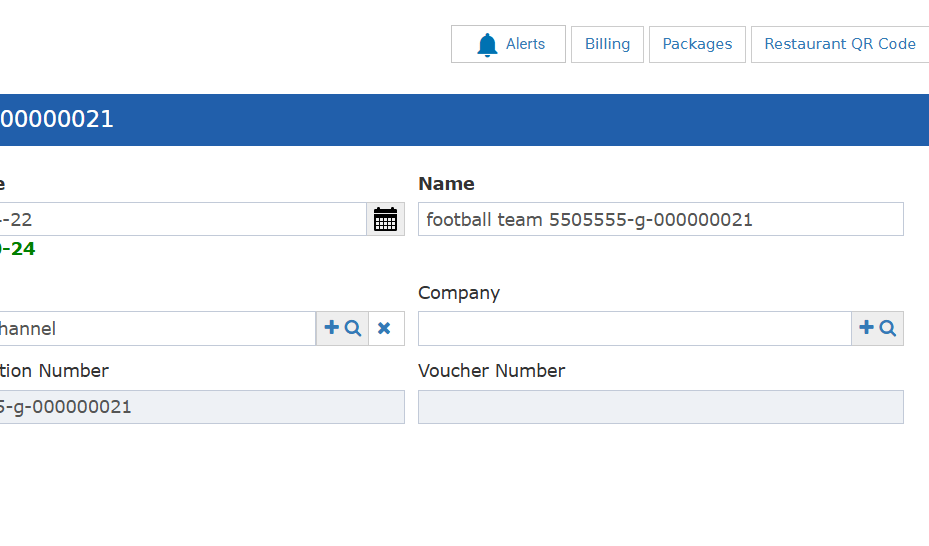
1. Go to **Front Office → Paymaster → Selected Paymaster**.
2. Click **Restaurant QR Code**.
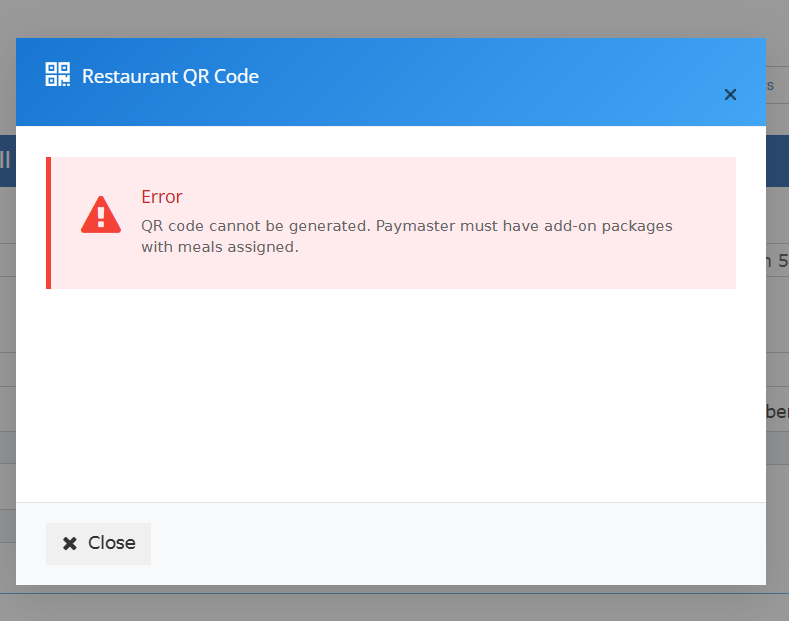
3. **If no addon package with a meal** is linked, an error message will display:
*"No available packages with meals to generate QR code."*
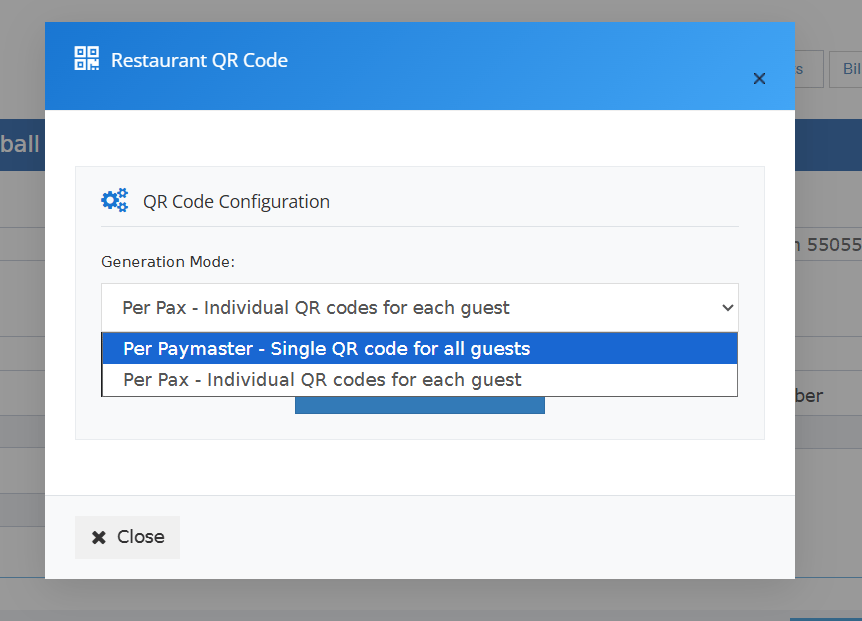
4. **If packages with meals exist:**
* QR code is generated for the **total number of packages** with meals.
* The generated QR code will use the **PM** prefix to distinguish it from reservation QRs (**RS**).
5. QR can be printed or scanned at the restaurant, just like for reservations.
 * **QR Code Behavior:**
* Paymaster QRs **cannot be used** unless at least one package with a meal exists.
* QR code tracks the total eligible meals based on all applicable packages.
* **Security:** QR model and code structure for paymasters is unique and cannot be mixed with reservation QRs.
* **QR Code Behavior:**
* Paymaster QRs **cannot be used** unless at least one package with a meal exists.
* QR code tracks the total eligible meals based on all applicable packages.
* **Security:** QR model and code structure for paymasters is unique and cannot be mixed with reservation QRs.
 ***
### **Notes**
* Only open paymasters can use this feature.
* This update aligns the paymaster experience with individual reservations while maintaining operational clarity.
***
### **Notes**
* Only open paymasters can use this feature.
* This update aligns the paymaster experience with individual reservations while maintaining operational clarity.