> ## Documentation Index
> Fetch the complete documentation index at: https://help.kwentra.com/llms.txt
> Use this file to discover all available pages before exploring further.
# Blocks Summary
> We use the concept of allocating certain rooms to a specific block for scenarios like Online booking and Expedia reservations. Through the previous Front Office Navigation, you used to follow the b...
We use the concept of allocating certain rooms to a specific block for scenarios like Online booking and Expedia reservations.
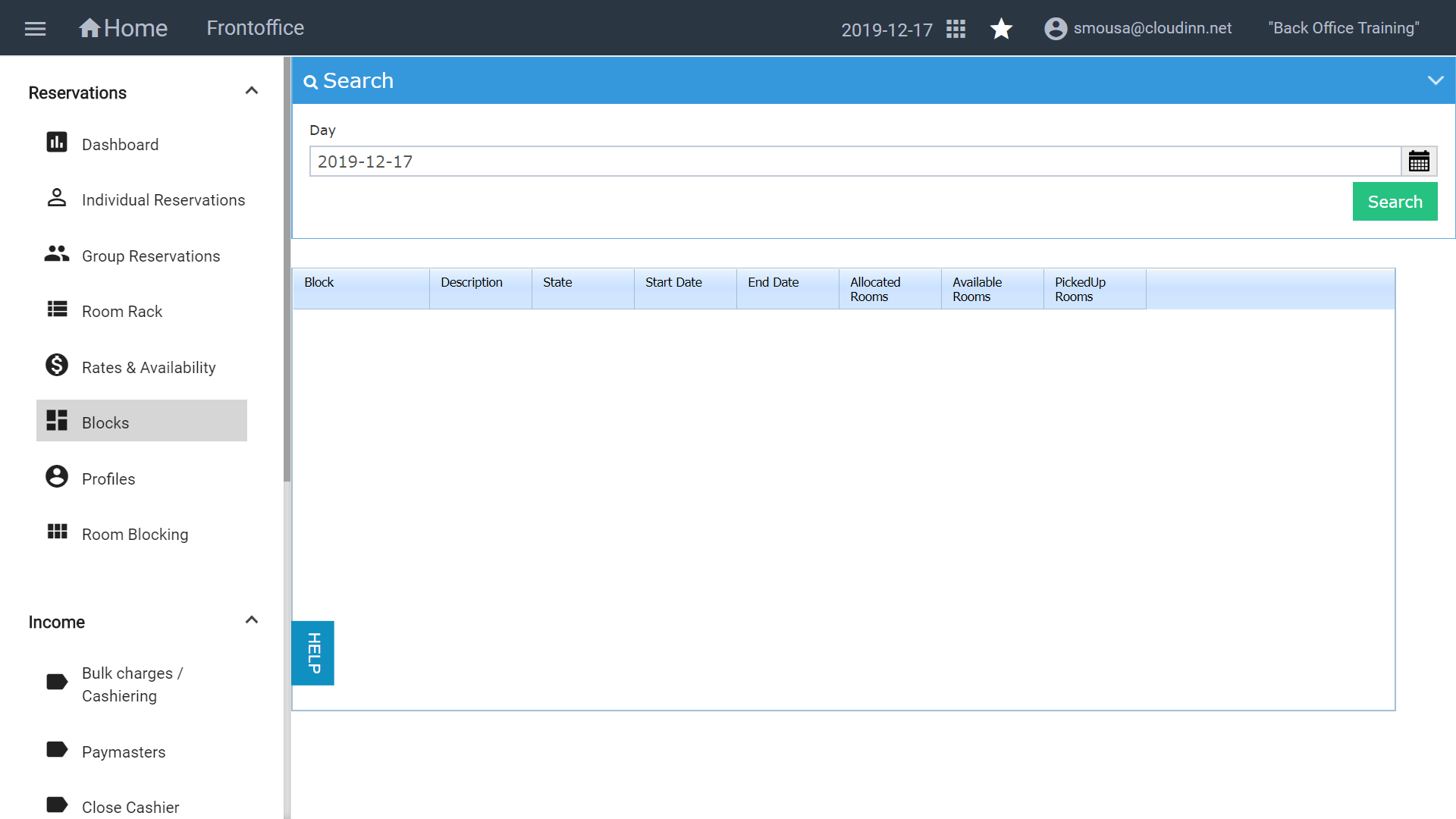
Through the previous Front Office Navigation, you used to follow the below steps in order to reach the Block Summary screen:
* Click on **Front Office** after login.
* Click on **Blocks** from menu on the left
* Select **Block Summary.**
This screen helps in defining all what you need to know about a certain block of rooms.
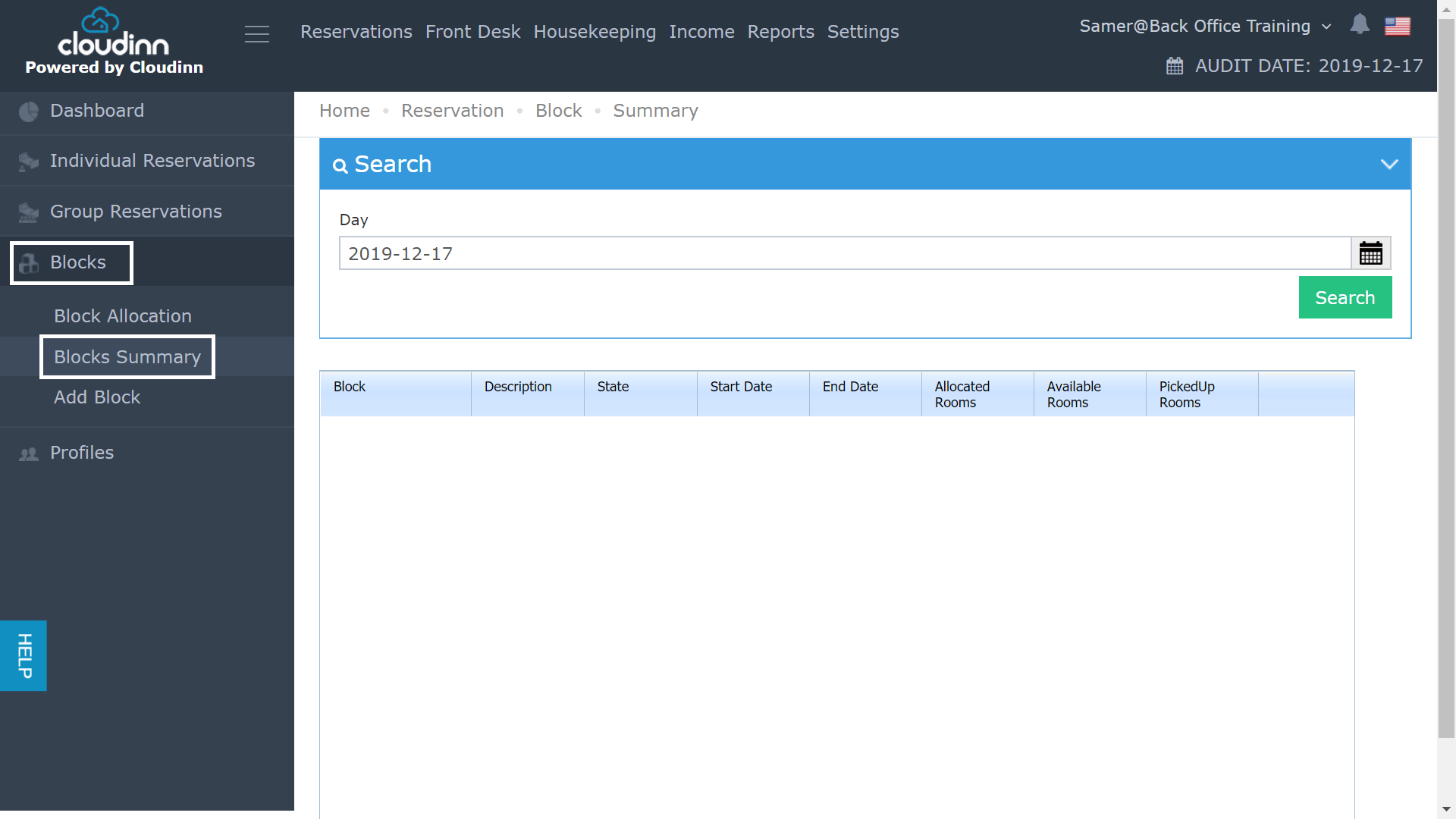 It used to take numerous clicks to reach your destination, with the new FO navigation you can reach the same screen with less clicks as below: