> ## Documentation Index
> Fetch the complete documentation index at: https://help.kwentra.com/llms.txt
> Use this file to discover all available pages before exploring further.
# Income Cashiering
> Through the previous Front Office Navigation, you used to follow the below steps in order to reach the Income Cashiering screen: Click on Front Office after login. Click on Income from the top. Cli...
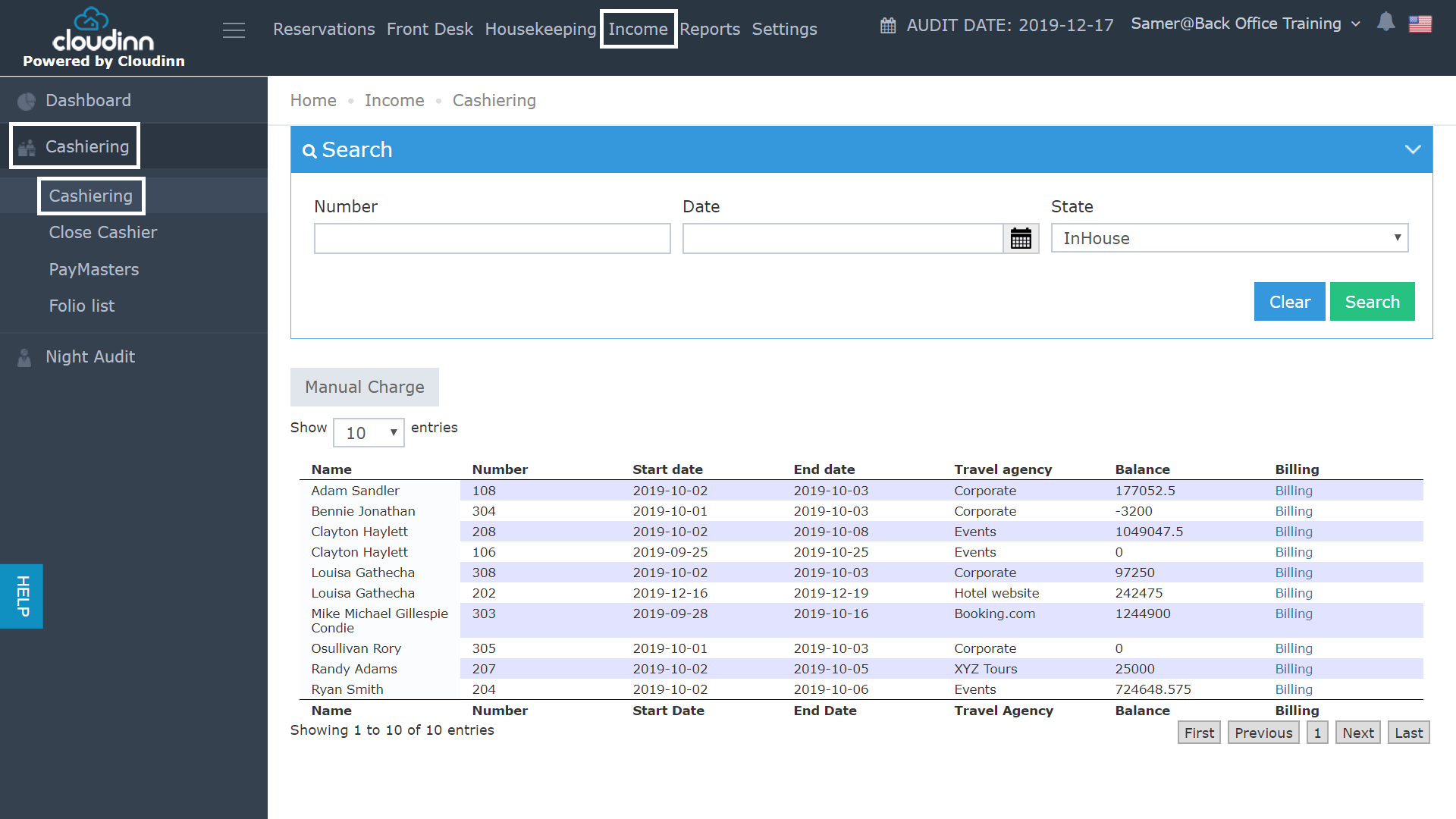
Through the previous Front Office Navigation, you used to follow the below steps in order to reach the Income Cashiering screen:
* Click on **Front Office** after login.
* Click on **Income** from the top.
* Click on **Cashiering** from the left side **.**
* Select **Cashiering.**
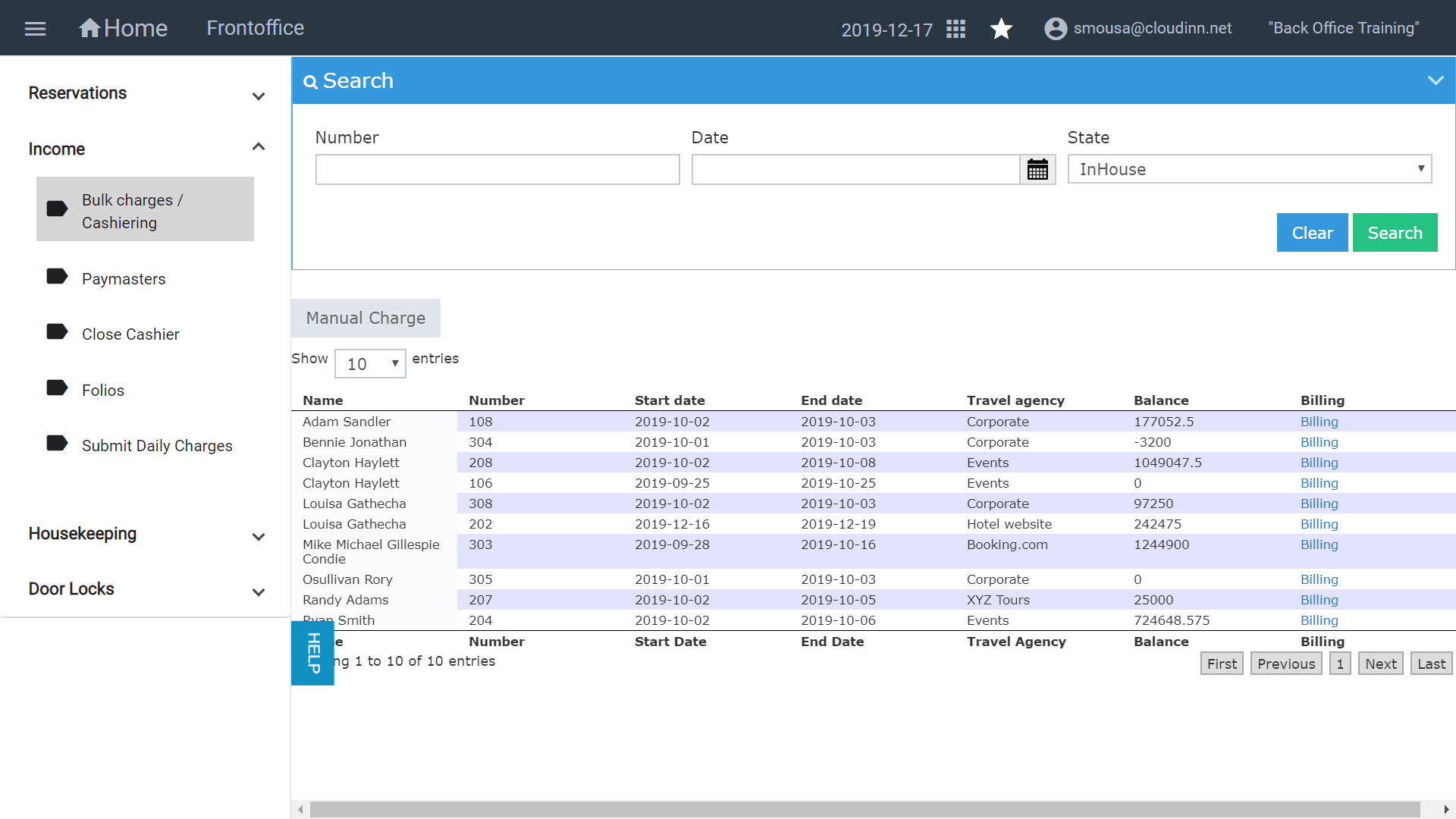
 It used to take numerous clicks to reach your destination, with the new FO navigation you can reach the same screen with less clicks as below and it will provide you with the same access you used to have: