> ## Documentation Index
> Fetch the complete documentation index at: https://help.kwentra.com/llms.txt
> Use this file to discover all available pages before exploring further.
# Tourist Accommodation Report (تقرير الإيواء السياحي)
> This report is designed to help hotels in Saudi Arabia meet government reporting requirements for guest stays, with accurate arrival/departure dates and average room rates per stay. يتيح هذا التقري...
This report is designed to help hotels in Saudi Arabia meet government reporting requirements for guest stays, with accurate arrival/departure dates and average room rates per stay.
يتيح هذا التقرير للفنادق في المملكة العربية السعودية إنشاء ملخص مطابق لمتطلبات الجهات الحكومية عن تفاصيل إقامة النزلاء خلال شهر معين. يقوم التقرير بتعديل تواريخ الدخول والخروج وحساب متوسط سعر الغرفة فقط خلال الشهر المحدد، لضمان دقة البيانات وامتثالها للأنظمة.
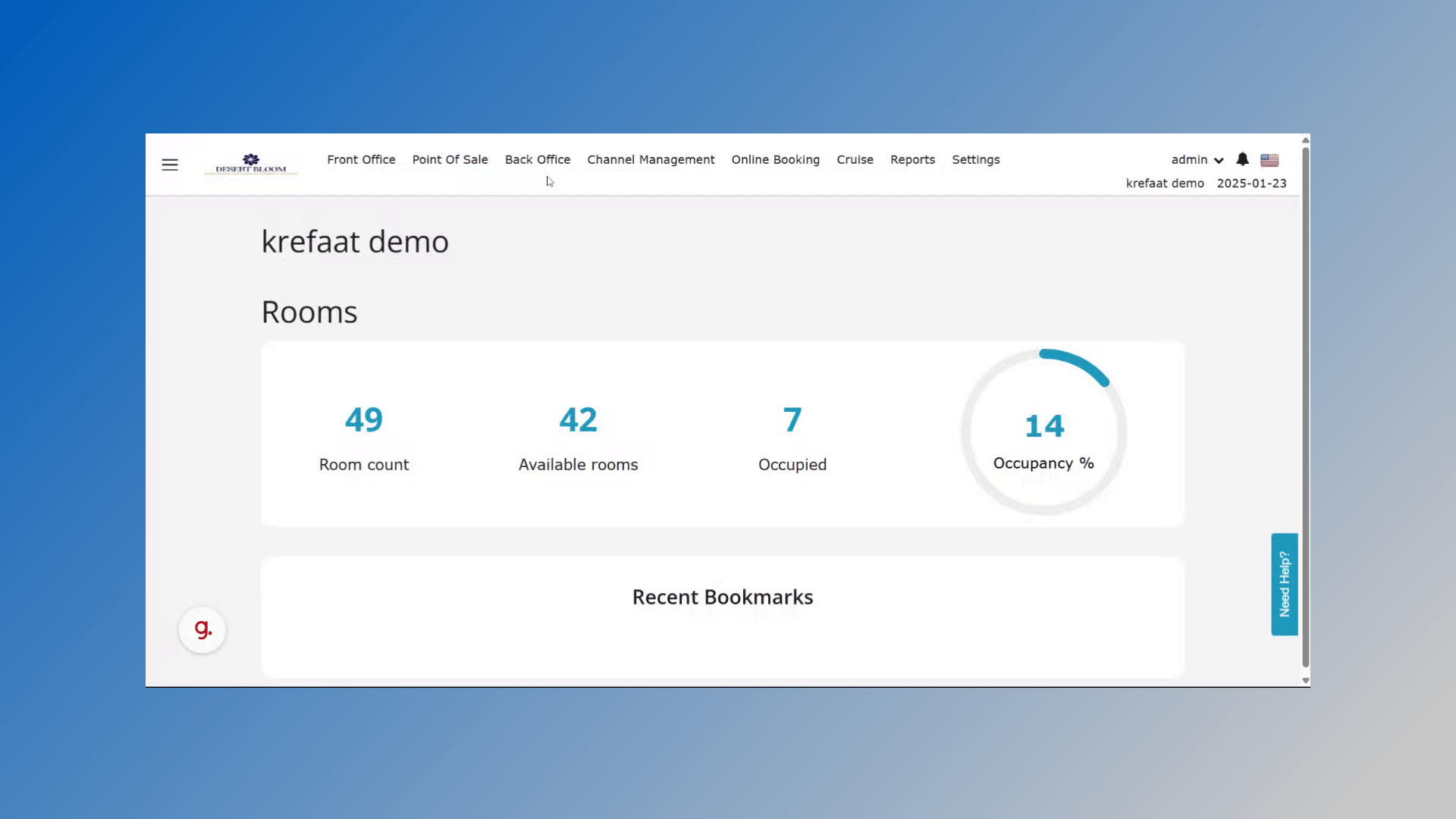 This report is only available for properties located in Saudi Arabia.
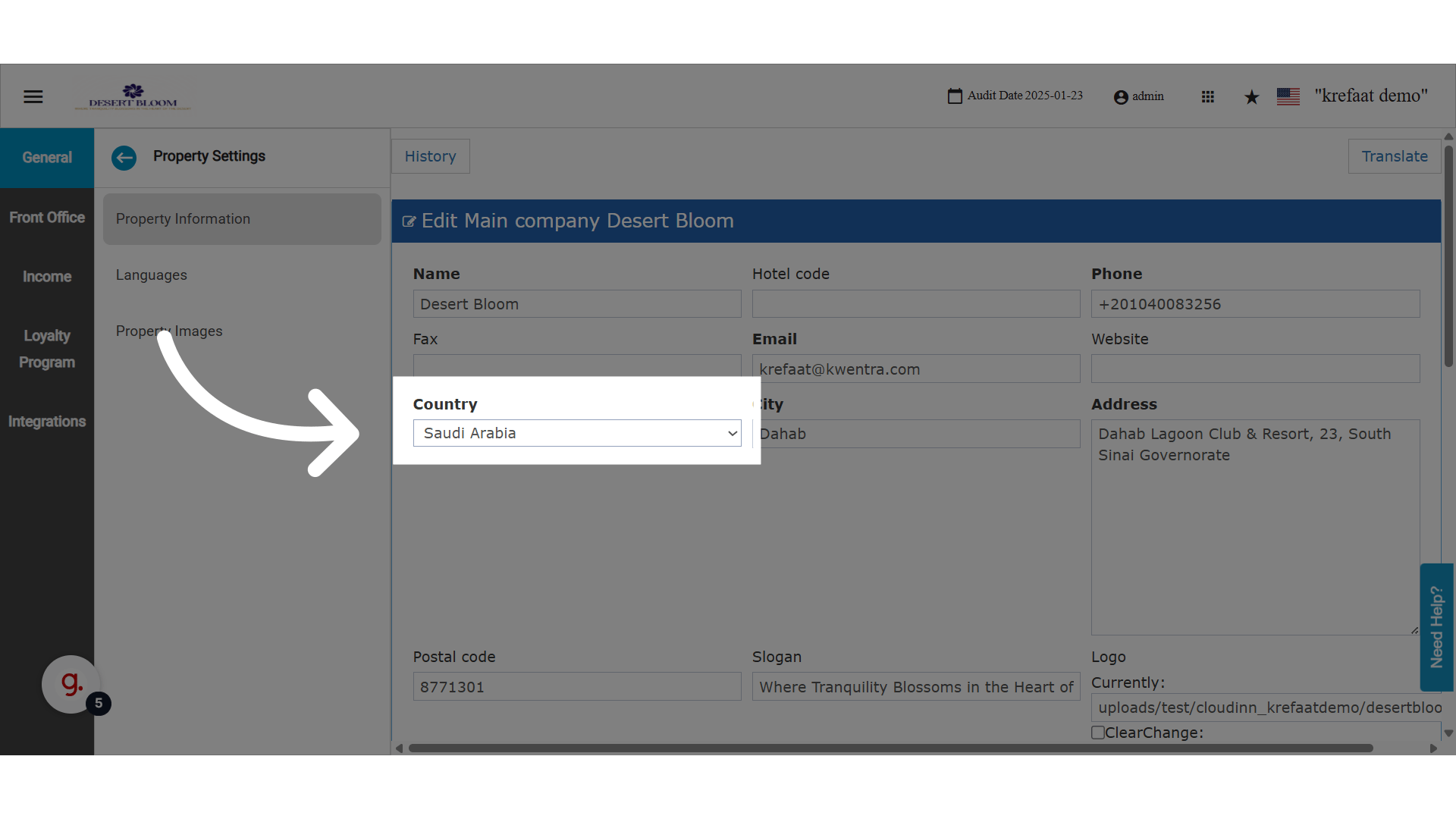 Click "Reports".
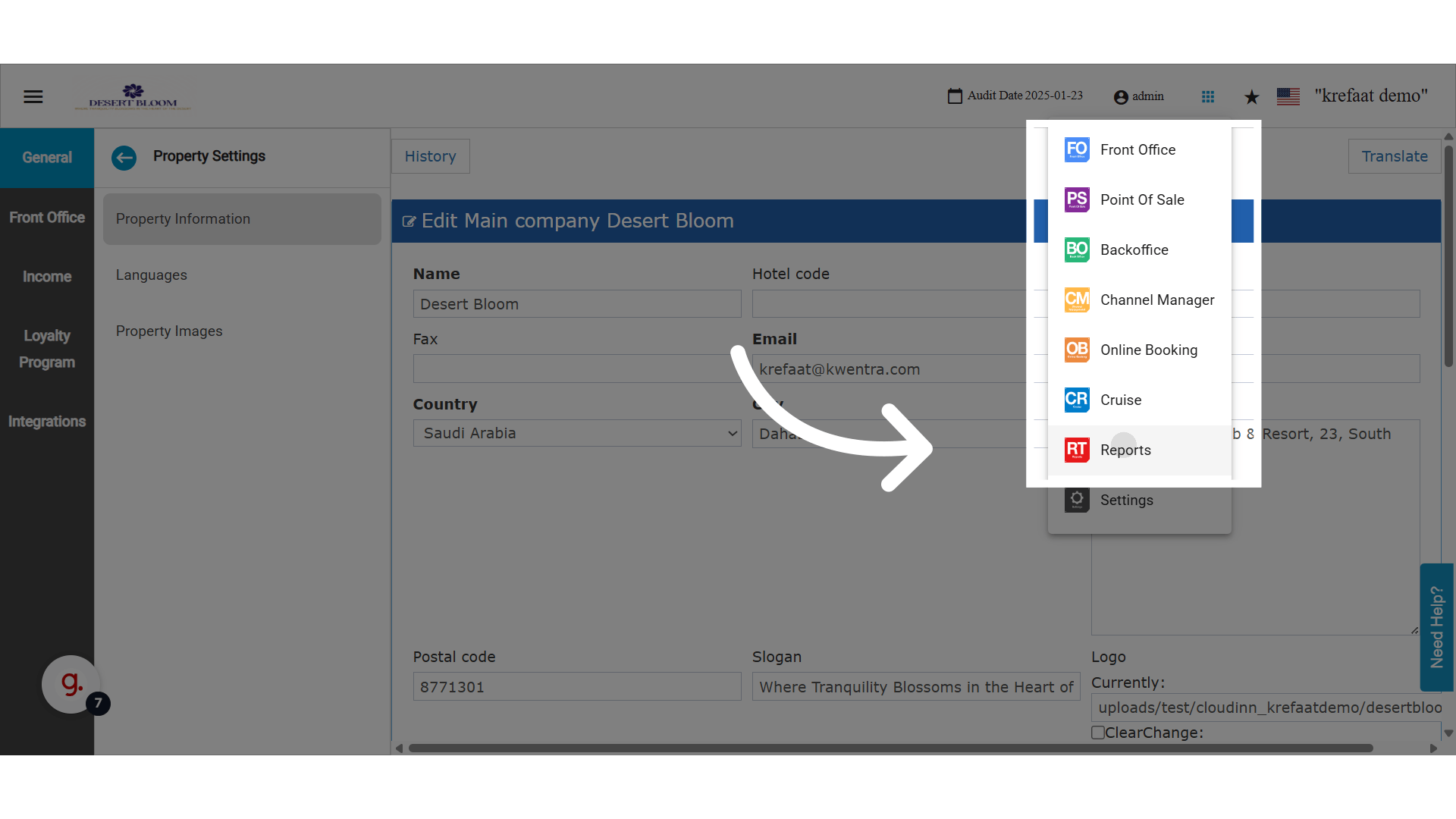 Click "الايواء السياحى"
### **🔐 Report Permissions | صلاحيات الوصول**
Users in the following roles can access this report:
FO Manager, Receptionist, Night Auditor, Income Auditor, General Manager, Financial Controller, Shift Leader, Administrator, and all related view-only or no-settings variations.
*A new report permission has been added to support role-based access.*
Click "الايواء السياحى"
### **🔐 Report Permissions | صلاحيات الوصول**
Users in the following roles can access this report:
FO Manager, Receptionist, Night Auditor, Income Auditor, General Manager, Financial Controller, Shift Leader, Administrator, and all related view-only or no-settings variations.
*A new report permission has been added to support role-based access.*
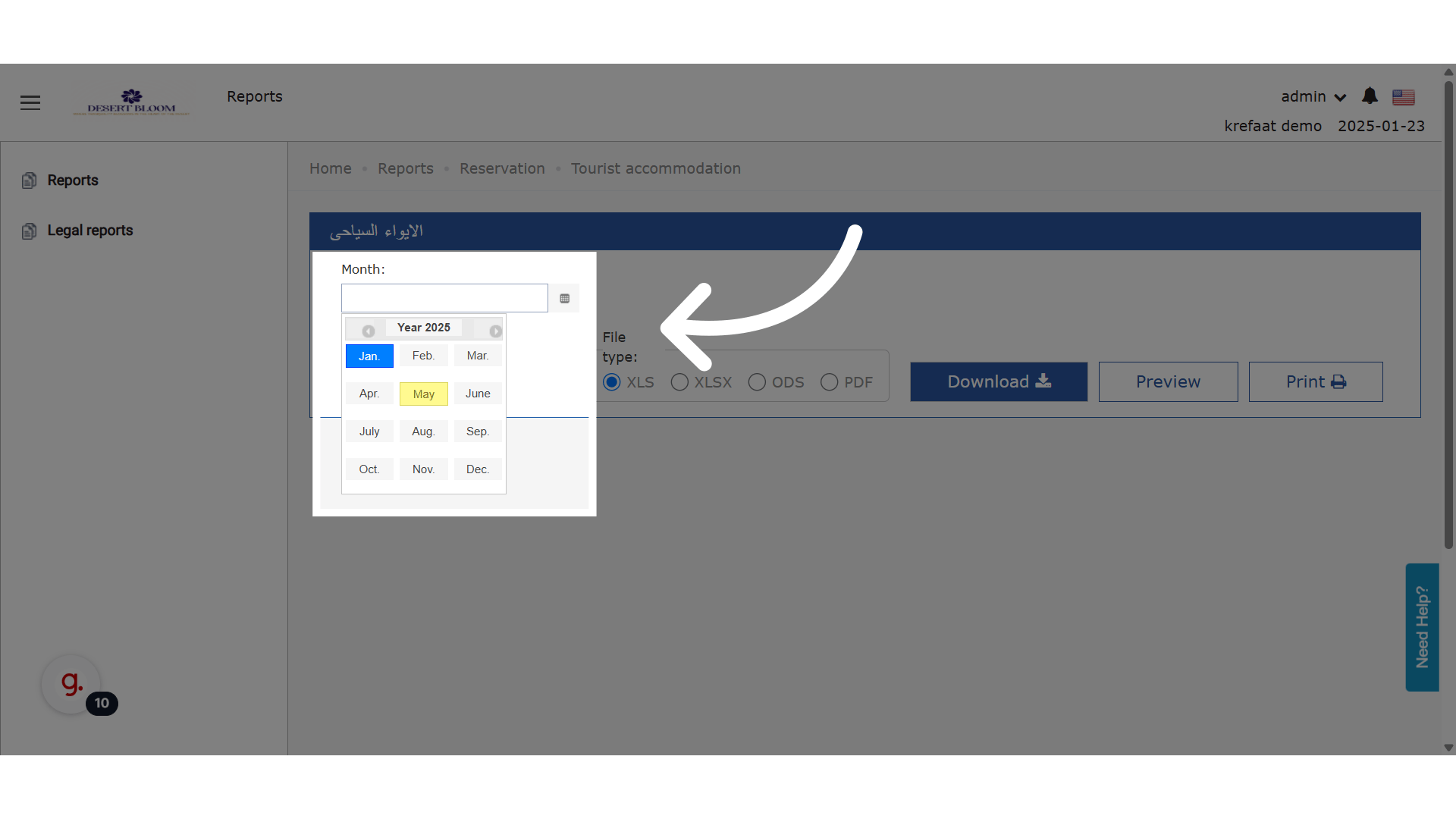
 Choose a month.
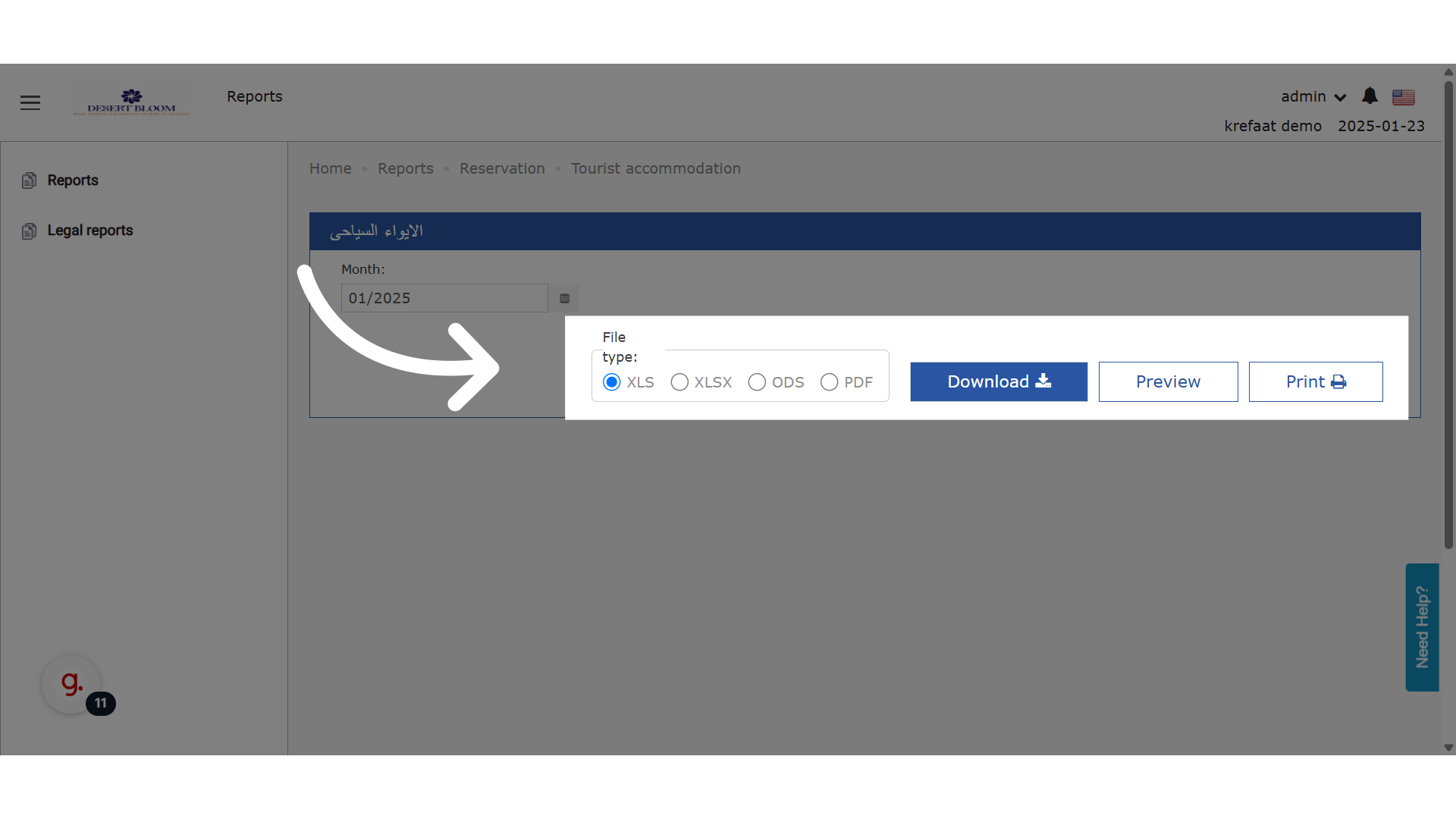
 Download or Preview
 ### **🧮 Calculation Rules | قواعد الحساب**
📌 Departure Date (تاريخ الخروج)
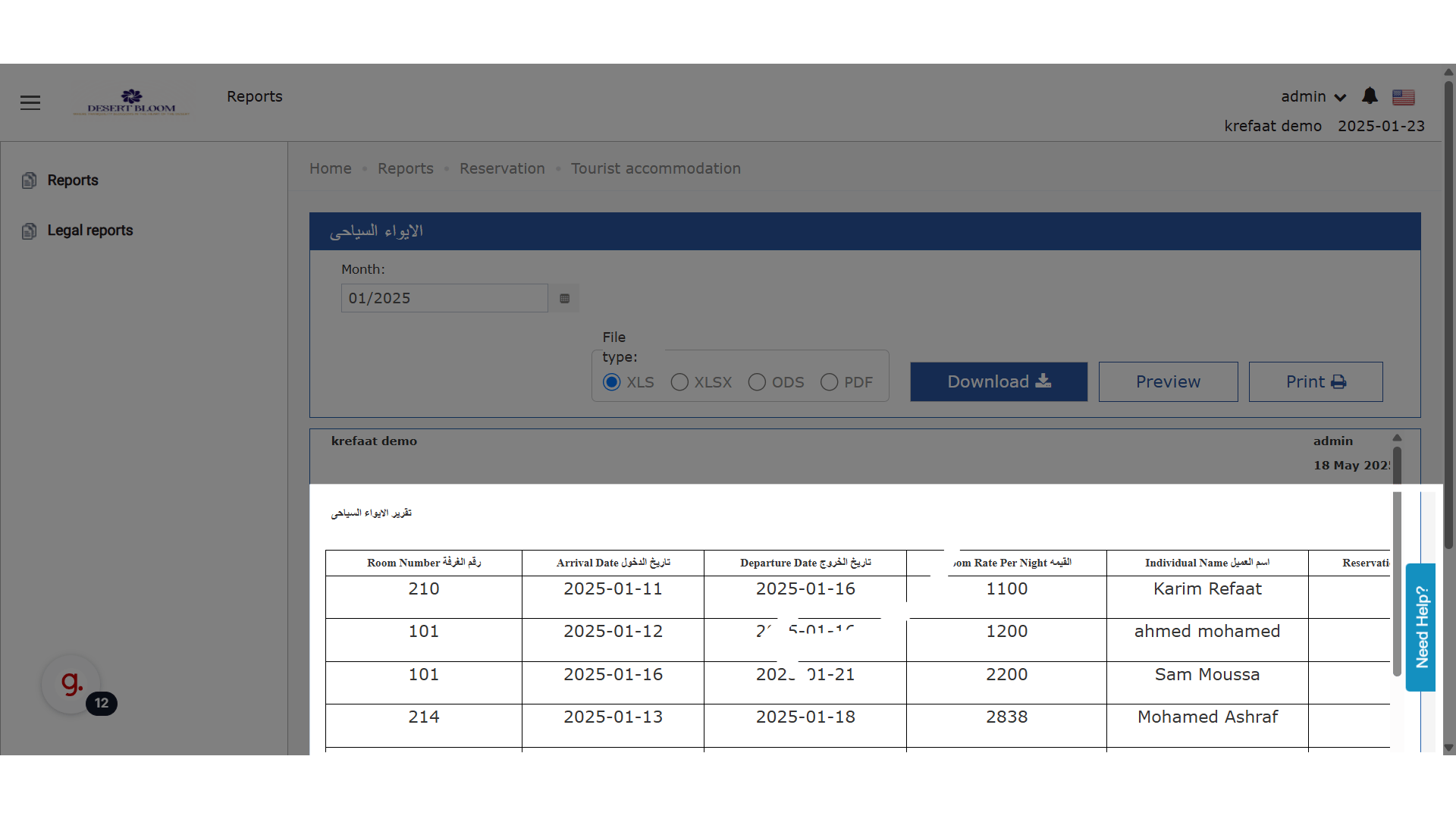
If the guest departs after the last day of the month, the report will use the last day of the month.
📌 Room Rate Per Night (القيمة)
The average room rate is calculated only for the days within the selected month.
📌 Included Reservations
The report includes:
* Expected reservations
* Checked-in guests
* Checked-out guests
All linked to the selected month.
### **🧮 Calculation Rules | قواعد الحساب**
📌 Departure Date (تاريخ الخروج)
If the guest departs after the last day of the month, the report will use the last day of the month.
📌 Room Rate Per Night (القيمة)
The average room rate is calculated only for the days within the selected month.
📌 Included Reservations
The report includes:
* Expected reservations
* Checked-in guests
* Checked-out guests
All linked to the selected month.
 ## ***UPDATE: 18th of September, 2025***
### **\[NEW] “Exclude Packages” Checkbox Filter**
**New Feature:**
You can now generate the Tourist Accommodation Report with an option to **exclude package revenue** from the “Total Net Room Rate” column. This helps you analyze **room-only revenue** separately from bundled packages (such as meal plans or spa).
* **How it works:**
* A new checkbox filter labeled **“Exclude Packages”** appears in the report filters.
* **Default:** Unchecked (report continues to show net room rate including all packages, as before).
* **When checked:** The “Total Net Room Rate” will **only include room amounts**; package charges are excluded.
**Use cases:**
* Separate room revenue from packages for ADR, RevPAR, or tax analysis
* Create exports that match requirements from auditors or owners who want room-only values
* Understand performance excluding promotions or package deals
**Where to find it:**
* On the Tourist Accommodation Report screen, in the filter section (beside other filters)
**Technical note:**
* This only affects the “Total Net Room Rate” column.
* All other report logic (e.g., which reservations appear, date logic) is unchanged.
## ***UPDATE: 18th of September, 2025***
### **\[NEW] “Exclude Packages” Checkbox Filter**
**New Feature:**
You can now generate the Tourist Accommodation Report with an option to **exclude package revenue** from the “Total Net Room Rate” column. This helps you analyze **room-only revenue** separately from bundled packages (such as meal plans or spa).
* **How it works:**
* A new checkbox filter labeled **“Exclude Packages”** appears in the report filters.
* **Default:** Unchecked (report continues to show net room rate including all packages, as before).
* **When checked:** The “Total Net Room Rate” will **only include room amounts**; package charges are excluded.
**Use cases:**
* Separate room revenue from packages for ADR, RevPAR, or tax analysis
* Create exports that match requirements from auditors or owners who want room-only values
* Understand performance excluding promotions or package deals
**Where to find it:**
* On the Tourist Accommodation Report screen, in the filter section (beside other filters)
**Technical note:**
* This only affects the “Total Net Room Rate” column.
* All other report logic (e.g., which reservations appear, date logic) is unchanged.