> ## Documentation Index
> Fetch the complete documentation index at: https://help.kwentra.com/llms.txt
> Use this file to discover all available pages before exploring further.
# Room Lookup Enhancement – Display Room Status in Lookup Popup
> This update enhances front desk efficiency by providing users with immediate visibility into the real-time status of rooms, enabling staff to assign rooms more accurately and quickly—especially dur...
This update enhances front desk efficiency by providing users with immediate visibility into the real-time status of rooms, enabling staff to assign rooms more accurately and quickly—especially during high-traffic check-in and check-out periods.
### **Value & Application**
### 🧩 **Use Cases:**
* A front desk agent wants to assign a clean room to a walk-in guest and can instantly filter out occupied or due-out rooms.
* During shift changes, new staff can view which rooms are expected to check in or out without needing to navigate away from the reservation screen.
* Housekeeping coordinators can cross-check upcoming room statuses during the night audit or operational handovers.
**Go to [manage.kwentra.com](https://manage.kwentra.com/)**
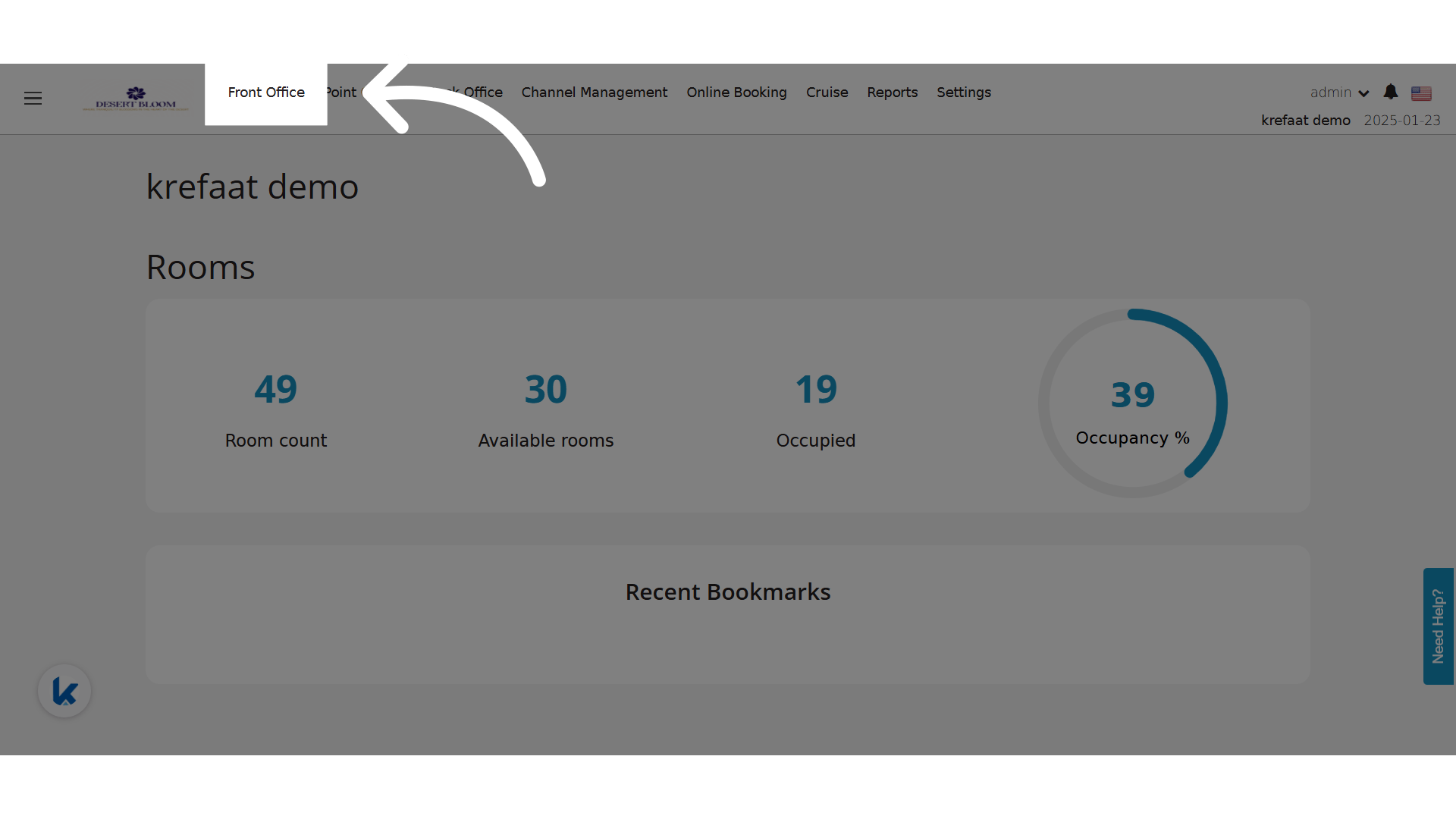
**Click "Front Office"**
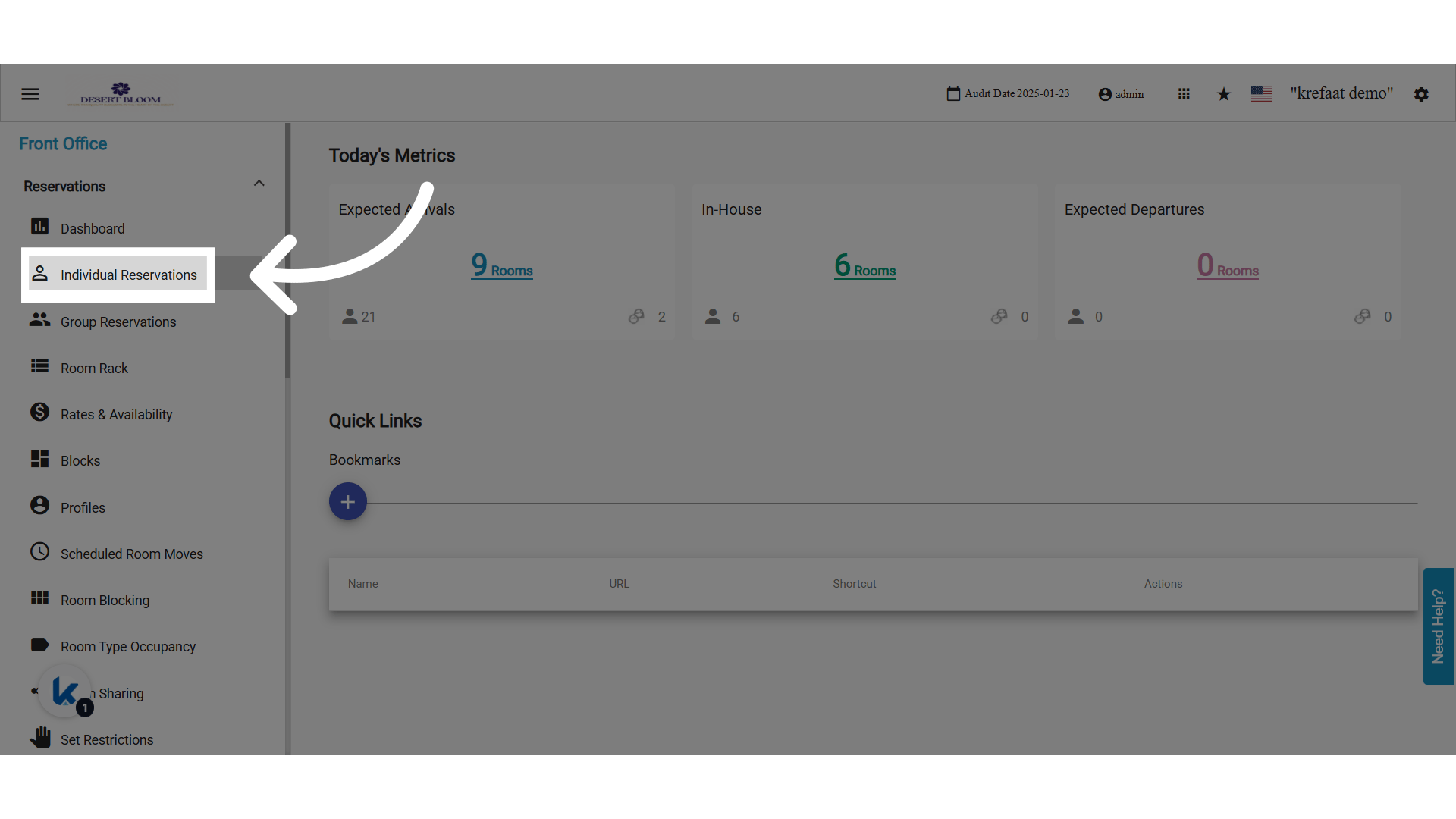
 **Click "Individual Reservations"**
 **Quick Room Assignment Popup**
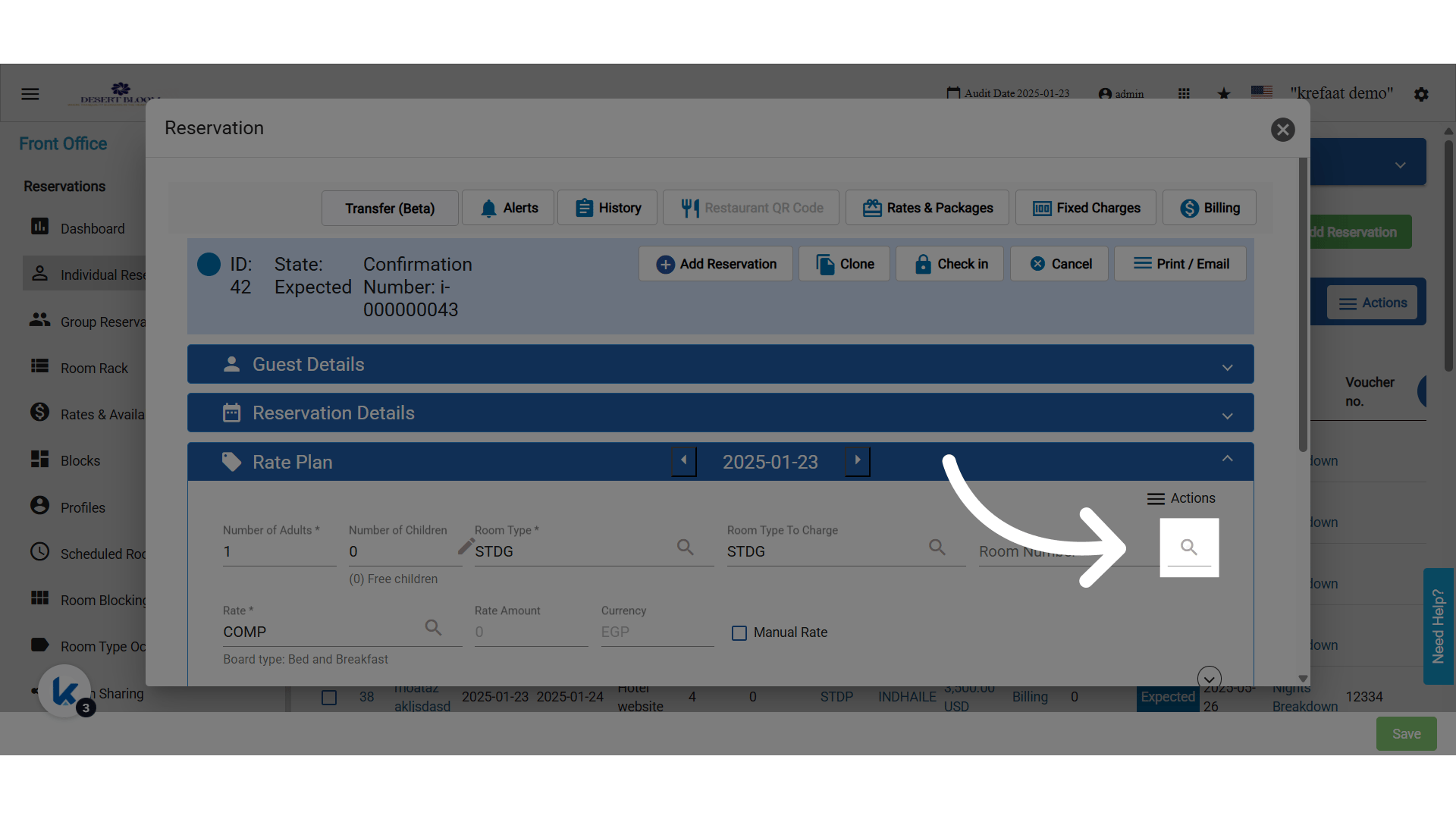
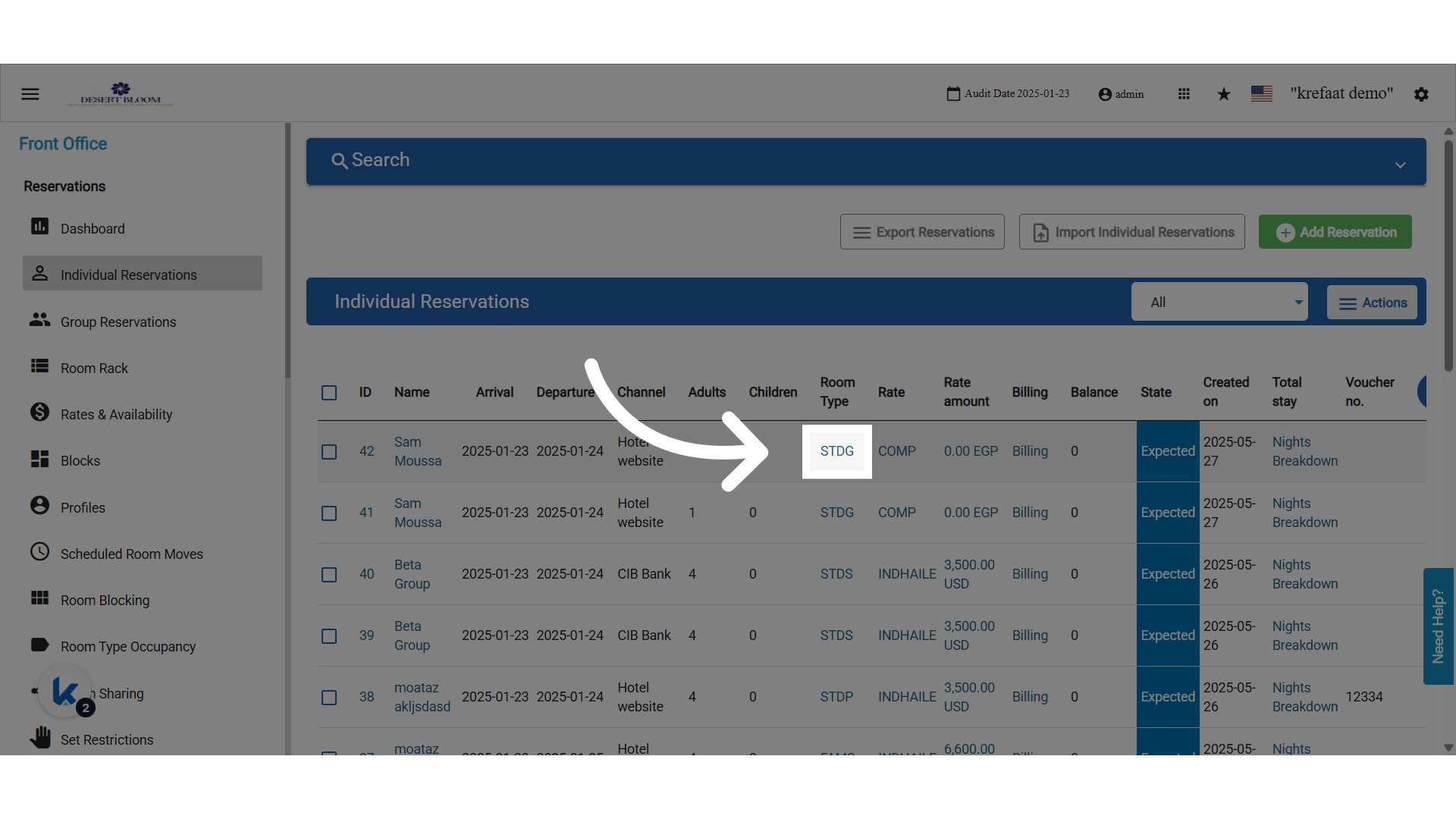 **Click the room number lookup icon**
 ### **🛠 What's New?**
A new column titled **"Room Status"** has been added to the **Room Lookup popup** when selecting a Room Number on the Individual Reservation screen.
### **🛠 What's New?**
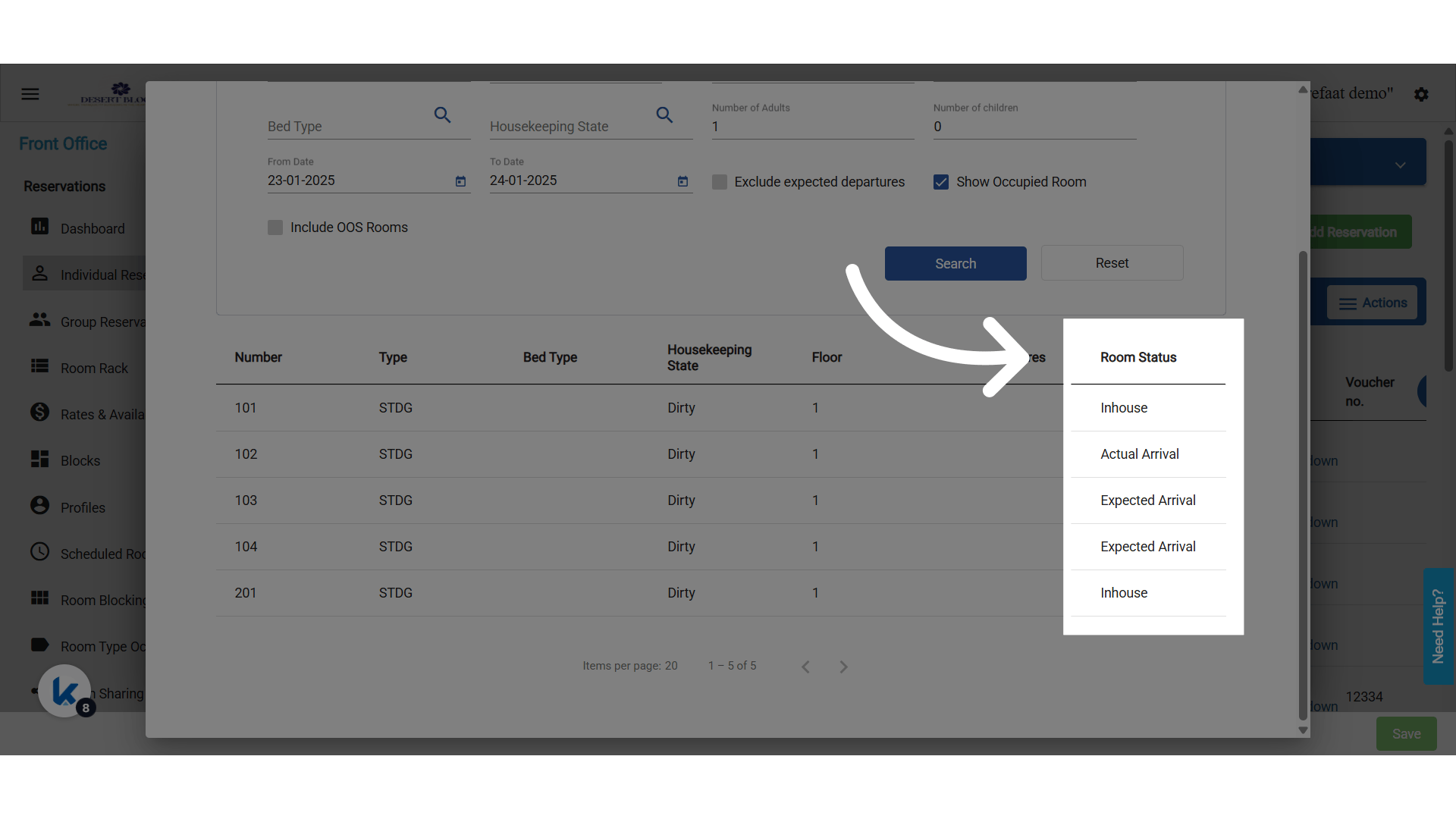
A new column titled **"Room Status"** has been added to the **Room Lookup popup** when selecting a Room Number on the Individual Reservation screen.
 **New Column "Room Status"**
Room Status is determined dynamically based on the **“From Date”** selected in the lookup.
**New Column "Room Status"**
Room Status is determined dynamically based on the **“From Date”** selected in the lookup.
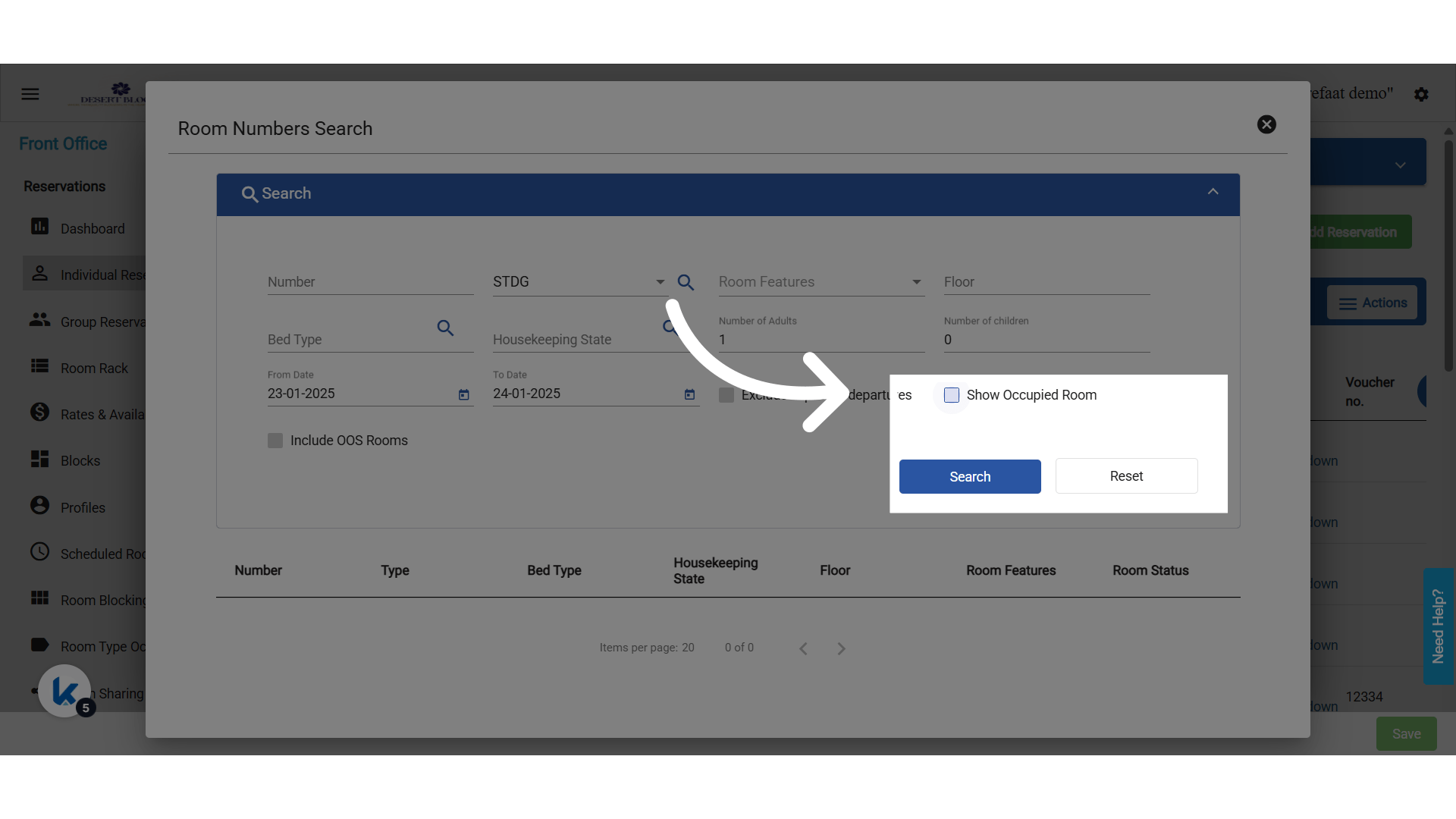
 **Show Occupied Rooms then Search**
* Room Status is determined dynamically based on the **“From Date”** selected in the lookup.
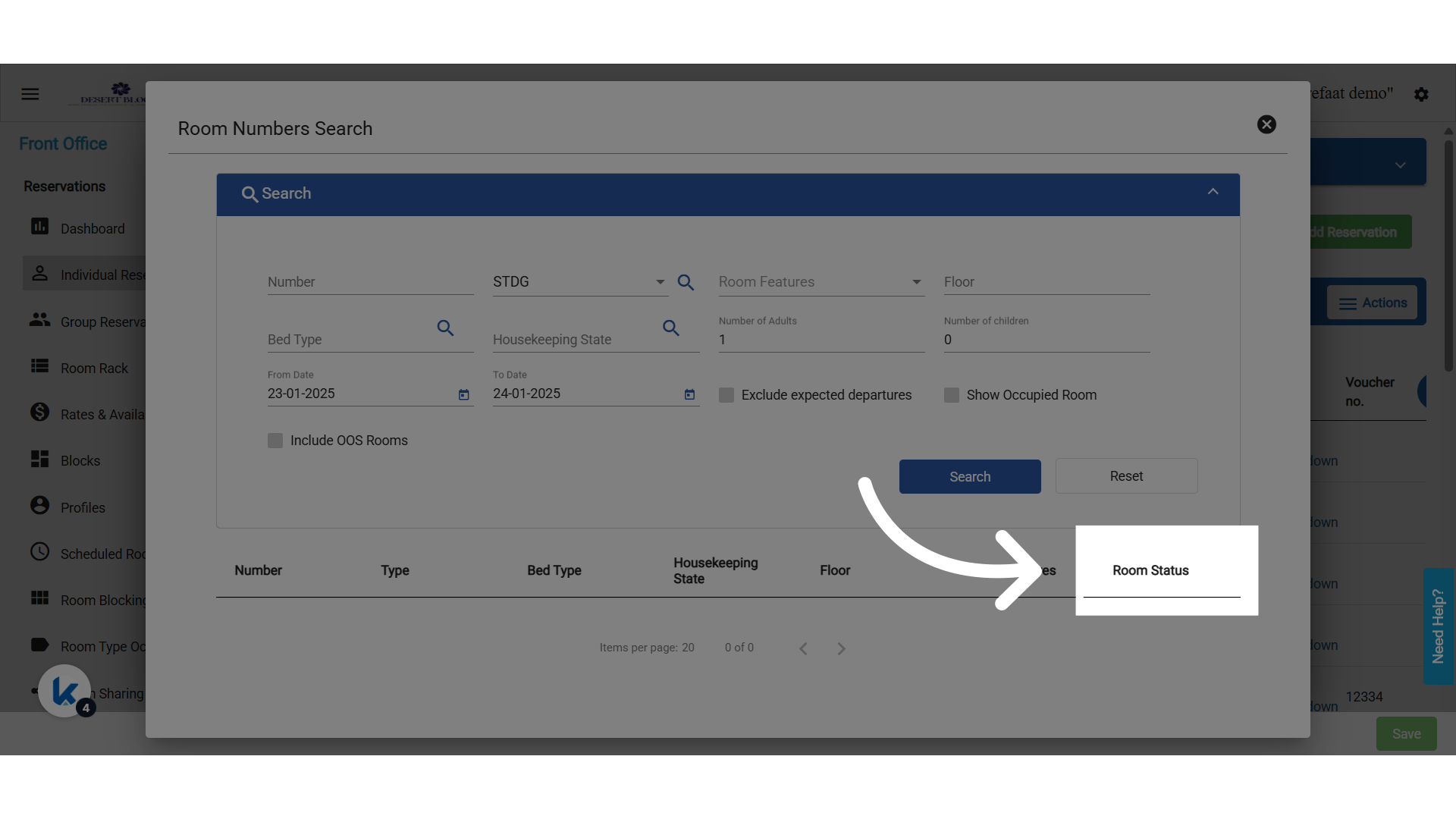
* The **"Show Occupied Rooms"** checkbox must be selected for the following statuses to appear:
* Expected Arrival
* Actual Arrival
* Inhouse
* Expected Departure
* Due Out / Arrival (when both Expected Arrival & Expected Departure exist for the same room)
**Show Occupied Rooms then Search**
* Room Status is determined dynamically based on the **“From Date”** selected in the lookup.
* The **"Show Occupied Rooms"** checkbox must be selected for the following statuses to appear:
* Expected Arrival
* Actual Arrival
* Inhouse
* Expected Departure
* Due Out / Arrival (when both Expected Arrival & Expected Departure exist for the same room)