> ## Documentation Index
> Fetch the complete documentation index at: https://help.kwentra.com/llms.txt
> Use this file to discover all available pages before exploring further.
# Consolidated Revenue Report in kwentra Insights
> View consolidated daily, monthly, and yearly revenue with budget and last year comparisons, across selected departments. 💡 Business Value This feature brings powerful financial oversight to multi-p...
View consolidated daily, monthly, and yearly revenue with budget and last year comparisons, across selected departments.
### **💡 Business Value**
This feature brings **powerful financial oversight** to multi-property and head office users. You can now:
* Track revenue across all departments from one screen.
* Benchmark against last year's performance.
* Monitor progress against the uploaded budget.
* View revenue in both **Hijri** and **Gregorian** calendars.
### **✅ Use Cases**
* 📈 CFO reviewing **company-wide revenue** performance against budget.
* 🏨 Cluster managers comparing department revenue across multiple properties.
* 📅 Auditors analyzing **revenue growth YoY (year-over-year)**.
* 🎯 Budget tracking and adjustment based on real-time deviation.
* 📊 Daily dashboards for head office reporting.
**Go to [manage.kwentra.com](https://manage.kwentra.com/instance/)**
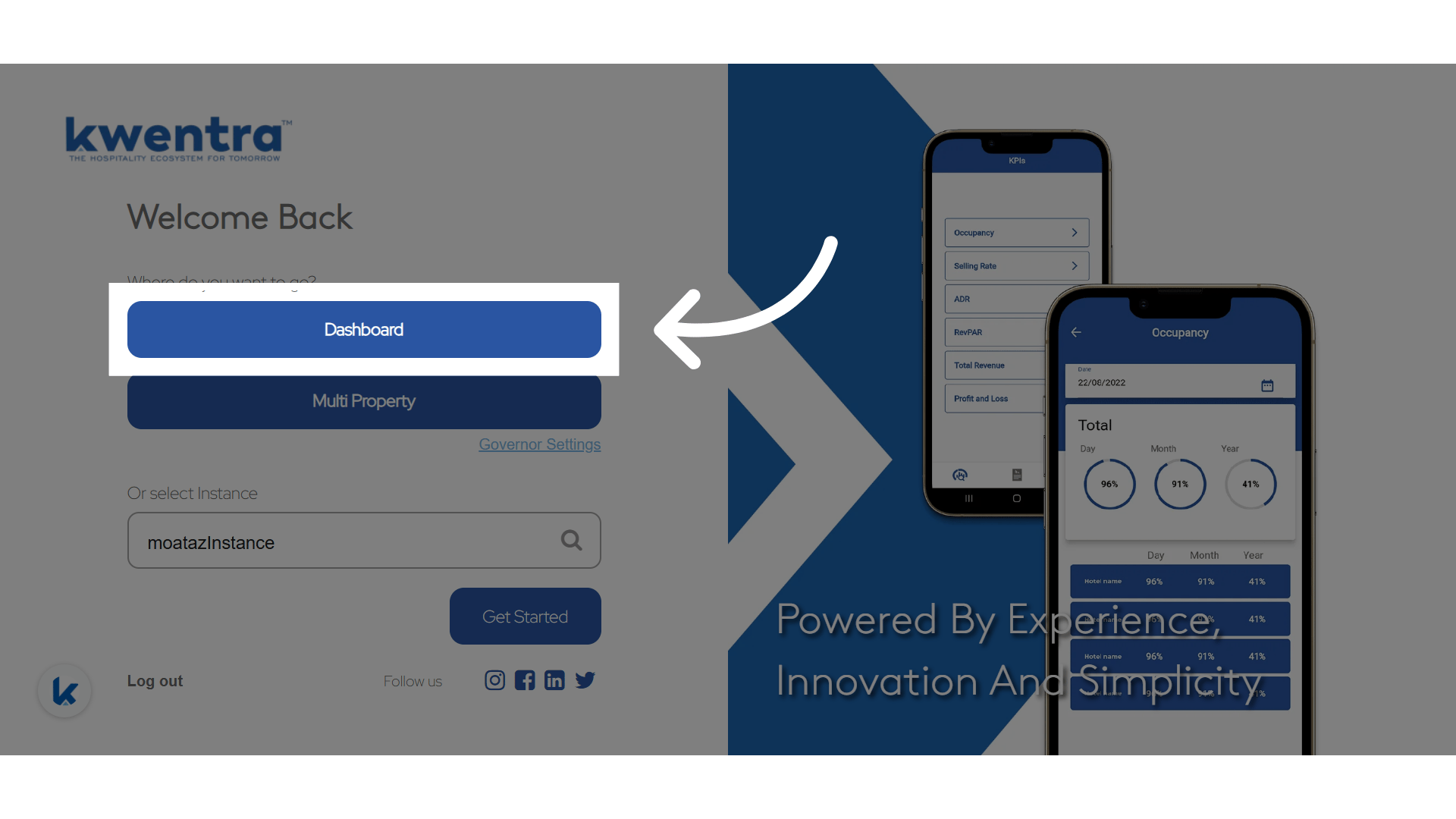
**Click "Dashboard"**
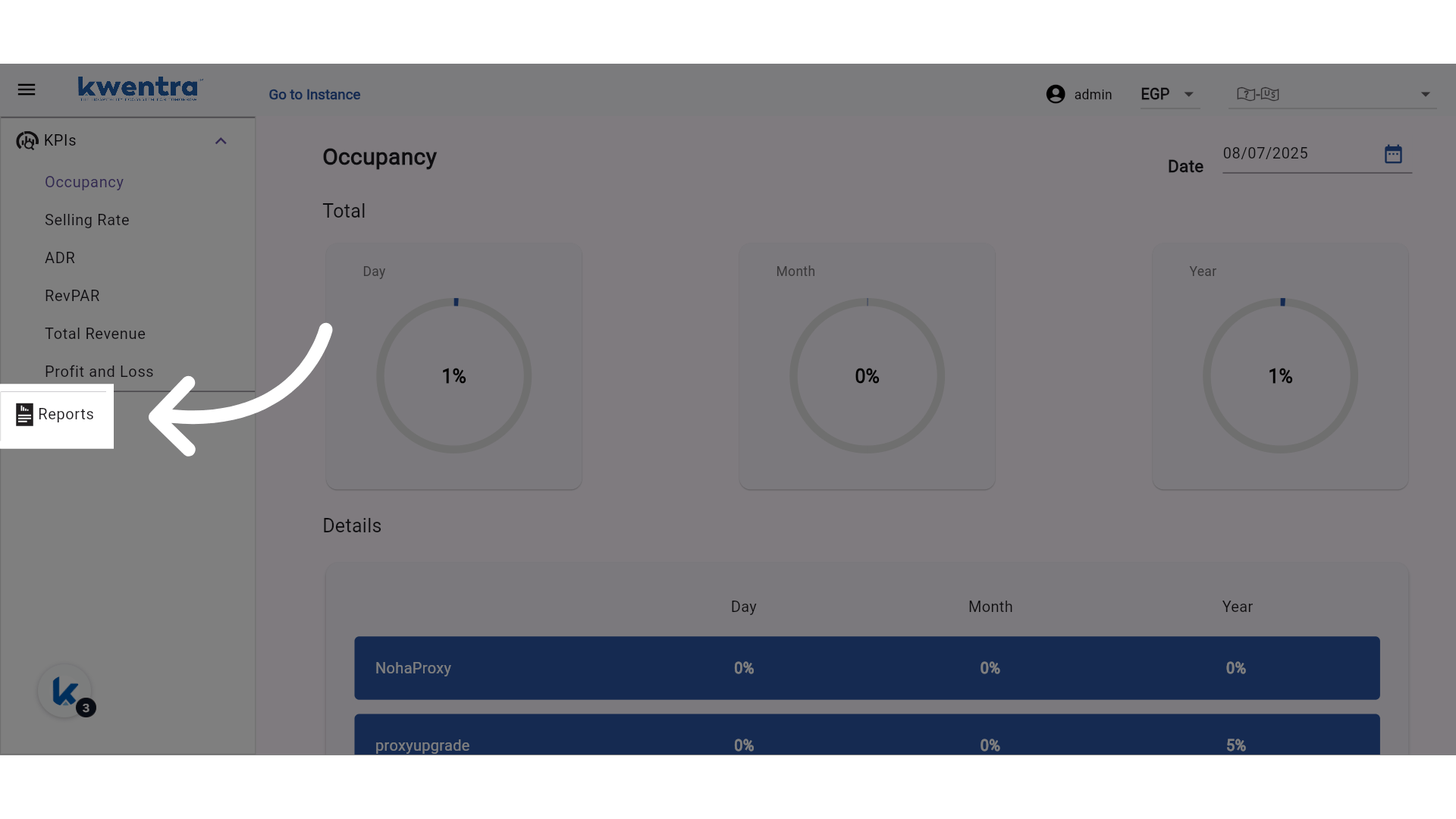
 **Go to Reports**
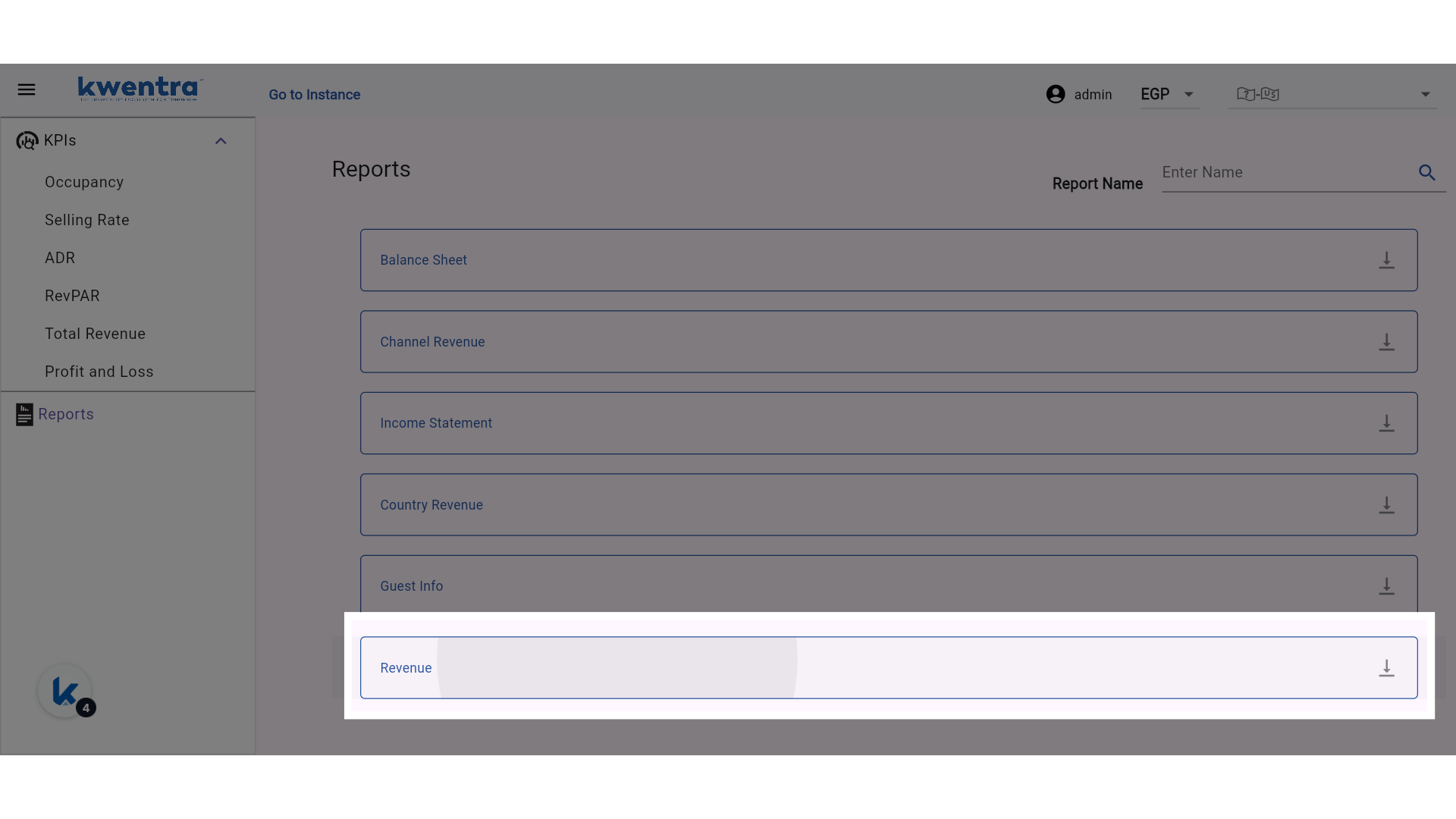
 **Select the new Revenue Report**
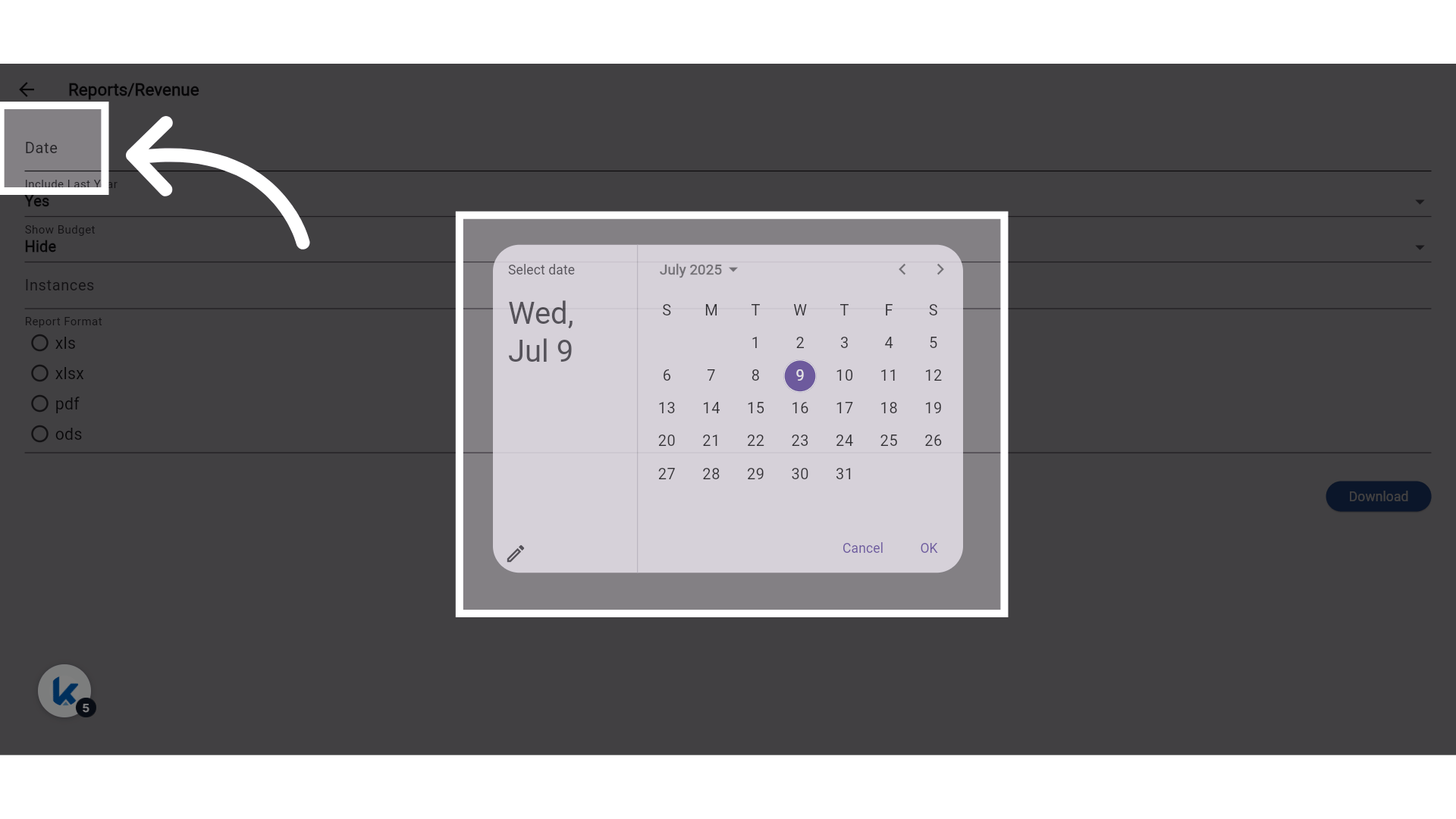
 **Choose the date**
 ### **Other Report Filters and file format**
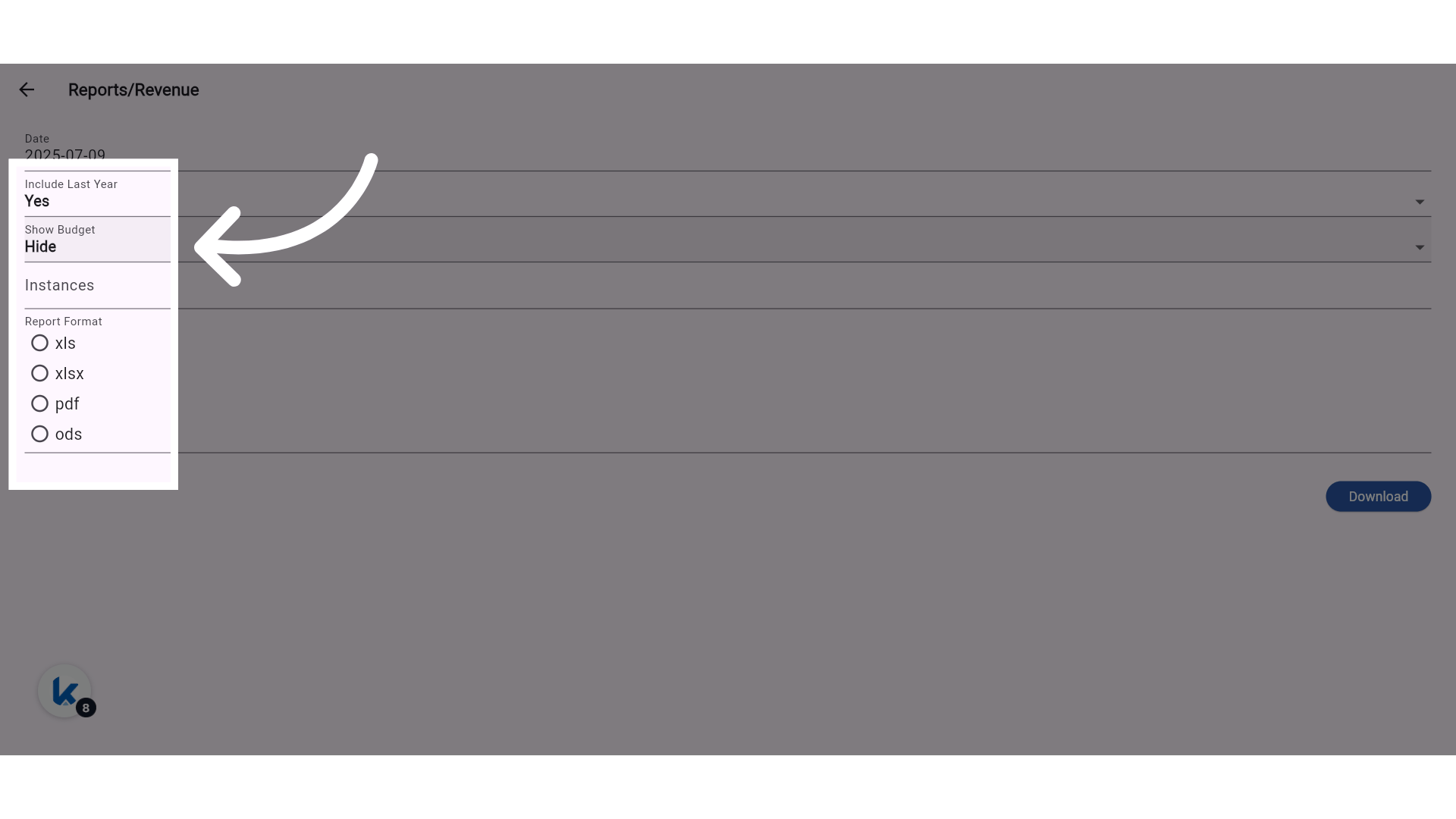
**Include Last Year:** Adds "Last Year" comparison columns.
**Show Budget:** Adds matching budget columns for each metric.
### **Other Report Filters and file format**
**Include Last Year:** Adds "Last Year" comparison columns.
**Show Budget:** Adds matching budget columns for each metric.
 **Select the properties under your company**
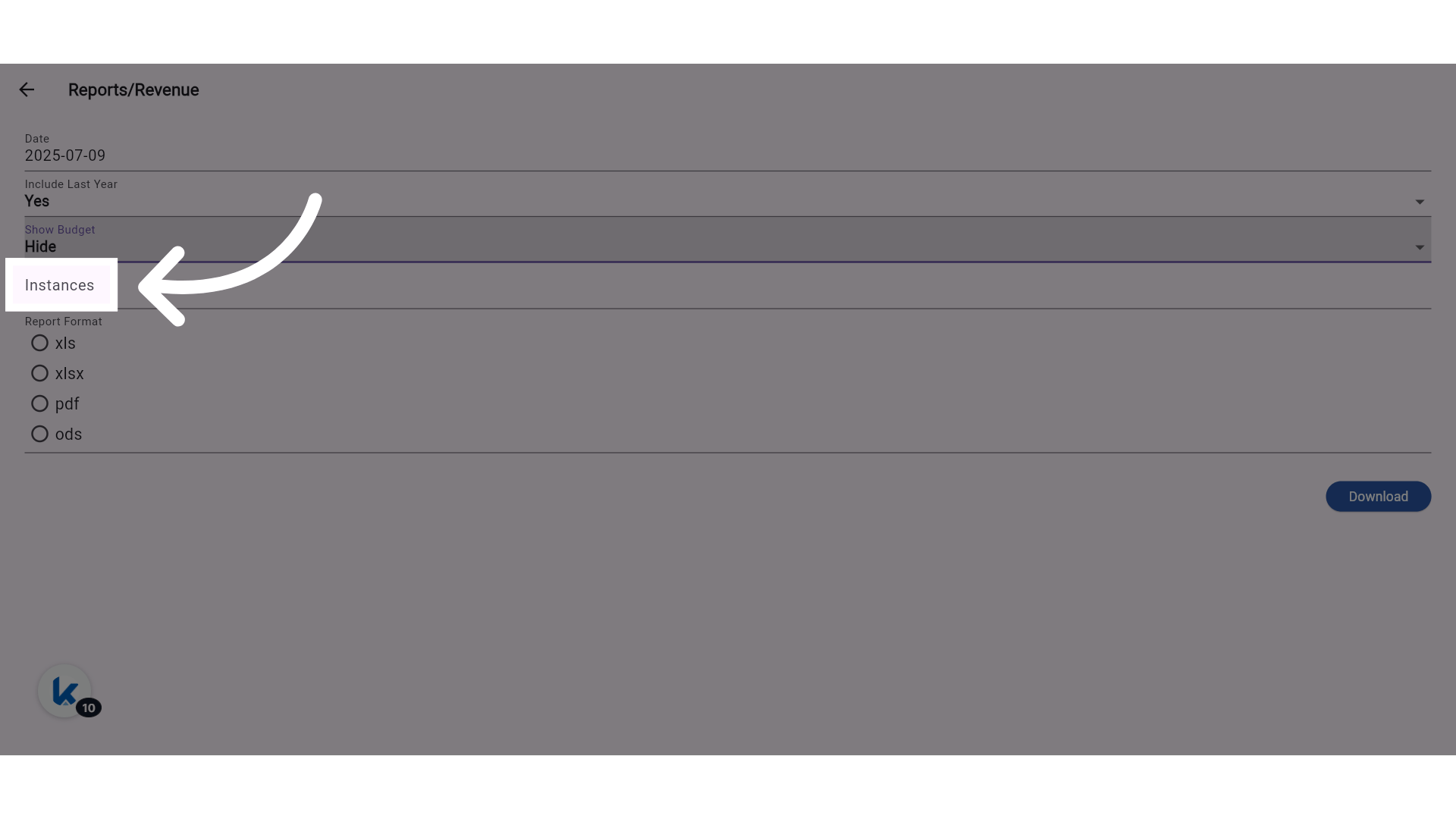
**Instances: Select more than one property to view the report for; if no instances are selected, the report will consolidate data from all properties under this company.**
**Select the properties under your company**
**Instances: Select more than one property to view the report for; if no instances are selected, the report will consolidate data from all properties under this company.**
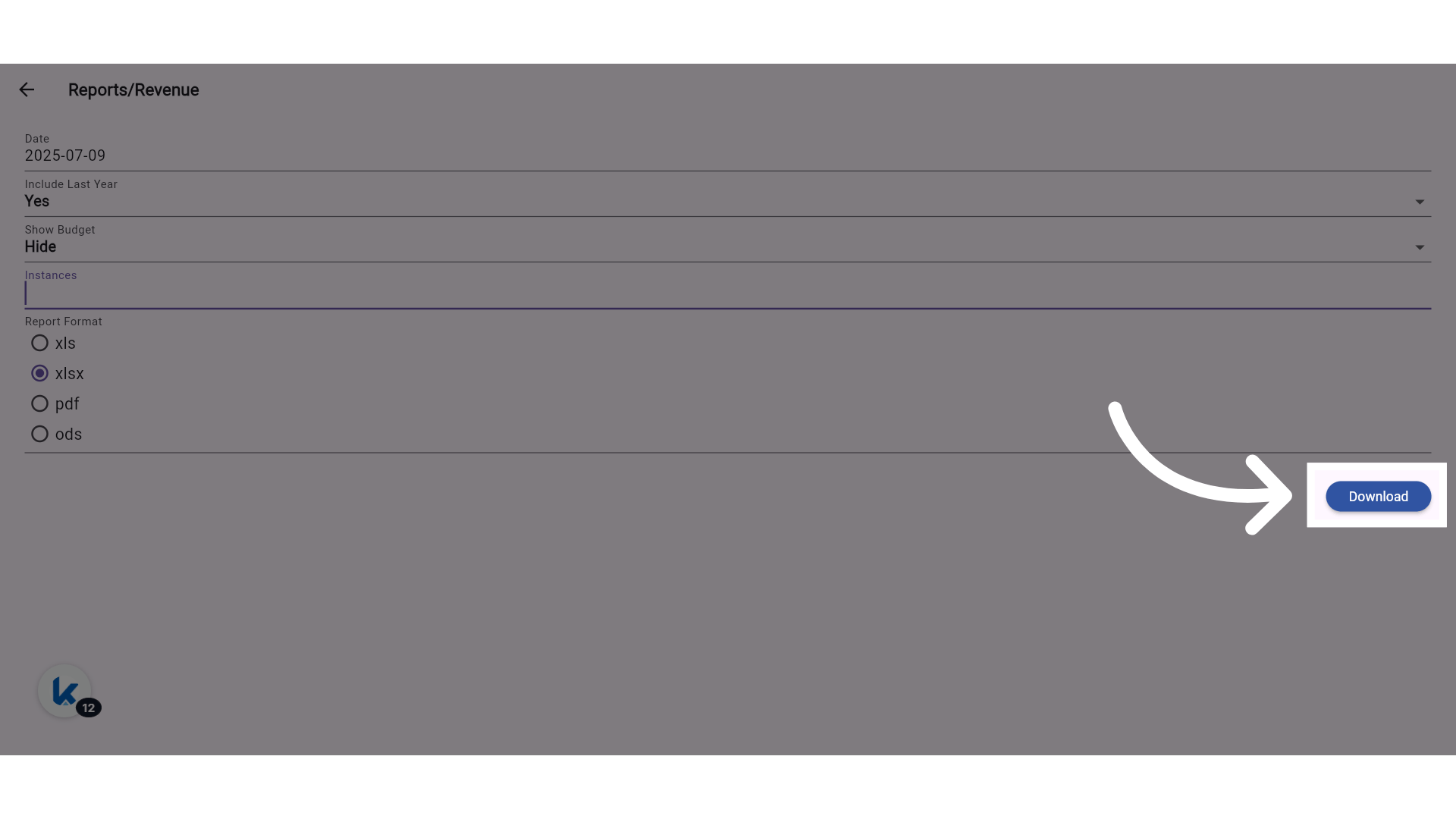
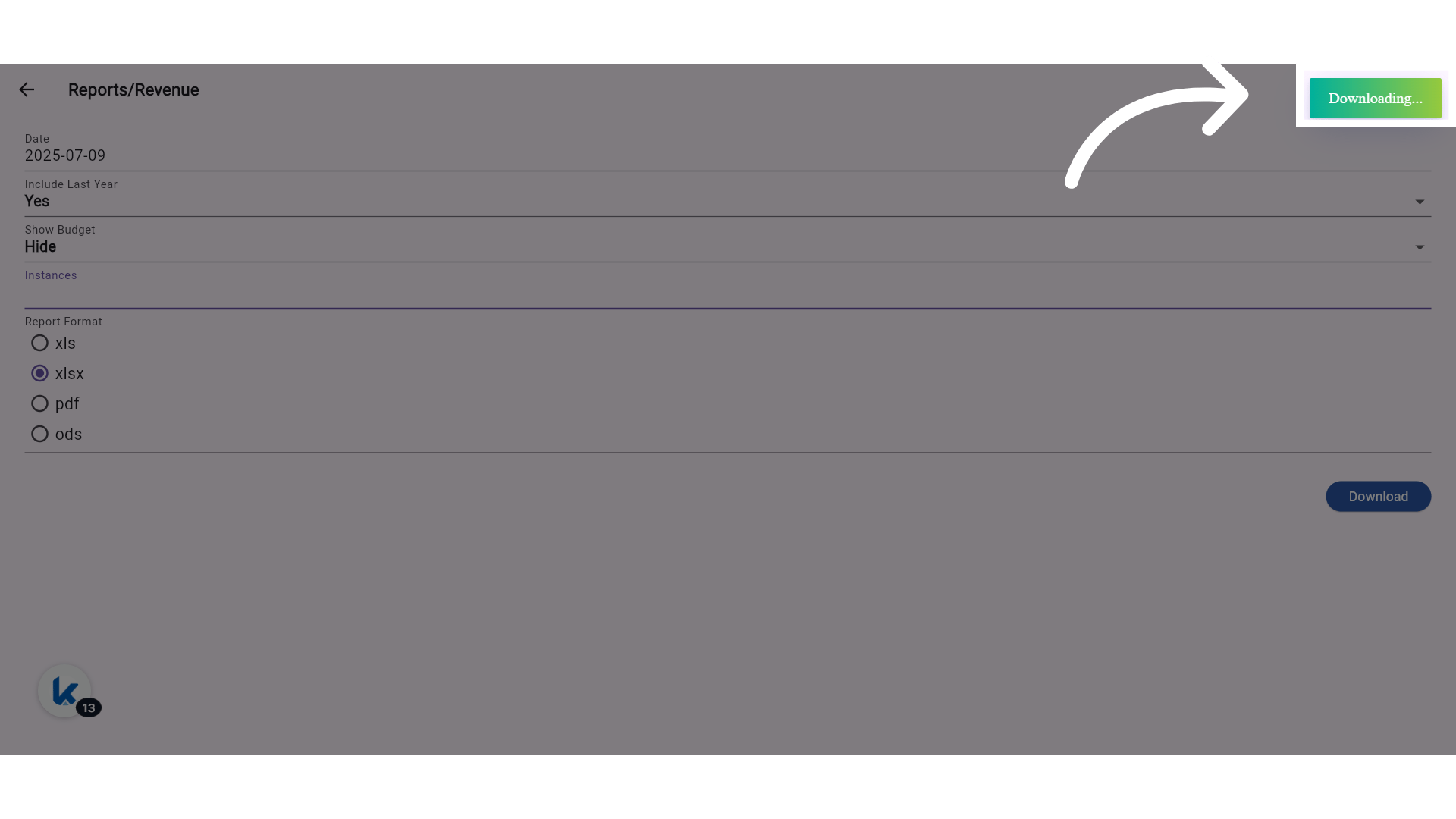
 **Download your report**
 **Wait for the file to finish downloading**
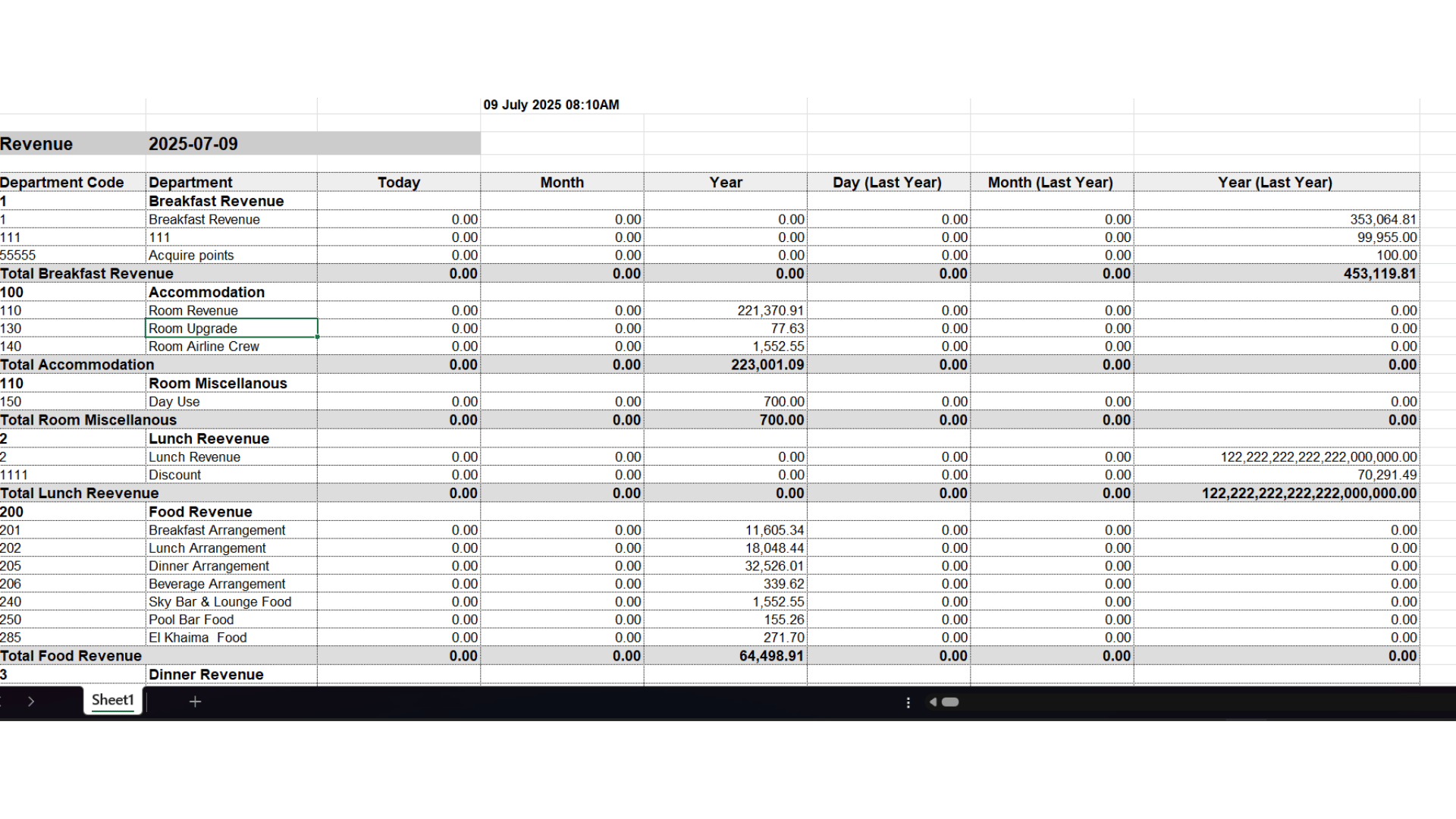
 ### **📊 Column Structure (When All Options Are Enabled):**
* Department Code
* Department
* Today | Today (Budget)
* Month | Month (Budget)
* Year | Year (Budget)
* Day (Last Year) | Day (Budget Last Year)
* Month (Last Year) | Month (Budget Last Year)
* Year (Last Year) | Year (Budget Last Year)
### **🔒 Permissions:**
* New permission created for **Consolidated Revenue Report**.
### **📊 Column Structure (When All Options Are Enabled):**
* Department Code
* Department
* Today | Today (Budget)
* Month | Month (Budget)
* Year | Year (Budget)
* Day (Last Year) | Day (Budget Last Year)
* Month (Last Year) | Month (Budget Last Year)
* Year (Last Year) | Year (Budget Last Year)
### **🔒 Permissions:**
* New permission created for **Consolidated Revenue Report**.