> ## Documentation Index
> Fetch the complete documentation index at: https://help.kwentra.com/llms.txt
> Use this file to discover all available pages before exploring further.
# Multi-Property Journal Voucher Automation
> Kwentra now supports automated Journal Voucher (JV) creation across multiple properties, linked to centralized Head Office configurations. This includes mapping departments, defining modules, and a...
Kwentra now supports **automated Journal Voucher (JV) creation** across multiple properties, linked to centralized Head Office configurations. This includes mapping departments, defining modules, and auto-generating balanced JVs based on real transactions.
### **Value**
This update empowers hotel groups to:
* Standardize **financial entries across all properties.**
* Automate **balanced JV creation per module and per property.**
* Minimize manual errors and speed up reconciliation.
* Ensure **transparent logging** and control via permissions and history.
### **Workflow Overview**
1. Set the Head Office Property "contact [support@kwentra.com](mailto:support@kwentra.com)"
2. Define JV Module Parameters per Hotel.
3. Run the JV Automation Task.
**Go to [manage.kwentra.com](https://manage.kwentra.com/instance/?next=/#)**
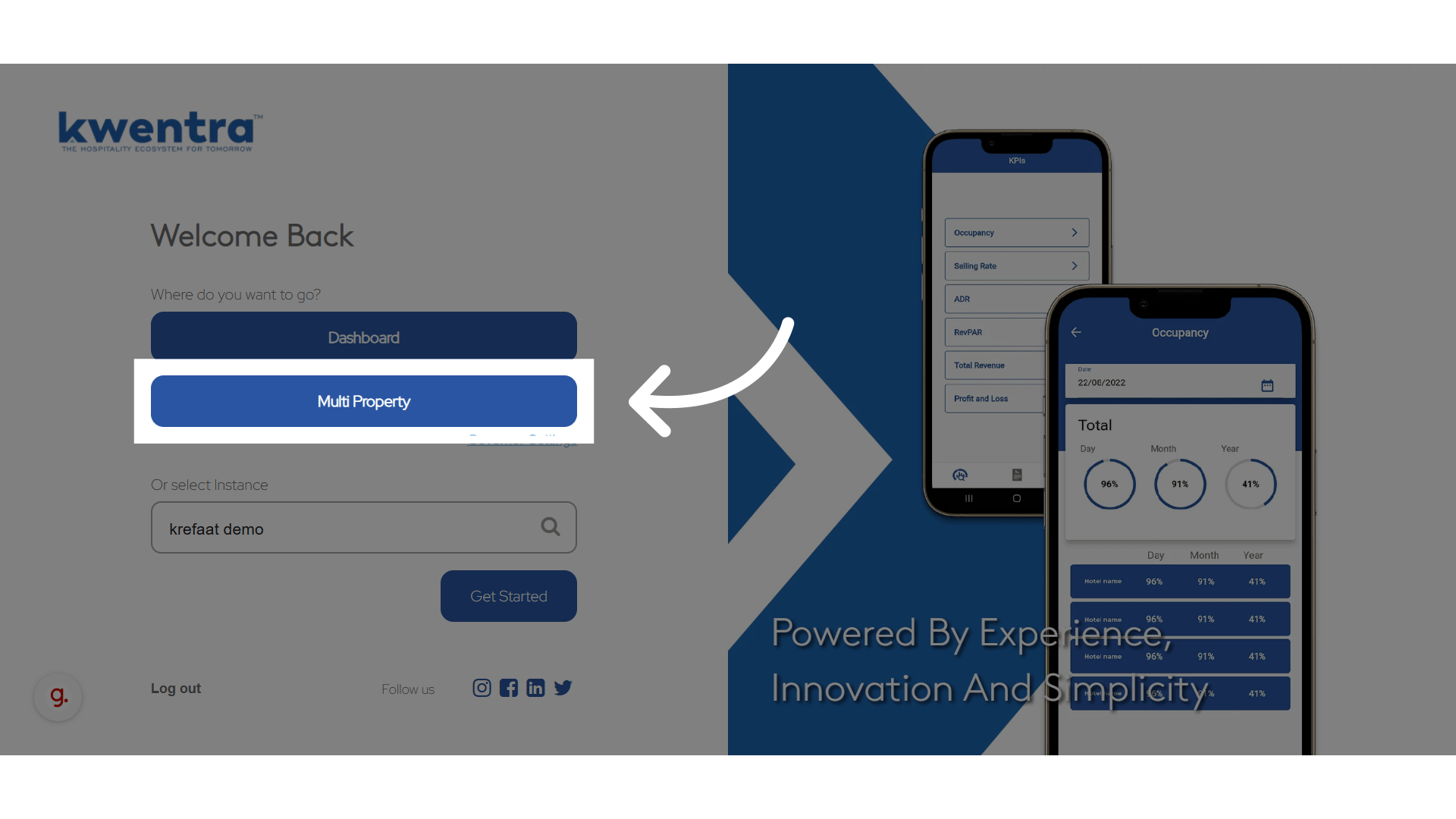
**Click "Multi Property"**
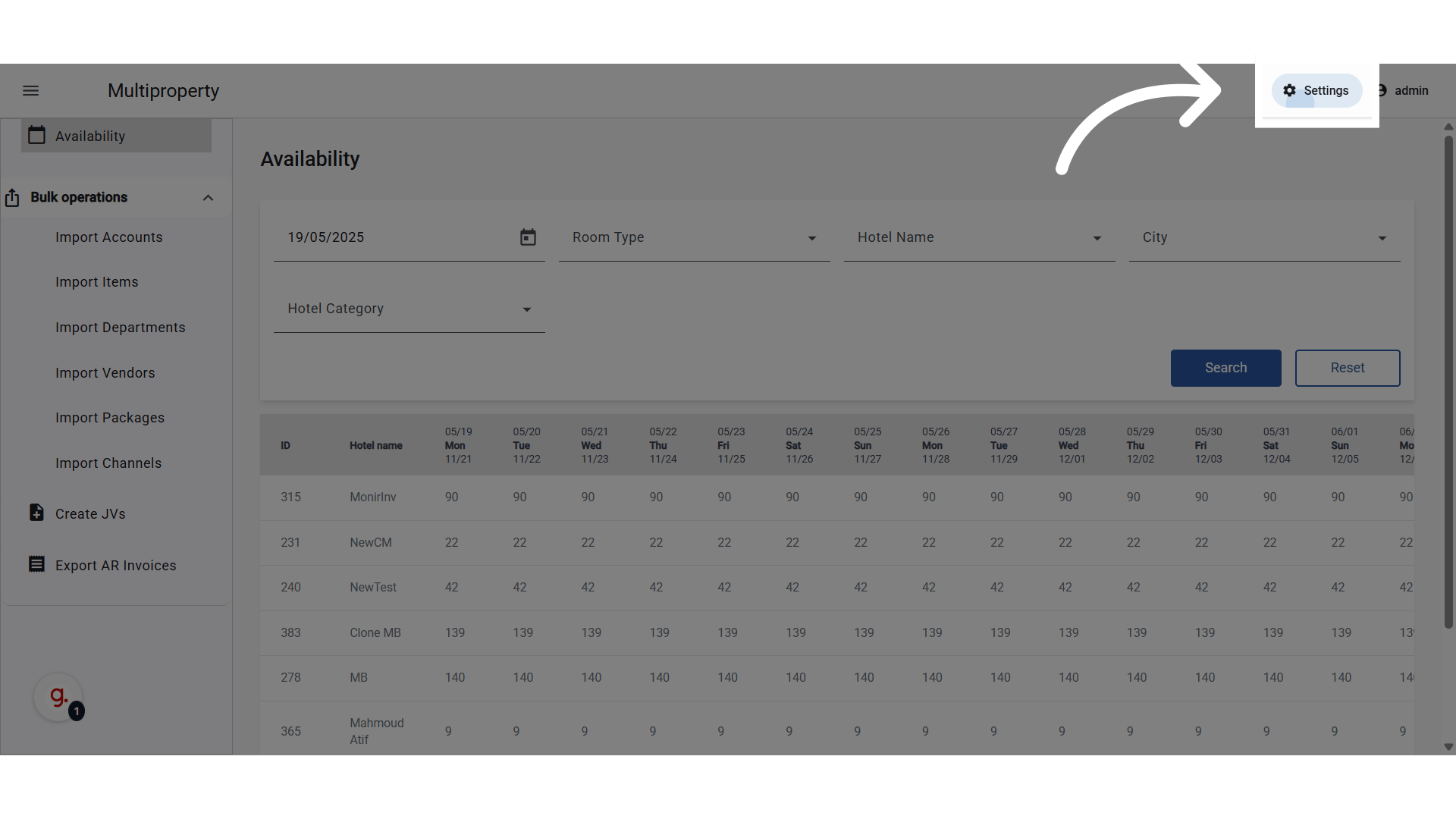
 **Go to Settings**
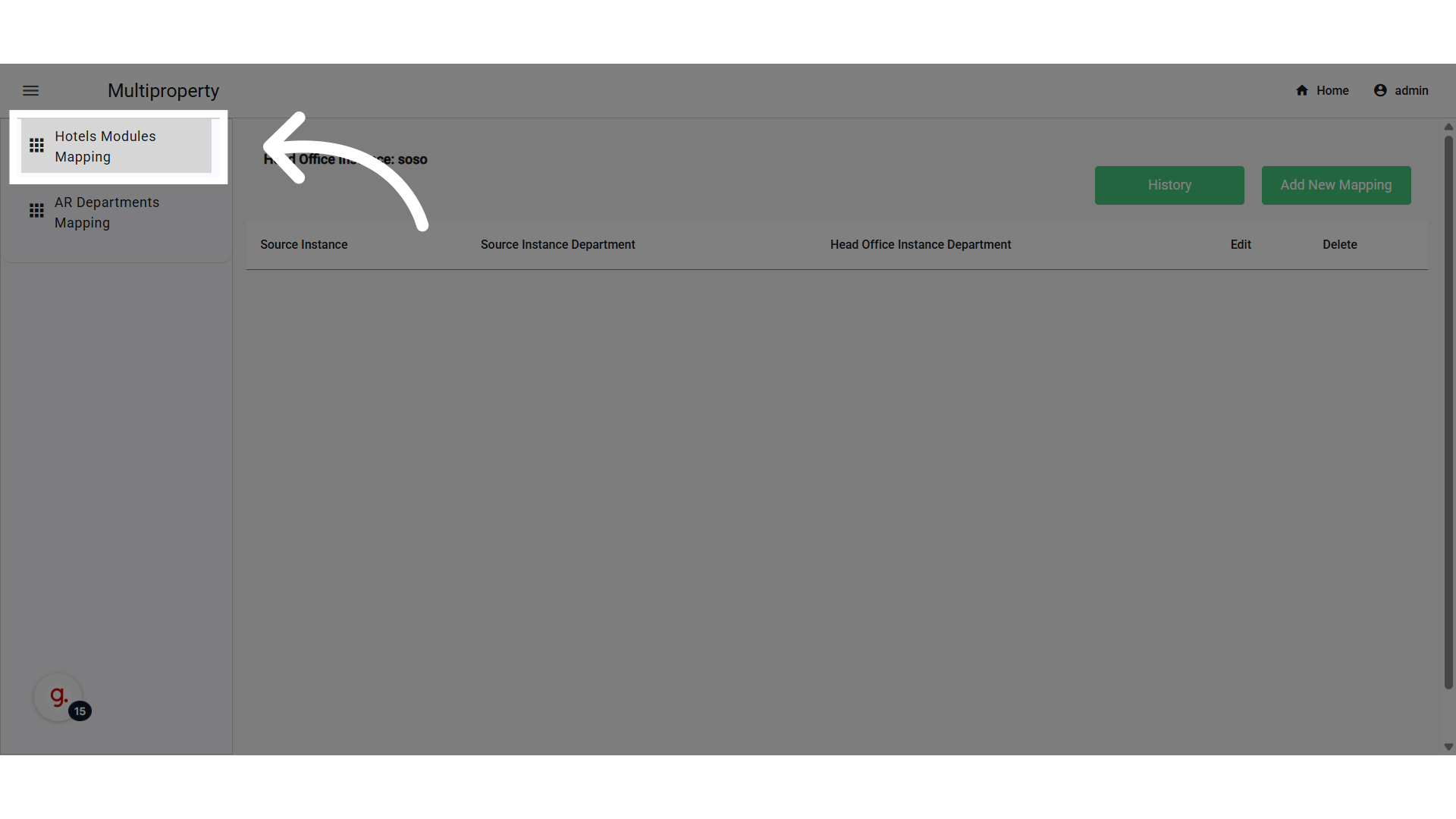
 **Go to "Hotels Modules Mapping"**
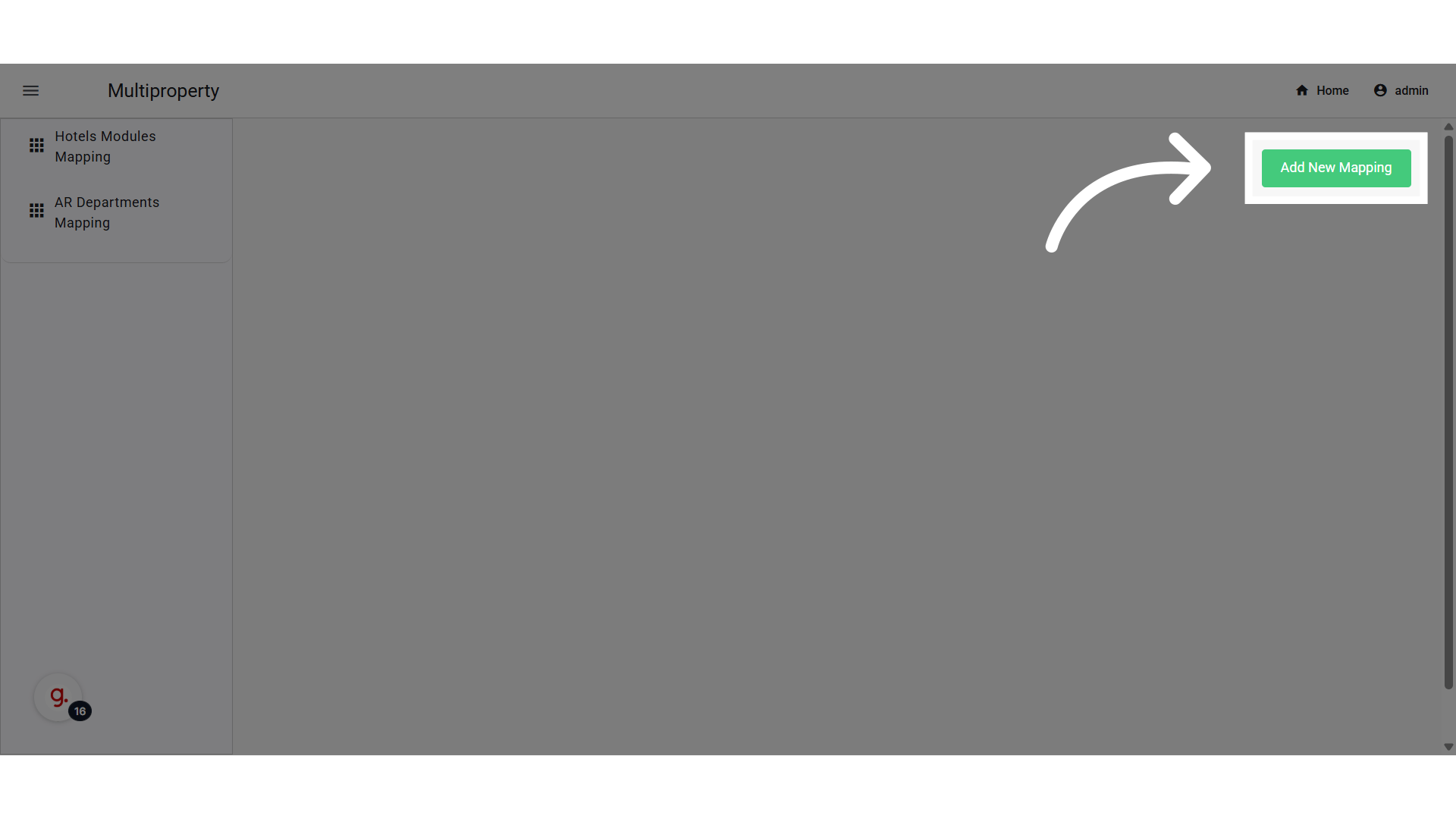
 **Click "Add New Mapping"**
 ### **Module and JV Code Settings**
Identifying the module and the JV code pertinent to it is mandatory, as this is the info required for automating the JV creation.
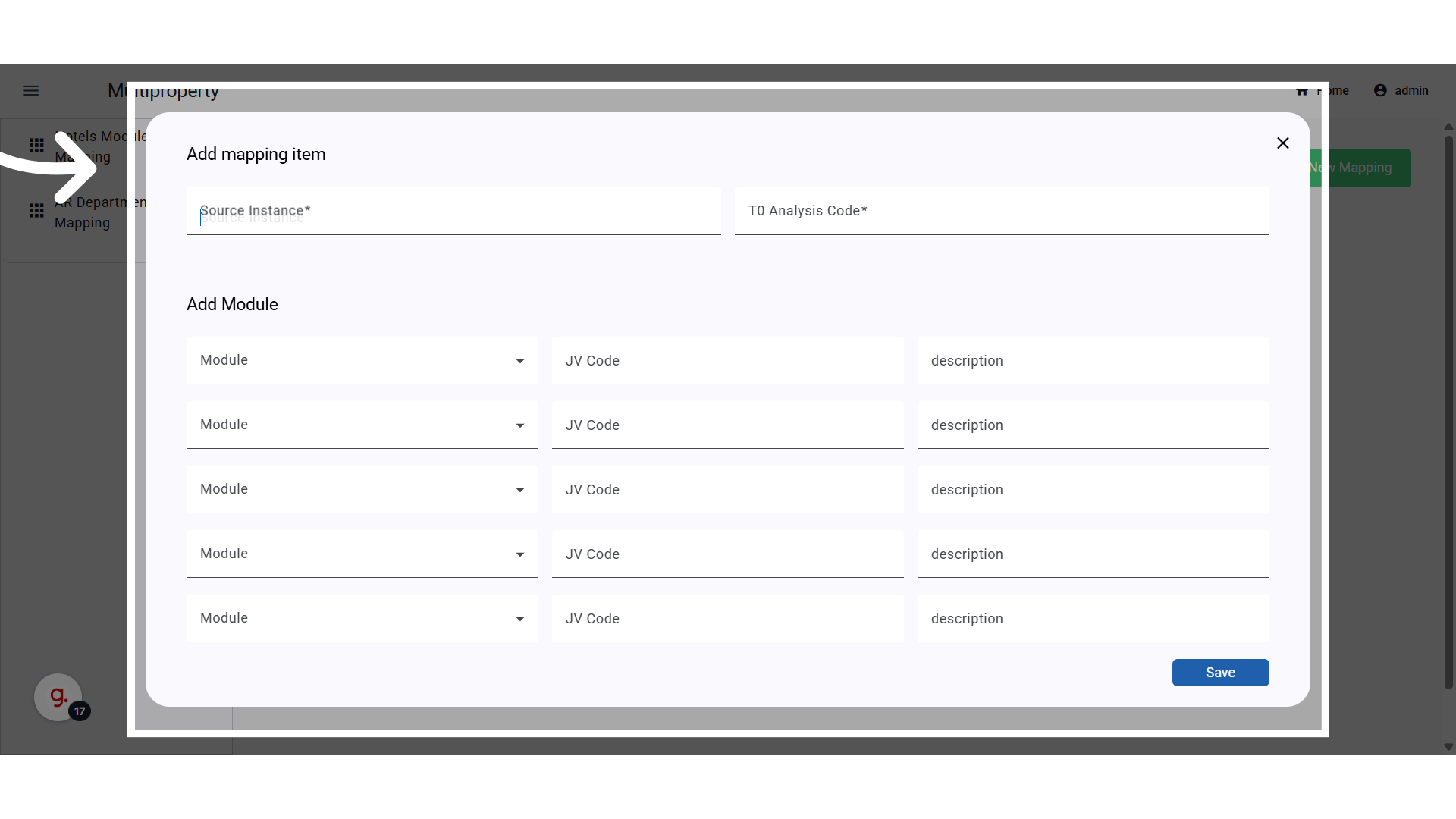
Each line allows configuring **JV settings per property**:
* **Source Instance:** Any hotel instance (excludes Head Office).
* **T0 Code "Required":** pulled from Head Office T0 list.
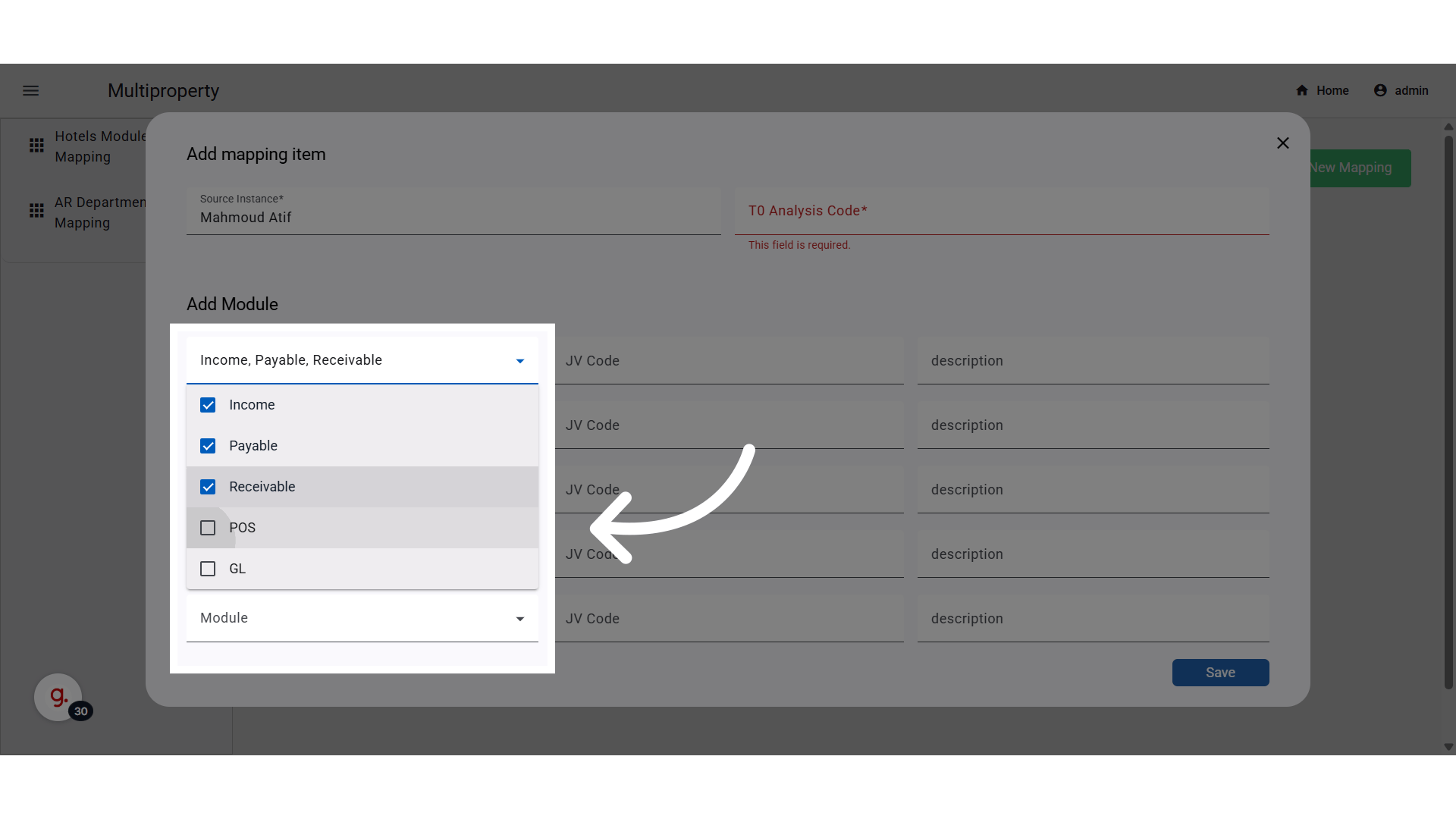
* **Modules:** Multi-select: Income, Payable, Receivable, POS, GL, JV (default: All).
* **JV Code "Required":** select from the Head Office JV codes.
* **JV Description "Optional":** used when creating the JV.
⚠️ One line per property. If “All” modules are selected, no duplicates are allowed for that property.
### **Module and JV Code Settings**
Identifying the module and the JV code pertinent to it is mandatory, as this is the info required for automating the JV creation.
Each line allows configuring **JV settings per property**:
* **Source Instance:** Any hotel instance (excludes Head Office).
* **T0 Code "Required":** pulled from Head Office T0 list.
* **Modules:** Multi-select: Income, Payable, Receivable, POS, GL, JV (default: All).
* **JV Code "Required":** select from the Head Office JV codes.
* **JV Description "Optional":** used when creating the JV.
⚠️ One line per property. If “All” modules are selected, no duplicates are allowed for that property.
 One line per property. If “All” modules are selected, no duplicates are allowed for that property.
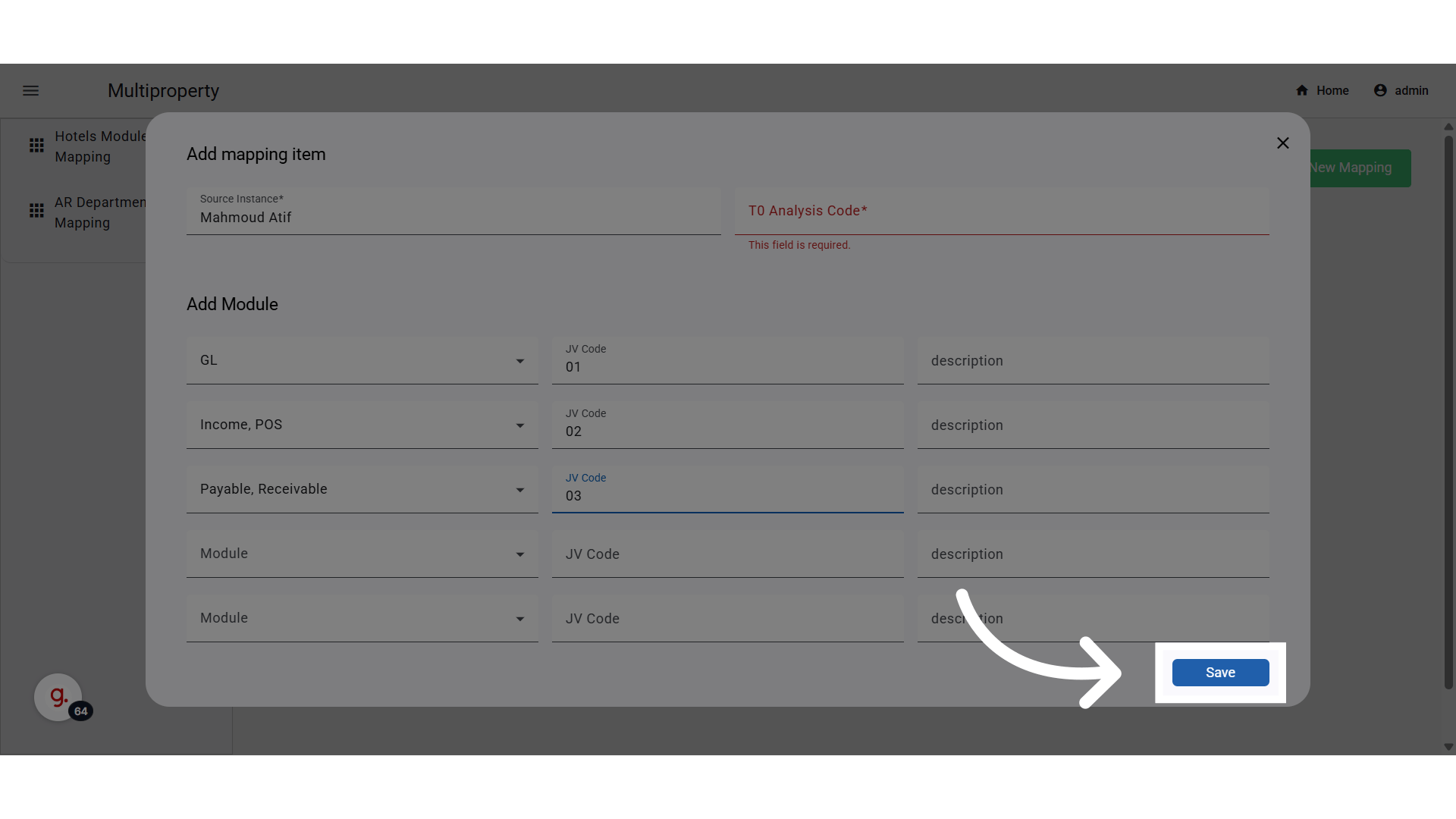
Note that all JVs created from these modules will get created under the same JV code.
If each module's JVs will need to be created under a separate Journal Voucher Code, separate lines will be needed.
One line per property. If “All” modules are selected, no duplicates are allowed for that property.
Note that all JVs created from these modules will get created under the same JV code.
If each module's JVs will need to be created under a separate Journal Voucher Code, separate lines will be needed.
 **Click "Save"**
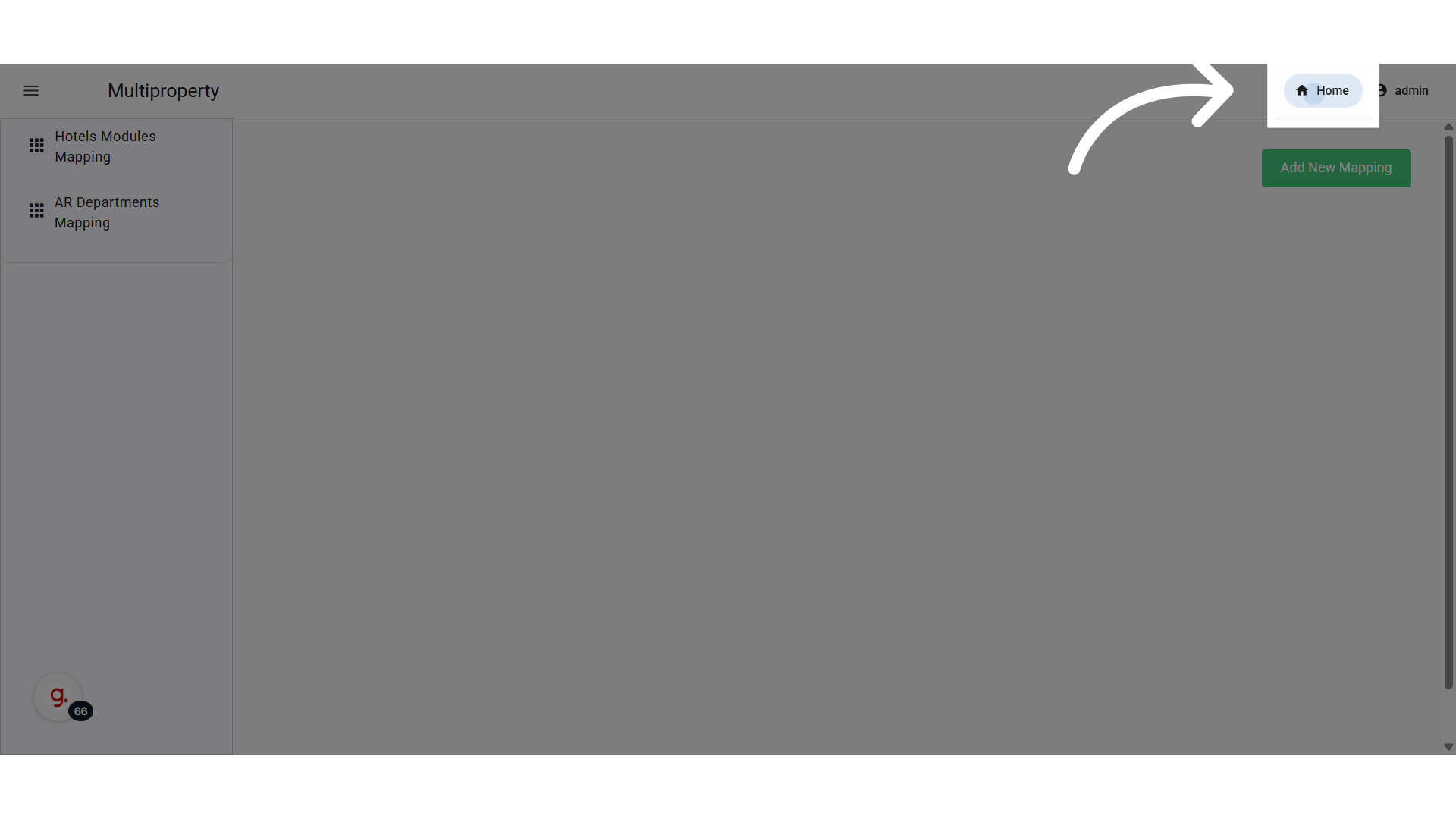
 **Go back to Home Page**
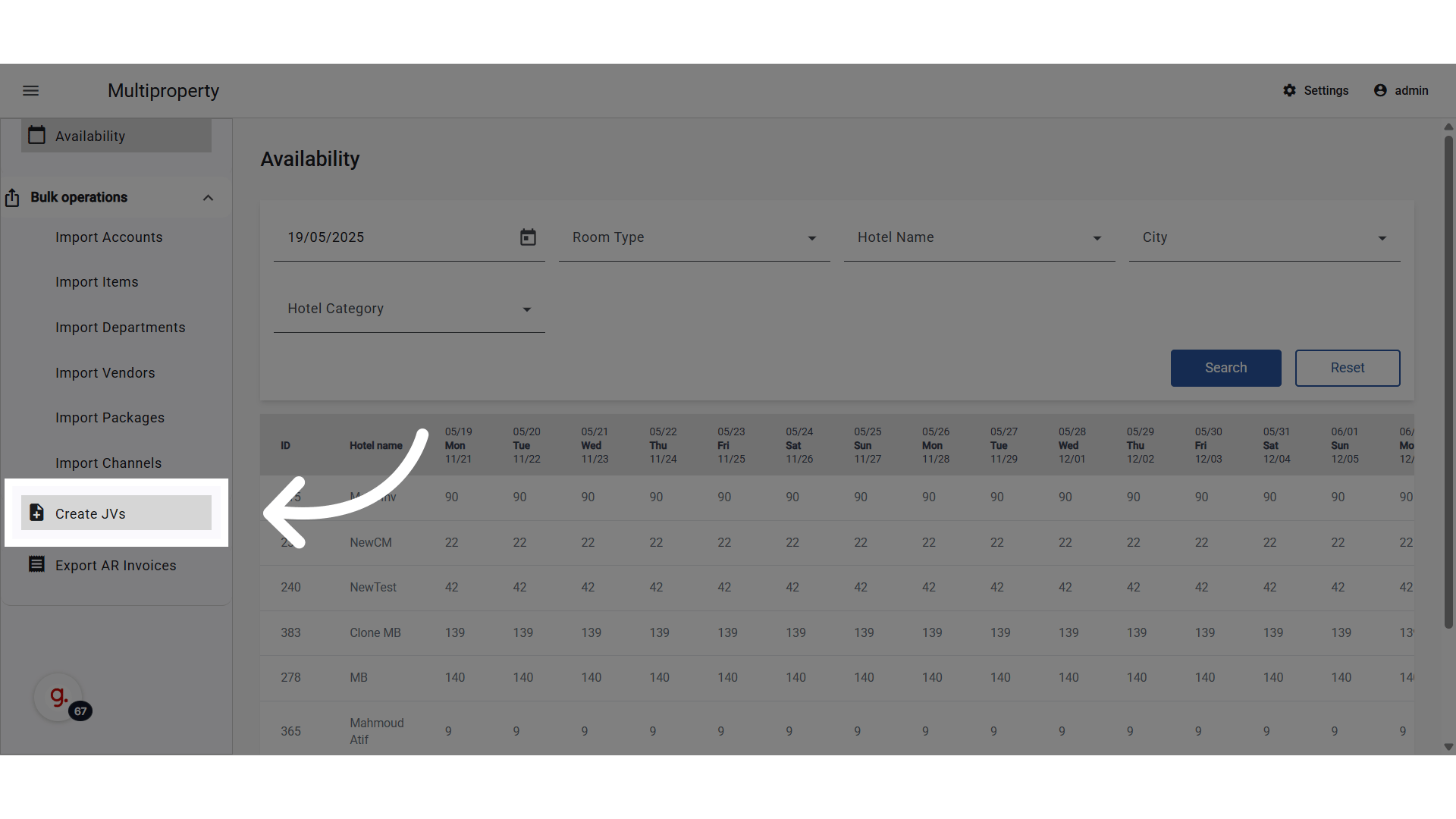
 **Start the JV creation from Source Property to Head Office**
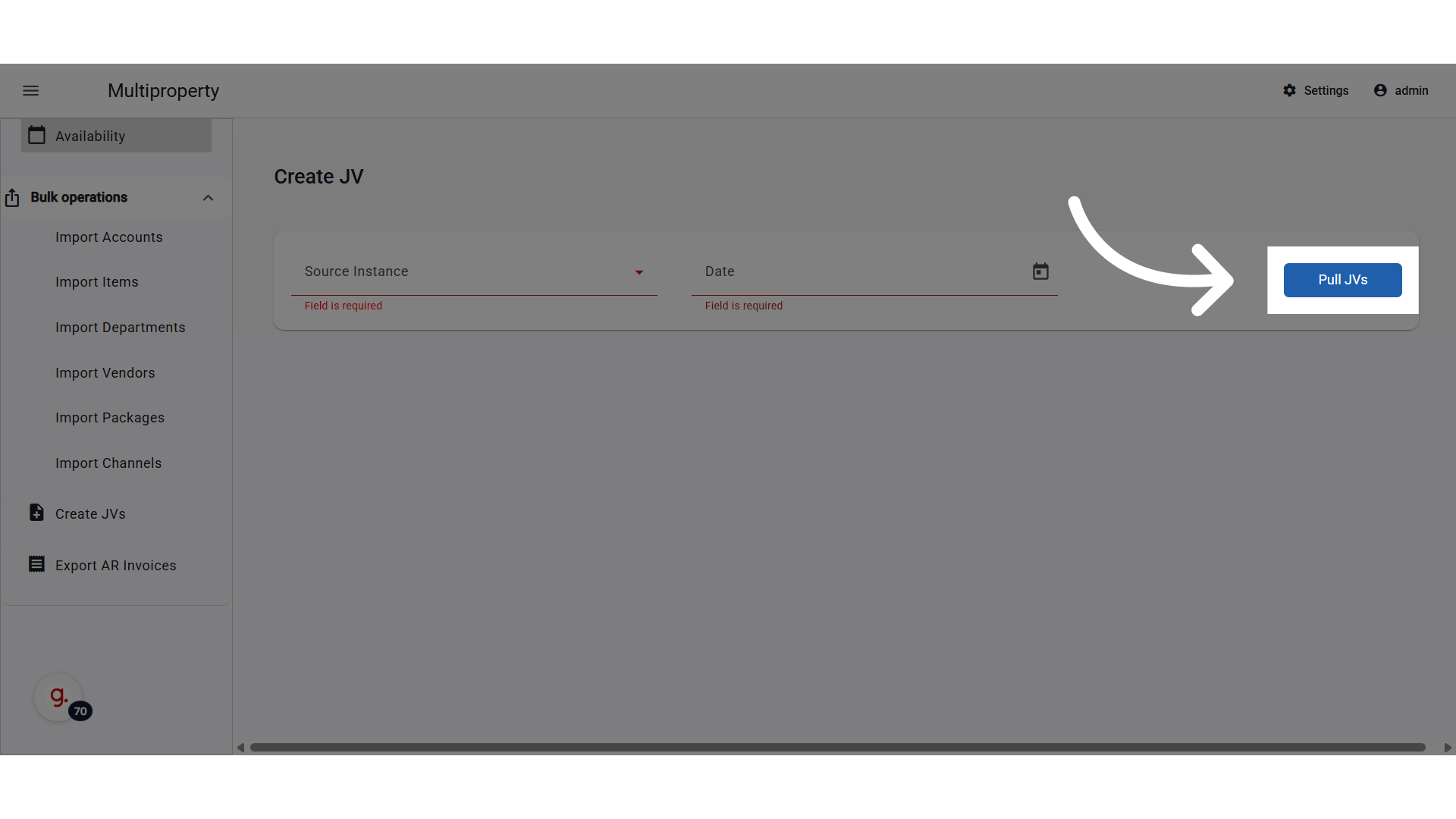
 **Select Source Property and Audit Date**
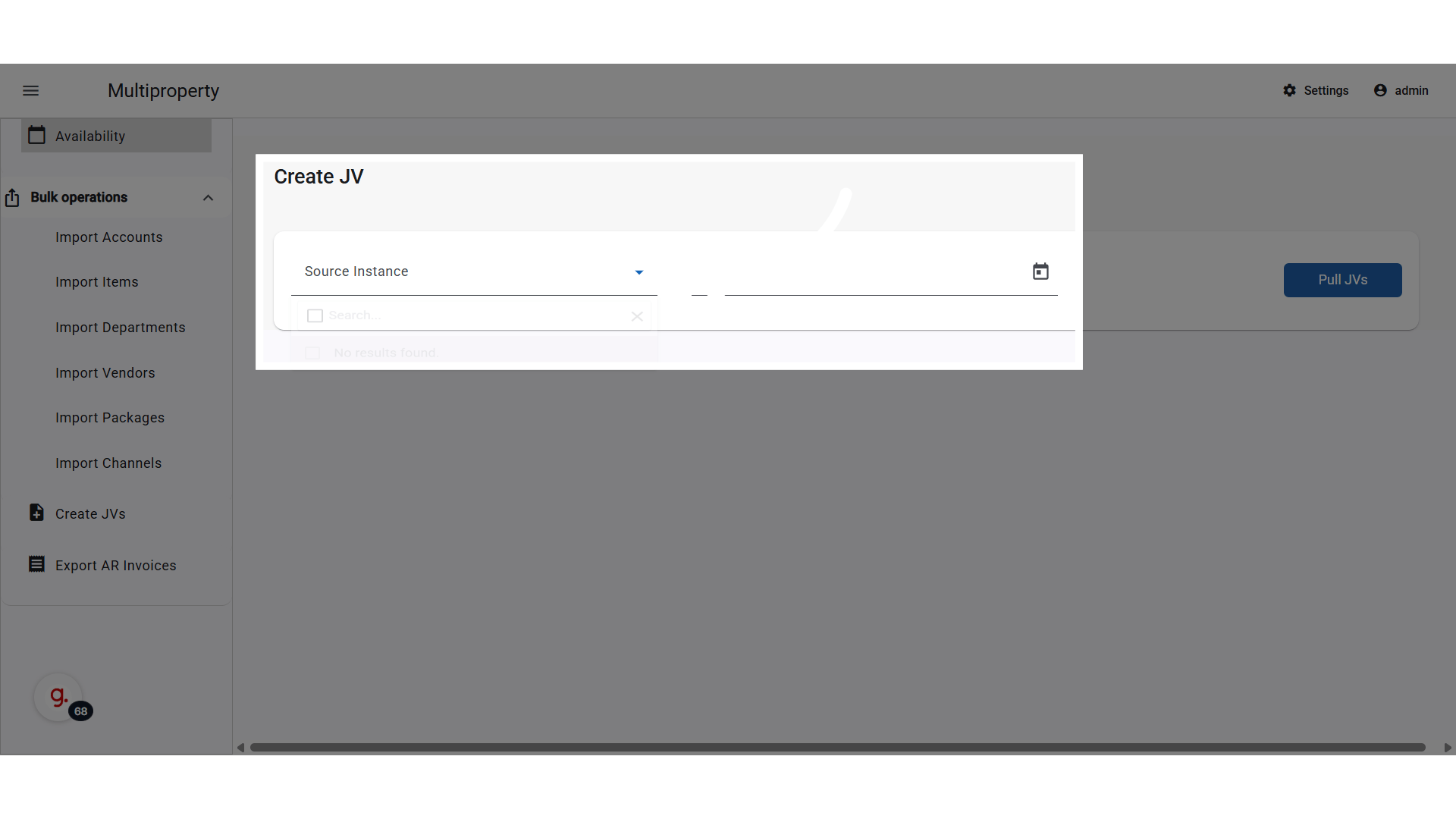 **Click "Pull JVs"**