> ## Documentation Index
> Fetch the complete documentation index at: https://help.kwentra.com/llms.txt
> Use this file to discover all available pages before exploring further.
# Fixed Discounts Settings
> Fixed Discounts are used when you would like to apply a specific percentage/amount discount on certain items in your menus. Fixed Discounts are useful in the below scenarios: * Apply a discount on...
Fixed Discounts are used when you would like to apply a specific percentage/amount discount on certain items in your menus.
Fixed Discounts are useful in the below scenarios:
* Apply a discount on slow moving items in the menu.
* Apply staff discounts on items from the menu.
[**Point of Sale → Settings → Fixed Discount → Add New**](https://manage.kwentra.com/pos/settings/listing/fixeddiscount)
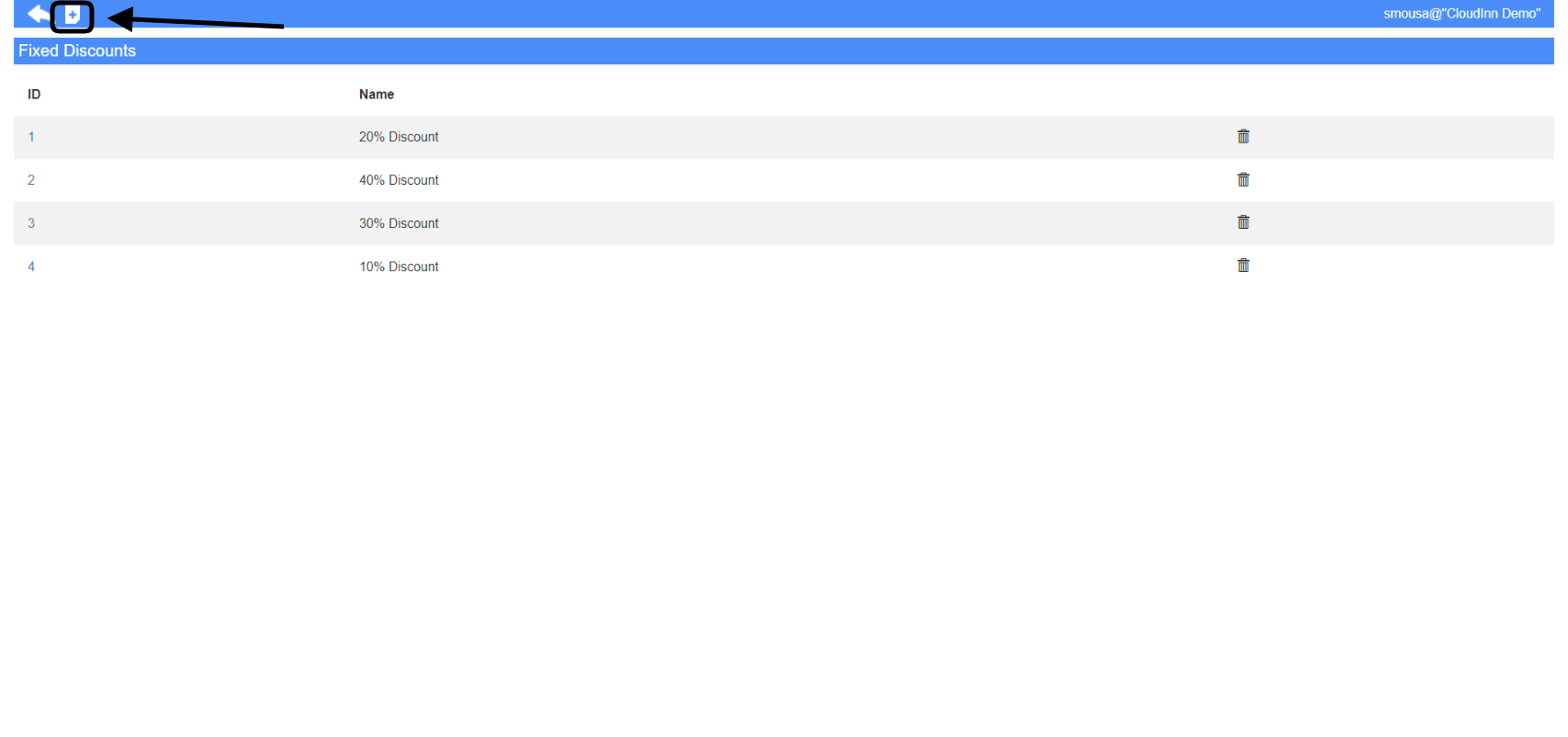 1. Select the **Item Group** you would like to apply the discount on.
2. Highlight the items you desire the discount to apply on and click **Add to Selection** to add them to the final form.
3. Provide a name for your discount setting.
4. Choose the type of discount you want whether a percentage or amount based discount.
5. Choose which cashiers have the authority to apply this discount.
6. Choose the outlet you wish for this discount to appear.
7. Your desired items are already added, just click **Save** for the settings to reflect.
**This discount will only apply when the items you selected are added to the POS invoice, when you apply it the items you selected in settings are the only items that will get discounted.**
1. Select the **Item Group** you would like to apply the discount on.
2. Highlight the items you desire the discount to apply on and click **Add to Selection** to add them to the final form.
3. Provide a name for your discount setting.
4. Choose the type of discount you want whether a percentage or amount based discount.
5. Choose which cashiers have the authority to apply this discount.
6. Choose the outlet you wish for this discount to appear.
7. Your desired items are already added, just click **Save** for the settings to reflect.
**This discount will only apply when the items you selected are added to the POS invoice, when you apply it the items you selected in settings are the only items that will get discounted.**