> ## Documentation Index
> Fetch the complete documentation index at: https://help.kwentra.com/llms.txt
> Use this file to discover all available pages before exploring further.
# User Templates & Custom Uploads
> User Templates and Custom Uploads work hand in hand to give you the flexibility to share whatever information with your online guests. Your Custom Template should include the below components: * Th...
User Templates and Custom Uploads work hand in hand to give you the flexibility to share whatever information with your online guests.
Currently available examples for the below scenarios:
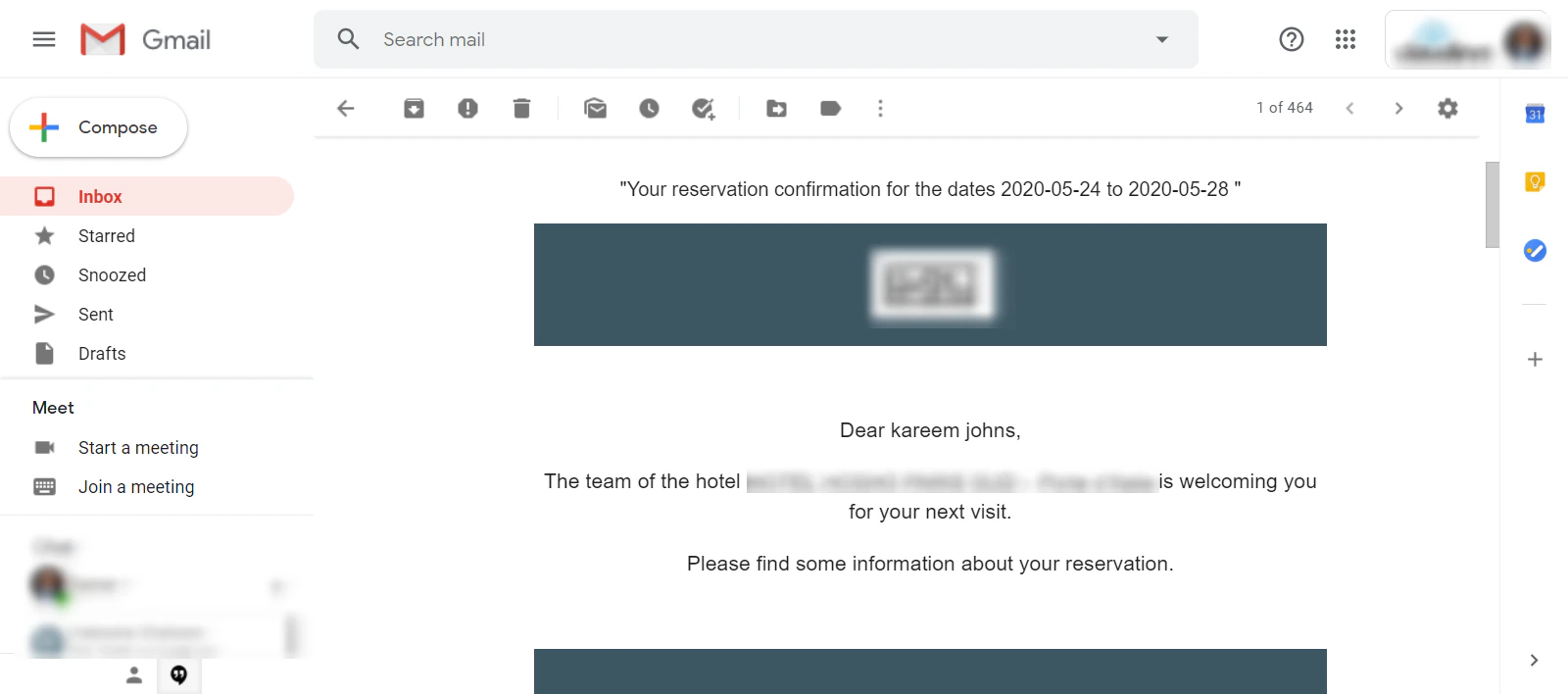
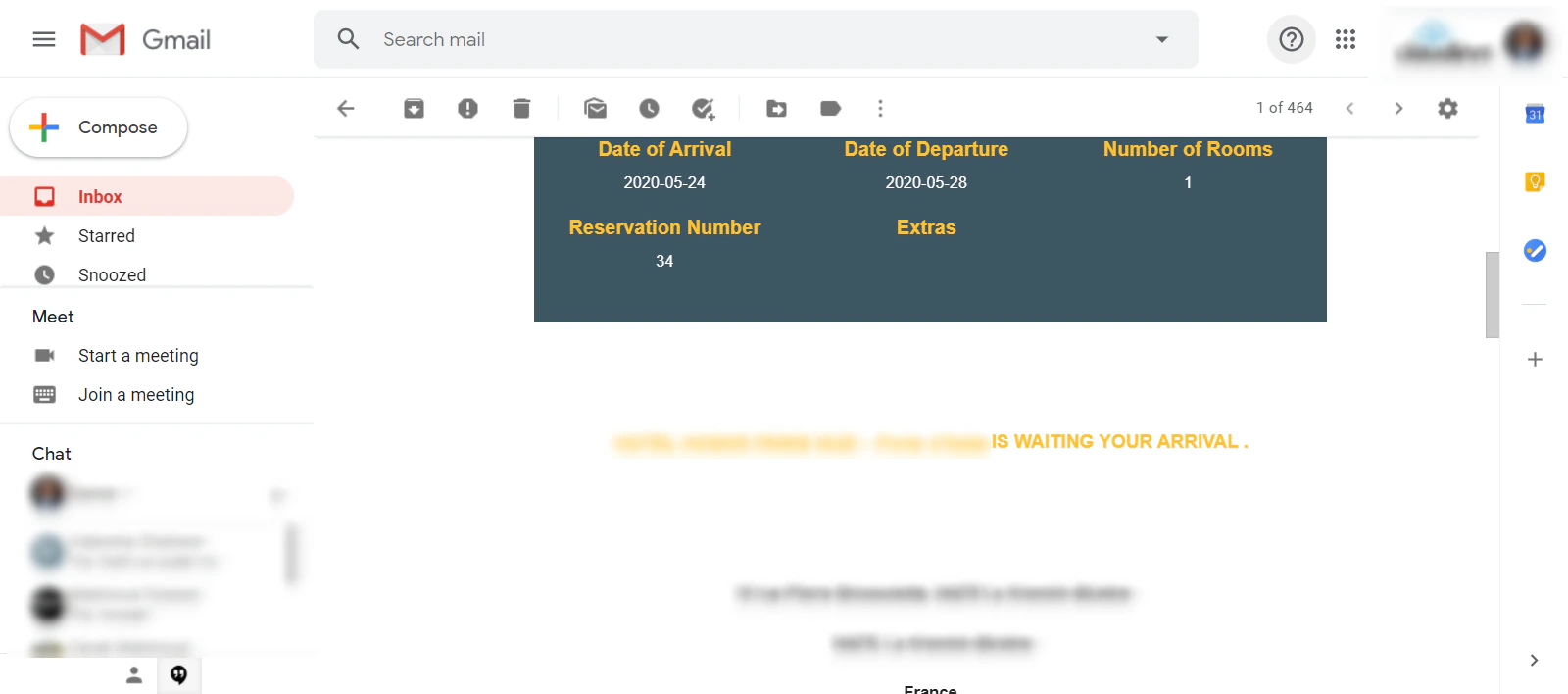
* Online Booking / Front Office Reservations' Confirmation.
* Online Booking Cancellation.
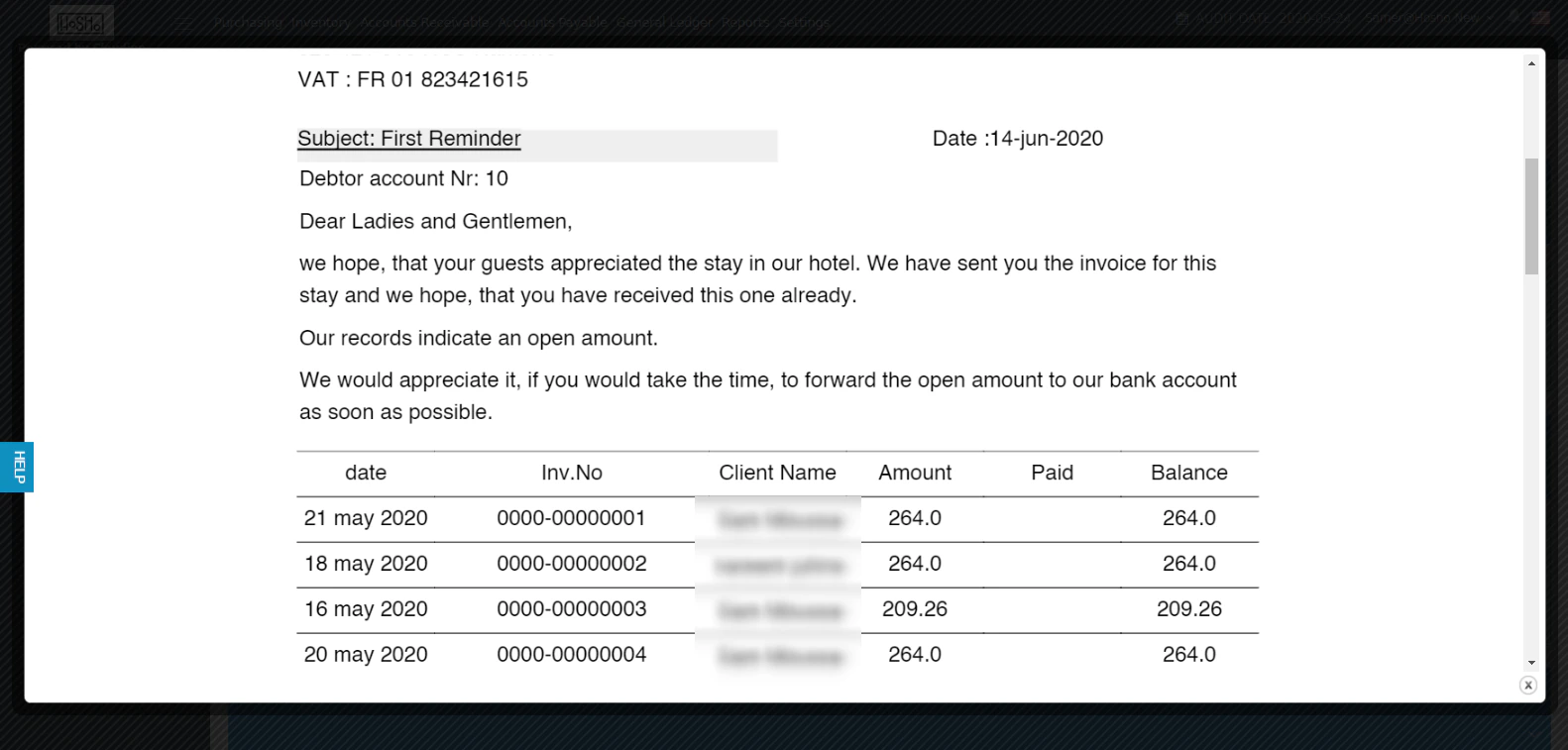
* Accounts Receivable E-mail Reminder Notifications.
Your Custom Template should include the below components:
* The Cascading Style Sheet for the template.
* Images in PNG.
* The HTML Code for the template combining all components together.
HTML Templates are to be uploaded here:
**Settings → User Templates → User Templates**
Other components such as the css files and images are to be uploaded here:
**Settings → User Templates → Custom Uploads**
You can always refer back to [support@kwentra.com](mailto:support@kwentra.com) to help in the process.
#### **Examples for New Templates:**
**Online booking / FO Confirmation:**
 **AR Reminders Example:**
*N.B: you can have as many reminders with different context for each AR Account configured to be sent from the system directly, read more about AR Reminder Settings.*
**AR Reminders Example:**
*N.B: you can have as many reminders with different context for each AR Account configured to be sent from the system directly, read more about AR Reminder Settings.*