Business Value
- See every new, changed, or dropped reservation from a tour operator.
- Know what happened, when, and why.
Use Cases
- The reservation bot shows the exact reason it dropped a booking.
- A guest arrives, but the reservation did not. Check the import log.
- A reservation changed many times. See every change.
- Front office staff open the reservation from its link and fix it fast.
- Tour operator teams work with the property to fix mismatches.
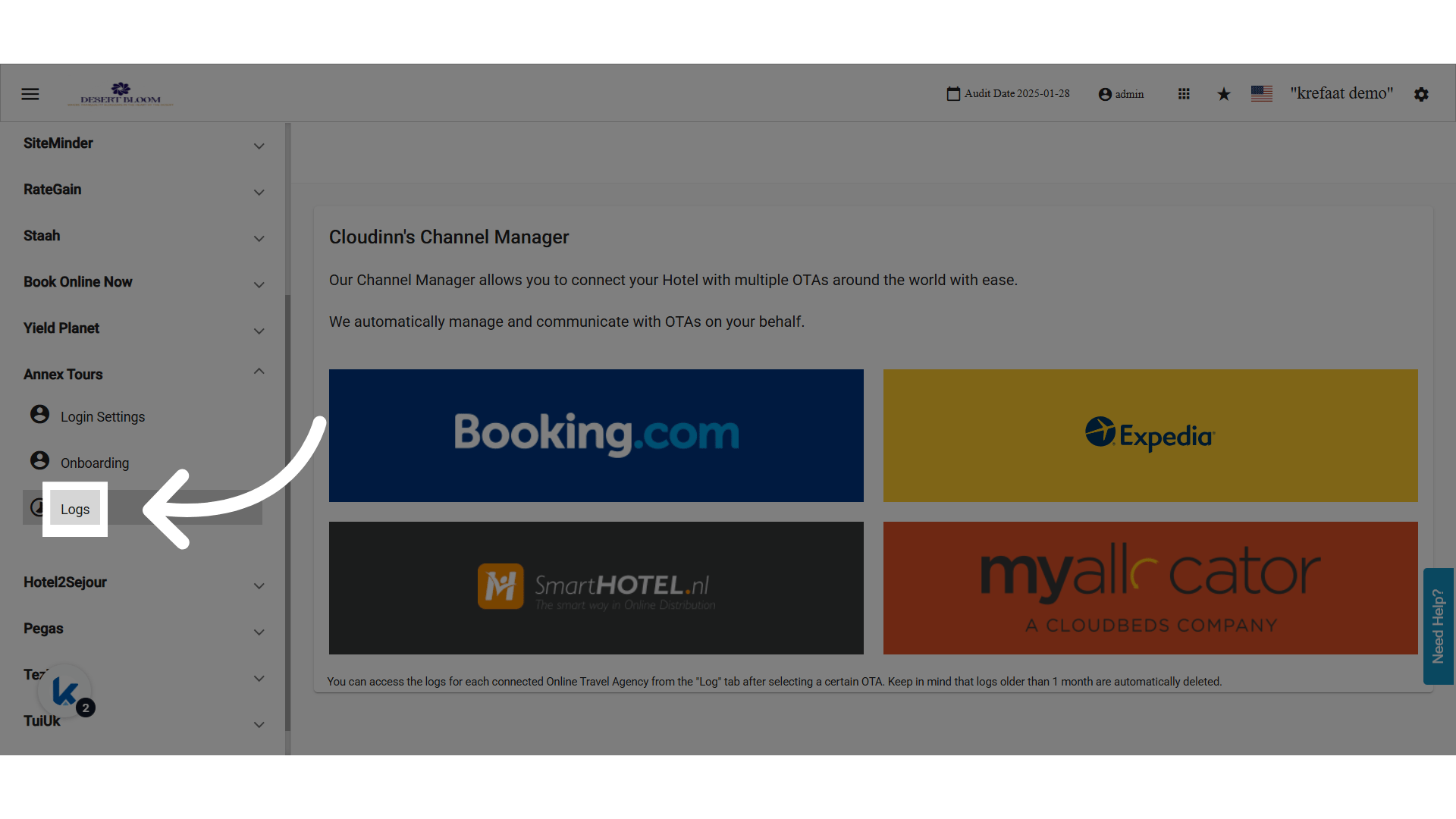
📑 What Gets Logged?
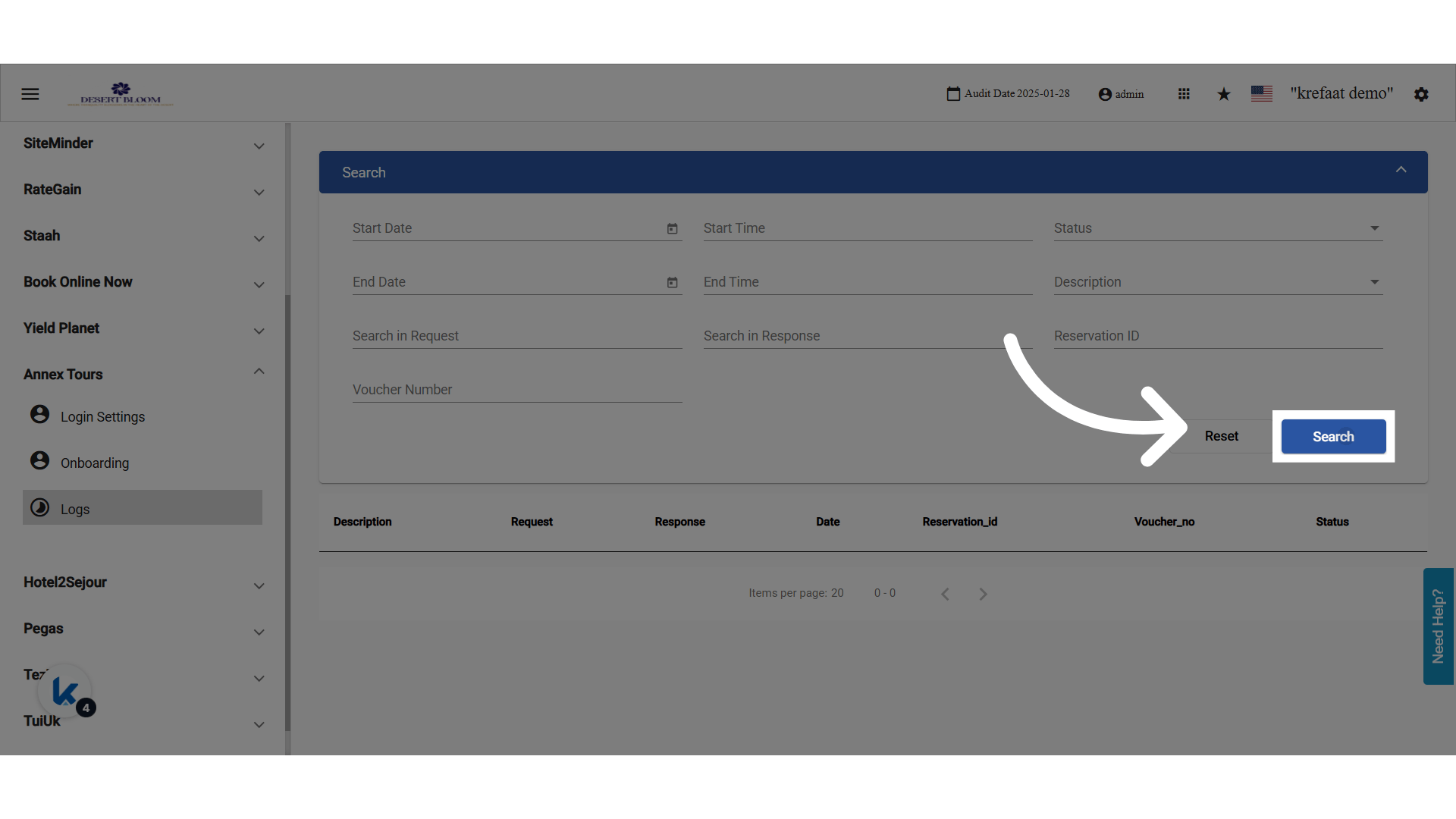
For each reservation that is created, updated, or dropped, the log keeps:- Reservation ID (links to the Front Office reservation, if there is one)
- Voucher Number
- Action Taken: Create / Update / Cancel / Dropped
- Bot Process Events: Start & End
- Request & Response Messages (you can search them)
- Error Codes / Drop Reasons
🔍 Filters
- Reservation ID
- Voucher Number
- Date Range (Start/End)
- Time Range
- Description: Create, Update, Cancel, Bot Process
- Status Code
- Request/Response Keyword Search