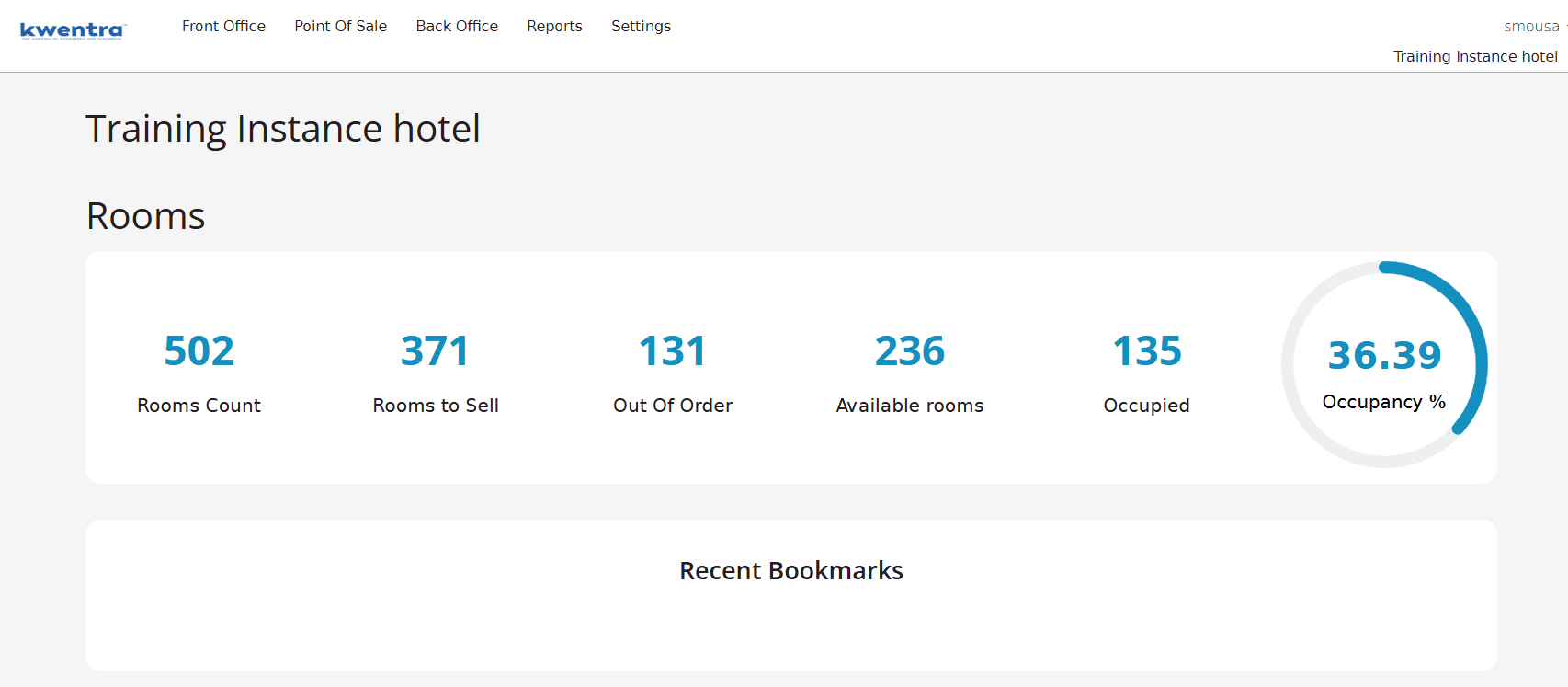
- Dashboard shows accurate occupancy — no inflation from non-count rooms included.
- Occupancy % now matches industry-standard calculations excluding service and model rooms.
- The available rooms formula correctly deducts OOO and non-count rooms from total inventory.
- Improves confidence in home page KPIs used for daily operational decisions.
- Hotels with staff rooms no longer see inflated occupied room counts on the dashboard.
- GM sees occupancy % based on sellable rooms only — consistent with rooms division reports.
- Revenue manager’s home page occupancy now matches system occupancy reports.
The corrected formulas are:
- Occupied Rooms = Total checked-in rooms excluding non-count rooms.
- Available Rooms = Total rooms − Occupied (excl. non-count) − Out of Order (OOO) − Non-count rooms.
- Occupancy % = Occupied Rooms ÷ (Occupied Rooms + Available Rooms) × 100.