

Business Value
- Records any manual entry with the right debit and credit.
- Shows only the T-codes that belong to the main account.
- Groups related JVs in account listing reports with one file number.
- Records lines in foreign currency, with the rate filled in for you.
- Copies a repeat entry in one click with Clone.
Use Cases
- An accountant records a maintenance payment from the main safe box.
- An accountant picks EUR on a new JV, and the exchange rate fills in.
- An accountant clones last month’s depreciation JV for this period.
How It Works
To hide, reconcile or print JVs, see Work with Journal Vouchers.
Debit and Credit
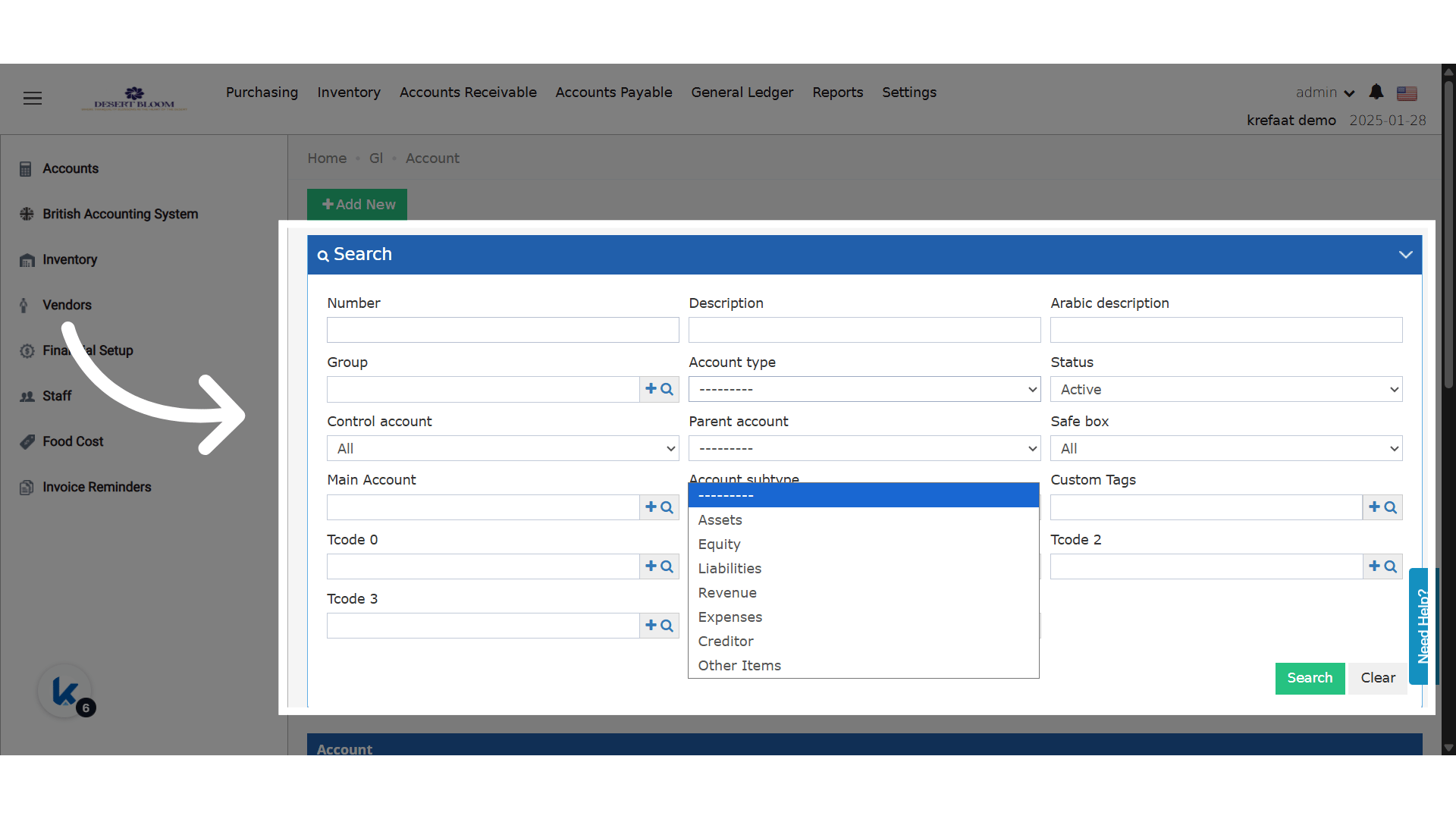
Your chart of accounts should have these 5 account types:- Assets
- Equity
- Liabilities
- Revenue
- Expenses
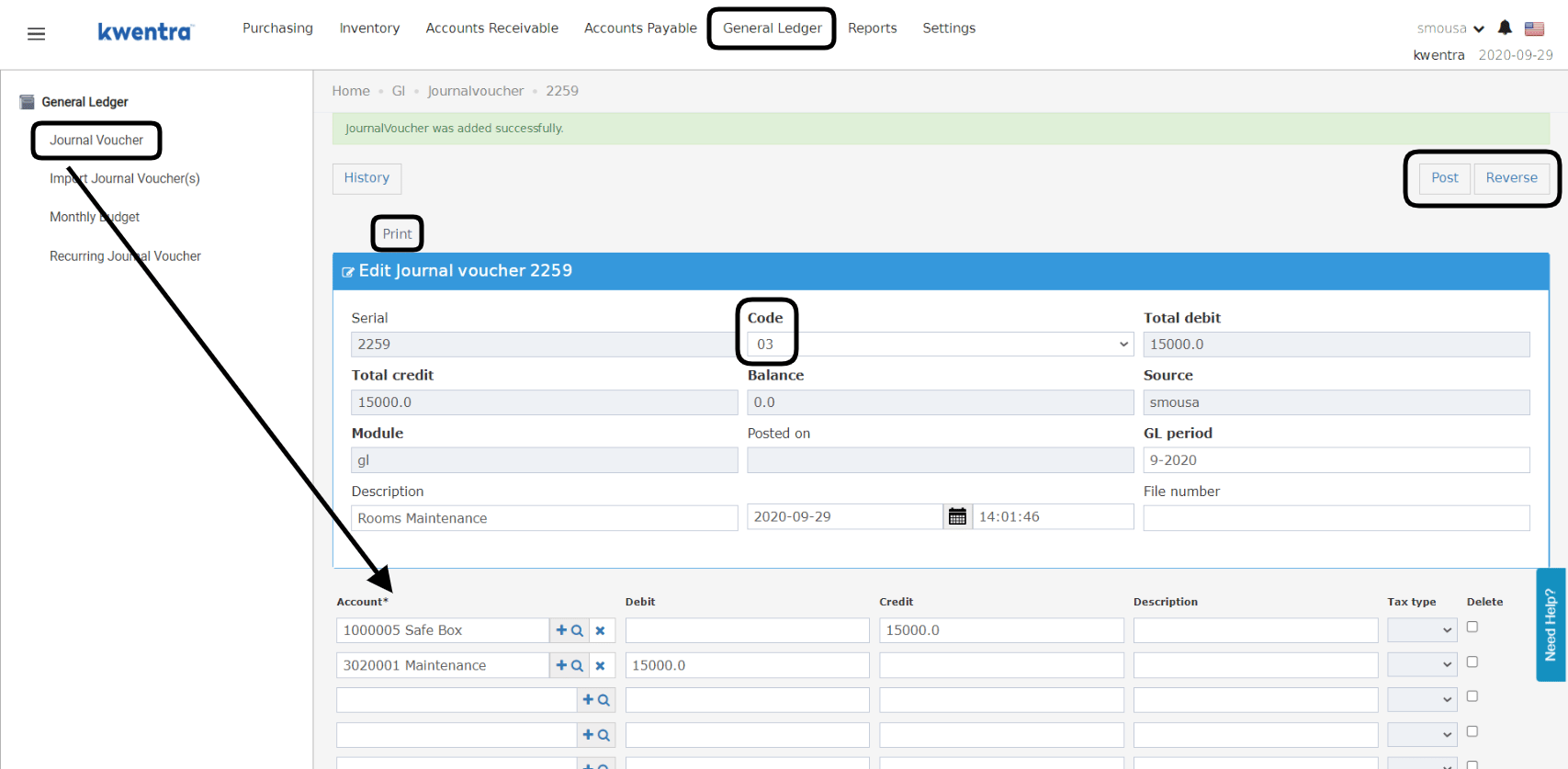
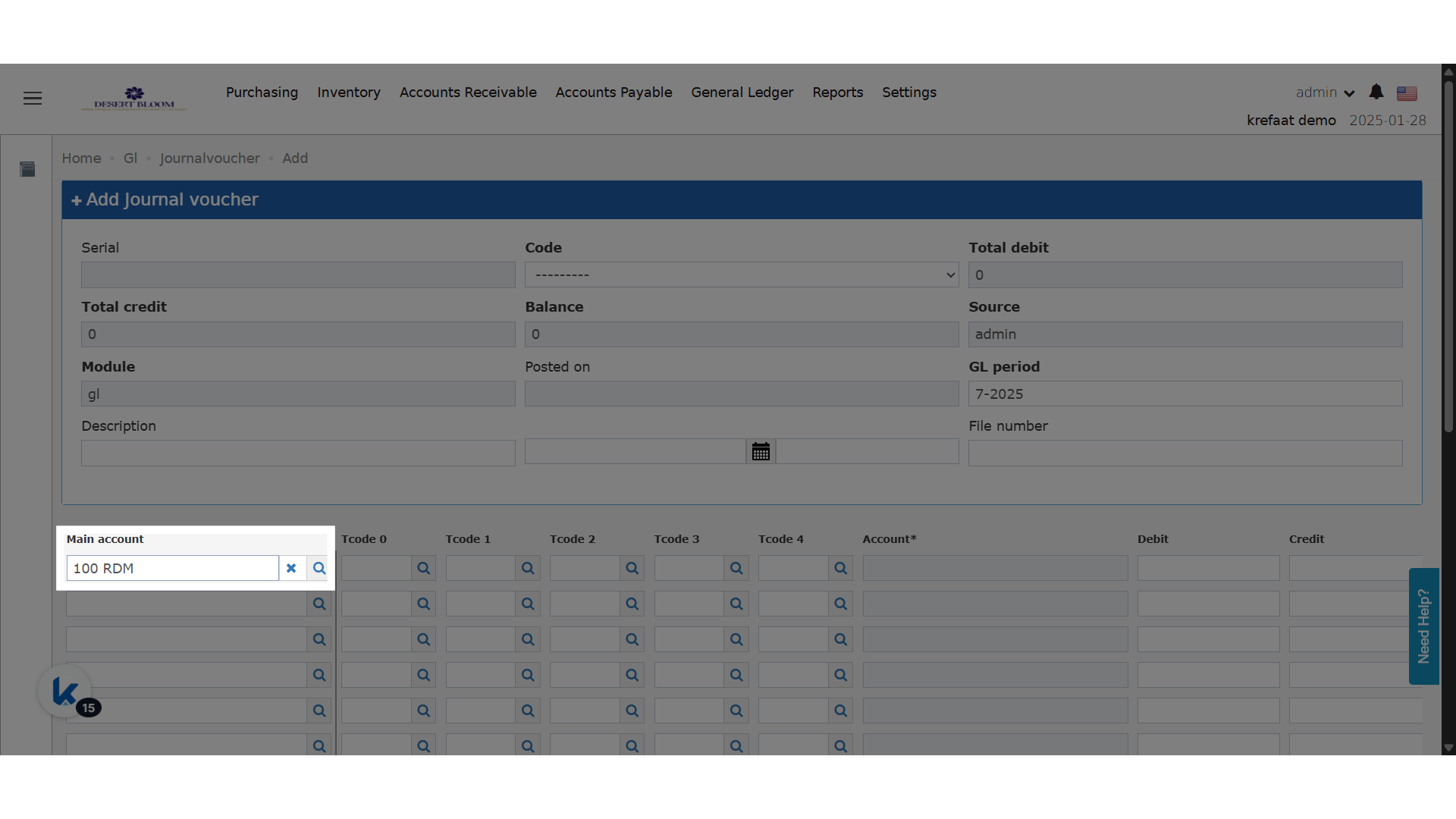
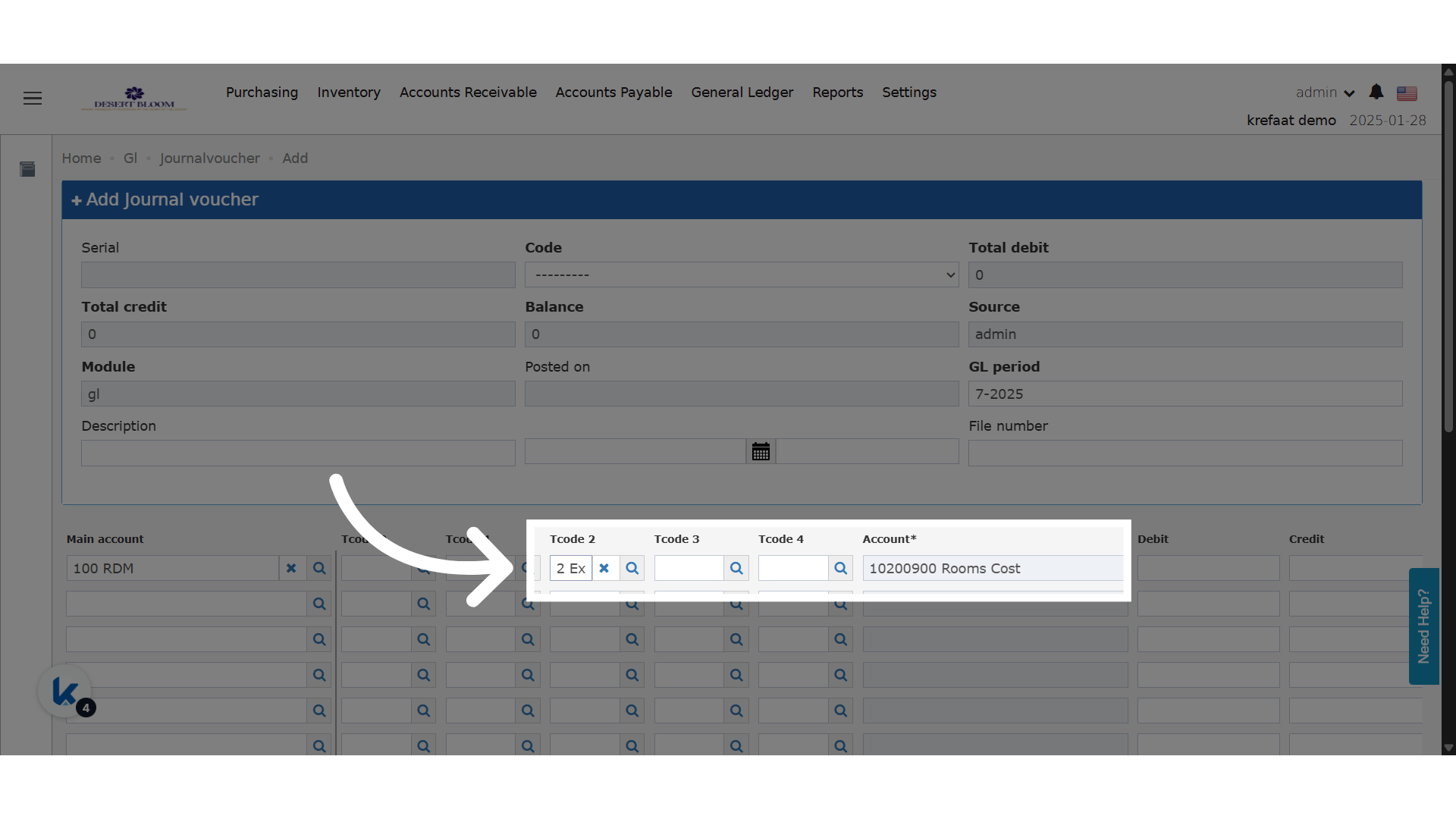
Example: a maintenance payment (Expense) paid from the hotel’s main safe box (Asset).
T-Code Analysis Filter
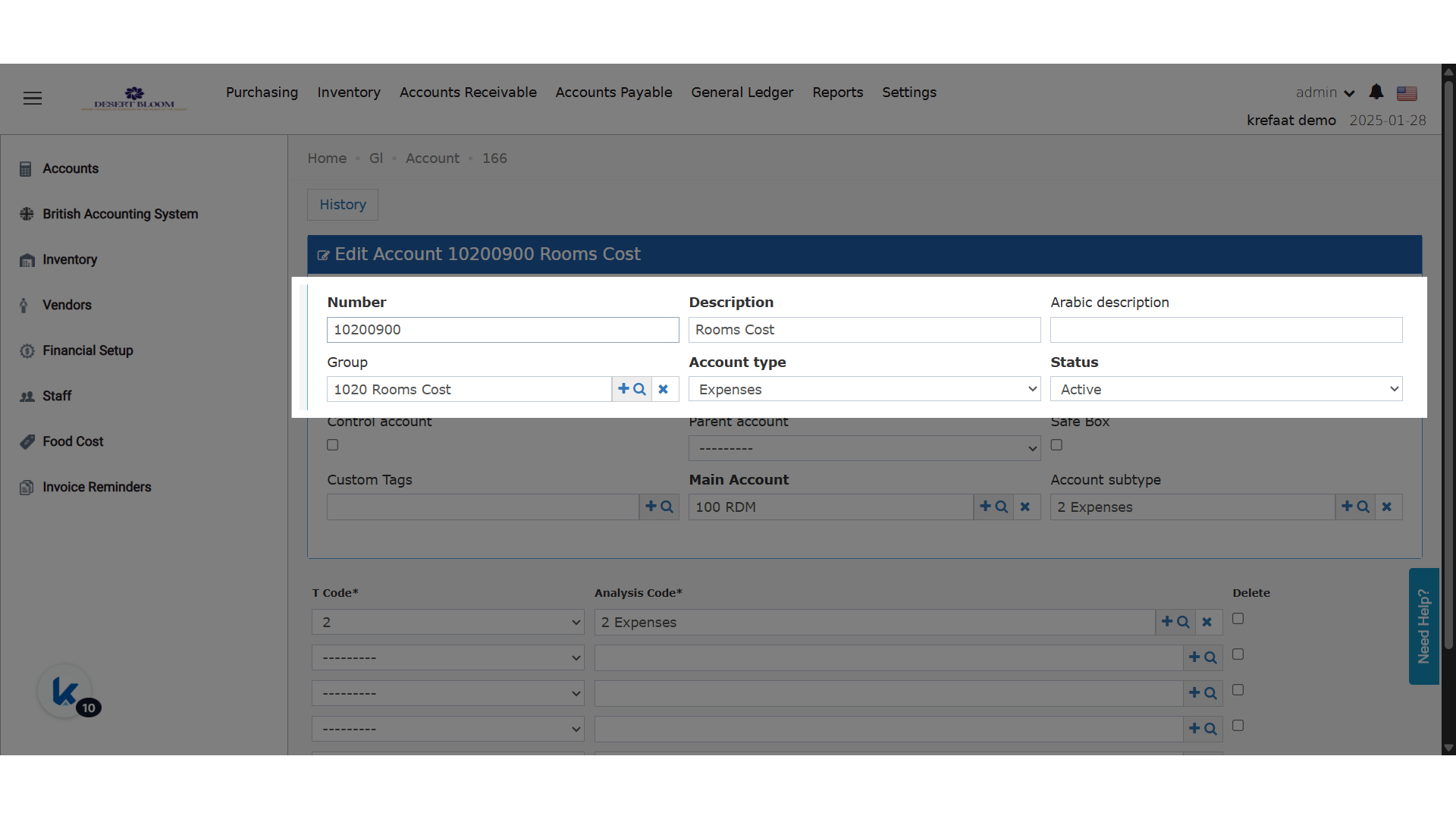
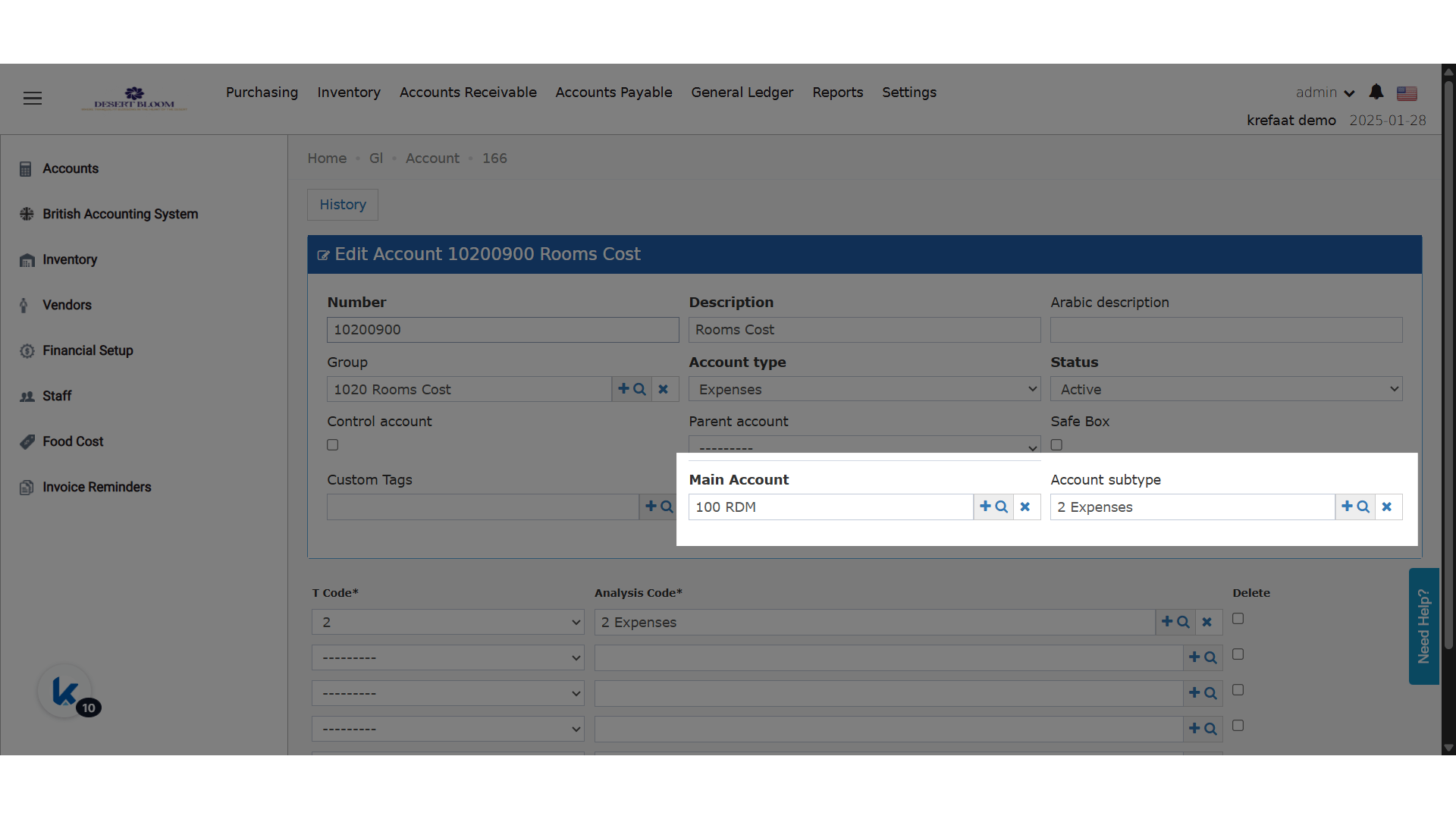
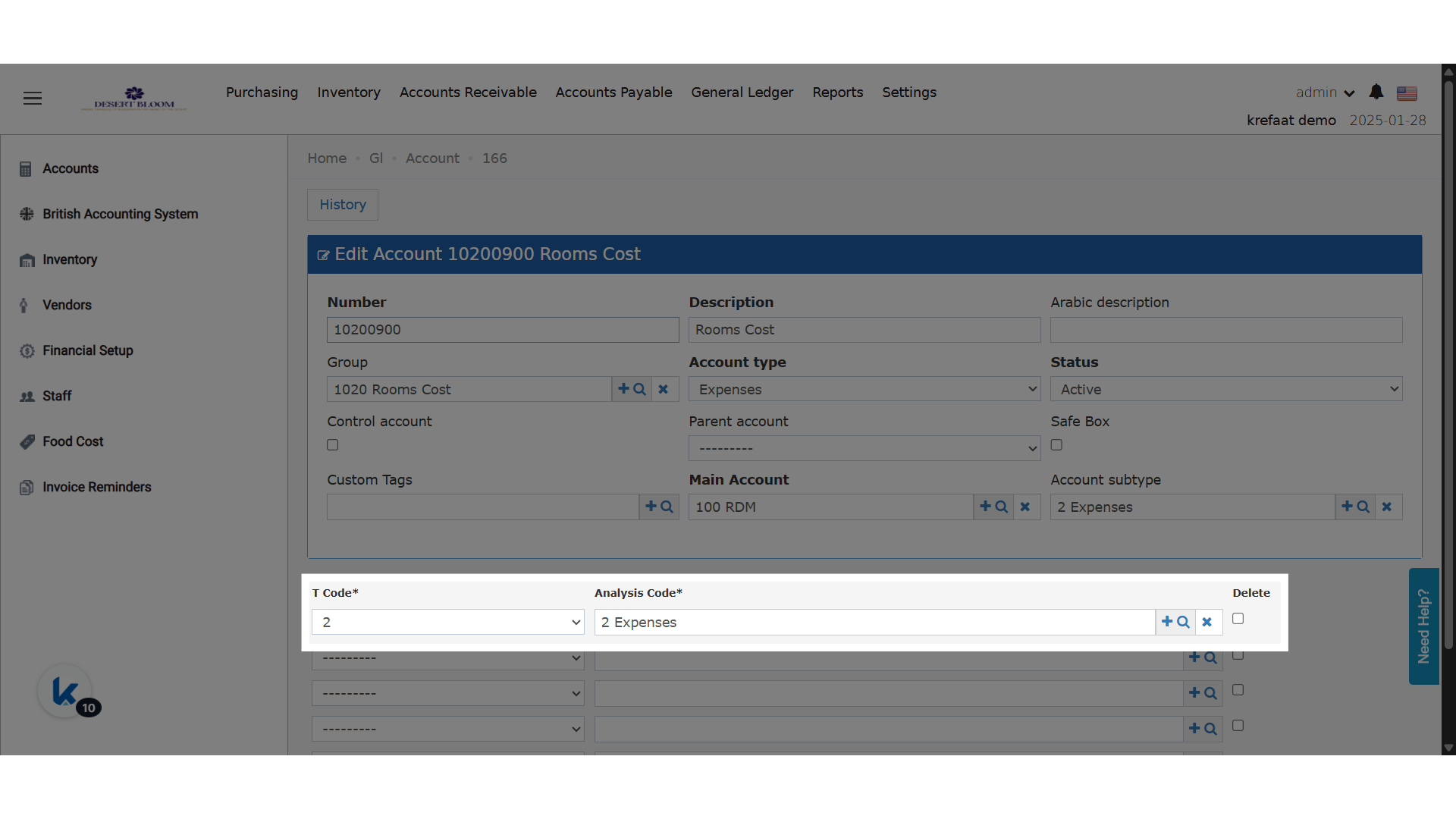
On the British accounting system, each T-code list (T0–T4) shows only the analysis codes linked to the selected Main Account.- Analysis codes are linked to main accounts in the master data settings.
- If a main account has no analysis codes, the field is greyed out.
- This stops T-codes being used with the wrong main account.
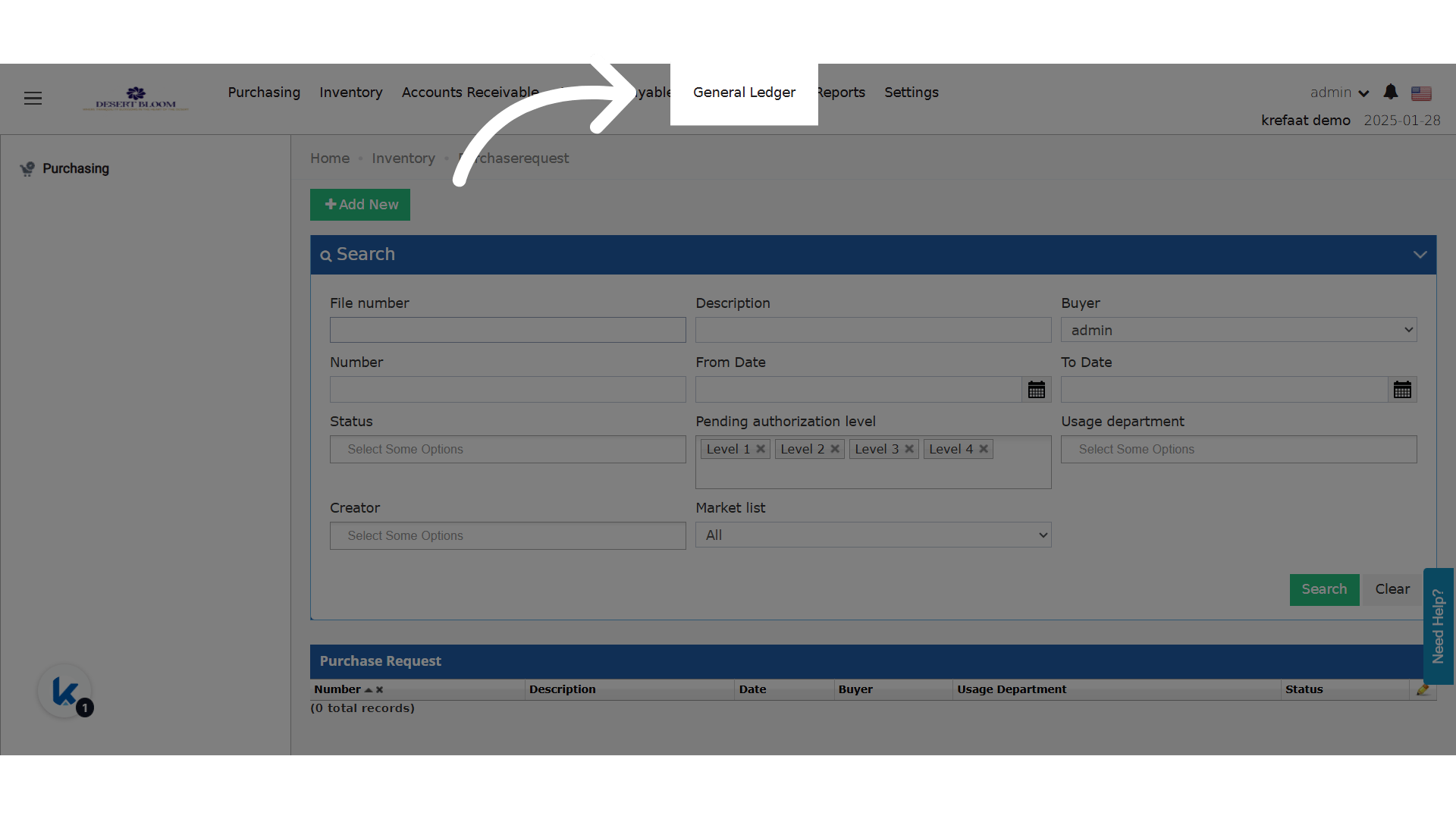
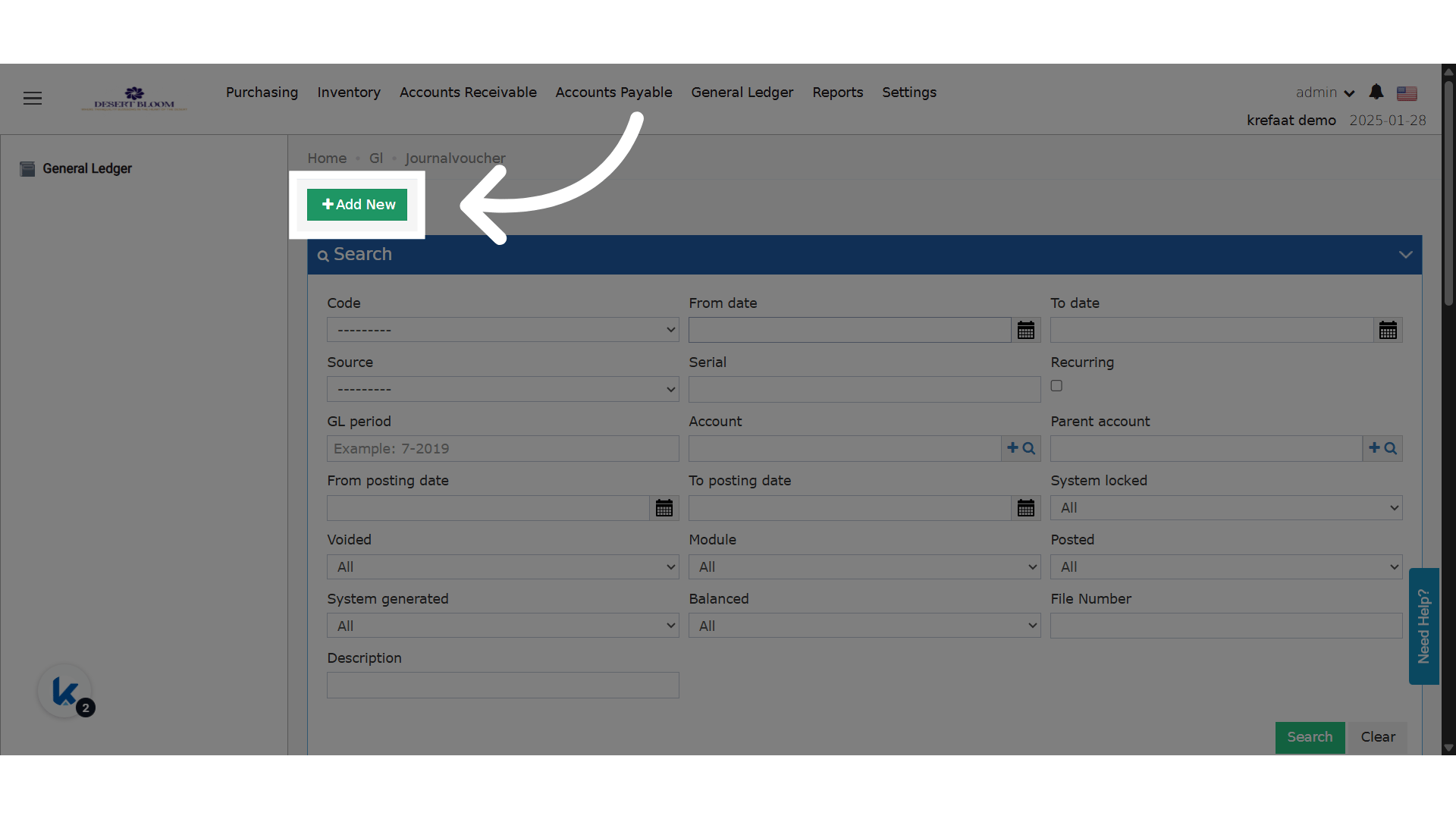
File Number
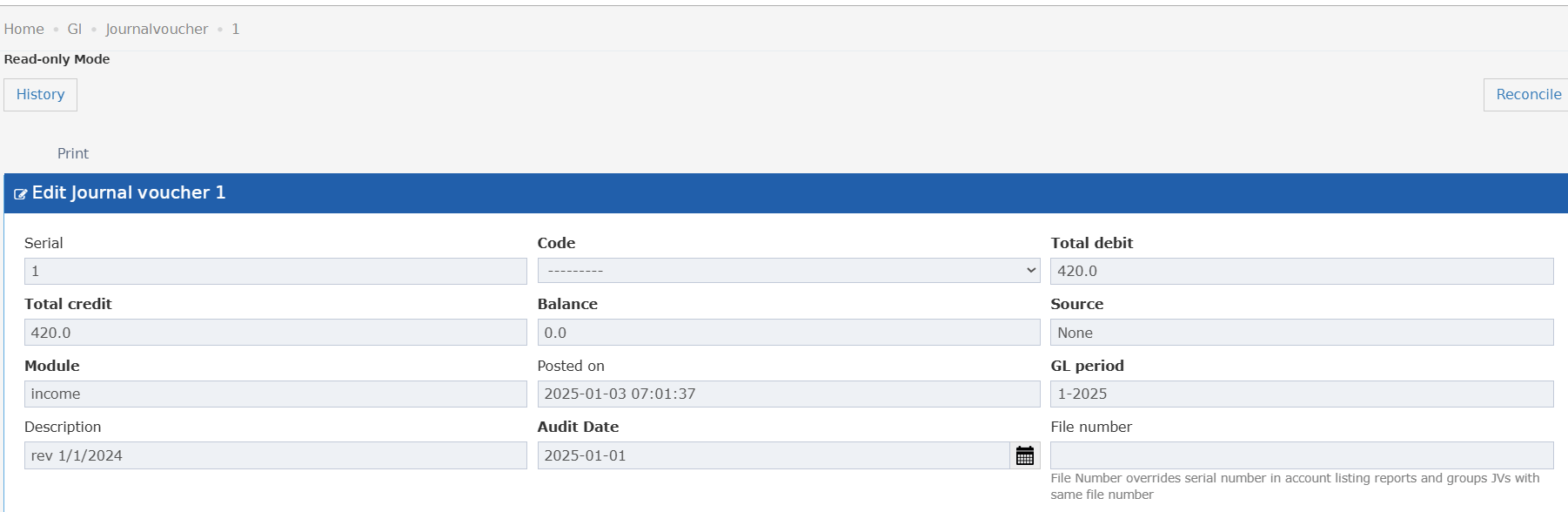
A tooltip under the File Number field says: “File Number overrides serial number in account listing reports and groups JVs with same file number”.- With a file number, it replaces the serial number in account listing reports.
- JVs with the same file number are grouped together in those reports.
- With no file number, the JV uses its normal serial number.
Foreign Currency Journal Vouchers
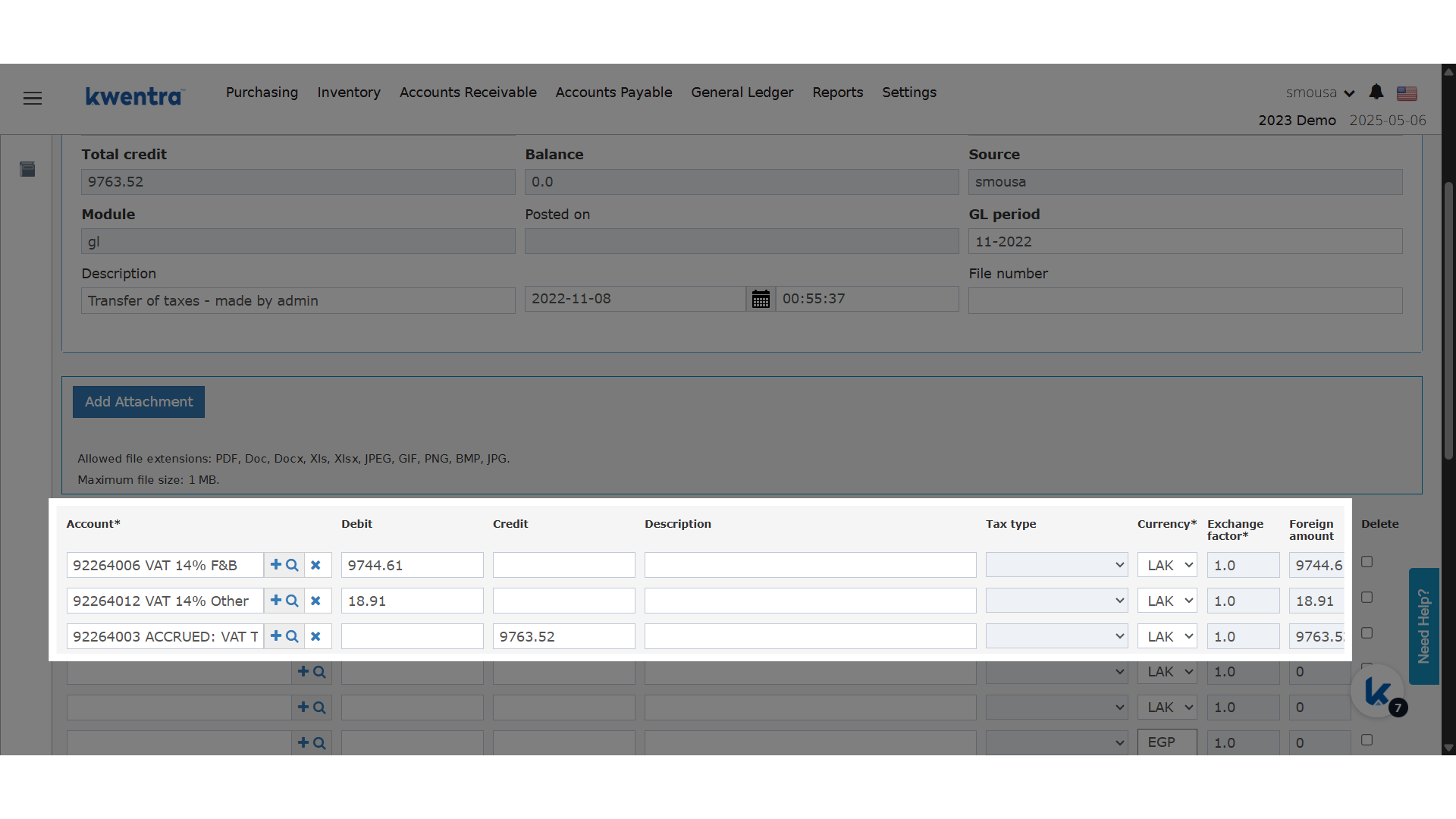
GL journal vouchers can have lines in more than one currency. Your property can turn this feature on or off.
Older JVs use the base currency and an exchange factor of 1. Their foreign amount equals the amount.
The Exchange Rate Fills In
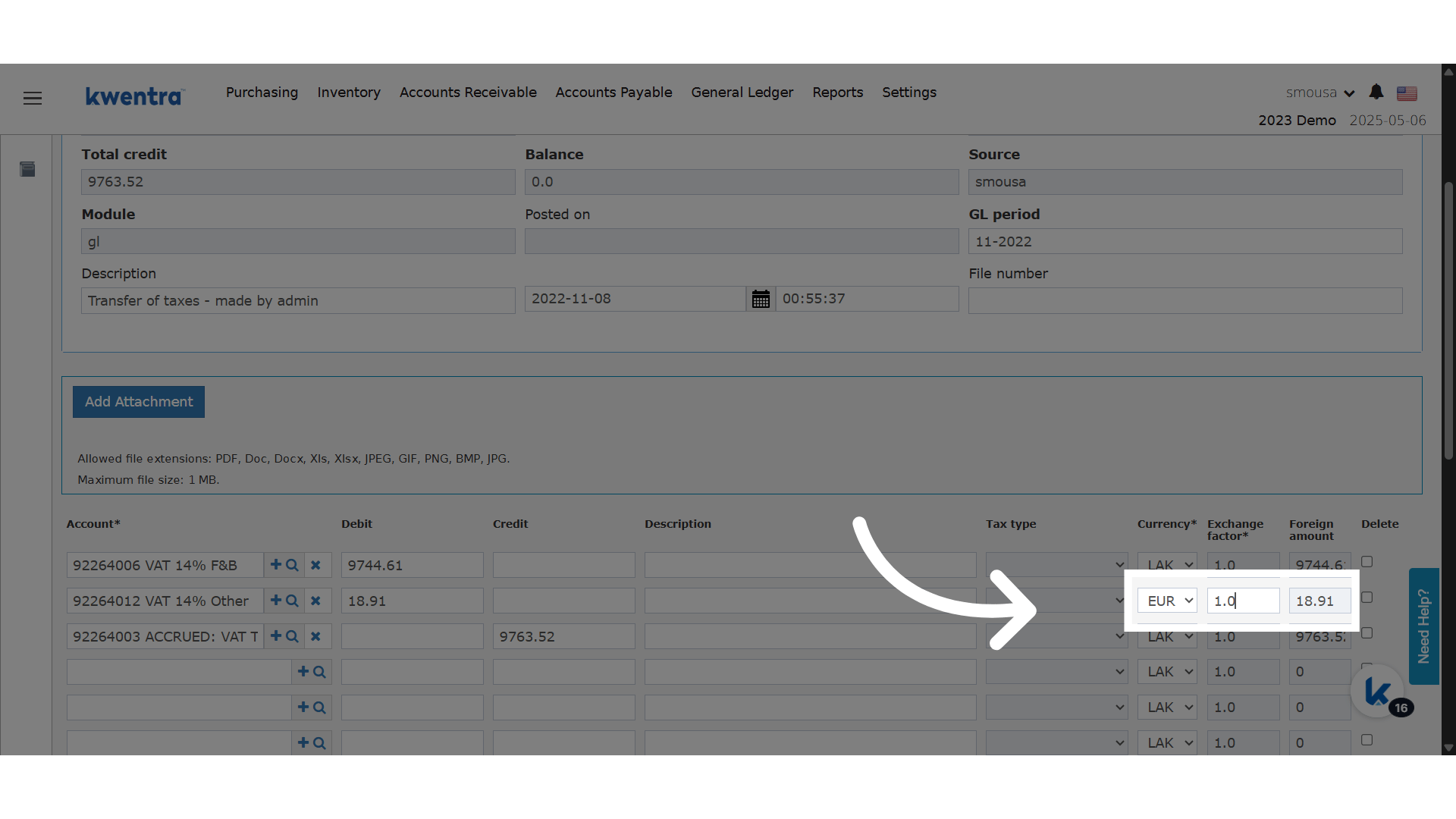
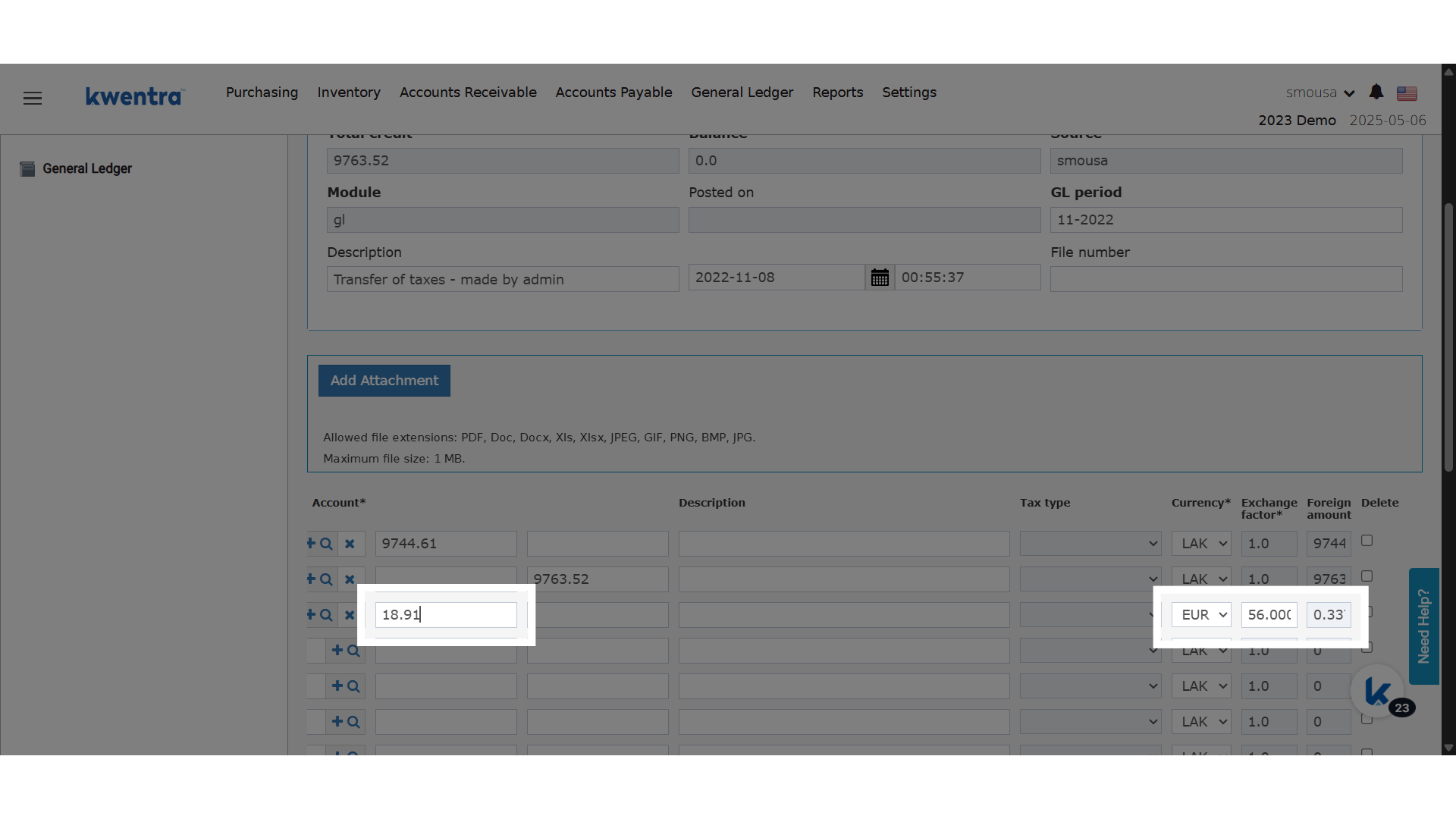
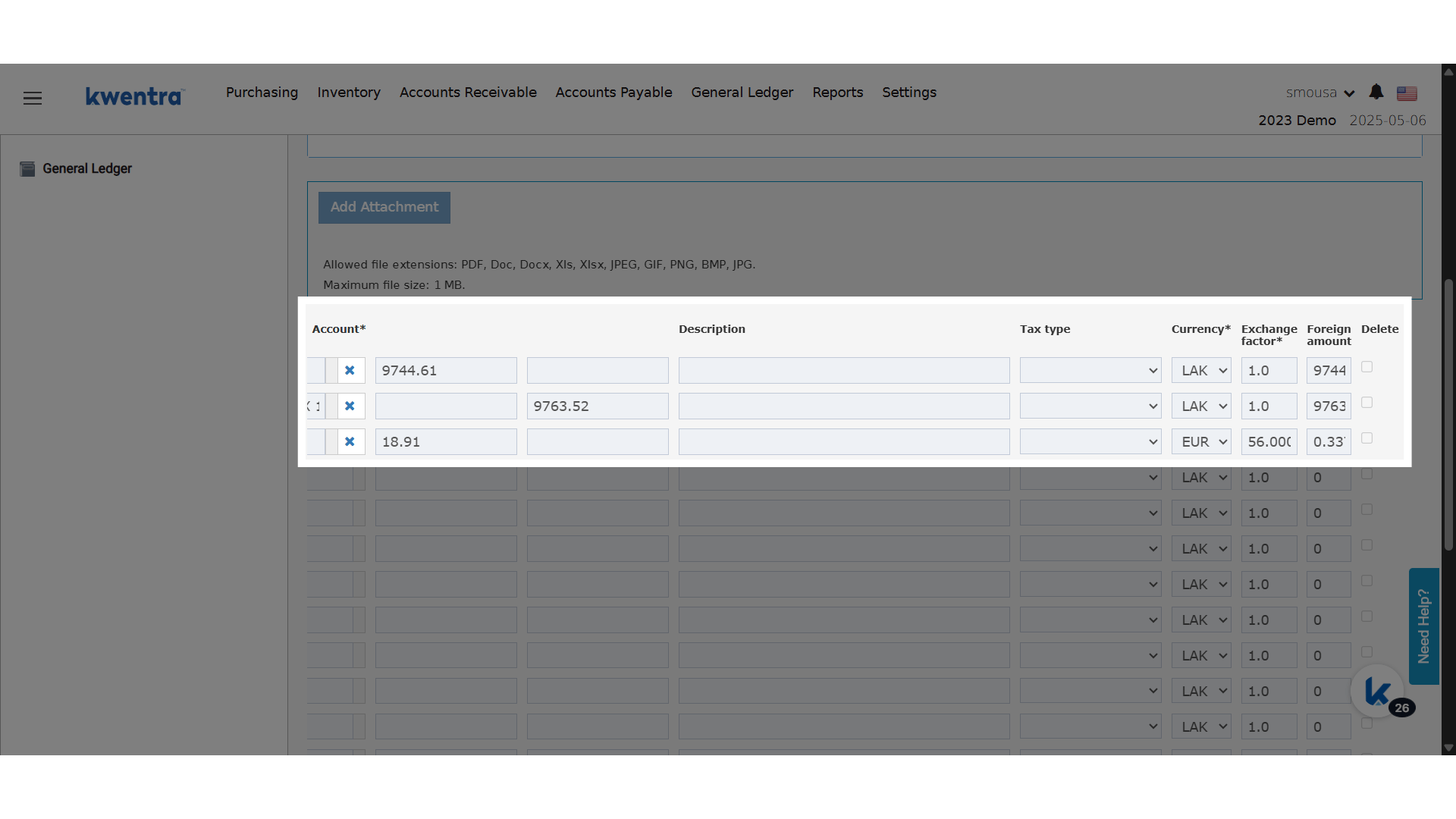
- Pick a foreign currency on the line.
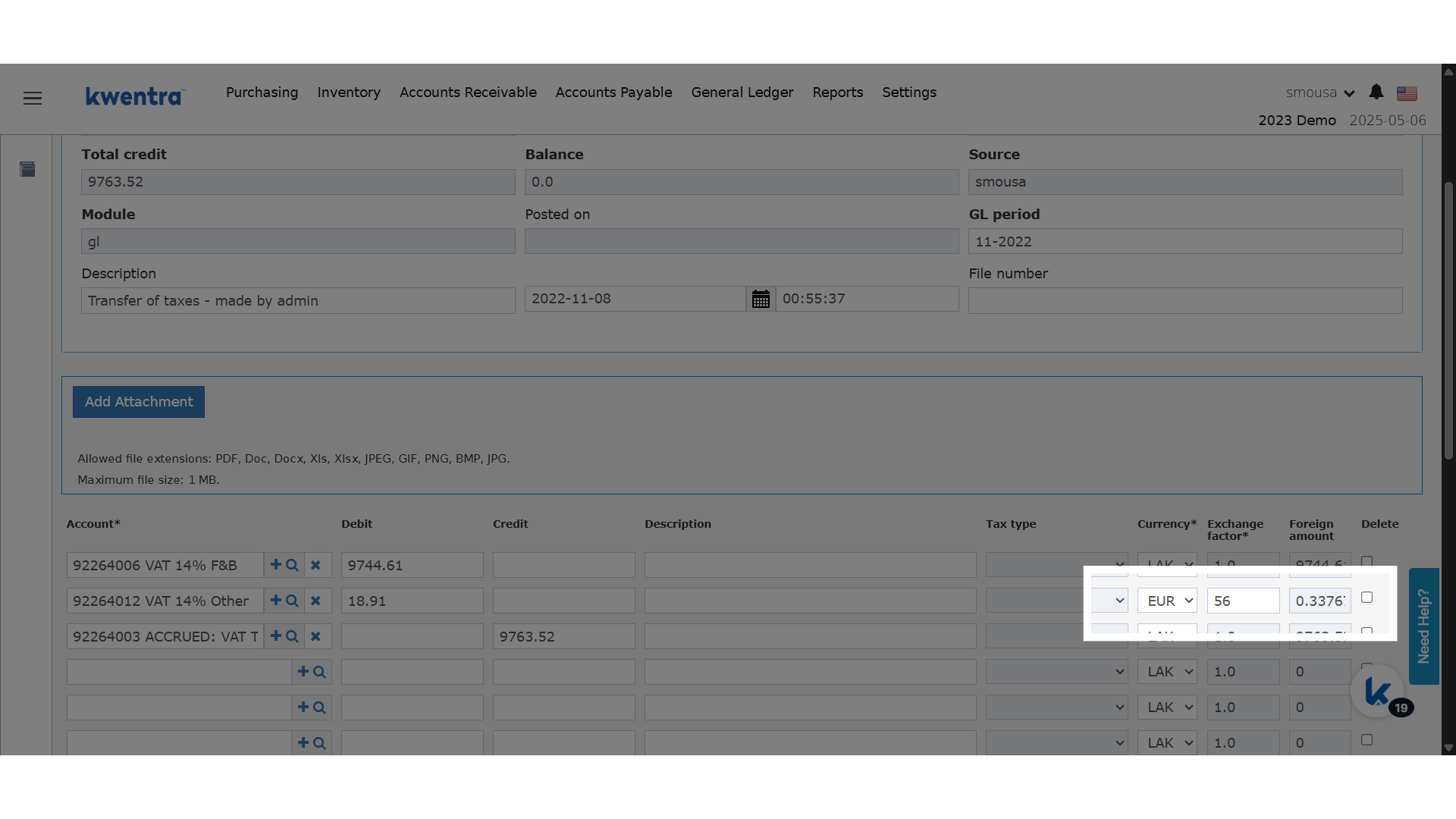
- The exchange factor fills in with the current system rate for that currency.
- Check it. Type a new value if a different rate applies.
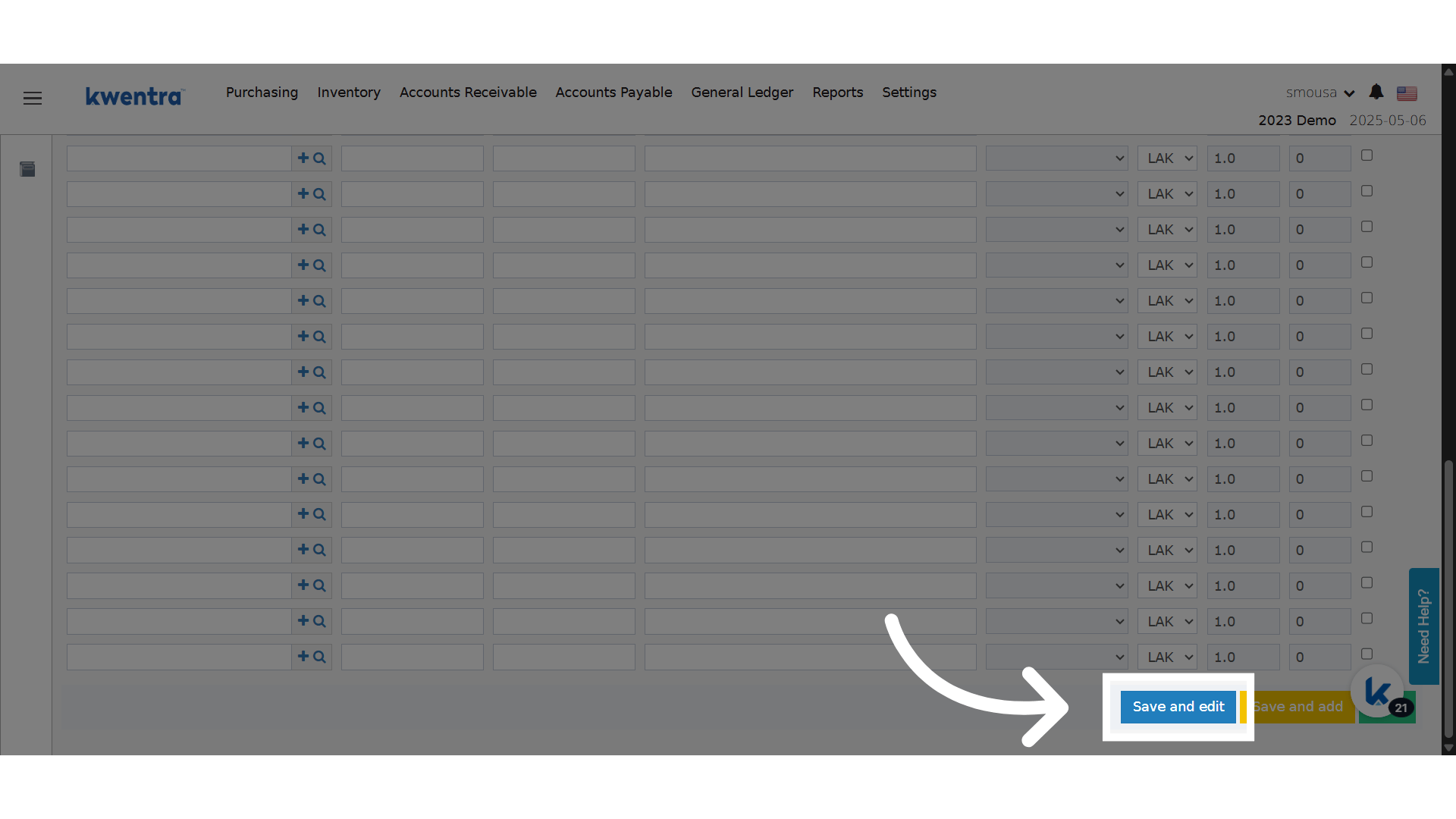
- Save or post the JV as usual.

Step by Step
Clone a Journal Voucher
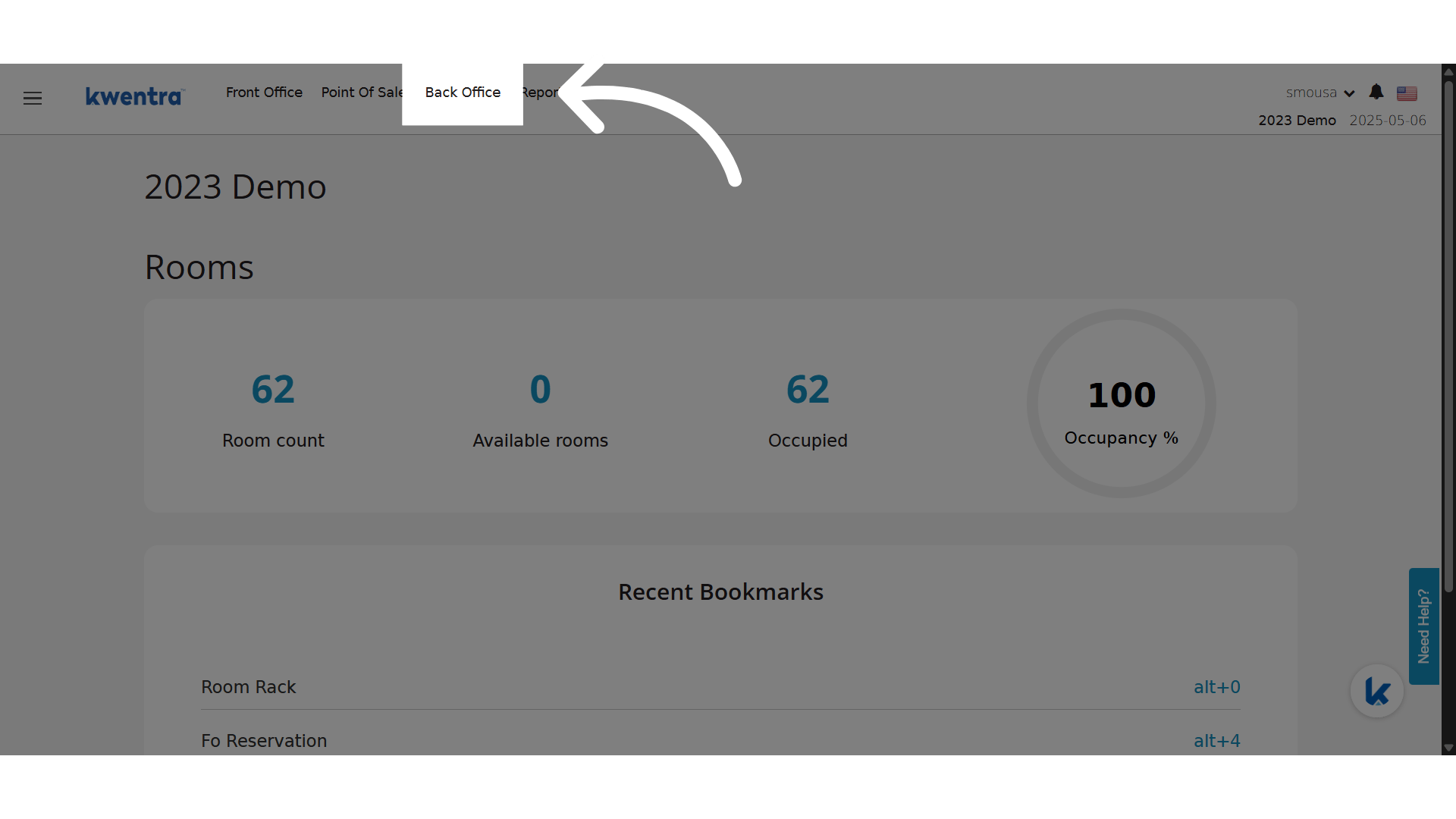
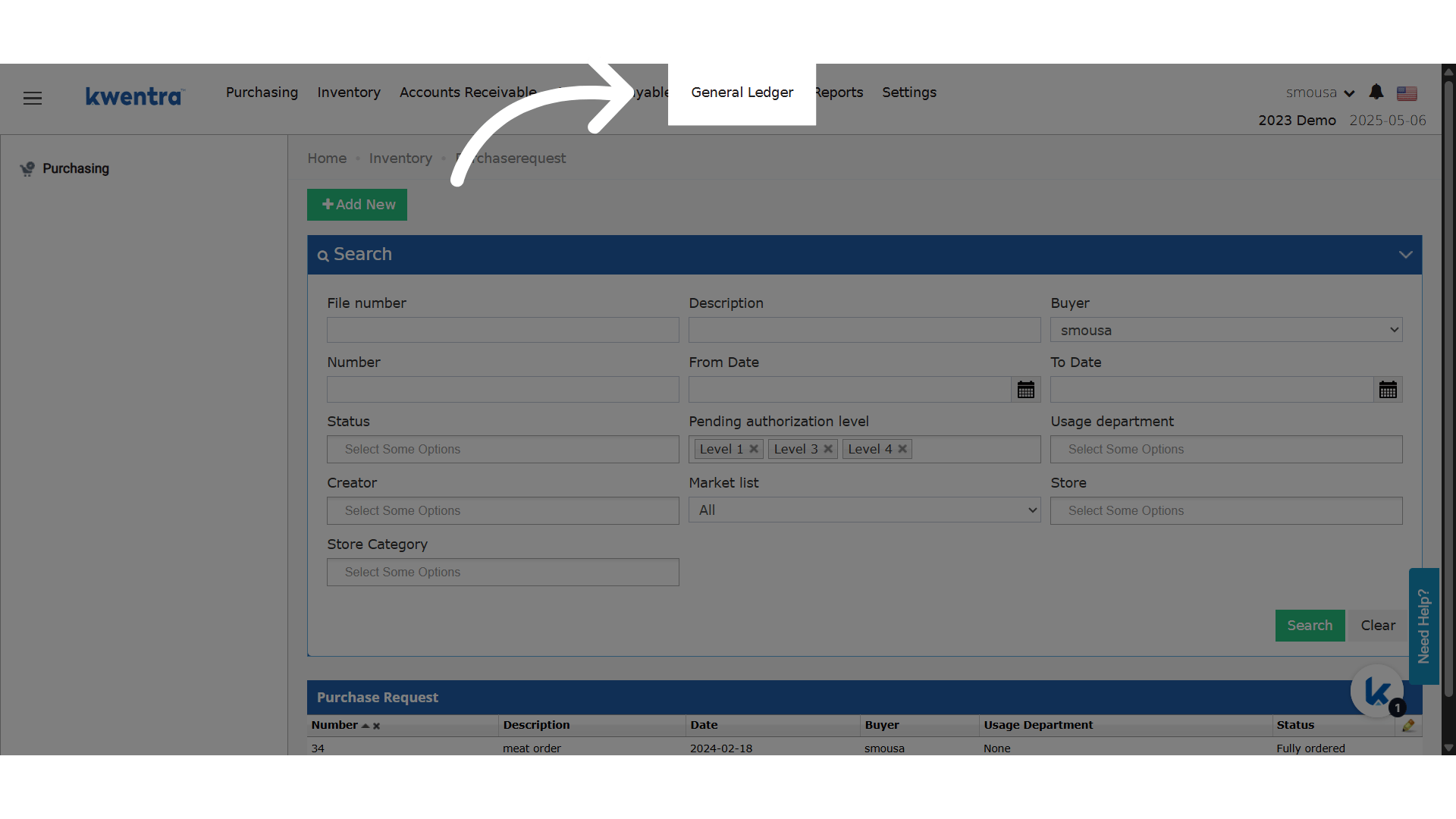
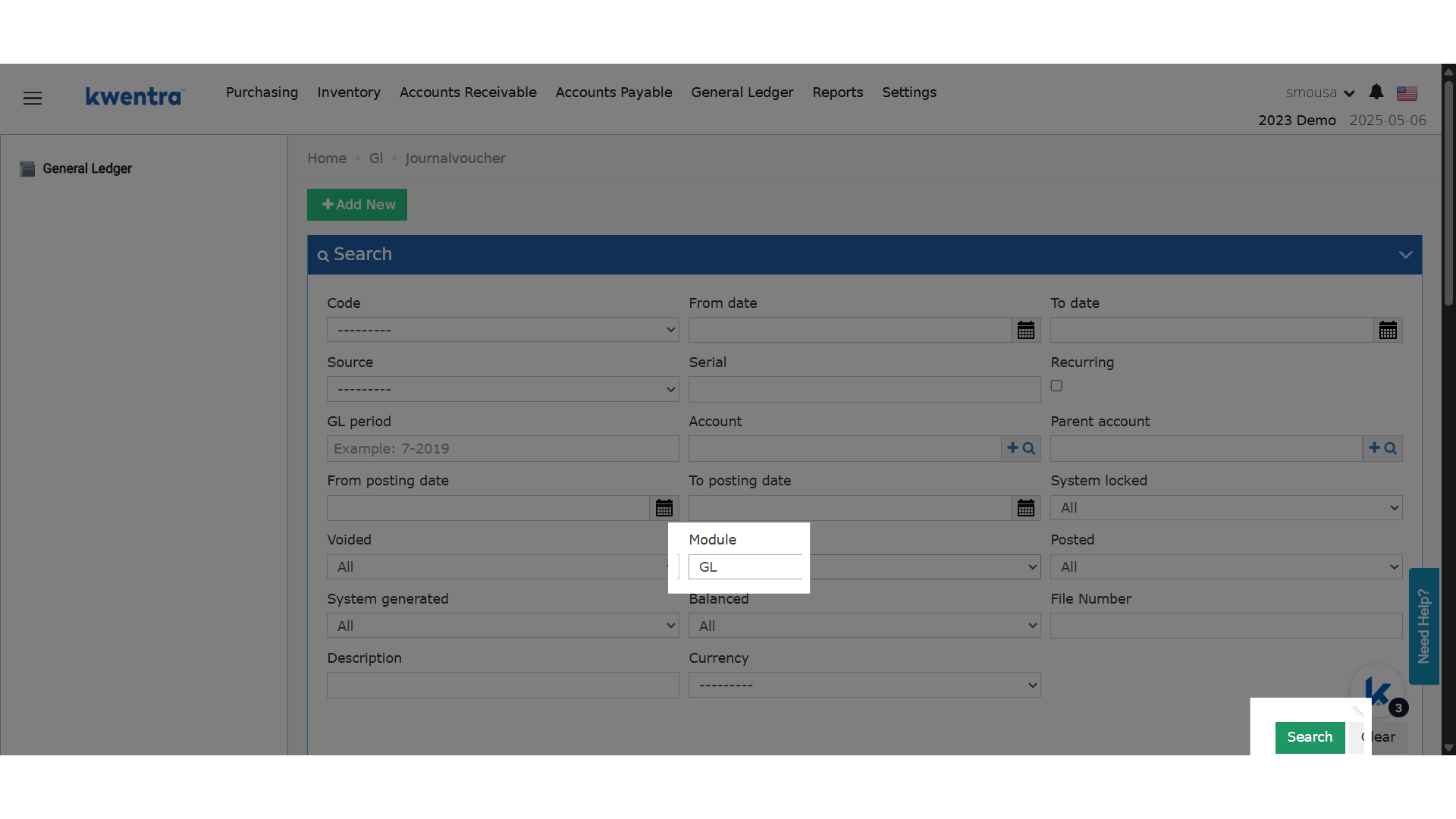
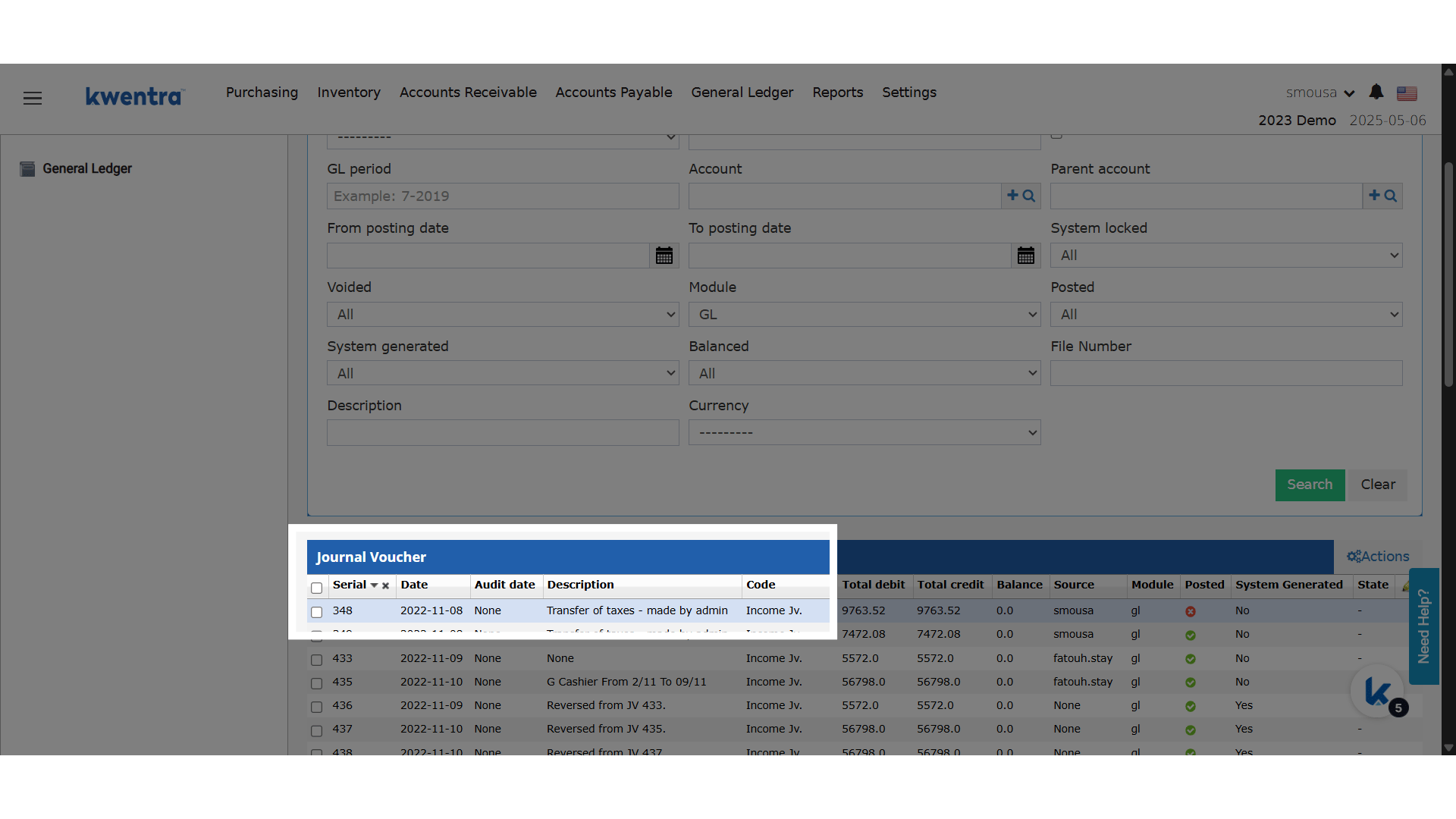
Open a JV whose module is GL. Click Clone in the toolbar. A new JV opens with the header and all lines copied.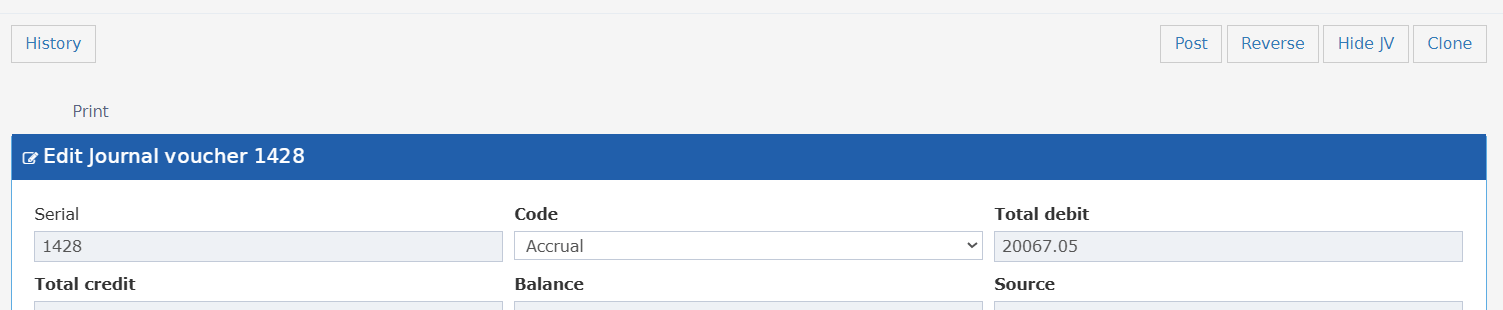
- Clone shows on GL module vouchers only.
- These fields are not copied: Date, GL Period, Serial, Source, File Number.
- Fill in the Date and GL Period, then save or post.