Business Value
- Eliminates missed billing: Ensures every checked-out reservation gets its folio, even if missed by staff.
- Reduces manual workload: Automates folio creation, saving staff time during busy periods.
- Immediate error handling: Sends failure notifications to the right team, so nothing is overlooked.
- Audit-ready compliance: Guarantees all folios are generated for financial and legal auditing.
Use Cases
- Night audit automation: Every night, the system checks for all recently checked-out reservations and generates missing folios.
- Error notification: If any folio fails to generate (due to missing info, system error, etc.), an automated email is sent so the front office can act immediately.
- Improved guest experience: Prevents issues where a guest checks out but no invoice is produced.
Configuration:
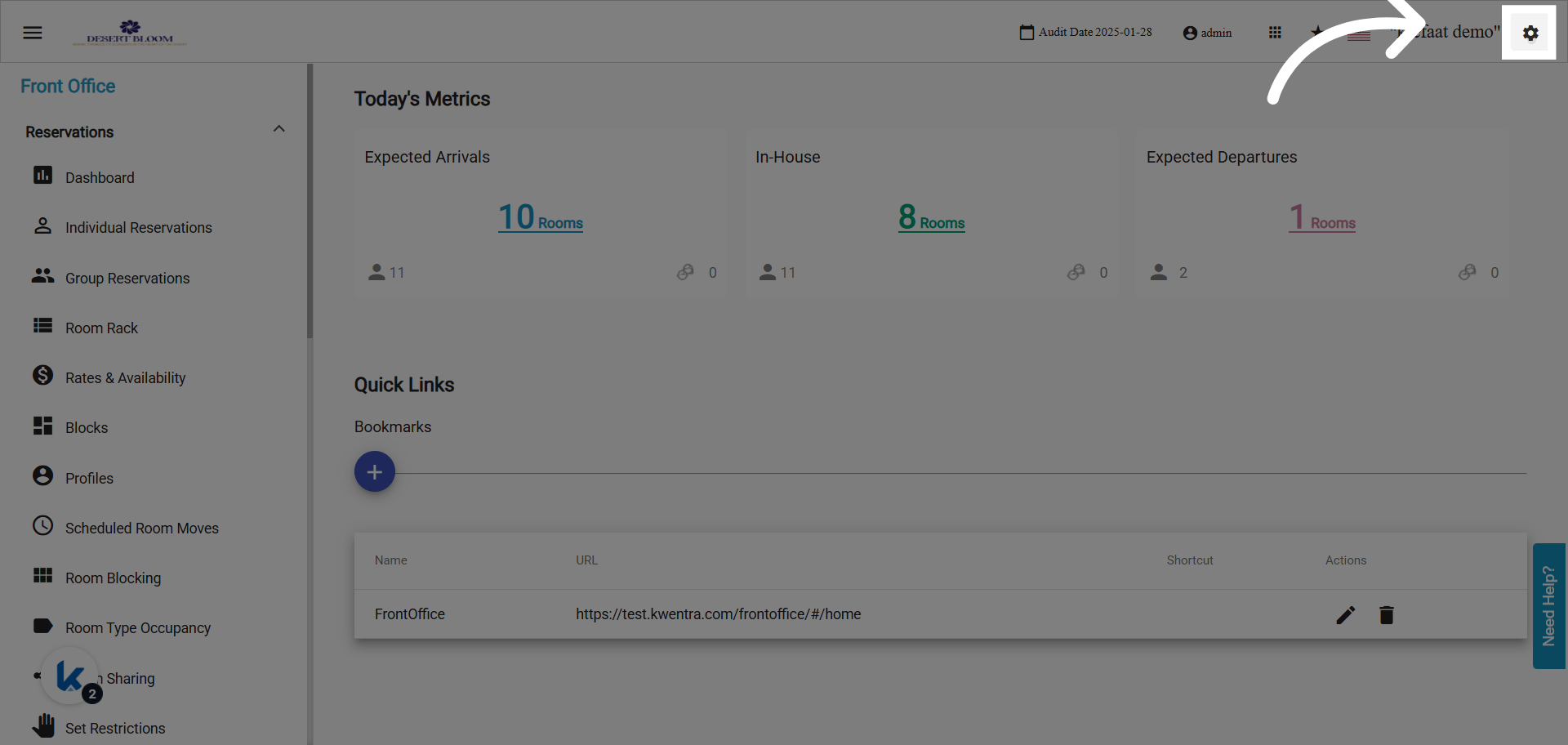
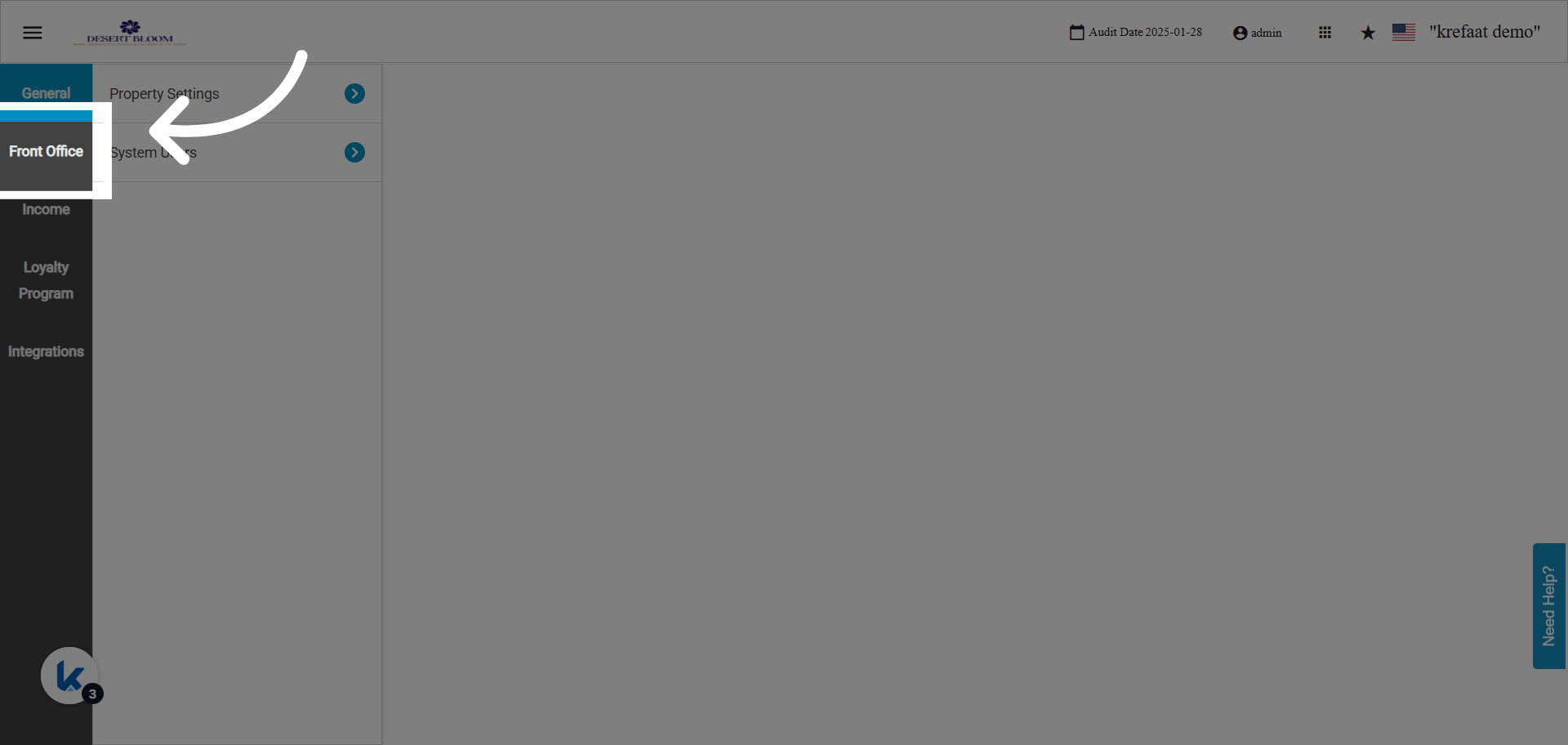
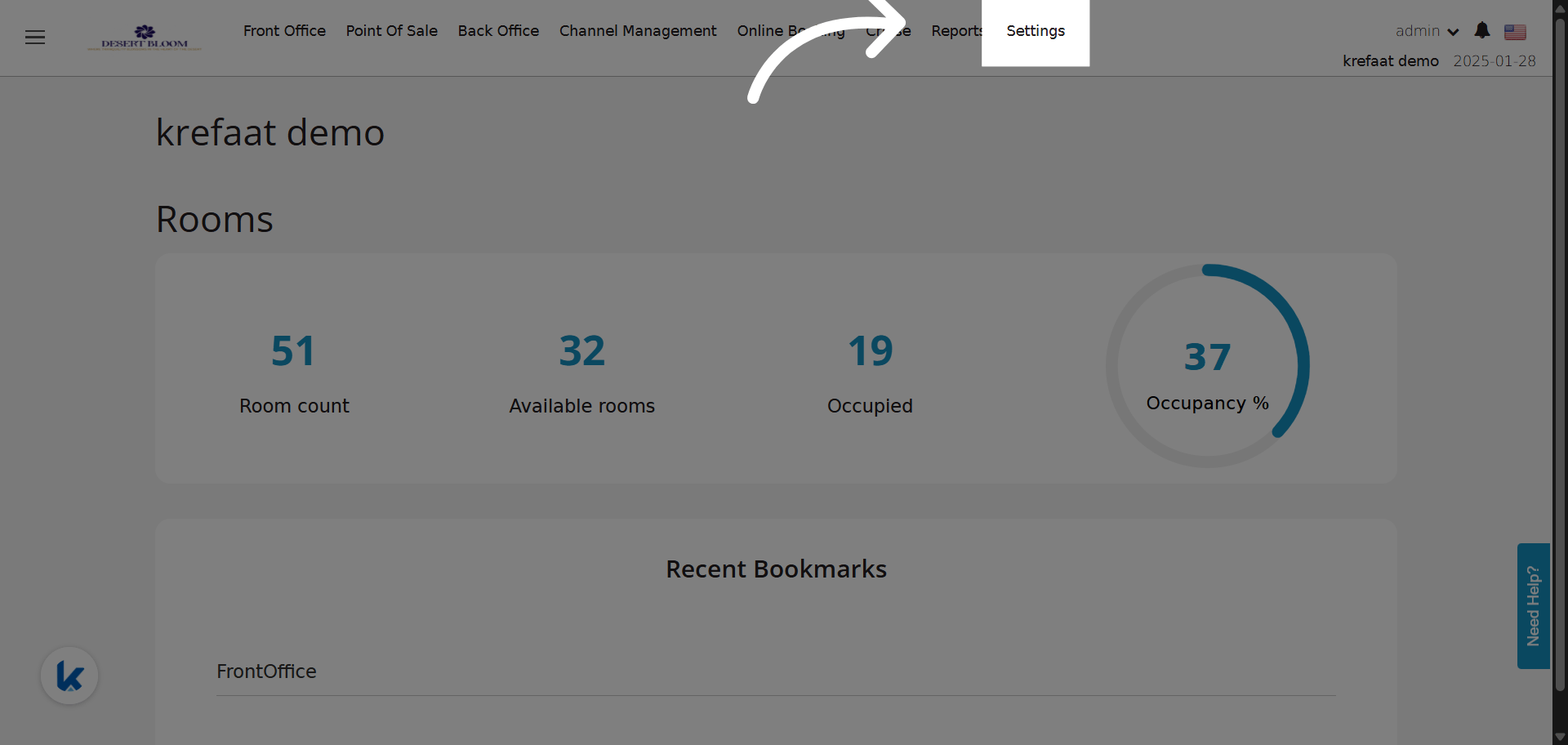
Go to manage.kwentra.com Go to Front Office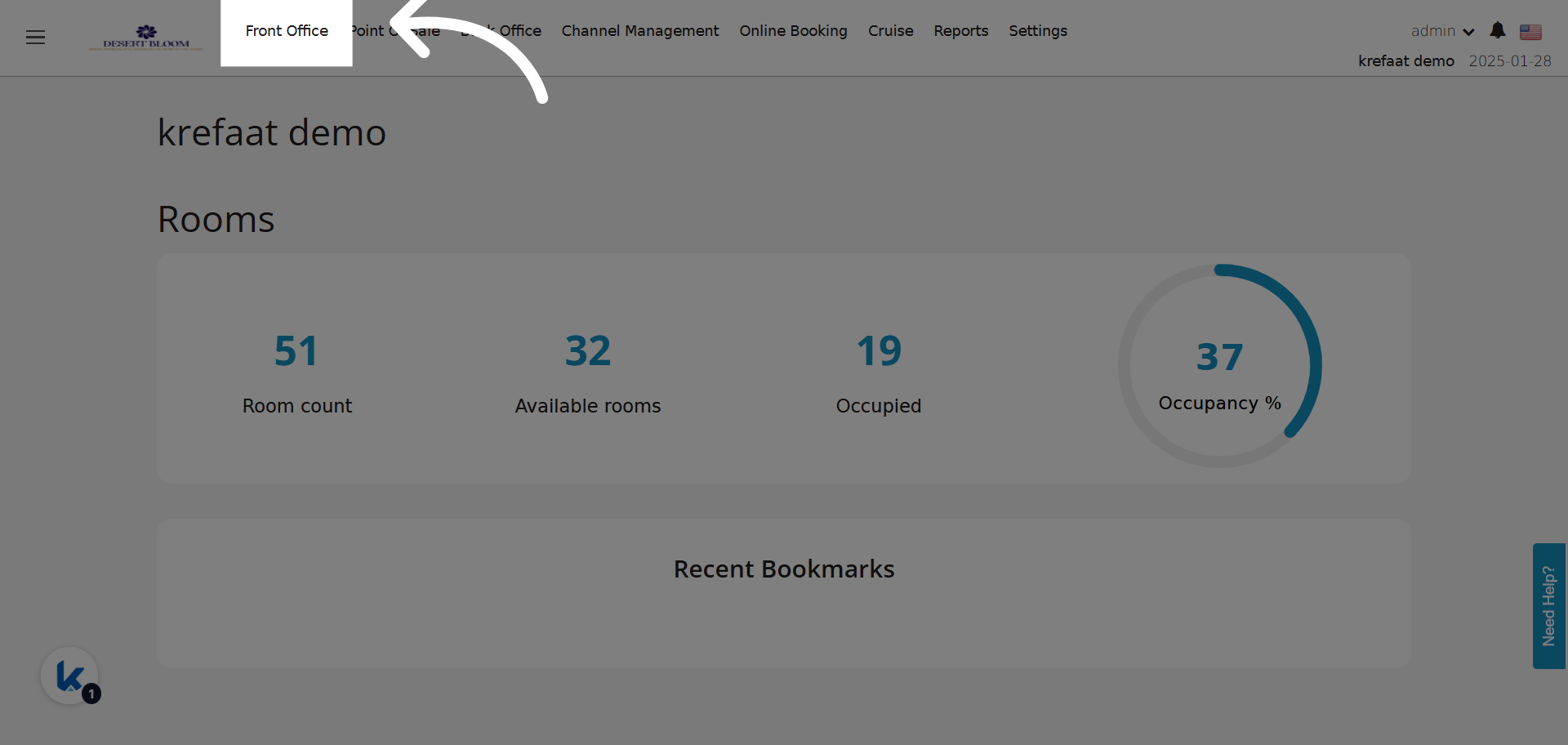
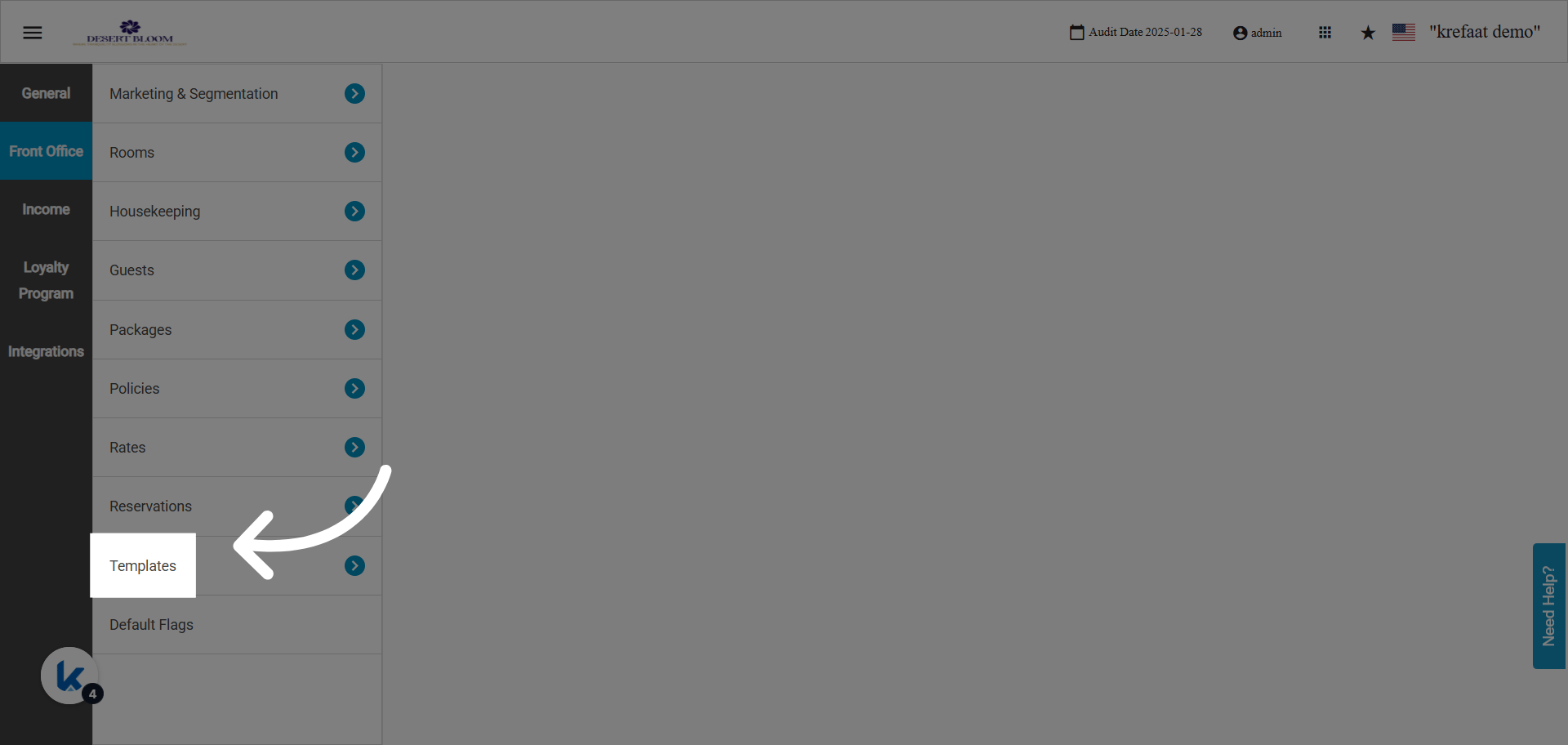
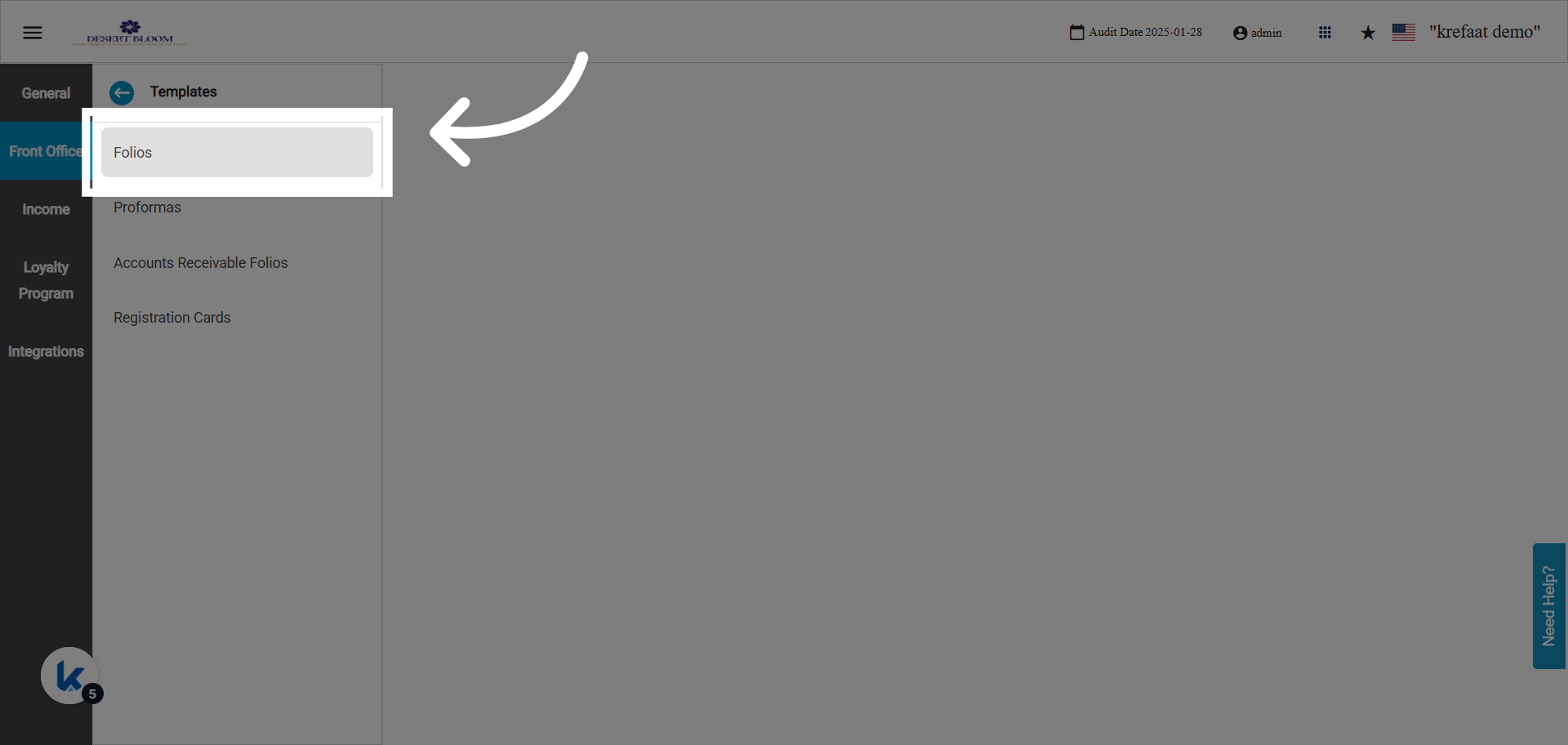
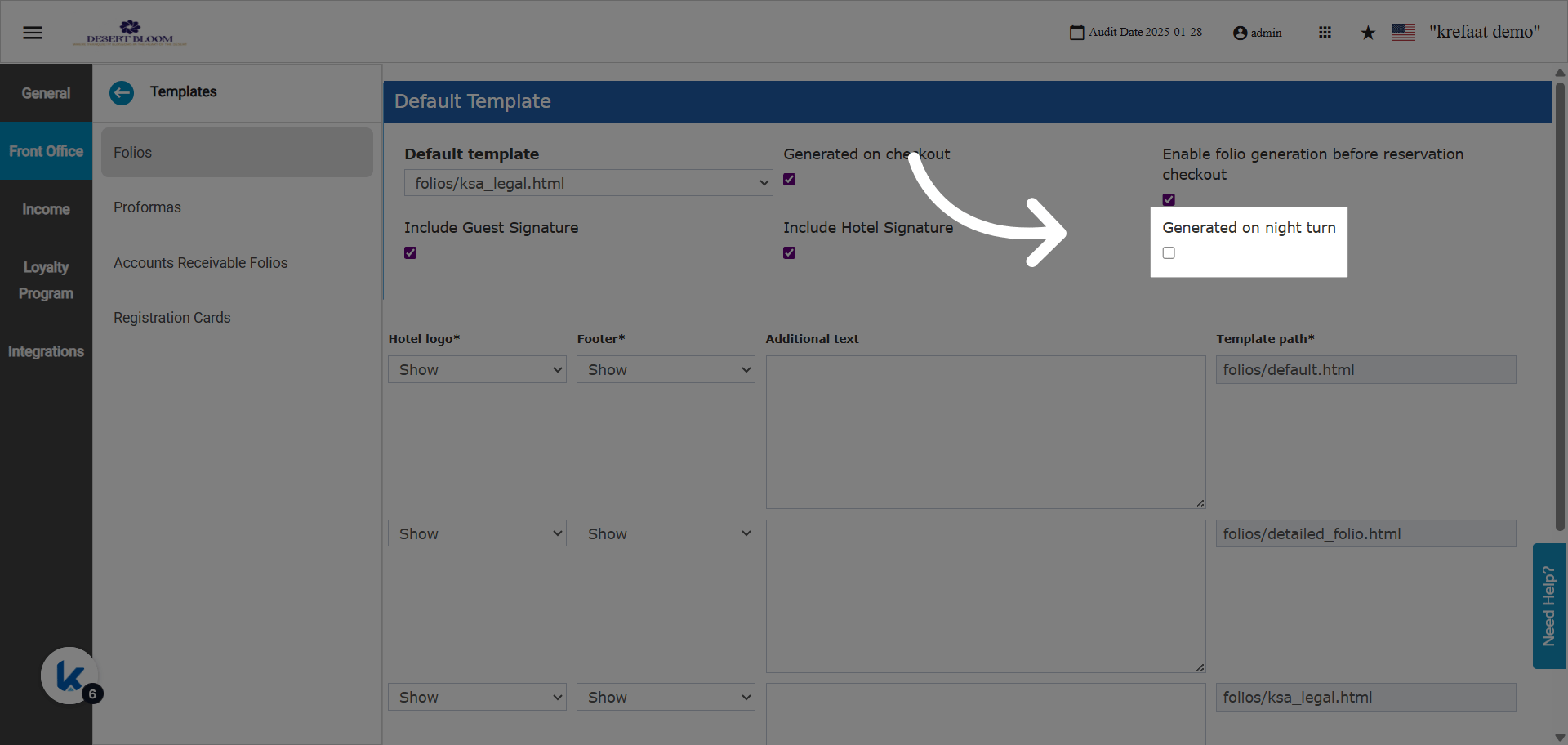
A New Checkbox Now Available
When enabled, this feature will activate for all reservations in “Checked Out” state with a departure date matching the current audit date and without a generated folio. Night Turn Processing:- Each night during night audit, the system scans for eligible reservations (Checked Out, departure = today, no folio).
- It then auto-generates folios for each one.
- If folio generation fails for any reservation, the system logs the failure.
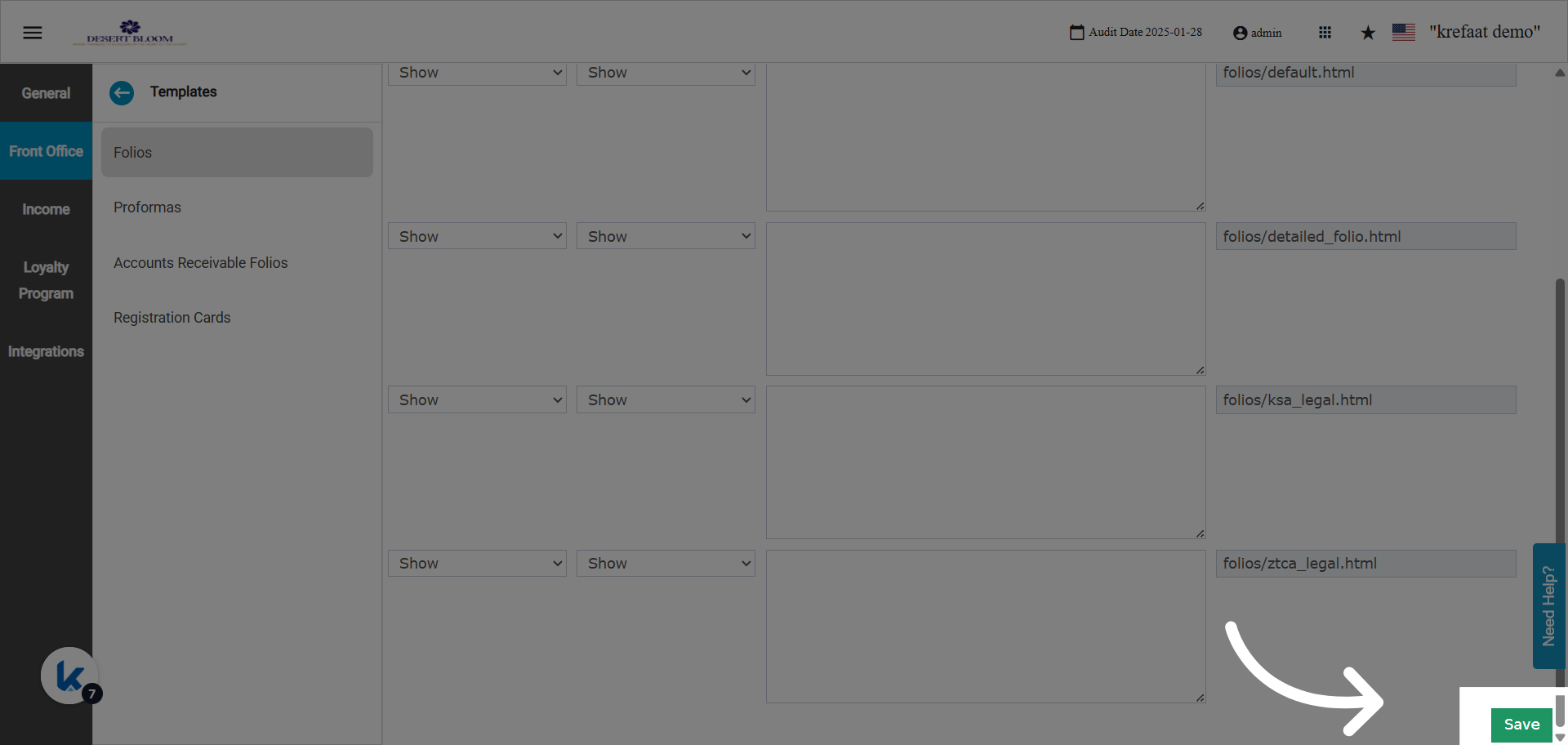
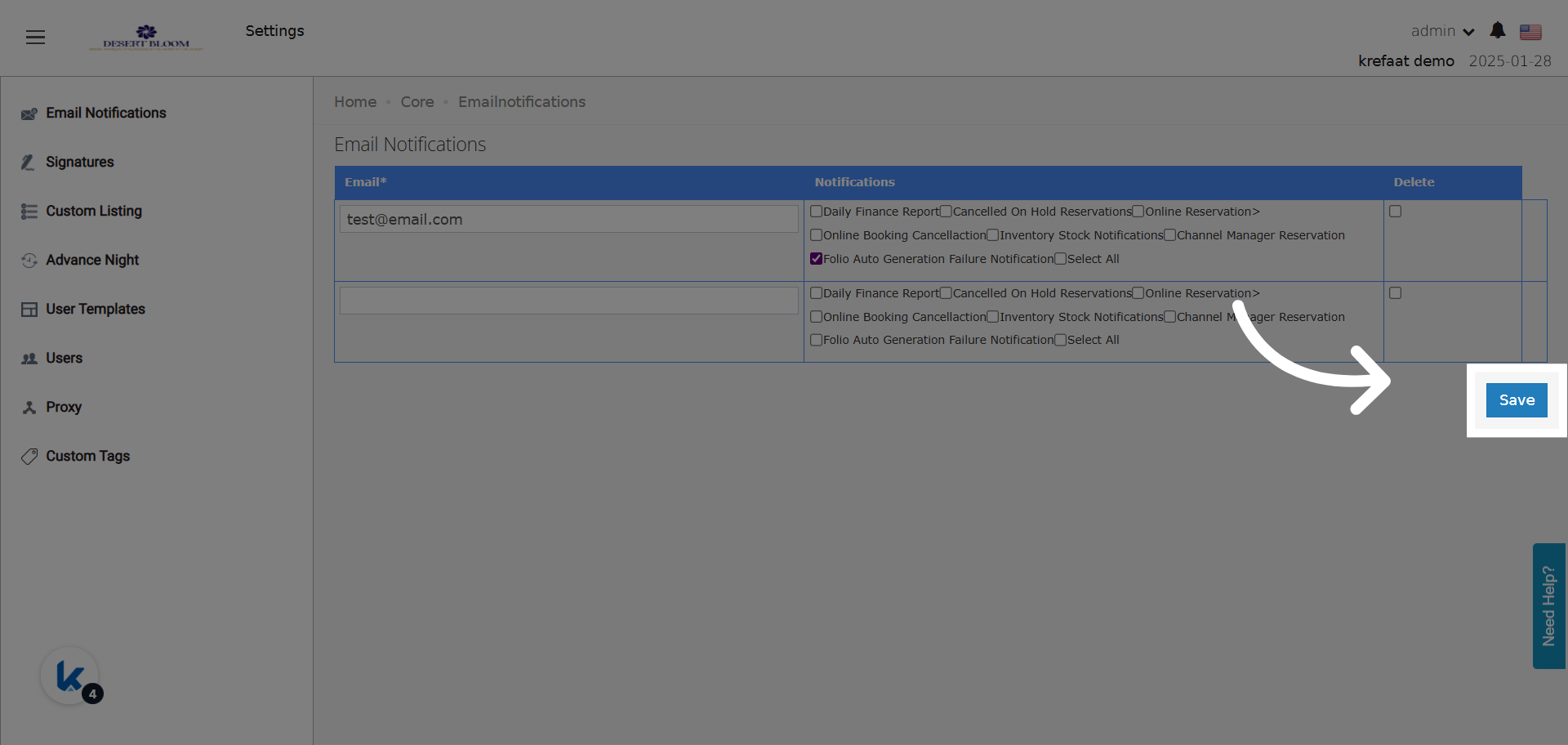
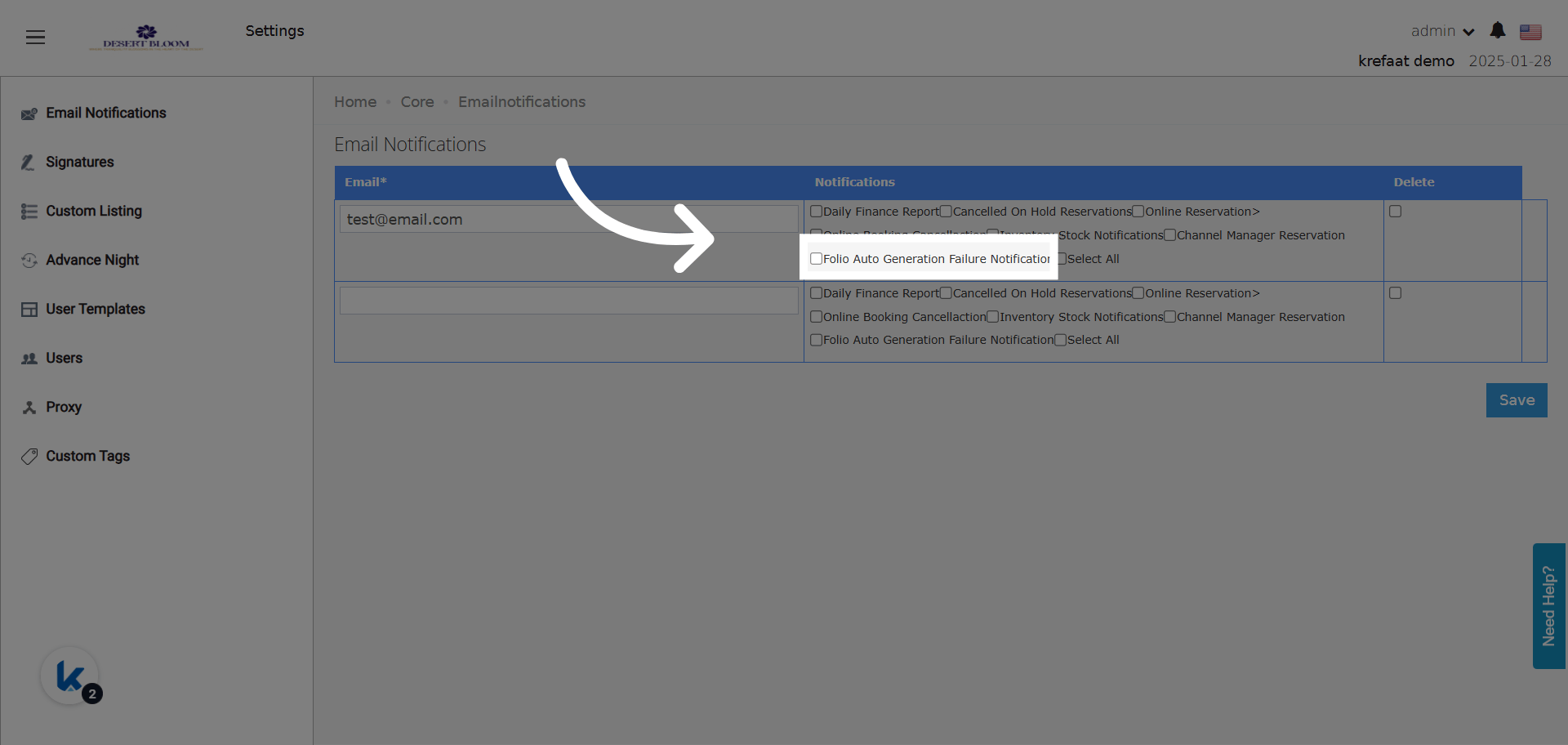
A New Email Notification Group
Failure Email Example:- Subject: Folio Auto-Generation Failed - Night Audit [YYYY-MM-DD]
-
Body:
- Lists all failed reservations:
- Summary: Shows total failures vs. processed.
- Instructions: Advises users to manually generate folios for failures.
- Priority: High
Restrictions & Notes
- Only applies to reservations in “Checked Out” state, with departure date = audit date, and without folio.
- Failure notification only triggers for folio generation failures during night audit.
- Editing or resending is manual—system cannot auto-retry.
- Old reservations (not checked out on audit date) are not included.
Example Scenario
- Guest checks out on 2025-09-01, but the front desk forgets to generate the folio.
- Night audit runs with “Generate folio on night turn” enabled.
- System finds the reservation (checked out, no folio) and creates the folio automatically.
- If any folio fails (e.g., missing profile info), an email is sent instantly to the “folio Auto generation failure notification” recipients.