What are divisions?
Divisions are the different functions and departments that work for a particular property; examples of different departments are below:- Management
- Reservations Team
- Front Desk Team
- Finance Department
- Food and Beverage
- Housekeeping Department
- Maintenance Department
Why would I need to create divisions in the system?
Creating divisions would allow you to or that would only pop up for the users under this division. Divisions can be used on account families to create usage departments on purchase requests.How do we create divisions?
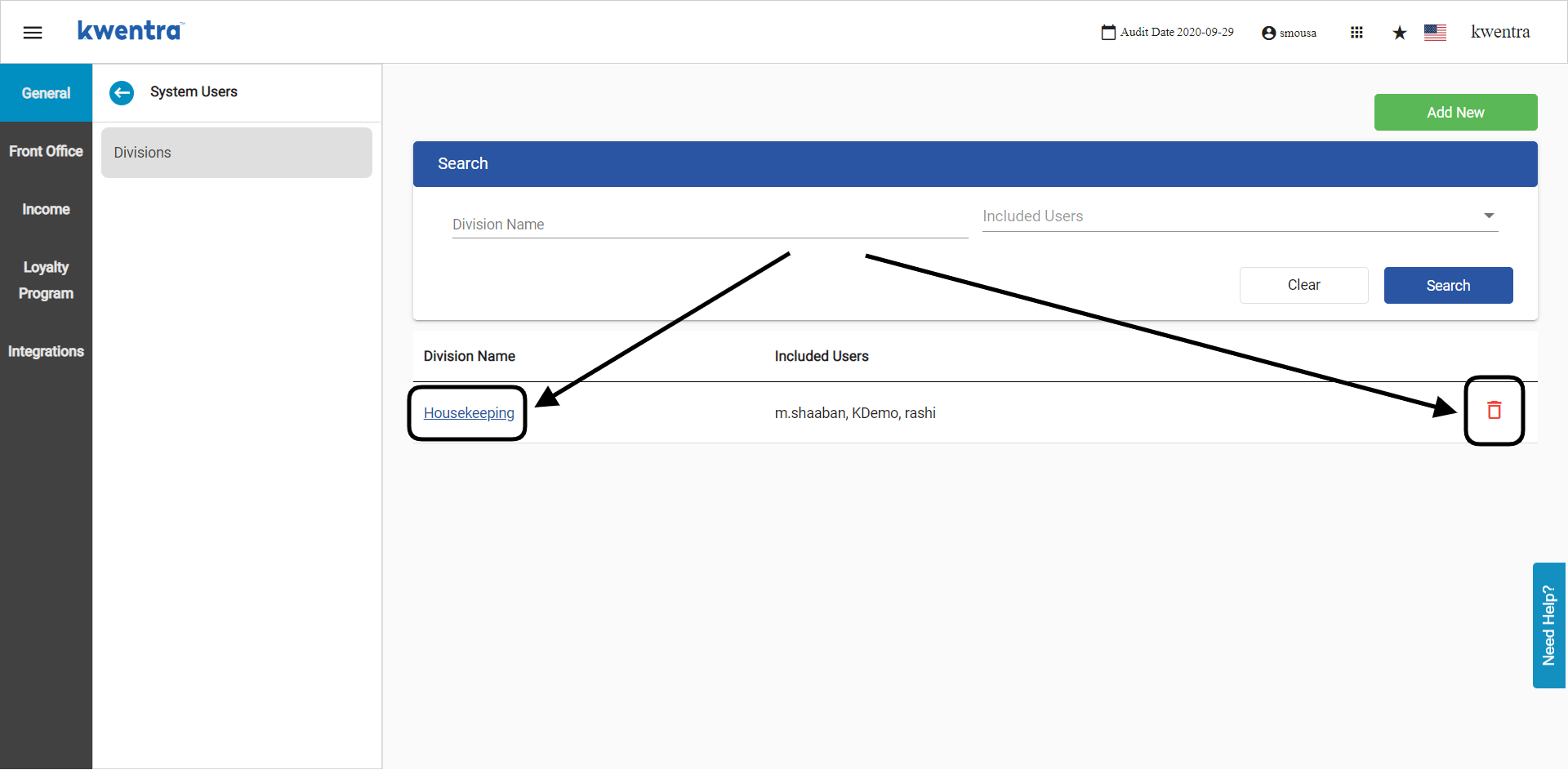
Front Office → Settings Gear Sign → General → System Users → Divisions All your divisions and the users under each one would be under this screen. To add a new division, click Add New.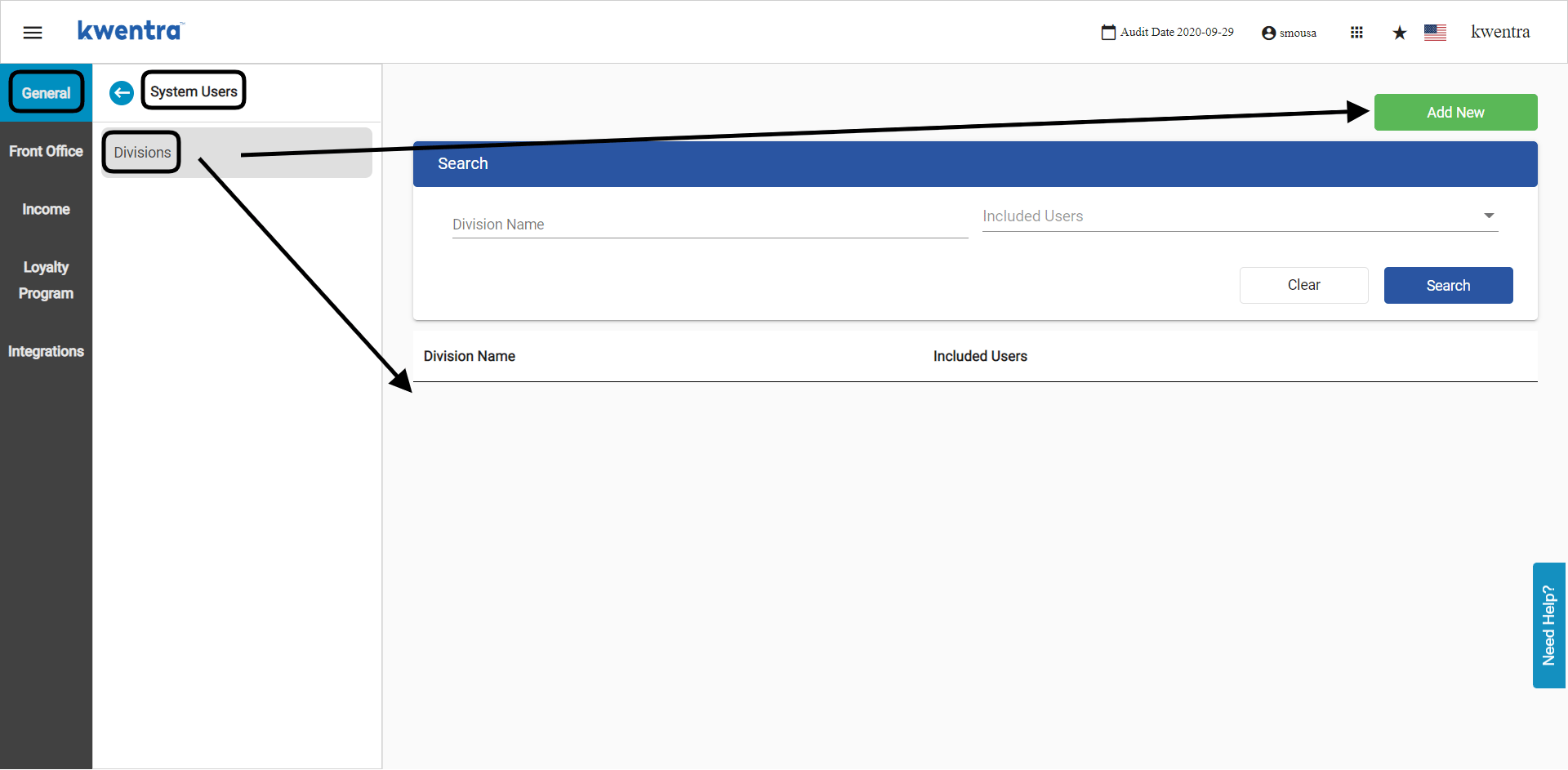
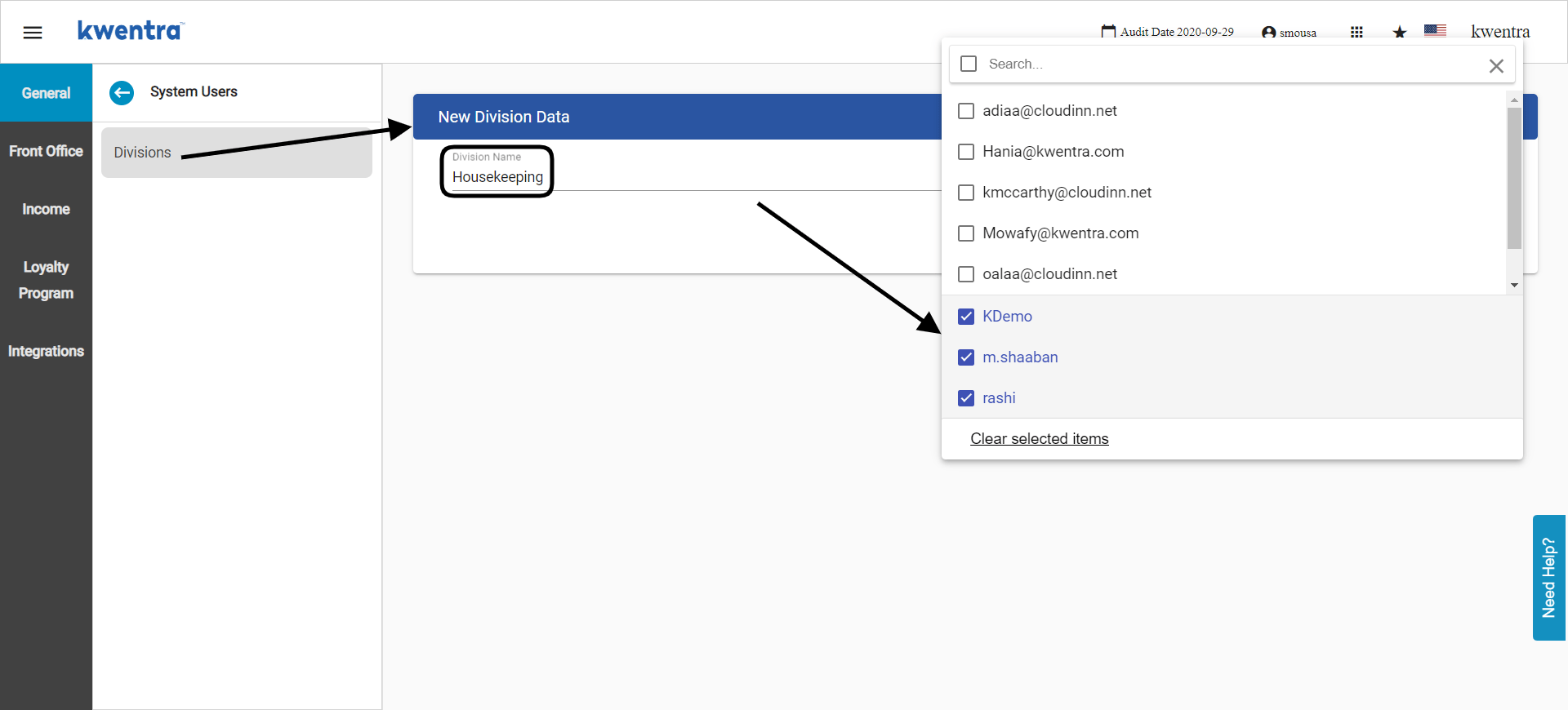
- Enter the division name you would like to appear when adding an alert—for example, housekeeping or front desk.
- Select the usernames you would like to include under this new division.
- Click Save.