Business Value
- Shows each room’s state, occupancy and assigned tasks on one screen.
- Changes many room states at once.
- Sets the room’s state when you undo a check-in.
- Removes out of order rooms from your room count.
Use Cases
- A housekeeping supervisor marks all cleaned rooms on a floor as clean at once.
- A receptionist undoes a check-in and sets the room back to clean.
- An engineer sets a room out of order during repairs, so it is not sold.
How It Works
Housekeeping States
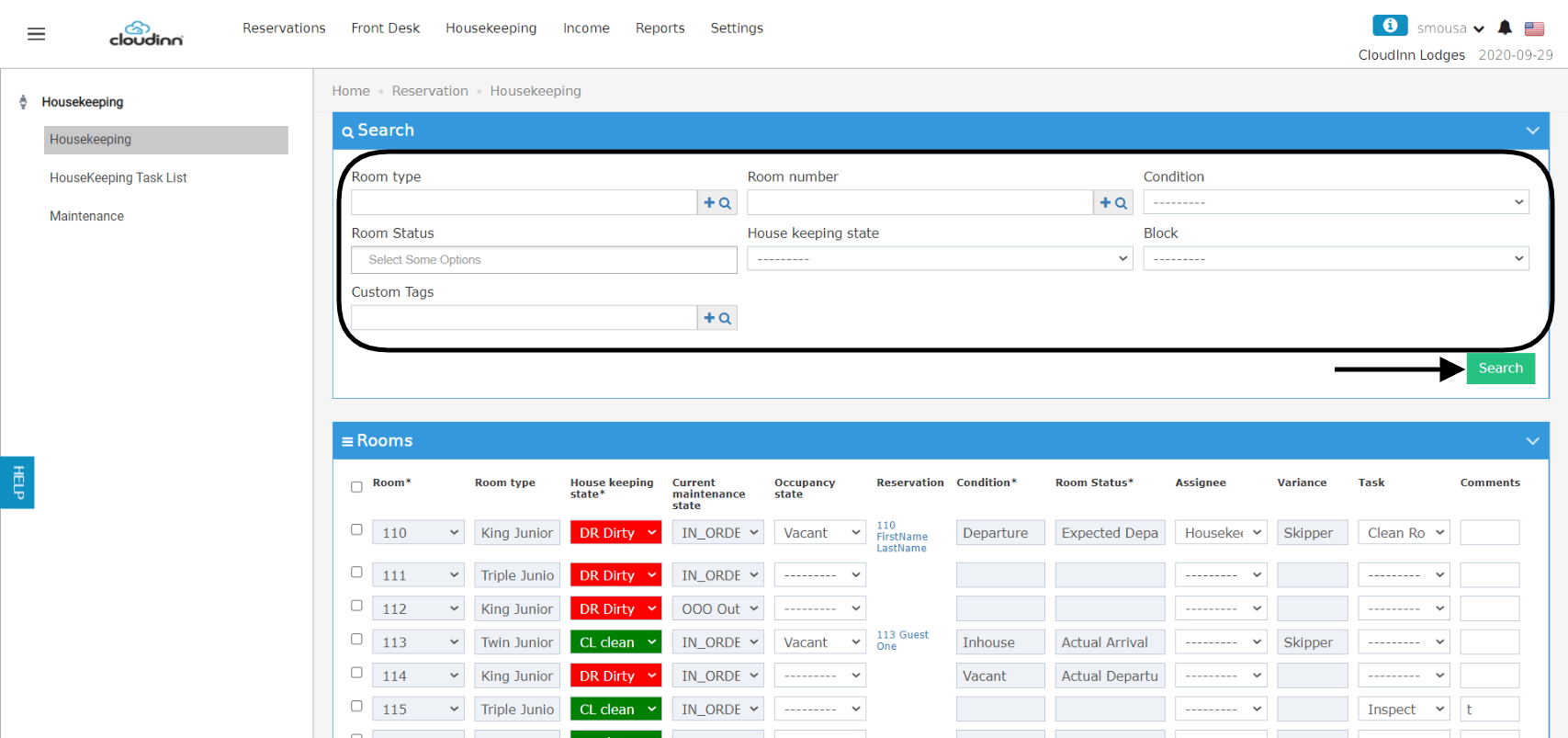
The Housekeeping screen shows for each room:- Its housekeeping state, such as Dirty or Clean.
- Its occupancy, and any expected arrival or departure.
- Its housekeeping tasks and the staff member assigned.
- Room type
- Room number
- Room condition: Vacant, Inhouse
- Room status: Expected Arrival/Departure, Actual Arrival/Departure
- Housekeeping state: Dirty, Clean and so on
- Housekeeping block
Undo Check-In
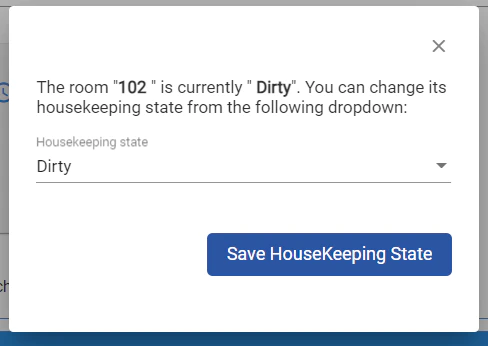
When you undo the check-in of a newly checked-in reservation, a pop-up asks for the room’s housekeeping state.
- It starts on the room’s current state.
- Click Save Housekeeping State to apply the state you picked.
Maintenance States
Set a room Out of Order while it is under maintenance. It is removed from your room count for that period.
- In order and Out of Order are the only maintenance states that change your hotel occupancy.
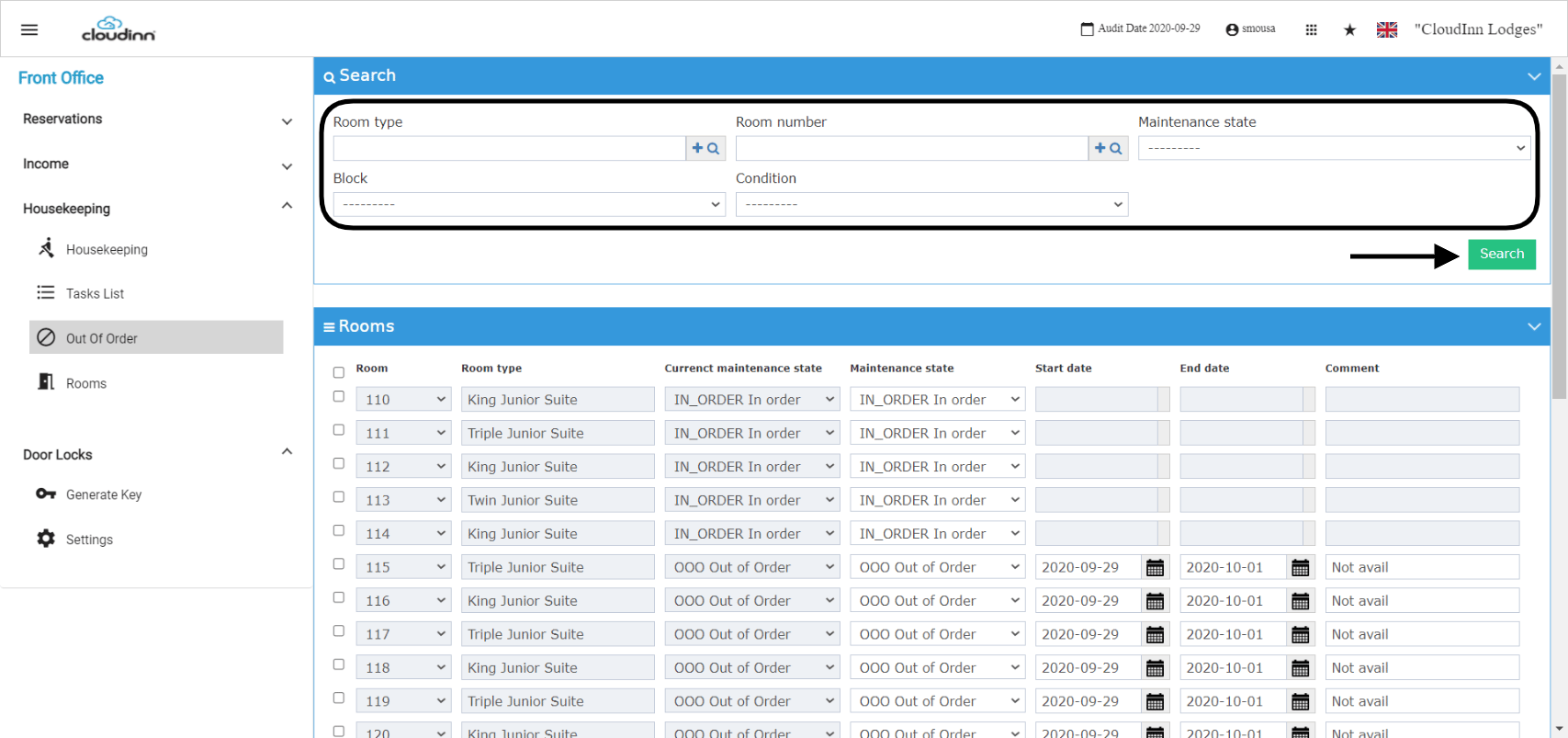
- Room type
- Room number
- Maintenance state: In order, Out of Order
- Housekeeping block
- Room condition: Vacant, Inhouse, Expected Arrival/Departure today