Documentation Index

Fetch the complete documentation index at: https://help.kwentra.com/llms.txt

Use this file to discover all available pages before exploring further.

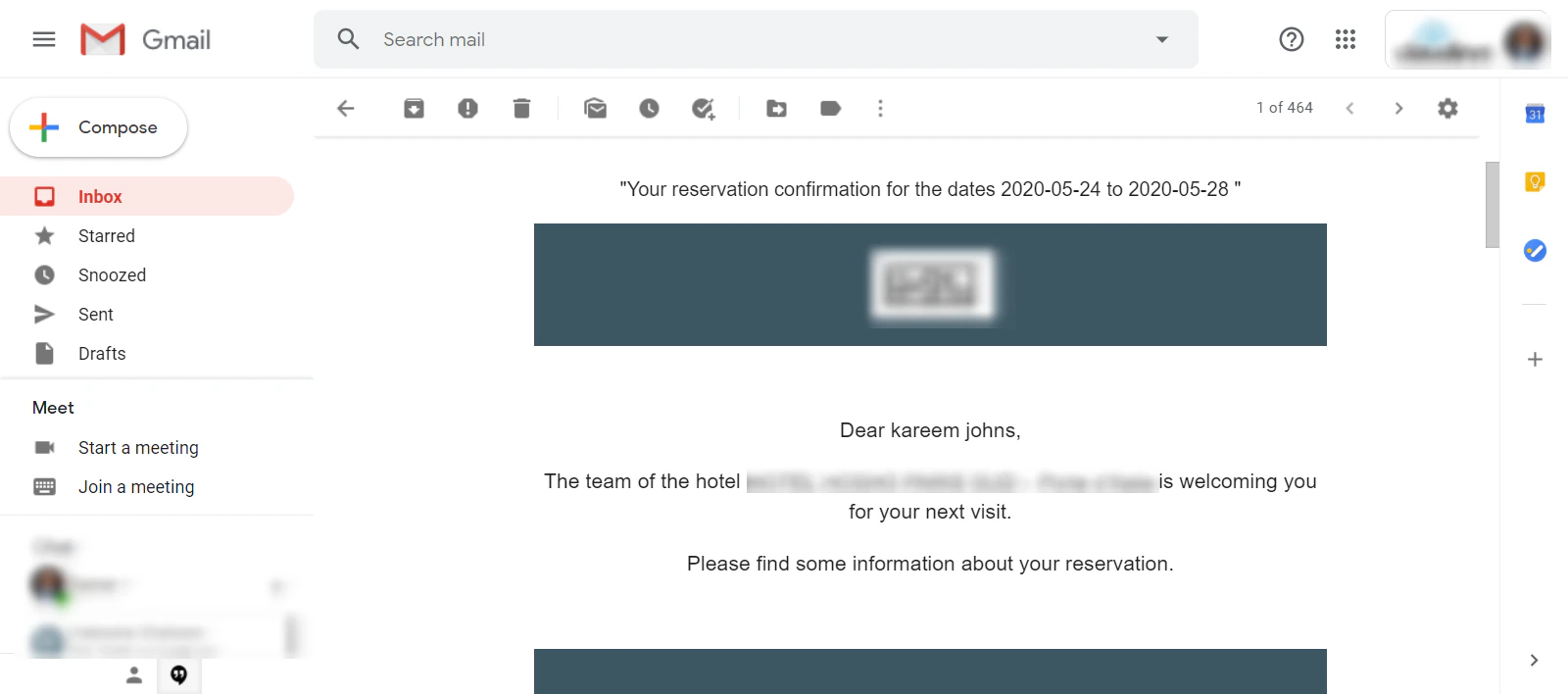
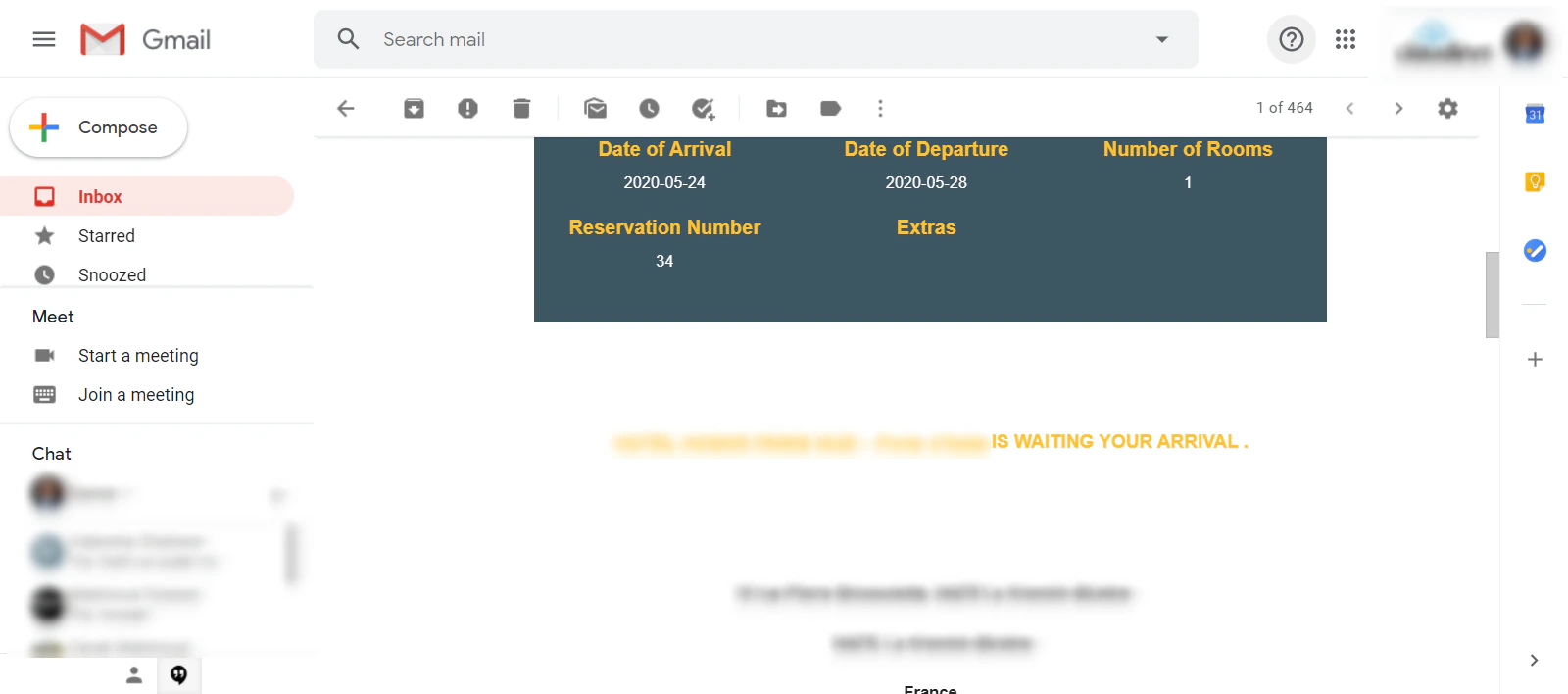
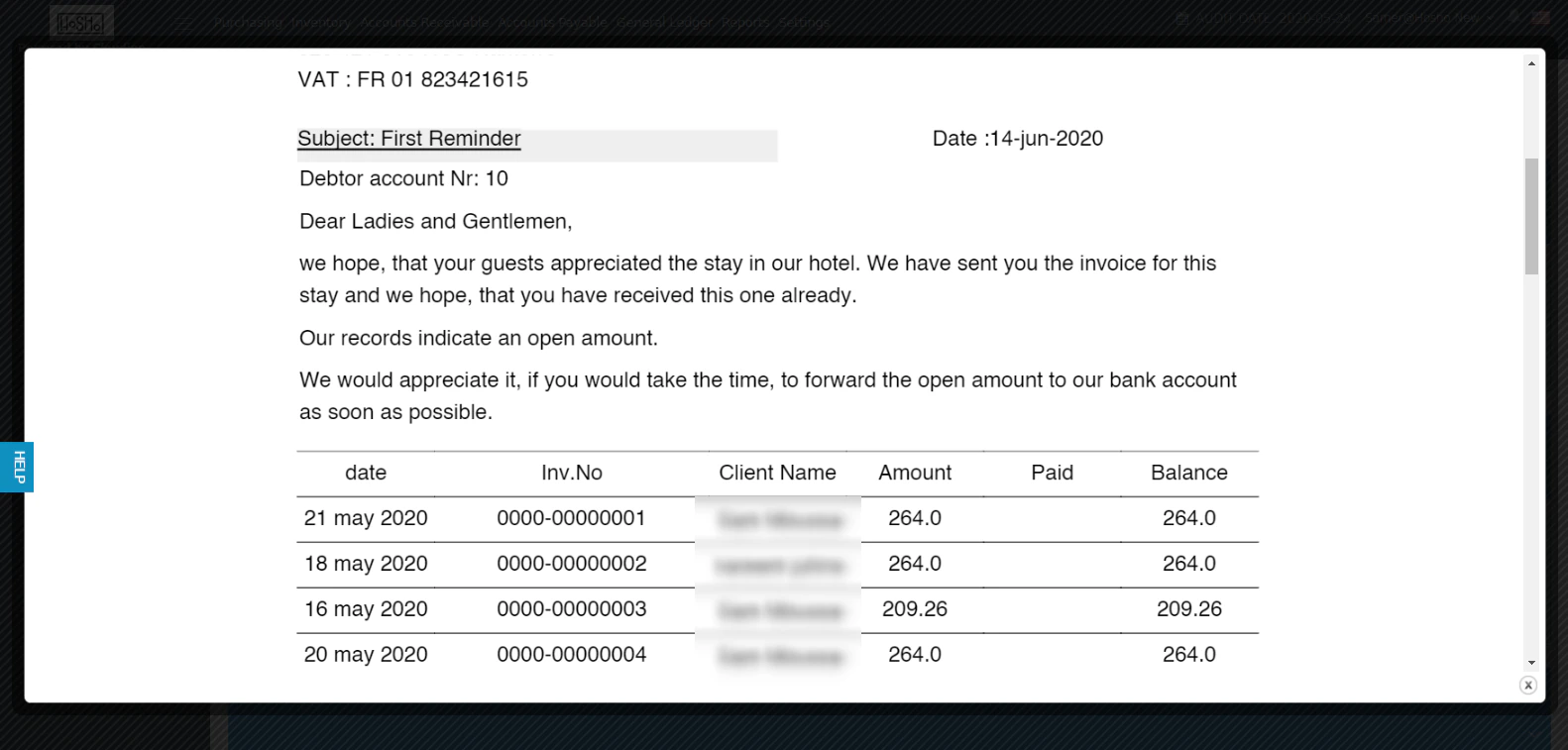
User Templates and Custom Uploads work hand in hand to give you the flexibility to share whatever information with your online guests. Currently available examples for the below scenarios:
  • Online Booking / Front Office Reservations’ Confirmation.
  • Online Booking Cancellation.
  • Accounts Receivable E-mail Reminder Notifications.
Your Custom Template should include the below components:
  • The Cascading Style Sheet for the template.
  • Images in PNG.
  • The HTML Code for the template combining all components together.
HTML Templates are to be uploaded here: Settings → User Templates → User Templates Other components such as the css files and images are to be uploaded here: Settings → User Templates → Custom Uploads You can always refer back to support@kwentra.com to help in the process.

Examples for New Templates:

Online booking / FO Confirmation: AR Reminders Example: N.B: you can have as many reminders with different context for each AR Account configured to be sent from the system directly, read more about AR Reminder Settings.