Business Value
- Enables Targeted Filtering: Easily filter House Use Reports by authorized officers for more accurate reporting and auditing.
- Improves Data Accuracy: Clearly marks profiles with House Use authority, preventing mistakes or misuse.
- Streamlines House Use Processes: Speeds up House Use transactions for POS and front office teams.
Use Cases
- Housekeeping Manager: Needs to review only transactions authorized by House Use Officers.
- Auditors: Can quickly check compliance by filtering profiles marked as House Use Officers.
- Point of Sale: Accurately assigns and tracks POS House Use invoices to the appropriate officer.
What’s New?
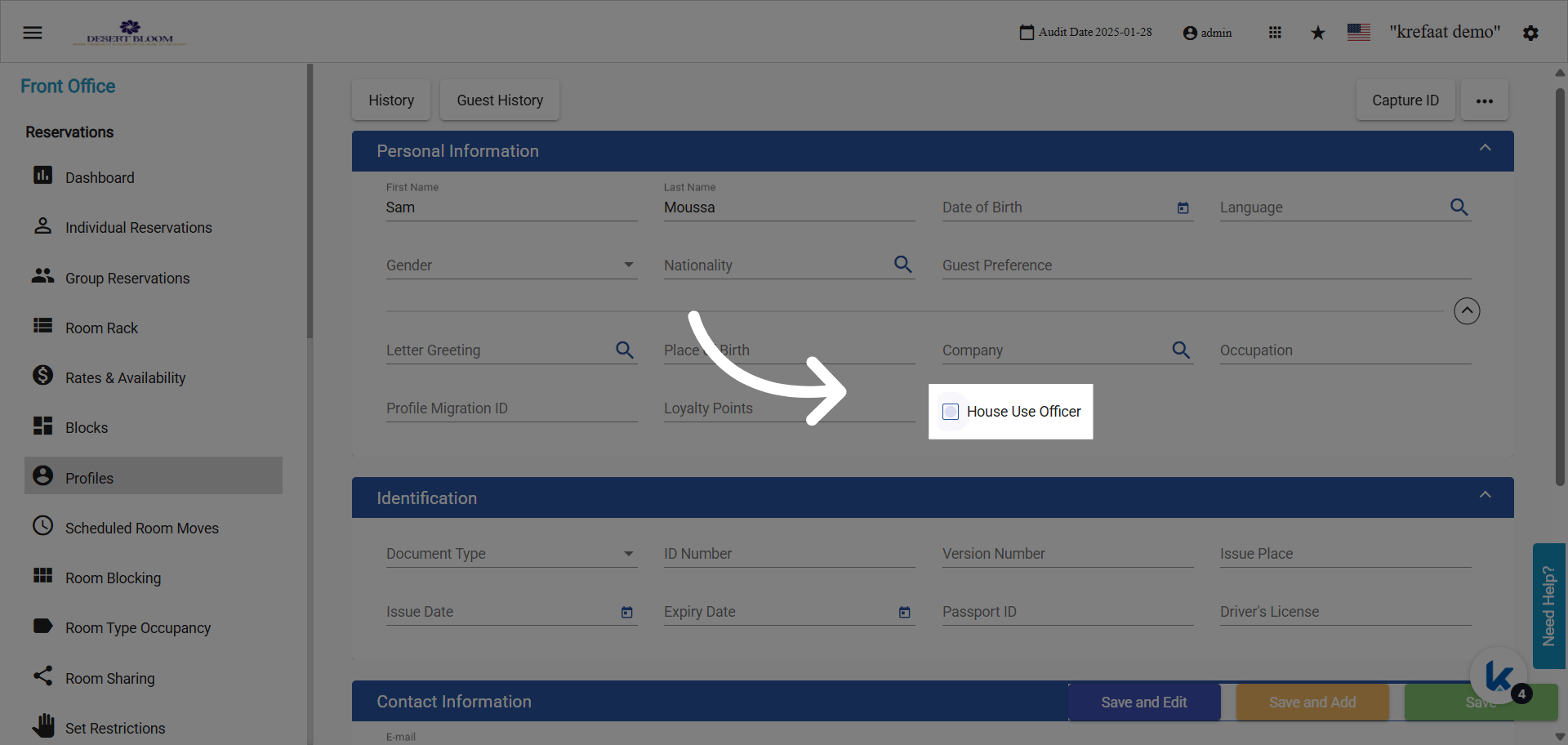
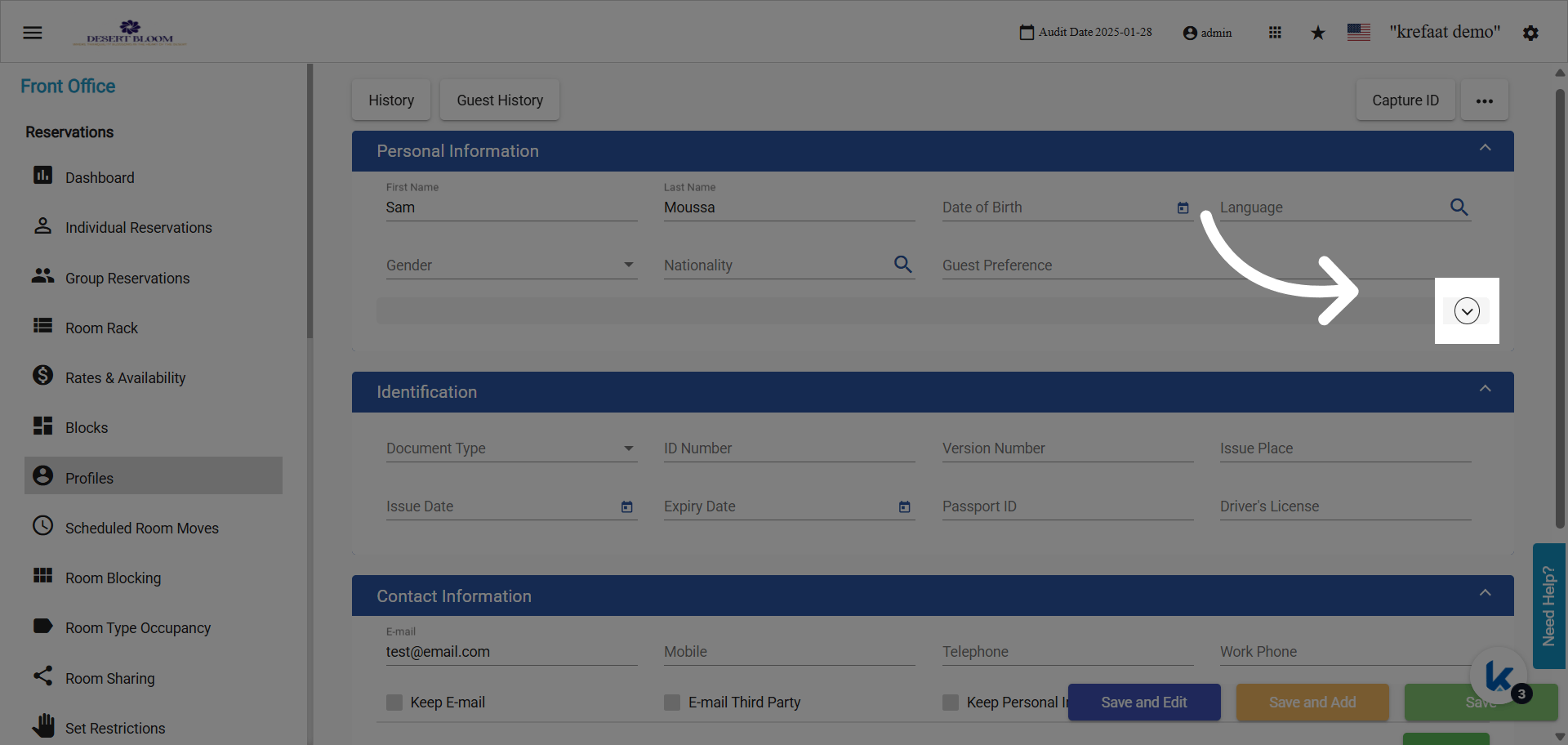
New Checkbox Field:- Label: House Use Officer
- Default: Unchecked (false)
- Location: Appears within the profile details section.
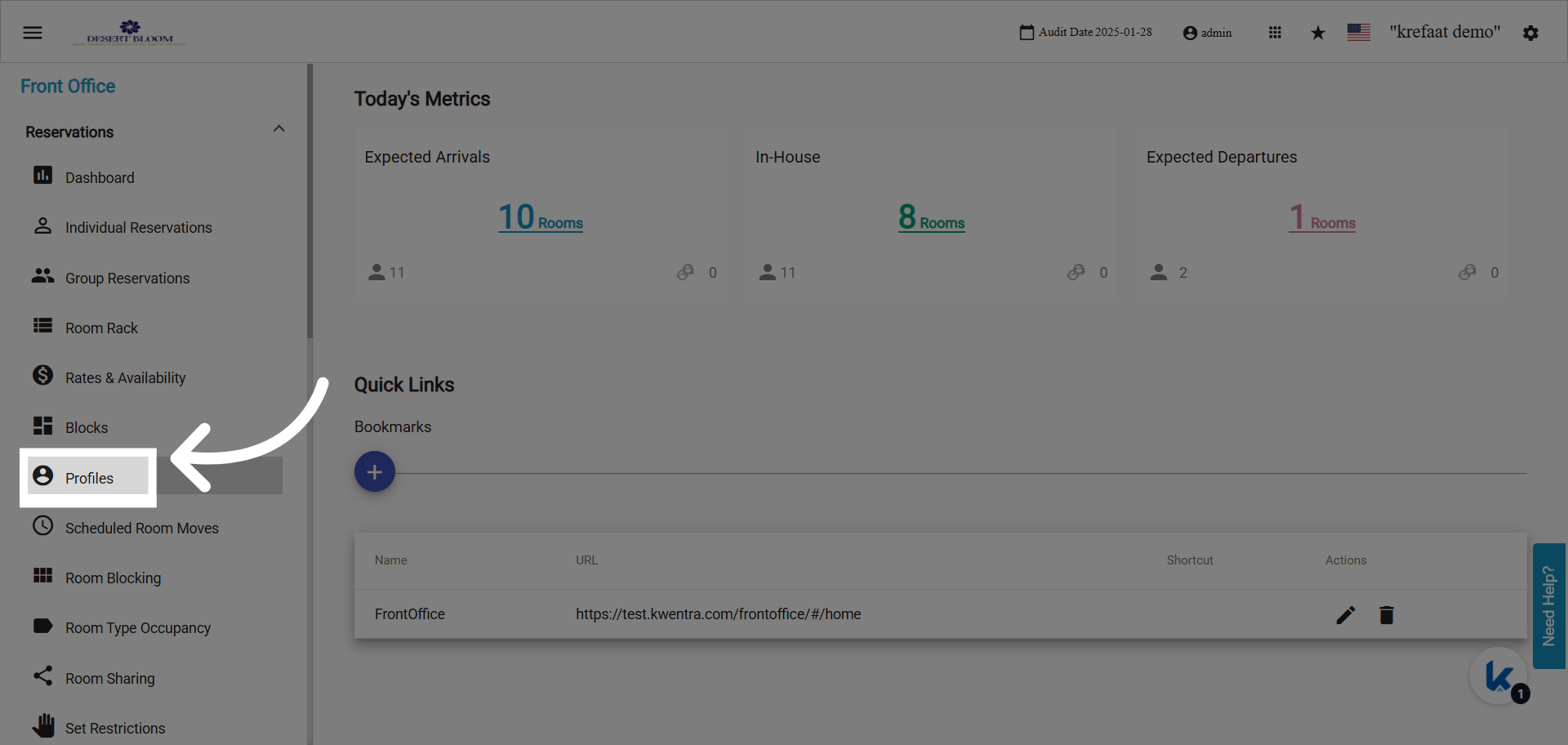
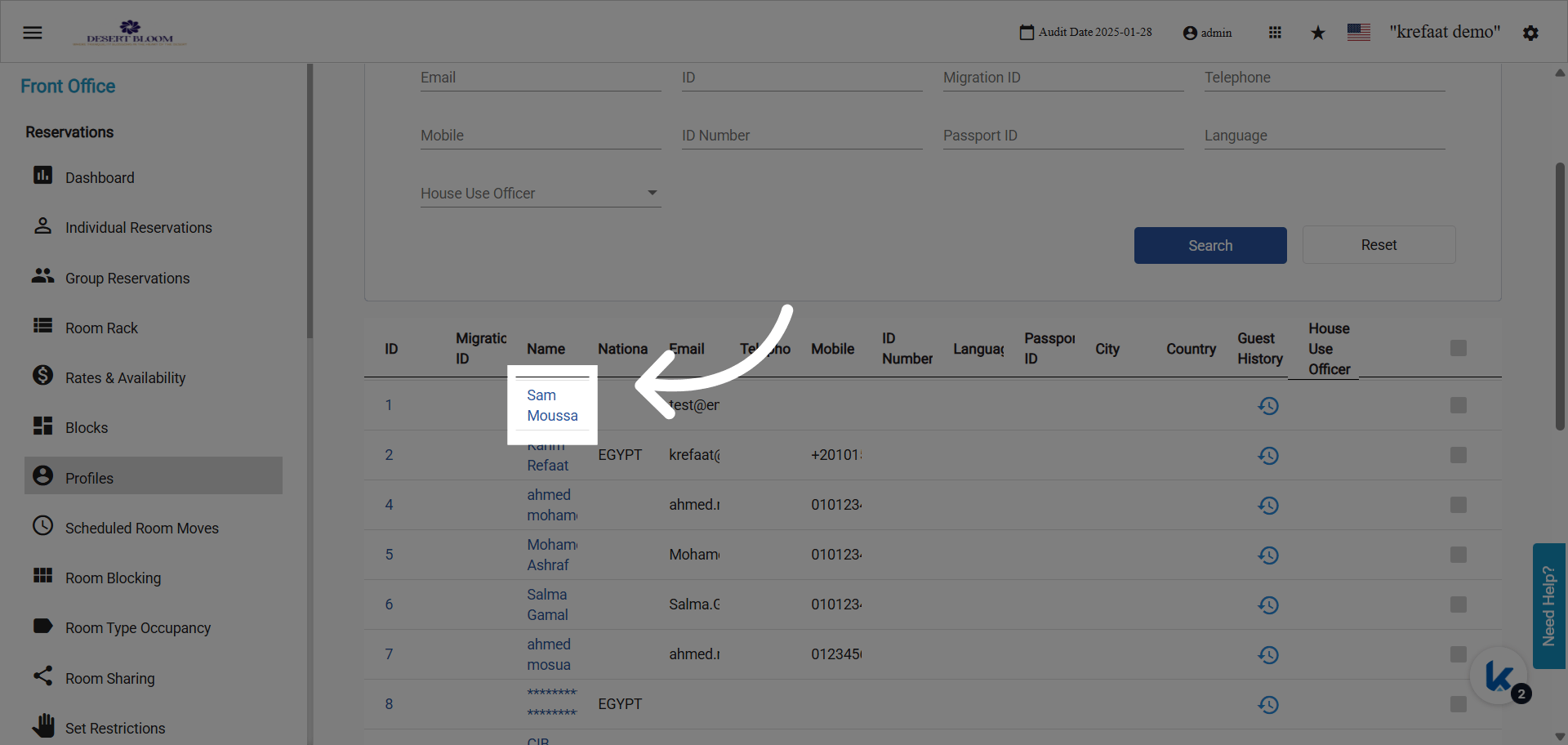
- Searchable: Can be filtered in the profile list and is displayed as the last column in the listing.
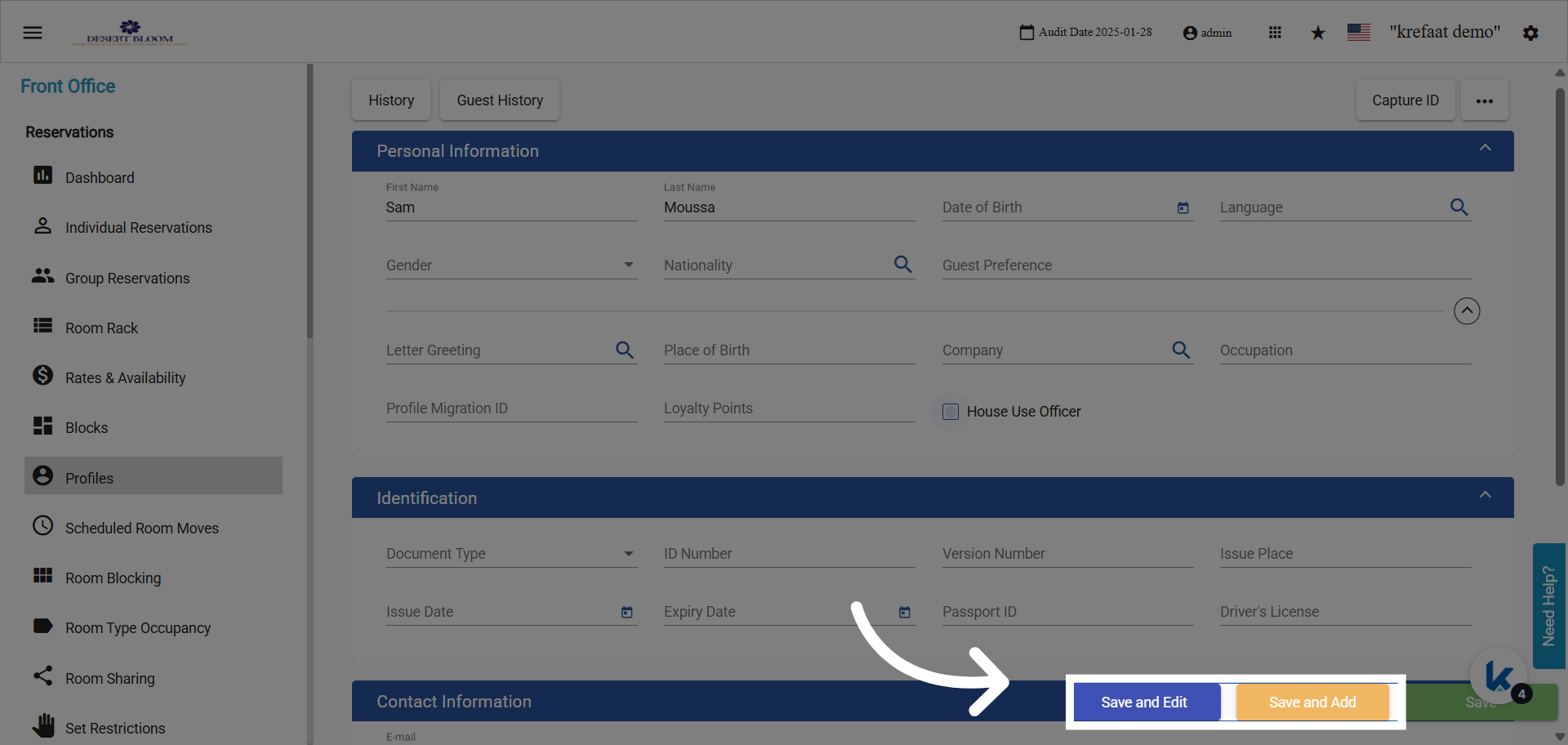
- Assigning: Check the box on the profile if the guest is an authorized House Use Officer.
- Filtering: Use the profile list’s search or filters to show only profiles with the House Use Officer flag enabled.
- Reporting: The House Use Report will now support filtering or restricting results to profiles with this flag.
- Point of Sale: The flag decides which search field the profile appears in on a POS check.