

- To derive a new rate code for an existing rate code:
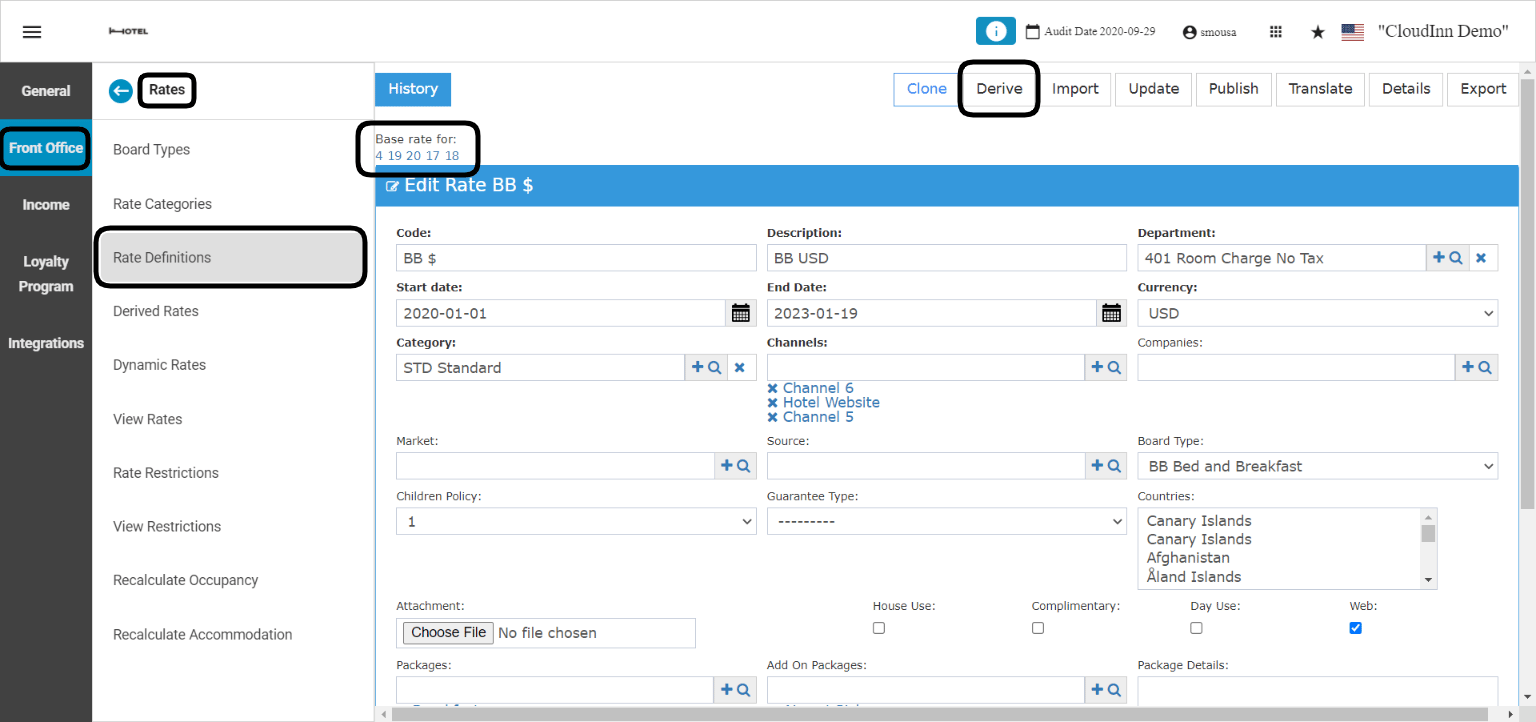
- Code: New Rate Code.
- Description: New Rate Code’s description.
- Discount %: If you would like the new derived rate code to be discounted with a certain percentage; insert the discount percentage here, only numbers.
- Supplement %: if you would like the new derived rate code to be more than the base rate with a certain percentage; insert the supplement percentage here only in numbers.
- Currency Conversion: only to be used when the new derived rate’s currency will be different than the base rate’s currency.
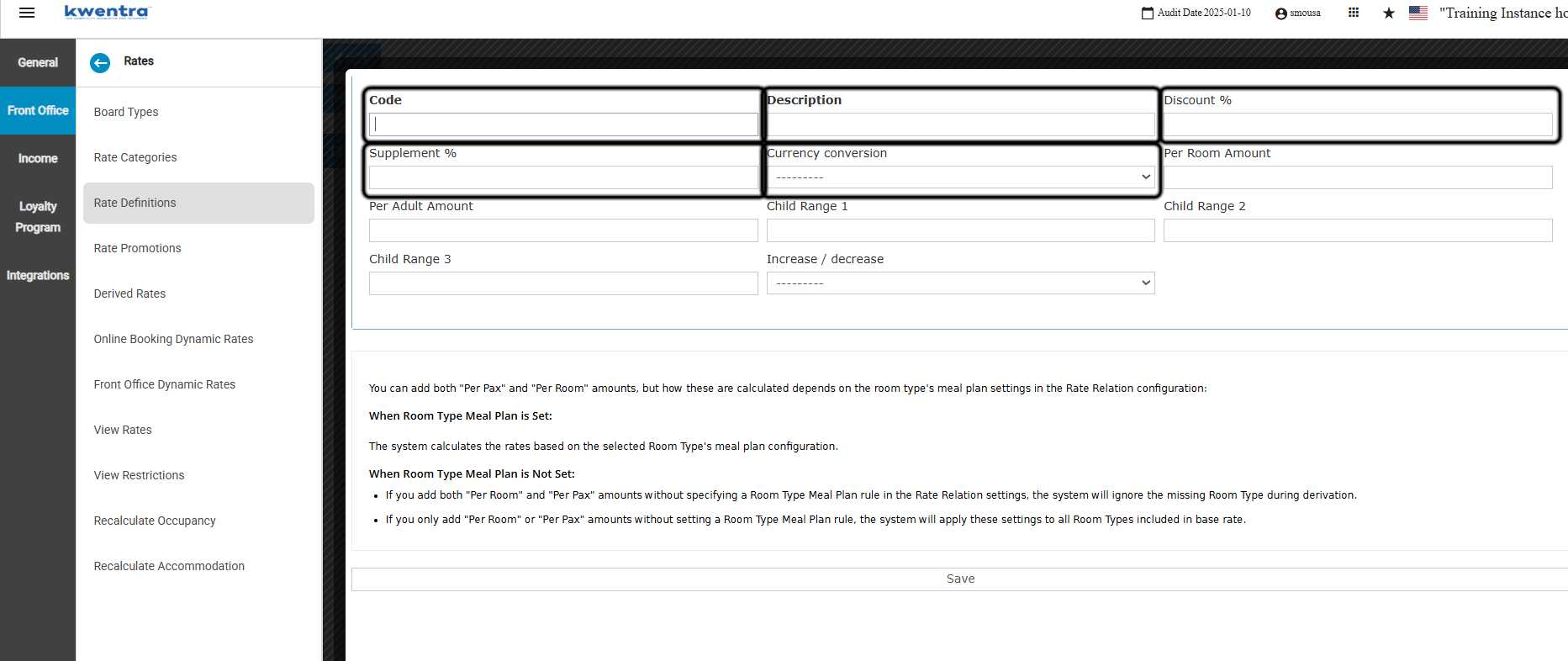
- Link two existing rates together in a parent/child relationship:
- Select your base rate under the Main rate column.
- Select the derived rate from the Derived rate drop-down.
- Enter Discount % or Supplement % (use one, not both) in numbers.
- If the main and derived rate use different currencies, select the Currency conversion.
- Click Save.
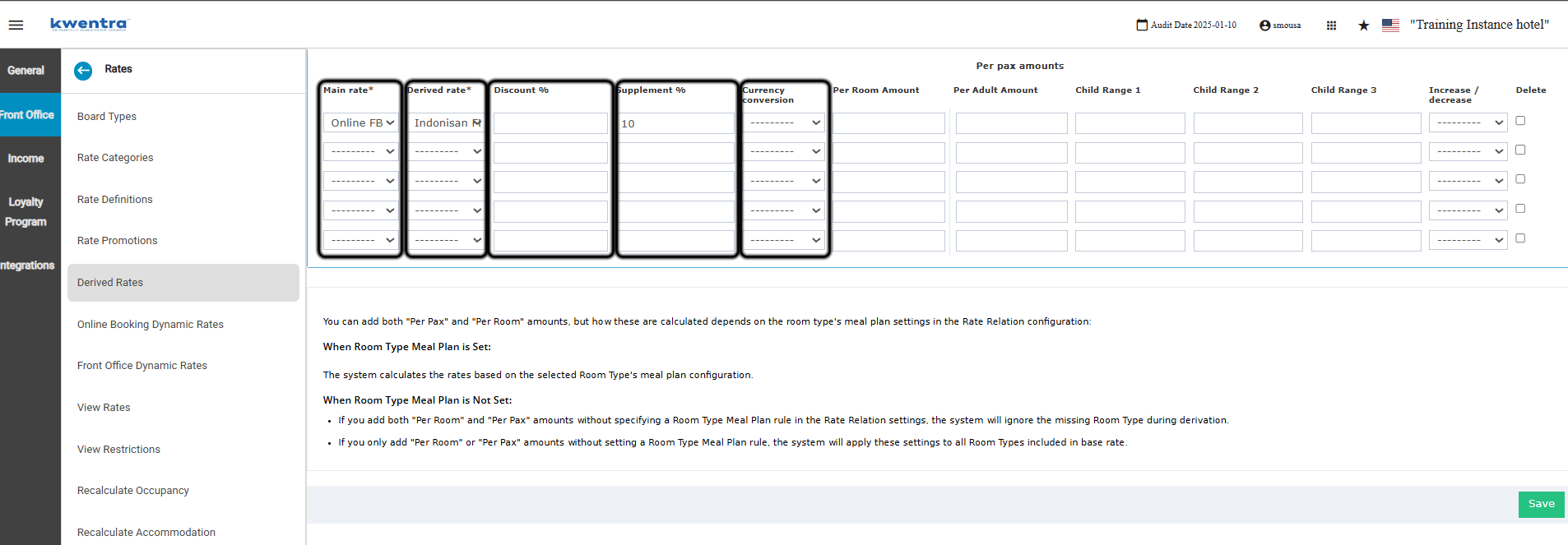
Derived Rates vs. Rate Relations
Both features link rates so you update one place instead of many, but they work on different things:
They are complementary and often used together: Rate Relations builds the room-type and occupancy grid for a rate, and Derived Rates copies that whole rate to other rate plans. To configure the room-type side, see Rate Relations: Base & Derived Room Type Configuration.