

Housekeeping
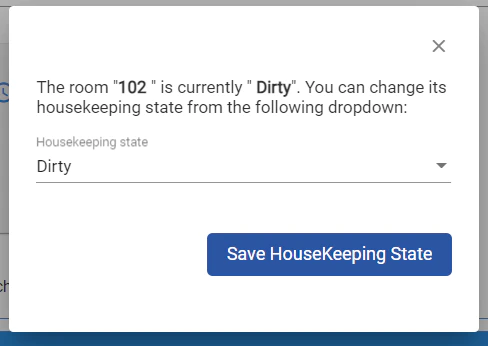
2nd of January - Housekeeping state change upon "Undo Check in" action.
New Feature: Users are now presented with the option to select Housekeeping state for rooms assigned to reservations subject to “Undo Check in” action. Front Office > Housekeeping Front Office >…
New Feature: Users are now presented with the option to select Housekeeping state for rooms assigned to reservations subject to “Undo Check in” action.
Front Office > Housekeeping
Front Office > reservations > Individual reservations