

- Click on Front Office after login.
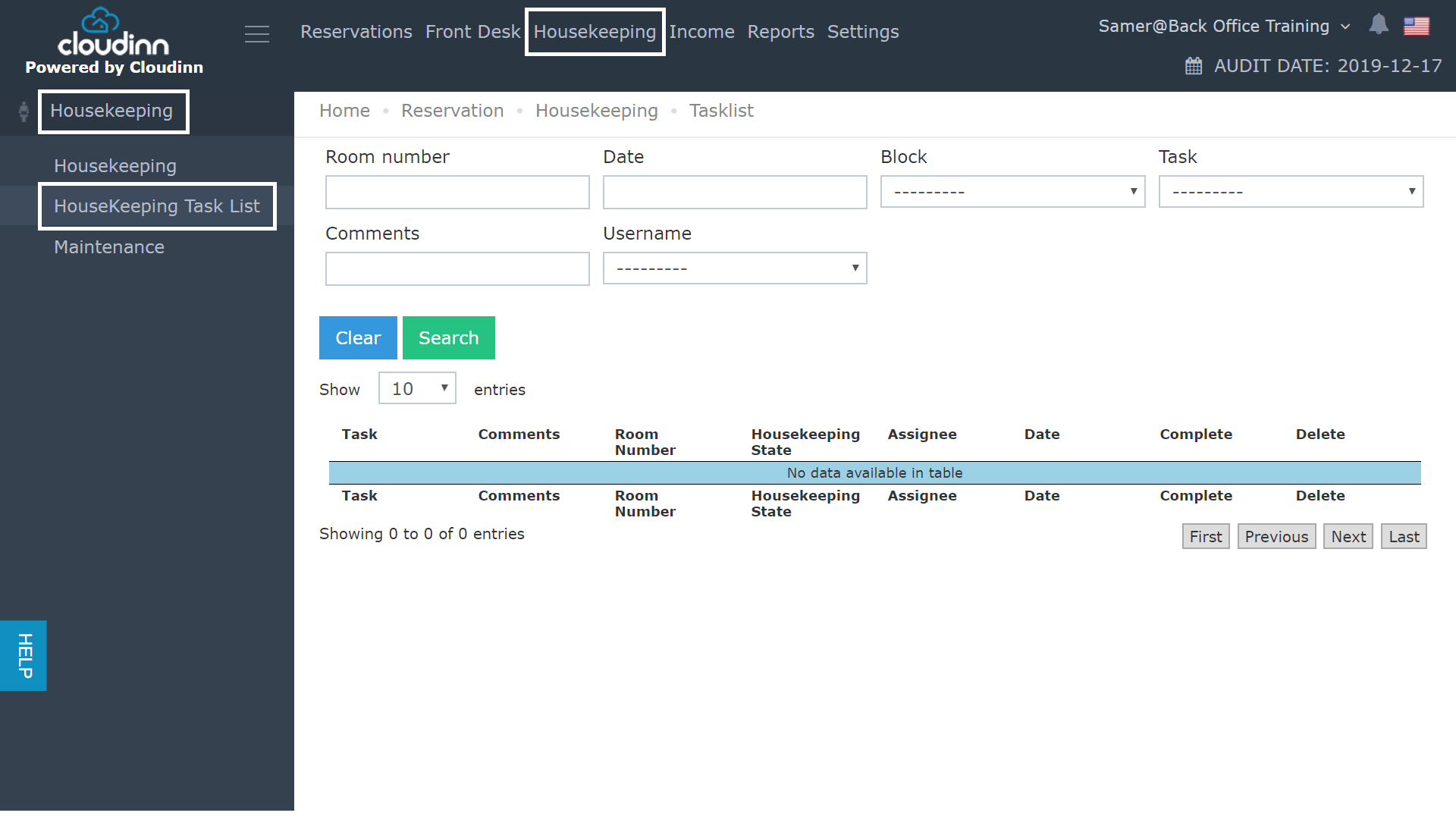
- Click on Housekeeping from the top.
- Click on Housekeeping from the left side .
- Select Housekeeping Task List.
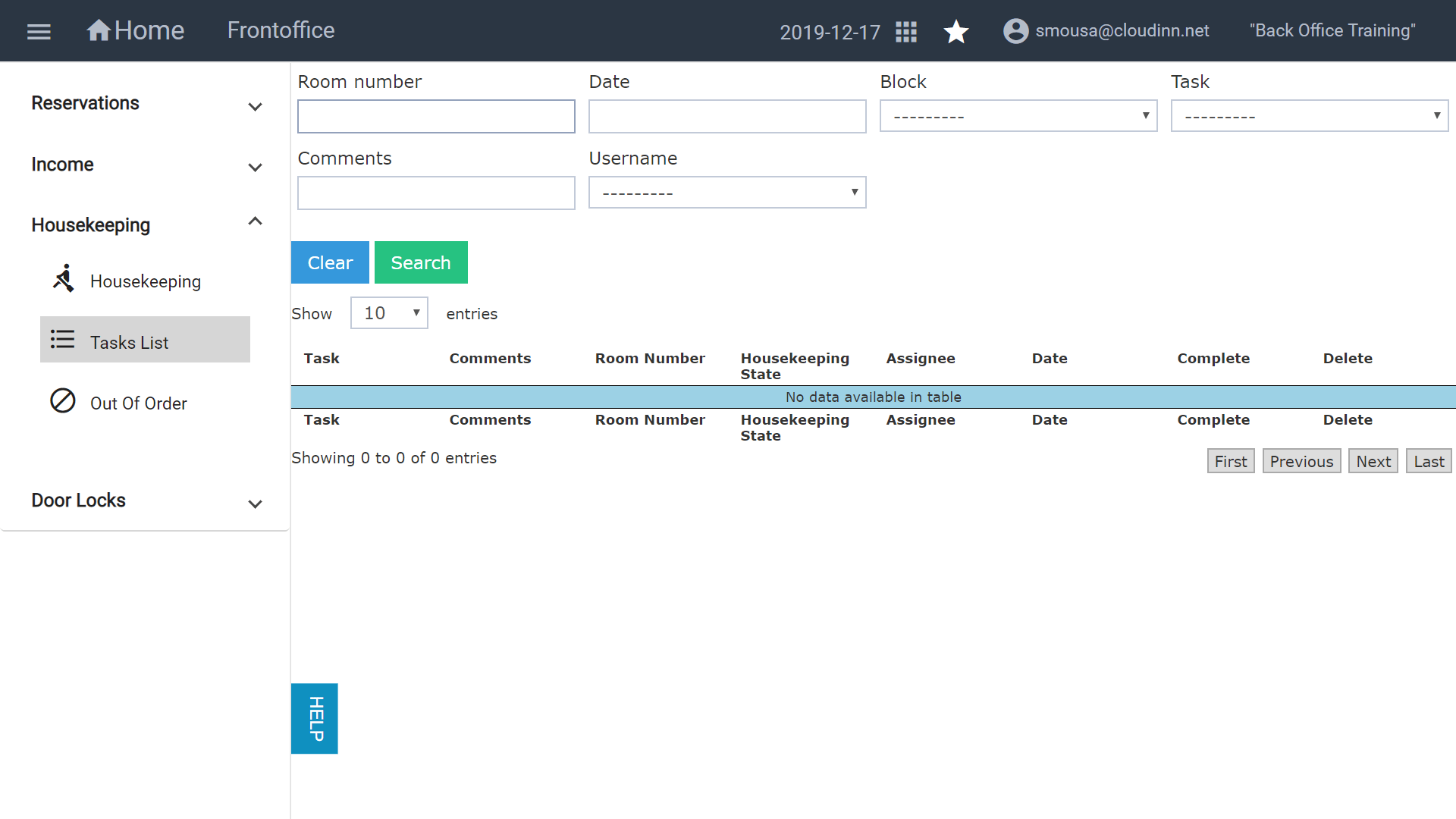
Through the previous Front Office Navigation, you used to follow the below steps in order to reach the Housekeeping screen: Click on Front Office after login. Click on Housekeeping from the top. Cl…