

- Click on Front Office after login.
- Click on Income from the top.
- Click on Cashiering from the left side .
- Select Cashiering.
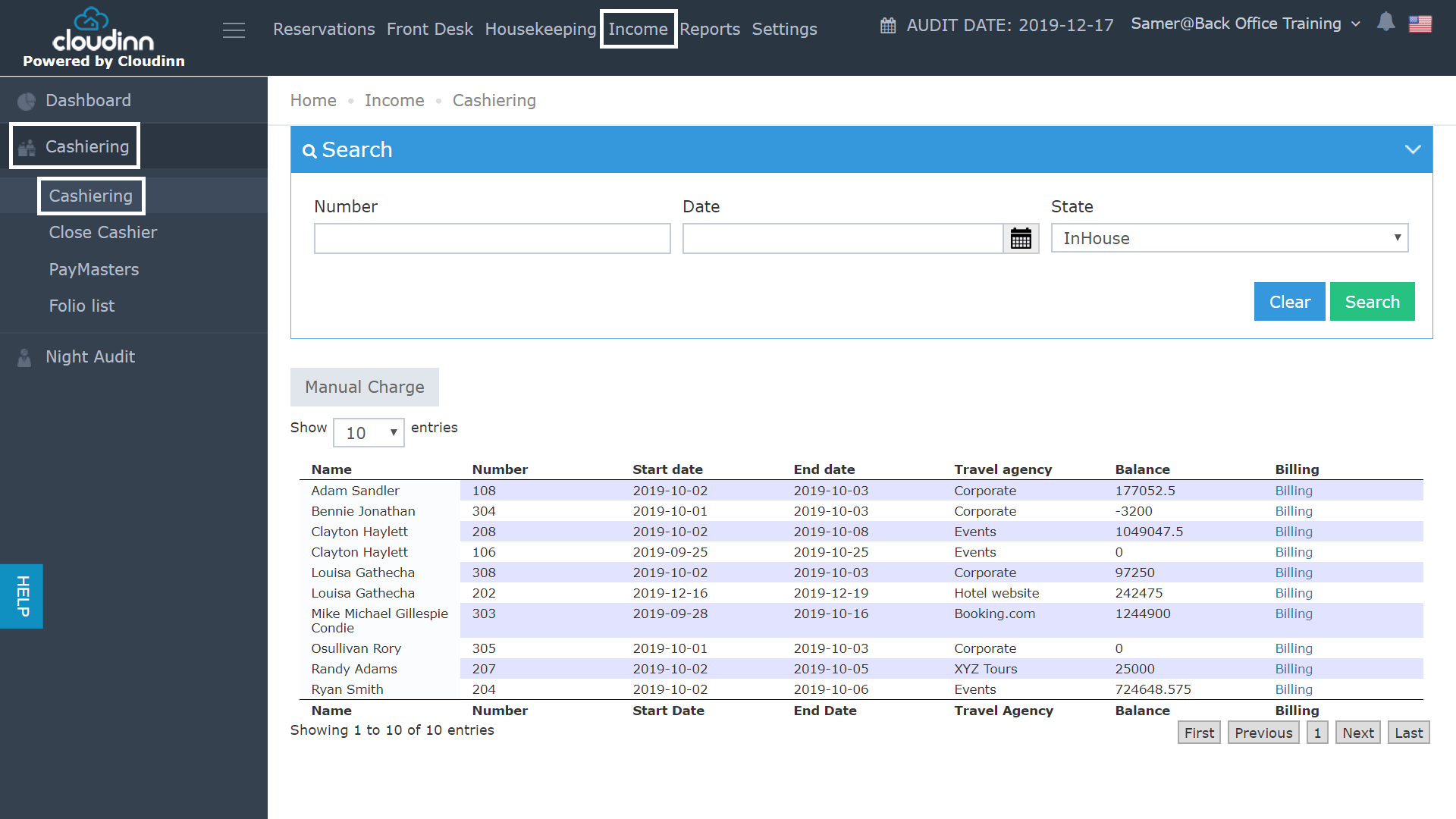
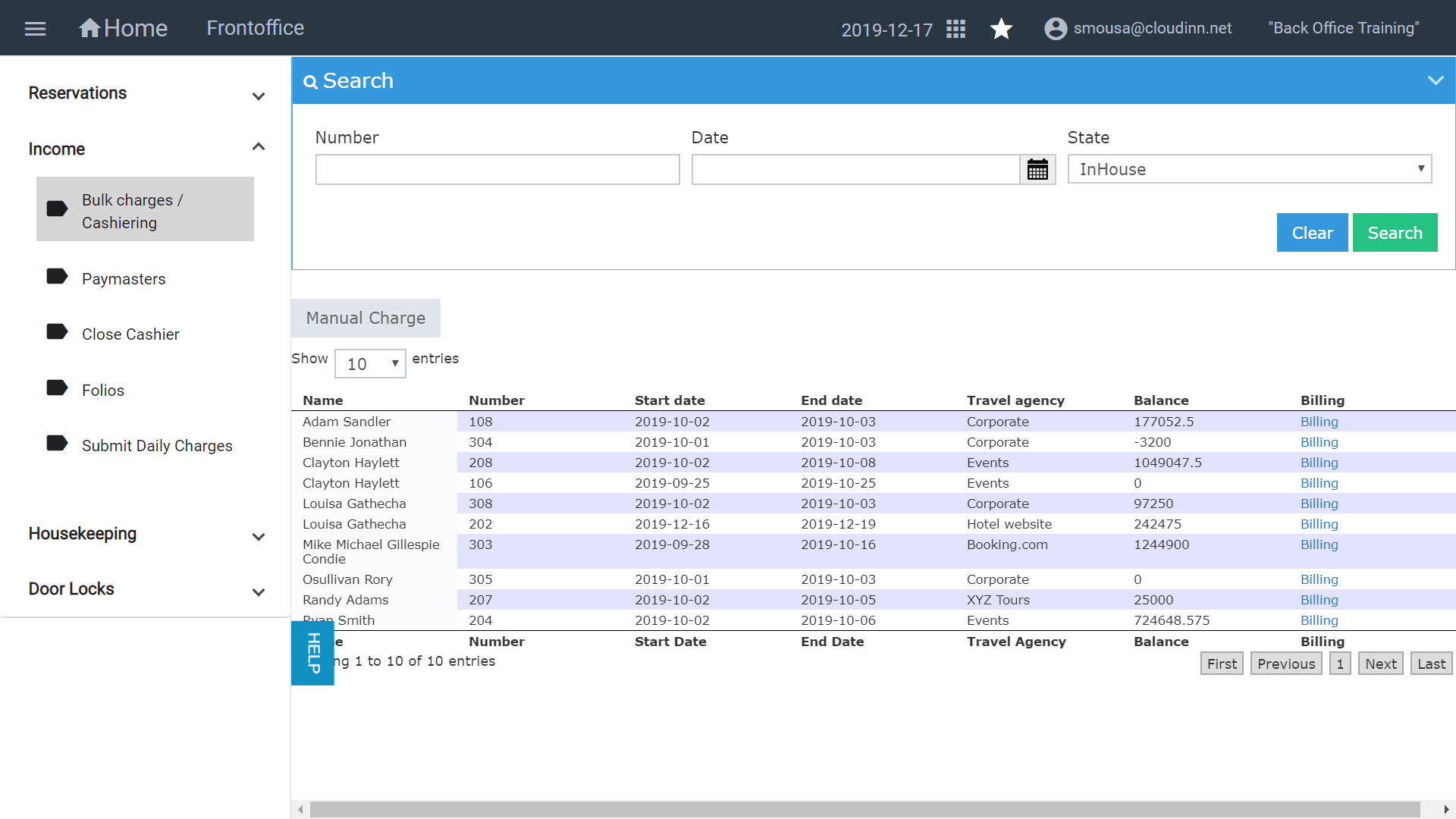
Through the previous Front Office Navigation, you used to follow the below steps in order to reach the Income Cashiering screen: Click on Front Office after login. Click on Income from the top. Cli…