

- Click on Front Office after login.
- Click on Individual Reservations or Group Reservations from the left hand side menu.
- Choose General Inquiry for Search or Add to add new reservations.
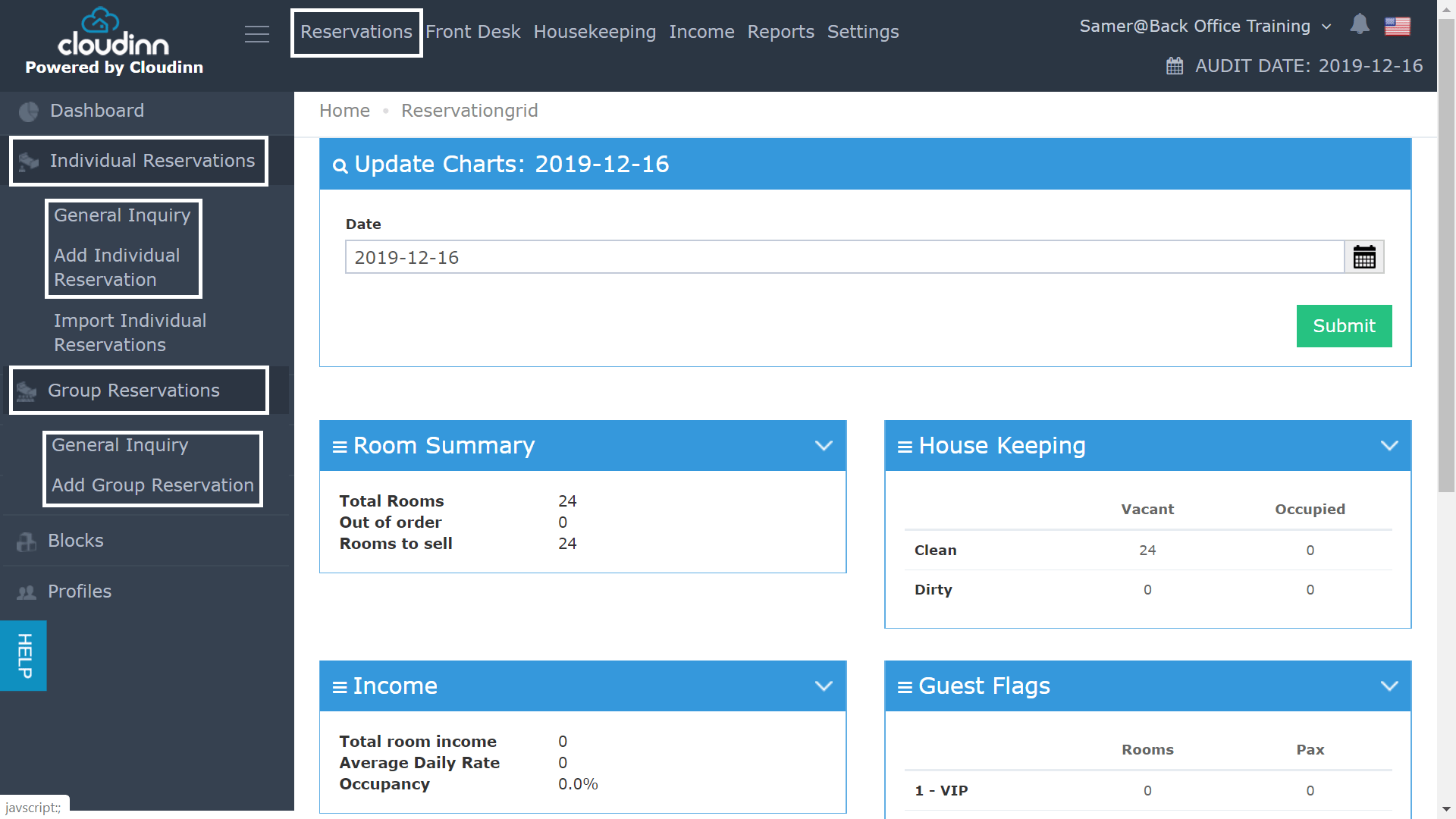
- Individual Reservations:
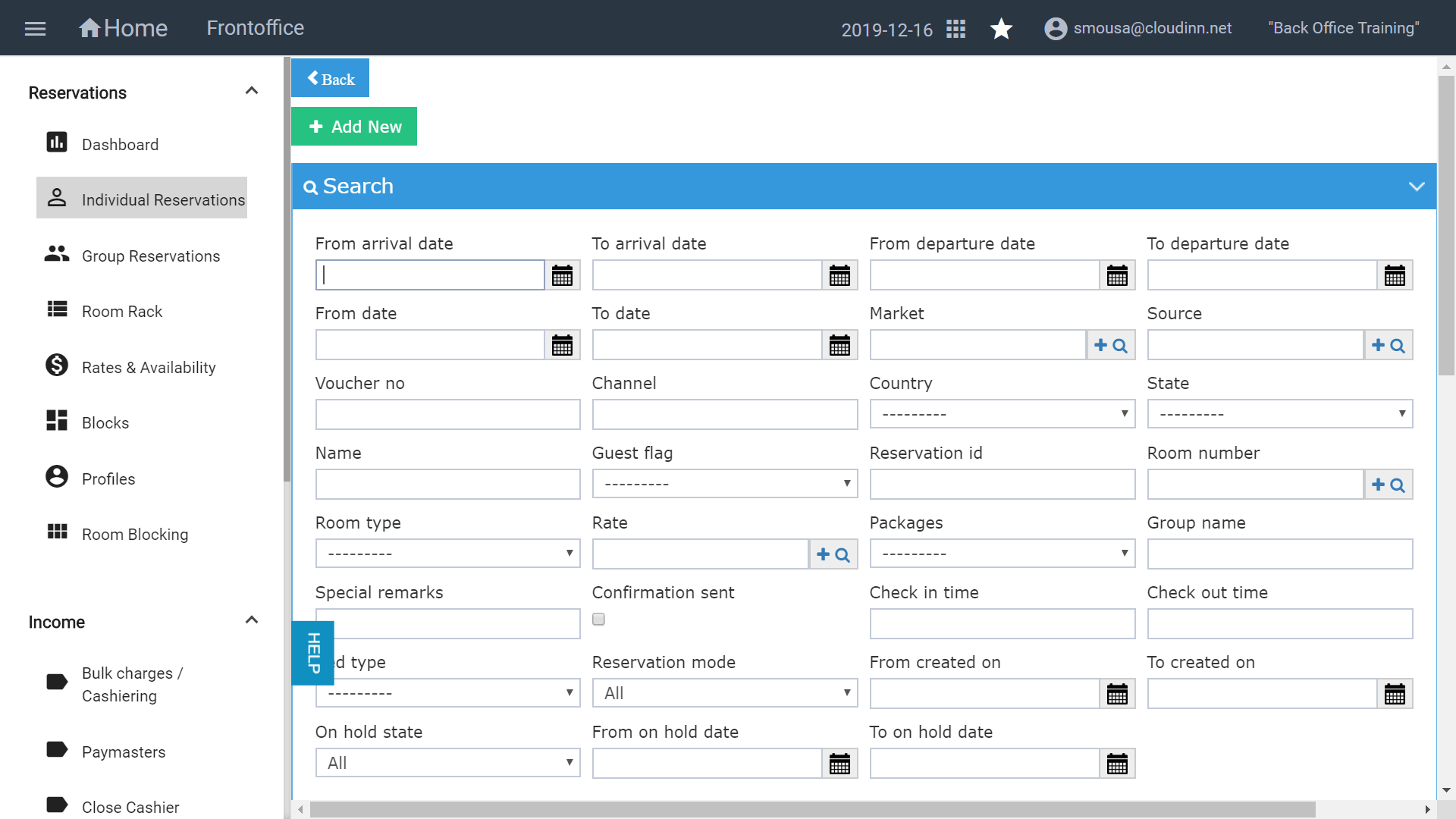
- Group Reservations:
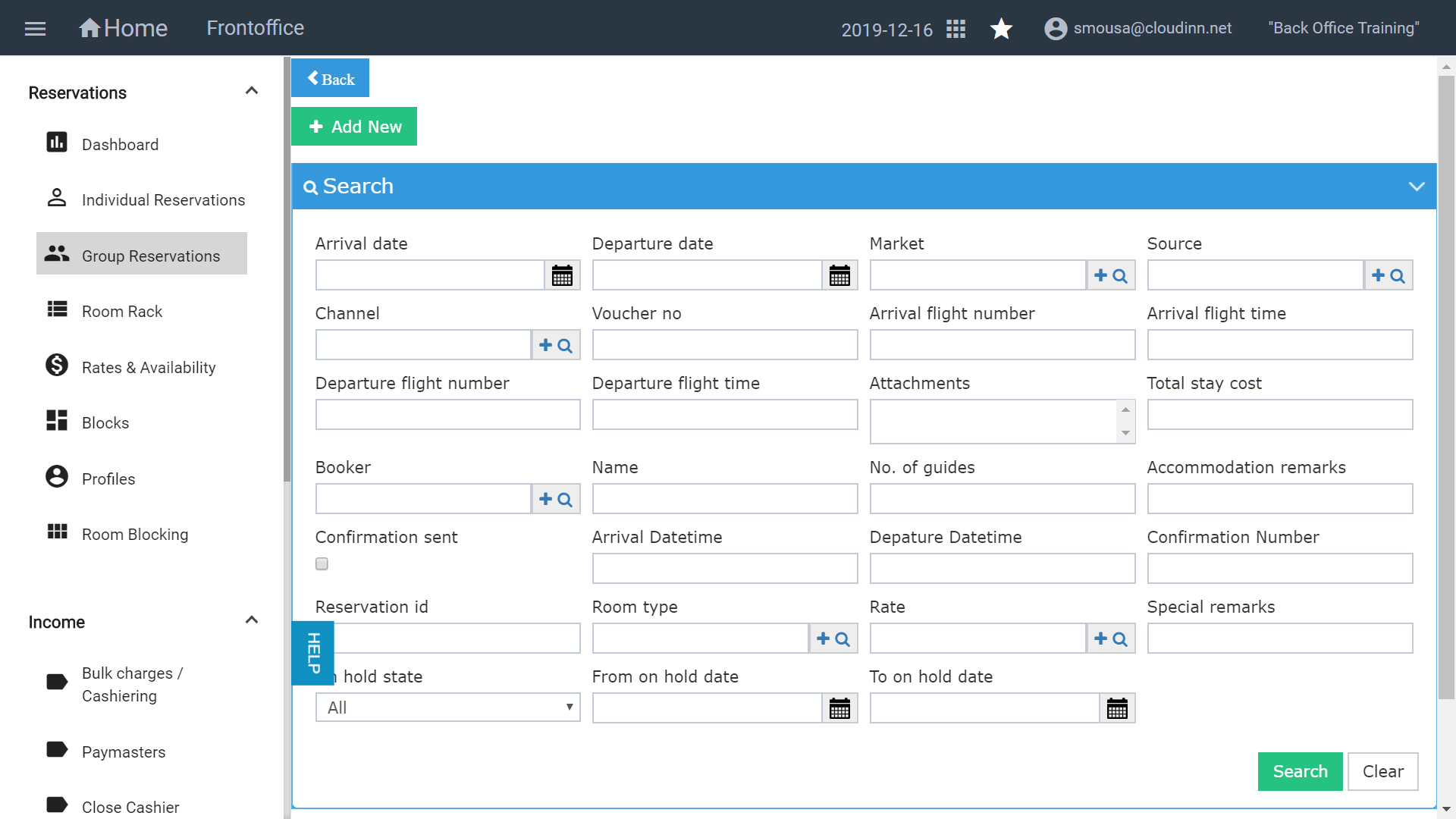
Through the previous FO Navigation, you used to follow the below steps in order to reach the individual/group reservation screens you used to follow the below steps: * Click on Front Office after l…