When to Use This Feature:
- ✅ A front desk agent wants to focus on arrivals, room types, and billing details.
- ✅ A manager prefers to see balance, channel and notes fields at a glance.
- ✅ A multi-property user works in different hotels but wants the same list view everywhere.
- ✅ A user wants to hide less relevant columns to reduce noise and improve clarity.
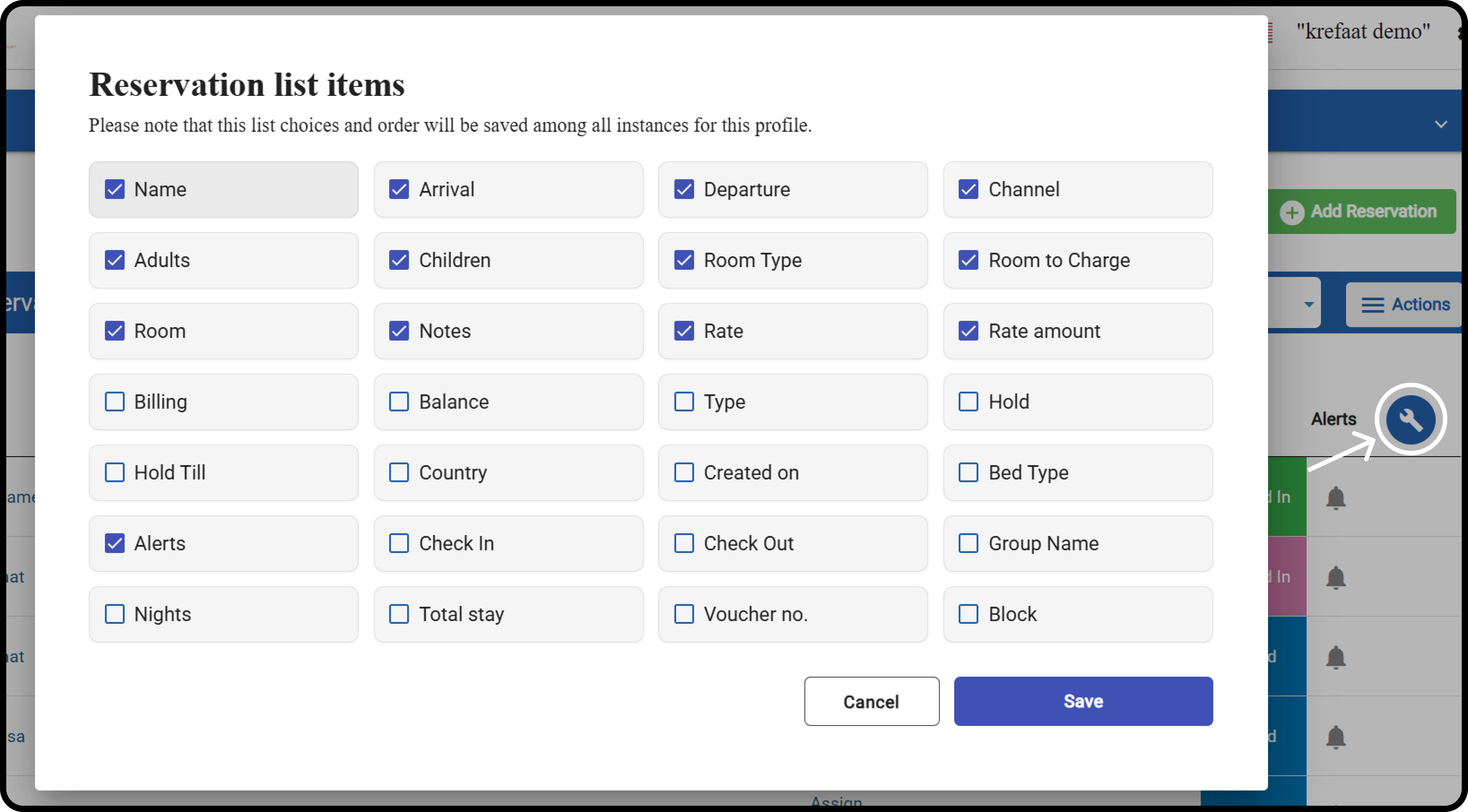
How do you customize the list?
Front Office → Individual Reservations Click the tool icon to select the columns that matter most to you. Click Save. This will apply to all properties you have access to.