

New Front Office Navigation Menu
Add Quick Front Office Bookmarks
In order to make your life a lot easier, now you can fix keyboard shortcuts to take you to the frequently used links and feature on the new Front Office Navigation Menu. Once you are on the new nav…
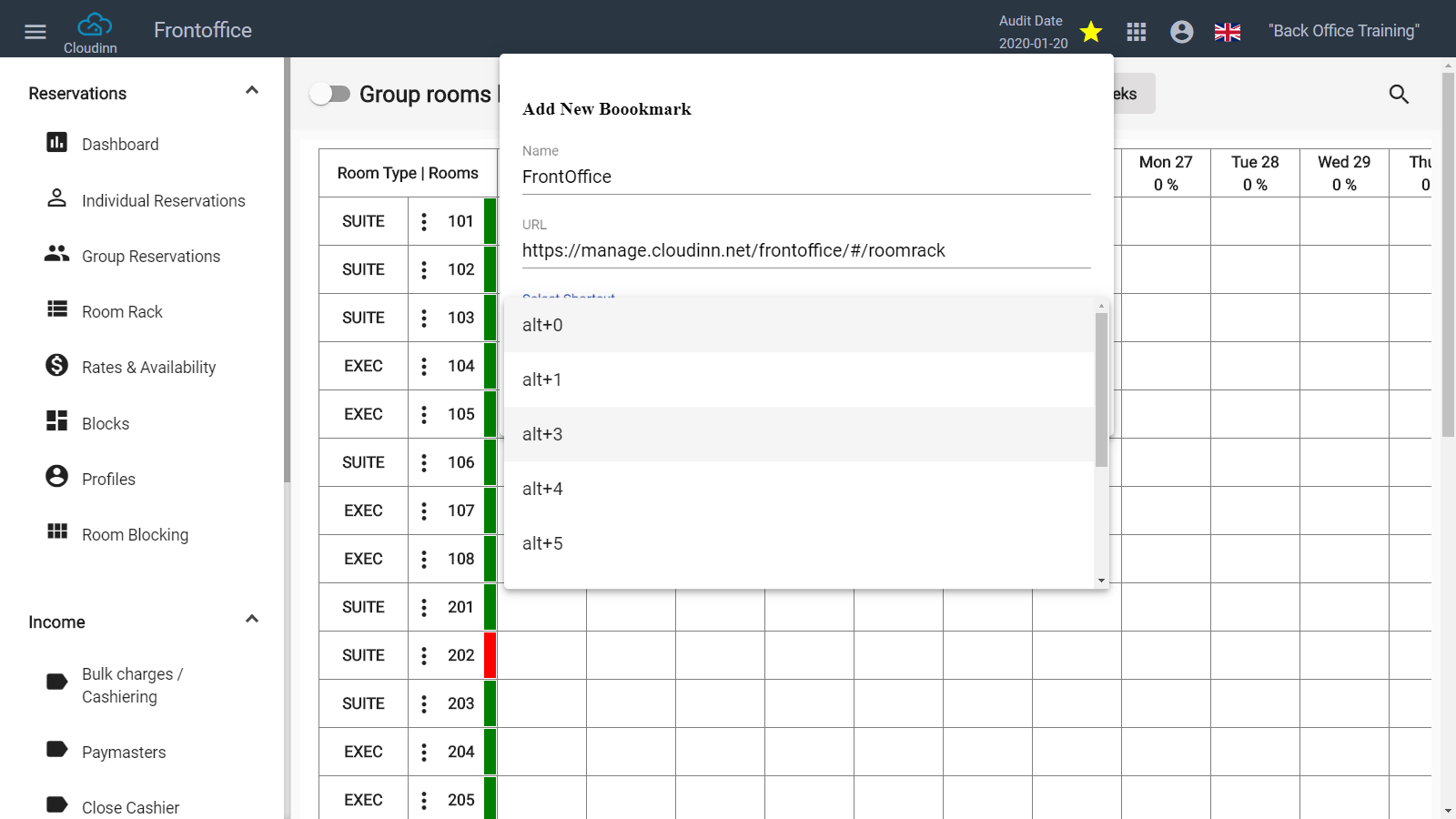
In order to make your life a lot easier, now you can fix keyboard shortcuts to take you to the frequently used links and feature on the new Front Office Navigation Menu.
Once you are on the new navigation menu you would find a clickable star icon on the top right of the page.
You can add the frequently used URL there and assign a keyboard shortcut to it.
Kwentra Bookmarks are user-based so each user has the liberty of adding their favorite bookmarks based on their daily operational needs.