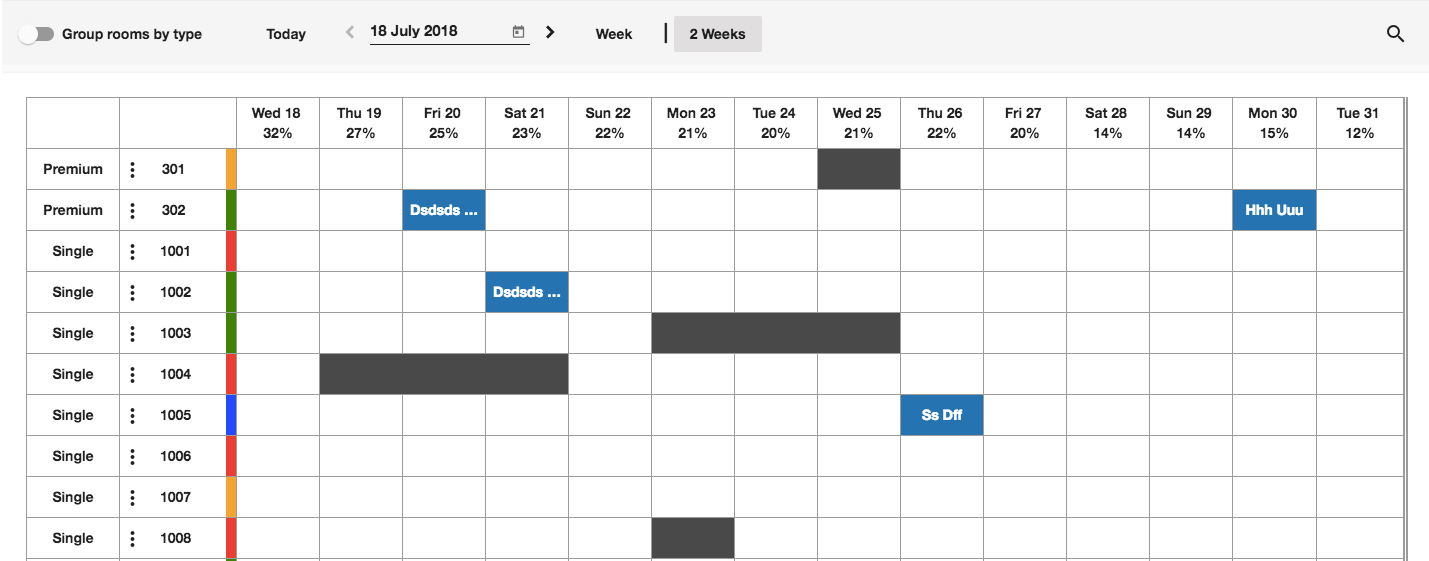
You can drag and drop the reservation using the room rack by following the below steps:
1- Go to “Front Office” from the home page 2- Select “Rooms” from the left side menu 3- Click on “Room Rack” to display all the property rooms and occupancy 4- Determine the reservation you want to edit (Date / room type or both) 5- Simply click and hold the reservation > move it the new desired location on the room rack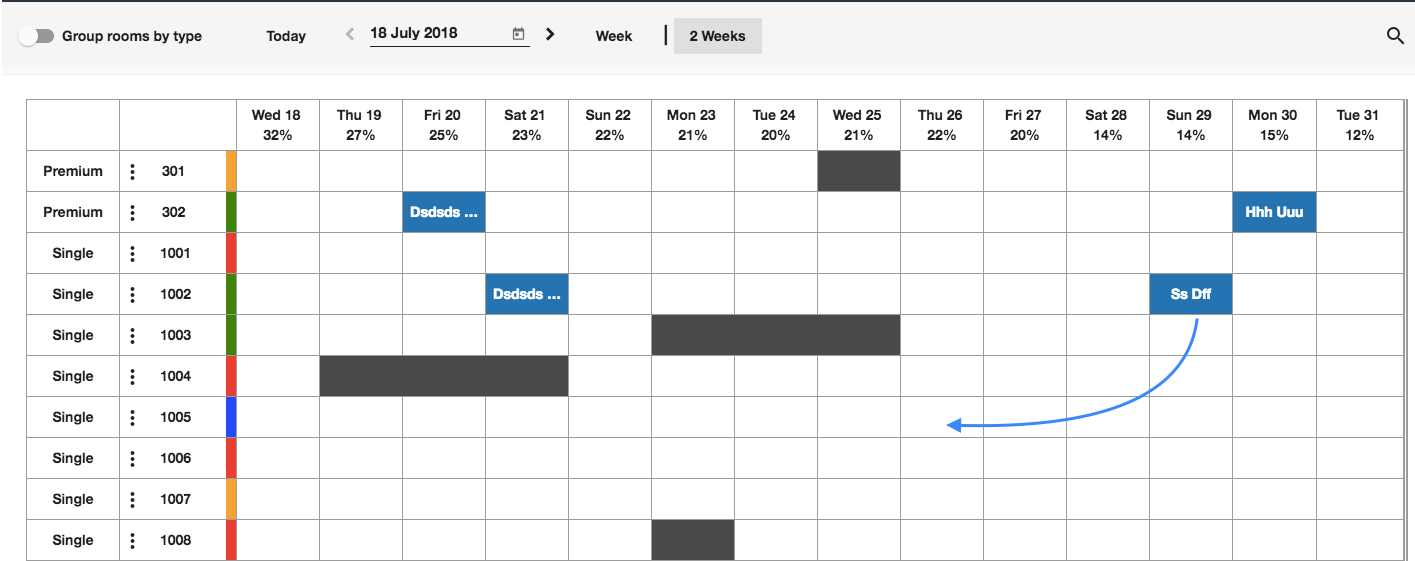
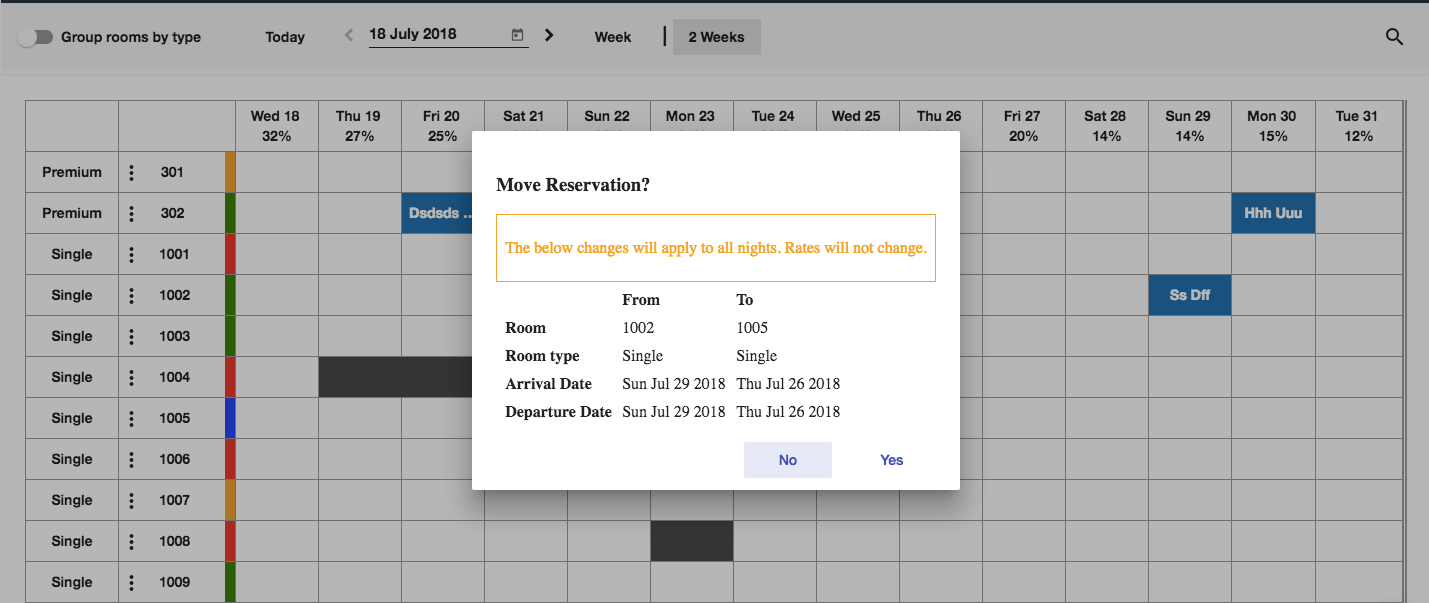
You did it!