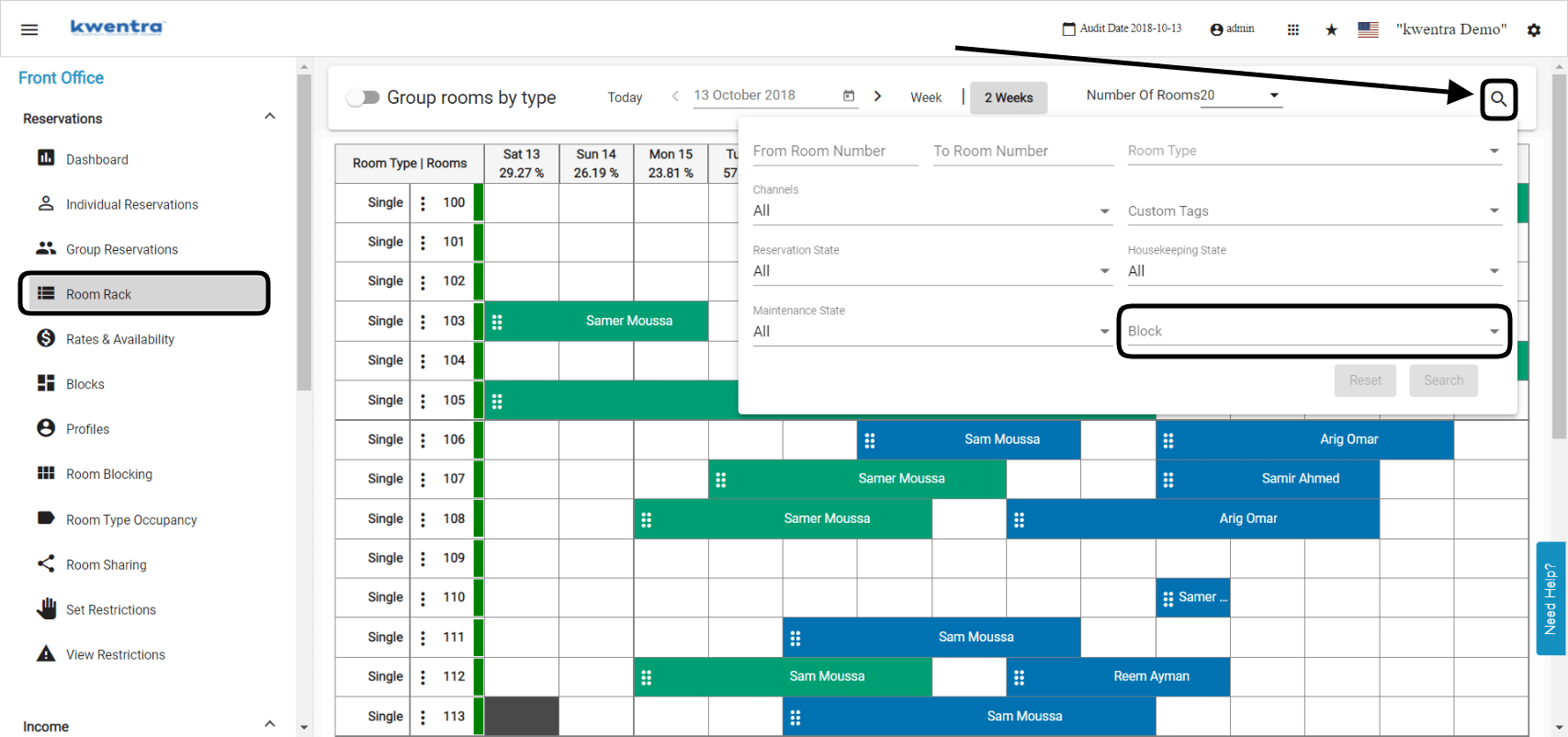
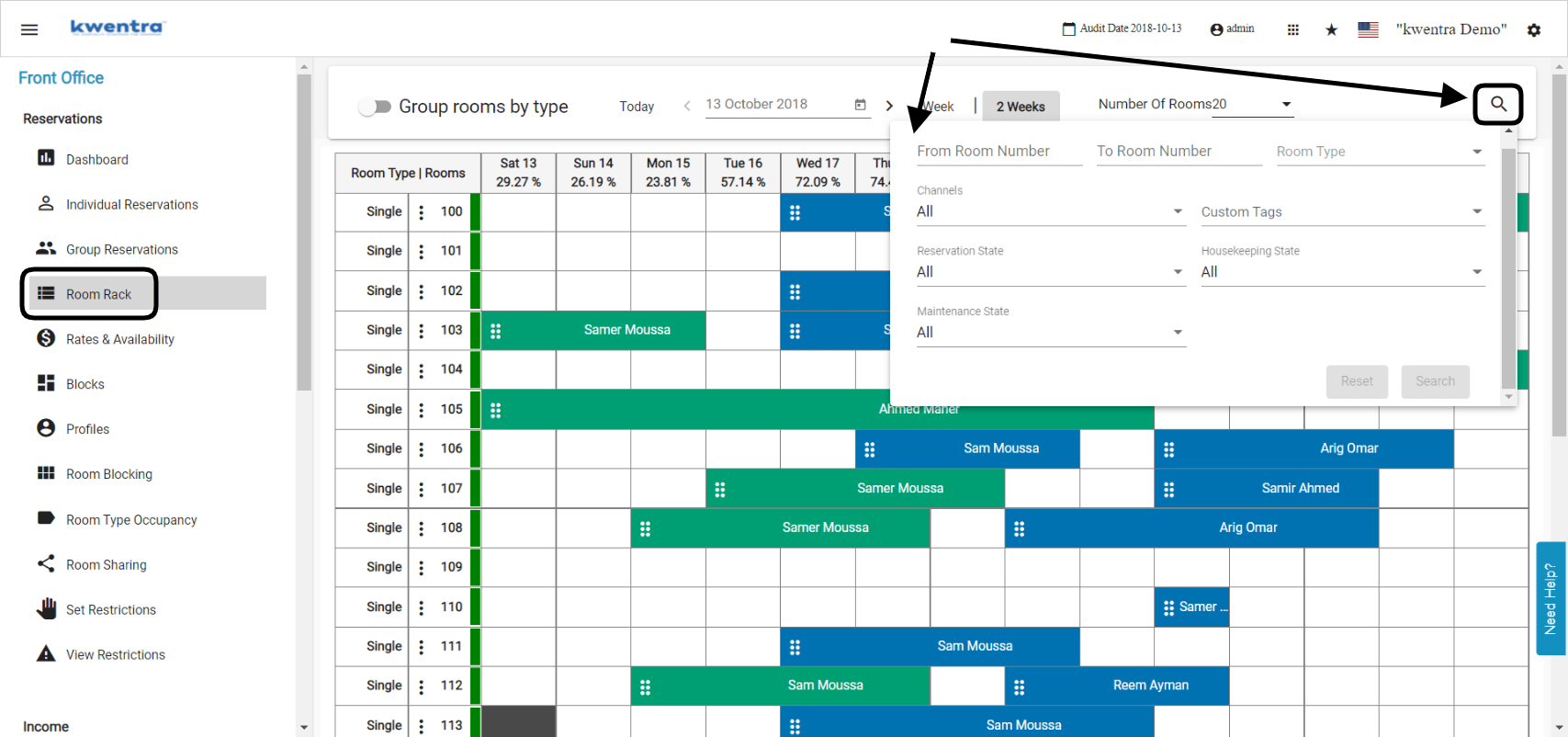
kwentra Room Rack is designed to give an easier look to your rooms in a single view form. Front Office → Room Rack → Search Magnifying Glass You can search with multiple inputs on the room rack such as:Documentation Index
Fetch the complete documentation index at: https://help.kwentra.com/llms.txt
Use this file to discover all available pages before exploring further.
- Multiple room numbers: you can search for a group of rooms by adding the range of room numbers “from room x to room y”
- Room type: search for a specific room type.
- Channels: filter your room rack by the channel/travel agency.
- Reservation State: filter your room rack by the reservation state “expected or checked in”
- Housekeeping state: filter your room rack by the housekeeping state you would like to view “dirty, clean etc”
- Maintenance state: filter all your out of order rooms on the room rack.
Update: 10th of March, 2022
You can search on the room rack using the housekeeping block that the room numbers are assigned to.
Front Office → Room Rack → Search Magnifying Glass