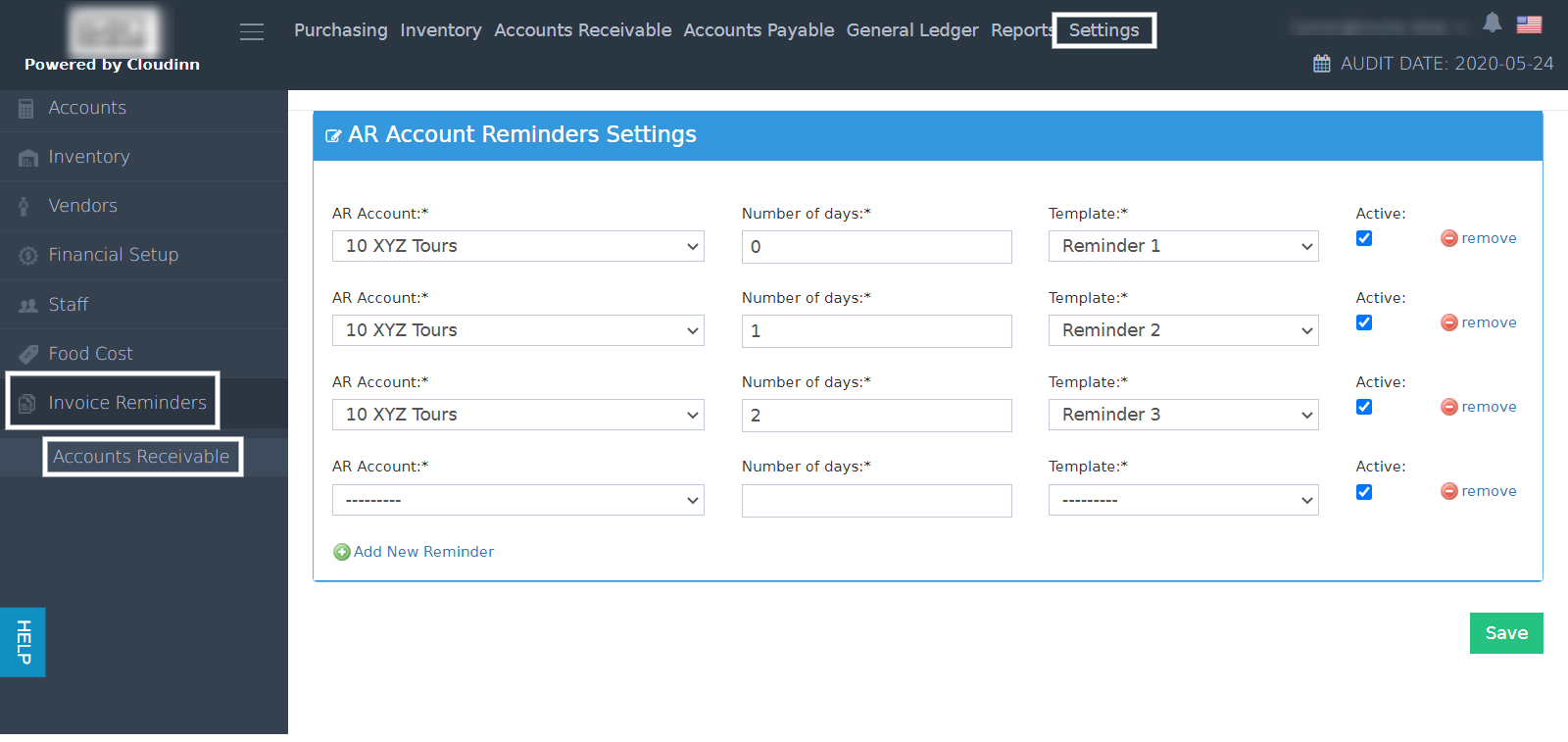
Reading the below article is very important prior to setting up your AR reminder settings. User Templates & Custom Uploads In order to set up the AR reminder settings we need to go to the BO settings. Back Office → Settings → Invoice Reminders → Accounts Receivable This screen helps in assigning when to apply which invoice reminder based on the templates uploaded in settings. Respecting the AR Account’s Aging Settings is a must, read more about Invoice Due Date for AR Accounts.Documentation Index
Fetch the complete documentation index at: https://help.kwentra.com/llms.txt
Use this file to discover all available pages before exploring further.
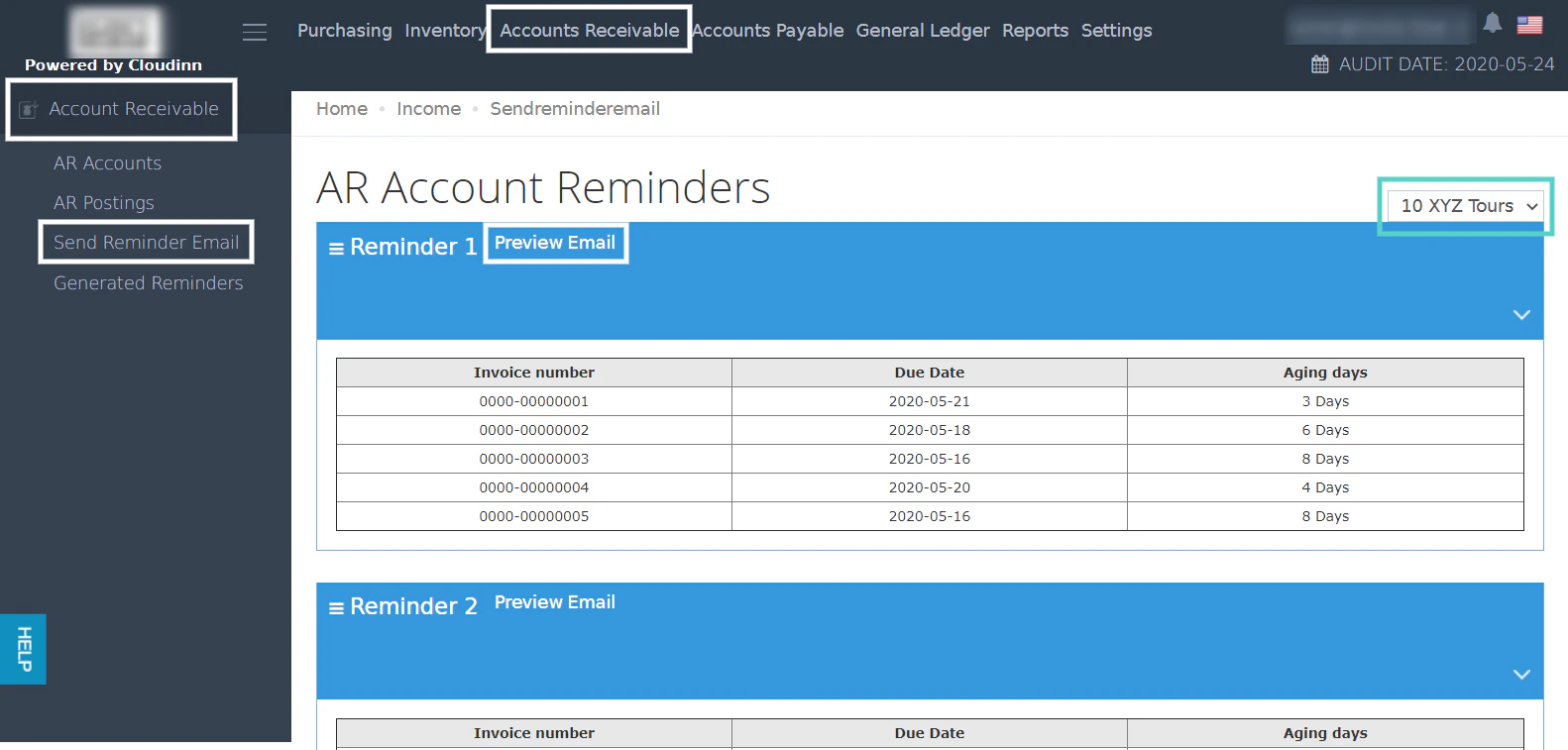
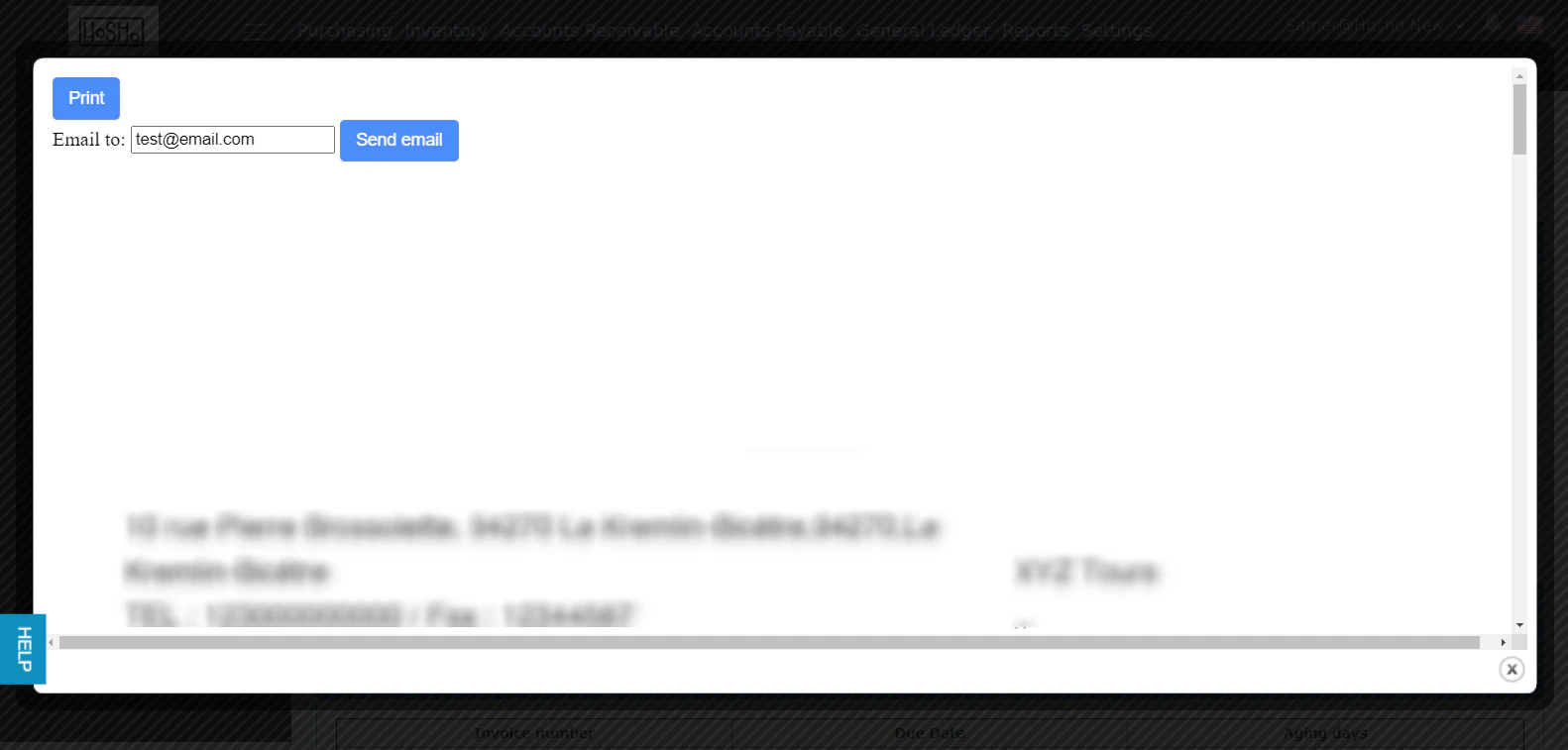
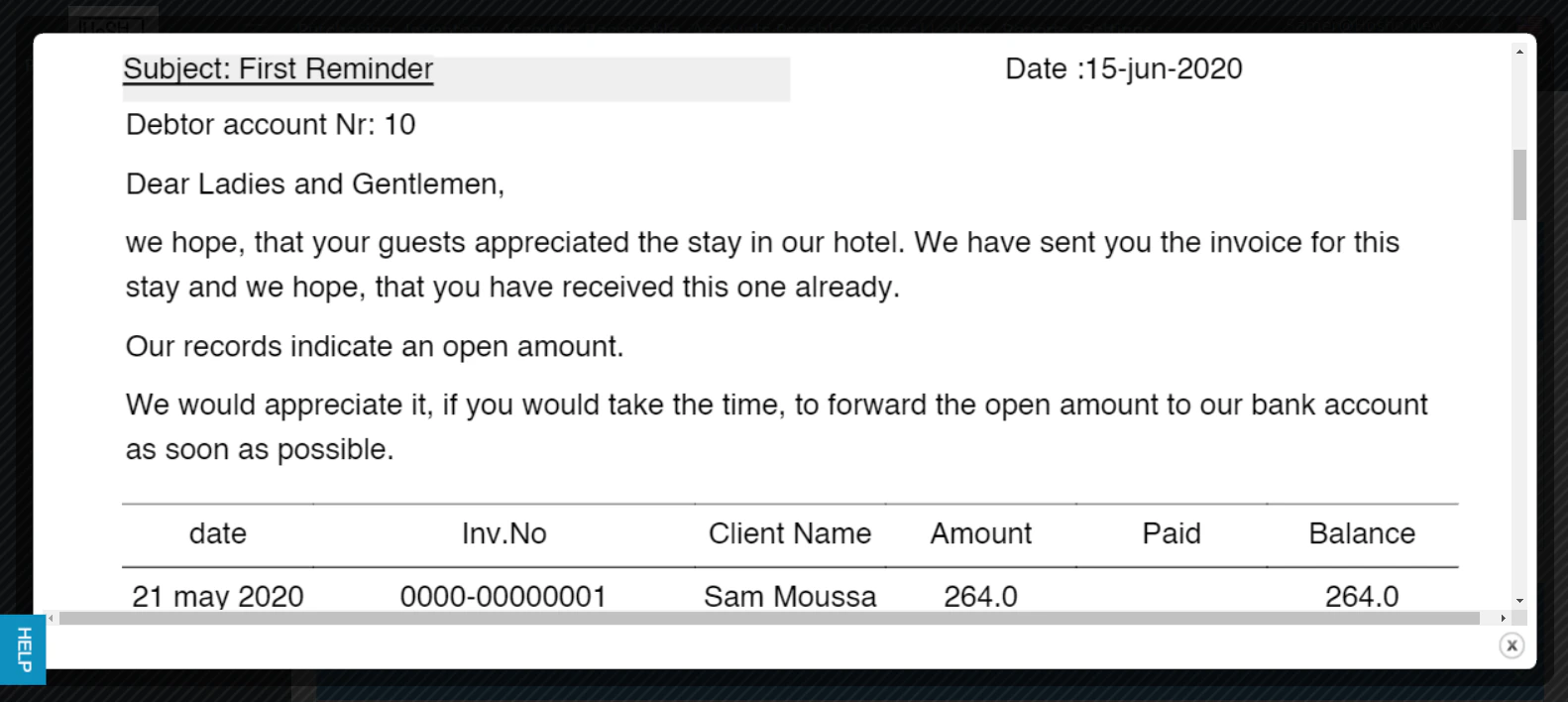
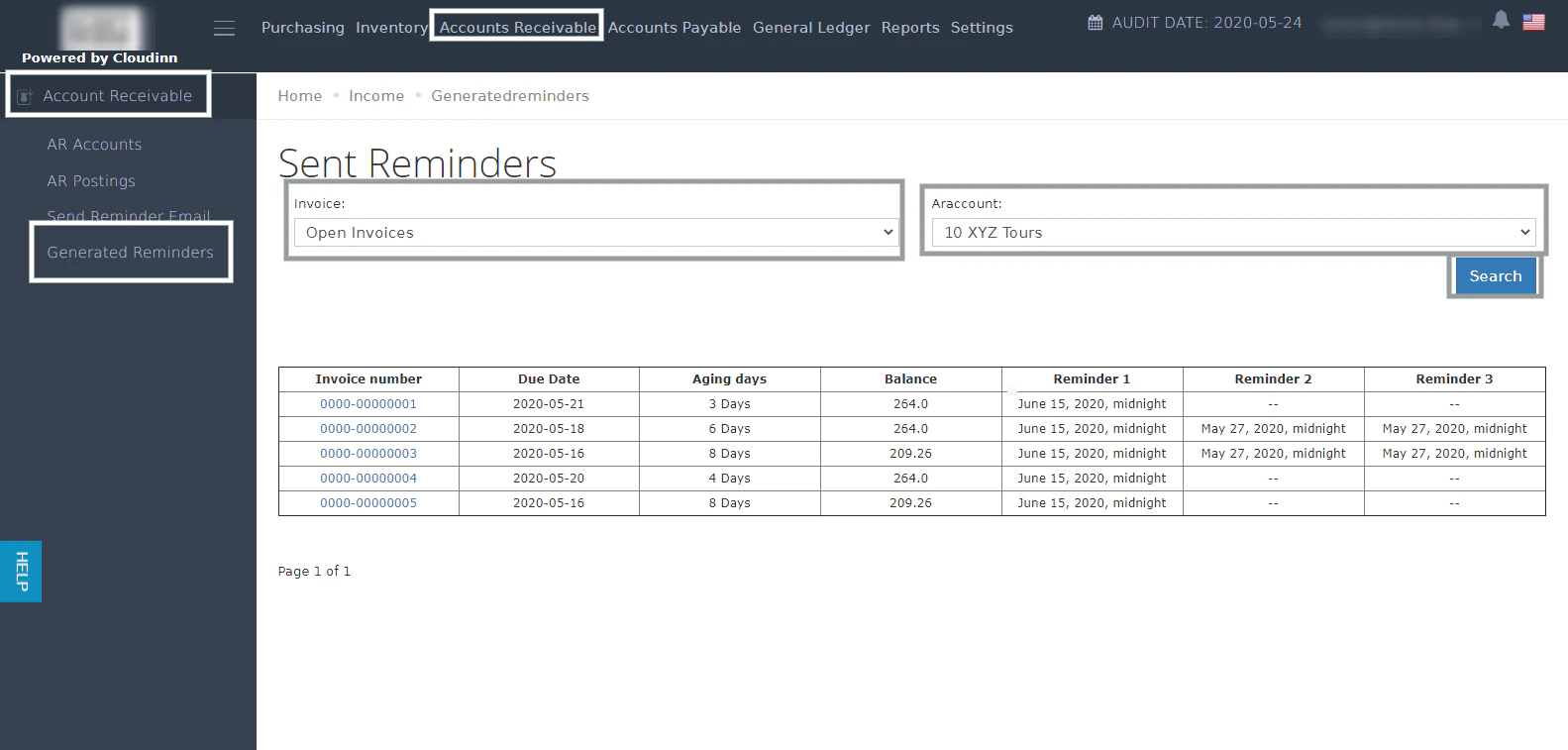
 Now we can send an email reminder to the generated invoices for our AR Account.
Back Office → Accounts Receivable → Send Reminder Email → Select AR Account
Now we can send an email reminder to the generated invoices for our AR Account.
Back Office → Accounts Receivable → Send Reminder Email → Select AR Account