Documentation Index

Fetch the complete documentation index at: https://help.kwentra.com/llms.txt

Use this file to discover all available pages before exploring further.

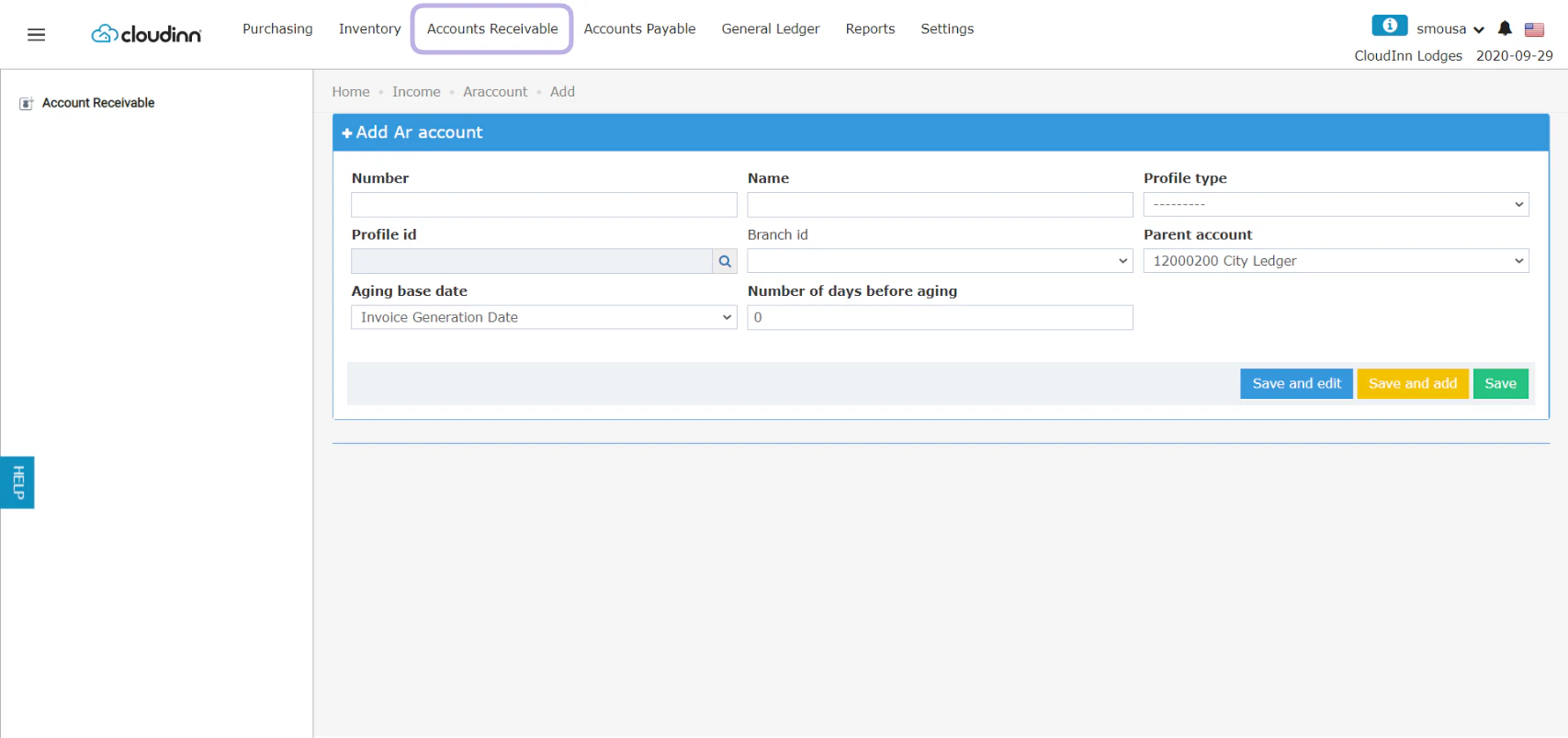
Based on your contract with a certain Travel Agency wherein you would need for the company/channel to pay for the guests’ stay and room charges, you need to add a new Accounts Receivable for this certain channel. This helps you to make a City Ledger Payment so the charges get billed to the Travel Agency. Back Office → Accounts Receivable → Add New
  • Number: a unique numeric serial number to that AR account you’re adding.
  • Name: the name of the travel agency, usually the same name as the Channel.
  • Profile Type: Select Channel from the dropdown menu.
  • Profile ID: using the magnifying glass select the channel you want to be linked to this AR account.
  • Branch ID: for a channel that might have multiple branches select the branch you desire to link to this AR Account, usually its the same name as the channel.
  • Parent Account: Must always remain City Ledger.
Wh en you want to invoice the Travel Agency and there’s an agreement for invoices to be paid later you need to set for the system from when to start counting the aging days and the number of days before aging so you can properly invoice the Travel Agency.
  • Aging base date: you get to choose between the final bill generation date or the checkout date of the reservation.
  • Number of days before aging: the number of days you desire before the aging cycle starts for a certain invoice.
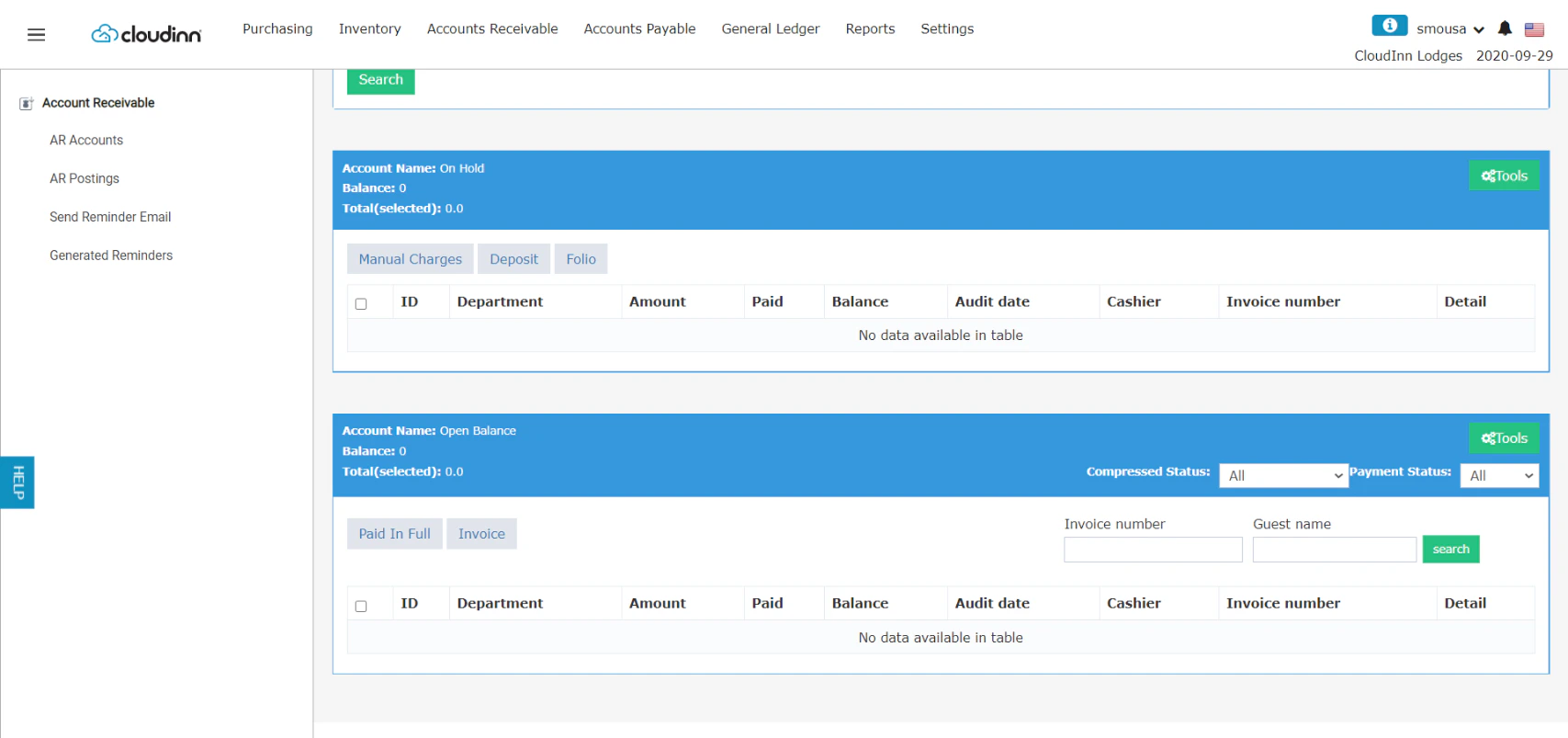
After clicking Save & Edit you would see the below view, depeding on your City Ledger Setup the postings from Front Office would appear in the On-Hold part for you to verify. If you would like to have the AR postings automatically verified, City Ledger Payment Department should be adjusted accordingly.