Documentation Index

Fetch the complete documentation index at: https://help.kwentra.com/llms.txt

Use this file to discover all available pages before exploring further.

Quickly search for AR accounts by number or description when transferring balances.

Business Value

  • Reduces User Frustration: Users can instantly find the correct AR account instead of scrolling through long dropdown lists.
  • Speeds Up Daily Operations: Faster search and selection lead to more efficient AR balance transfers.
  • Minimizes Selection Errors: Improves accuracy by making it easier to find the intended AR account.
  • Consistent with Modern UX: Aligns with user expectations for large account lists.

Use Cases

  • Scenario 1: The accounting team needs to transfer a large open balance to a specific AR account, but only knows part of the account name or number—they can now type either detail and quickly select the account.
  • Scenario 2: A hotel finance manager regularly manages hundreds of AR accounts. Searching by description or number is now instant, making the process much smoother during high-activity periods.
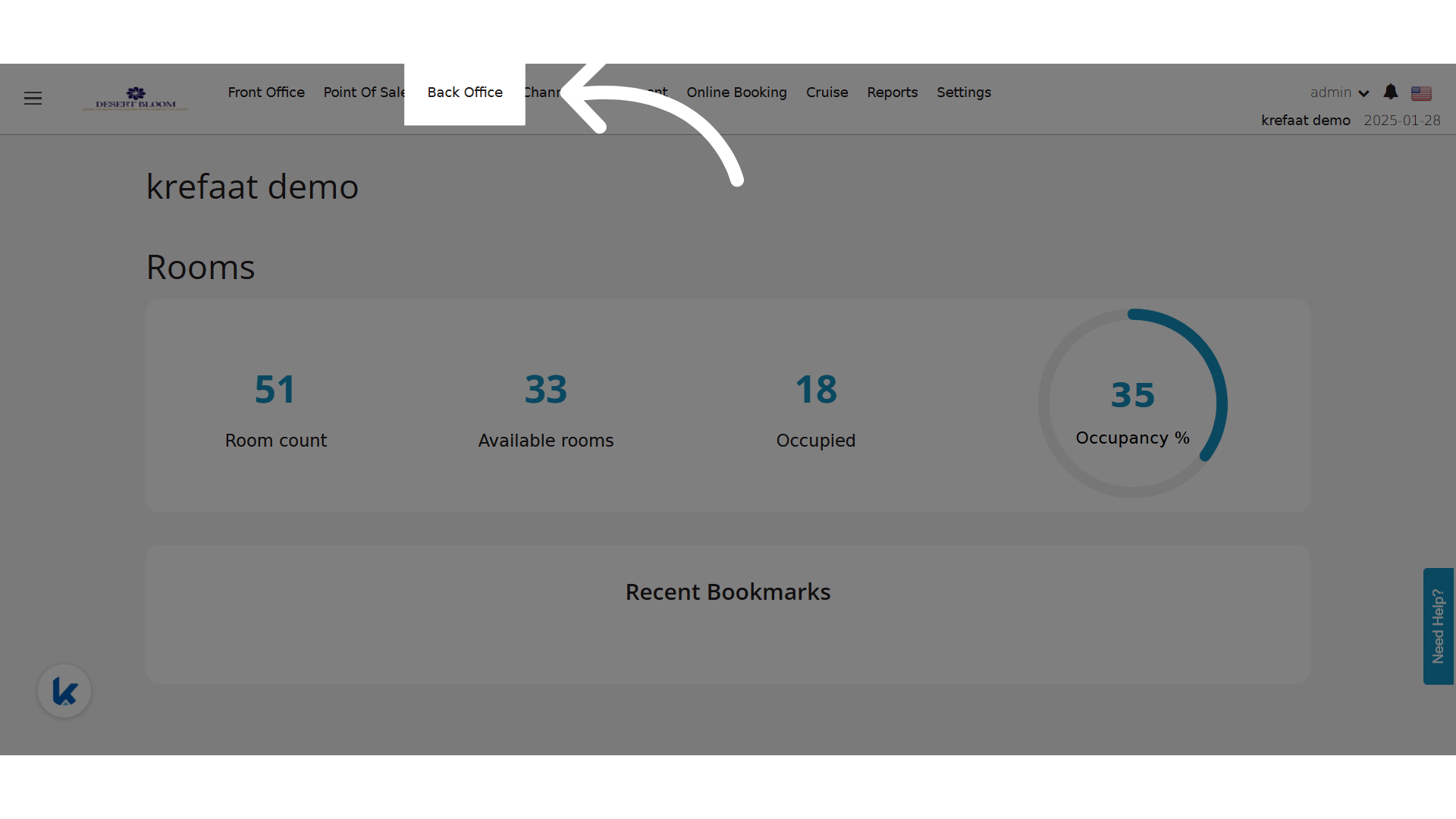
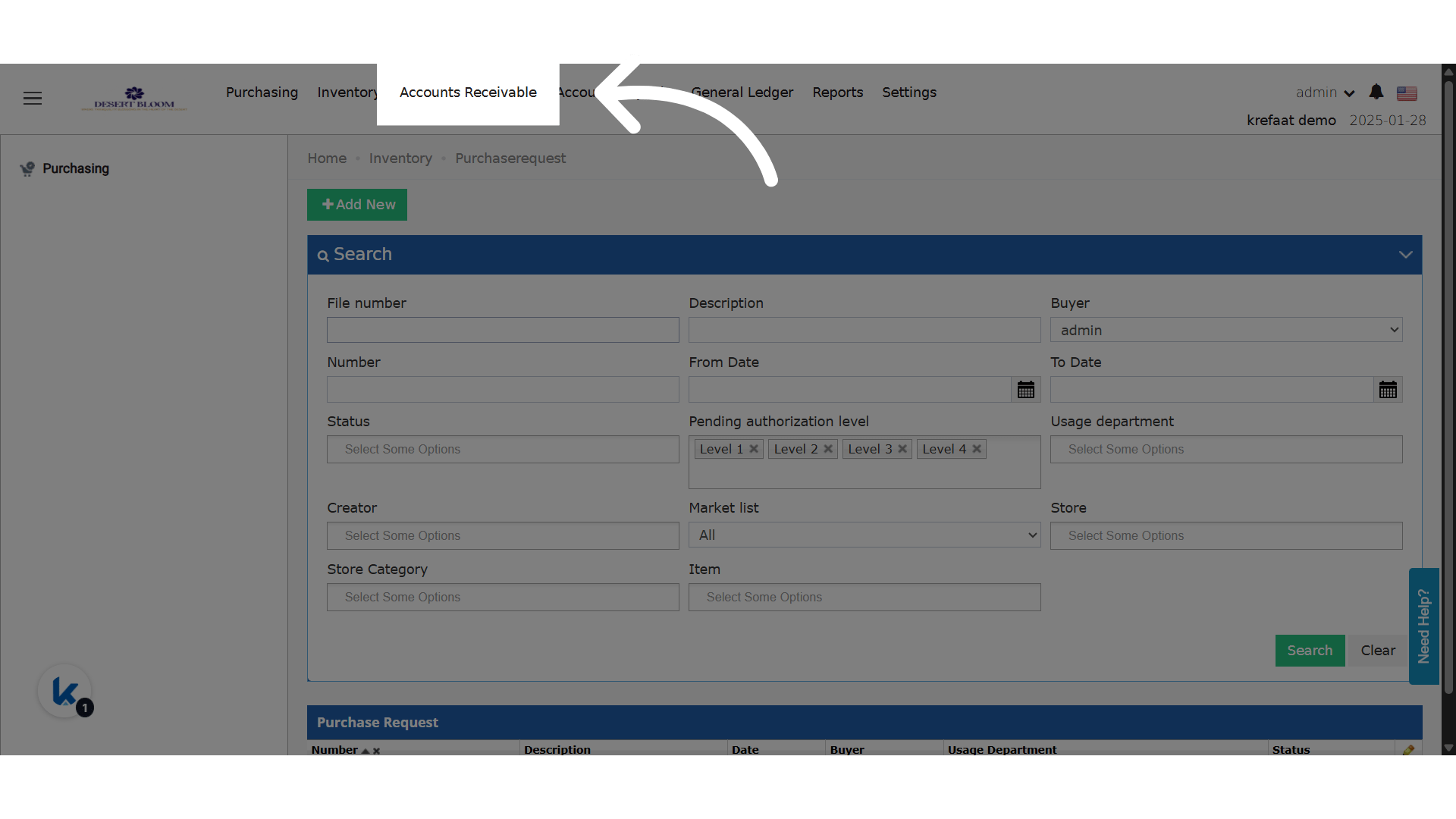
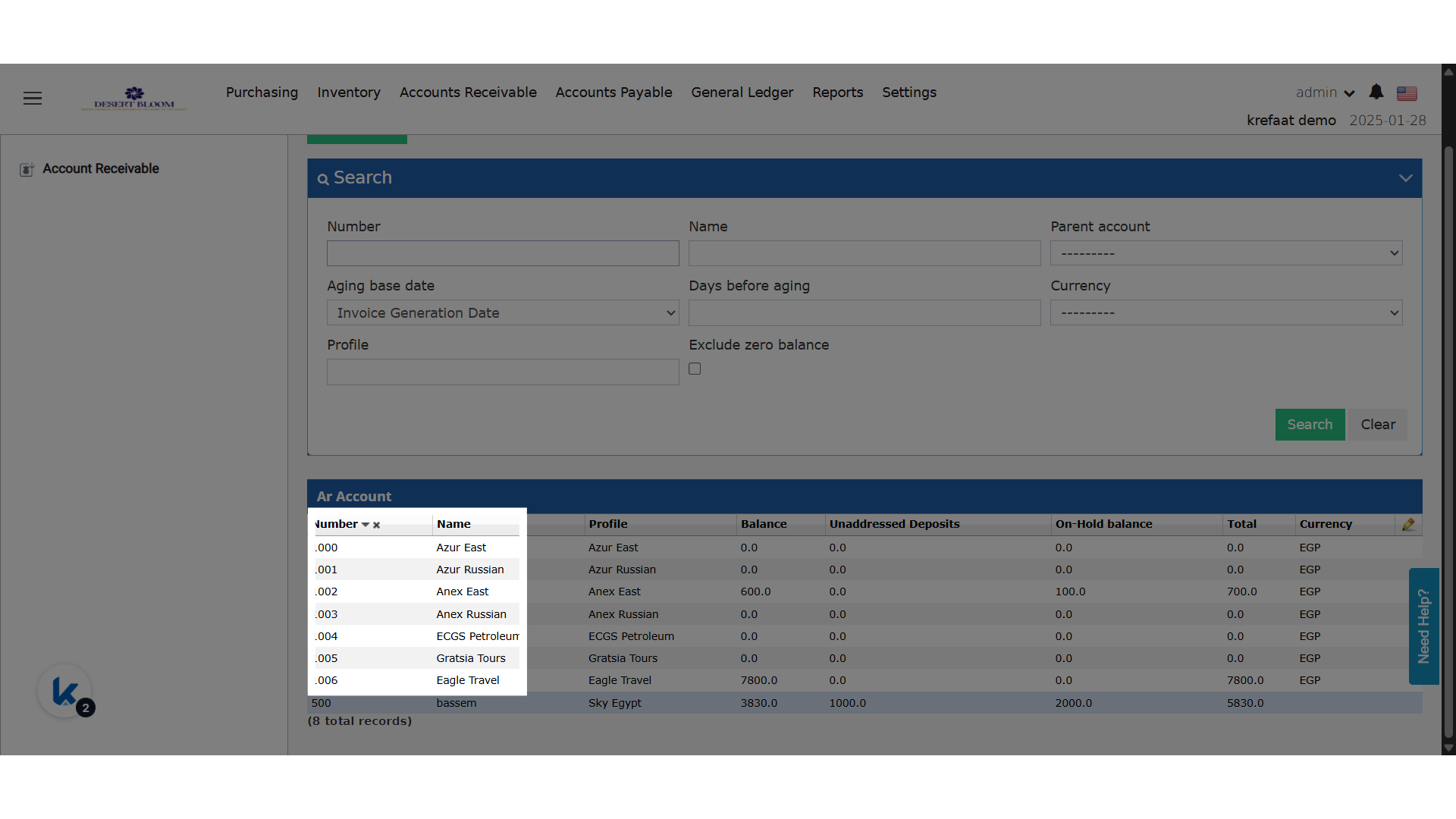
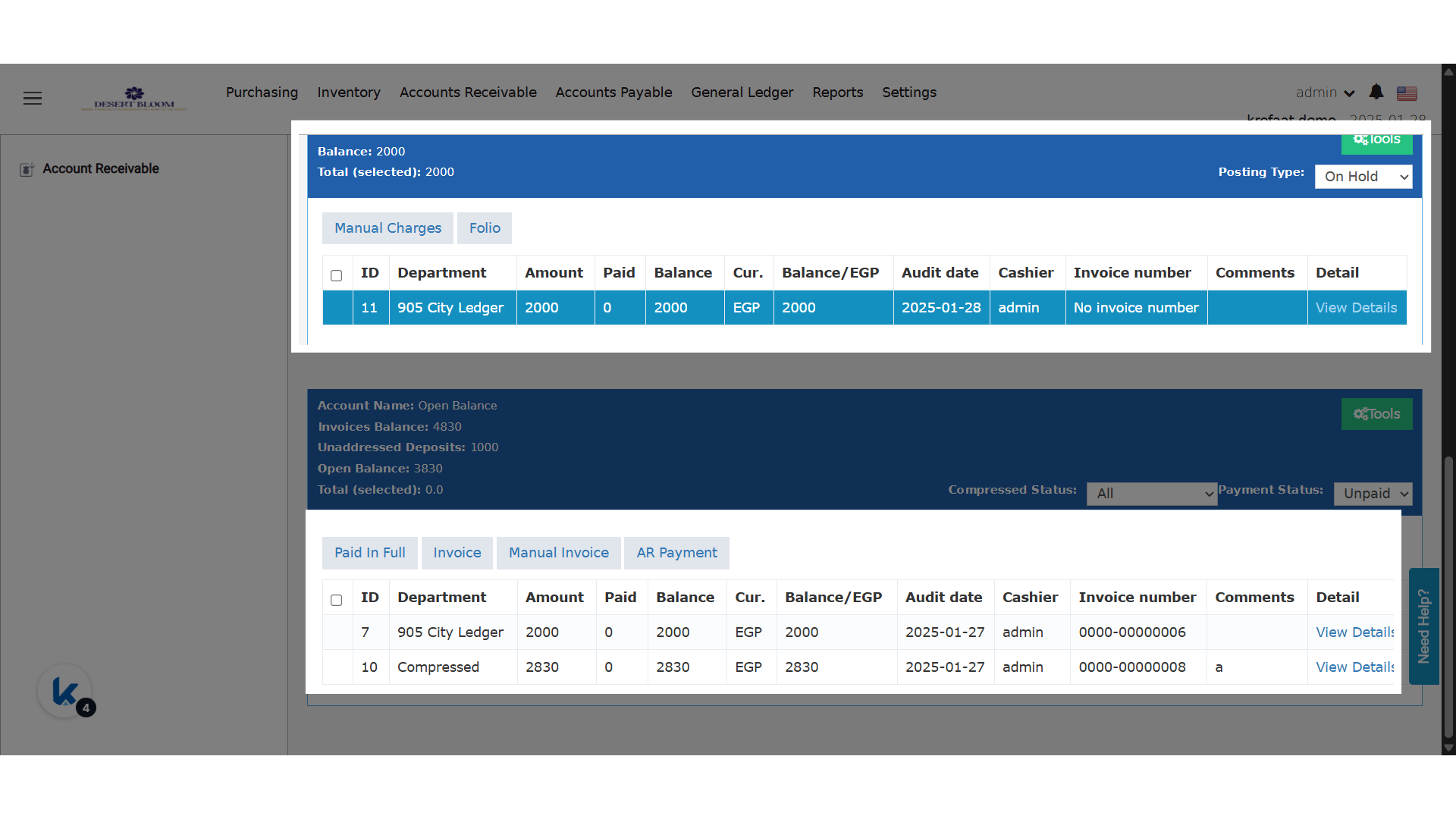
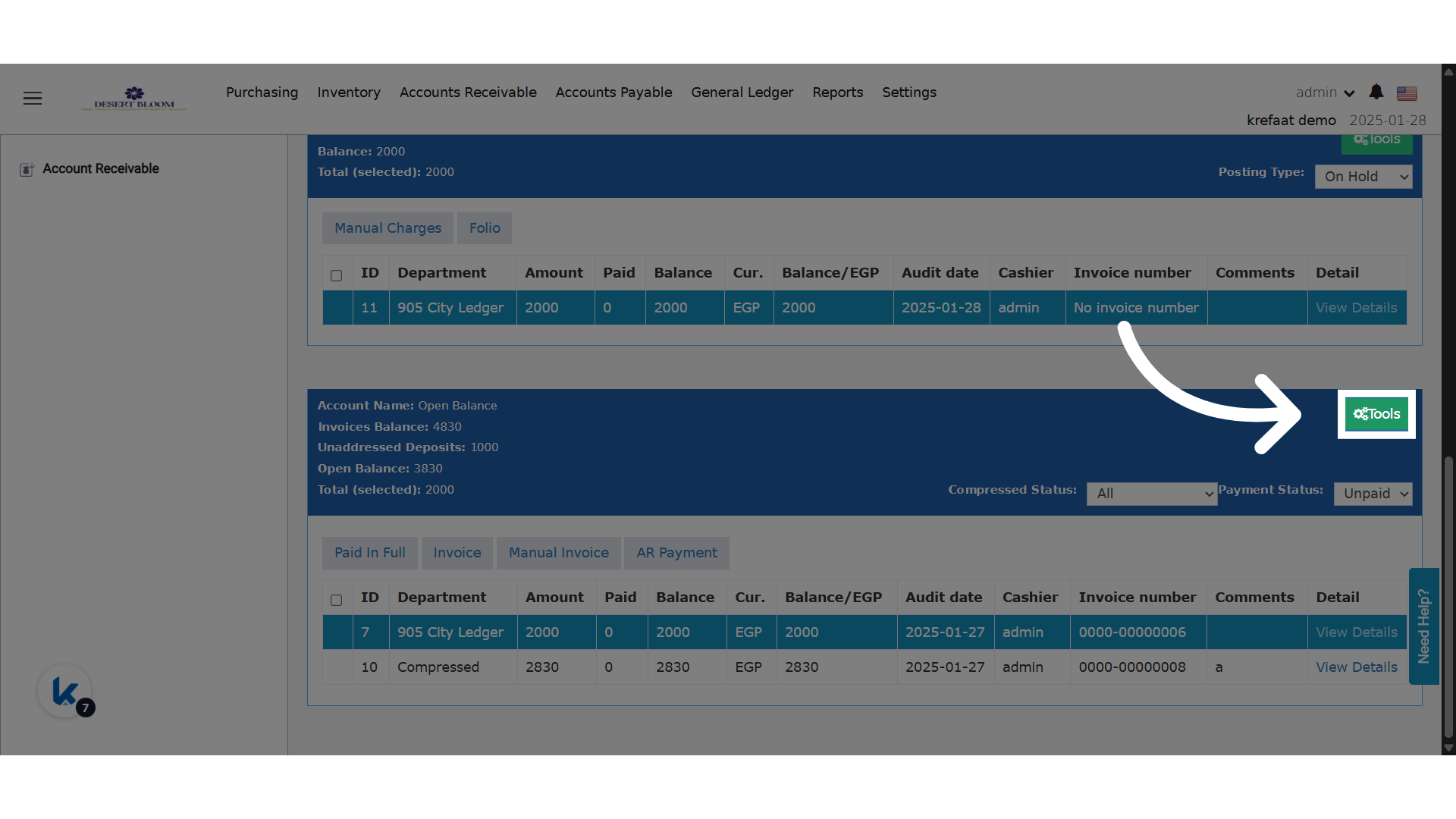
Go to manage.kwentra.com Click “Back Office” previewClick “Accounts Receivable” previewChoose an AR Account previewTransfer screen enhancements are available for both on-hold and open balances previewTools menu is available for both on hold and open balances previewChoose Transfer from the menu

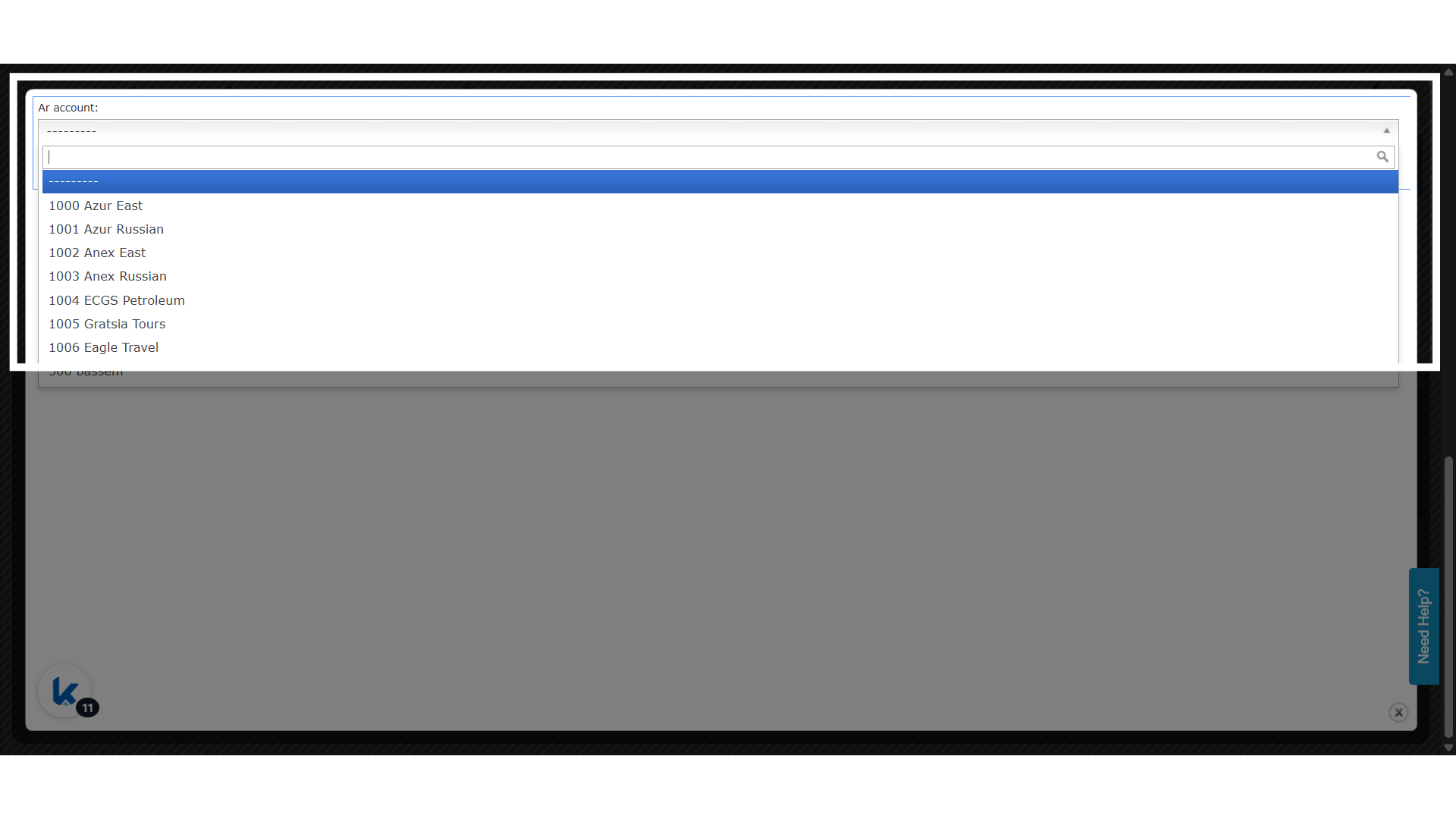
preview What’s Changed:

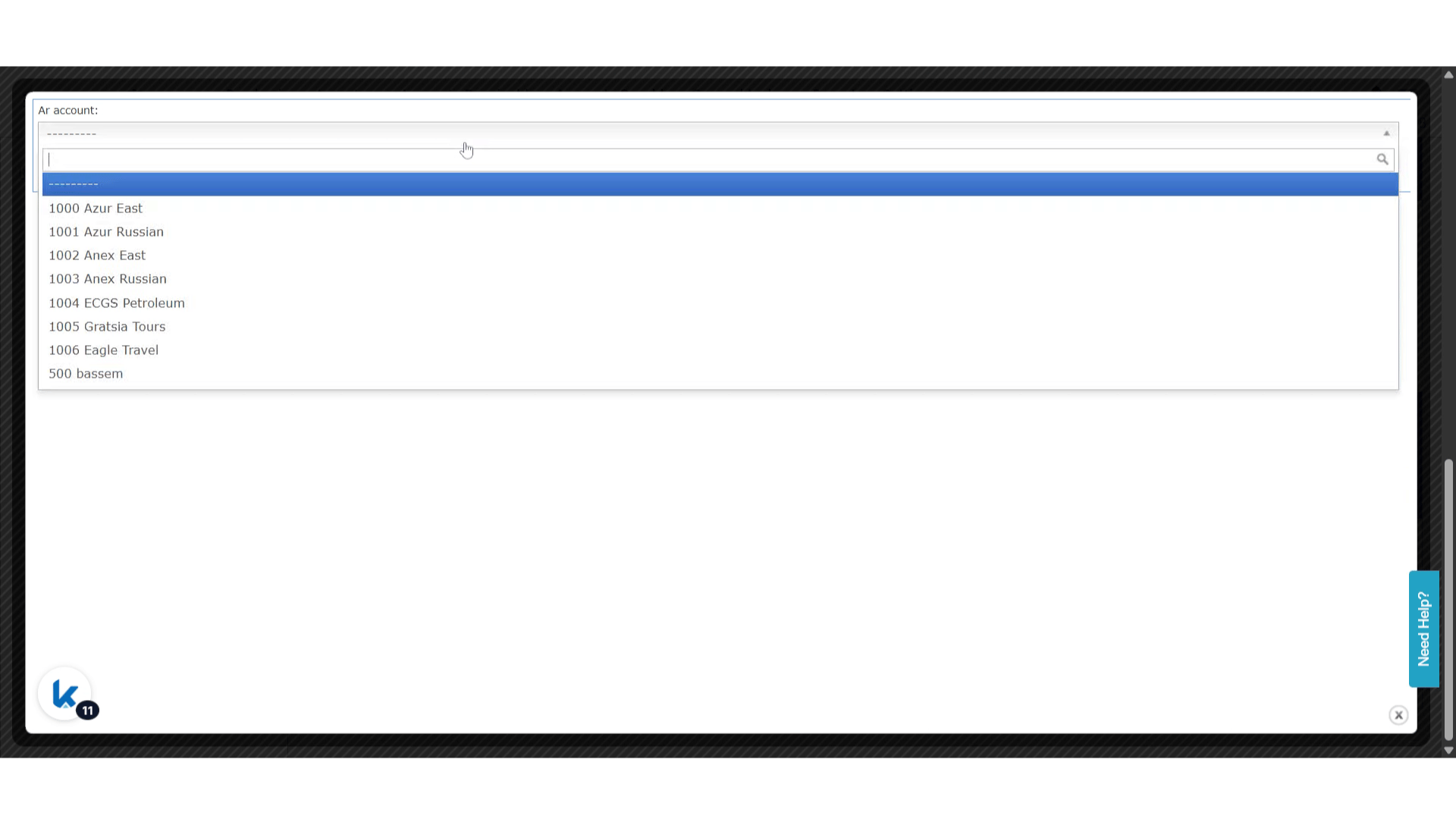
  • The “AR Account” field in the Transfer dialog has been upgraded from a dropdown to an autocomplete single select.
  • Users can search using either the AR account number or the account description.
  • Only accounts matching the entered text will appear as selectable options.
previewChoose an account and Save to complete the transfer preview