Business Value
- More flexible: Finance teams fix payment allocations without reversing the whole payment.
- Fewer manual errors: Fixing mistakes in invoice settlements is easier and faster.
- Better audit trail: Every unlink is tracked in account balances and journals.
Use Cases
- Wrong invoice: Part of a payment was applied to the wrong invoice. Unlink it from that invoice.
- Fix a split: A payment was split across several invoices. One invoice needs to change or be removed.
- Save time: No need to cancel and enter a payment again just to unlink an invoice.
New Feature!
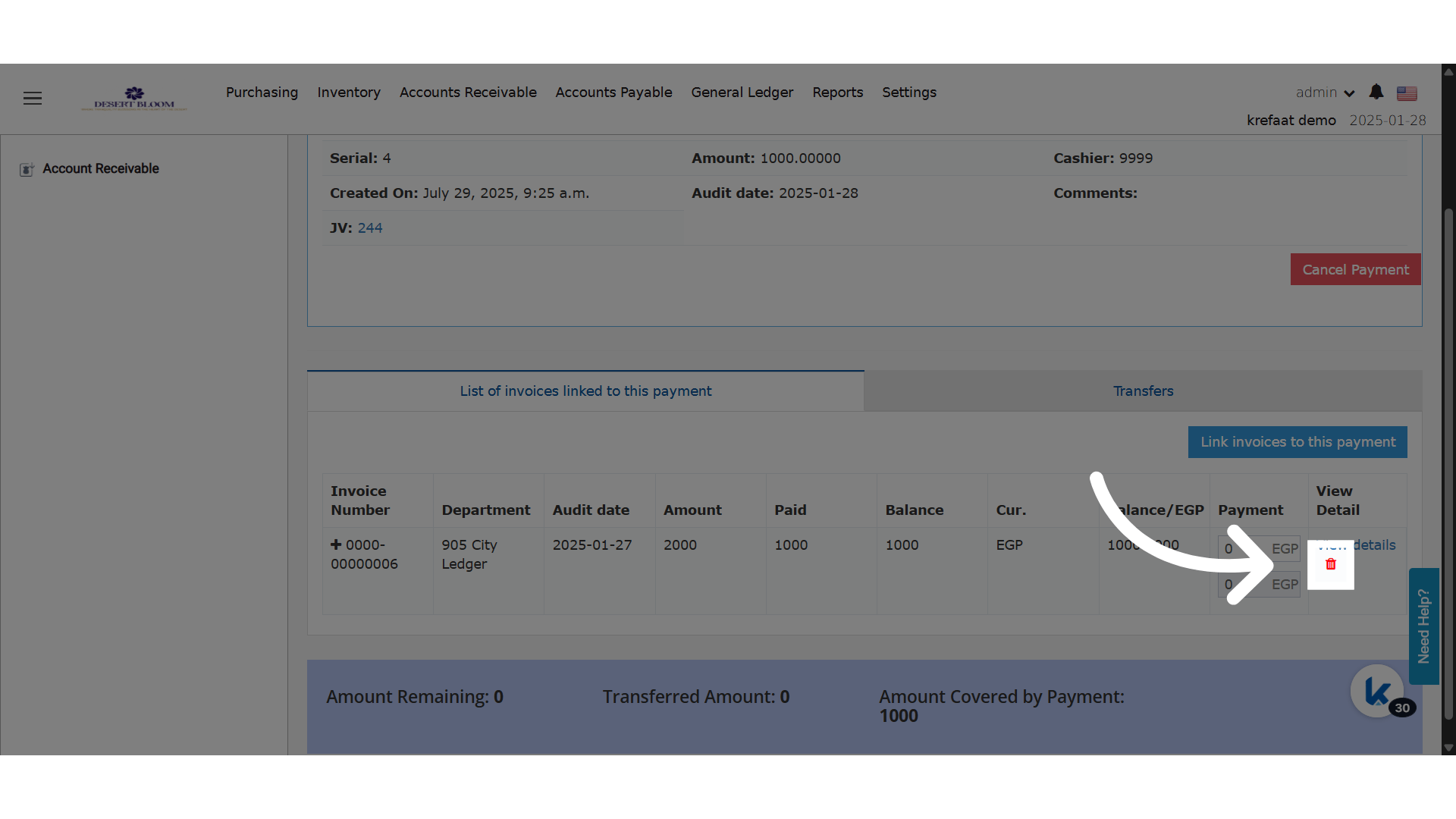
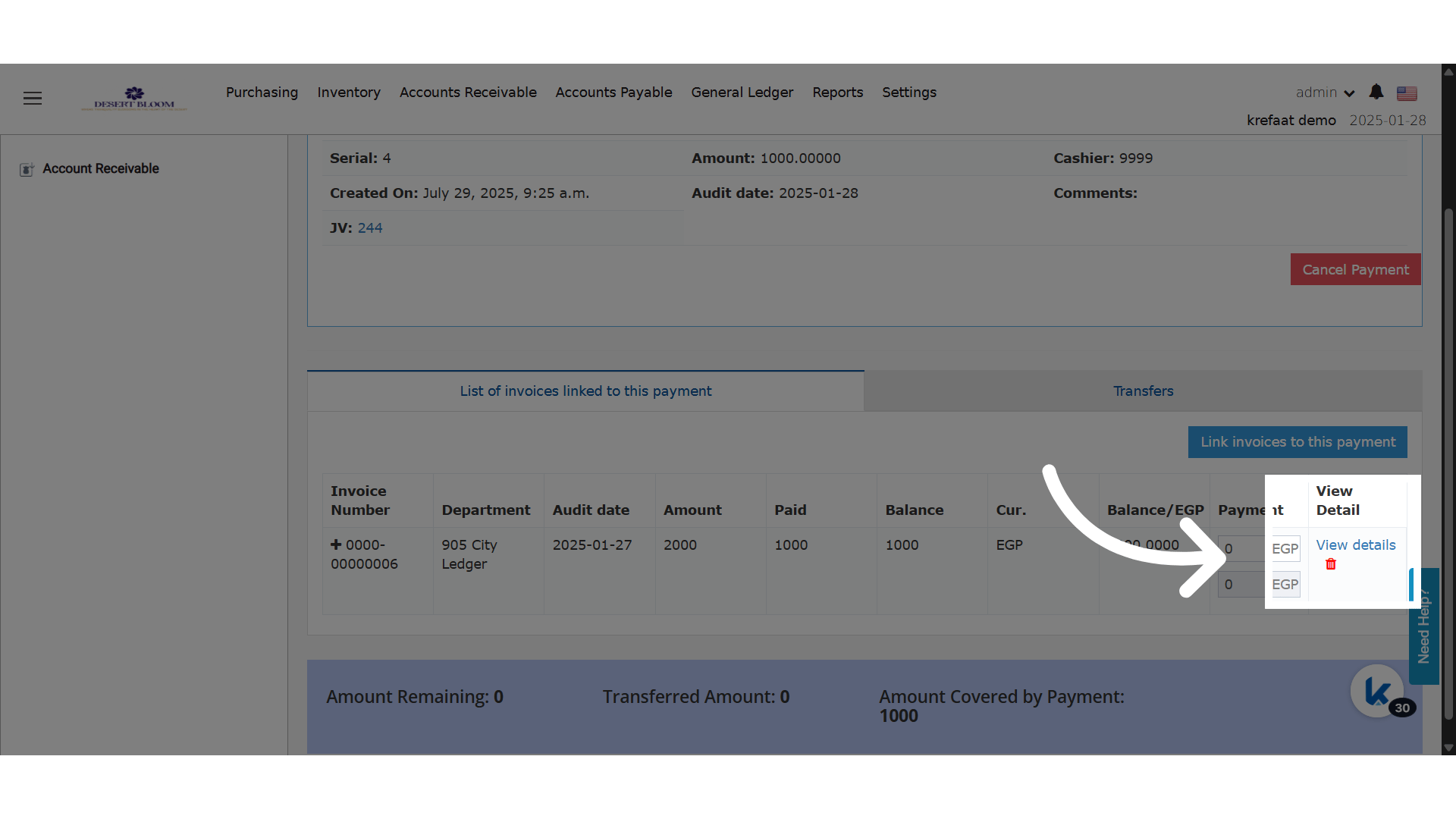
How to Unlink:- A delete (unlink) icon now shows next to each linked invoice.
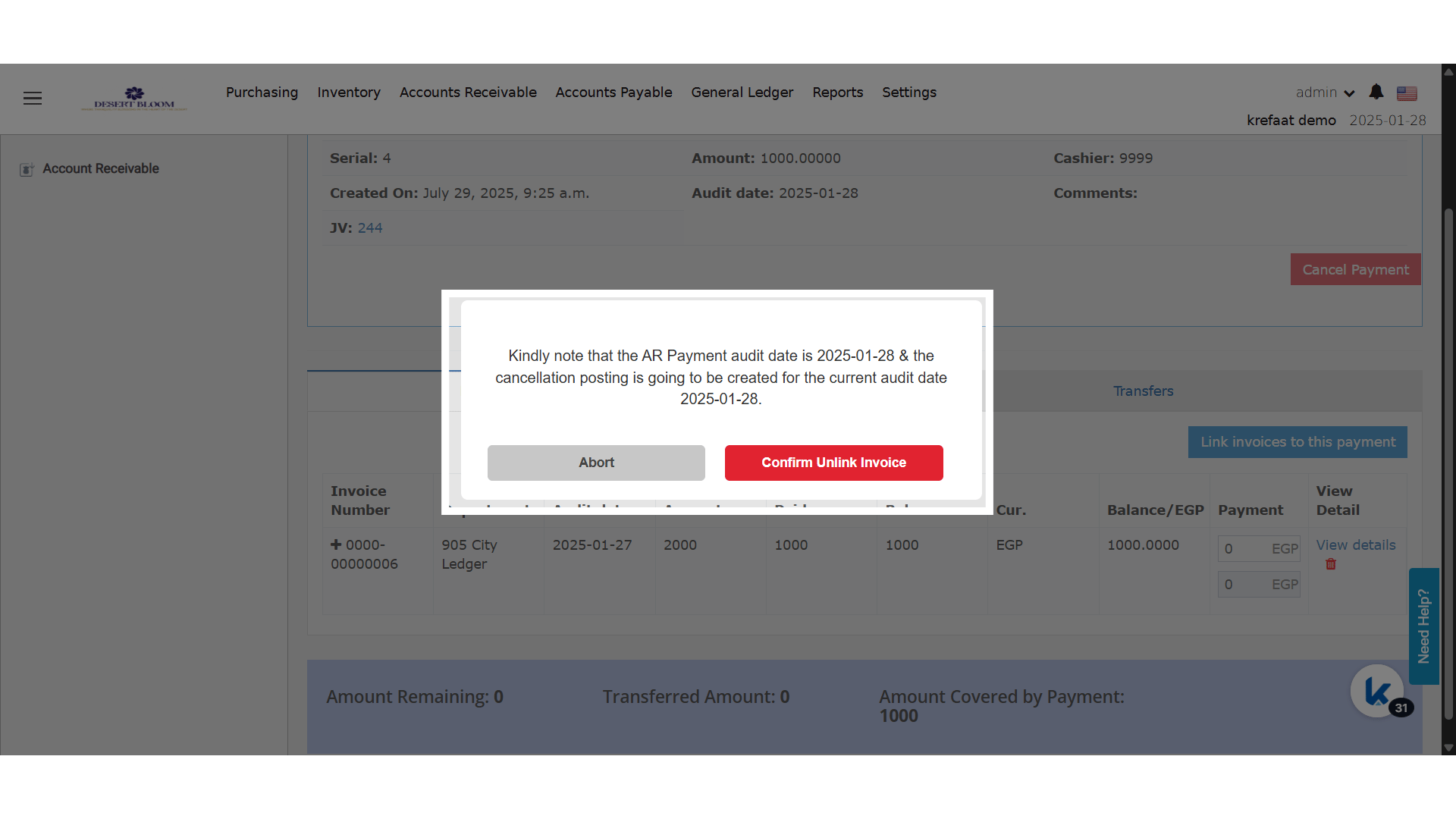
- Click the icon to remove that invoice from the AR payment.
- The system then:
- Removes the invoice from the AR payment screen.
- Cancels the split posting on the AR invoice.
- Cancels the journal voucher (JV) linked to the split AR payment posting.
- Changes the main AR payment JV by reversing the cancelled split amount.
- Updates the AR payment’s covered and remaining amounts.
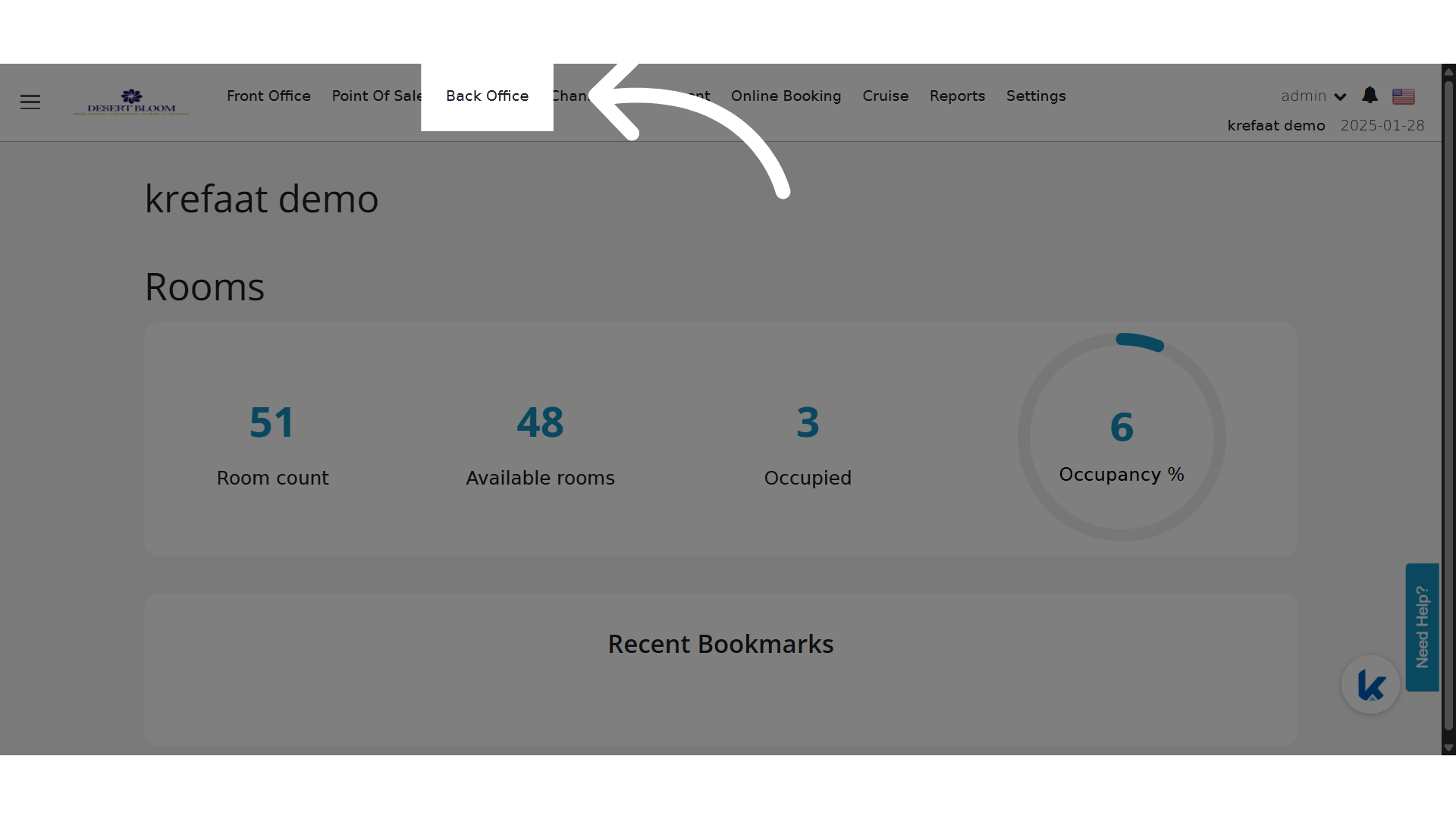
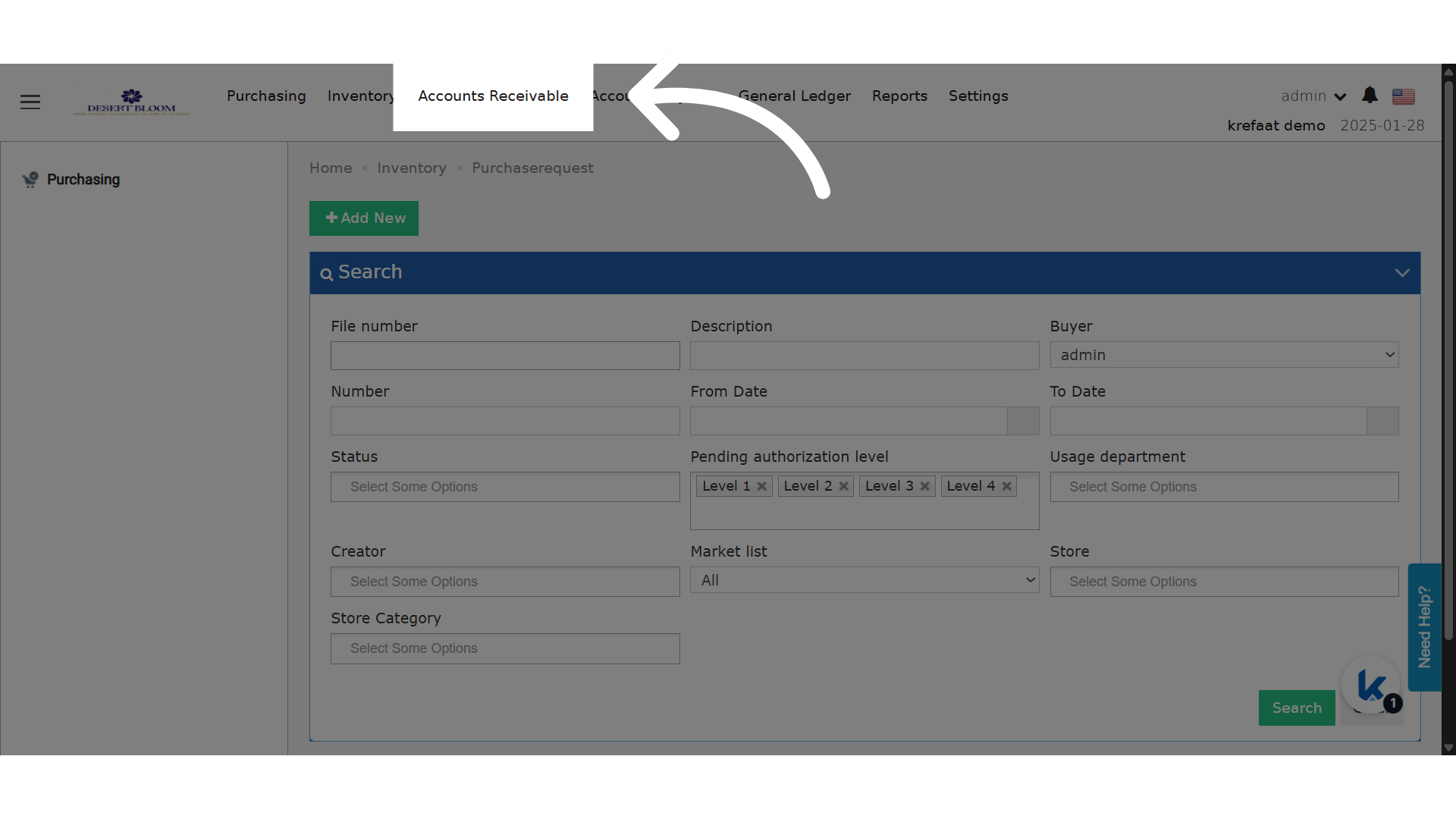
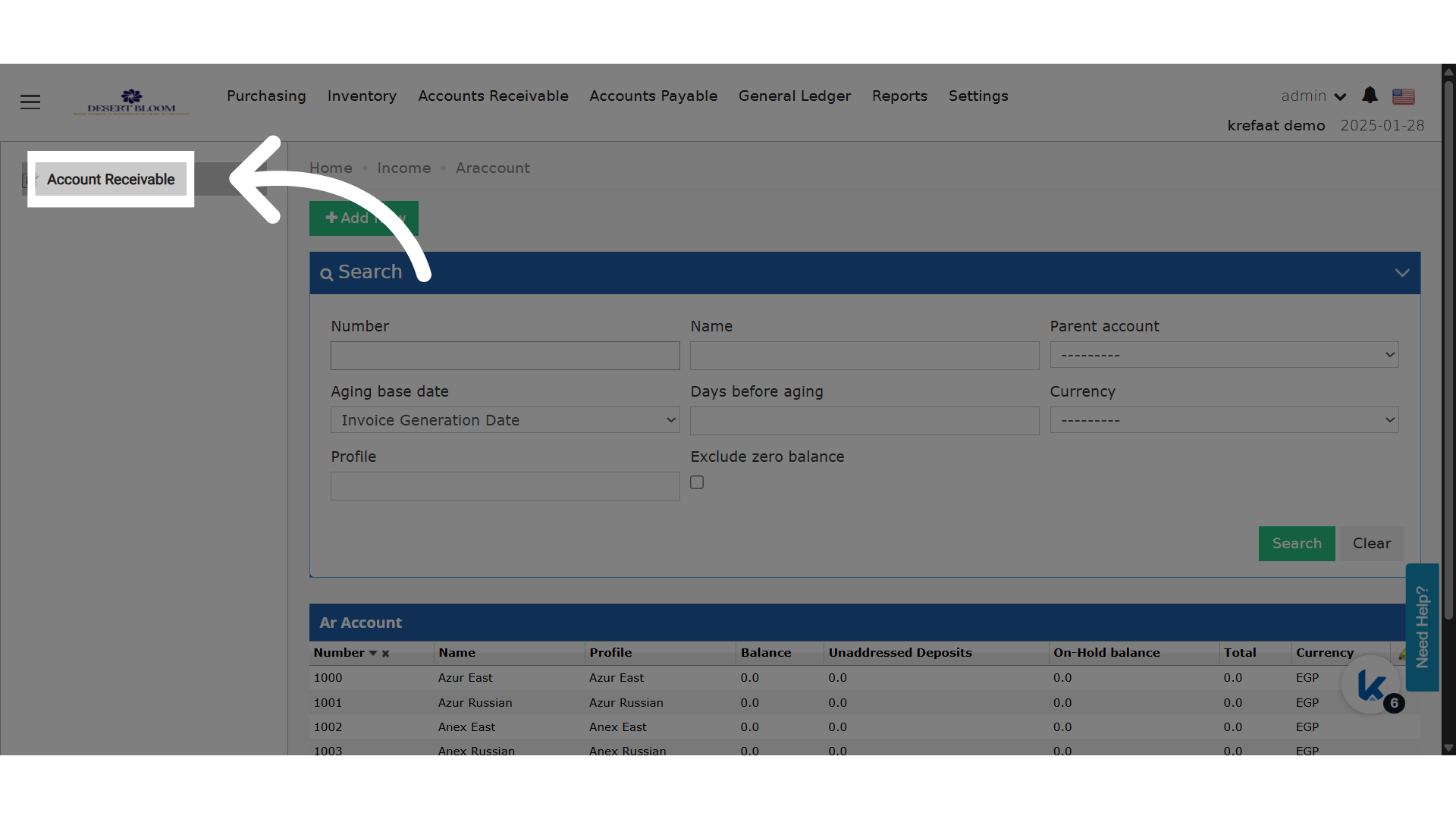
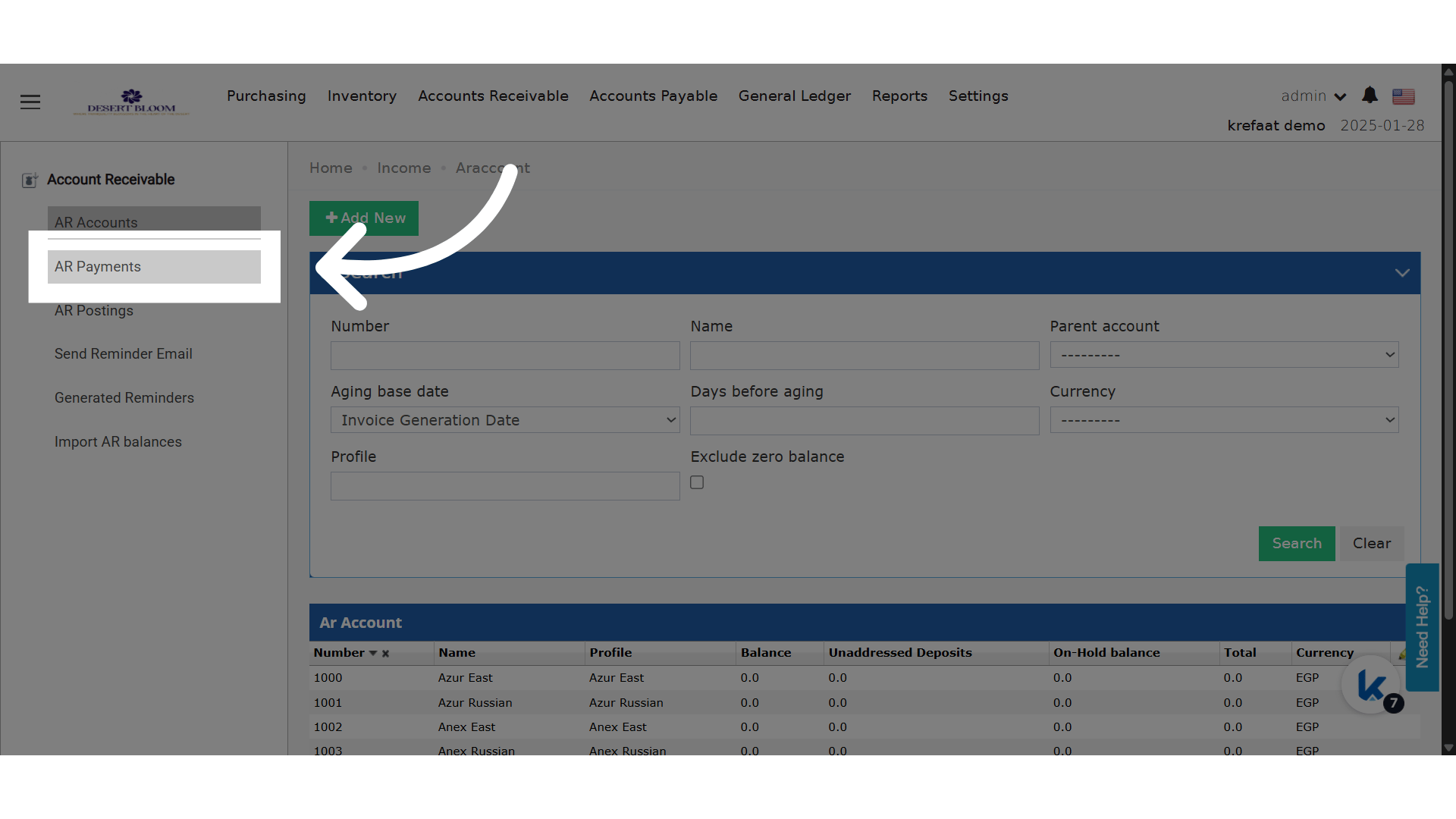
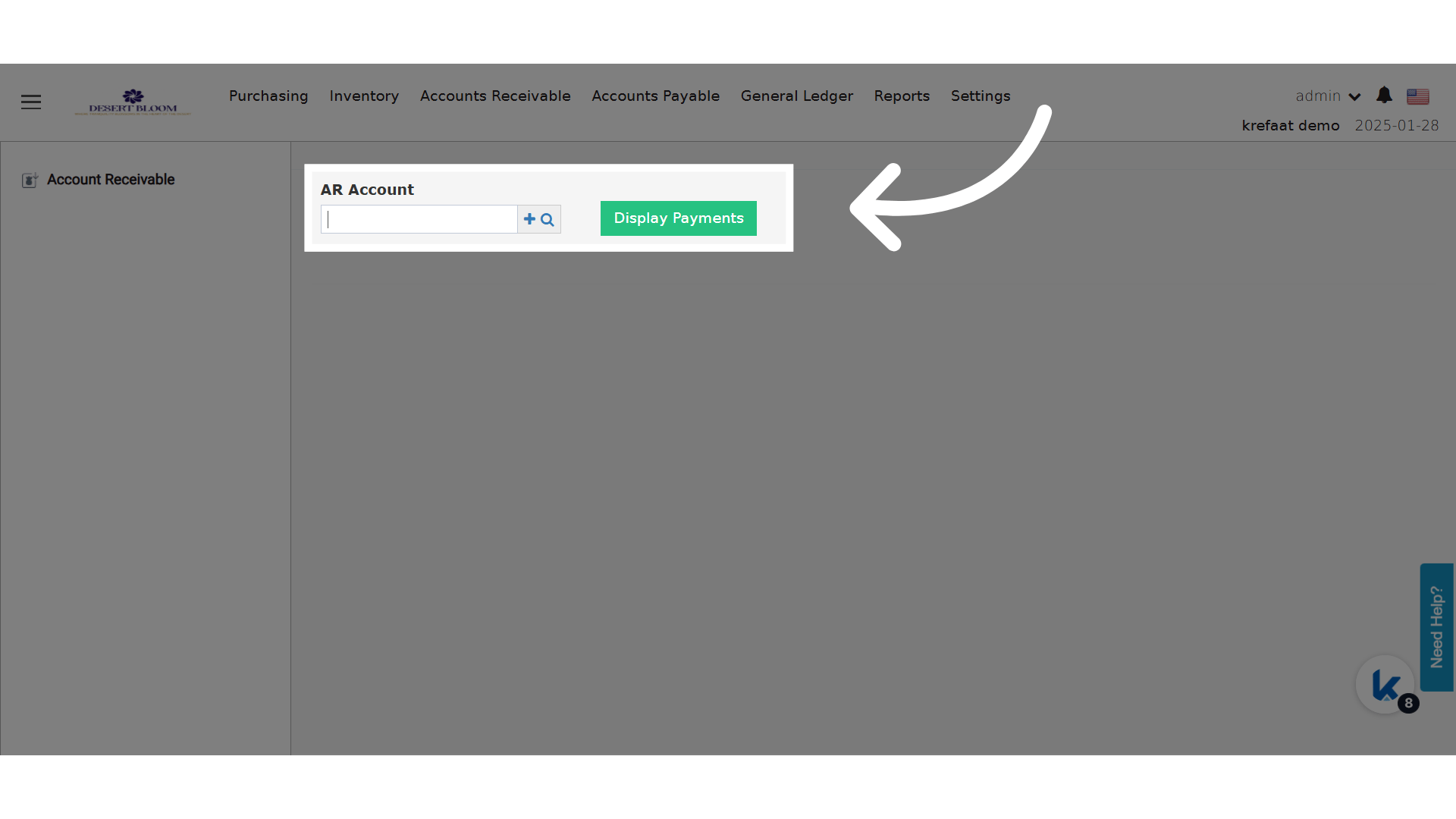
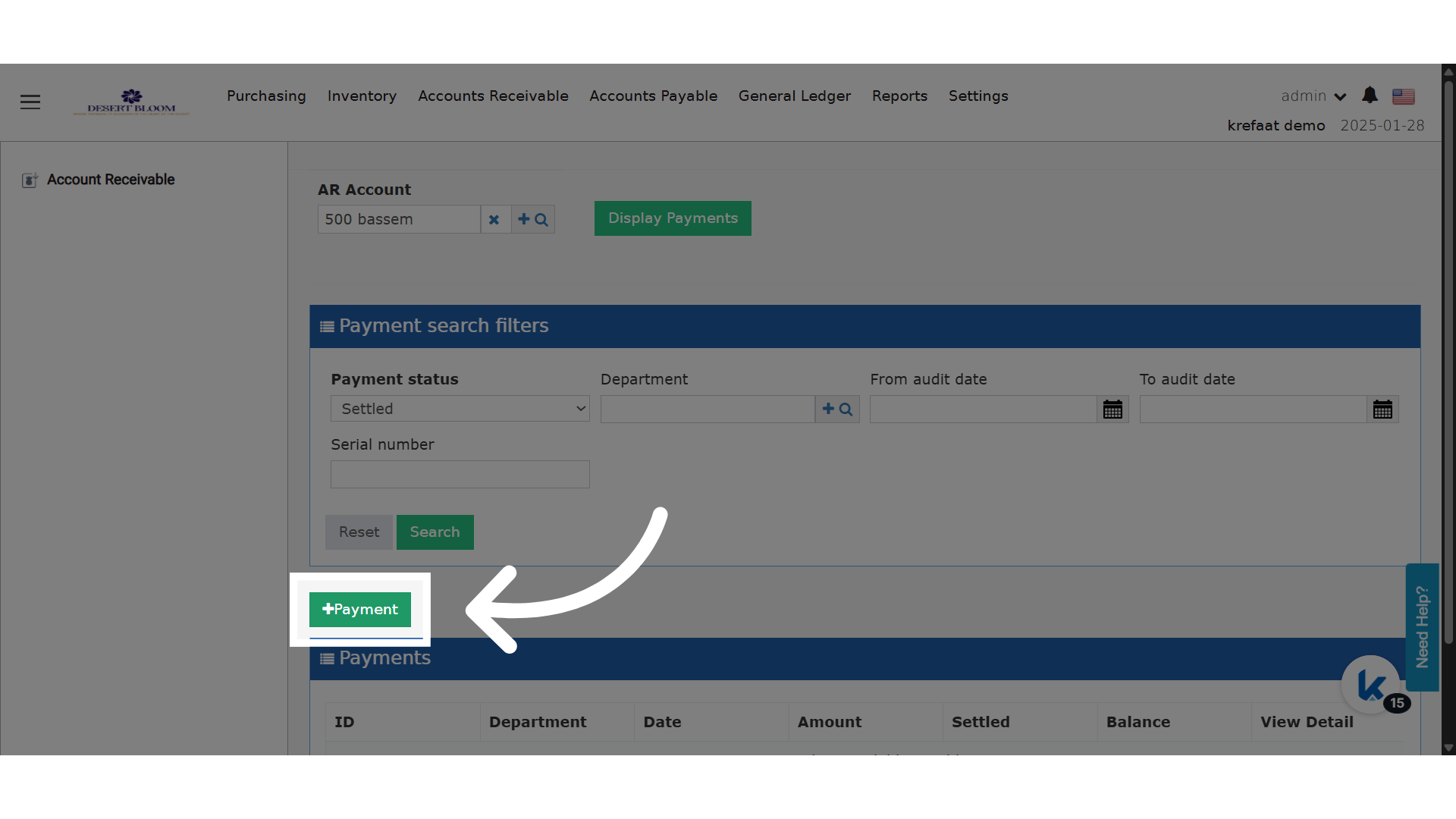
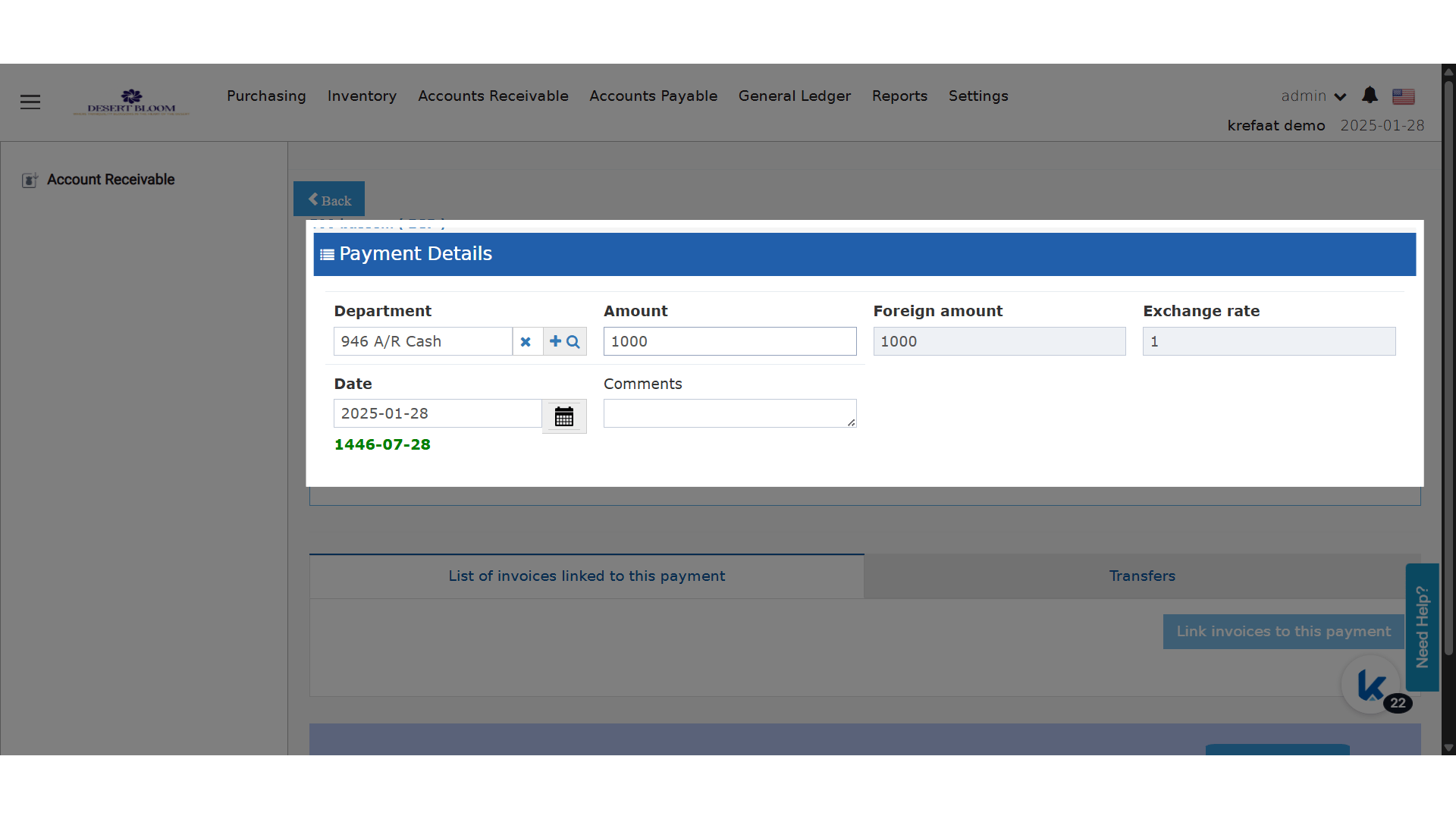
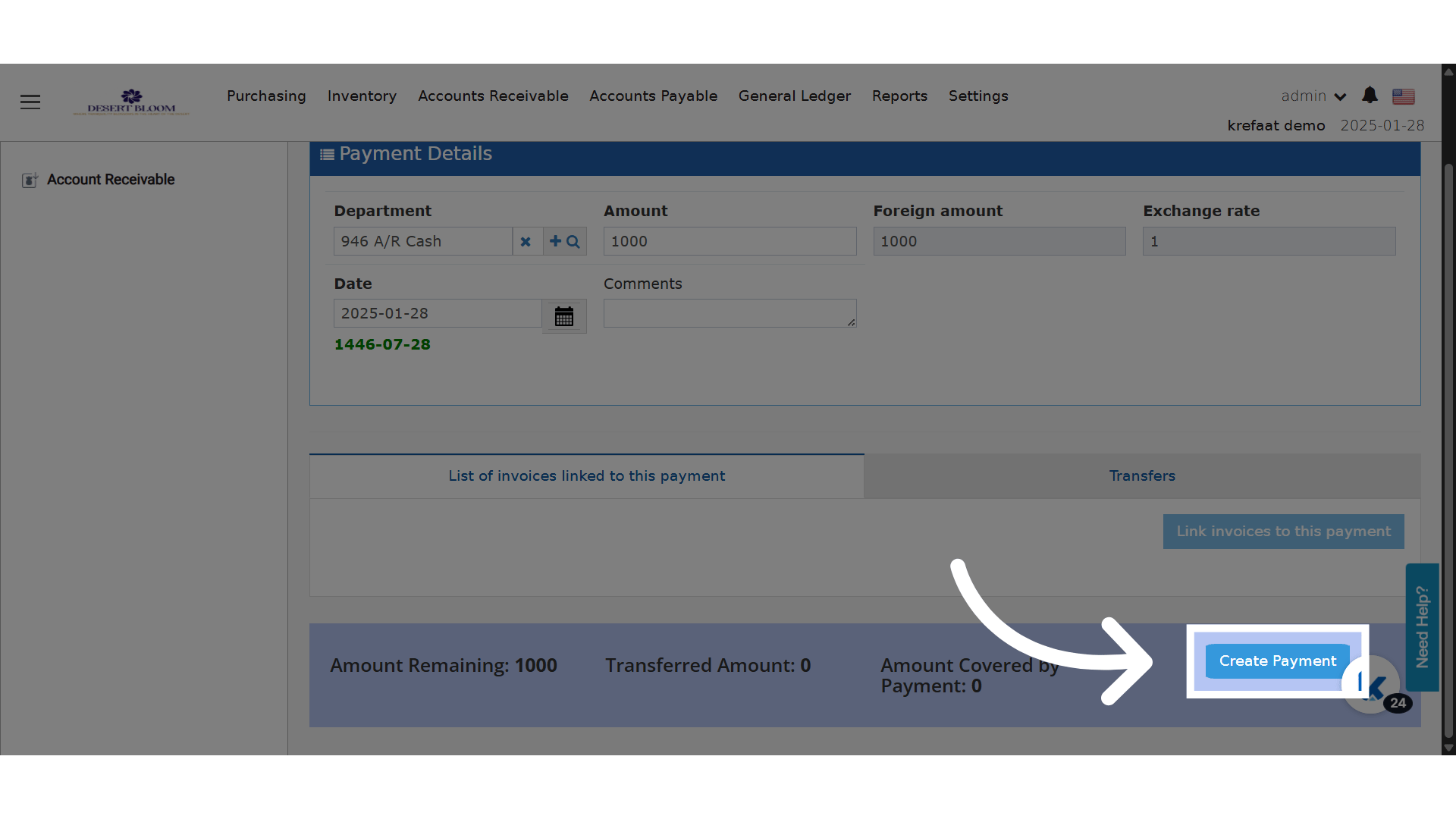
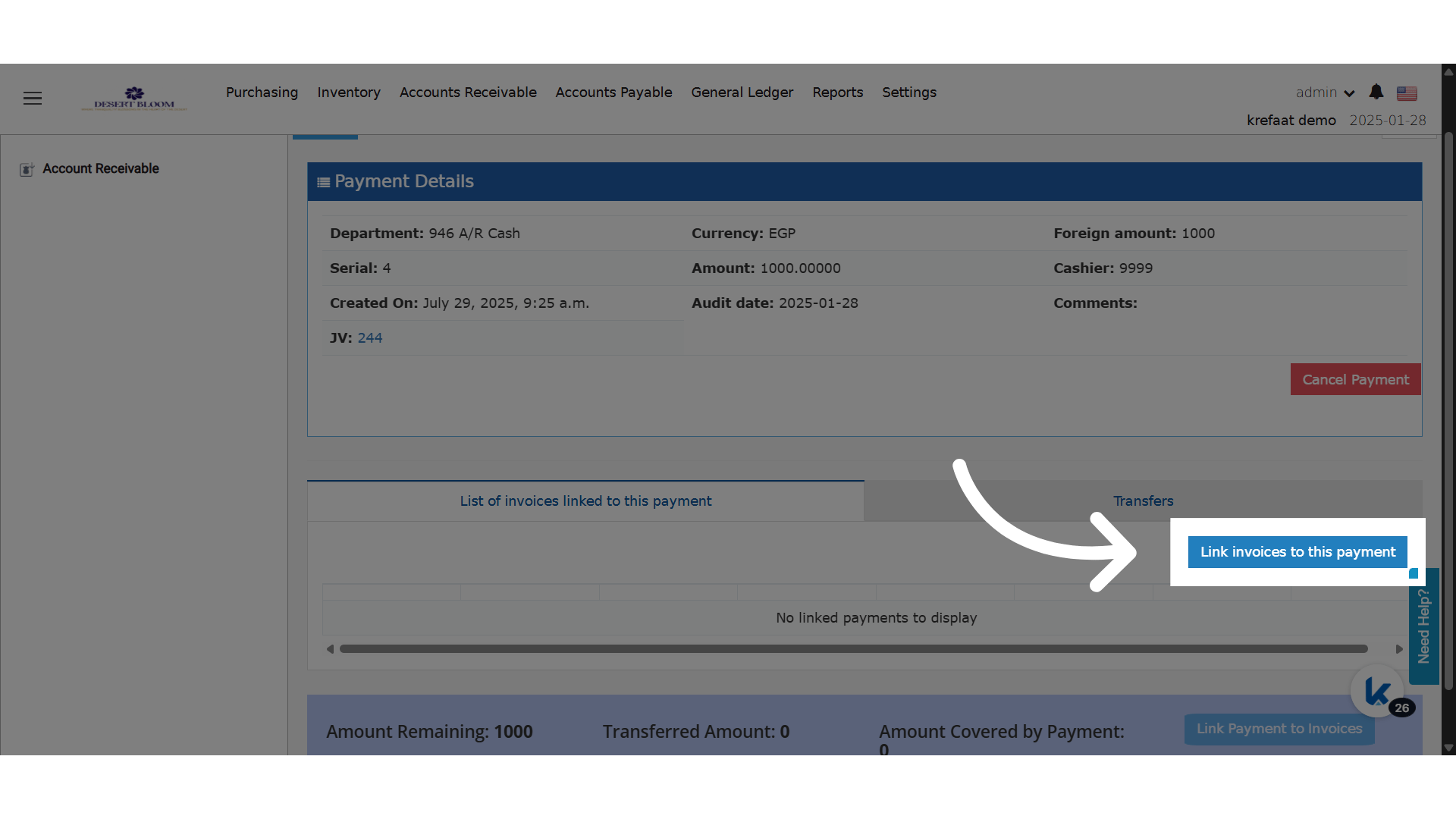
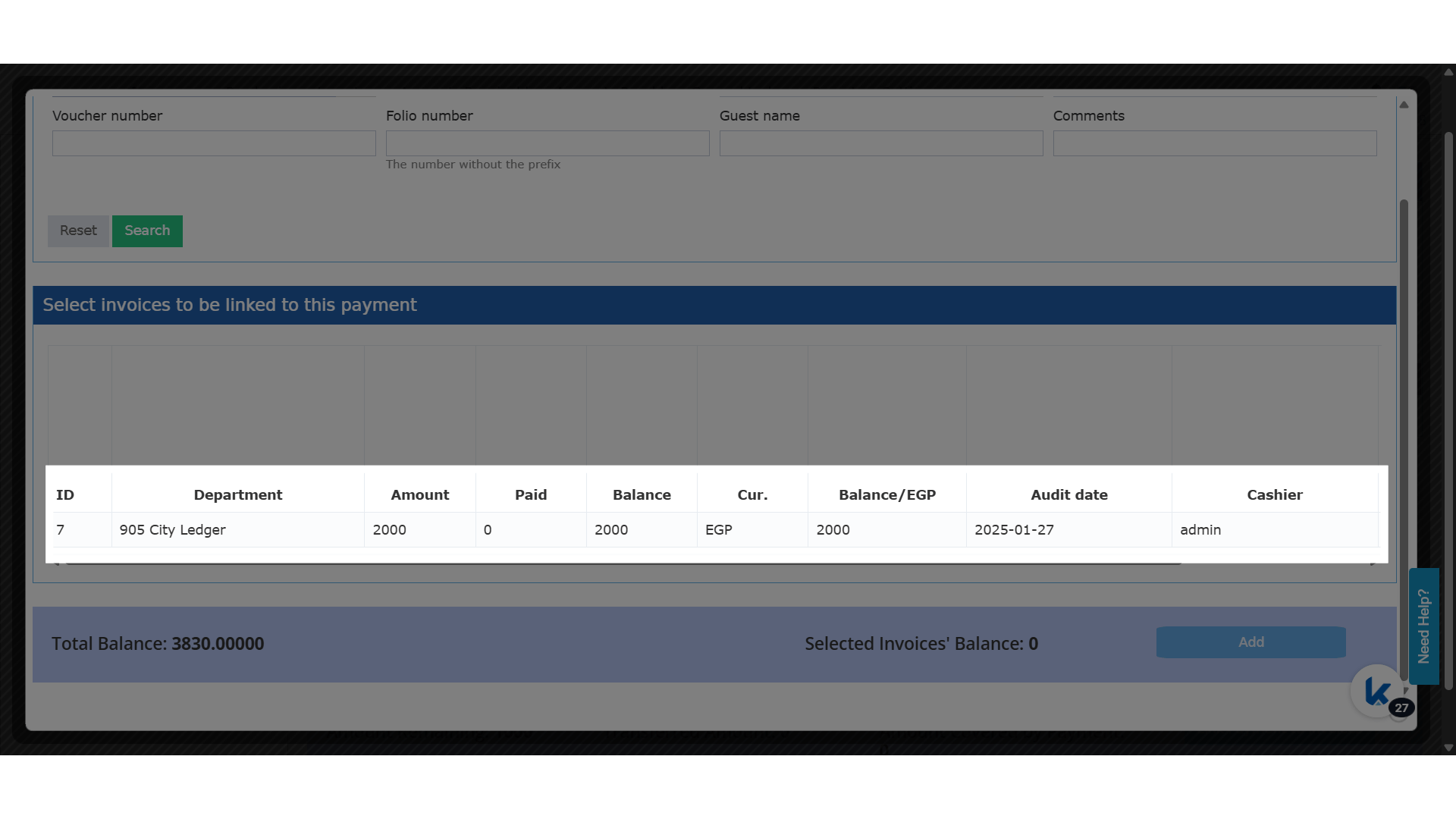
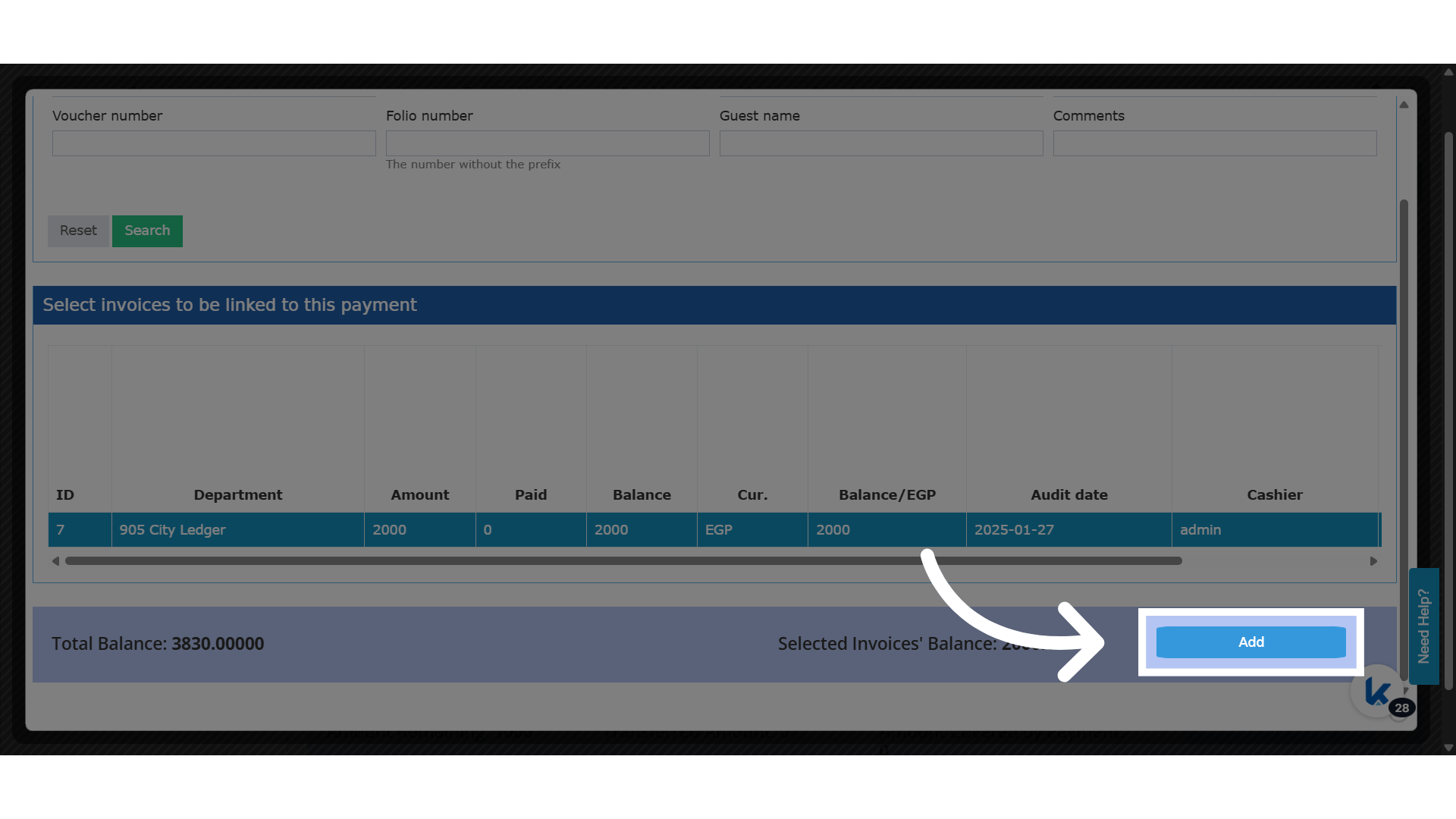
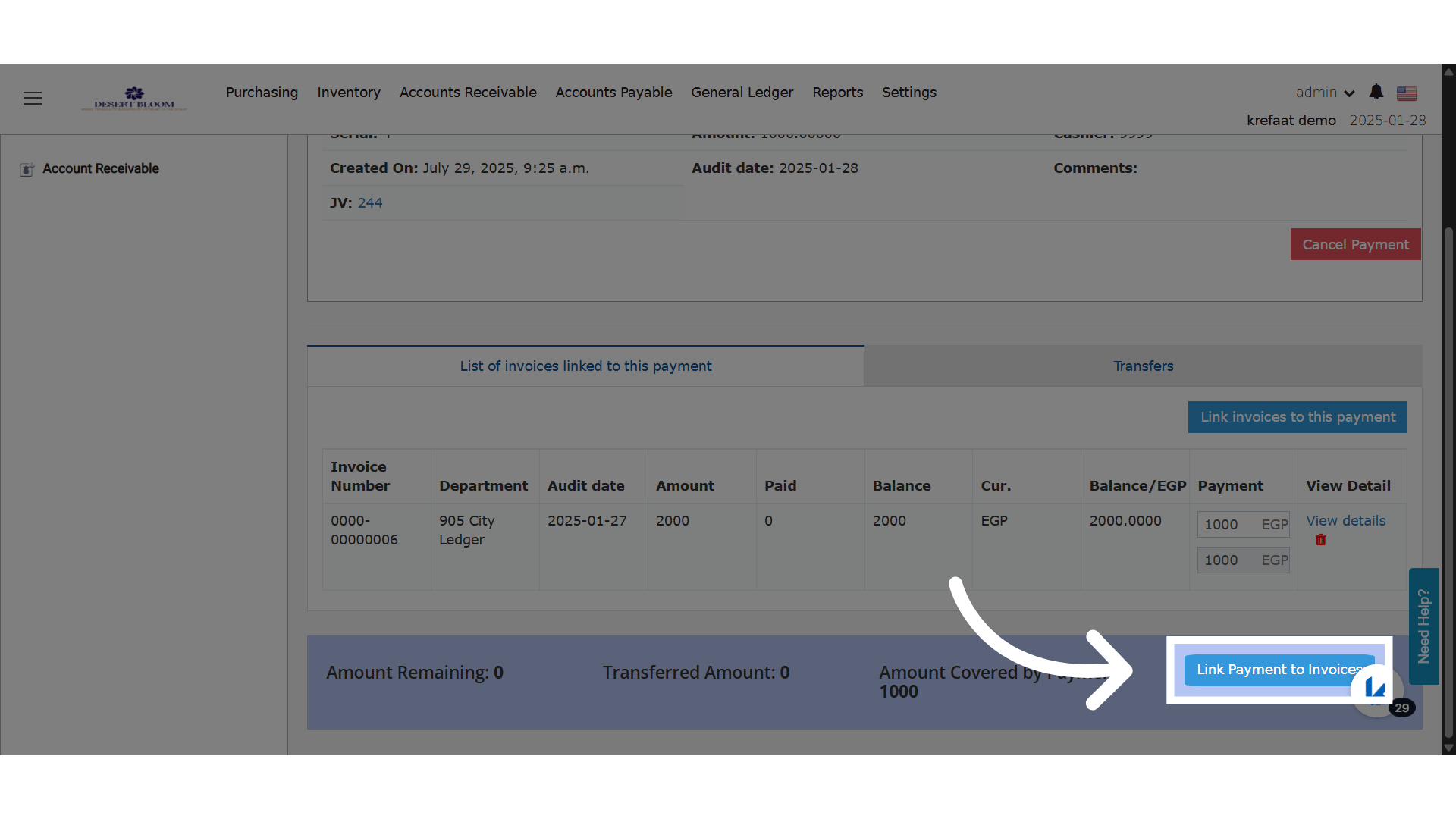
Unlink an Invoice
You now have the unlink option.