💡 Business Value
This enhancement eliminates manual tracking of item numbers and helps ensure consistent and sequential numbering of inventory items based on their groups.- Reduces human error when assigning item numbers
- Ensures a structured, grouped item number system
- Saves time when adding or cloning inventory items
✅ Use Cases
- A hotel creating new stock items under multiple inventory groups wants to keep unique and logically sequenced item numbers.
- A central procurement manager is cloning items across properties and expects automatic numbering by group.
- A user duplicating (cloning) an existing item with the same group should get the next item number without extra steps.
🔄 Behavior
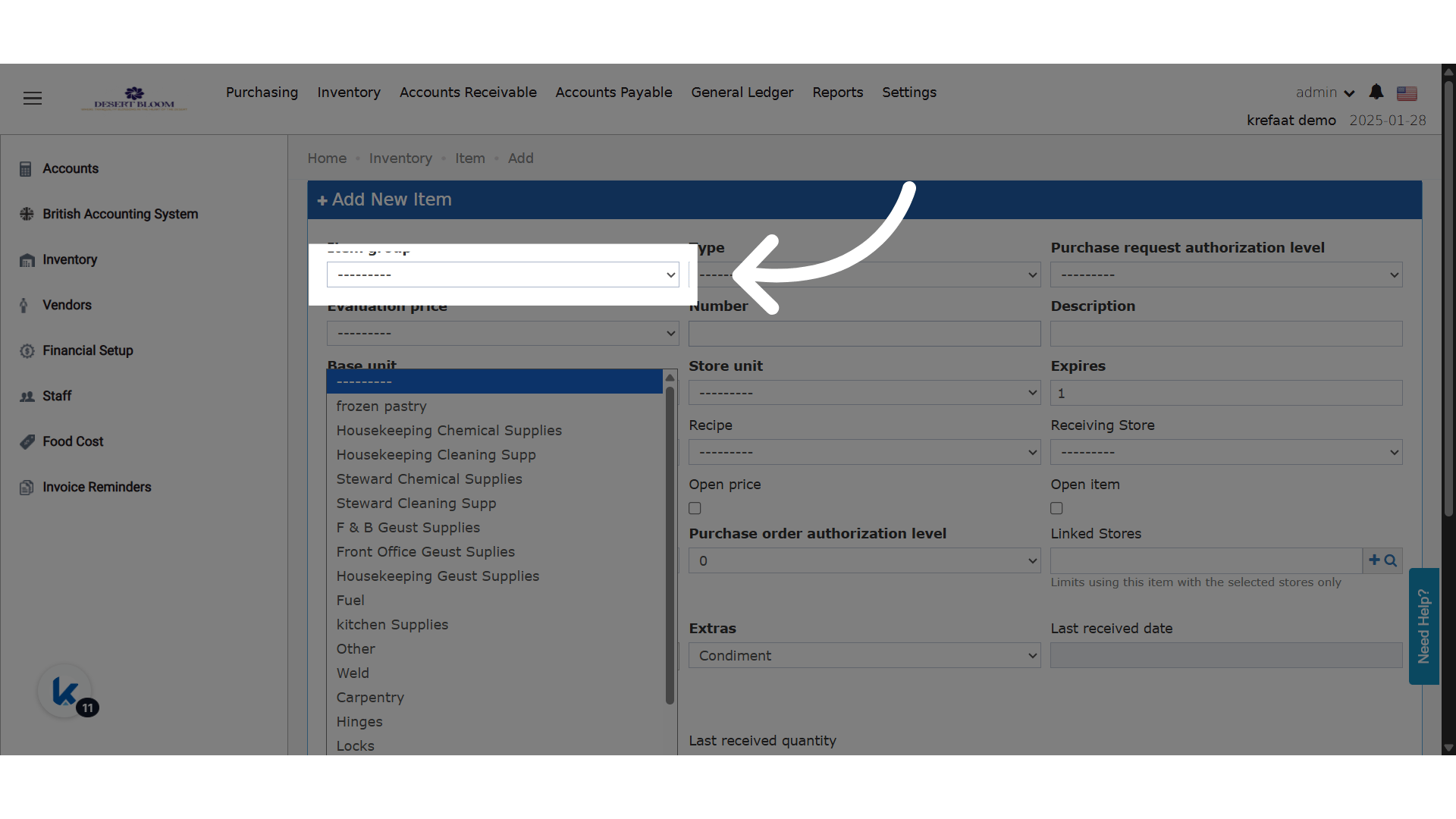
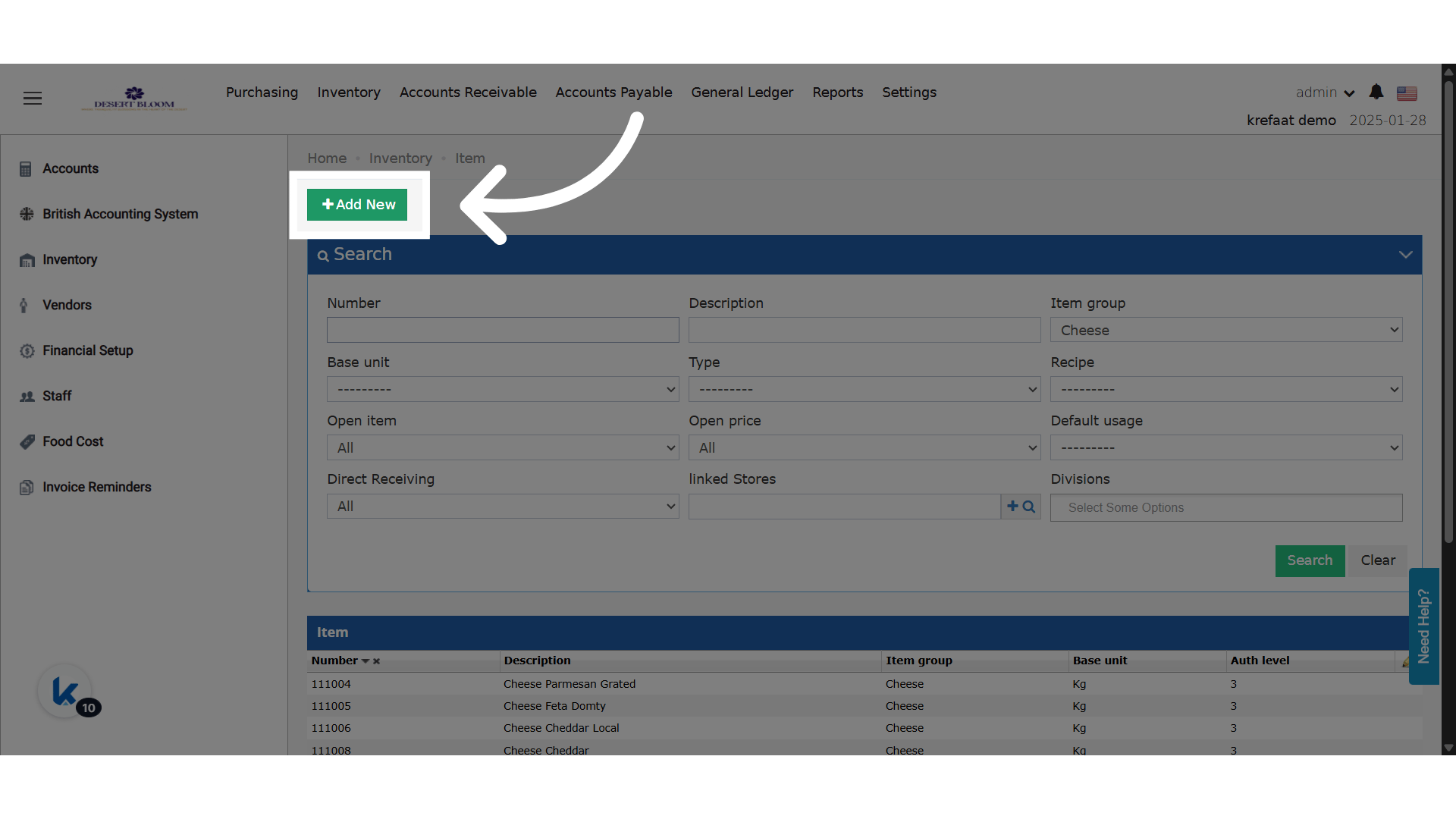
The item group is the trigger for the new item number; the new behavior gets the next serial number in this group and adds it automatically.- When adding a new item:
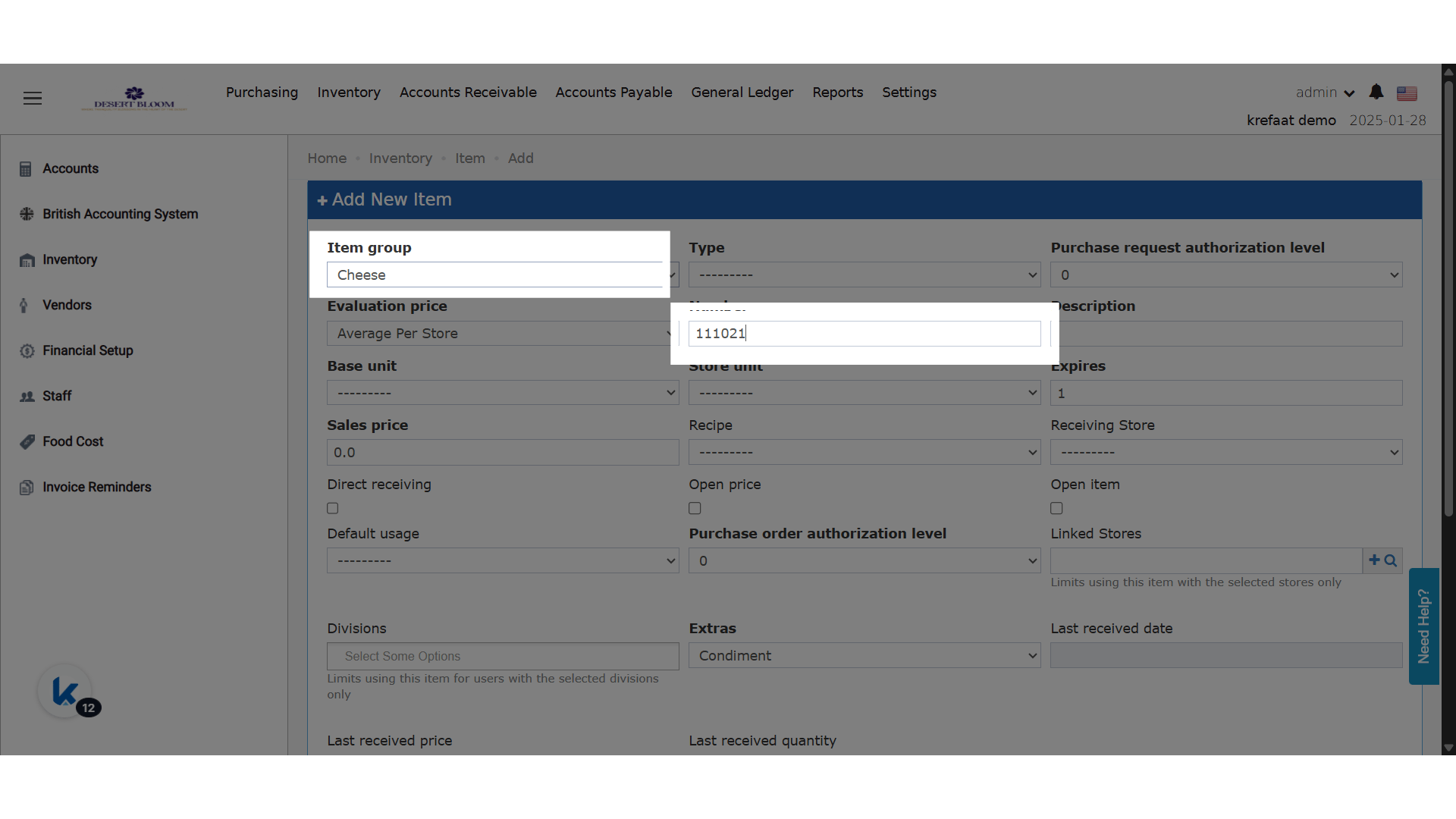
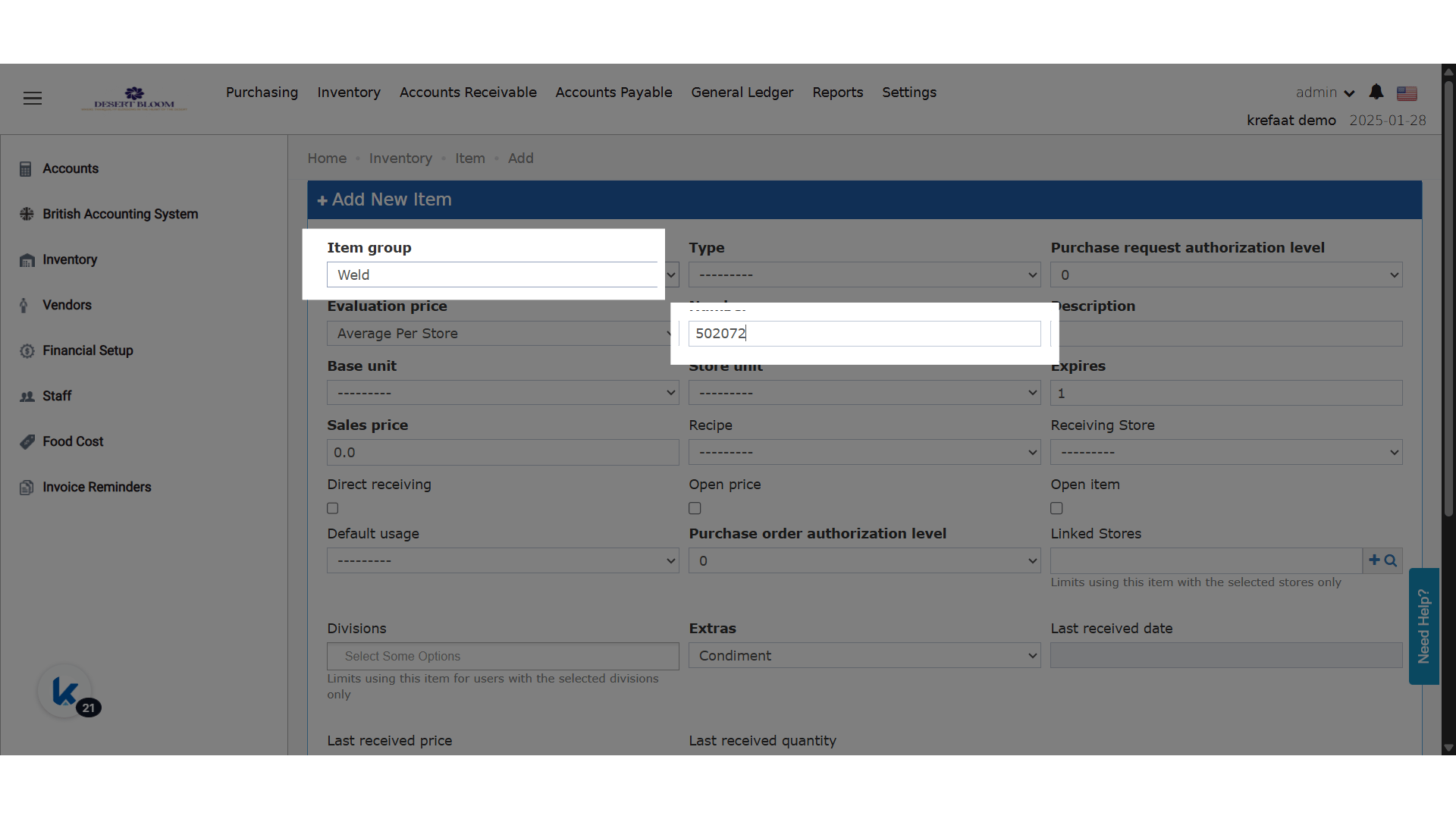
- Once an item group is selected, the system checks the highest existing item number in that group.
- It automatically fills in the next sequential number in the Item Number field (e.g., last item =
10010→ new item =10011). - Item number remains editable for manual overrides.
- When cloning an item:
- The item group is pre-selected.
- The Item Number field will auto-fill using the same logic based on that group.