- Receiving inventory items into your warehouses and outlets.
- Transferring items between warehouses and outlets.
- Using items in the outlets to generate revenue.
- Returning items (return requests).
- Paying vendors.
- Creating manual journal vouchers in the General Ledger.
Assign JV codes to transactions
Go to Back Office → Settings → Accounts → JV code assignment. Match each Page (transaction type) to the JV code it should use, then click Save.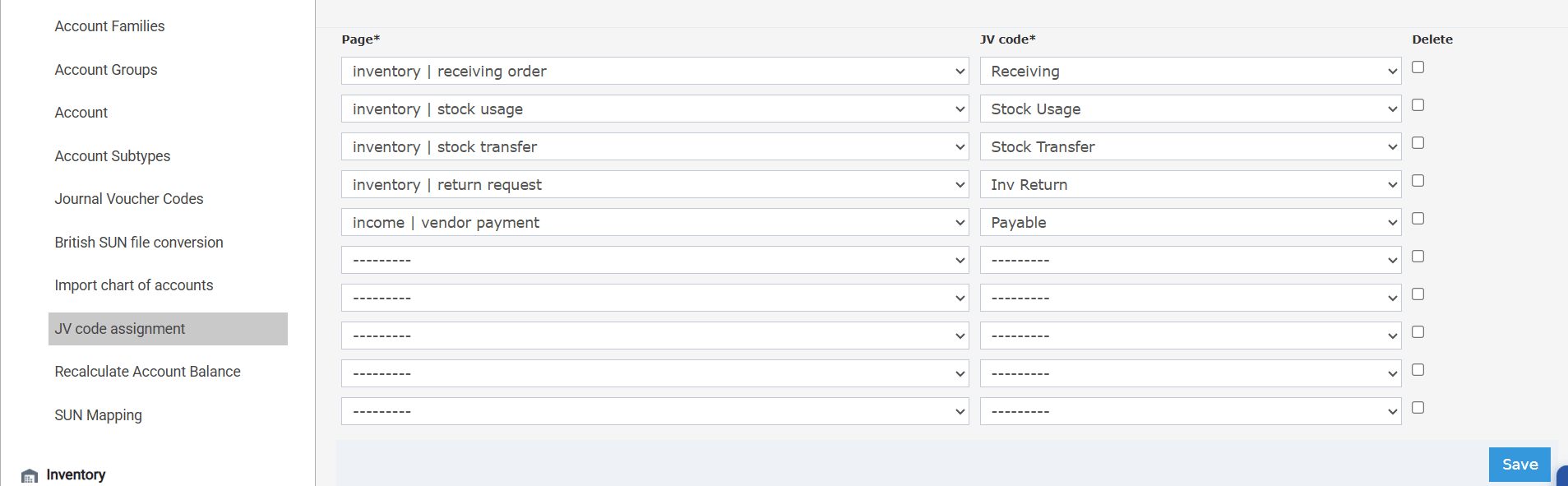
Add more JV codes
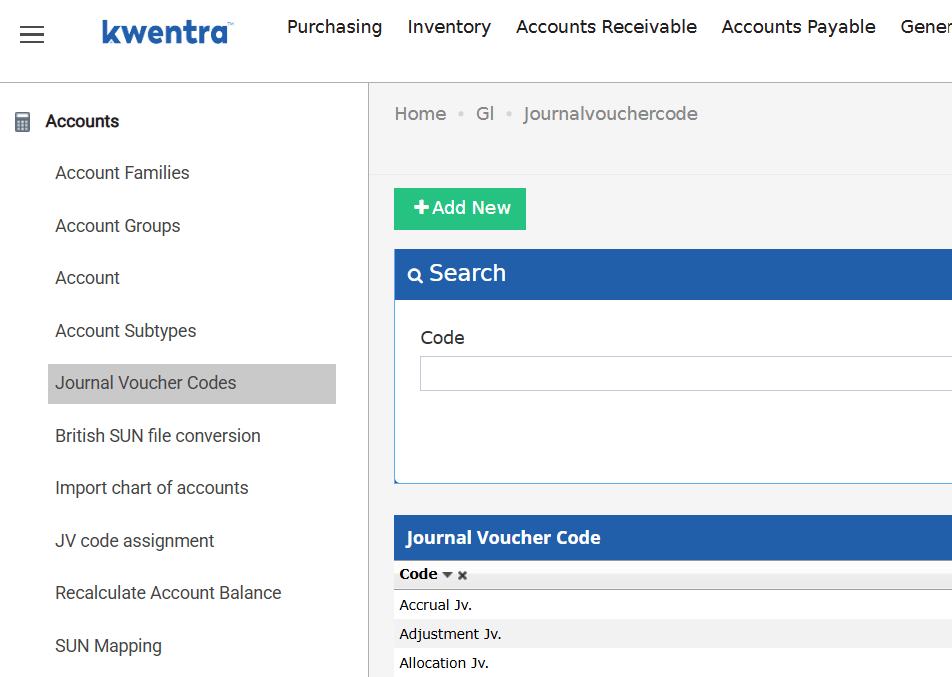
Kwentra includes a set of ready-made JV codes, and you can add your own — for example, a dedicated code for the manual journal vouchers you create from the General Ledger. Go to Back Office → Settings → Accounts → Journal Voucher Codes → Add New, enter the code, and save. It then becomes available in the JV code assignment dropdowns.