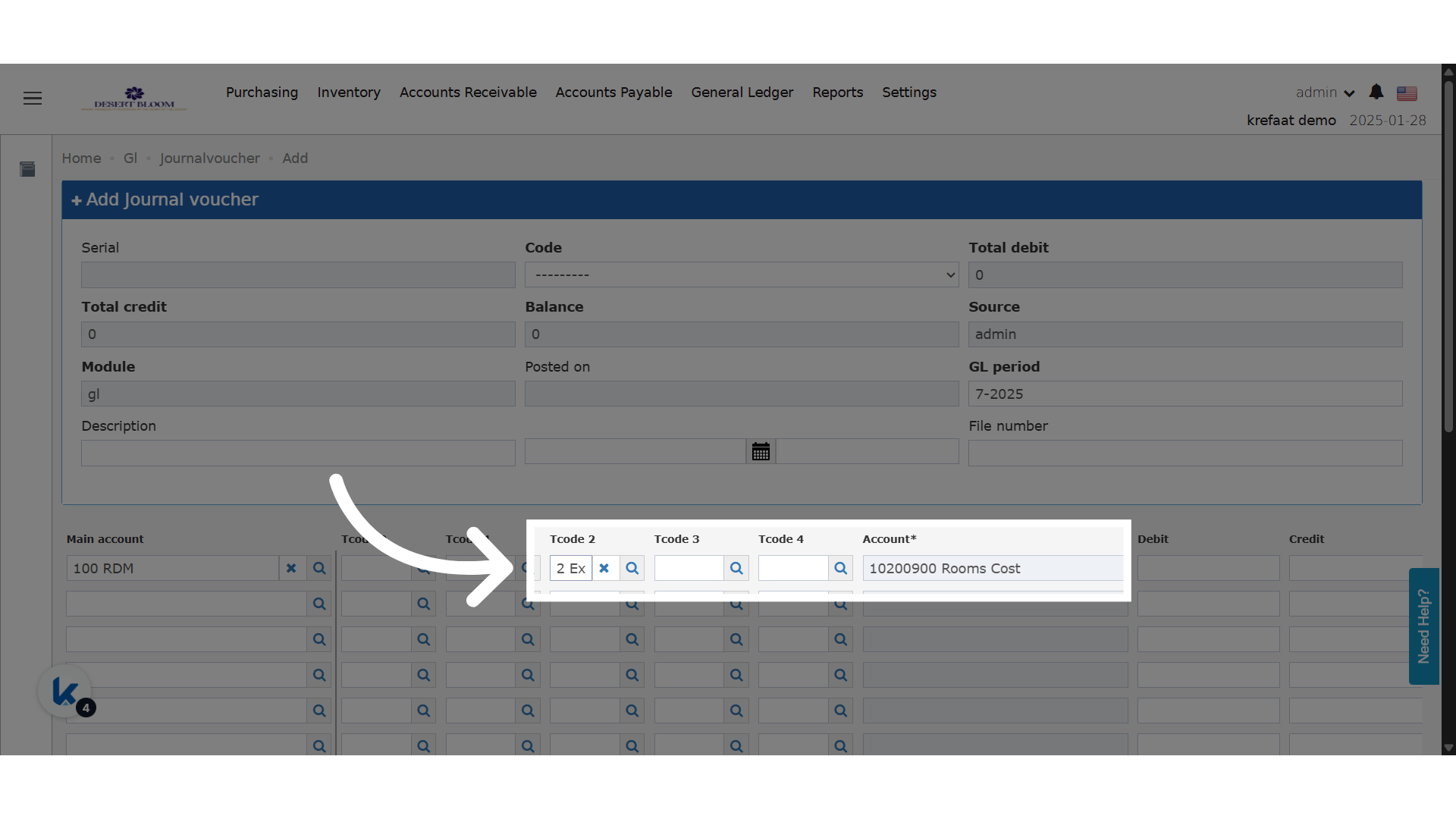
✅ Business Value
- Prevents incorrect T-Code (analysis code) assignments to irrelevant main accounts.
- Helps accountants and financial teams streamline data entry and reduce human error.
- Keeps journal vouchers clean and consistent with your account structure.
🧾 Use Cases
- A hotel’s finance team is creating a JV and selects a Revenue main account. Only Revenue-related T-codes should appear.
- A user selects a Payroll main account — now only payroll-linked T-codes show up to avoid confusion.
- This makes it much easier to enforce correct accounting segmentation across all GL entries.
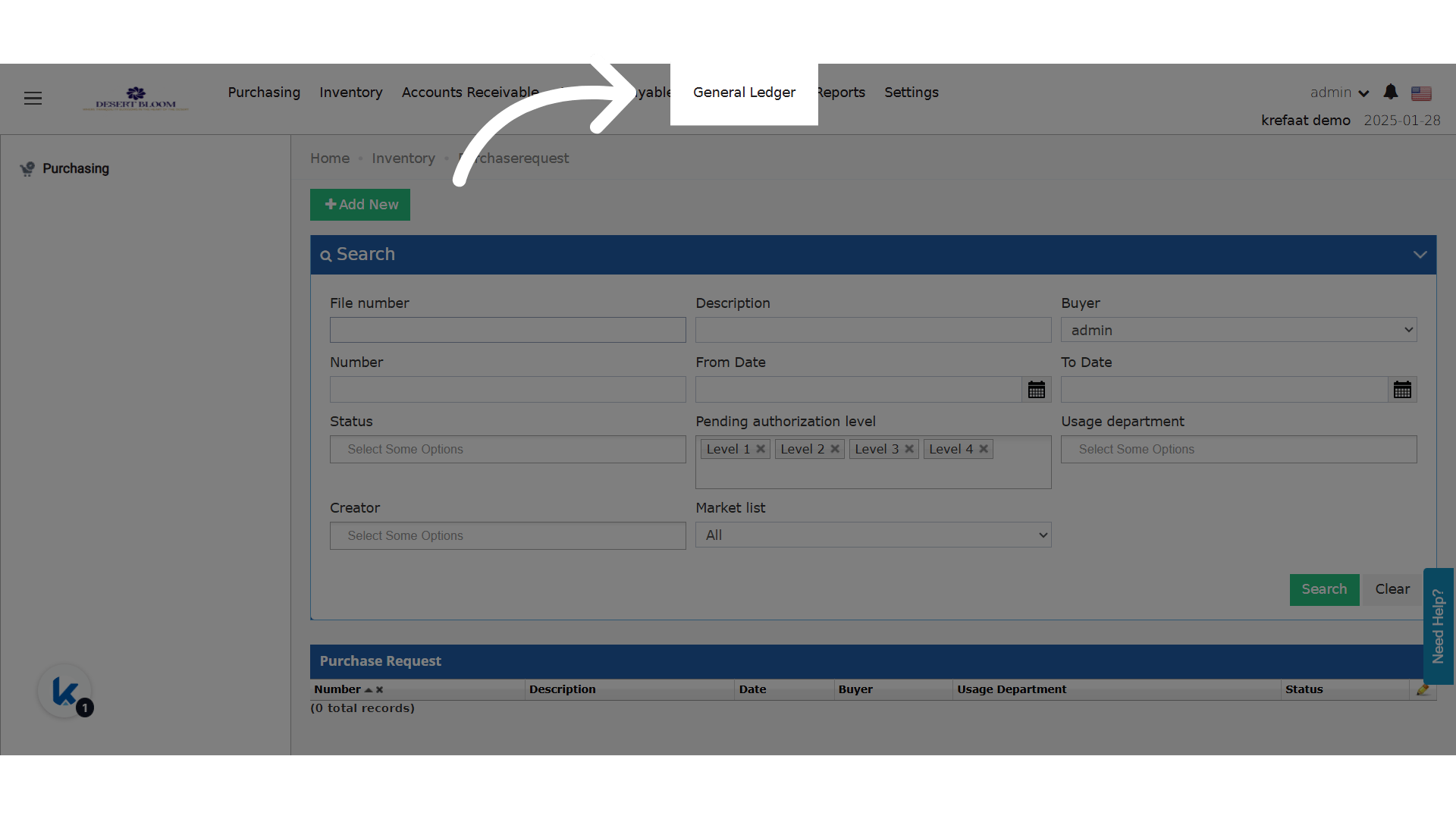
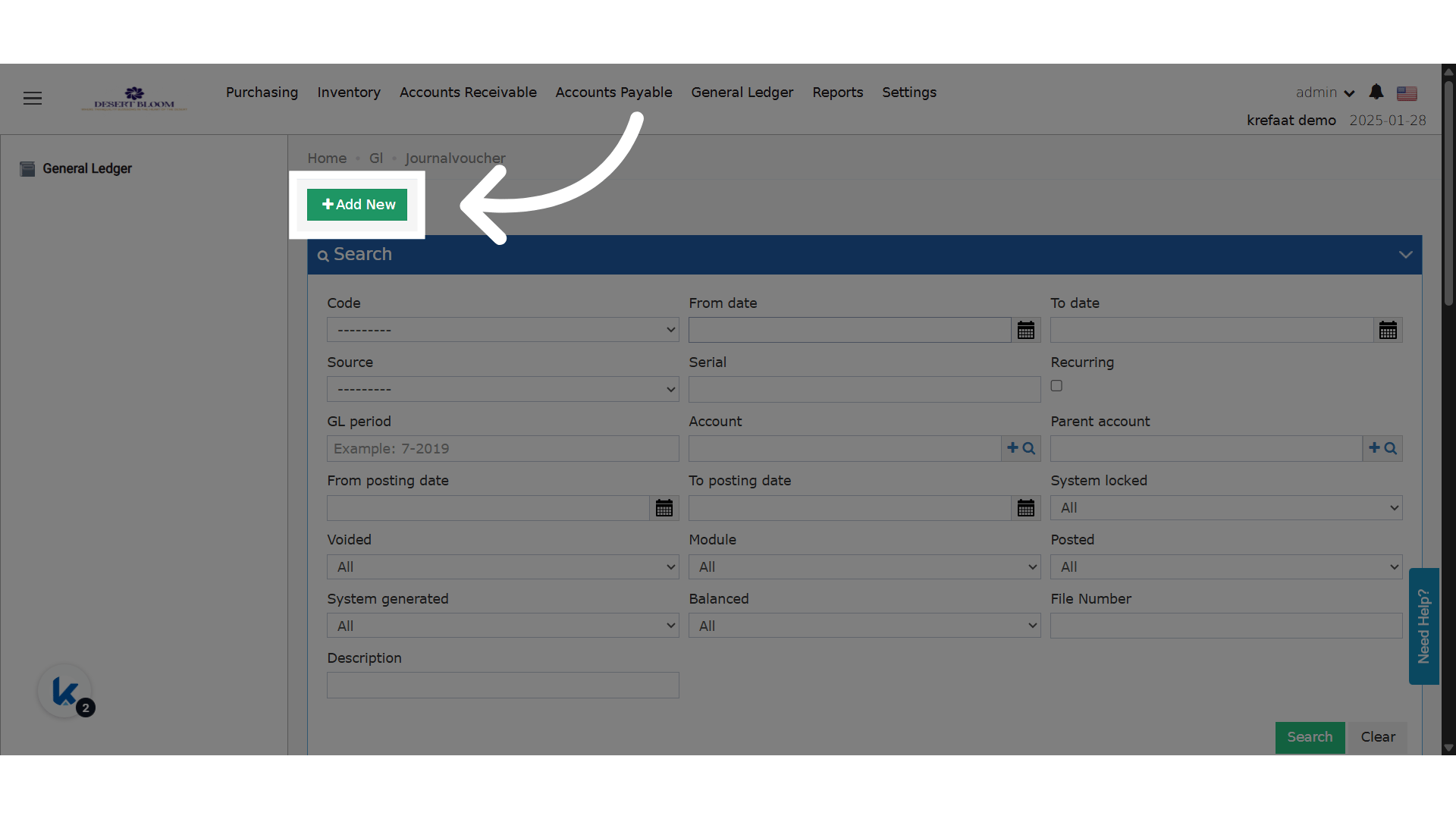
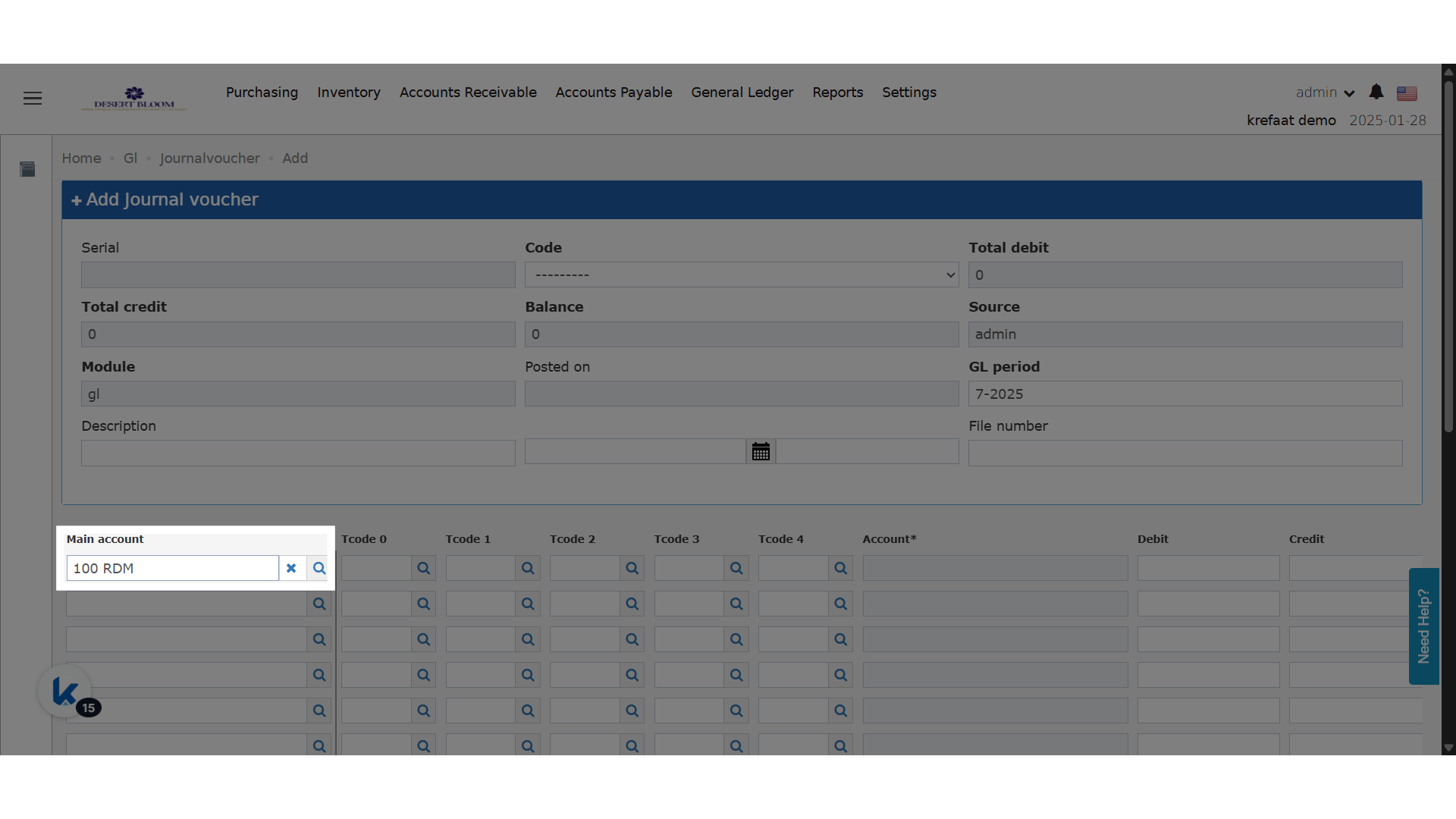
⚙️ What’s New?
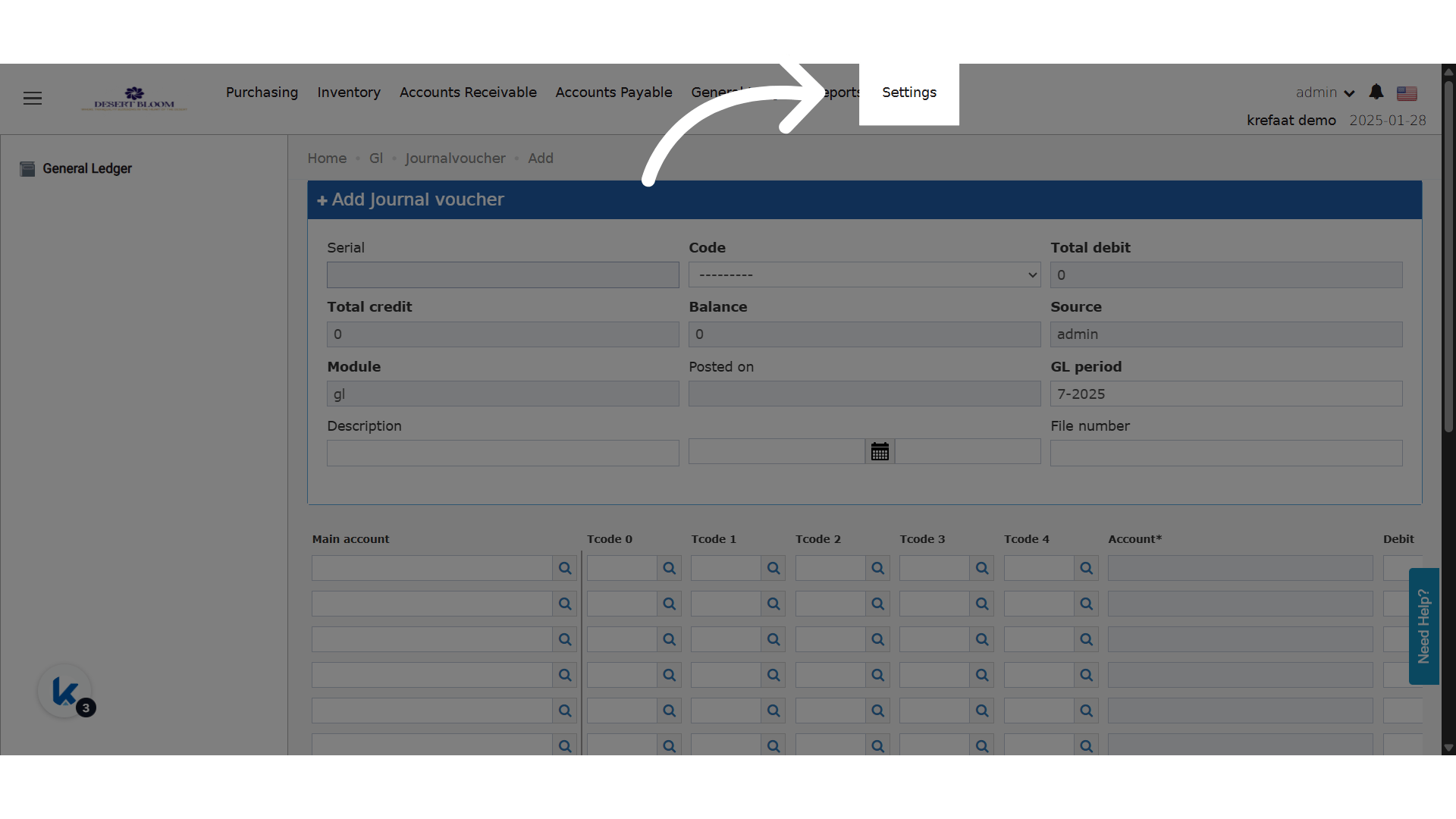
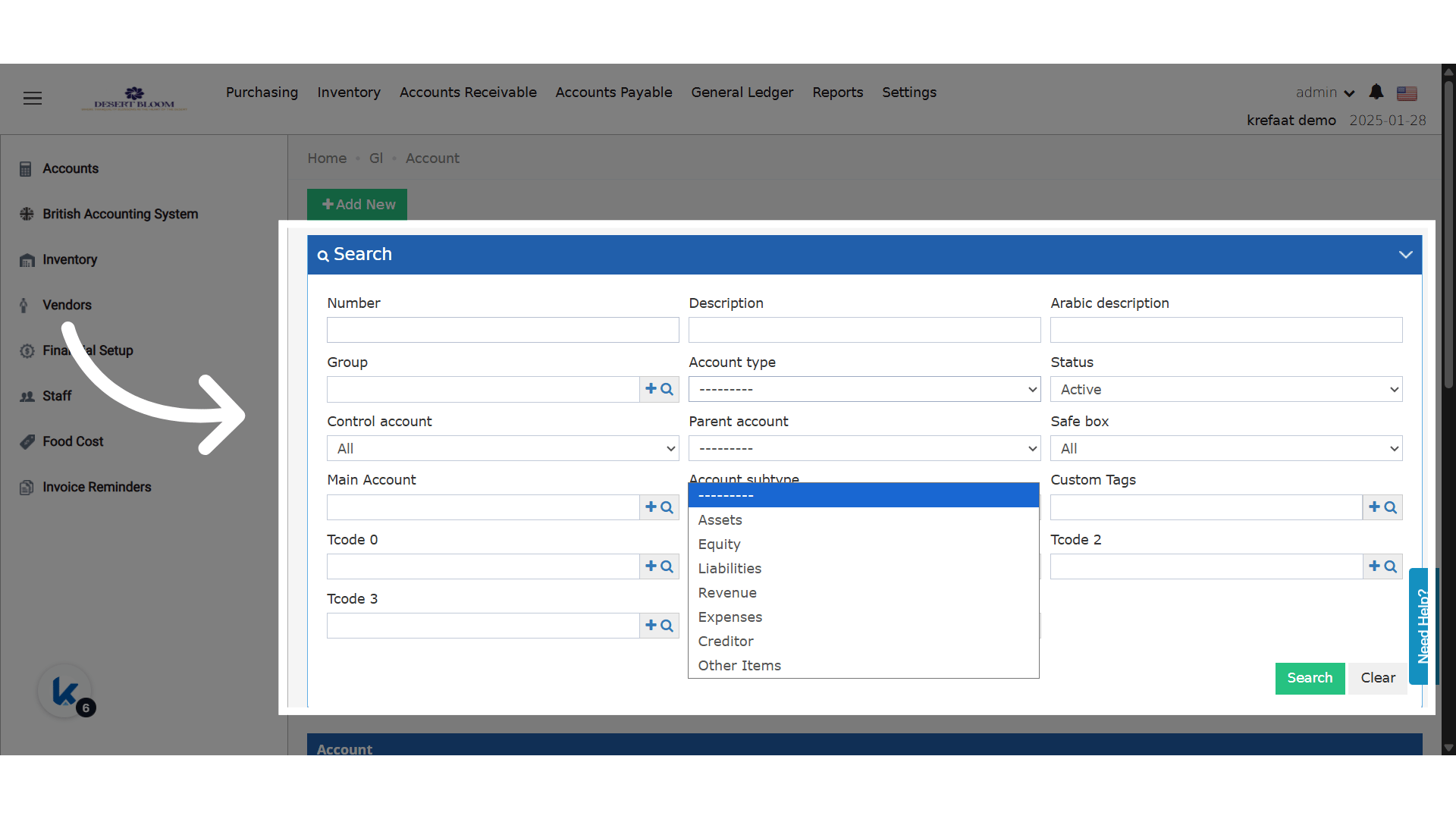
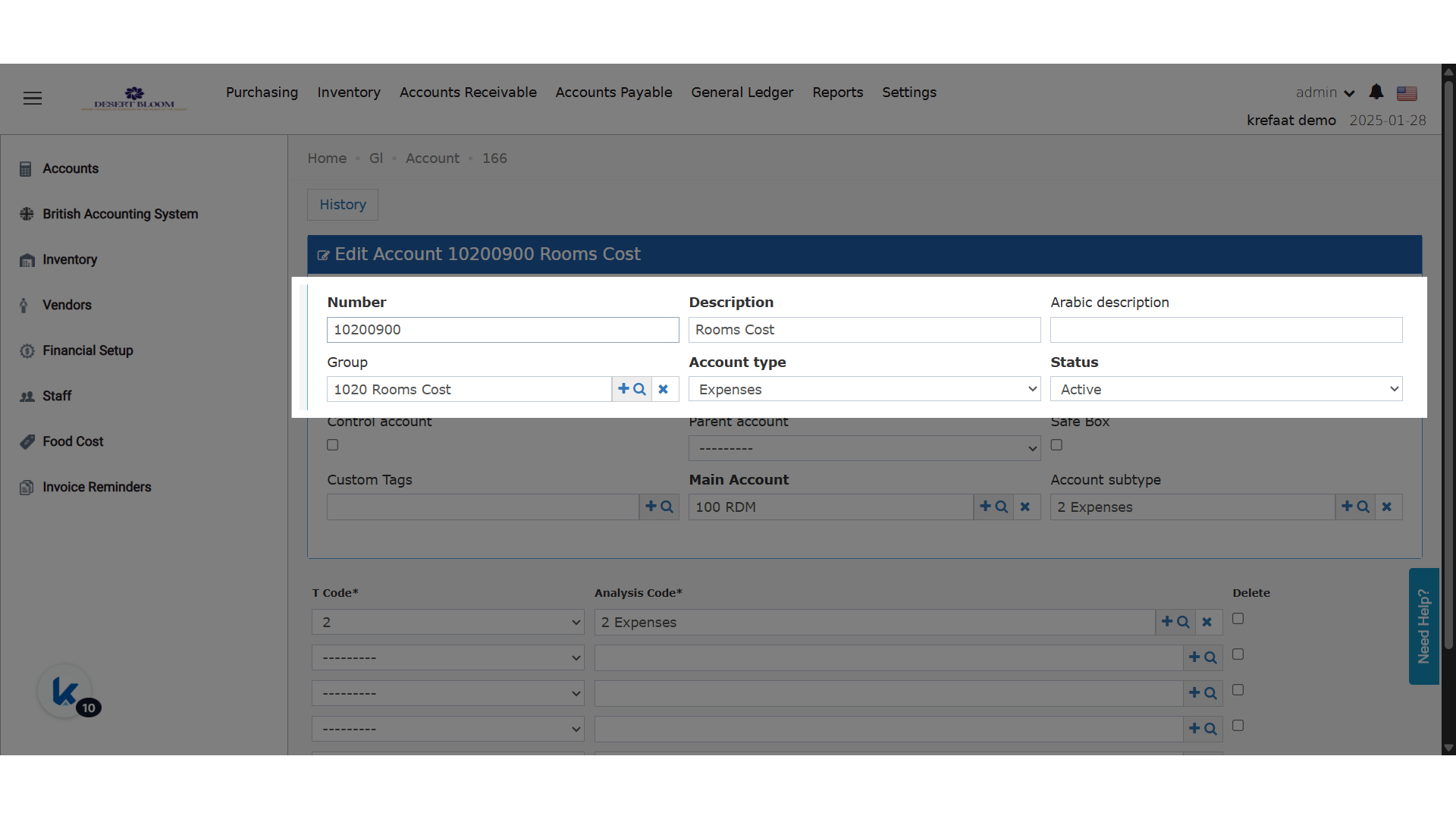
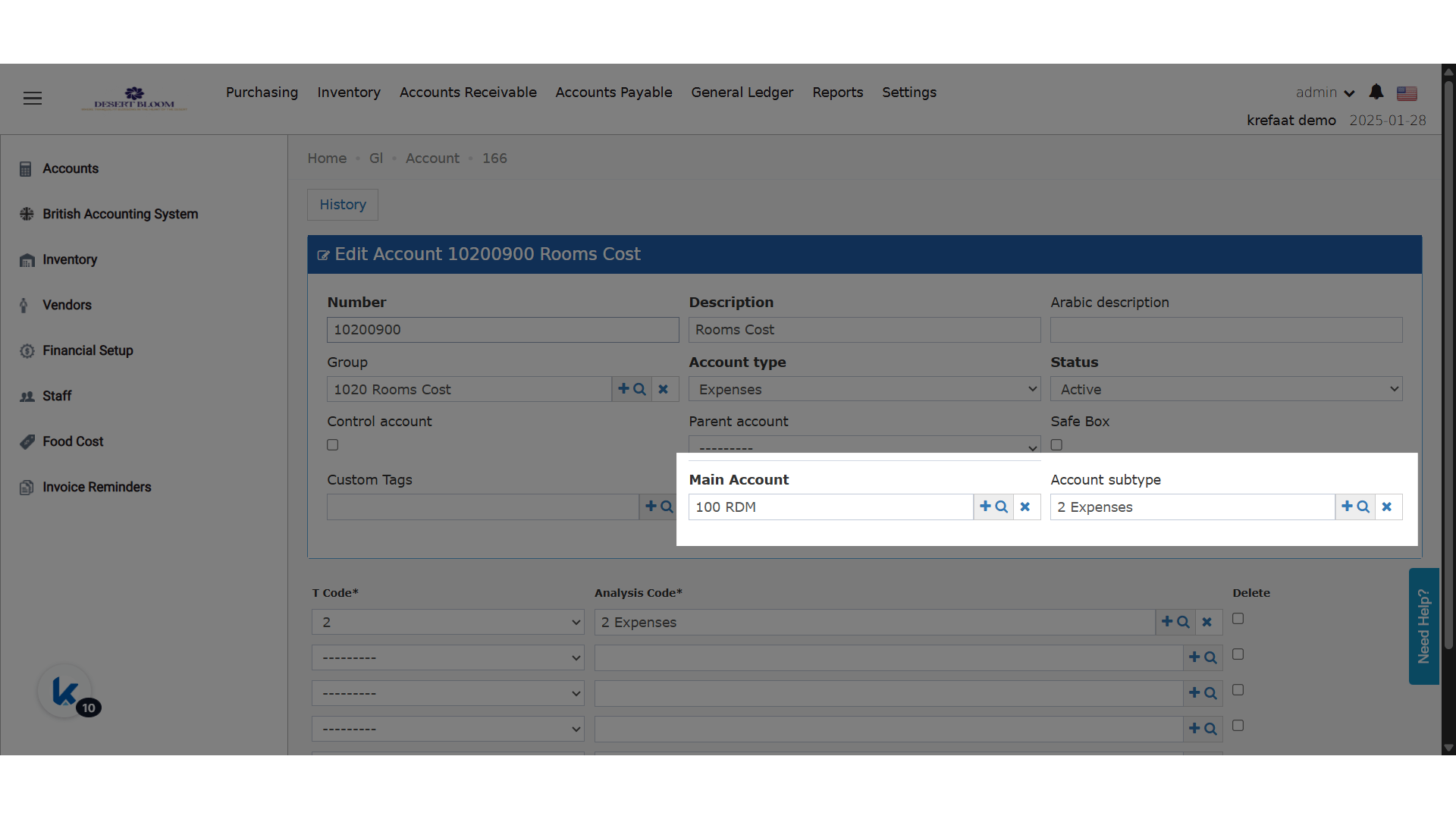
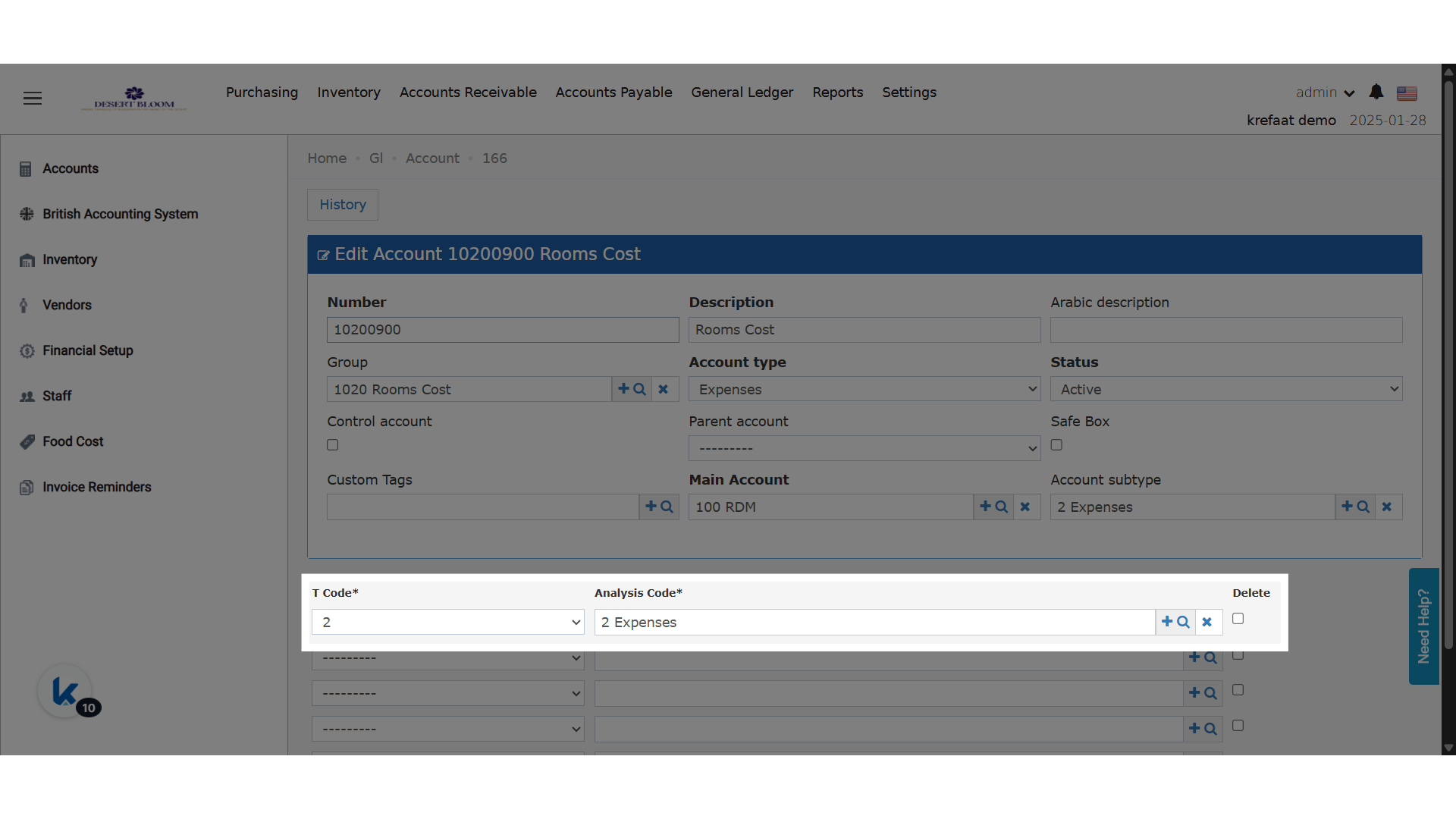
- All T-Code (T0–T4) dropdowns now dynamically filter available analysis codes based on the selected Main Account.
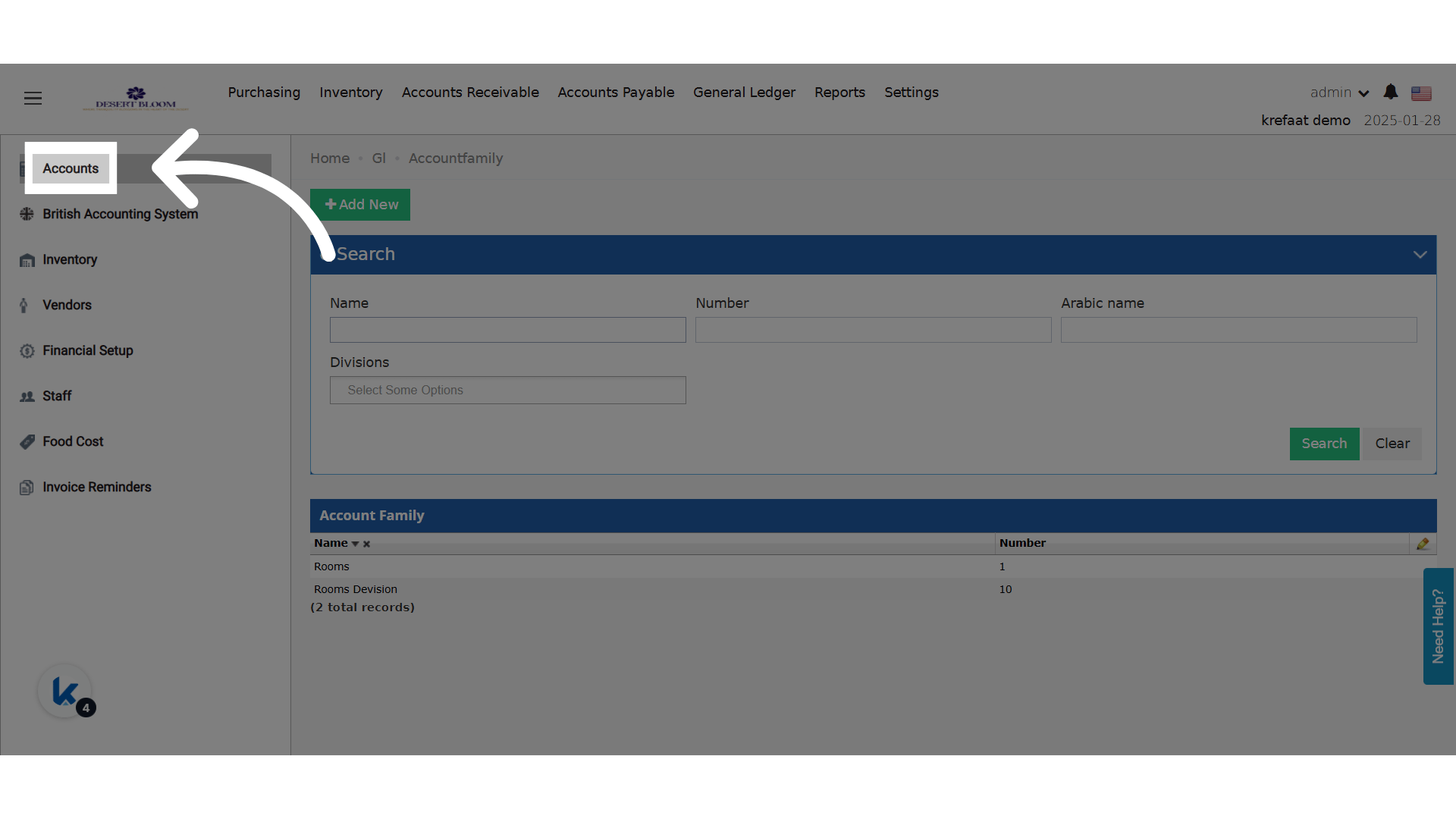
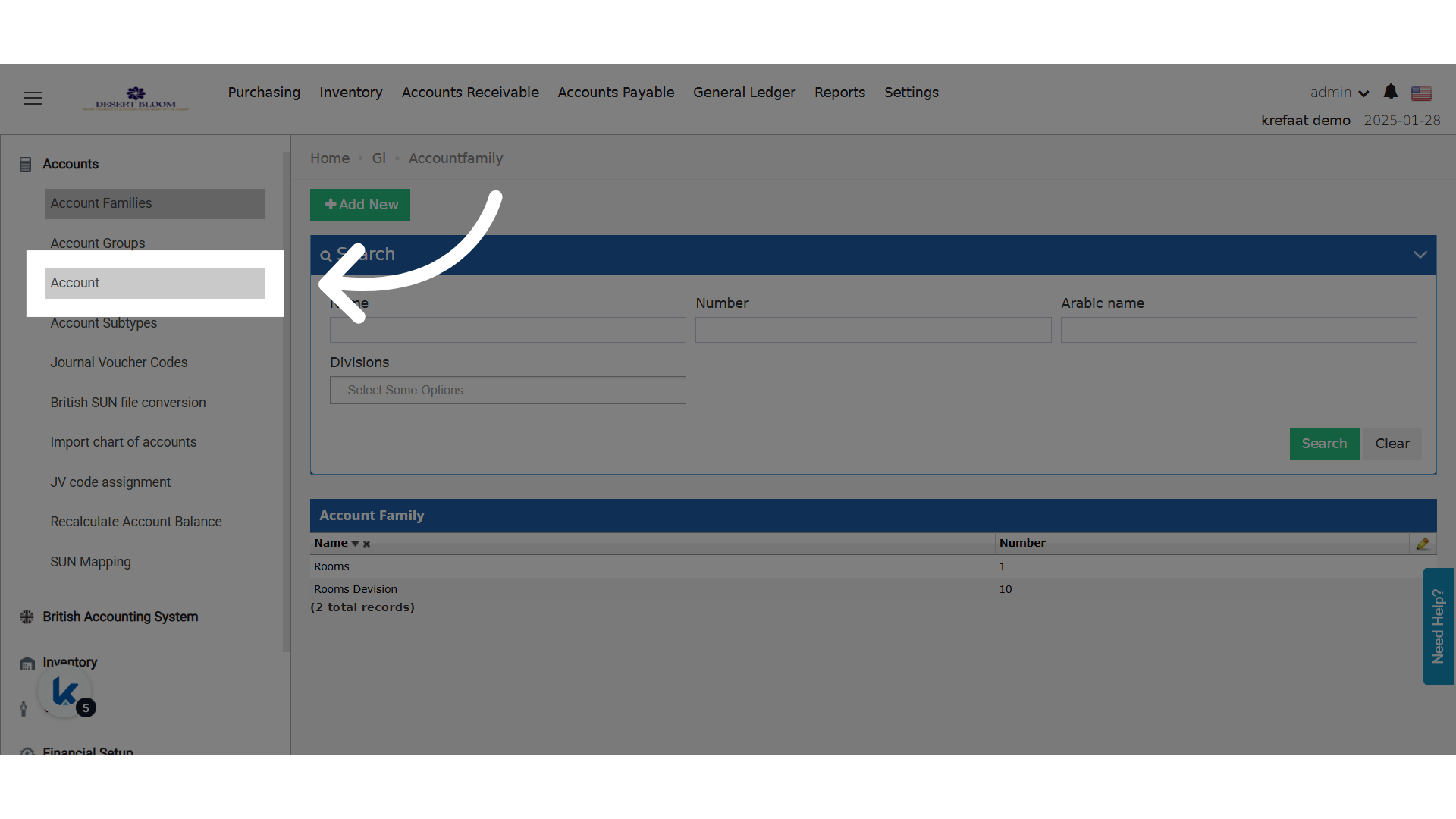
- Behind the scenes, analysis codes are prelinked to specific main accounts via master data settings.
- If no analysis codes are defined for a selected main account, the field appears disabled.