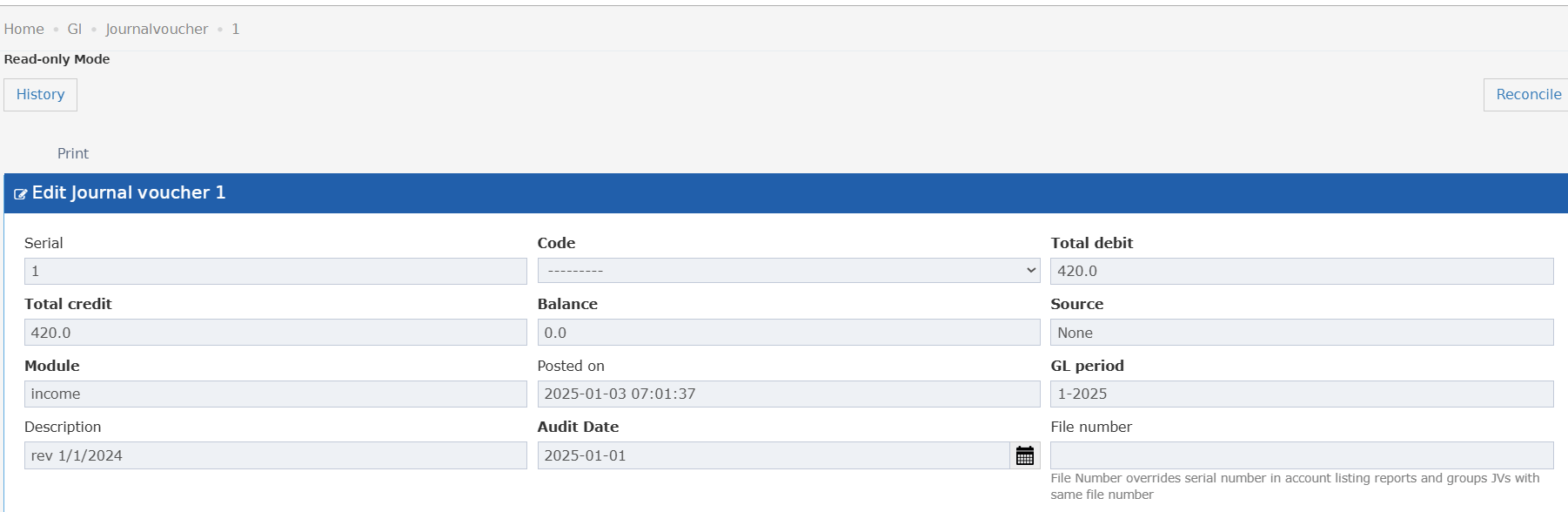
- Understand what File Number does — no guesswork, no need to ask.
- Know that File Number overrides the serial number in account listing reports.
- Group related JVs together in reports by assigning the same File Number.
- Accountant creating a new JV hovers over the tooltip to decide whether to fill in a File Number.
- Finance team assigns the same File Number to multiple JVs to consolidate them in account listing reports.
- User reads the tooltip and understands why two JVs appear grouped in the account listing.
A tooltip icon appears under the File Number field. Hovering over it shows:
- When a File Number is entered on a JV, it replaces the serial number in account listing reports.
- JVs that share the same File Number are grouped together in account listing reports.
- If left empty, the JV uses its default serial number in reports as usual.