

- Save time by cloning recurring journal entries instead of re-entering all data.
- Reduce data entry errors by reusing verified, posted vouchers.
- Speed up period-close routines with instant duplication of standard entries.
- Only GL module vouchers can be cloned, keeping the process controlled.
- An accountant clones last month’s depreciation JV to reuse it for the current period.
- Finance duplicates a recurring accrual entry at period close without retyping all lines.
- A user clones a complex multi-line JV as a template for a similar new transaction.
- Open any existing Journal Voucher with module set to GL.
- A Clone button appears in the action toolbar of the JV screen.
- The Clone button is only visible on GL module vouchers.
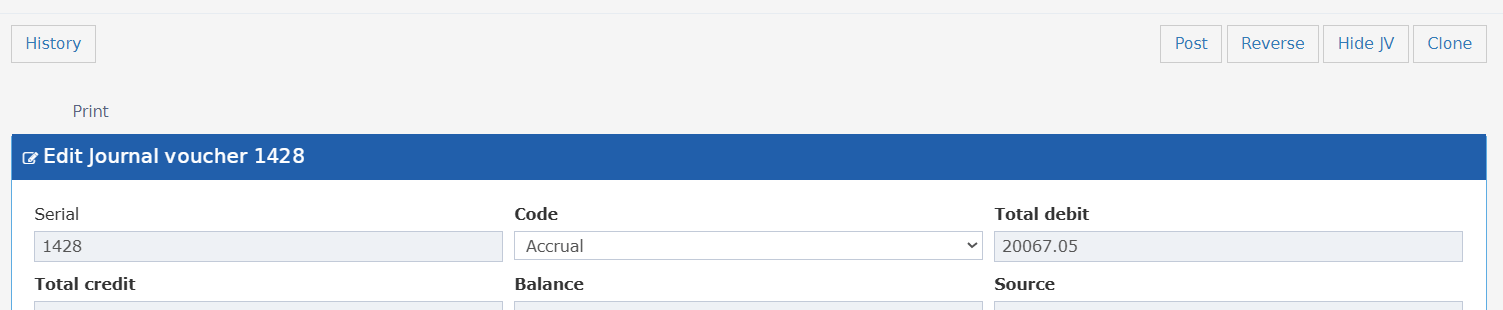
- Clicking Clone opens a new JV in create mode.
- All header details and line items / transaction details are copied from the original.
- Date
- GL Period
- Serial
- Source
- File Number