Business Value
- Enables accurate financial reporting in multiple currencies.
- Simplifies reconciliation and audit for multinational operations.
- Supports hotels and groups working with suppliers, clients, or assets in more than one currency.
Use Cases
- A property records expenses or revenues in USD, EUR, or SAR and needs GL entries to reflect actual foreign amounts.
- Auditors or finance teams want to compare base and foreign currency values directly in reports and journals.
- Multi-property companies standardize cross-currency reporting for group consolidation.
How It Works (Tech Know-How)
-
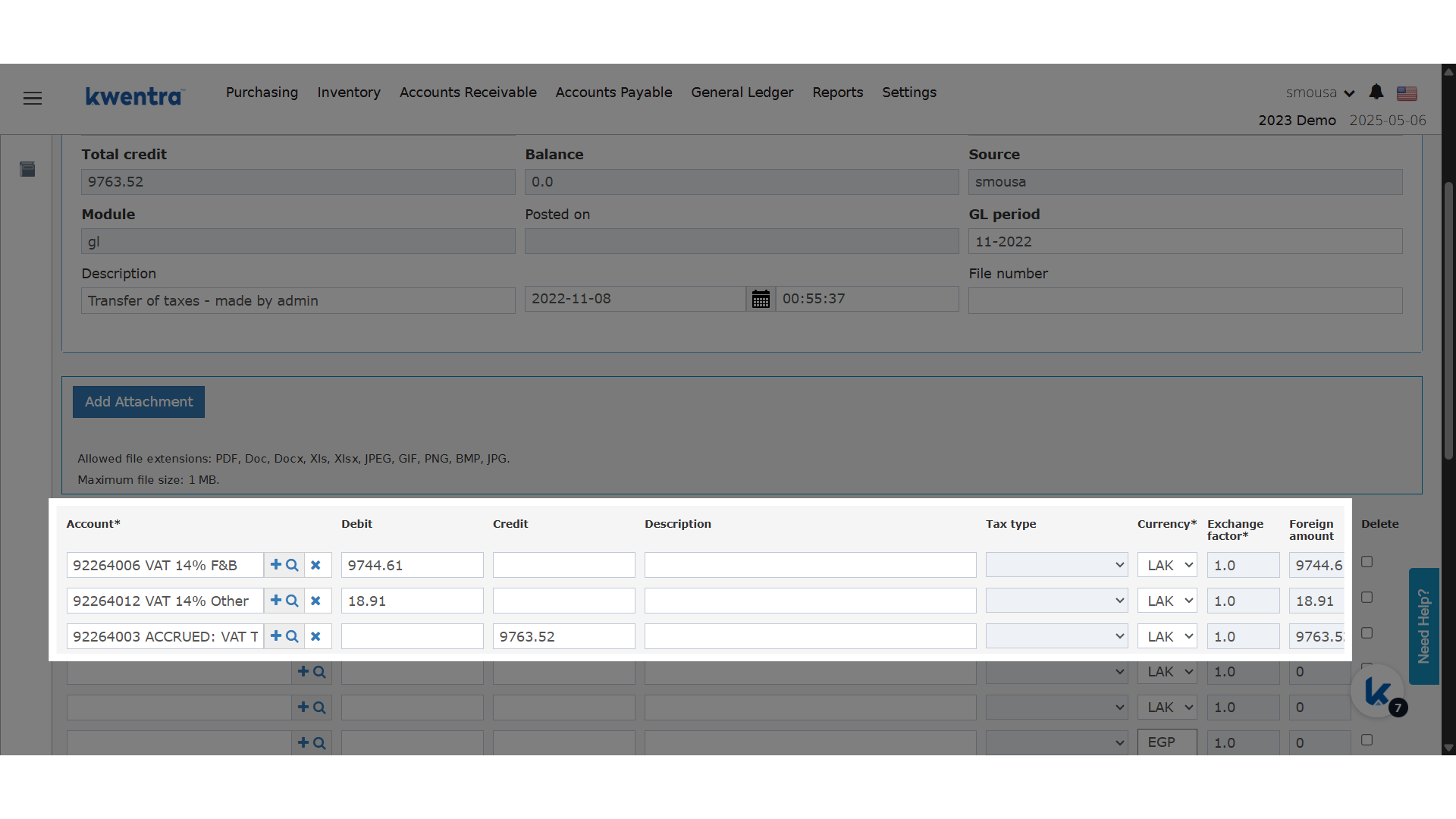
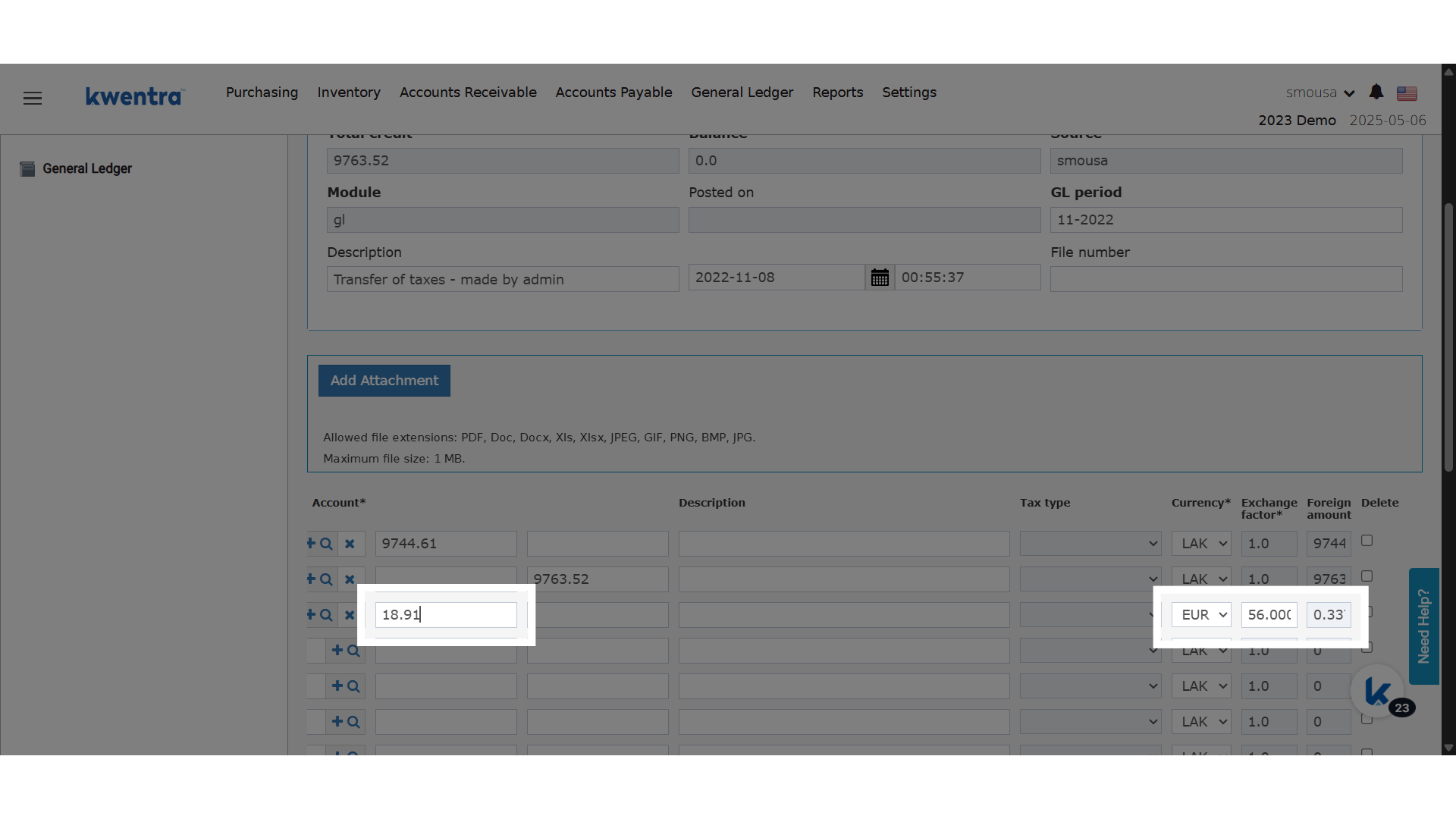
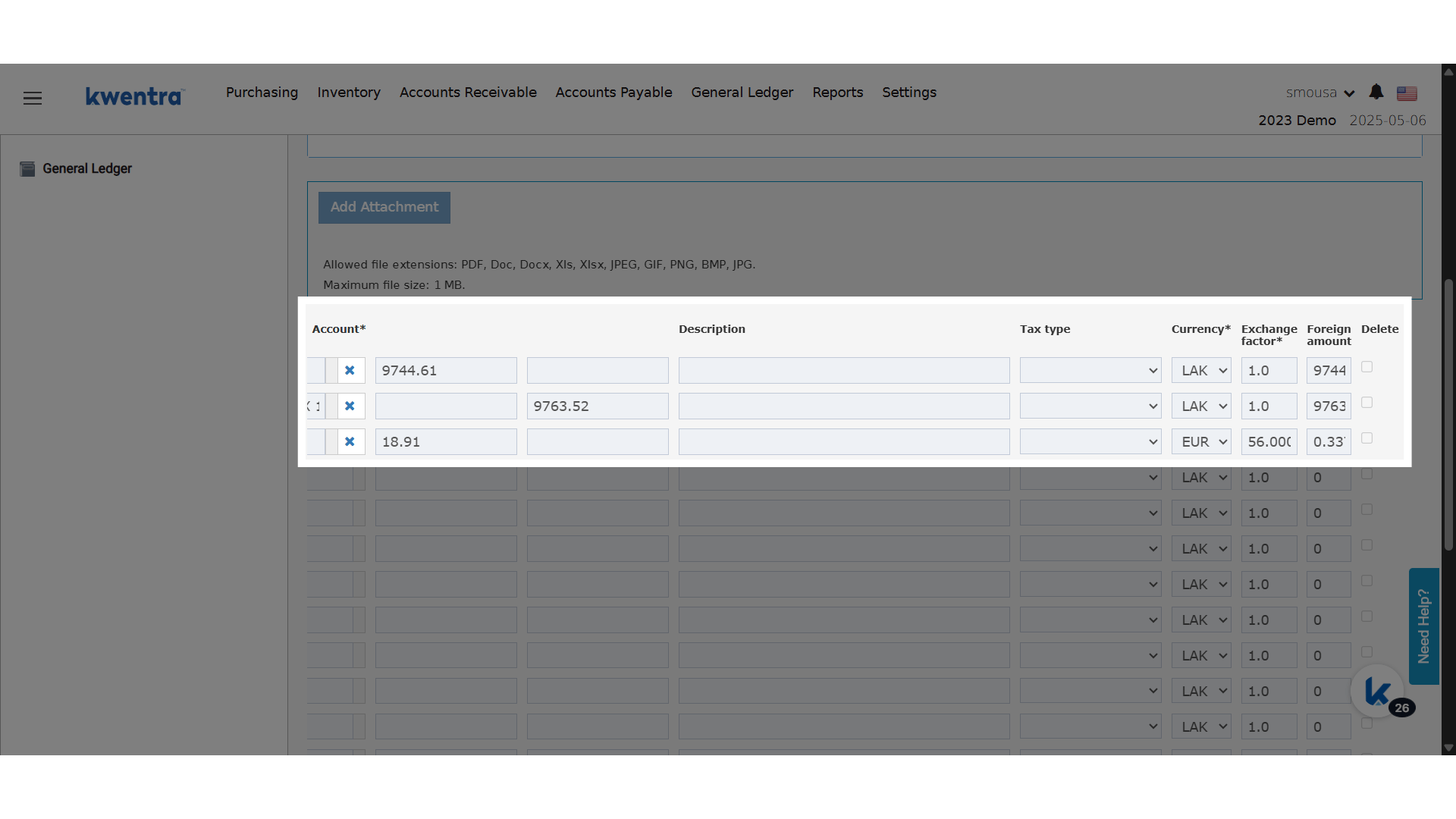
New Columns in GL JV Screen:
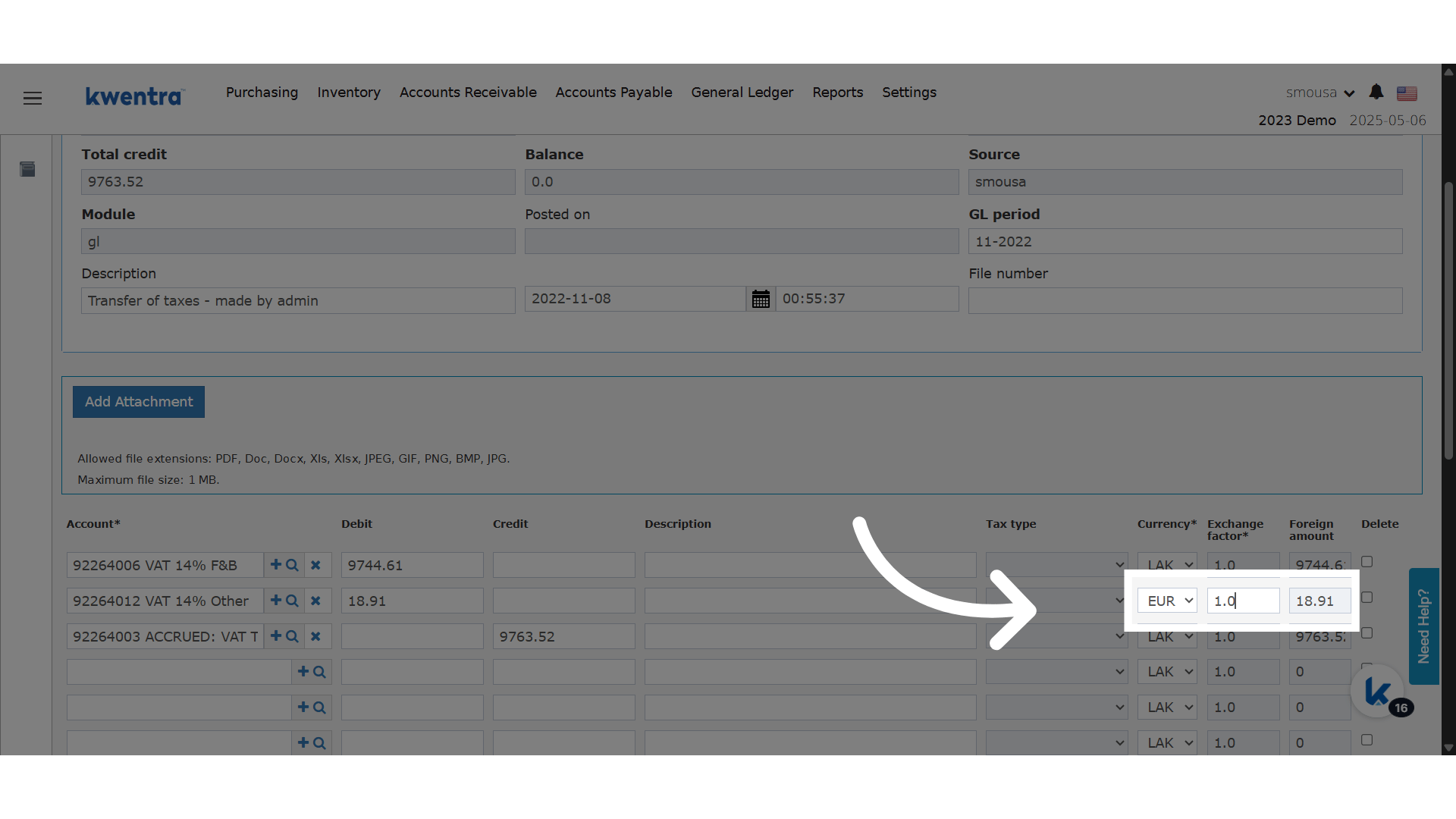
- Currency: Select from all currencies configured on your instance.
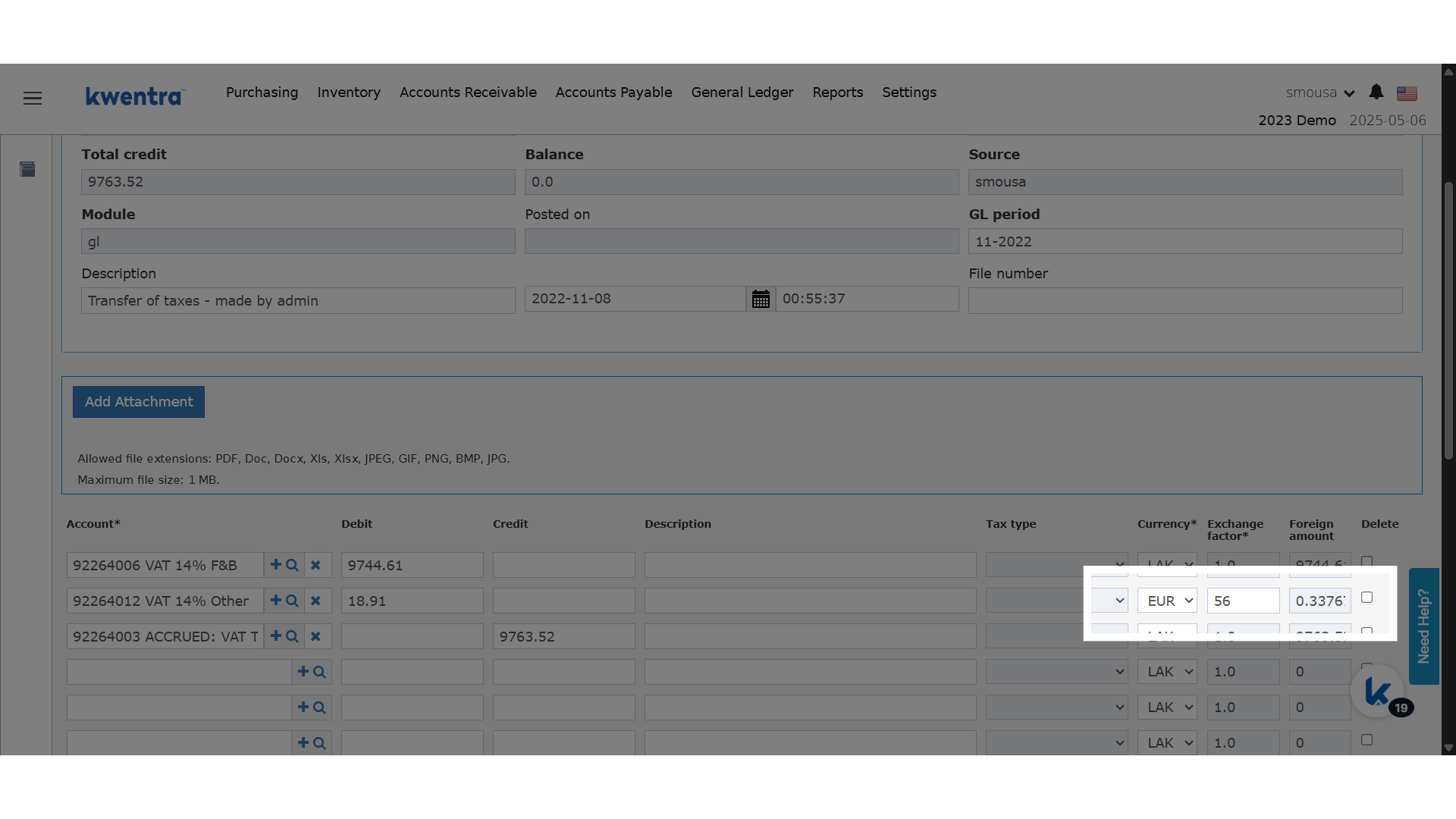
- Exchange Factor: Editable numeric field (rounded to 2 decimals). Enter the conversion rate for this JV line.
- Foreign Amount: Read-only. Automatically calculated as (Base Amount × Exchange Factor).
-
Migration:
-
All previous JVs will default to:
- Currency = Base Currency
- Exchange Factor = 1
- Foreign Amount = Amount
-
All previous JVs will default to:
-
Feature Flag:
- This feature can be toggled on/off based on your property’s needs.
Steps to Create a Multi-Currency JV
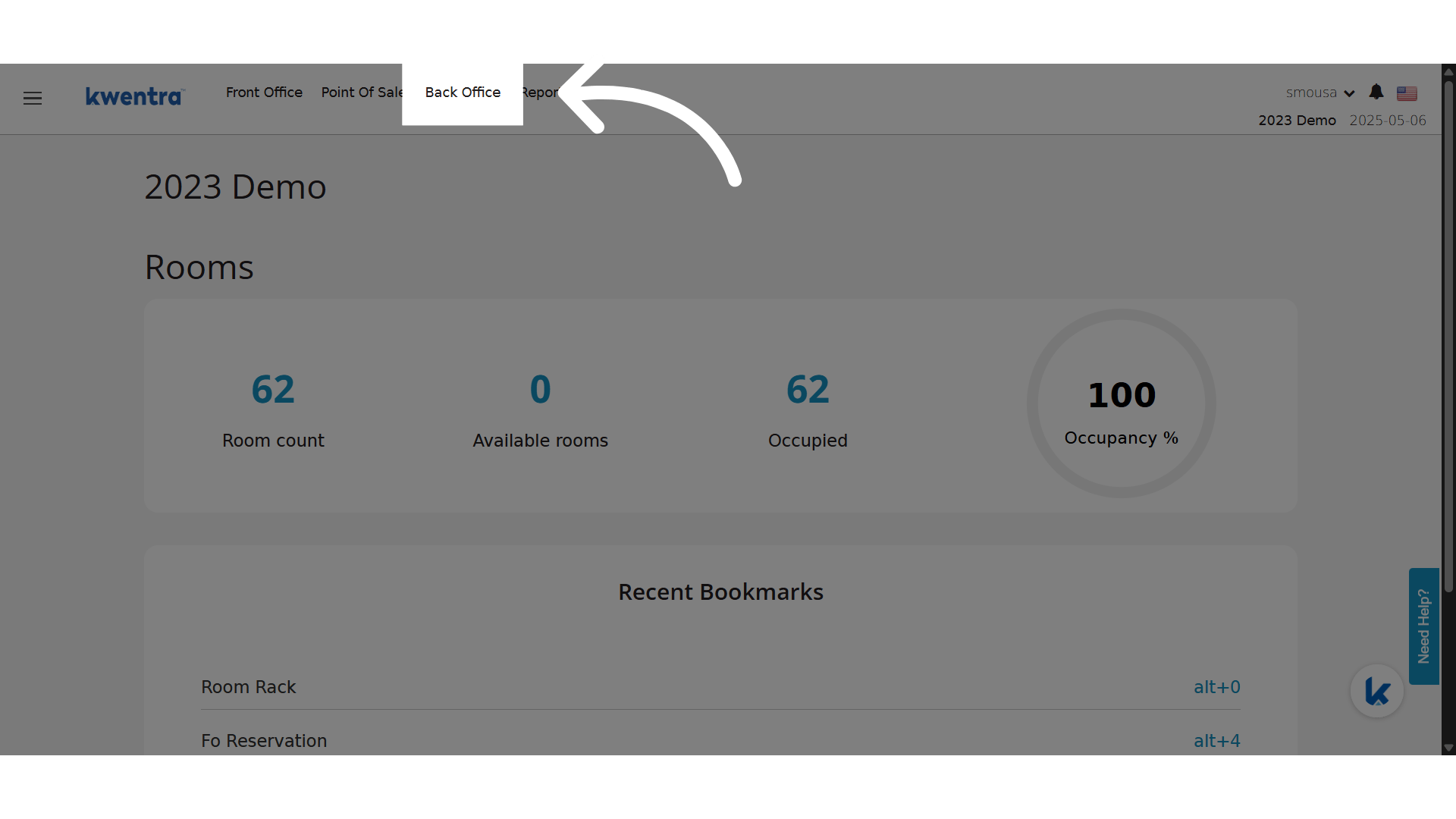
Click “Back Office”