

Update: 30th of November, 2025
Currency Deactivation Enhancement
Deactivated currencies are now fully removed from all operational, financial, and import screens across Kwentra.Business Value
- Prevents accidental use of inactive currencies.
- Ensures data accuracy across Reservations, Billing, POS, AR, and GL.
- Simplifies rate setup and financial posting by removing irrelevant options.
Use Cases
- Hotel stops accepting a currency → it should not appear in any pricing or payment screen.
- Finance deactivates outdated currencies → they must disappear from posting and import workflows.
What Changed?
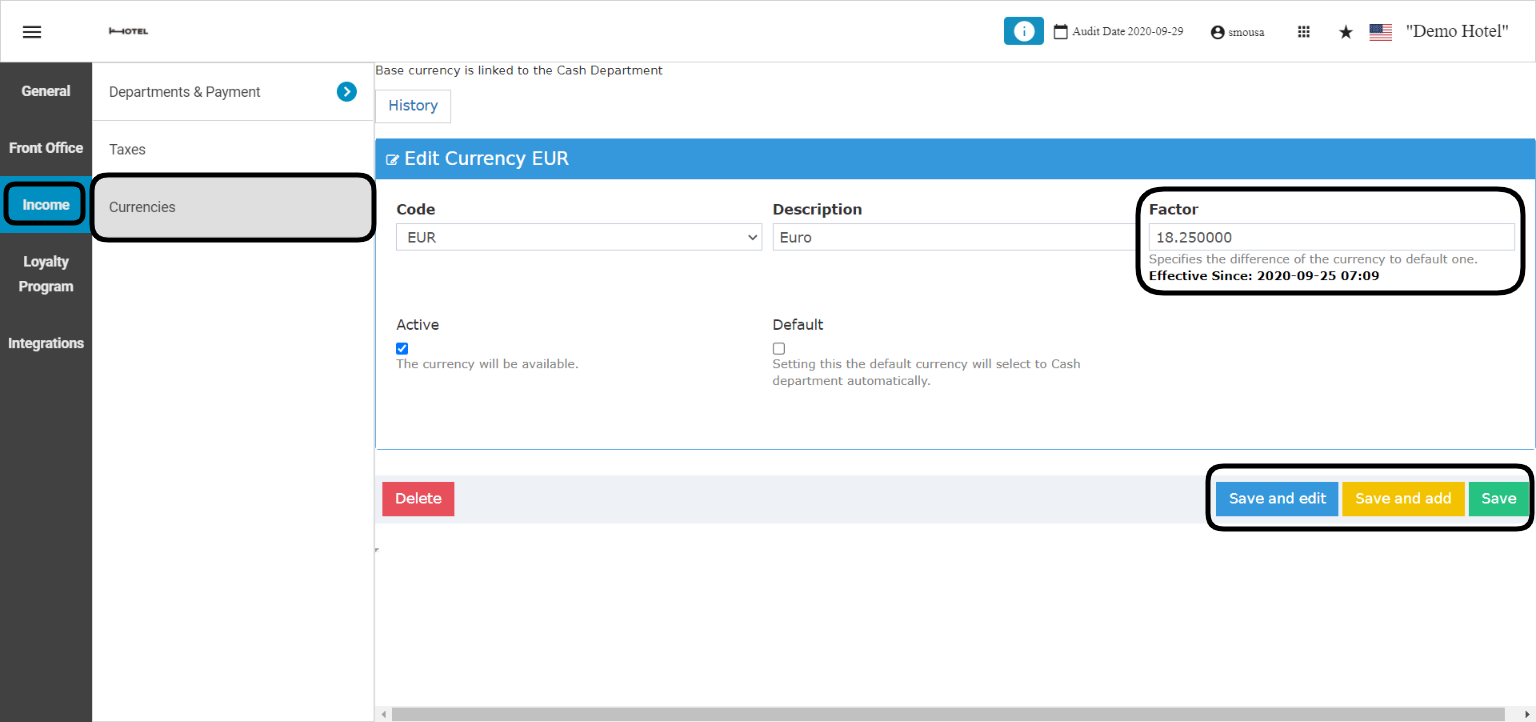
When a currency is deactivated from: Front Office → Settings Gear Sign → Income → Currencies → Select non-default Currency → It will no longer appear in:- Reservation pricing and rate setup
- Billing screens and manual charges
- POS payment dialogs
- AR account currency and charge posting
- GL multicurrency, JV screens, and JV imports
- All import templates (reservations, postings, packages, departments, AR)
- All user-facing currency selectors, including Insights App