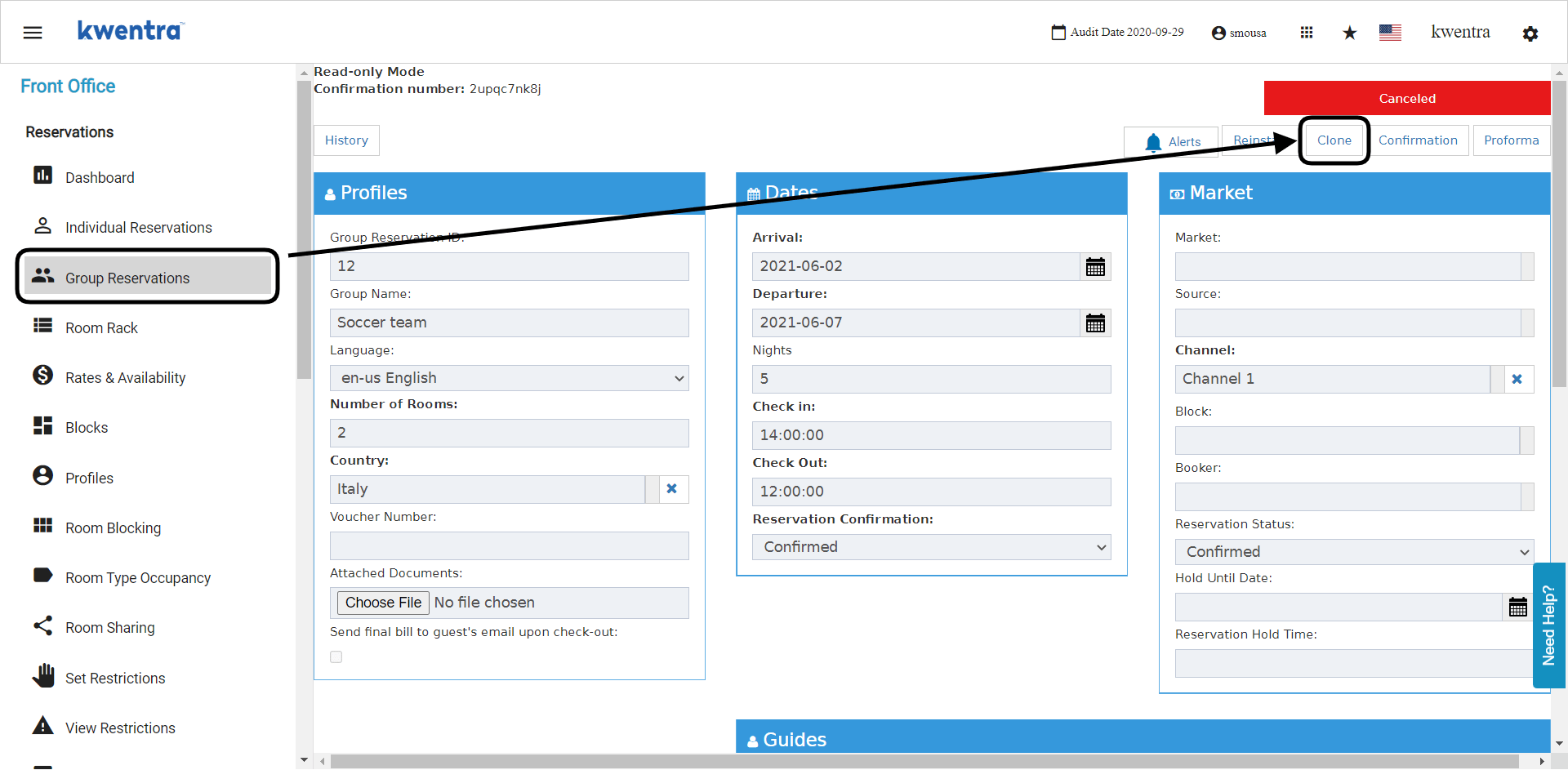
- You can clone expected group reservations that are still not split into a rooming list.
- You can clone cancelled group reservations.
- You can clone split group reservations that has been spread using a rooming list.
- Cloning a Rooming List Group Reservation “split” will only clone the group reservation and not the rooming list and the guests details on the original group reservation.
- Cloning a Rooming List Group Reservation “split” will keep the room number as 0 and you will need to add the room numbers you desire for the new group.
- Open the group reservation.
- Choose Clone from the top of the screen.
- The new group reservation will get filled automatically.
- Update the room number if any.
- Make sure to revise the group before saving.
- Click Save or Save and edit.