

🎯 Business Value
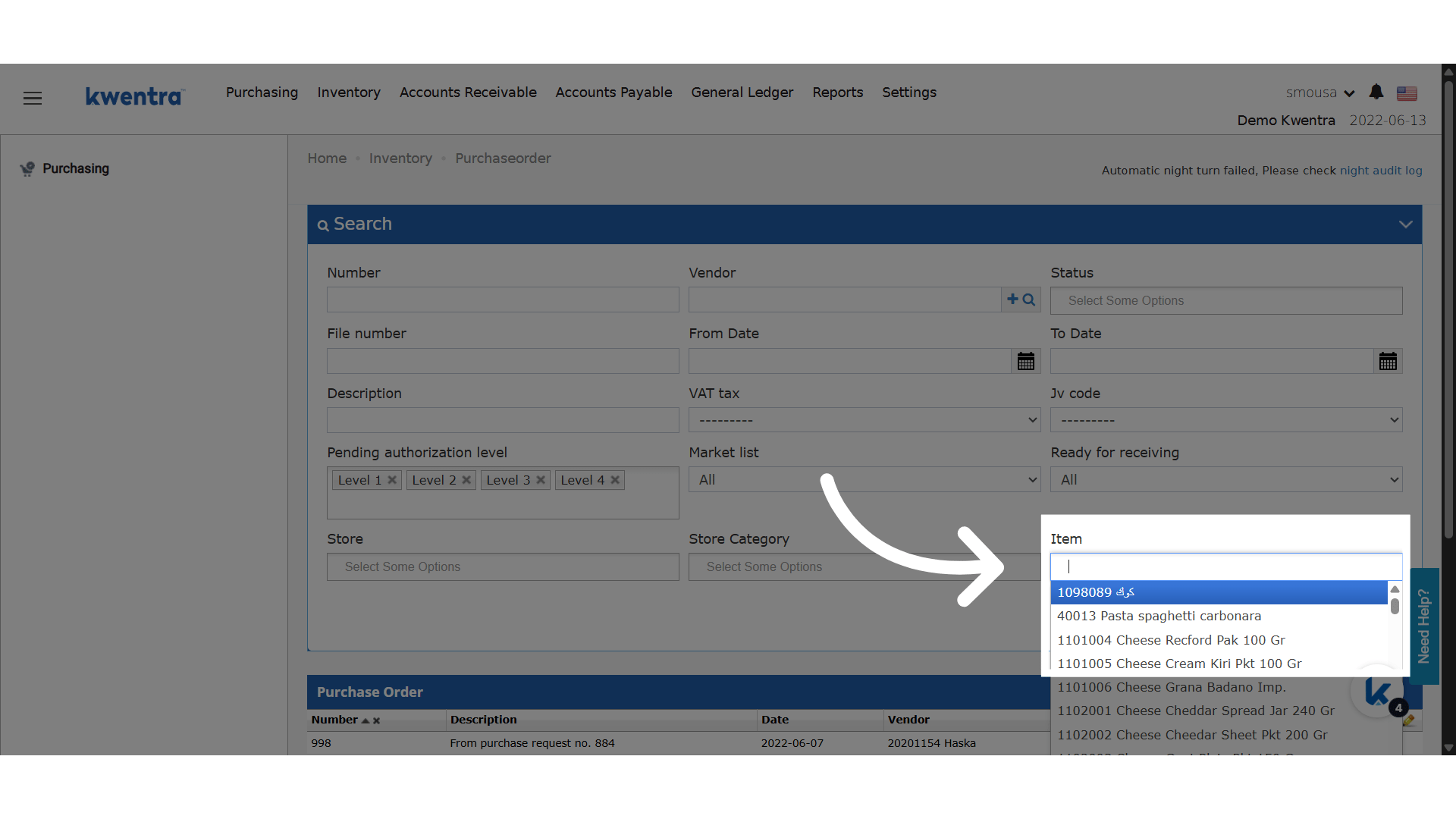
- ✅ Save time. See only the orders or requests that have the item.
- ✅ Track purchase trends or supply problems for one item.
- ✅ Make decisions with a clear view of each item.
- ✅ The filter works the same way on all purchasing screens.
💡 Use Cases
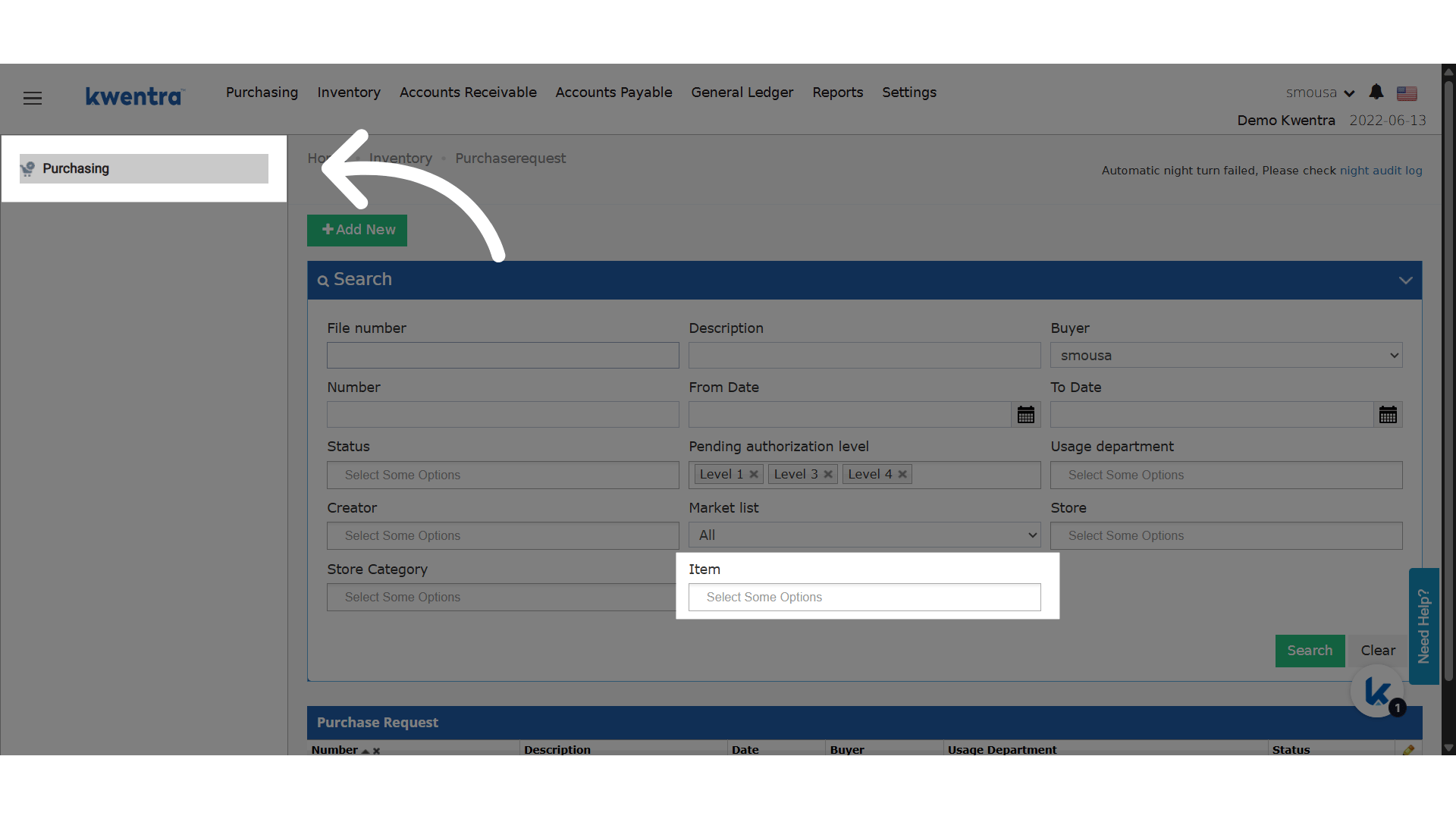
- A procurement officer finds all Purchase Requests with “Frozen Chicken” to see which suppliers repeat.
- A purchasing manager checks Purchase Orders with “Shampoo 250ml” to confirm delivery amounts.
- The finance team checks high-value items like “Smart TV” in both PRs and POs with the same search.
🔹 Affected Screens
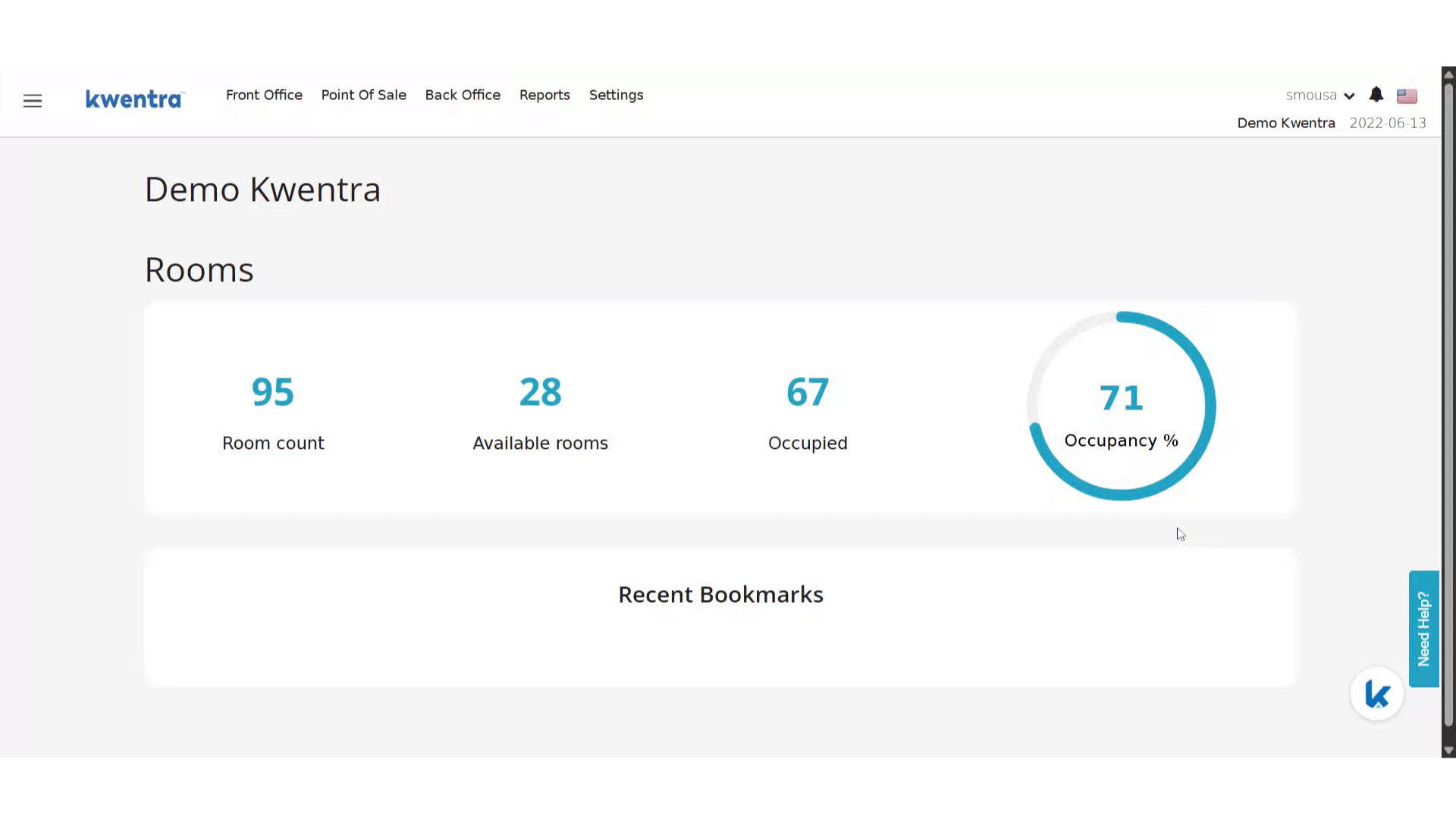
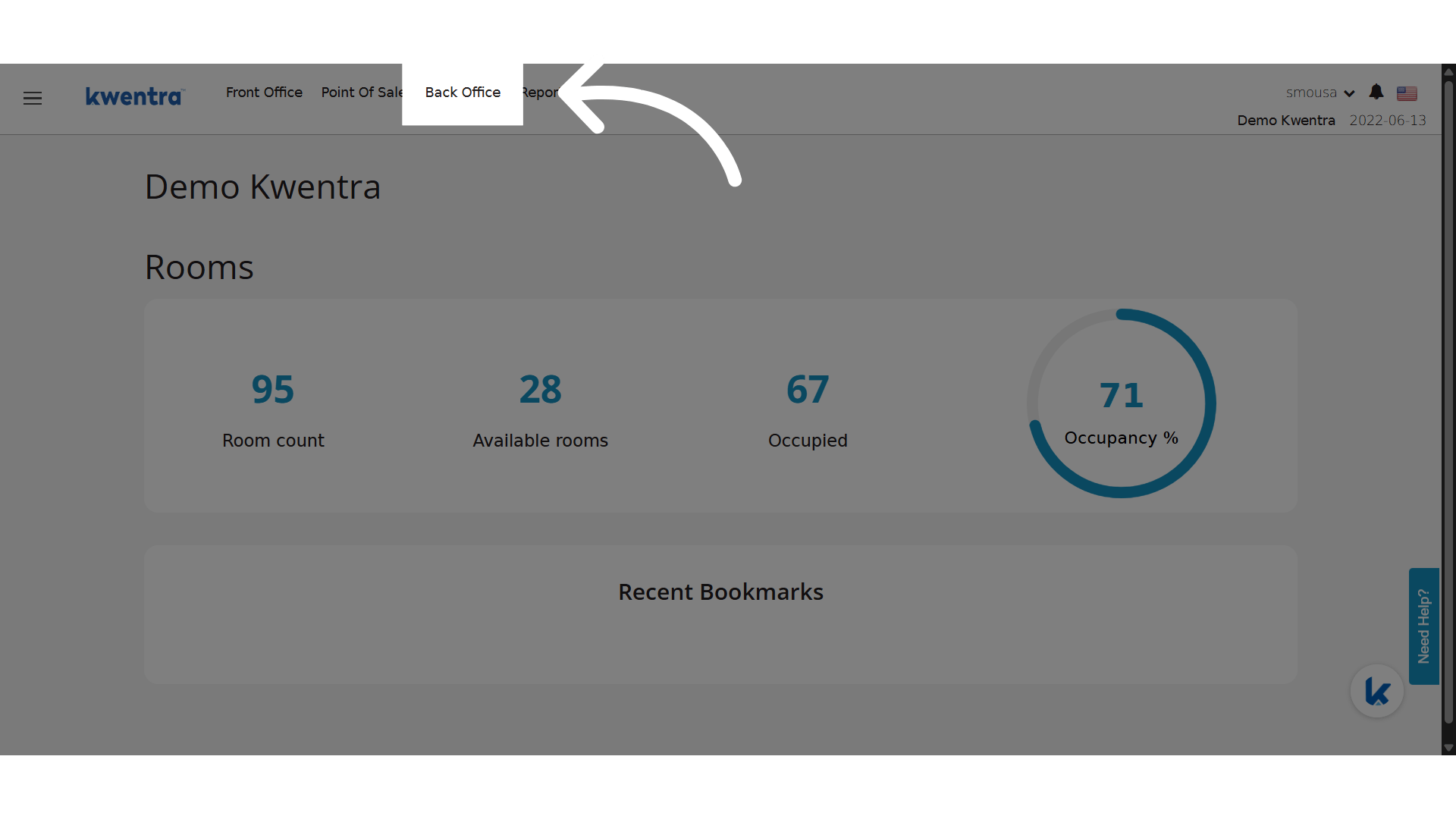
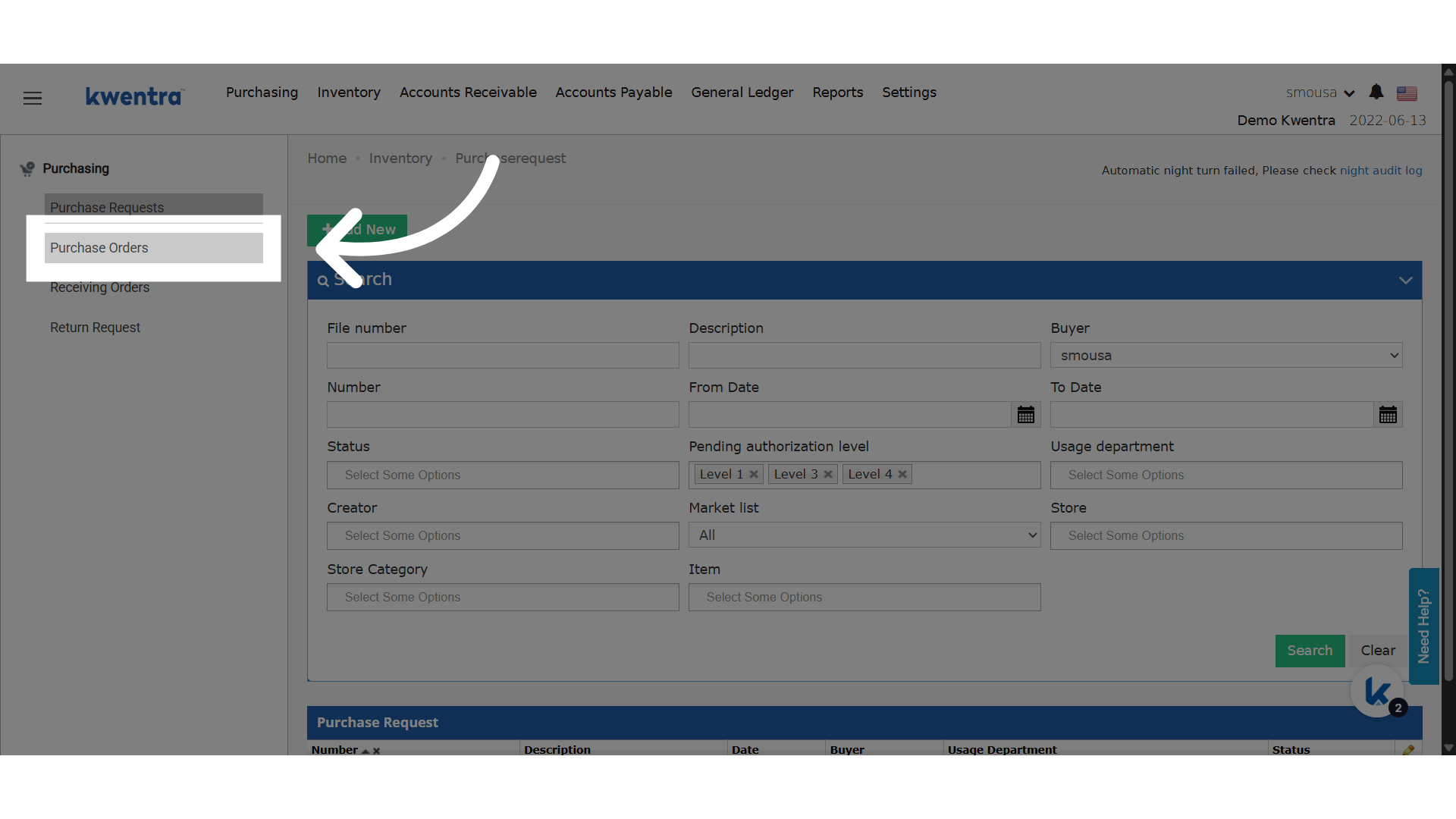
- Back Office → Purchasing → Purchase Orders
- Back Office → Purchasing → Purchase Requests
Update: 25th of August 2025
Select more than one item type in all related screens.Business Value
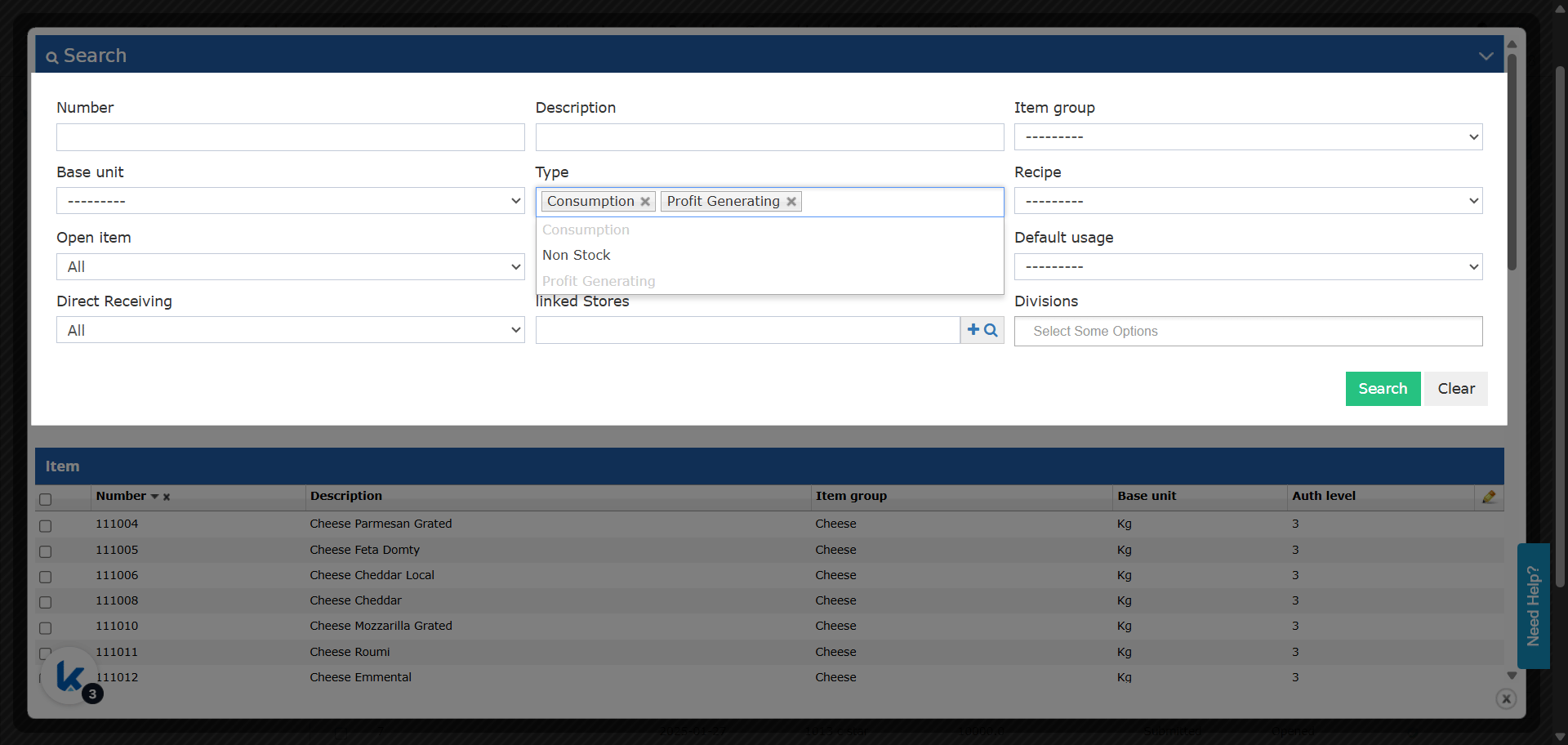
- More control: Select many item types at once (for example, Profit Generating & Consumption).
- More accurate: The filter shows every type it uses. Before, it showed only one.
- Faster work: Fewer repeated searches make data entry faster.
- Same everywhere: All related screens work the same way.
Where?
-
Purchasing:
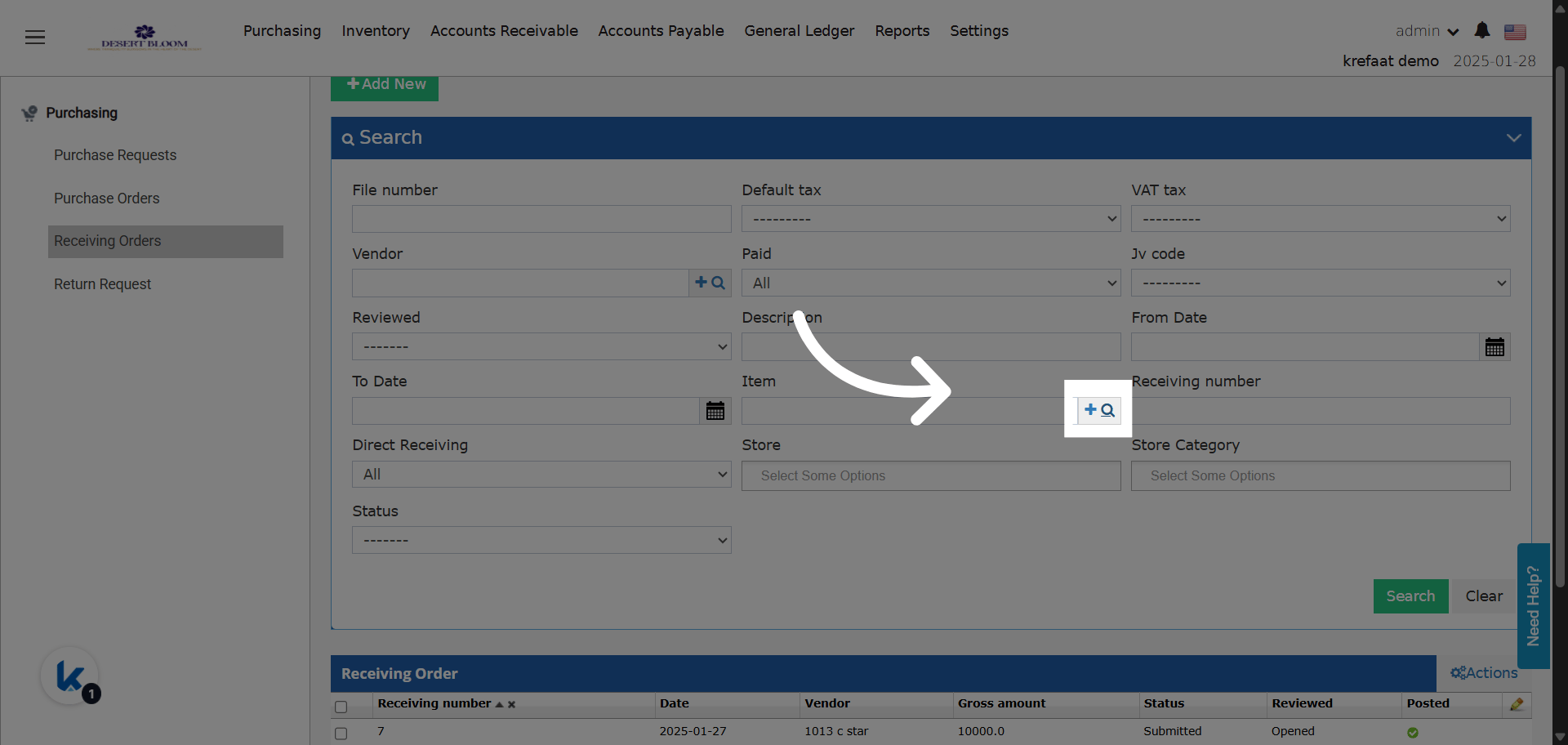
- Back Office → Purchasing → Purchase Requests
- Back Office → Purchasing → Receiving Orders
-
Inventory:
- Back Office → Inventory → Store Transfers
- Back Office → Inventory → Store Usages
-
Update Details:
-
Item Type Field:
- Changed from single-select to multi-select autocomplete in all the screens above.
- Default Filter: Now filters to “Profit Generating” & “Consumption” types.
- You can see and change all selected types.
- To add more types, use the multi-select.
-
Screen Behavior:
- Item type filters work the same in all purchasing and inventory screens.
- The filter shows all selected types, not just one.
-
Item Type Field: