

- Handle regular and bulk orders.
- Track perishable items.
- Receive up to 10% more than you ordered.
- Avoid stock shortages and cut waste.
- Improve compliance and audits.
- See purchasing and supplier performance more clearly.
How do I use the Market List feature?
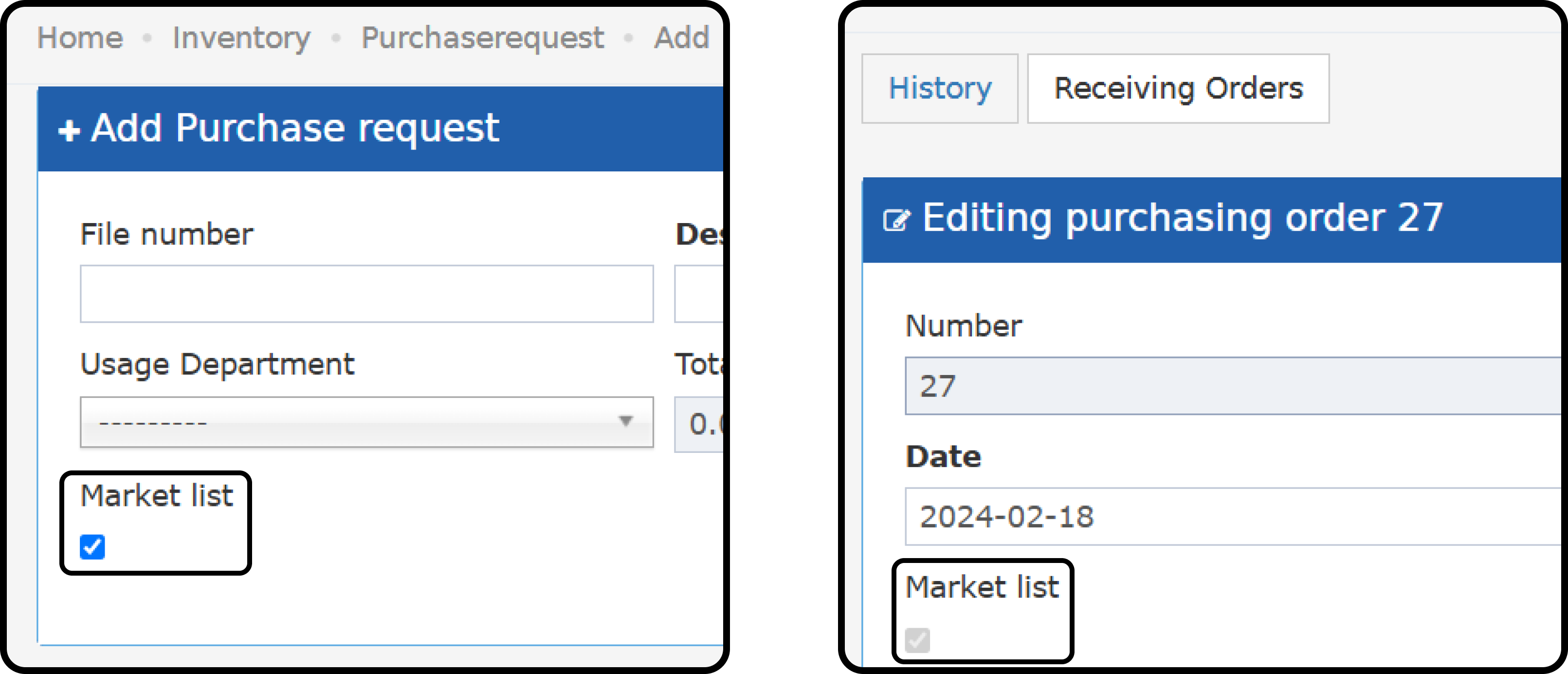
Back Office → Purchasing → Purchase Requests → Add/Open PR Back Office → Purchasing → Purchase Orders → Open PO- Mark the Market List Flag on the purchase request.
- You can mark a request as Market List until a purchase order is created.
- After a PO is created, you cannot remove the Market List Flag from the PR.
- Purchase orders created with the Market List Flag cannot be removed.
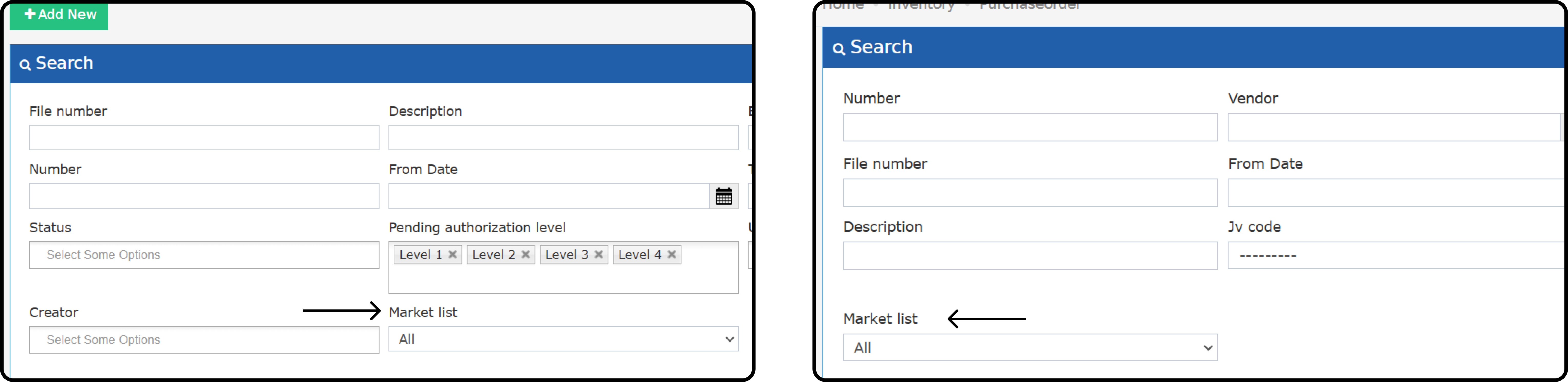
- Search for Market List PRs and POs from the list screens.
Market List Items Receiving:
- For regular items, you cannot receive more than you requested.
- For Market List items, you can receive up to 10% more than you requested.
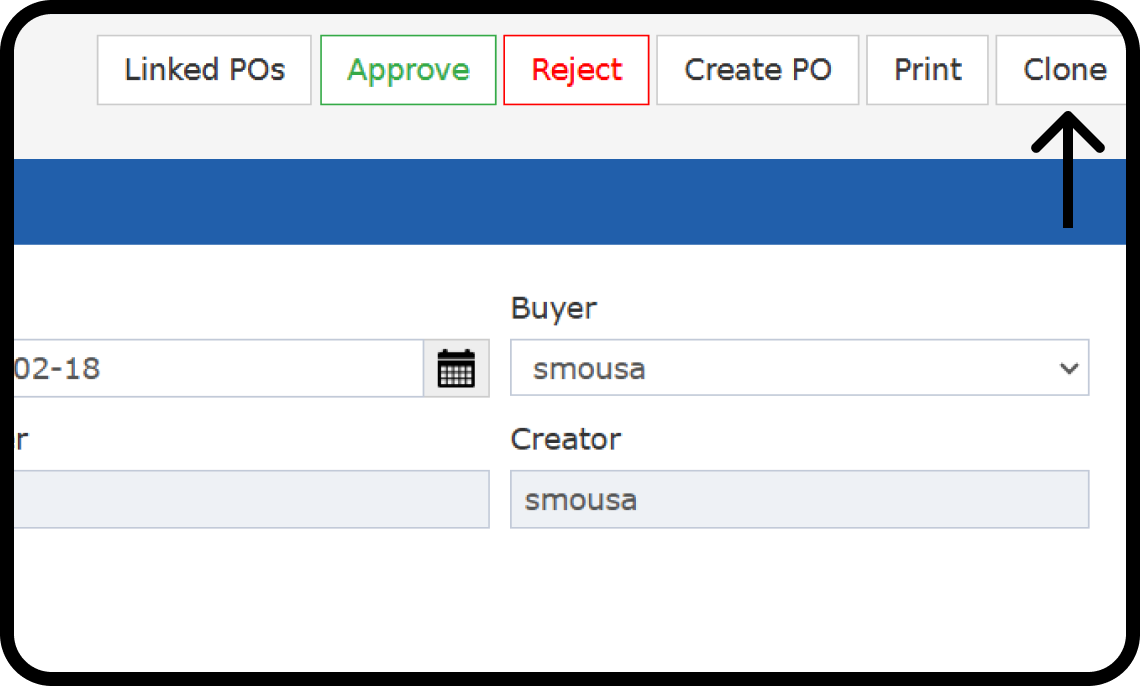
Clone PR:
Requesters can clone a purchase request in any status. Cloning a Market List PR makes regular orders easier. The new copy includes:- Description
- Buyer (if exists)
- Items
- Store
- Quantity
- Unit Price
- Discount
- Vendor (if exists)
- Market List checkbox (if exists)
 The new copy does not include:
- File Number
- Date
- Usage Department
- Number (ID)
- Approval Levels
- Description (Line Item)