Business Value
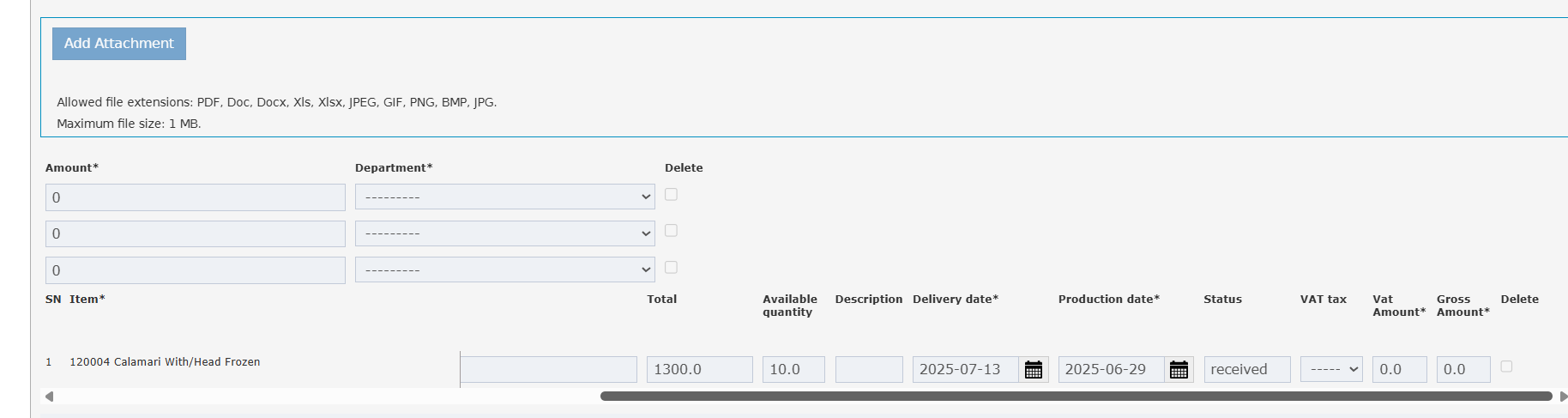
- Faster Decision-Making: Users no longer need to open each PO to check its status, saving time in daily operations.
- Process Transparency: Ensures clear visibility of each PO’s lifecycle, reducing miscommunication and operational delays.
- Improved Accuracy: Minimizes errors in processing PRs and POs by providing up-to-date status information at critical touchpoints.
Use Cases
- Purchasing Officer: Can see at a glance whether POs linked to a PR are pending, approved, or completed—enabling quick follow-up or escalation.
- Inventory Manager: While reviewing a specific PO, immediately identifies if the order is still open, in delivery, partially received, or closed.
- Auditor: Quickly assesses the state of procurement processes without drilling down into each order’s details.
Changes
-
Inventory → Purchase Requests → Selected PR → Linked POs Pop-up
-
In the Linked POs pop-up (accessed from a selected Purchase Request), display a new column “Status”.
-
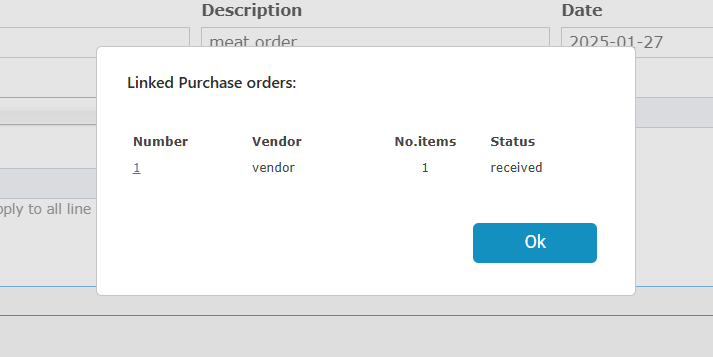
- Each row in the Purchase Order now shows its current status (e.g., Draft, Submitted, Approved, Received, Closed).